
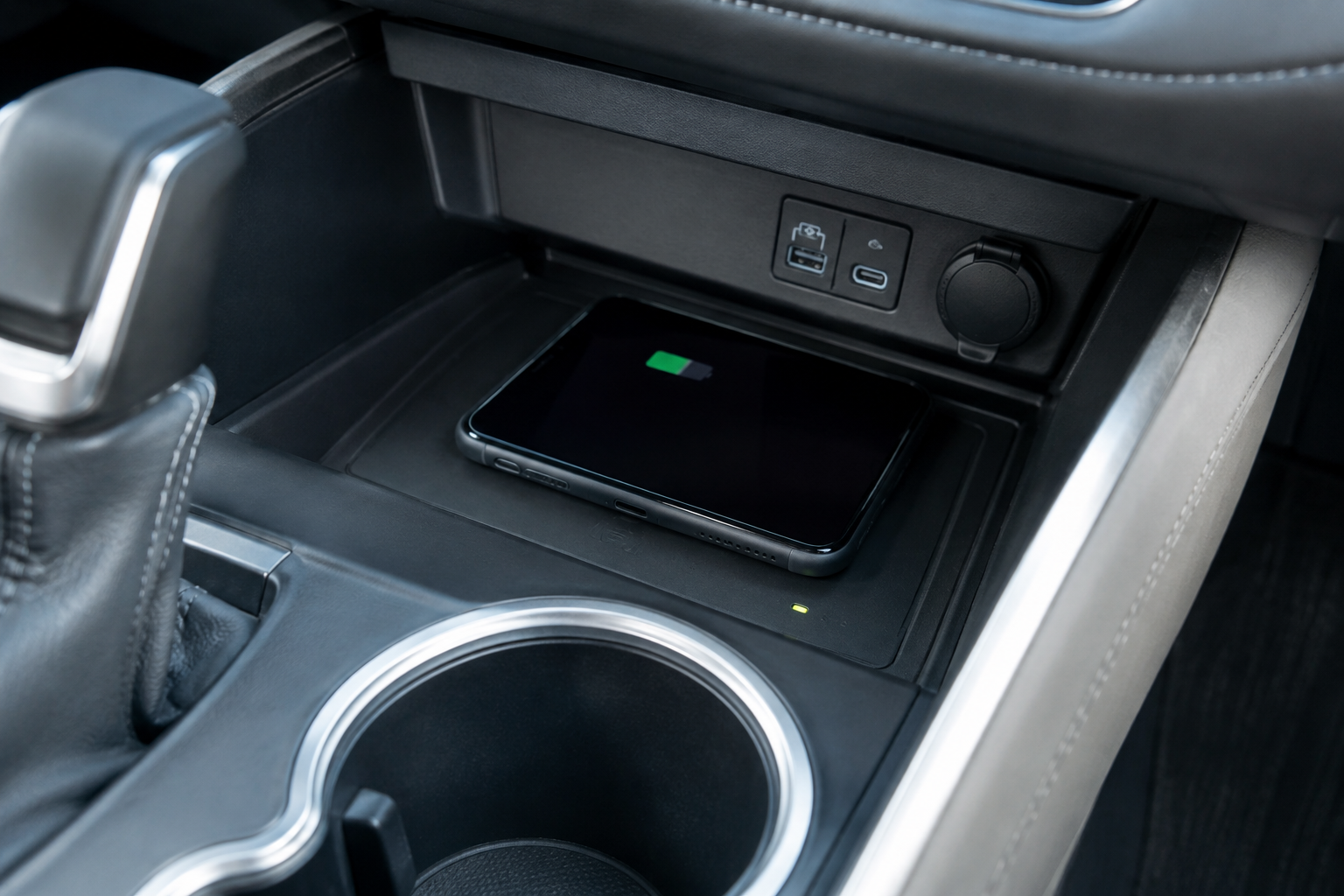
You set your phone on the wireless charging pad, back out of the driveway, and twenty minutes later your battery is lower than when you started. Or maybe the pad chirps and beeps every few seconds because your phone keeps connecting and disconnecting. It’s one of those features that feels great when it works and genuinely annoying when it doesn’t, especially on a longer drive when you’re counting on that charge.
The good news is that most wireless charging problems in the Highlander come down to a handful of predictable causes: the wrong phone case, a misaligned coil, a magnetic accessory interfering with the connection, or the vehicle simply protecting the battery from heat. Before you assume the pad itself is broken, run through the checks below.
Confirm Your Highlander Actually Has It, and Where It Charges Fastest
Wireless charging became available on the Highlander starting with the 2020 redesign, typically bundled into XLE trim and above, though availability has shifted slightly by model year and package. If your Highlander is a base LE without the tech package, there may not be a charging pad at all, just a regular storage cubby ahead of the shifter.
The pad itself uses the Qi wireless charging standard, which is the same standard used by iPhones (8 and later) and most modern Android phones. Toyota’s factory pad is rated for lower wattage than dedicated aftermarket fast chargers, so even a perfectly healthy pad will charge noticeably slower than a wired USB-C connection or a higher-wattage stand-alone charger. If you’re expecting fast-charge speeds from the factory pad, you’re going to be disappointed no matter what you fix.
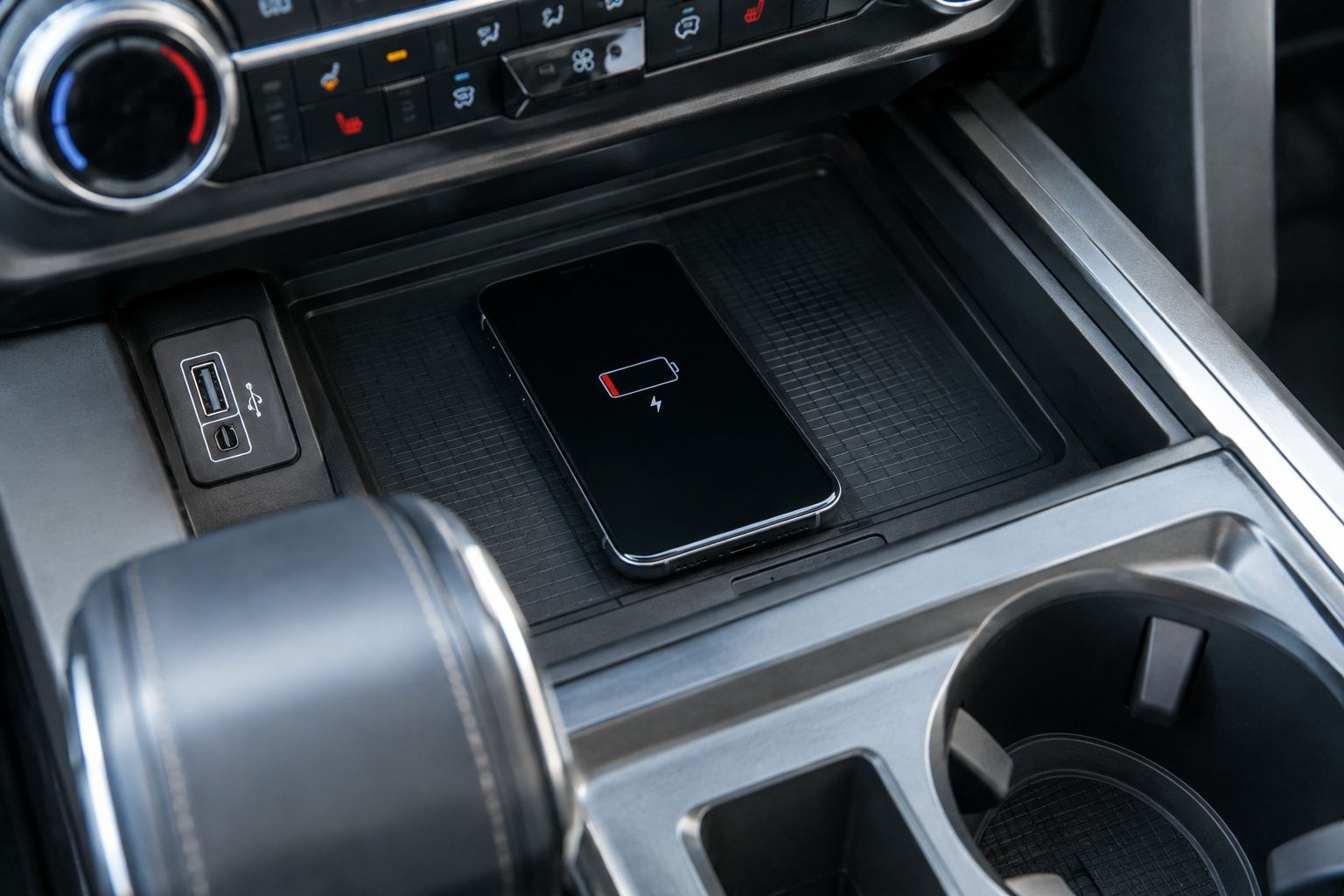
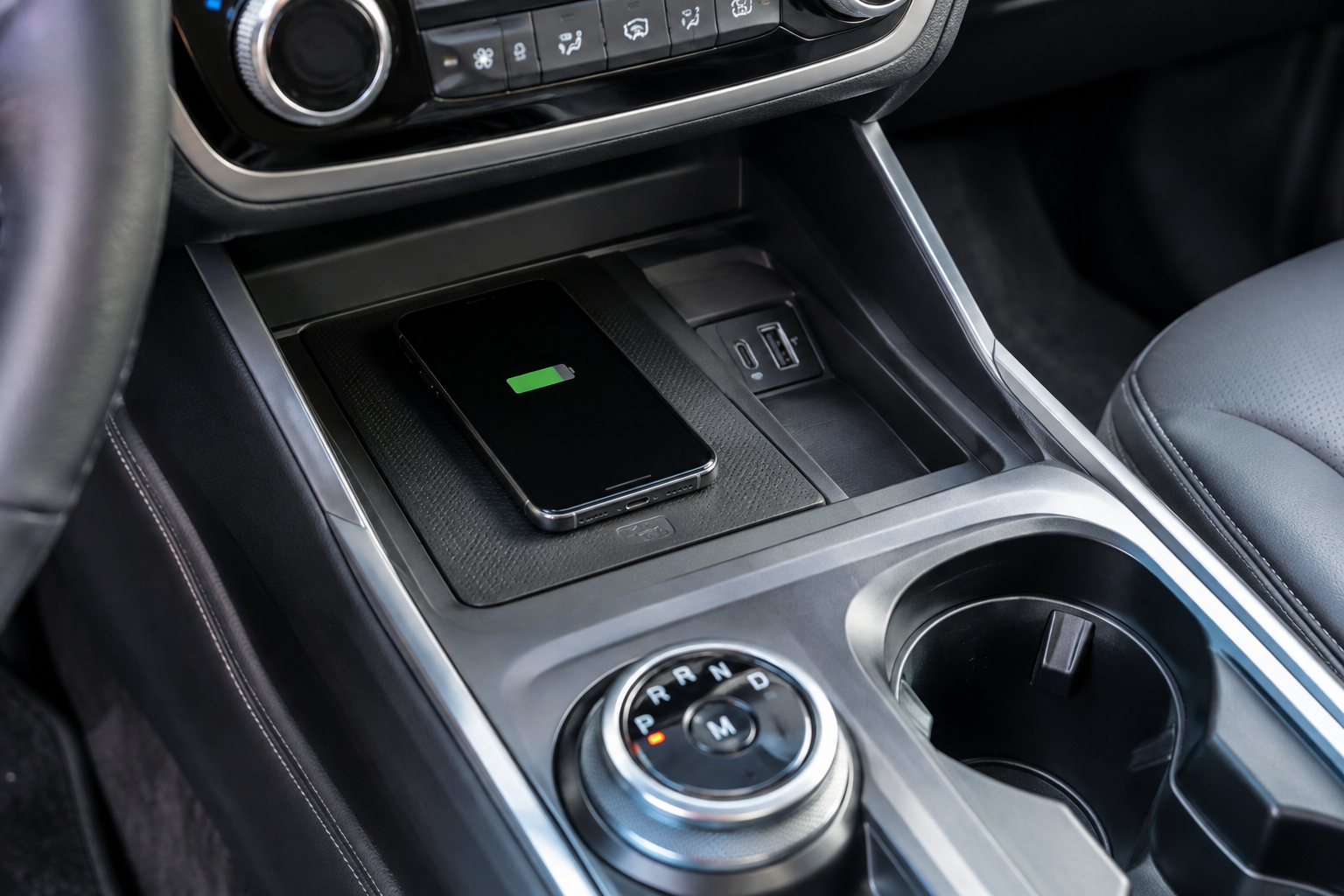
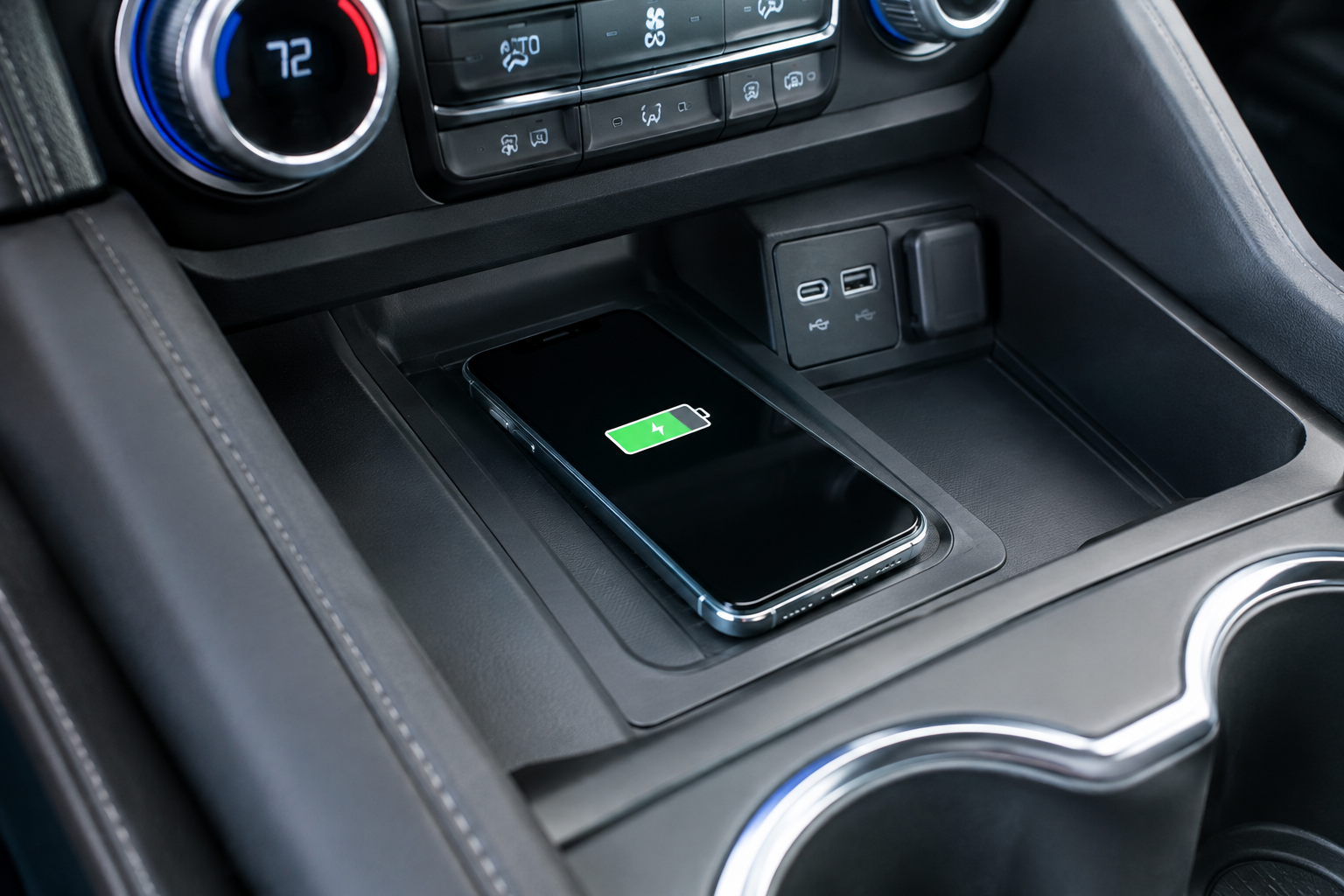
Look for a small indicator light near the pad or a charging icon on the multimedia display. A solid light usually means an active connection, while a blinking or pulsing light often signals an interruption, which is your first diagnostic clue before you start troubleshooting anything else.
Check the Case, the Metal, and How the Phone Is Sitting
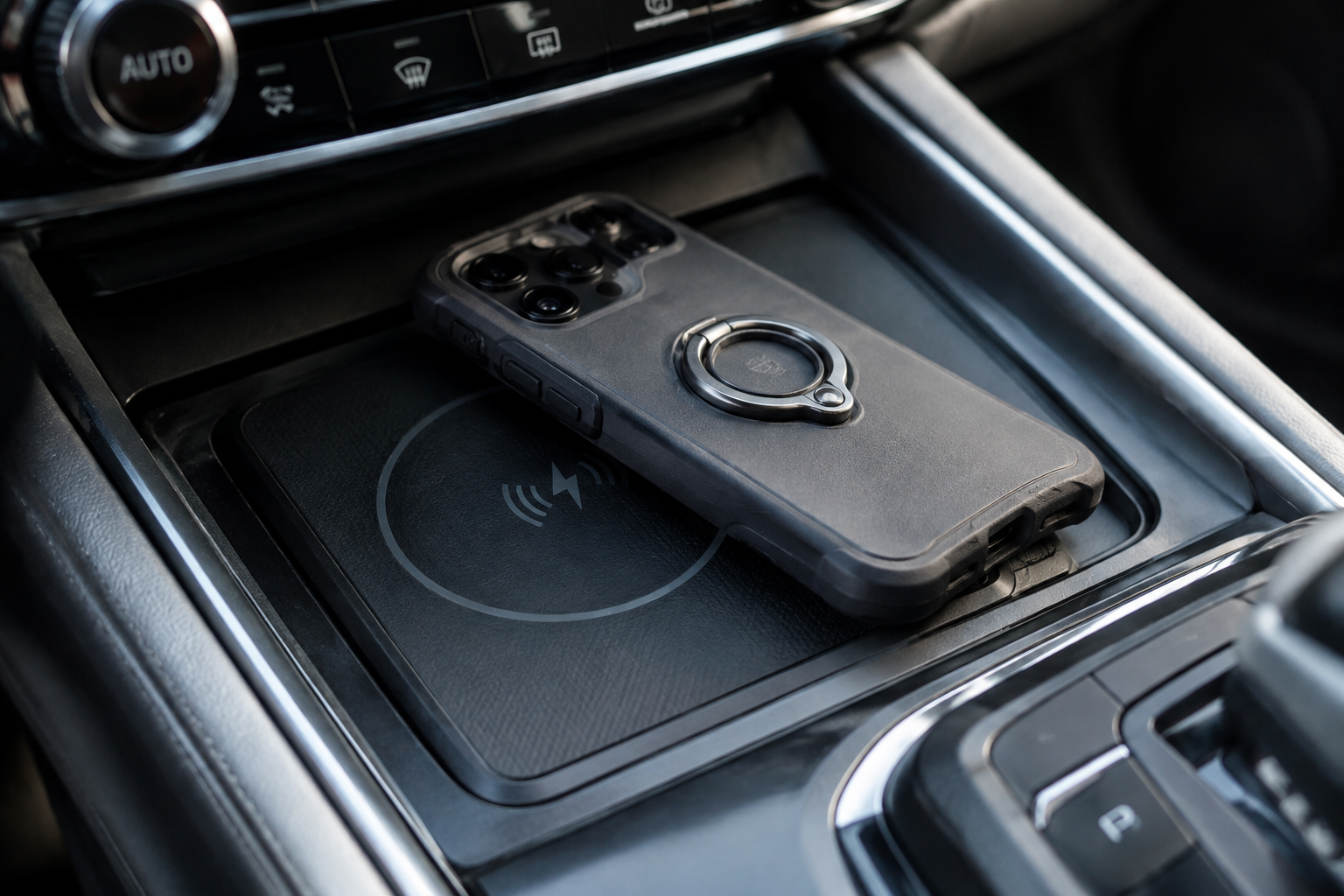
This is where most complaints actually get solved. Wireless charging relies on a magnetic coil transferring energy through a very short gap, and anything that increases that gap or blocks it will cause weak or interrupted charging.
- Case thickness: Cases thicker than about 3mm, battery cases, wallet cases with card slots, and rugged/military-style cases are common culprits. Try charging with the case off to confirm this is the issue.
- Metal or magnetic accessories: PopSockets with metal backing plates, credit cards with RFID chips, kickstands, and magnetic mounts (including MagSafe rings) can all block or distort the charging field. Remove any attached hardware and test again.
- Placement: The coil in your phone isn’t centered the same way on every model. Slide the phone around slightly within the tray until the indicator confirms a steady connection instead of assuming dead center is correct.
- Debris in the tray: Crumbs, coins, or a dropped earbud can sit under the phone and lift it just enough to break contact. Empty and wipe the tray out periodically.
If you regularly carry a case with a magnetic ring attached, a dedicated MagSafe car charger mounted elsewhere in the cabin may actually serve you better than fighting with the factory tray, since it’s designed around that magnetic alignment instead of working against it.
Overheating and Why the Pad Shuts Charging Off
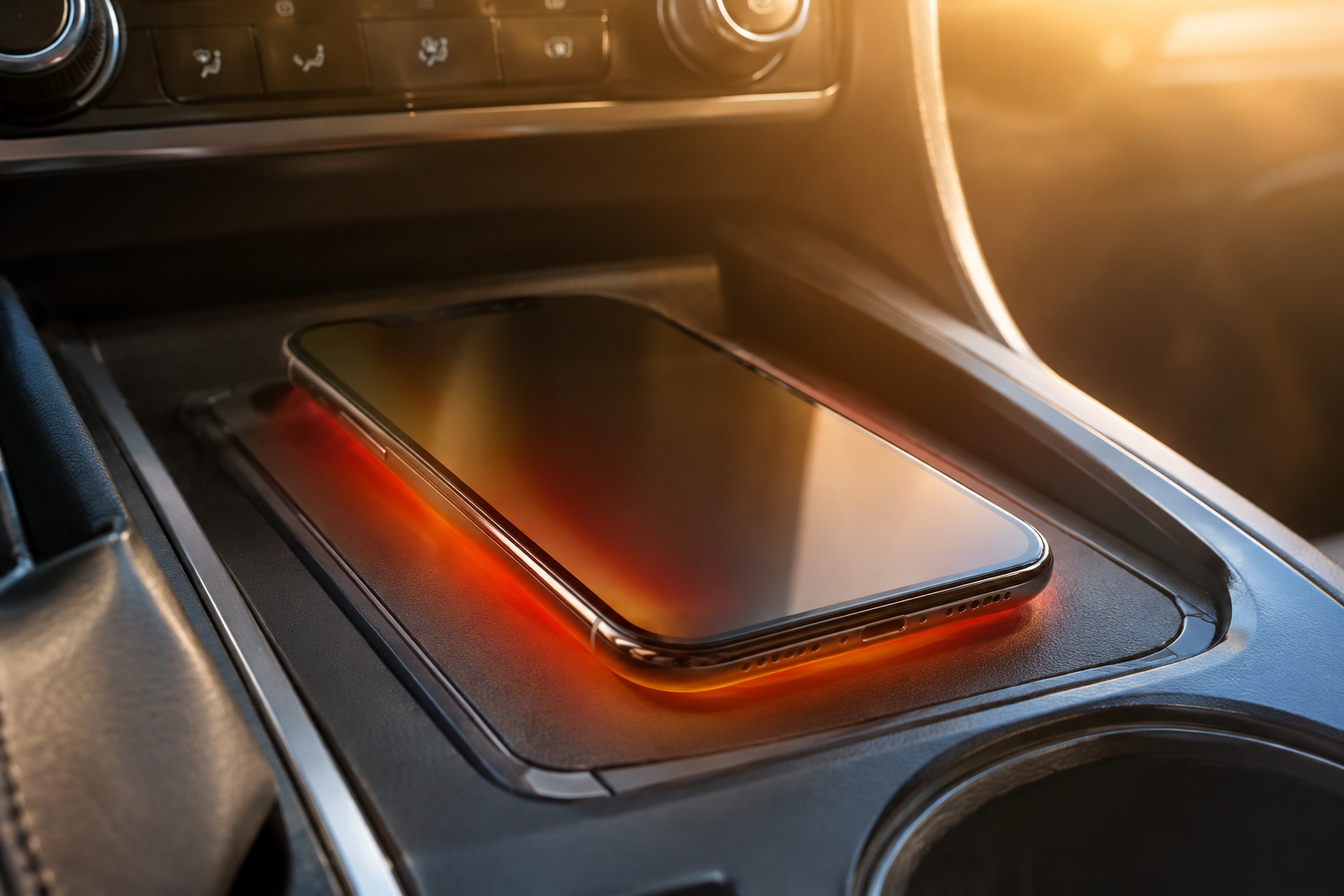
If your phone gets warm to the touch while sitting in direct sun on the charging pad, the phone’s own battery management system will throttle or stop charging entirely to protect the battery. This isn’t a Highlander problem, it’s how lithium-ion batteries behave, and it happens with aftermarket chargers too.
Summer parking lots make this worse. A phone that’s already warm from sitting in a hot cabin will hit its thermal limit almost immediately once you add charging heat on top of ambient heat. If you notice charging failures mostly on hot days or after the car has been parked in direct sun, heat is very likely your answer rather than a hardware fault.
Try running the AC for a minute or two before placing the phone down, or crack a window while parked, and see if the charging behavior improves. If it does, you’ve confirmed the cause.
Vent Phone Mount with Cooling Fan
A small clip-on fan mount keeps your phone cooler than a flat charging pad during hot weather driving.
Repeated Connect/Disconnect Cycles
A phone that beeps, buzzes, or flashes a charging notification repeatedly is usually experiencing micro-interruptions in contact, not a total failure. This is almost always mechanical rather than electrical.
Road vibration and hard cornering can shift a phone just enough to break the connection, especially if the case has a slight curve or the phone is sitting slightly off-center. Toyota’s tray has small raised guides meant to keep the phone positioned, but they don’t account for every case shape on the market. If you’re driving on rough roads often, consider whether wireless charging is even the right tool for that trip and use a wired USB-C cable instead for something more reliable.
Software can occasionally play a role too. Some Android phones have wireless charging optimization settings (often under battery or device care menus) that intentionally limit charging speed or pause charging past a certain percentage to preserve battery health. Check your phone’s settings before blaming the vehicle.
Vehicle Power State and Pad Behavior
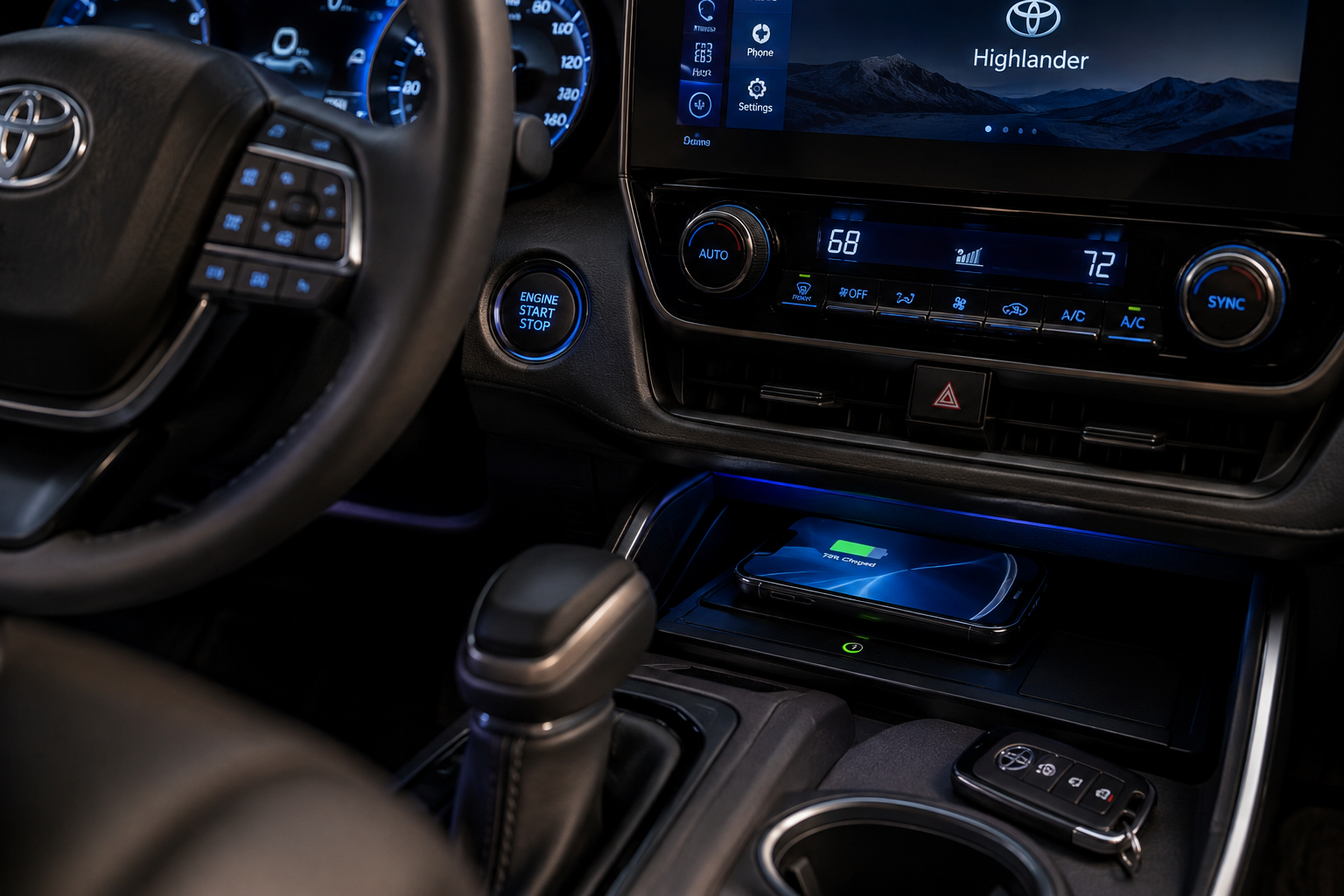
The wireless charging pad in most Highlander trims only functions with the ignition on or in accessory mode, not with the vehicle fully off. If you’re trying to top off a phone while parked with everything shut down, that’s expected behavior, not a malfunction.
It’s also worth noting that if your 12V/accessory battery is weak or your Highlander has an aftermarket remote start or alarm system installed, unstable power delivery to accessories (including the charging pad) can sometimes result. If you’re also noticing other electrical quirks, like slow window operation or flickering interior lights, it may point to a battery or alternator issue rather than anything specific to the charging tray itself.
If you’ve ruled out the phone, the case, and heat, and the pad still won’t hold a connection reliably, a scan tool or a visit to a Toyota dealer can confirm whether the internal coil or its wiring harness has failed. This is a repair rather than a troubleshooting step you can do yourself, since the pad module sits under the console trim.
When to Just Use a Backup Charger Instead
If you’ve gone through every check above and the factory pad is still inconsistent, it’s reasonable to stop troubleshooting and just add a reliable backup. A wired USB-C cable into the console’s USB port will always outperform wireless charging for speed and reliability, and it costs you almost nothing to keep one in the car permanently.
For something a bit more convenient than a cable, a mid-range magnetic mount charger that clips to your vents or the dash gives you the same phone-drop-and-go convenience as the factory pad, but with better contact and typically higher wattage output.
Anker Wireless Car Charger Mount
A budget-friendly upgrade that solves alignment and speed issues the factory pad can’t fix.
These aftermarket options aren’t a replacement for figuring out why the factory pad is misbehaving, but they’re a practical fallback if you need reliable charging today and don’t want to deal with a dealership visit right away.
Frequently Asked Questions
Why does my Toyota Highlander wireless charger say “unable to charge”?
This message typically means the pad detected a foreign object, excessive heat, or an unstable connection rather than a proper phone placement. Remove any case, wipe down the tray, and reposition the phone flat and centered before trying again.
Does the Highlander wireless charging pad work with all iPhones?
Any iPhone from the 8 series onward supports Qi wireless charging and should work with the factory pad, though thick cases and MagSafe accessories with metal rings can interfere with a stable connection. Newer iPhones with built-in MagSafe magnets generally charge fine without a case-related magnet attached.
Why is my phone charging so slowly on the Highlander’s wireless pad?
The factory pad is designed for convenience charging rather than fast charging, so it will always be slower than a wired USB-C connection or a dedicated aftermarket fast charger. If speed noticeably dropped over time, check for case thickness, phone placement, and heat before assuming the pad has failed.
Leave a Reply