
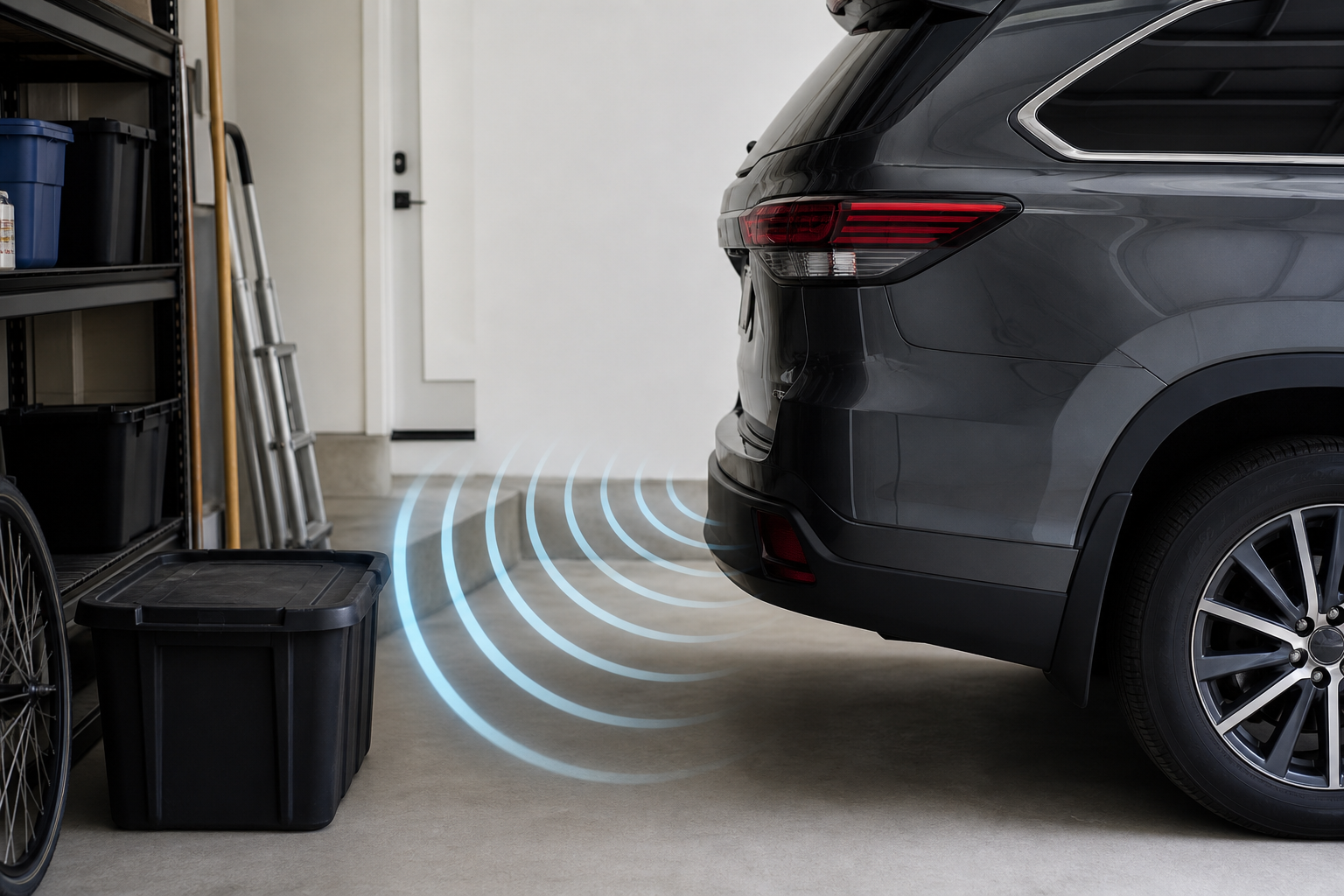
That constant beeping from your Highlander’s parking sensors while you’re nowhere near a wall is more than annoying, it’s a sign the system is either confused or failing. On the flip side, a Toyota Sonar system that suddenly goes silent when you’re backing toward something solid is a real safety gap. Both problems usually trace back to a short list of causes, and most of them you can check yourself before paying for a diagnostic scan.
Know Your System: Front, Rear, and the Real Feature Name
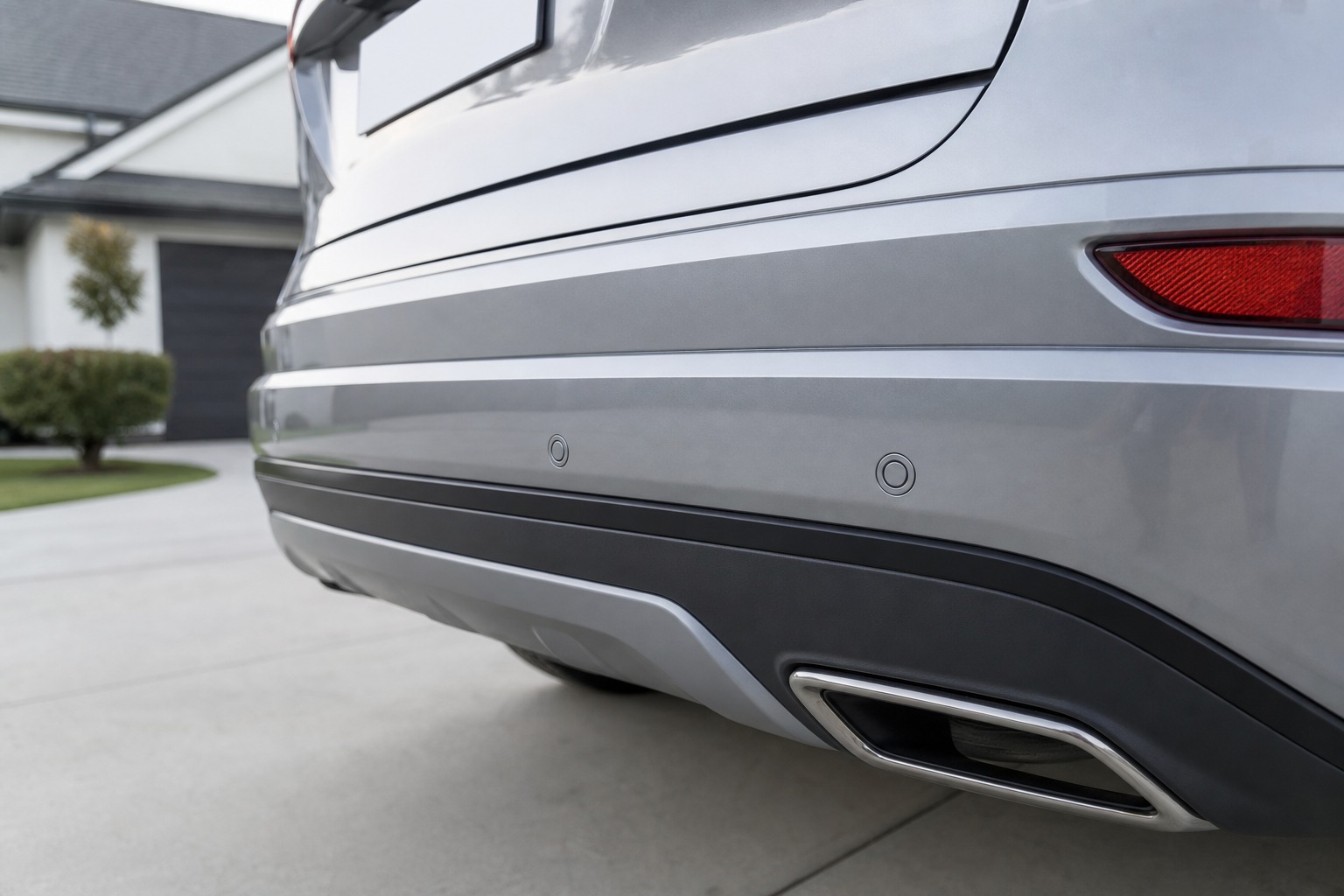
Toyota calls this feature “Intuitive Parking Assist” (sometimes shown as IPA) on Highlander trims that have it, and it’s separate from the backup camera, which is standard on nearly every trim since the 2014 model year. Rear sensors have been far more common than front sensors across Highlander generations, and front sensors are typically bundled only into higher trims like Limited and Platinum, or included in optional Toyota Safety Connect or technology packages.
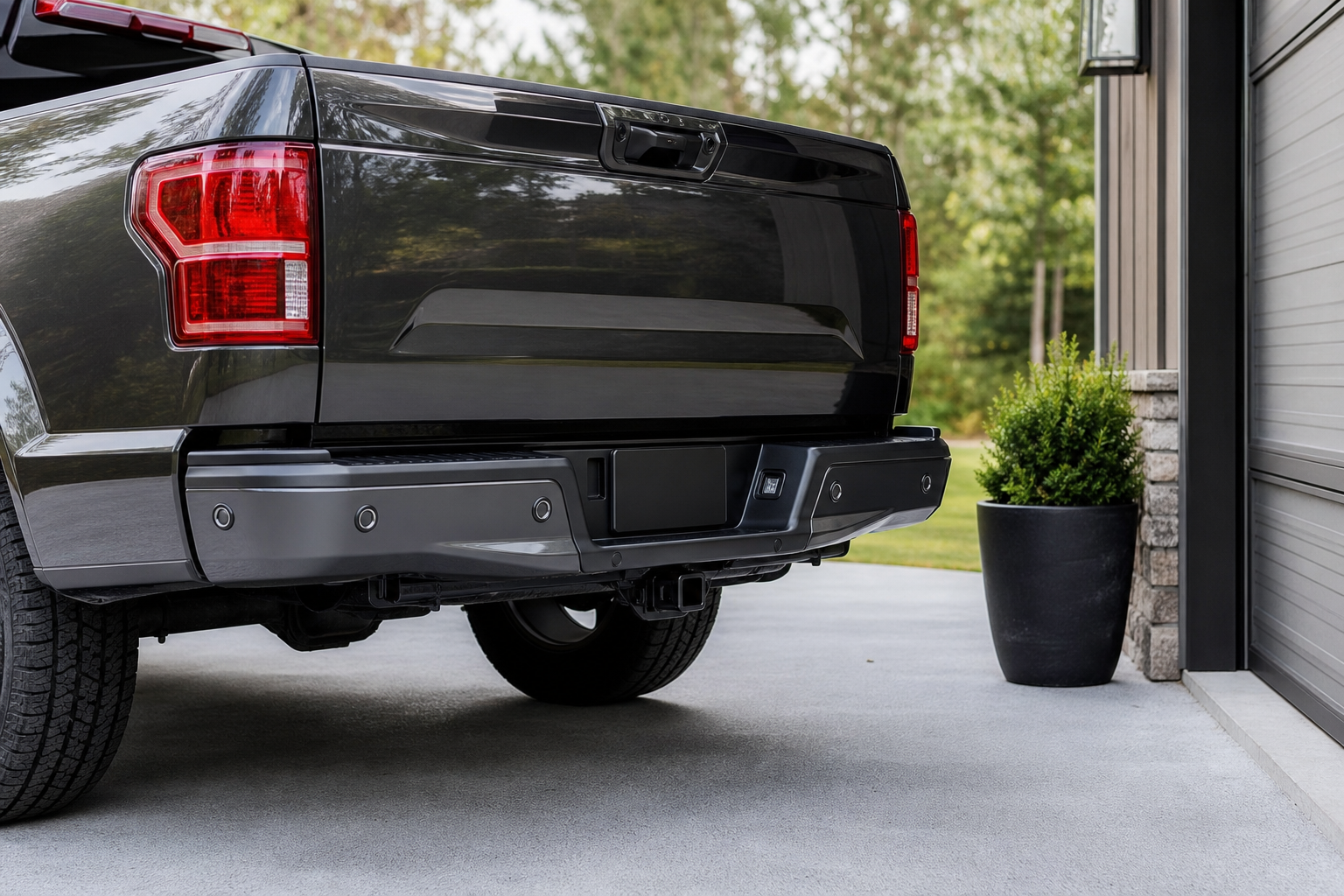
Before you assume a sensor is broken, confirm your specific trim and model year actually came with front sensors. Check your window sticker, the Toyota owner’s manual for your exact year, or look at the bumper itself. Rear sensor pods usually sit low on the bumper near the license plate, front sensors sit in the lower fascia below the grille. If you never had front sensors, there’s nothing to “fix” up there.
The Usual Suspects Behind Constant Beeping or No Detection
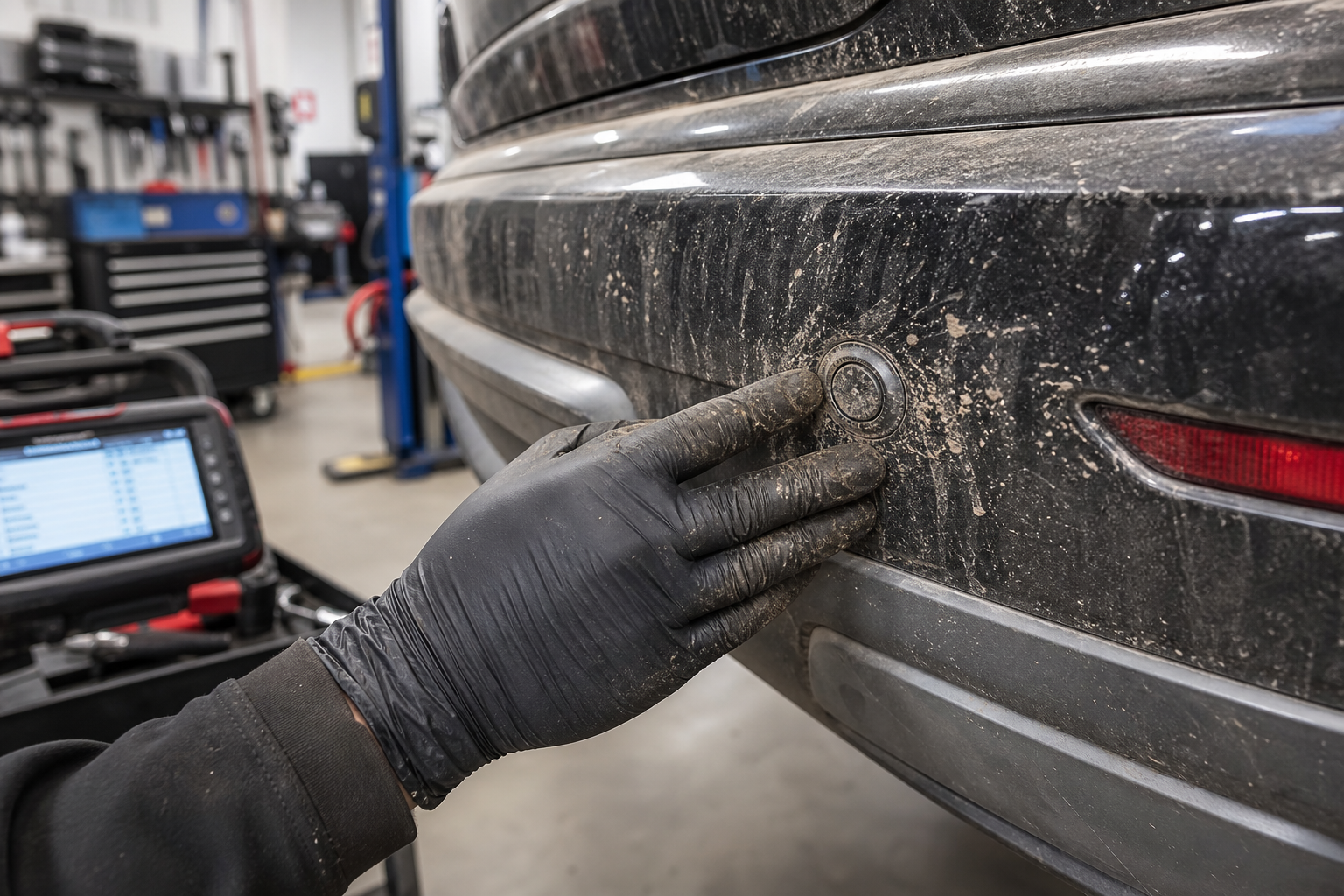
Most parking sensor complaints on the Highlander come down to something physical blocking or confusing the sensor, not a wiring failure. Work through these before assuming you need a new part.
Dirt, Ice, Snow, and Road Grime
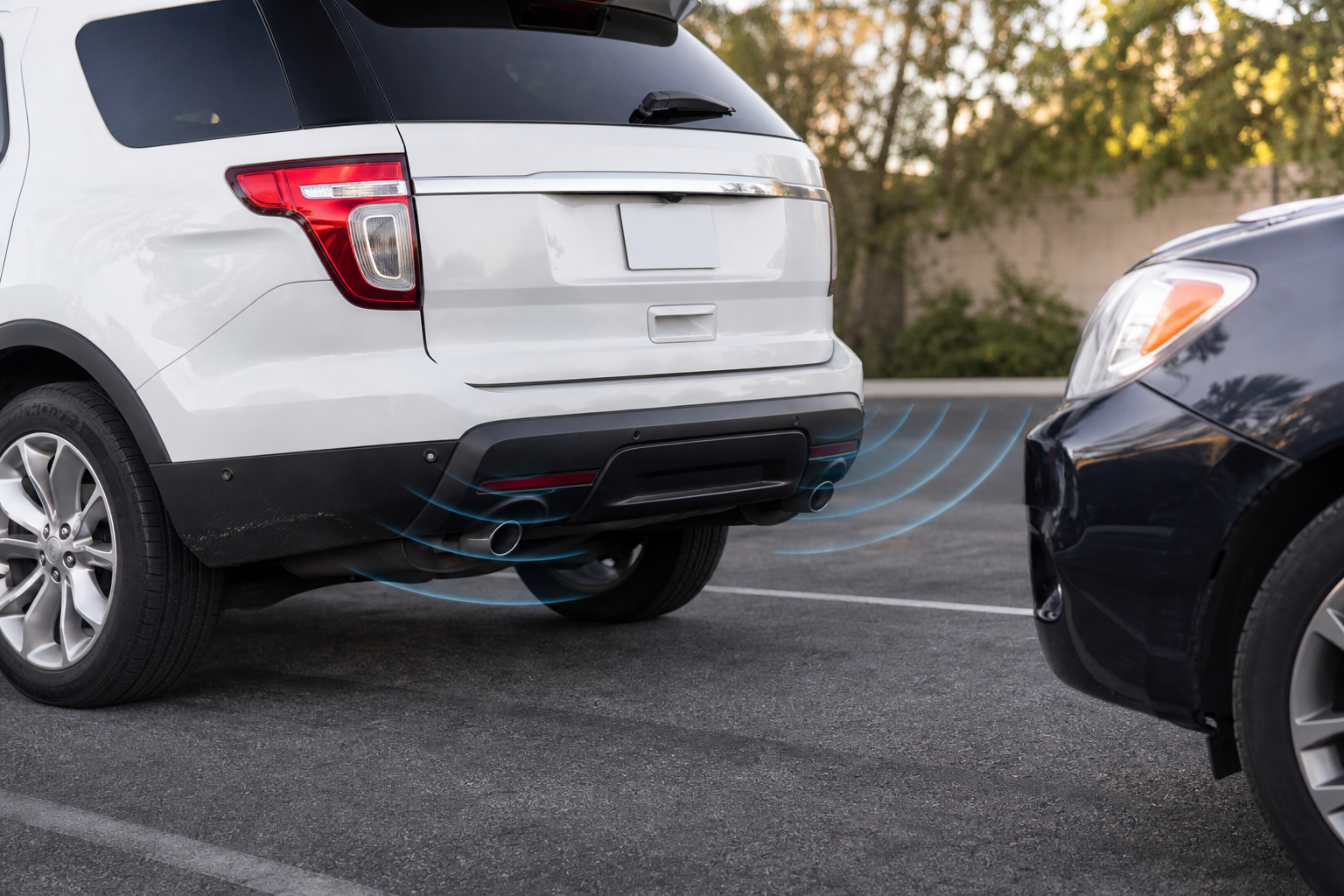
This is the number one cause of both false alarms and missed detections. A thin layer of mud, road salt film, or ice over a sensor eye can scatter the ultrasonic signal enough to make the system think something is close, or block it entirely so it reads nothing. Wipe down each sensor circle with a clean microfiber cloth and check again before doing anything else.
Tow Hitches, Bike Racks, and Add-On Accessories
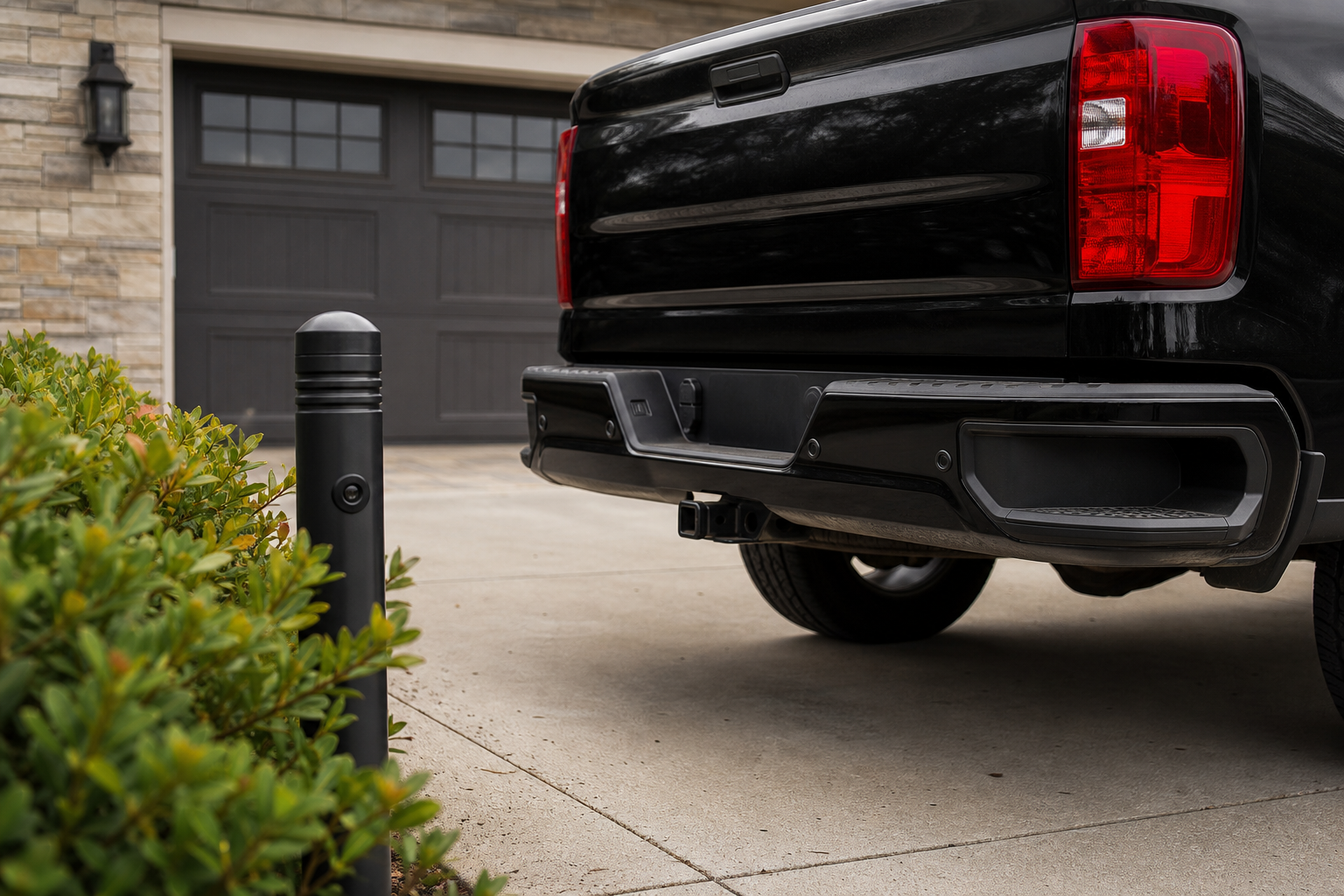
A hitch-mounted bike rack, a trailer hitch receiver, or even an aftermarket trailer wiring harness sitting in the sensor’s field can trigger constant beeping because the system reads it as a permanent obstacle. Some owners also install hitch-mounted step bars or cargo carriers that sit exactly in the sensor’s detection cone. If the beeping started right after you installed an accessory, that’s your first suspect.
Bumper Damage and Sensor Misalignment
A parking lot bump, a curb scrape, or even minor body work can shift a sensor’s angle just enough to throw off its aim without cracking the housing. If one corner of your bumper looks slightly different from the others, or if the system only misbehaves near one specific sensor location, physical misalignment is likely. This is also common after aftermarket bumper covers or wraps are installed without care around the sensor cutouts.
Settings and Menu Configuration
The Highlander lets you toggle parking sensor volume and, on some trims, disable the system entirely through the multi-information display or touchscreen settings. It’s easy to bump a setting accidentally, especially if you or a passenger were scrolling through menus. Check under Settings, then Vehicle, then Parking Assist (menu names vary slightly by year) before assuming hardware failure.
Wiring and Failed Sensors
If sensors are clean, unobstructed, properly aligned, and the settings check out, but the problem persists, you’re likely looking at a wiring issue (a chafed harness near the bumper, a corroded connector) or a genuinely failed sensor unit. A “Park Assist Unavailable” message on the dash, especially one that recurs after a reset, points strongly toward an electrical fault rather than dirt or blockage.
How to Narrow Down a Suspect Sensor Yourself
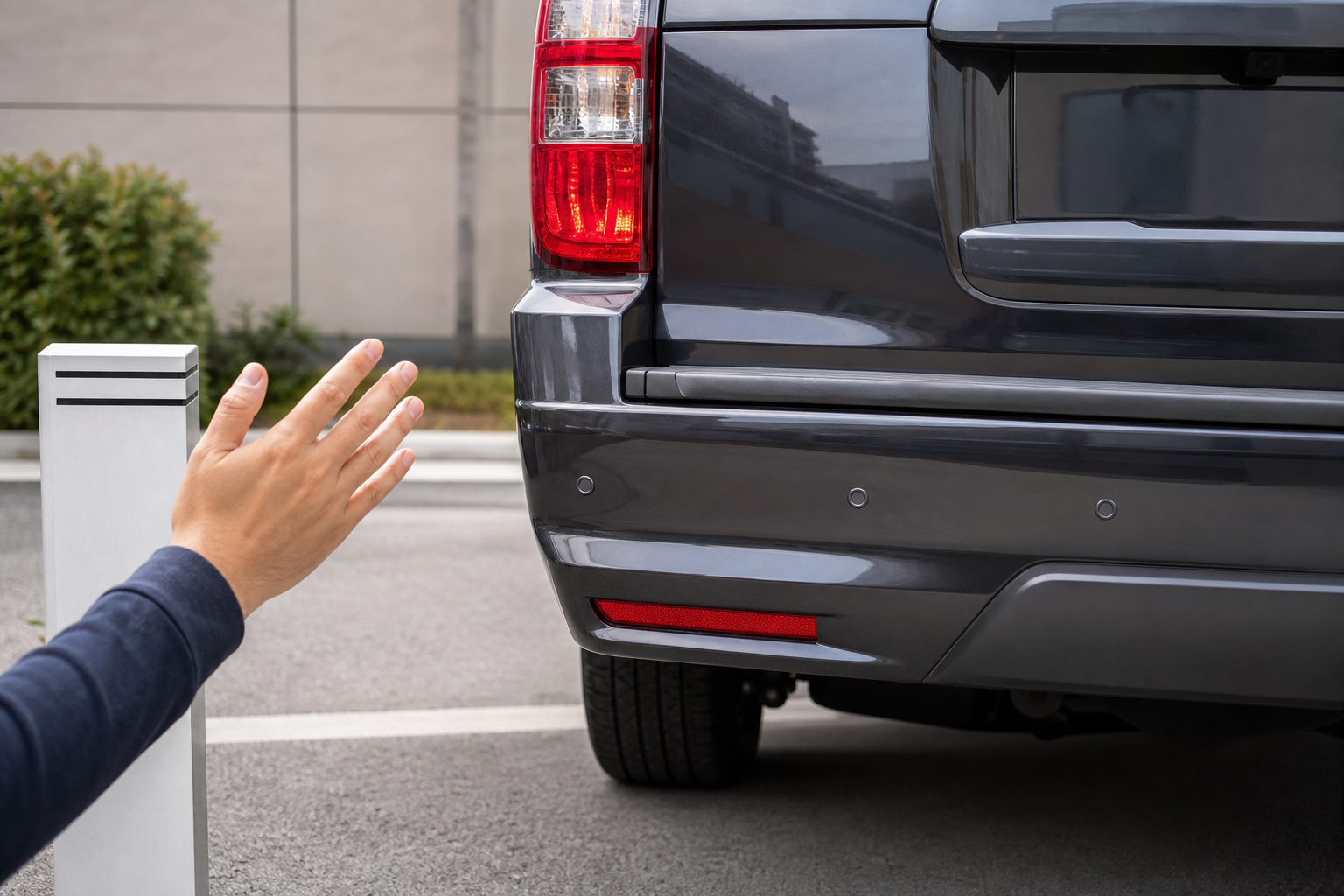
You don’t need a shop visit to get a good idea of which sensor is causing trouble. Start the car, put it in reverse (or drive slowly forward if checking front sensors), and walk around the bumper with a soft object like a cardboard box, listening for which zone triggers a beep and which doesn’t. Consistent silence from one specific sensor while the others respond normally is a strong sign that particular unit is the problem.
You can also listen for a diagnostic tone. Many Toyota Sonar systems emit a distinct pattern of long beeps at startup if a sensor circuit has failed. If you hear that pattern every time you turn on the car, note which sensor position was quiet during your walk-around test, since that’s the one most likely at fault.
Keeping a set of sensor-safe cleaning tools on hand makes this a five-minute check instead of a guessing game.
Parking Sensor Cleaning Kit
A simple, affordable kit that removes grime and residue without scratching the sensor lens.
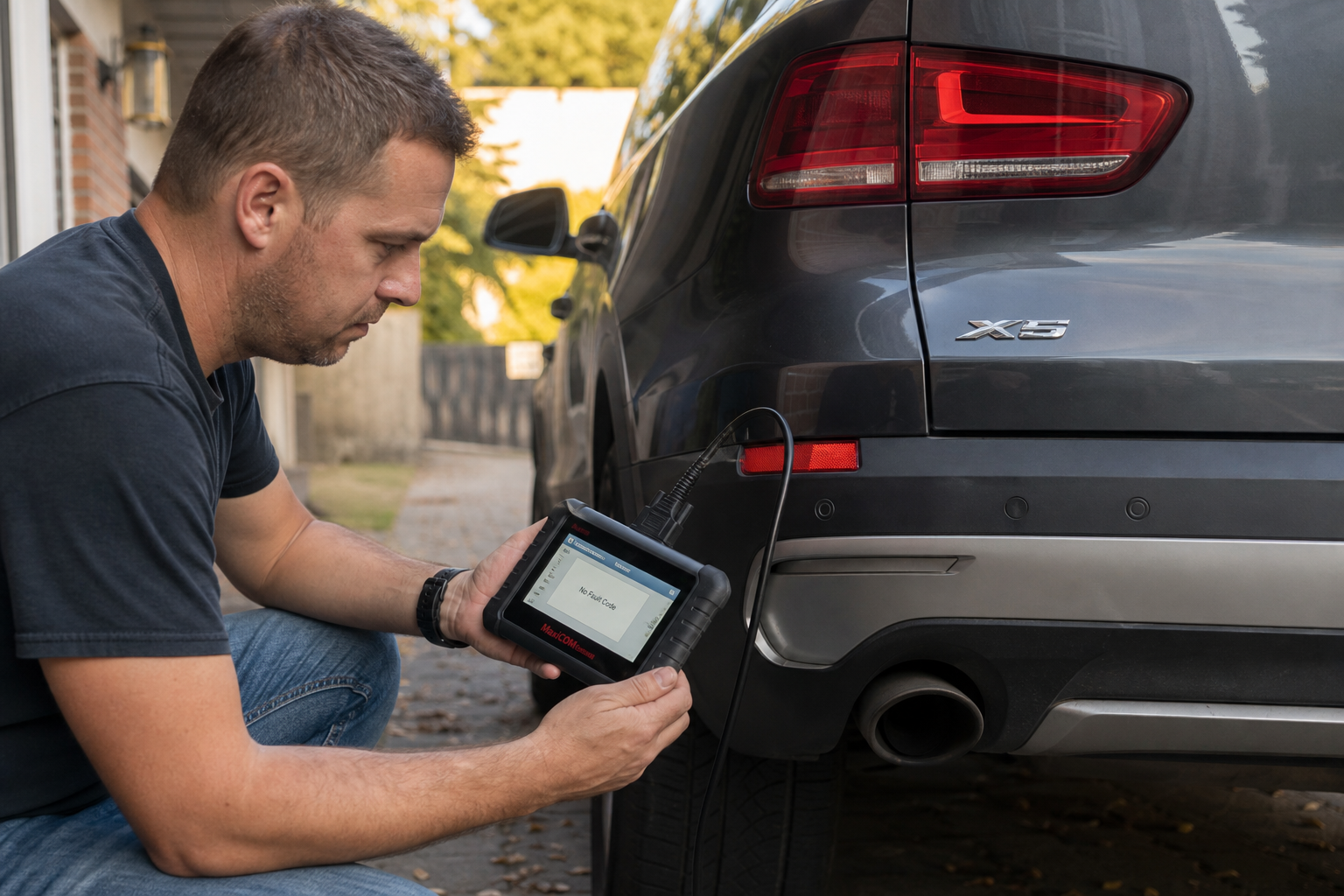
If cleaning, checking accessories, and confirming settings don’t resolve it, this is where a scan tool earns its keep. A code reader that supports Toyota-specific body control module codes can pull the exact sensor circuit fault instead of you guessing by ear. This step matters more once you suspect wiring, since guessing at a wiring repair without confirming the circuit first often wastes time and money.
OBD2 Scanner for Toyota
A capable scan tool that reads manufacturer-specific codes, useful for confirming a sensor circuit fault before any repair.
Genuine replacement sensors are worth buying over generic ones if it does come to that, since fitment and connector shape vary by trim and year on the Highlander. You can compare current listings for a Toyota Highlander parking sensor to see what matches your generation before committing to a repair.
One thing worth noting: some replacement sensors, and any repair involving the front or rear bumper’s park assist module, may require calibration with a Toyota-specific scan tool afterward. This isn’t something you can skip, since an uncalibrated sensor can report inaccurate distances even if it’s physically working. If your scan tool pulls a body control module code related to sensor calibration, or if the system still misbehaves after a clean bumper and confirmed wiring, that’s your signal to get professional diagnosis rather than keep guessing.
FAQ
Why does my Highlander beep constantly even in an empty parking spot?
This is almost always a sensor reading something that isn’t a real hazard, most commonly dirt or ice on the sensor face, a hitch-mounted accessory sitting in its detection zone, or a sensor that’s been knocked slightly out of alignment. Clean the sensors first, then check for any recently installed hitch accessories before assuming a fault.
Does every Highlander trim have front parking sensors?
No. Rear sensors are common across most trims, but front sensors are usually limited to higher trims like Limited and Platinum, or tied to specific optional packages depending on the model year. Check your window sticker or owner’s manual for your exact year to confirm what your vehicle actually came with before assuming a front sensor is broken.
If you’re troubleshooting other driver assist quirks on your Highlander, it’s worth checking whether your lane keeping system needs attention too. Our guide on how to turn off Lane Assist on the Toyota Highlander covers a similar mix of settings and sensor-related quirks that often get lumped in with parking sensor complaints.
Leave a Reply