
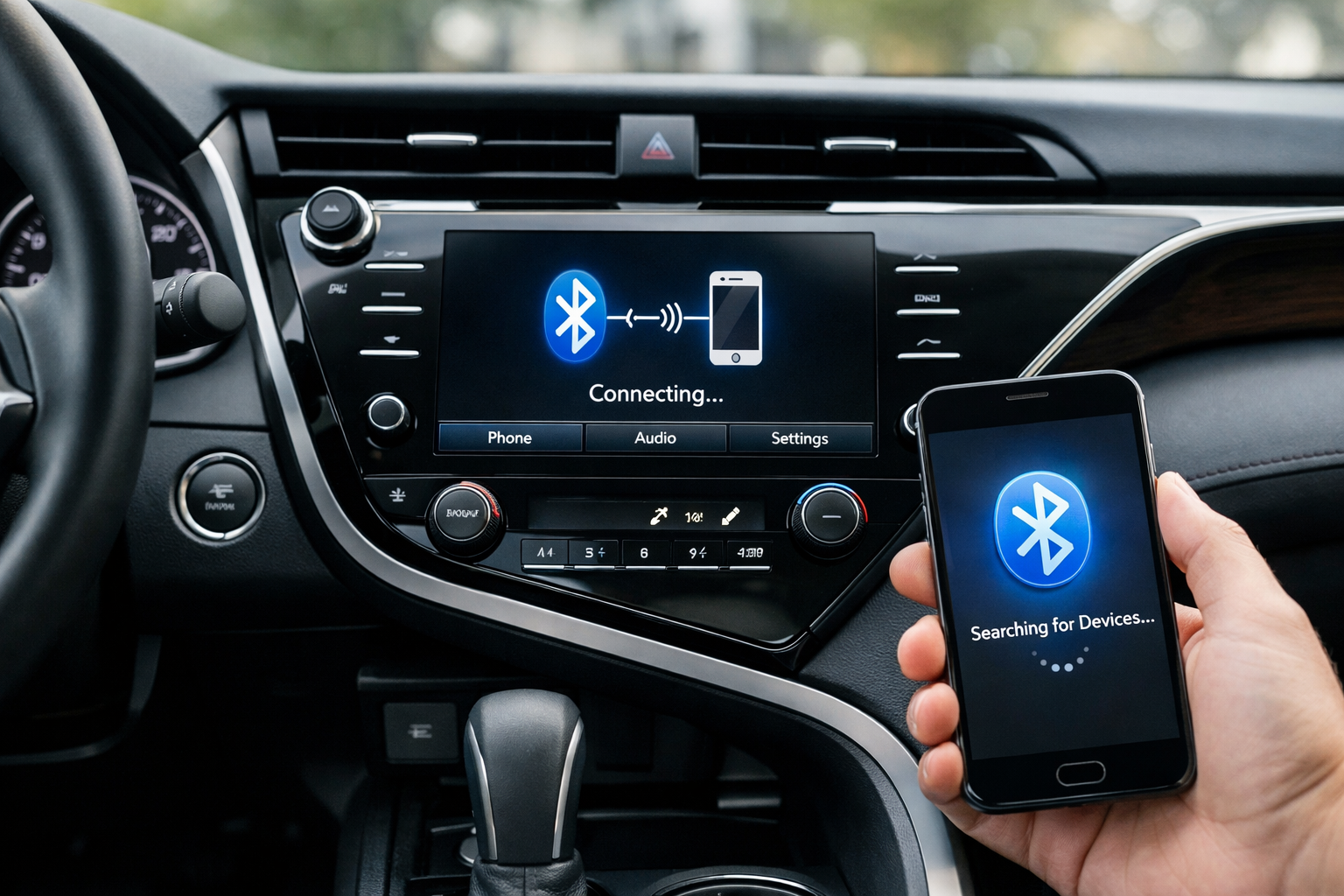
Connecting your phone to the Toyota Camry via Bluetooth should be simple, but the steps vary significantly between the older Entune system (2012-2017) and the newer Audio Multimedia system (2018+). Common issues like audio playing through the phone speaker instead of the car, the paired device limit being reached, and intermittent disconnections affect Camry owners across both generations. This guide covers the pairing process for each system and the fixes for the most frequent Bluetooth problems.
8th and 9th Gen Camry (2018+): Audio Multimedia System
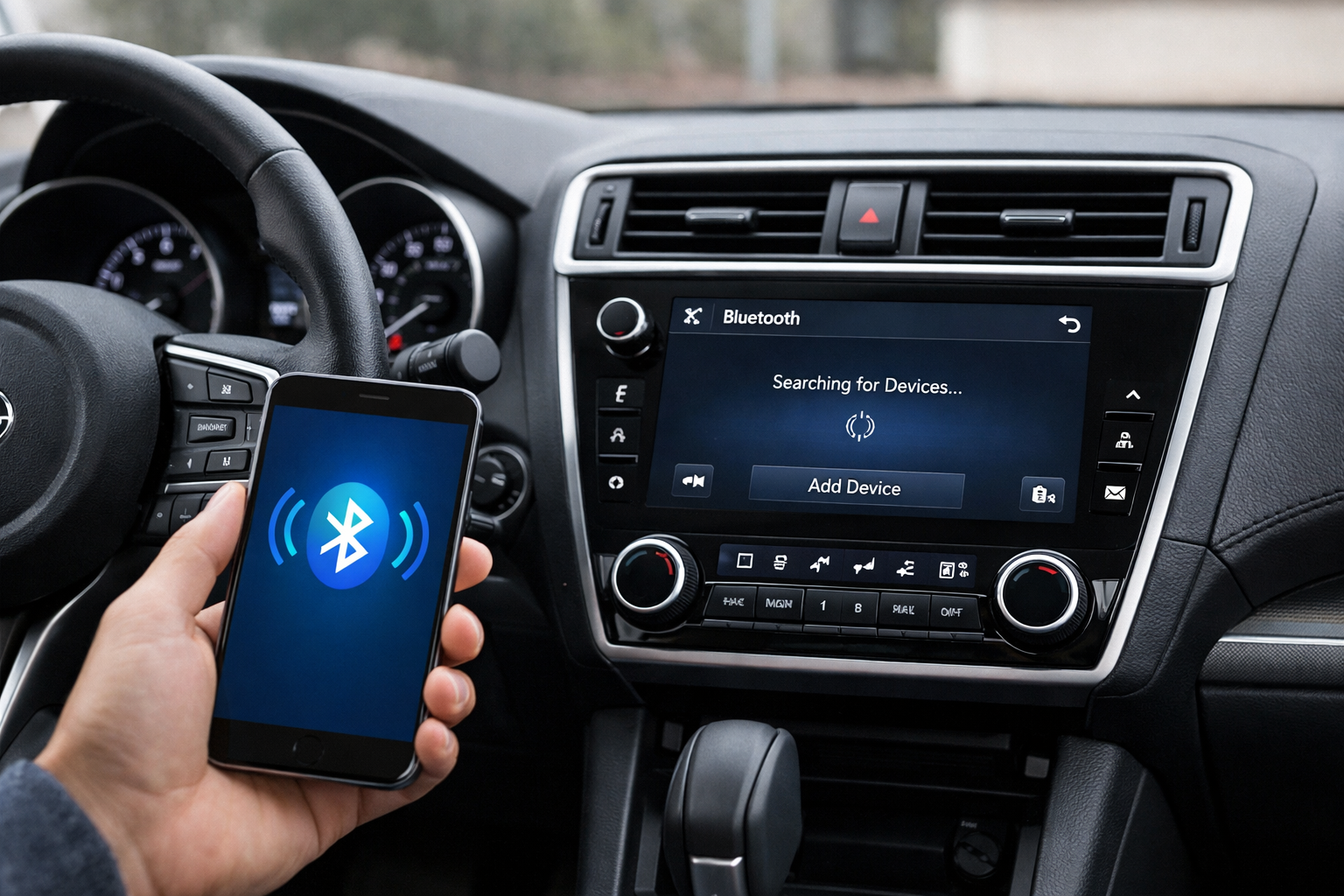
Turn on your car and make sure Bluetooth is enabled on your phone. On the touchscreen, go to Setup > Bluetooth > Add New Device. The car displays its Bluetooth name, usually “TOYOTA AUDIO” or a similar identifier.
On your phone, open Bluetooth settings and select the car from the list of available devices. Both screens will display a 6-digit SSP (Secure Simple Pairing) confirmation code. Verify the code matches on both screens and tap “Pair” on each device.
Once paired, the car connects automatically each time you start the engine. Both phone calls and audio streaming should work immediately. For 2019+ models with Apple CarPlay, a USB connection is required for the initial CarPlay setup. Wireless CarPlay is available on 2022+ models and activates automatically after the first USB pairing.
7th Gen Camry (2012-2017): Entune System
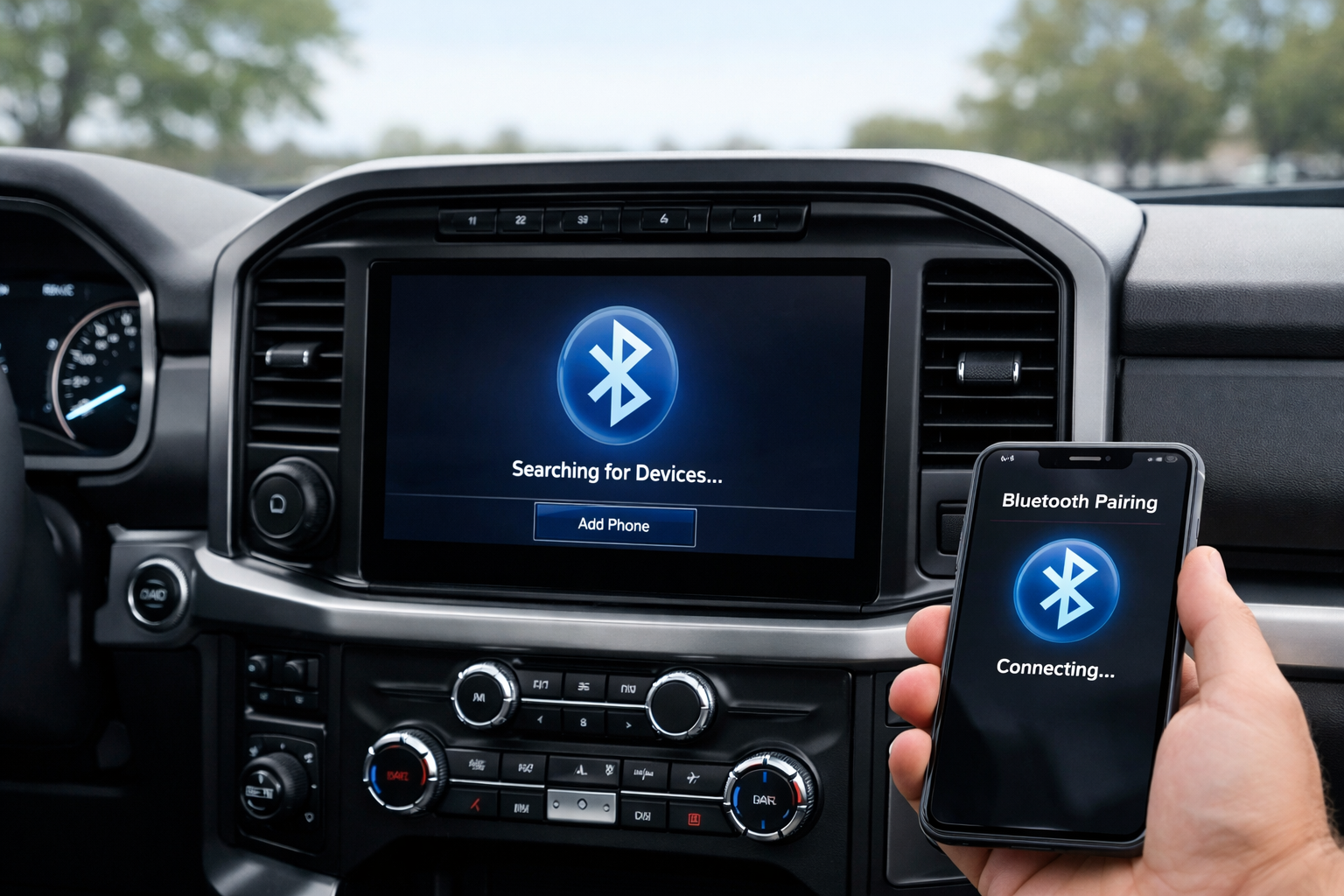
Press the SETUP button on the Entune head unit, then select Bluetooth > Add New Device. The system searches for nearby phones and displays a list. On your phone, find “ENTUNE AUDIO” or the Camry’s Bluetooth name in your settings and select it.
Enter the passcode displayed on the car’s screen to complete the pairing. Entune’s Bluetooth can be finicky during initial pairing.
If your phone doesn’t appear in the car’s search, make sure your phone is set to “discoverable” or “visible to other devices” in Bluetooth settings. Some phones hide themselves from new connections by default.
Troubleshooting: Audio Plays Through Phone Speaker
This is the most common Camry Bluetooth complaint across both generations. It happens when the phone is paired for calls but the audio streaming profile isn’t enabled.
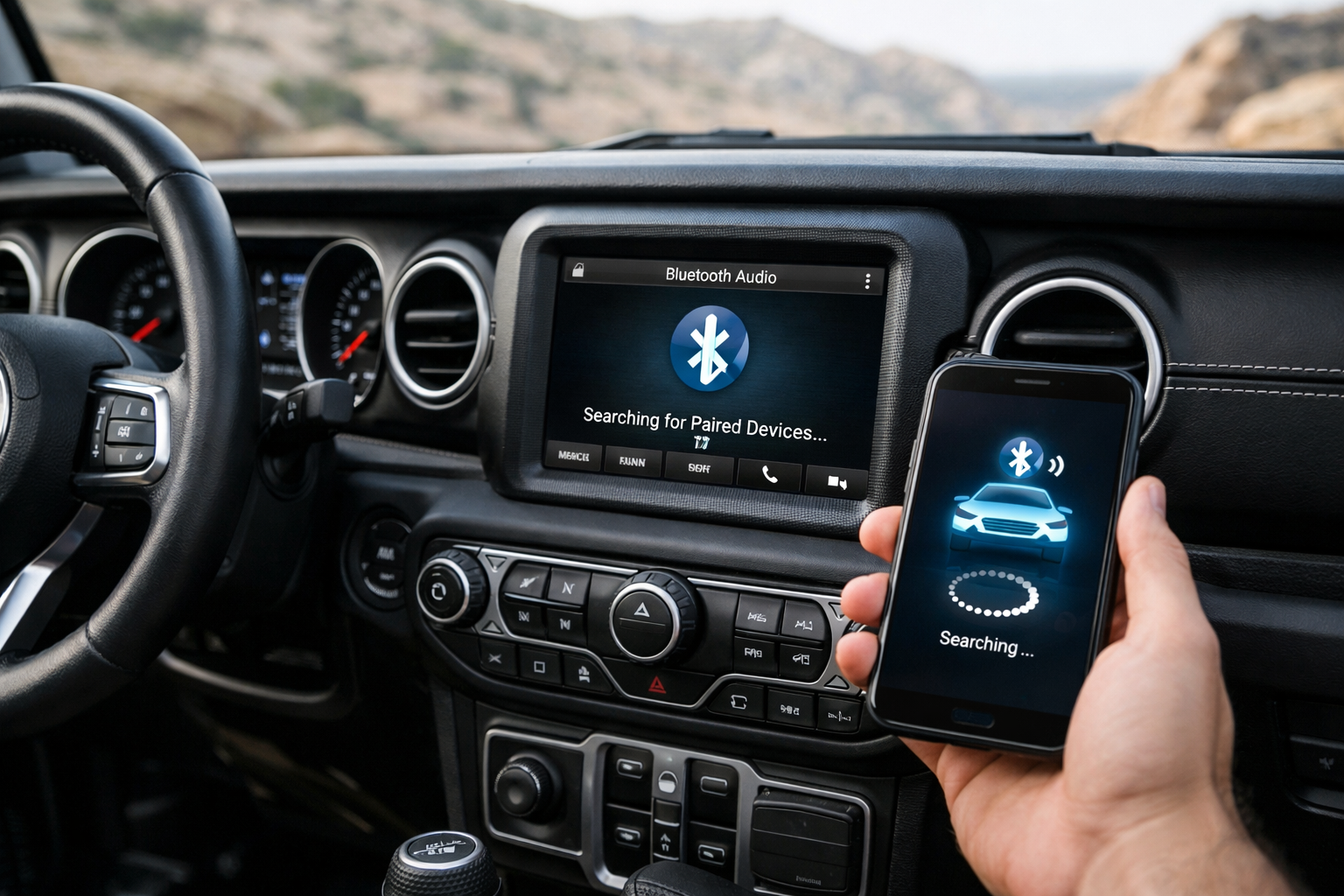
Fix it on the car side by going to Setup > Bluetooth, selecting your phone from the paired device list, and ensuring both “Phone” and “Audio” profiles are checked. On your phone, go to Bluetooth settings, tap the gear or info icon next to the Camry’s name, and enable “Media Audio” if it’s toggled off.
Similar connection issues can affect other vehicle features. If you have a Toyota RAV4 with Apple CarPlay connectivity problems, the troubleshooting steps are often similar.
Clearing Old Devices When the Limit Is Reached
Toyota’s system stores up to 5 paired devices on most Camry trims. When the limit is reached, you can’t add a new phone until you delete an old one.
Navigate to Setup > Bluetooth > Registered Devices, select the device you want to remove, and choose “Delete” or “Remove.” This frees a slot for the new phone.
Fixing Intermittent Disconnections
If Bluetooth disconnects randomly while driving, the most reliable fix is deleting the pairing on both devices and starting fresh. On the Camry, delete your phone from the Bluetooth device list. On your phone, go to Bluetooth settings and “Forget” the Camry. Then re-pair from scratch.
This clears any corrupted pairing data that can cause intermittent dropouts. Also ensure your phone’s operating system is up to date. Major OS updates (iOS and Android) frequently include Bluetooth compatibility improvements.
Toyota also occasionally releases infotainment software updates that improve Bluetooth stability. Check with your dealer for available updates.
For older Camrys without Bluetooth (pre-2012) or with a malfunctioning Bluetooth module, a Bluetooth AUX adapter adds wireless audio streaming through the auxiliary input jack.

Bluetooth AUX Adapter for Car
Add Bluetooth audio to older Camrys with an AUX input
Frequently Asked Questions
Can I pair two phones to my Camry at once?
The Entune system (2012-2017) connects one phone at a time. The Audio Multimedia system (2018+) can maintain two simultaneous Bluetooth connections, with one designated for calls and the other for music streaming.
Why won’t my phone auto-connect when I start the car?
Go to the Camry’s Bluetooth settings and set your phone as the priority device for automatic connection. On your phone, make sure the Camry is set to auto-connect as well. If multiple paired devices are in range, the Camry connects to the highest-priority phone first.
Does Bluetooth drain my phone battery?
Bluetooth Low Energy (BLE) uses minimal power. The impact on your phone’s battery life is negligible during normal driving, typically less than 1% per hour.
What should I do if my Bluetooth module is completely broken?
If your Camry’s Bluetooth module has failed entirely, a Bluetooth car adapter that plugs into the AUX port or cigarette lighter is an affordable alternative. These adapters provide wireless audio streaming without needing to repair the factory system.
This article contains affiliate links. We may earn a small commission at no extra cost to you.

Leave a Reply