Tag: hyundai tucson
How to Turn Off Driver Attention Warning on Hyundai Tucson
Why Your Tucson Keeps Telling You to Take a Break If you drive a Hyundai Tucson and you’ve ever gotten a chime along with a coffee cup icon and the words “Consider Taking a Break,” you already know how it feels. You’re paying attention, you haven’t been driving that long, and your car is still… read more
Written by

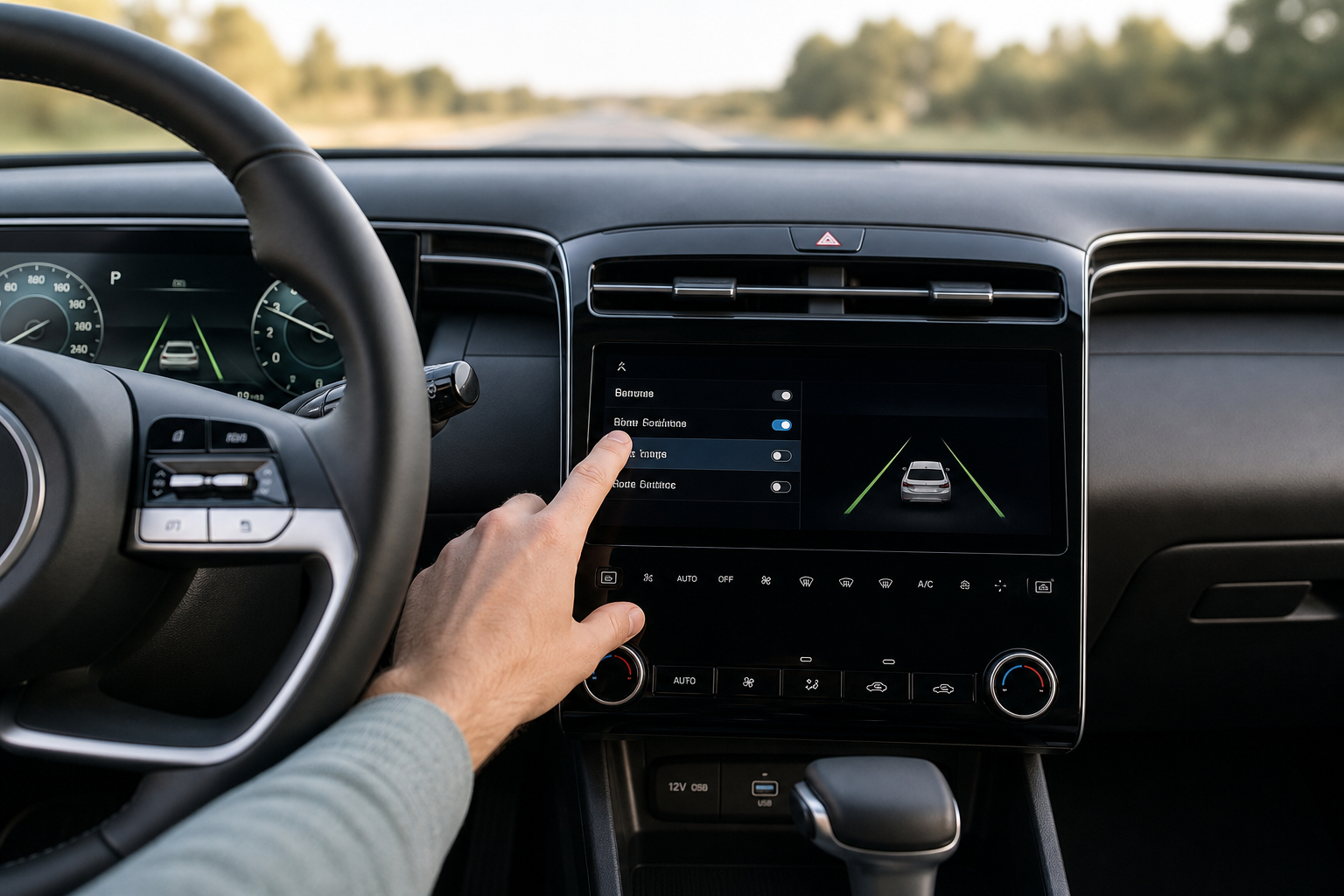
How to Turn Off Lane Assist on Hyundai Tucson (and Whether It Stays Off)
If your Hyundai Tucson keeps nudging the wheel back toward the center of the lane or beeping at you every time you drift near a line, you’re not imagining things. Hyundai builds these systems to be active by default on every start, and depending on your model year, getting them to stay off is either… read more
Written by
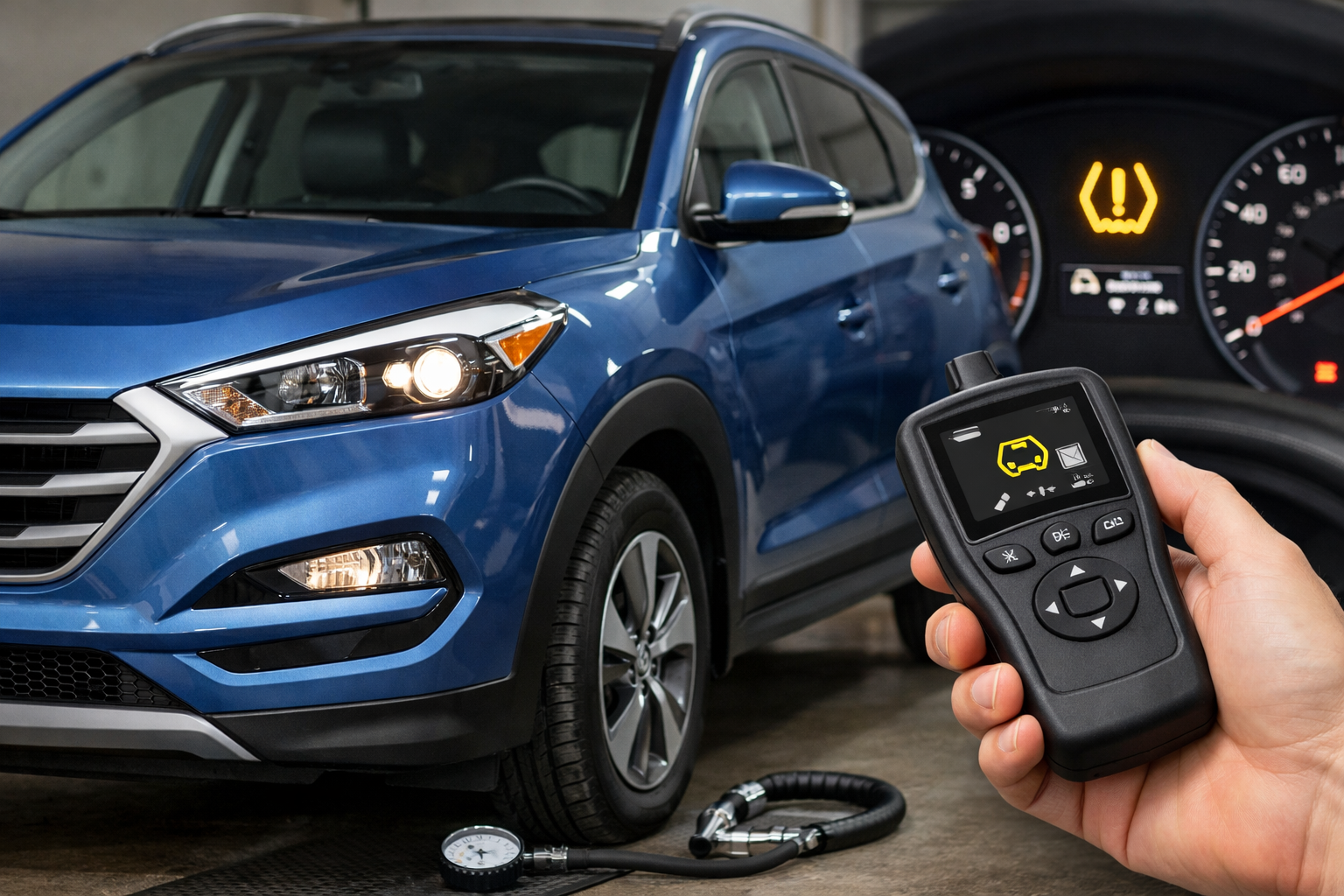
How to Reset TPMS Light on Hyundai Tucson (2016-2024)
The Hyundai Tucson uses direct TPMS sensors that typically auto-relearn after 15 to 20 minutes of driving at 25+ mph. Most of the time, correctly inflating your tires and driving normally is all you need to clear the warning light. A manual reset through the infotainment system is available when the auto-relearn doesn’t clear the… read more
Written by
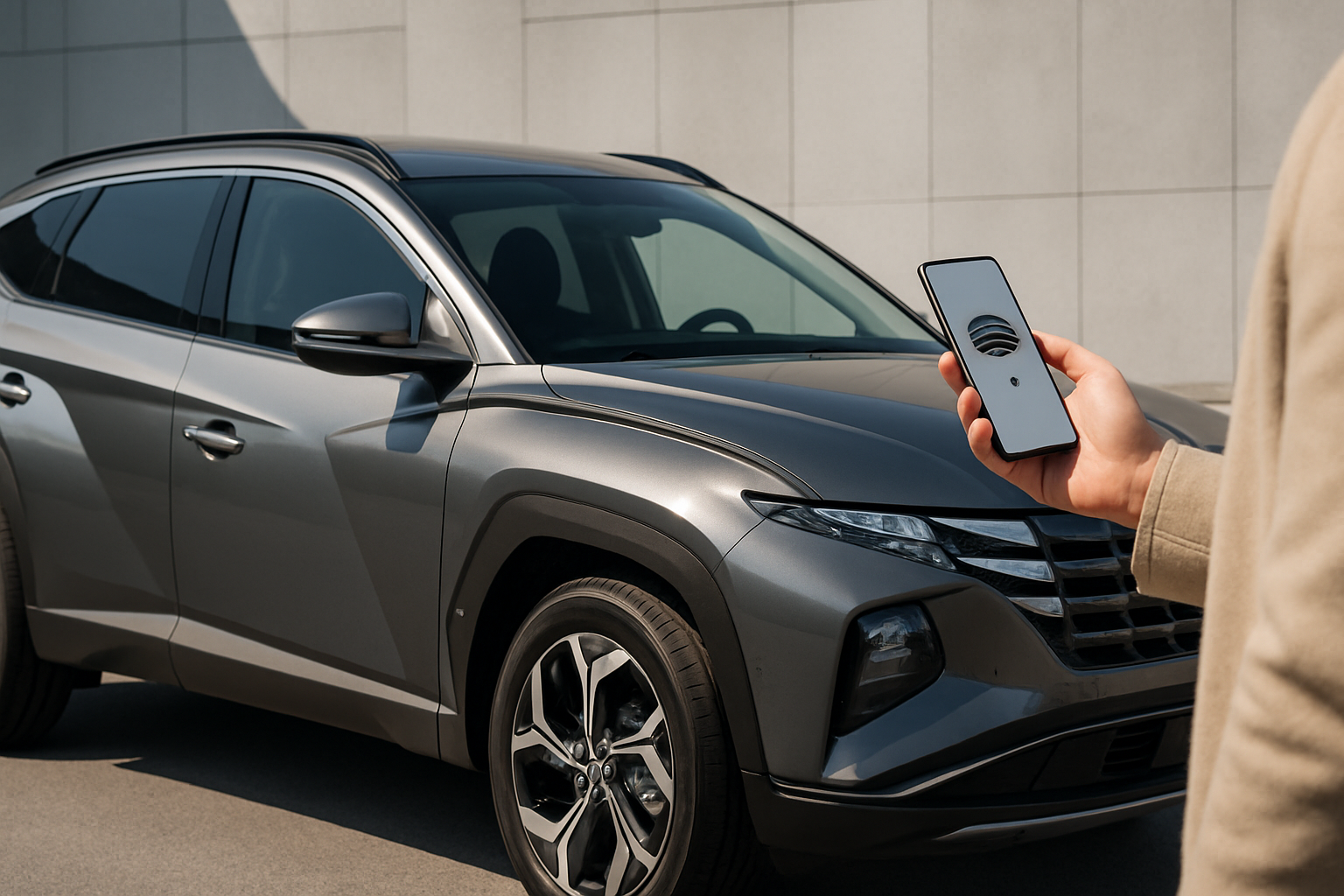
How to Set Up the Digital Key on a Hyundai Tucson Using Your Phone
The Hyundai Tucson’s digital key feature transforms your smartphone into a sophisticated key fob, allowing you to unlock, start, and share access to your vehicle without traditional keys. This technology uses Near Field Communication (NFC) and Bluetooth connectivity through Hyundai’s Bluelink app to create a seamless ownership experience. Understanding Hyundai’s Digital Key Technology Hyundai’s digital… read more
Written by
Hyundai Tucson Years to Avoid: Theta II Engine & Other Issues
The Hyundai Tucson has evolved from a budget-friendly also-ran into a genuinely competitive crossover SUV, but certain model years carry serious risks that used buyers need to understand. The Theta II engine recall is the single biggest concern, affecting hundreds of thousands of Hyundai and Kia vehicles with potential for catastrophic engine failure. Table of… read more
Written by