
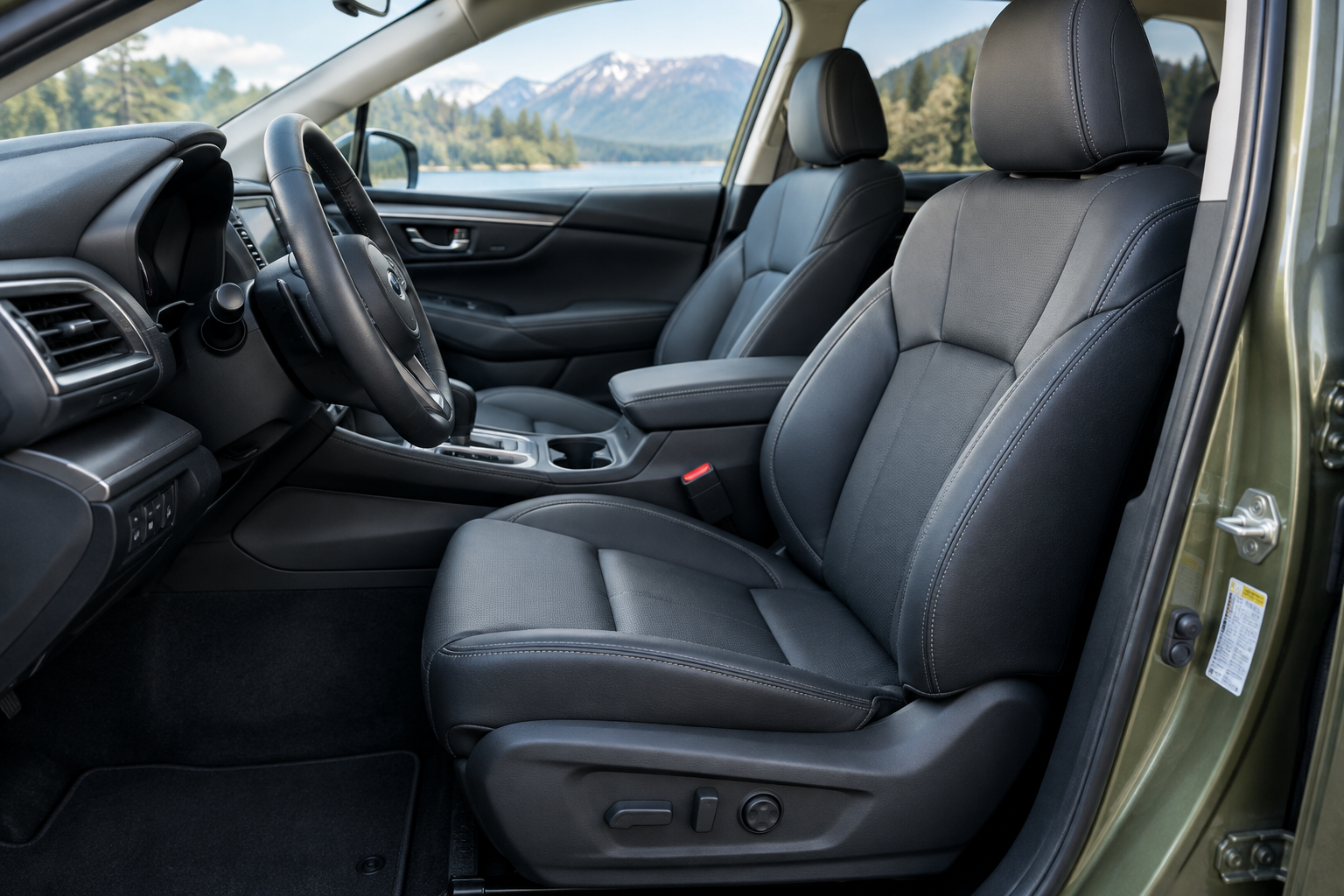
You climb into your Outback, hit the memory button, and the seat slides to a spot you’ve never sat in before. Or maybe it doesn’t move at all. Either way, it’s annoying, and it usually happens right when you’re trying to get out the door on time. Before you assume the whole system is broken, it helps to understand how Subaru’s memory seat actually works, because most of these issues come down to a missed step in the save sequence, not a bad motor or module.
How the Memory Seat System Actually Works
On Outback trims that offer it (typically Limited and Touring, though availability has shifted across generations), the memory seat ties together three things: seat position, mirror angle, and sometimes the tilt/telescope position of the steering wheel. That data gets stored under a numbered preset, usually 1 and 2, on the driver’s door panel.
In many model years, Subaru also links memory presets to the key fob you’re using. If your household has two fobs, the car may be programmed to recognize which fob is approaching and adjust the seat automatically before you even sit down. That’s a nice feature until the fobs get mixed up, mismatched, or one of them was never paired to a profile in the first place.
This is also why the seat sometimes changes position on its own when someone else drives the car. It’s not malfunctioning, it’s just responding to a different key or profile than the one you expect.
The Correct Save Sequence (And Why Skipping a Step Breaks It)
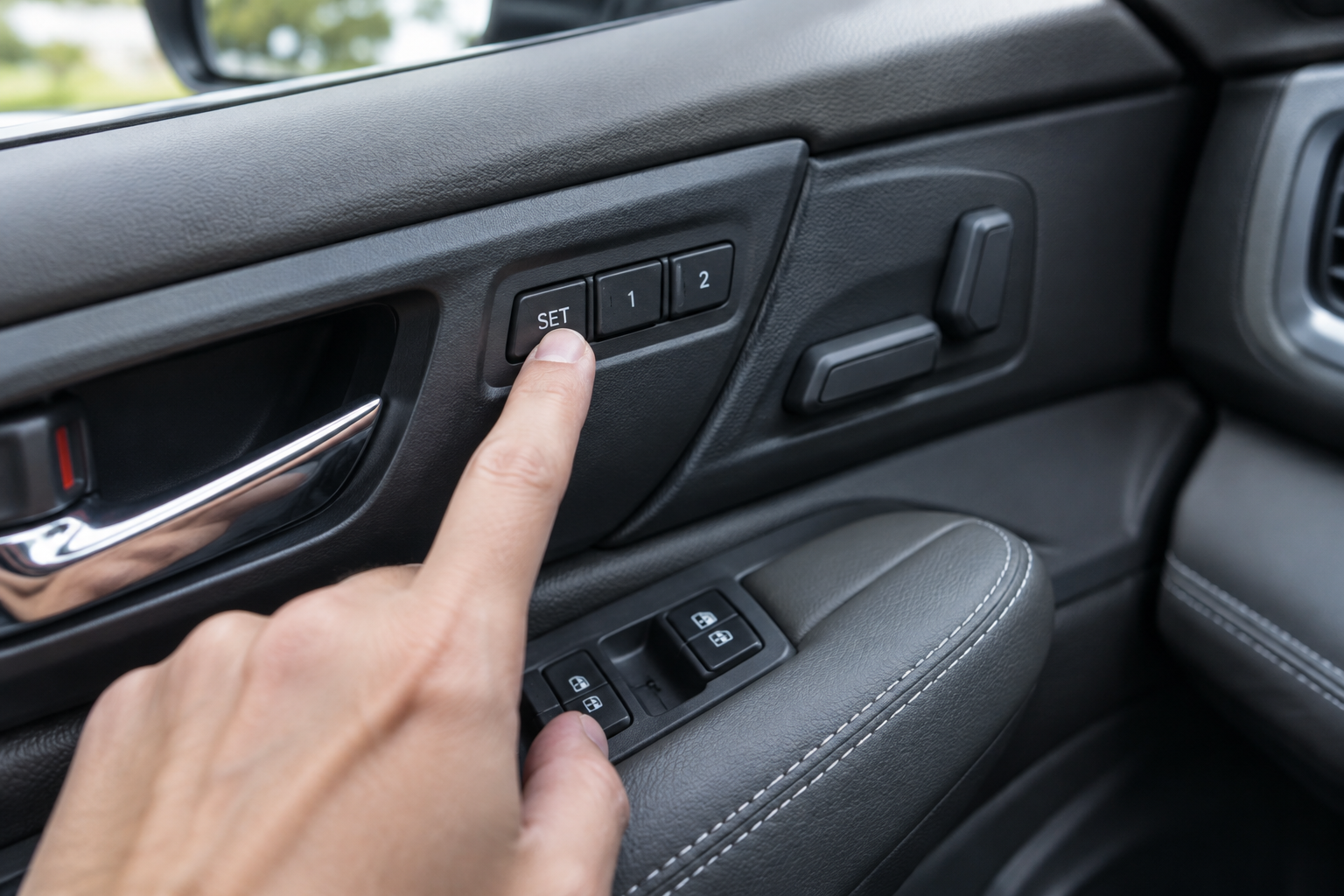
The most common reason a memory position “won’t save” is that the button sequence gets rushed. Subaru’s system typically requires you to:
- Adjust the seat, mirrors, and steering wheel to your preferred position
- Press and hold the “SET” button on the memory seat control until you hear a chime or see a confirmation light
- While still holding SET (or within a couple of seconds, depending on model year), press preset 1 or 2
- Release both buttons only after the chime confirms the save
If you let go of SET too early, or press the preset button before the chime, the car simply doesn’t save anything. It’s not a fault, it’s a timing issue. Check your owner’s manual for the exact wording for your model year, since Subaru has tweaked button labeling and hold-times across Outback generations.
If the button itself feels loose, sticky, or doesn’t click the way it used to, that’s worth inspecting. A worn memory seat switch can fail to register a full press, which mimics a software problem when it’s actually a hardware one.
Subaru Outback Memory Seat Switch
A direct-fit replacement switch is often cheaper than a dealer diagnostic visit if your button feels unresponsive or inconsistent.
Once you’re confident the save sequence is correct and the switch feels solid, the next thing to check is how the seat interacts with easy-entry and driver profiles, which is where a lot of the “wrong position” complaints actually originate.
Easy-Entry/Exit Is Probably Your “Wrong Position” Culprit
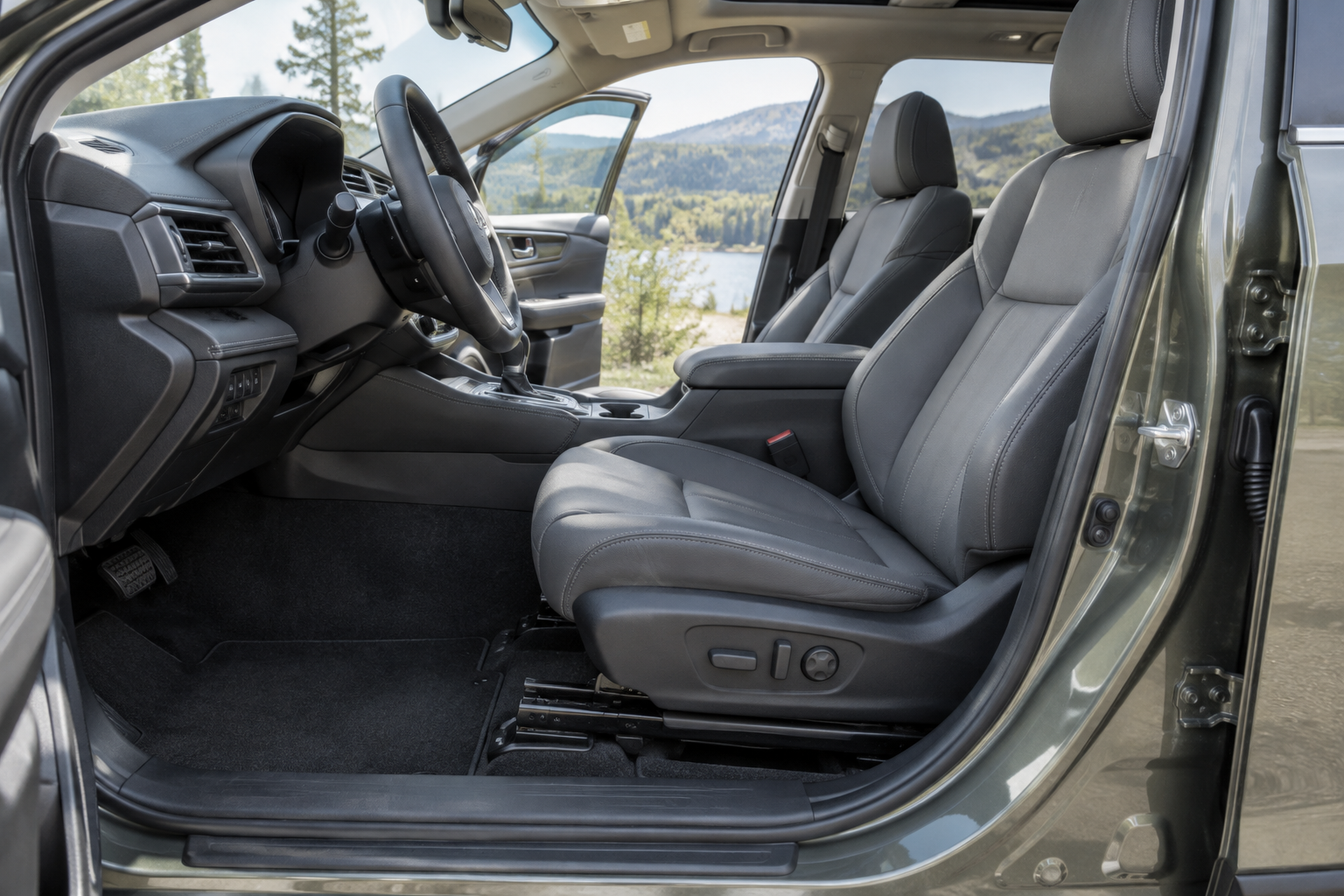
Easy-entry/exit is a feature that automatically slides the seat back and raises it slightly when you shift into Park and open the door, then returns it to your memory position when you start the car and buckle up. It’s meant to make climbing in and out easier, especially in tighter parking spots.
The problem is that a lot of owners mistake this temporary movement for the memory system failing. If you turn the car on, the seat moves to “your” position, then you open the door again before driving off, it slides back out for exit mode. Get in, and it looks like the seat “changed” when really it’s just cycling through a normal function.
You can usually turn easy-entry/exit off or adjust its behavior through the infotainment settings menu, under seat or vehicle settings depending on trim and model year. If you don’t want the seat moving unexpectedly at all, disabling this feature often resolves the complaint entirely without touching memory settings.
Key Fobs, Driver Profiles, and Why the Seat “Remembers” the Wrong Person
If your Outback came with two key fobs, each one may be tied to a specific memory preset. That means Fob A pulls up preset 1, and Fob B pulls up preset 2, regardless of who’s actually driving. If someone borrows your spouse’s fob, or you grab the wrong one off the hook, you’ll get the wrong seat position every time, and it has nothing to do with a fault in the seat.
Some Outback trims tie memory presets to the infotainment driver profile instead of, or in addition to, the fob. If a profile got overwritten, duplicated, or reset during a software update, the seat data attached to it can shift or disappear. Re-saving your position under the profile you actually use fixes this in most cases.
It’s also worth checking whether the seat has hit its mechanical limit. Subaru’s seat tracks and height adjusters have a defined range, and if your memory setting is saved near the extreme end, minor drift in the motor’s calibration can make it feel like the seat isn’t returning to “exactly” where it used to.
Battery Disconnects and Module Reinitialization
Disconnecting the 12-volt battery, whether for a repair, a dead battery jump, or aftermarket accessory installation, can wipe memory seat presets on some model years. The body control module loses its reference points and needs to relearn the seat’s full range of motion before memory positions will work accurately again.
If your Outback has done this, you may need to run the seat all the way forward and all the way back, or up and down to its limits, before reprogramming memory presets. Some model years handle this automatically the first time you cycle the seat manually; others require you to redo the save sequence from scratch. Check your owner’s manual for your specific model year, since Subaru hasn’t kept this process identical across generations.
If you’ve recently had body work, a dealer software update, or any electrical service done, and the memory seat stopped working shortly after, that timing is a strong clue the issue is reinitialization, not a broken part.
When It’s Actually a Faulty Switch, Sensor, or Module
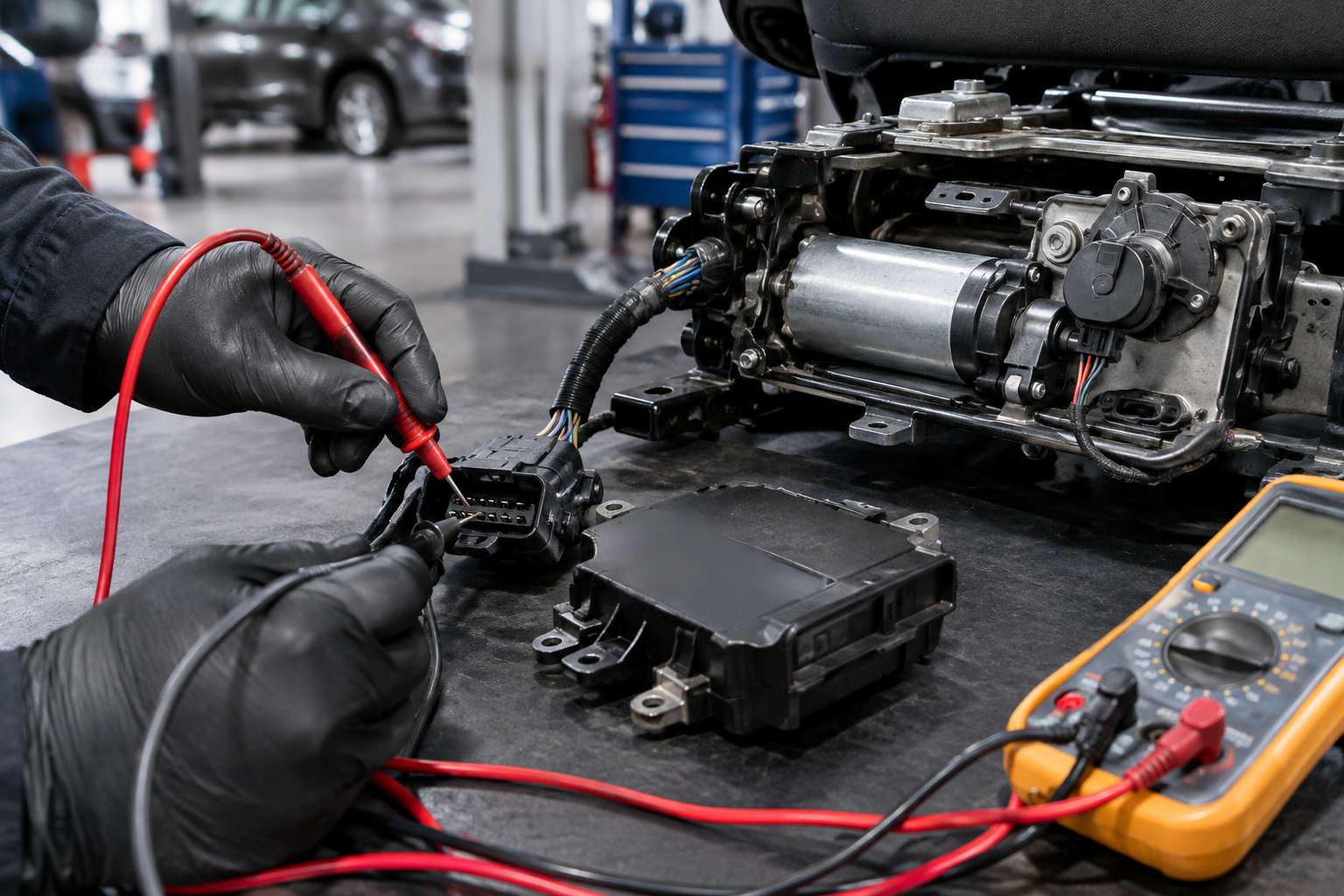
Once you’ve ruled out sequence errors, easy-entry interference, fob/profile mixups, and battery disconncets, a persistent problem points toward hardware. Signs of an actual fault include:
- The seat moves on its own, jerks, or stalls partway through a memory cycle
- You hear the motor trying to run but the seat doesn’t move at all
- Memory settings won’t hold even when you save them correctly multiple times in a row
- One direction of adjustment (forward/back, height, recline) fails to save while others work fine
These symptoms usually trace back to a worn position sensor inside the seat track, a failing seat motor, or in rare cases a body control module that needs reprogramming. A dealer or independent shop with Subaru-specific diagnostic software can pull codes from the memory seat module to confirm which component is at fault. Given how these systems share wiring and control logic with other driver-assist features, it’s also worth ruling out unrelated electrical gremlins, similar to how DriverFocus settings or other cabin electronics can act up after a battery event.
If you’re comfortable doing basic diagnostics yourself, a multimeter and a look at the wiring harness connector behind the seat can save you a diagnostic fee. But if you’re not confident poking around seat wiring, this is a case where paying a shop to pull the actual fault code is worth it rather than guessing.
Frequently Asked Questions
Why does my Subaru Outback seat move when I open the door, even if I didn’t touch anything?
That’s almost always the easy-entry/exit feature working as designed, not a memory fault. It slides the seat back for easier exit and returns it to your saved position when you start driving. You can turn this behavior off in the settings menu if you find it disruptive.
Can a battery disconnect really erase my memory seat settings?
Yes. Disconnecting the 12-volt battery can cause the body control module to lose its stored reference points for seat position. In many cases you’ll need to cycle the seat to its full range of motion and then resave your presets before memory settings work correctly again.
How do I know if it’s a setup issue versus a broken seat motor?
If the seat moves but goes to the wrong spot, or won’t save no matter how carefully you follow the sequence, that points to a profile, fob, or easy-entry issue. If the seat struggles to move, makes grinding noises, stalls, or one direction of adjustment stops working while others don’t, that points to a failing motor, sensor, or switch that likely needs replacement.
If you’re dealing with other confusing Subaru electronics behavior around the same time, it’s worth checking whether related systems like lane assist settings reset after the same event, since a lot of these features share the same control modules and can hint at a broader electrical cause rather than isolated seat problems.
Leave a Reply