
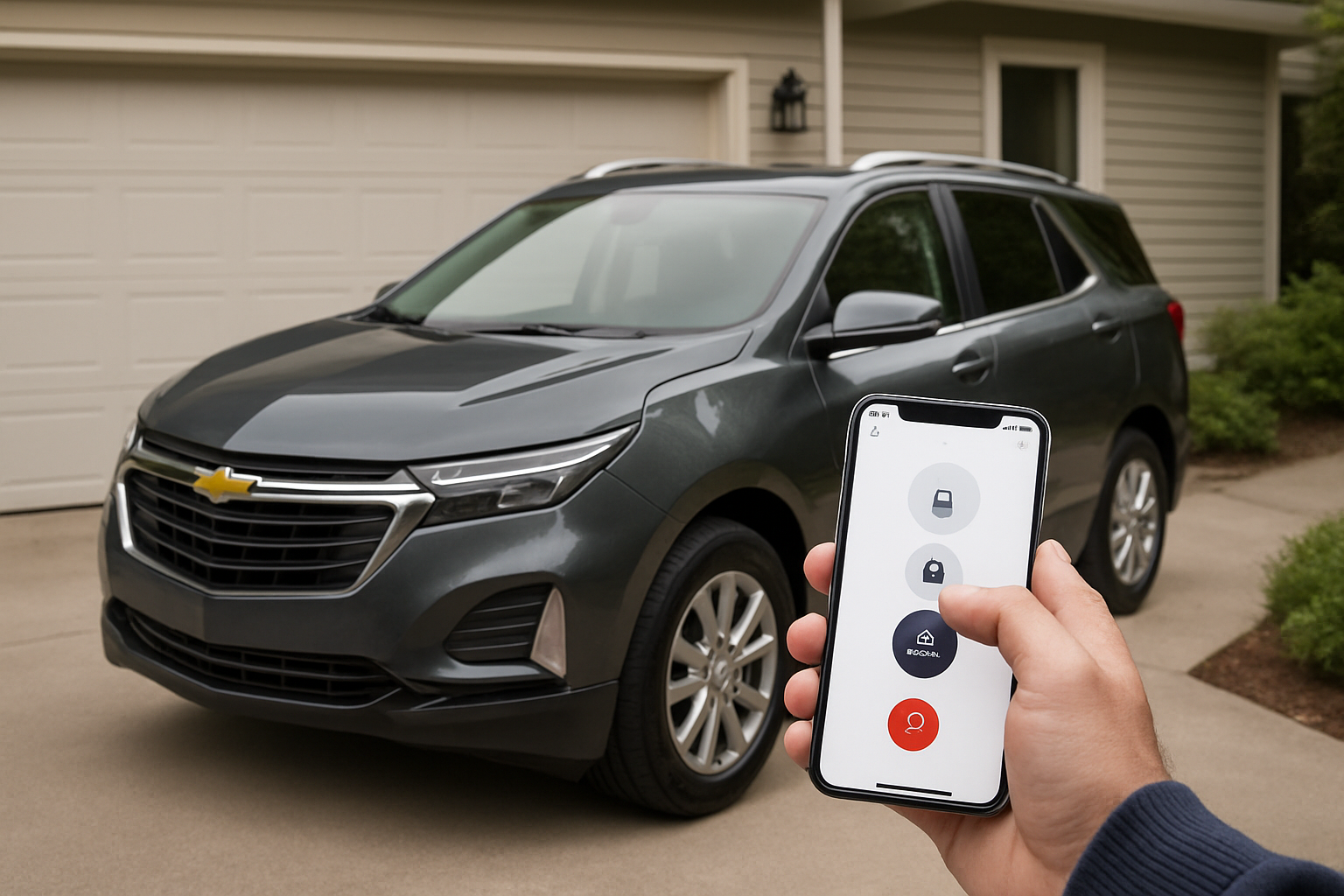
The MyChevrolet app transforms your smartphone into a powerful remote control for your Equinox, giving you access to features like remote start, door locks, and vehicle diagnostics from anywhere with cell service. Setting it up properly ensures you can monitor your vehicle’s health, schedule maintenance, and control key functions without being physically present.
What the MyChevrolet App Offers for Equinox Owners
Your Equinox comes equipped with built-in connectivity that works through OnStar’s cellular network. This connection enables the MyChevrolet app to communicate with your vehicle regardless of distance, as long as both your phone and your Equinox have cellular coverage.
The app provides remote start functionality, allowing you to warm up or cool down your Equinox before you get in. You can lock and unlock doors remotely, which comes in handy when you’ve forgotten whether you secured the vehicle or need to let someone access it when you’re not around.
Vehicle diagnostics appear right on your phone screen, showing tire pressure readings, fuel levels, oil life remaining, and other maintenance indicators. The app also connects directly with Chevrolet dealerships for service scheduling, pulling your vehicle’s actual maintenance data to recommend appropriate services.
Requirements Before You Start
You’ll need an active OnStar plan to use the MyChevrolet app’s remote features. Basic OnStar service is typically included for the first few months or years of ownership, depending on your model year. After that period, you’ll need a paid subscription.
Your Equinox must have the necessary hardware, which includes most models from 2016 onward. Earlier Equinox models may have limited connectivity or require different setup procedures.
Download the MyChevrolet app from your phone’s app store. The app works on both iOS and Android devices and requires a reasonably current operating system version.
Creating Your MyChevrolet Account
Open the MyChevrolet app and select “Create Account” on the welcome screen. You’ll need to provide your email address, create a password, and verify your phone number through a text message code.
The app will ask for your ZIP code and some basic information. This helps customize the experience and connects you with local dealers for service scheduling.
Check your email for a verification message from Chevrolet. Click the verification link to activate your account fully. Without this step, some features may not work properly.
Adding Your Equinox to the App
Once your account is active, tap “Add Vehicle” on the main screen. You’ll need your Vehicle Identification Number (VIN), which you can find on your dashboard near the windshield on the driver’s side, on your driver’s door jamb sticker, or on your registration documents.
Enter the VIN carefully. The app will automatically detect your Equinox model, year, and available features based on this number. Double-check that the information displayed matches your actual vehicle.
The app will prompt you to verify ownership. You can do this by honking your horn using the vehicle’s OnStar button, or by providing information from your registration or insurance documents.
Activating OnStar and Remote Services
Press the blue OnStar button in your Equinox to connect with an advisor. Tell them you want to activate remote access services for the MyChevrolet app. They’ll verify your identity and activate the necessary services on your account.
If you’re outside of your included OnStar period, the advisor will explain your subscription options. You’ll need at least the basic plan that includes remote access. Higher-tier plans offer additional features like Wi-Fi hotspot capability and automatic crash response.
The activation process usually takes a few minutes, but it can take up to 24 hours for all features to become available in the app. The OnStar advisor will confirm when activation is complete.
Setting Up Security and Preferences
The app includes security features to prevent unauthorized access to your vehicle. Set up a four-digit PIN that you’ll need to enter for certain functions like remote start and door unlock.
Configure your notification preferences in the app settings. You can choose to receive alerts for maintenance reminders, security events, or monthly vehicle reports via email or push notifications.
Review the location sharing settings. The app can show your vehicle’s location, which is helpful for finding it in large parking lots but raises privacy considerations. Adjust these settings according to your comfort level.
Testing Remote Functions
Start with the basic functions to ensure everything is working properly. Try locking and unlocking your doors using the app. You should see confirmation on your phone screen and hear the familiar sound from your Equinox.
Test the remote start feature next. Make sure your Equinox is parked outdoors or in a well-ventilated area. The engine should start after a few seconds, and the app will show the engine status and runtime remaining.
Check the vehicle status display in the app. It should show current fuel level, odometer reading, tire pressures, and oil life. These readings come directly from your vehicle’s computer systems.
Troubleshooting Common Setup Issues
If the app shows “vehicle not found” or connection errors, verify that your Equinox has cellular coverage. The OnStar system relies on cell towers, and areas with poor coverage may experience delays or failures.
Battery issues in your Equinox can affect remote functions. If your battery is weak, the vehicle may not respond to app commands even if it starts normally with the key. Have your battery tested if you experience consistent connectivity problems.
OnStar subscription status is the most common cause of app problems. Even if you recently subscribed, there can be delays in the system activation. Call OnStar customer service at 1-888-4ONSTAR if remote functions aren’t working after 24 hours.
Understanding Service Plans and Costs
OnStar offers several service tiers with different features and pricing. The basic plan typically includes remote access, vehicle diagnostics, and emergency services. Higher plans add Wi-Fi capability and more advanced security features.
Monthly plans are available if you don’t want a long-term commitment, but annual plans usually offer better value. Promotional rates are common for new subscribers, but verify what the renewal rate will be.
Some features work without an active OnStar subscription, including basic vehicle information and service scheduling. However, all remote commands require an active plan.
Maximizing Your App Experience
Enable automatic updates for the MyChevrolet app to ensure you receive new features and security improvements. Chevrolet regularly updates the app with enhanced functionality and bug fixes.
Use the maintenance scheduling feature to stay on top of your Equinox’s service needs. The app pulls actual data from your vehicle’s computers, providing more accurate maintenance timing than generic schedules.
Set up family sharing if other drivers use your Equinox. You can add family members to your account and control which functions they can access through the app.
Privacy and Security Considerations
The MyChevrolet app collects location data, driving patterns, and vehicle usage information. Review Chevrolet’s privacy policy to understand how this data is used and stored.
Use a strong password for your MyChevrolet account and enable two-factor authentication if available. This prevents unauthorized access to your vehicle controls.
Be cautious when using remote functions in public. Starting your vehicle remotely in a crowded parking lot might attract unwanted attention. Always ensure your vehicle is in a safe, legal location before using remote start.
Frequently Asked Questions
Can I use the app if my OnStar trial expired?
Remote functions require an active OnStar subscription, but you can still access some features like service scheduling and basic vehicle information. You’ll need to subscribe to OnStar to regain remote start, lock/unlock, and real-time diagnostics.
Why does remote start sometimes fail to work?
Remote start has built-in safety restrictions. It won’t work if the hood is open, the parking brake isn’t set, the transmission is in gear, or if the vehicle was started with the key since the last remote start cycle. Low battery voltage can also prevent remote starting.
How accurate are the tire pressure readings in the app?
The app displays the same tire pressure information shown on your dashboard, which comes from sensors in each wheel. Readings are generally accurate within 1-2 PSI, but sensors can malfunction or lose battery power over time, affecting accuracy.
Can I add a used Equinox to my existing MyChevrolet account?
You can add a used vehicle, but the previous owner must first remove it from their account. Contact OnStar customer service for assistance transferring ownership in their system. You’ll need proof of ownership like registration or title documents.
This article contains affiliate links. If you purchase through these links, we may earn a small commission at no extra cost to you.

Leave a Reply