
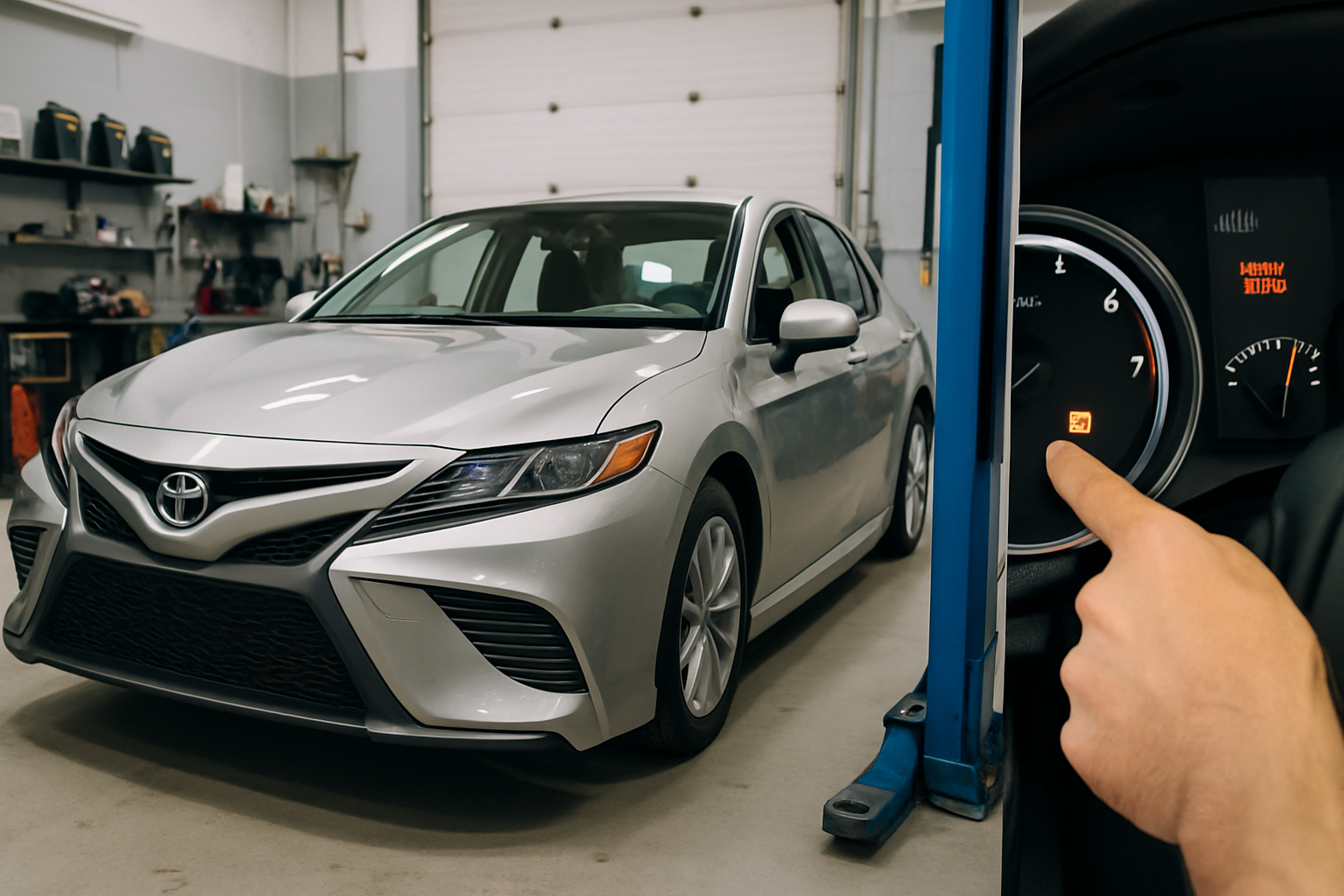
That stubborn “Maintenance Required” light on your Toyota Camry dashboard isn’t actually indicating a serious problem with your vehicle. This routine maintenance reminder appears every 5,000 miles to prompt you for an oil change, and once you’ve completed the service, you can easily reset it yourself using a simple button sequence.
Understanding the Maintenance Required Light
The “Maintenance Required” light on your Toyota Camry serves as an automated oil change reminder system. Toyota programmed this feature to illuminate after every 5,000 miles of driving, which aligns with their recommended oil change intervals for most driving conditions.
This light is completely separate from your check engine light. While a check engine light indicates potential mechanical issues that need immediate attention, the maintenance required light is simply a scheduled reminder. You won’t cause any damage to your vehicle by driving with this light on after completing your oil change.
The system tracks your mileage automatically and starts flashing the light around 4,500 miles to give you advance notice. At 5,000 miles, it stays on continuously until you manually reset it.
What You’ll Need for the Reset
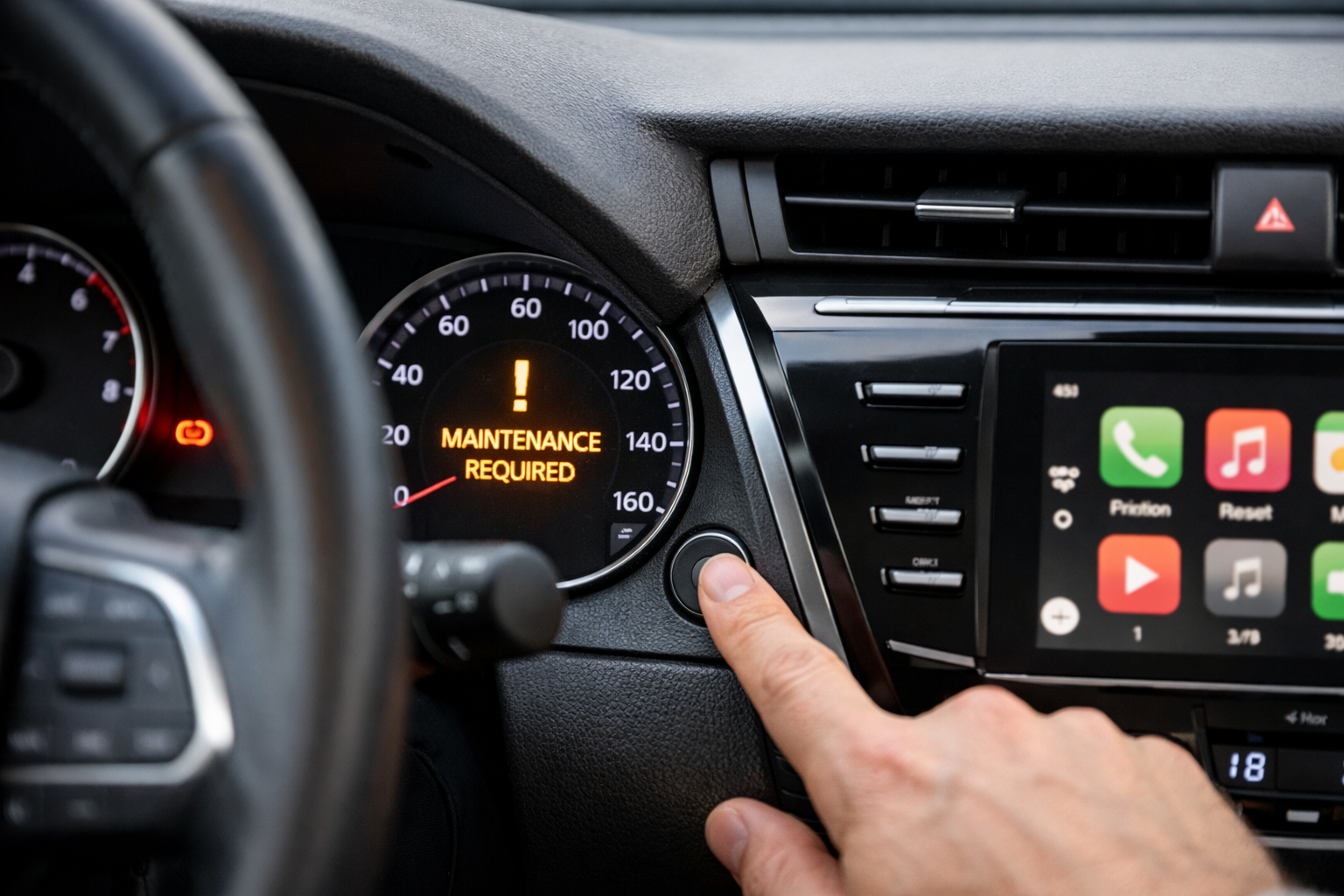
Resetting the maintenance required light requires no tools whatsoever. You’ll only need access to your vehicle’s trip meter button, which is located on your dashboard near the speedometer and odometer display.
The trip meter button is typically a small, black button positioned either to the right or below your instrument cluster. On most Camry models from 2007-2025, you’ll find it integrated into the dashboard trim surrounding your gauges.
Step-by-Step Reset Process
The reset procedure is identical across all Toyota Camry model years from 2007 through 2025. This method works whether you have an analog or digital instrument cluster.
Before You Start
Make sure your vehicle is parked and the engine is completely turned off. You’ll need to access the ignition switch and trip meter button simultaneously, so position yourself comfortably in the driver’s seat.
The Reset Sequence
First, locate your trip meter button on the dashboard. Press and hold this button down with your finger, keeping constant pressure throughout the entire process.
While continuing to hold the trip meter button, turn your ignition key to the “ON” position. Don’t start the engine, just turn the key to the second position where your dashboard lights illuminate but the engine remains off.
Keep holding the trip meter button for approximately 10-15 seconds. You’ll see the maintenance required light blink several times, then turn off completely. Some Camry models may display “000000” on the odometer during this process.
Once the light turns off, release the trip meter button and turn your ignition back to the off position. When you restart your vehicle, the maintenance required light should remain off.
Push-Button Start Vehicles
If your Camry has push-button start instead of a traditional key, the process is nearly identical with one small modification.
Hold down the trip meter button, then press the push-button start twice without pressing the brake pedal. This brings your vehicle to the “ON” position without starting the engine. Continue holding the trip meter button until the light resets.
Troubleshooting Common Issues
Sometimes the reset doesn’t work on the first attempt. If your maintenance required light stays on after following the procedure, try these solutions.
Timing Issues
The most common problem is timing. You must press and hold the trip meter button before turning the ignition on. If you turn the ignition first, the reset won’t work.
Try holding the button for a longer period, up to 20 seconds. Some vehicles require extra time for the system to register the reset command.
Button Location Confusion
Different Camry trim levels may have slightly different button locations. If you can’t locate the trip meter button, check your owner’s manual for the exact position on your specific model year.
On some models, the button might be integrated into a stalk or located on the steering wheel itself. The reset procedure remains the same regardless of button location.
Why the Light Comes On at 5,000 Miles
Toyota set the maintenance required light to activate every 5,000 miles based on their recommended oil change intervals. This interval provides a safety margin for most driving conditions and oil types.
The system doesn’t monitor your oil’s actual condition. Instead, it simply counts miles and activates according to Toyota’s predetermined schedule. Even if you change your oil at 3,000 miles, the light will still come on at 5,000 miles unless you reset it.
Modern synthetic oils can often last longer than 5,000 miles, but Toyota chose this conservative interval to ensure engine protection across all driving conditions and owner maintenance habits.
Maintenance Required vs Check Engine Light
Many Camry owners confuse these two different warning lights. Understanding the difference can save you unnecessary worry and expensive diagnostic fees.
The maintenance required light appears as text or an icon showing a wrench or oil can. It’s usually amber or yellow and relates only to scheduled maintenance.
The check engine light displays as an engine outline icon and indicates potential problems with your emissions system, engine performance, or other mechanical issues. This light requires diagnostic attention and shouldn’t be ignored.
You can safely reset the maintenance required light yourself after completing an oil change. However, you should have a check engine light diagnosed by a qualified technician before attempting any resets.
When to Reset the Light
Only reset your maintenance required light after actually completing the scheduled maintenance. The light serves an important purpose in helping you maintain your vehicle properly.
If you reset the light without changing your oil, you’ll lose track of when your next oil change is actually due. This could lead to engine damage from running old oil too long.
Some quick-lube shops and dealerships will reset the light for you as part of their oil change service. However, learning to do it yourself ensures you can reset it anytime and saves a return trip if they forget.
Additional Maintenance Considerations
While you’re resetting the maintenance required light, consider what other maintenance items might be due. Your Camry’s maintenance schedule includes more than just oil changes.
At 5,000-mile intervals, check your air filter, cabin air filter, and fluid levels. These simple inspections can prevent larger problems and keep your Camry running smoothly.
Keep a maintenance log to track when you perform various services. This record helps with warranty claims and provides valuable information for future repairs.
Frequently Asked Questions
Will resetting the light affect my warranty?
Resetting the maintenance required light yourself won’t void your Toyota warranty. This is considered normal owner maintenance, similar to checking your tire pressure or adding washer fluid.
Can I reset the light before getting an oil change?
While you technically can reset the light anytime, you shouldn’t reset it until after completing your oil change. The light helps you track maintenance intervals, and resetting it early will throw off your schedule.
What if the light comes back on immediately?
If the light returns immediately after resetting, you may have an issue with the trip meter button or the instrument cluster. This is rare but can occur in high-mileage vehicles. A Toyota dealer can diagnose and repair this issue.
Does the reset procedure work on hybrid Camry models?
Yes, the same reset procedure works on all Camry models, including hybrid versions. The maintenance required light system operates identically across all powertrains.



Leave a Reply