
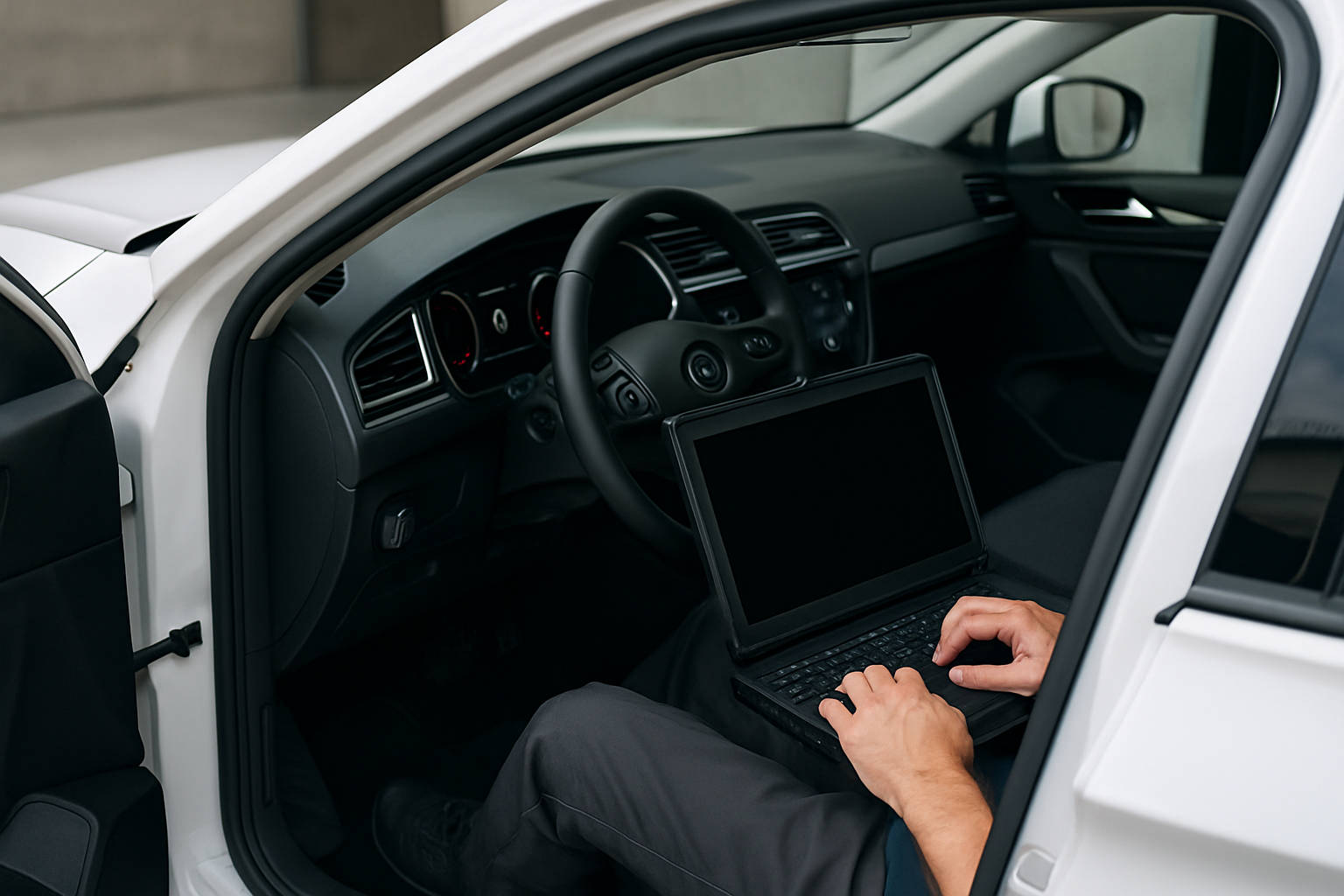
After fixing an issue with your car, you might notice the check engine light is still on or your vehicle isn’t running quite right. Your car’s computer system needs to be reset to clear old error codes and relearn normal operating parameters. This process is simpler than you might think and can save you a trip to the mechanic.
Modern vehicles rely heavily on their onboard computer systems to monitor everything from engine performance to emissions controls. When you fix a mechanical problem, the computer often holds onto the old diagnostic codes and learned behaviors until you manually reset it.
Understanding Your Car’s Computer System
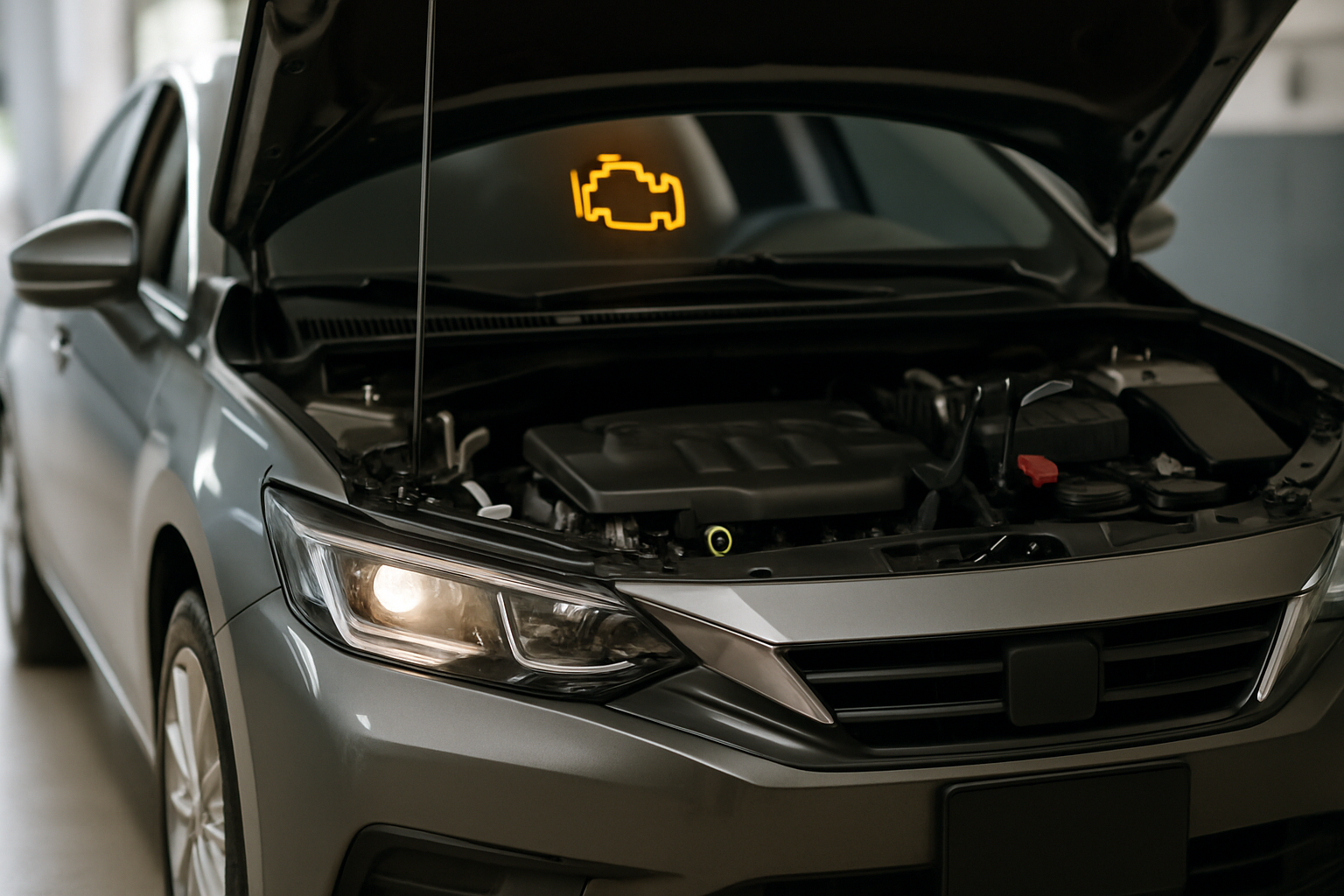
Your car’s Engine Control Unit (ECU) constantly monitors dozens of sensors and systems while you drive. When something goes wrong, it stores diagnostic trouble codes (DTCs) and may trigger warning lights on your dashboard. Even after you fix the underlying problem, these codes remain in the computer’s memory.
The computer also learns your driving habits and adjusts various systems accordingly. After major repairs, especially those involving the engine, transmission, or emissions components, the ECU needs time to relearn these parameters and verify that all systems are working correctly.
Method 1: Using an OBD2 Scanner to Clear Codes
The most reliable way to reset your car’s computer is with an OBD2 scanner. This method works on all vehicles manufactured after 1996 and gives you complete control over which codes to clear.
First, locate your car’s OBD2 port, which is typically under the dashboard on the driver’s side. It’s a 16-pin trapezoid-shaped connector that’s usually within arm’s reach of the driver’s seat. Some vehicles have a small cover over the port.
Connect your OBD2 scanner to the port with the ignition off. Turn your key to the “on” position without starting the engine. Your scanner should power up and establish communication with your car’s computer.
Navigate to the “Clear Codes” or “Erase Codes” function on your scanner. Most devices will show you the current codes before clearing them, which is helpful for keeping records. Select “Yes” or “Clear” when prompted to erase the diagnostic trouble codes.
The scanner will typically display a confirmation message once the codes are cleared successfully. Turn off the ignition, disconnect the scanner, and start your vehicle normally.
Recommended OBD2 Scanners
For reliable code clearing, consider investing in a quality OBD2 scanner that can clear codes effectively. These tools pay for themselves quickly compared to shop visits and give you the ability to diagnose future issues.
Basic code readers like the Autel AL319 or ANCEL AD310 work well for simple code clearing. If you want more advanced features, the BlueDriver Bluetooth scanner connects to your smartphone and provides detailed repair information.
Method 2: Battery Disconnect Method
If you don’t have an OBD2 scanner, disconnecting your car’s battery will reset the computer system. This method clears all stored codes and learned parameters, essentially giving your car a fresh start.
Start by turning off your engine and removing the keys. Pop your hood and locate the battery, which is usually a rectangular box with two cables connected to the top terminals.
Using a wrench or socket set, loosen the nut on the negative battery cable first. The negative terminal is typically marked with a minus sign (-) and often has a black cable. Remove the cable completely and secure it away from the battery terminal.
Remove the positive cable next, following the same process. With both cables disconnected, wait at least 15 minutes before reconnecting. This waiting period ensures that all residual power drains from the car’s electrical system.
Reconnect the positive cable first, then the negative cable. Tighten both connections securely but don’t overtighten, as this can damage the terminals.
Important Battery Disconnect Considerations
Disconnecting your battery will reset more than just engine codes. You’ll lose your radio presets, clock settings, and seat memory positions. Some vehicles may also need to relearn idle characteristics or throttle position, which can cause rough idling for the first few drive cycles.
Modern cars with sophisticated anti-theft systems might require additional steps to restart after a battery disconnect. Check your owner’s manual for any specific procedures your vehicle might need.
Drive Cycles and Readiness Monitors
After clearing codes, your car’s computer needs to run through specific drive cycles to verify that all systems are working correctly. These are called readiness monitors, and they test various emissions and engine control systems.
A complete drive cycle typically involves a combination of city and highway driving under different conditions. Your car needs to experience cold starts, steady cruising, acceleration, deceleration, and idle periods for all monitors to complete.
Most vehicles need 50 to 100 miles of varied driving for all readiness monitors to show “ready” status. During this period, you might notice slightly different engine behavior as the computer relearns optimal operating parameters.
You can check the status of your readiness monitors using an OBD2 scanner. Look for the “Readiness” or “Monitor Status” function, which will show you which systems have completed their self-tests.
Critical Timing for Emissions Testing
Never clear your car’s computer codes right before an emissions test or state inspection. Most testing facilities check readiness monitor status, and a recently reset computer will show “not ready” for multiple systems.
If your readiness monitors aren’t complete, you’ll likely fail the emissions test even if your car is running perfectly. Plan to clear codes only when you have enough time for several days of normal driving before any scheduled inspections.
Some states allow one or two monitors to show “not ready,” but this varies by location and vehicle age. Check your local regulations if you’re unsure about the requirements in your area.
When Professional Help Makes Sense
While resetting your car’s computer is usually straightforward, some situations require professional assistance. If warning lights return immediately after clearing codes, you likely have an ongoing problem that needs diagnosis and repair.
Complex issues involving multiple systems or intermittent problems can be challenging to diagnose without professional equipment. A qualified technician has access to advanced scan tools and technical service bulletins that can identify root causes more efficiently.
If your car runs poorly after resetting the computer and doesn’t improve after several drive cycles, there might be calibration issues that need professional attention. Some vehicles require specific relearn procedures that can only be performed with dealer-level equipment.
Maintaining Your Reset
After successfully resetting your car’s computer, monitor your vehicle’s performance closely for the first week. Pay attention to how it starts, idles, shifts, and responds to acceleration. Any persistent issues should be addressed promptly.
Keep records of what codes were cleared and when you performed the reset. This information can be valuable for future diagnostics if problems recur. Many OBD2 scanners allow you to save or print code lists for your records.
Consider investing in a basic OBD2 scanner if you don’t already own one. These tools are invaluable for monitoring your car’s health and can alert you to developing problems before they become major repairs.
Frequently Asked Questions
How long does it take for the car’s computer to reset completely?
The initial reset happens immediately when you clear codes or disconnect the battery. However, your car’s computer needs 50 to 100 miles of varied driving to complete all readiness monitors and fully relearn operating parameters. This process typically takes 3 to 7 days of normal driving.
Will resetting the computer fix my car’s problem?
Resetting the computer clears stored codes and warning lights, but it doesn’t fix underlying mechanical problems. If the issue that triggered the codes still exists, the warning lights will return, often within a few drive cycles. The reset is most useful after you’ve actually repaired the problem.
Can I reset the computer without losing my radio settings?
Using an OBD2 scanner to clear codes won’t affect your radio presets or other settings. Only the battery disconnect method resets these accessories. If you need to disconnect the battery, consider using a memory saver device that plugs into your OBD2 port or cigarette lighter to maintain power to these systems.
Is it safe to drive immediately after resetting the computer?
Yes, it’s generally safe to drive after resetting your car’s computer. However, you might notice slightly different engine behavior as the computer relearns your driving patterns and optimal operating parameters. Avoid aggressive driving for the first 50 miles to allow the system to stabilize properly.
This article contains affiliate links. If you purchase through these links, we may earn a small commission at no extra cost to you.

Leave a Reply