
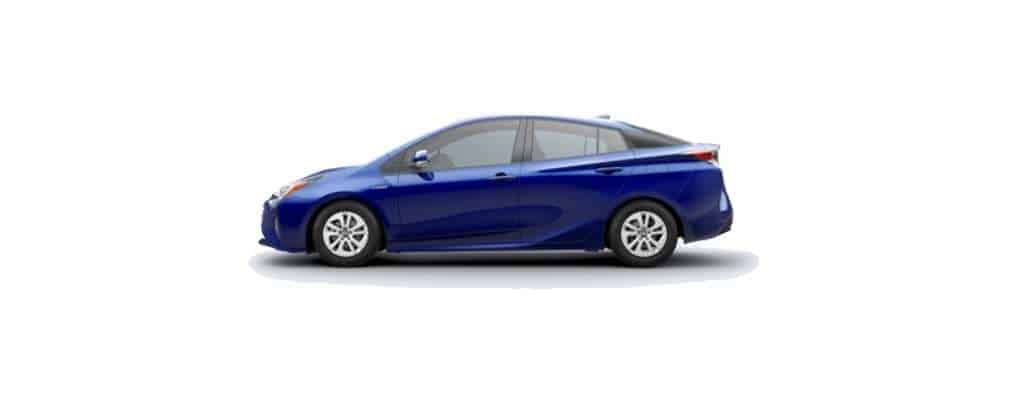
Learn how to set the time on the clock for the Toyota Prius with this detailed tutorial.
2016 to 2023 Models
- Use the “Left” and “Right” buttons on the steering wheel to toggle the selection to the “Clock” icon.
- With the “Clock” highlighted, use the “Up” and “Down” arrow keys to choose. Use the to make the selection.
- Use the arrow keys to navigate and change the time.
2008 to 2015 Models
With Hour/Minute Buttons
Some cars in these model years have dedicated hour and minute clock buttons. Newer models have them on the dashboard located left of the clock.
Older models have H and M minutes to the left of the clock on the radio.
Press the H, M, and Second (if equipped) buttons to adjust the time.
With Menu Options
- Turn on the ignition to the “On” position.
- Locate and press the “Menu” or “Setup” button on the dashboard or the audio system.
- Use the menu navigation buttons to select “Clock” or “Time Settings.”
- Use the menu navigation buttons to adjust the hours and minutes.
- Press the up or down buttons to change the values for hours and minutes accordingly.
- Save or confirm the changes.
1997 – 2008 Models
- Turn on the ignition to the “On” position.
- Locate the ” Clock ” button on the dashboard or the audio system.
- Press and hold the “Clock” button until the time display begins to blink.
- Once the time display is blinking, release the “Clock” button momentarily, and then press it again to adjust the hours.
- Each time you press the button, the hours will advance by one hour. Continue pressing until the desired hour is displayed.
- Release the “Clock” button momentarily, and then press it again to adjust the minutes.
- Each press will advance the minutes by one minute. Continue pressing until the desired minute is displayed.
- Leave the clock display alone for a few seconds, and the clock will automatically exit the adjustment mode and begin displaying the updated time.
I hope this tutorial has helped you set the clock on your Toyota Prius. If you have problems, please leave us a comment below.

Leave a Reply