
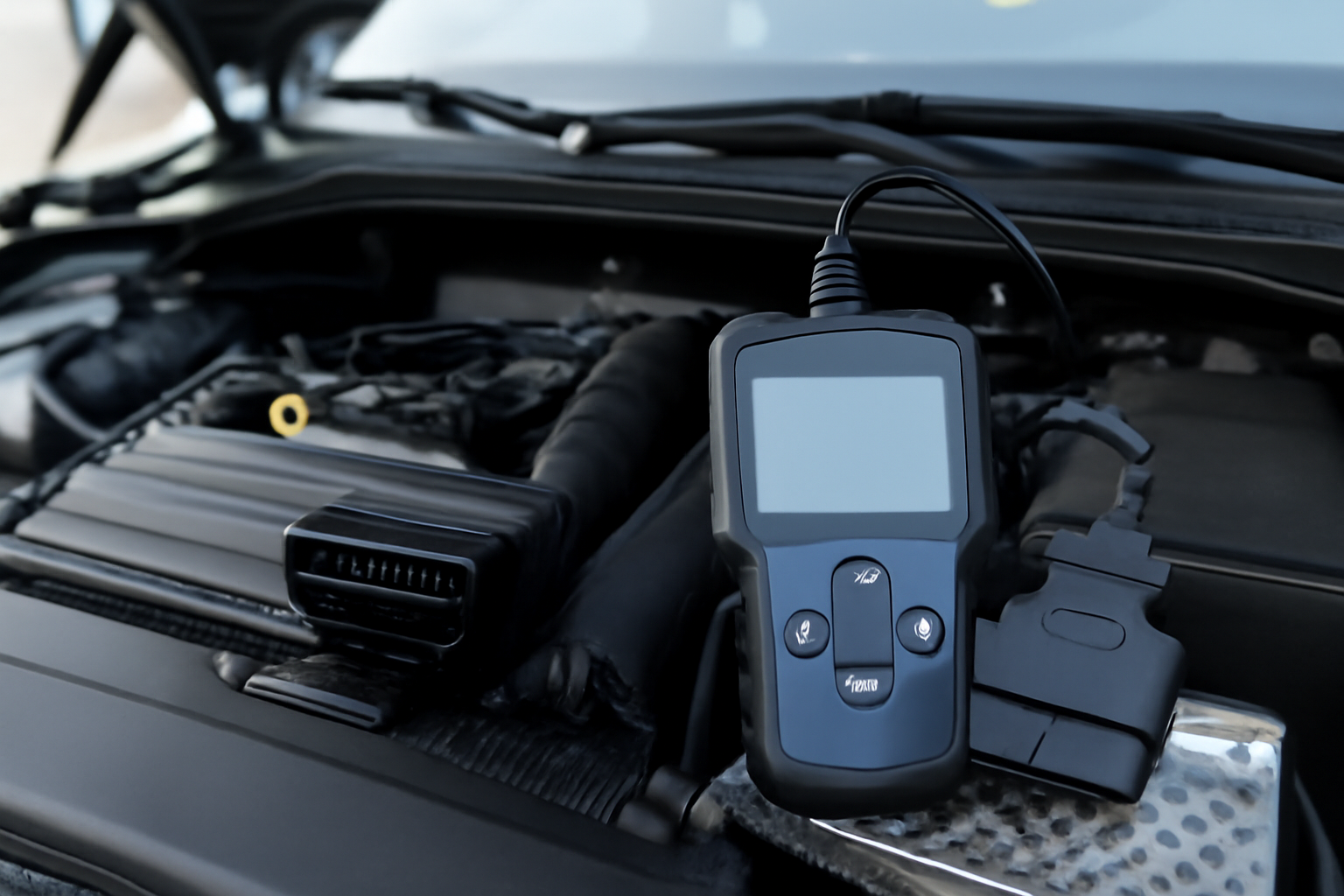
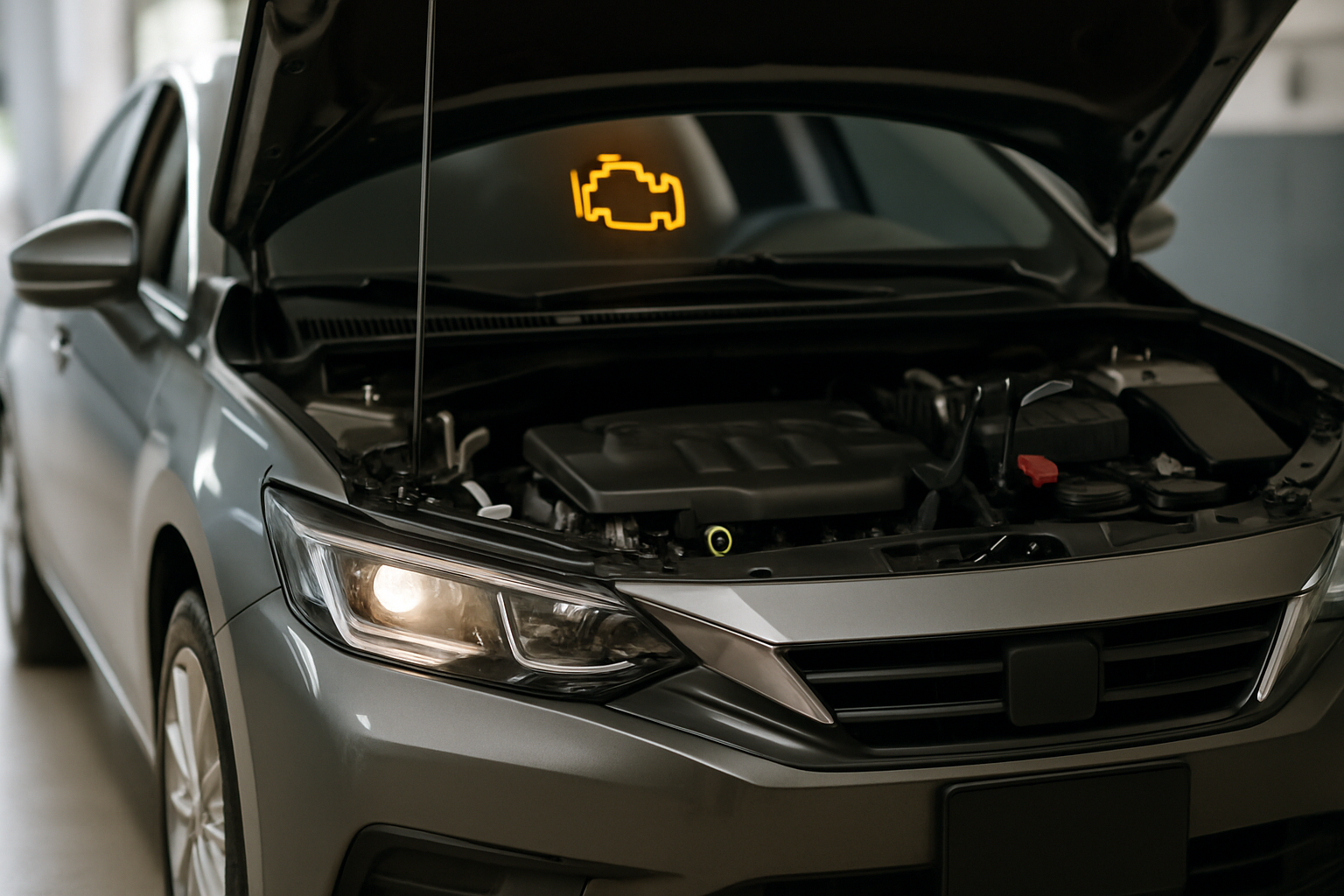
An OBD2 scanner turns your car’s mysterious warning lights into clear answers. Instead of paying a shop to read a code you could look up yourself, you plug in a scanner, get the code, and decide whether it’s a DIY fix or something for a professional. For anyone who works on their own car, it’s one of the first tools worth buying.
Scanners range from basic Bluetooth dongles that pair with your phone to handheld units with built-in screens and advanced features. The right choice depends on how deep you want to go with diagnostics.
Bluetooth OBD2 Scanners: Best for Beginners
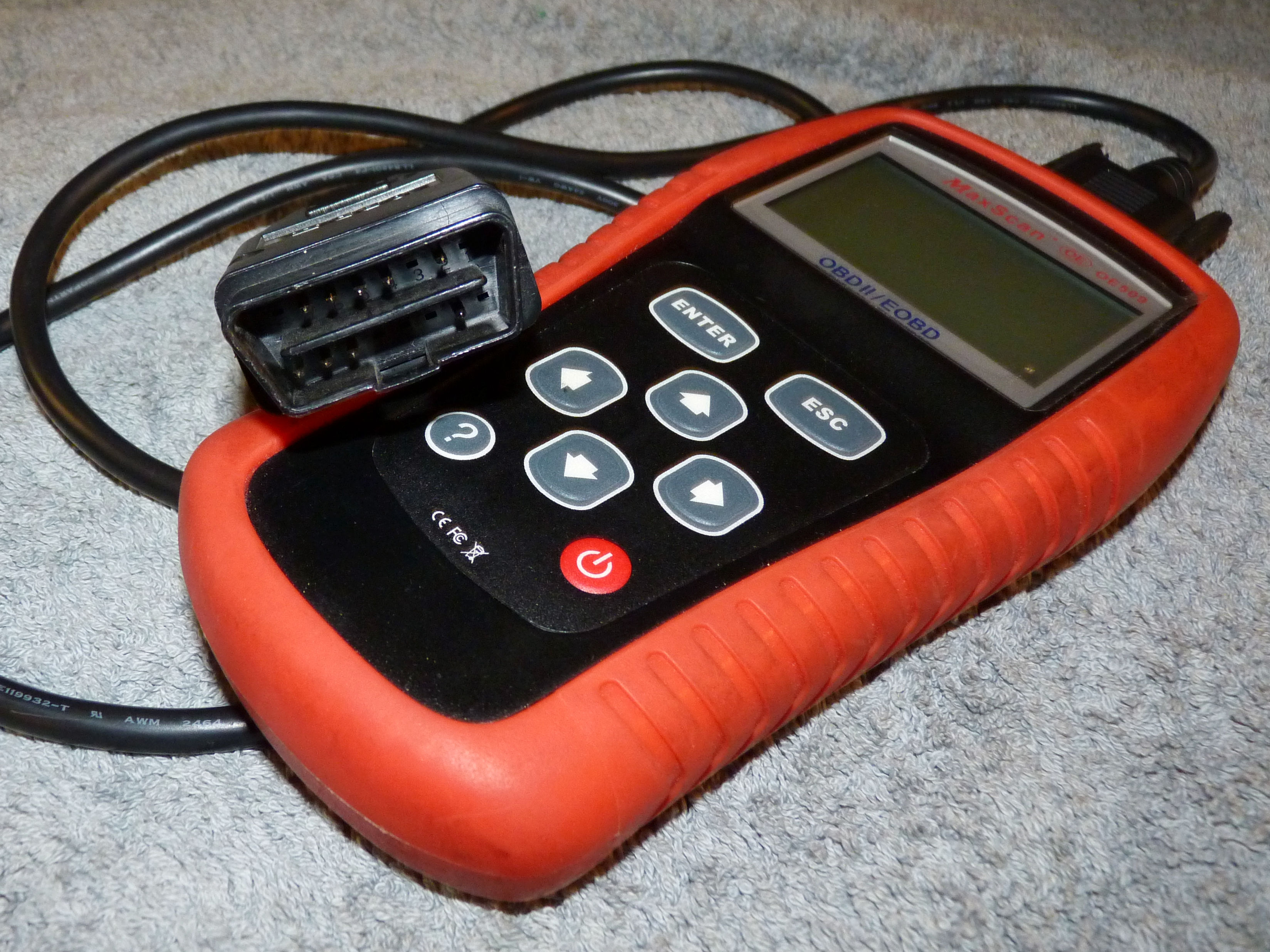
Bluetooth scanners are small adapters that plug into your car’s OBD2 port and send data to an app on your phone. They’re compact, affordable, and perfect for reading and clearing basic trouble codes.
The main thing to watch for is app compatibility. Some scanners work best with specific apps, and the quality of the app matters more than the hardware for most beginners. Look for an app that explains codes in plain English, shows live sensor data, and supports your phone’s operating system.
A solid Bluetooth OBD2 scanner paired with a well-reviewed app handles code reading, clearing, and basic live data for most casual DIYers. That covers about 80% of what home mechanics actually need.

Bluetooth OBD2 Scanner
Ideal for beginners who want basic code reading through their smartphone
Handheld OBD2 Scanners: More Power, No Phone Needed
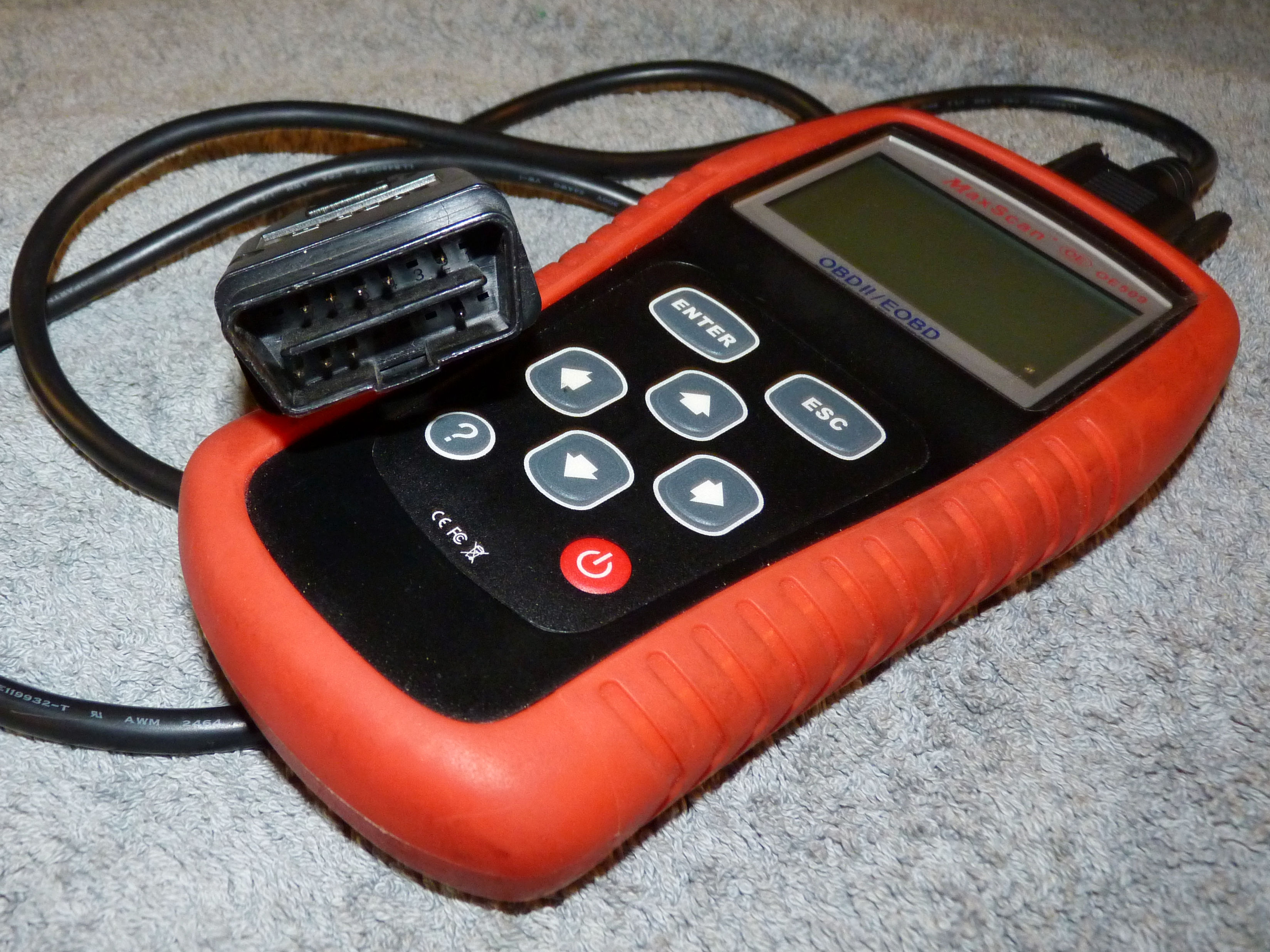
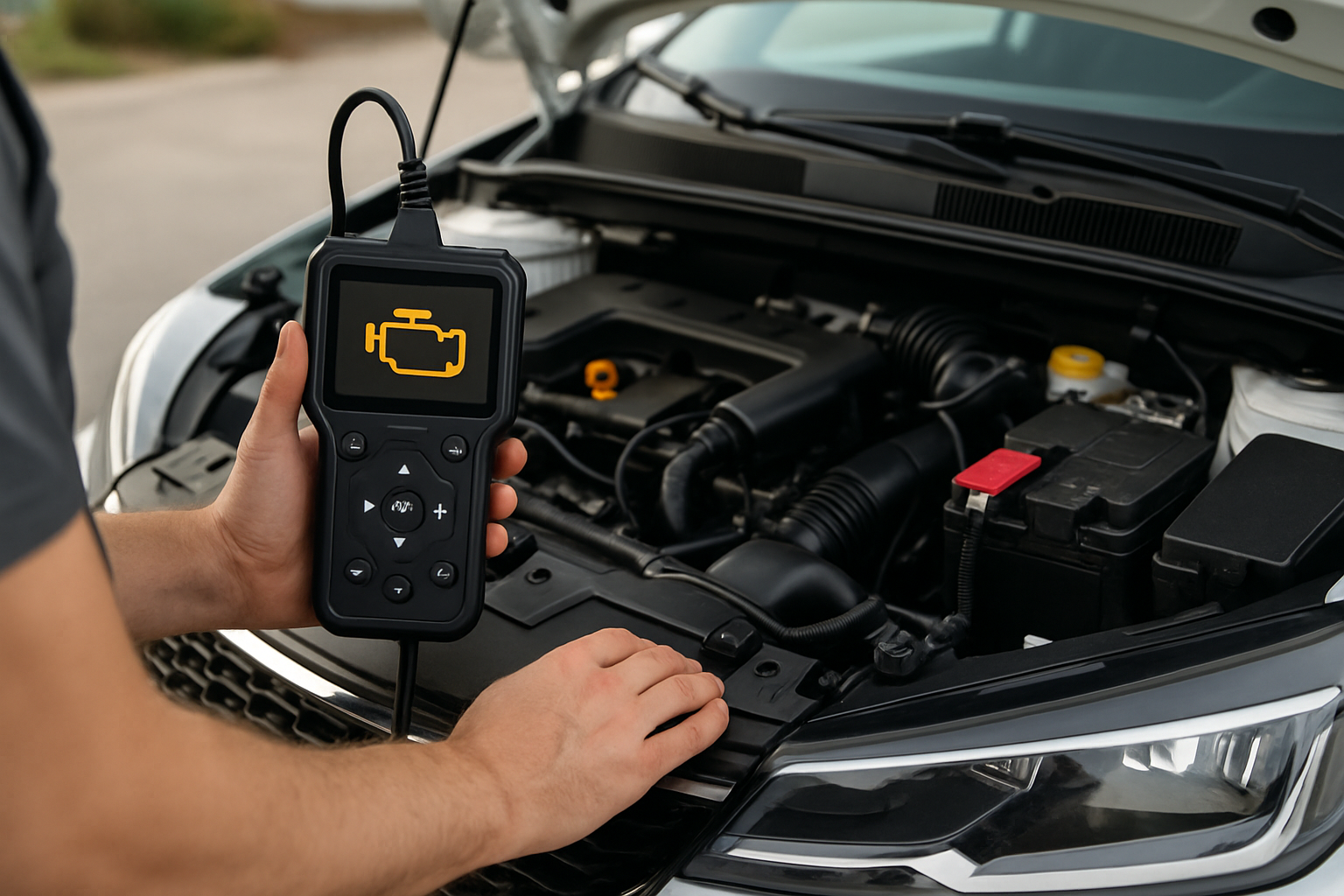
Handheld scanners have their own screen and don’t require a phone or app. They’re faster to use, often more reliable, and many offer features beyond basic code reading. If you work on cars regularly, a handheld unit is worth the extra investment.
Mid-range handheld models typically include live data graphing, freeze frame data (the sensor readings at the moment a code was set), readiness monitor status, and smog check pre-screening. These features help you understand not just what code is stored, but why it was triggered.
Higher-end handheld OBD2 scanners add ABS and transmission code reading, oil service resets, and battery registration. If you maintain multiple vehicles or tackle intermediate repairs, these extras save time.

Handheld OBD2 Scanner with Live Data
Best for regular DIY mechanics who need advanced diagnostics without relying on a smartphone
What to Look For in Any Scanner
Vehicle Compatibility
All OBD2 scanners work with cars and light trucks sold in the US from 1996 onward. However, “enhanced” codes specific to certain manufacturers (Ford, GM, Toyota, etc.) require a scanner that supports those protocols. Check compatibility with your specific make before buying if you want manufacturer-specific data.
Update Support
Cars add new codes and systems every model year. A scanner that receives regular firmware or app updates stays useful longer. Free lifetime updates are ideal, but some brands charge an annual subscription for updates after the first year.
Live Data and Graphing
Live data lets you watch sensor readings in real time while the engine runs. Graphing those readings over time helps you spot intermittent problems that a static code alone can’t reveal. This feature is particularly useful for diagnosing misfires, fuel trim issues, and sensor drift.
For example, if you’re troubleshooting engine hesitation during acceleration, live data graphing can show you exactly when fuel delivery or airflow drops off.
Budget vs. Premium: Which Is Right for You?
If you only need to check the occasional warning light and clear codes after repairs, a budget Bluetooth scanner does the job well. You’ll spend very little and get a tool that handles 90% of basic diagnostic tasks.
For drivers who change their own oil, brakes, and spark plugs, a mid-range handheld scanner is the sweet spot. The extra features (service resets, ABS codes, battery registration) mean fewer trips to the shop for things a scanner can handle.
Professional-grade scanners with bidirectional controls (the ability to command components to activate for testing) are overkill for most home mechanics. Save that investment for when you’re doing repairs professionally.
Tips for Getting the Most From Your Scanner
Always scan with the engine off and ignition in the “on” position for the initial code pull. Write down every code before clearing anything, since clearing codes erases freeze frame data you might need later.
After making a repair and clearing codes, drive the car through a complete drive cycle (usually 50-100 miles of mixed city and highway driving) before checking whether the code returns. This gives the computer enough data to re-evaluate the system you repaired.
An OBD2 scanner is especially helpful when evaluating used cars under competitively priced or checking whether a high-mileage vehicle you’re considering is worth buying. You can read stored codes and check readiness monitors before making a purchase decision.
Common Diagnostic Tasks You Can Handle
Beyond basic code reading, an OBD2 scanner helps you diagnose specific issues without a mechanic. You can identify sensor failures, check oxygen sensor performance, monitor coolant temperature to diagnose overheating with AC on, and verify repair success.
Many modern scanners also let you reset service lights after oil changes, register new batteries (required on many European vehicles), and perform brake bleeding procedures on ABS-equipped cars. These capabilities turn your scanner from a diagnostic tool into a legitimate repair assistant.
Frequently Asked Questions
Will a cheap Bluetooth scanner work on my car?
Yes, any ELM327-based Bluetooth scanner reads generic OBD2 codes on all 1996+ vehicles. The main limitation is that very cheap units may not support enhanced manufacturer-specific codes or have slower data refresh rates.
Can an OBD2 scanner damage my car?
Reading codes and viewing live data cannot damage your vehicle. Clearing codes is also safe, though it resets your readiness monitors, which can affect emissions testing. Bidirectional controls (found on advanced scanners) should only be used if you know what you’re doing.
Do I need a scanner if my auto parts store reads codes for free?
Free code reads are helpful, but you can’t monitor live data or check codes at home in your driveway. Owning a scanner lets you diagnose issues as they happen, clear codes after repairs, and avoid unnecessary trips to the store.
What’s the difference between generic and manufacturer-specific codes?
Generic codes (starting with P0, P2, P3) are standardized across all vehicles and any OBD2 scanner can read them. Manufacturer-specific codes (P1, some P3 codes) are unique to each brand and require a scanner that supports those enhanced protocols. For complete diagnostics on your specific make, verify the scanner supports manufacturer codes before buying.

Leave a Reply