
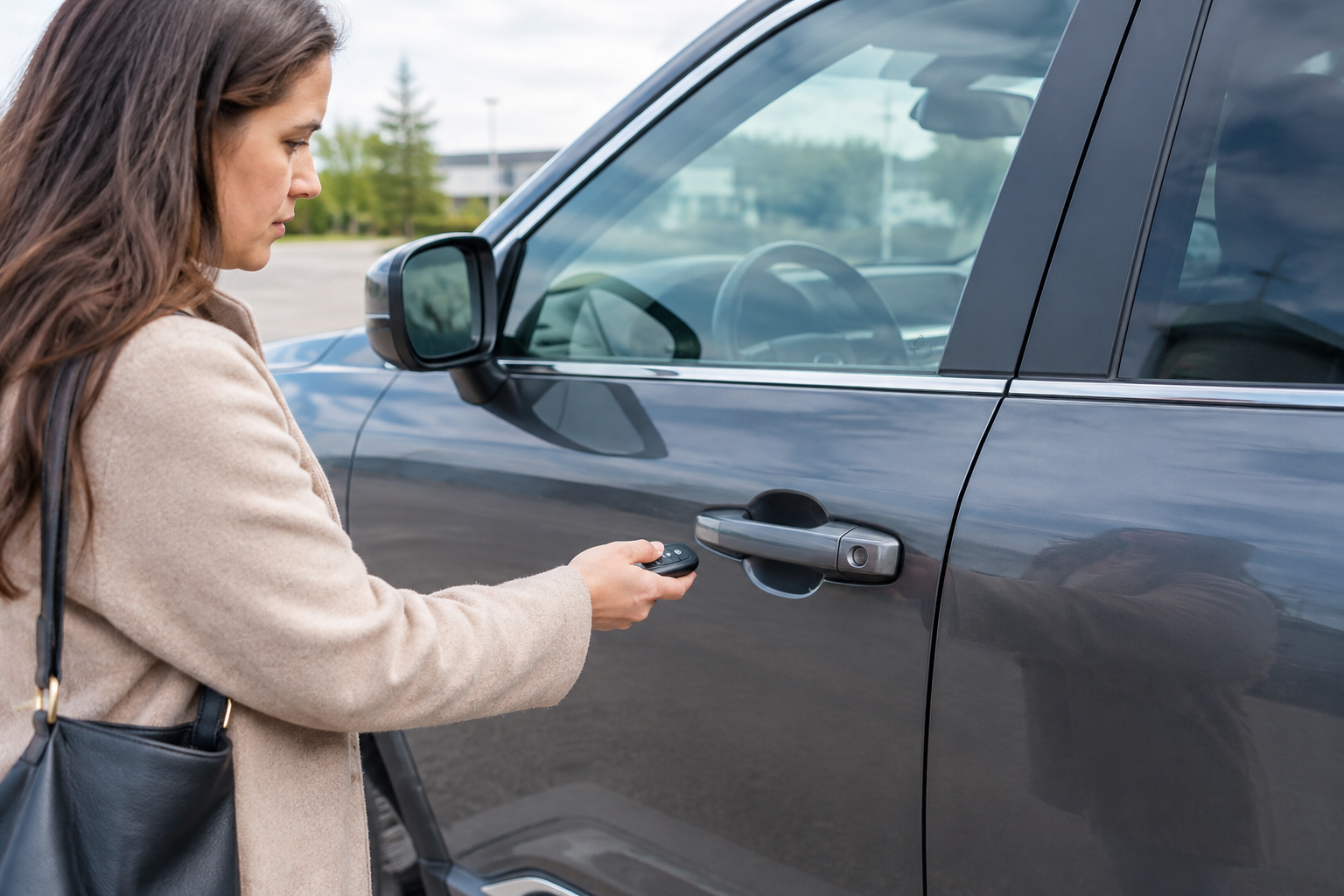
You walk up to your Rogue with your hands full of groceries, tap the door handle like you always do, and nothing happens. No click, no unlock chirp, nothing. You dig the fob out of your pocket and press the button instead, and the doors pop open just fine. That mismatch is actually a big clue, and it points you toward the fix a lot faster than randomly replacing parts.
Nissan calls this feature Intelligent Key with Advanced Drive-Assist, though most owners just know it as passive entry or keyless entry. It’s the system that lets you unlock and start the vehicle without ever pulling the fob out of your pocket or bag. When it stops working at the door handle but the fob buttons still work, you’re dealing with a narrower list of causes than you might think.
How Passive Entry Is Supposed to Work on the Rogue
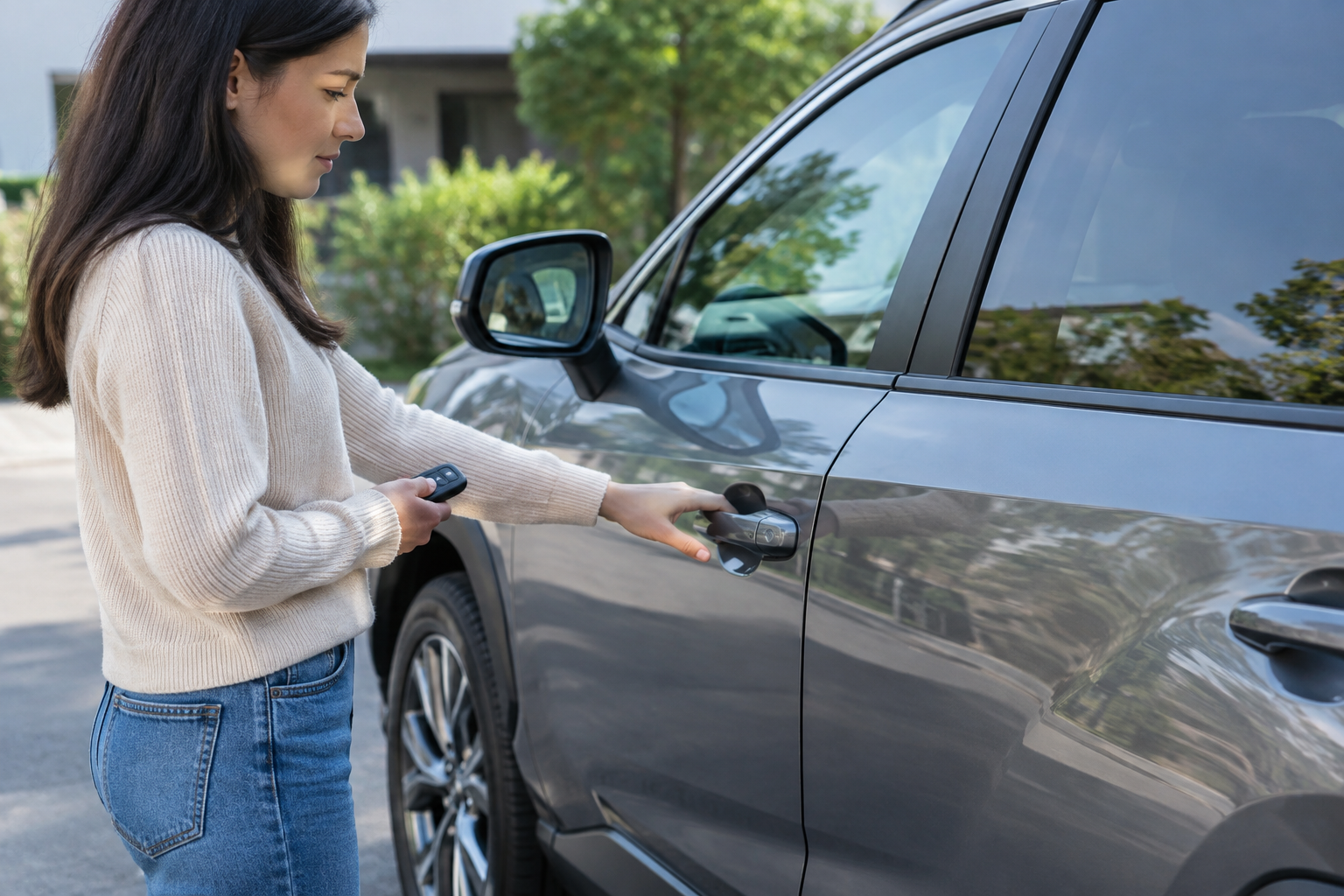
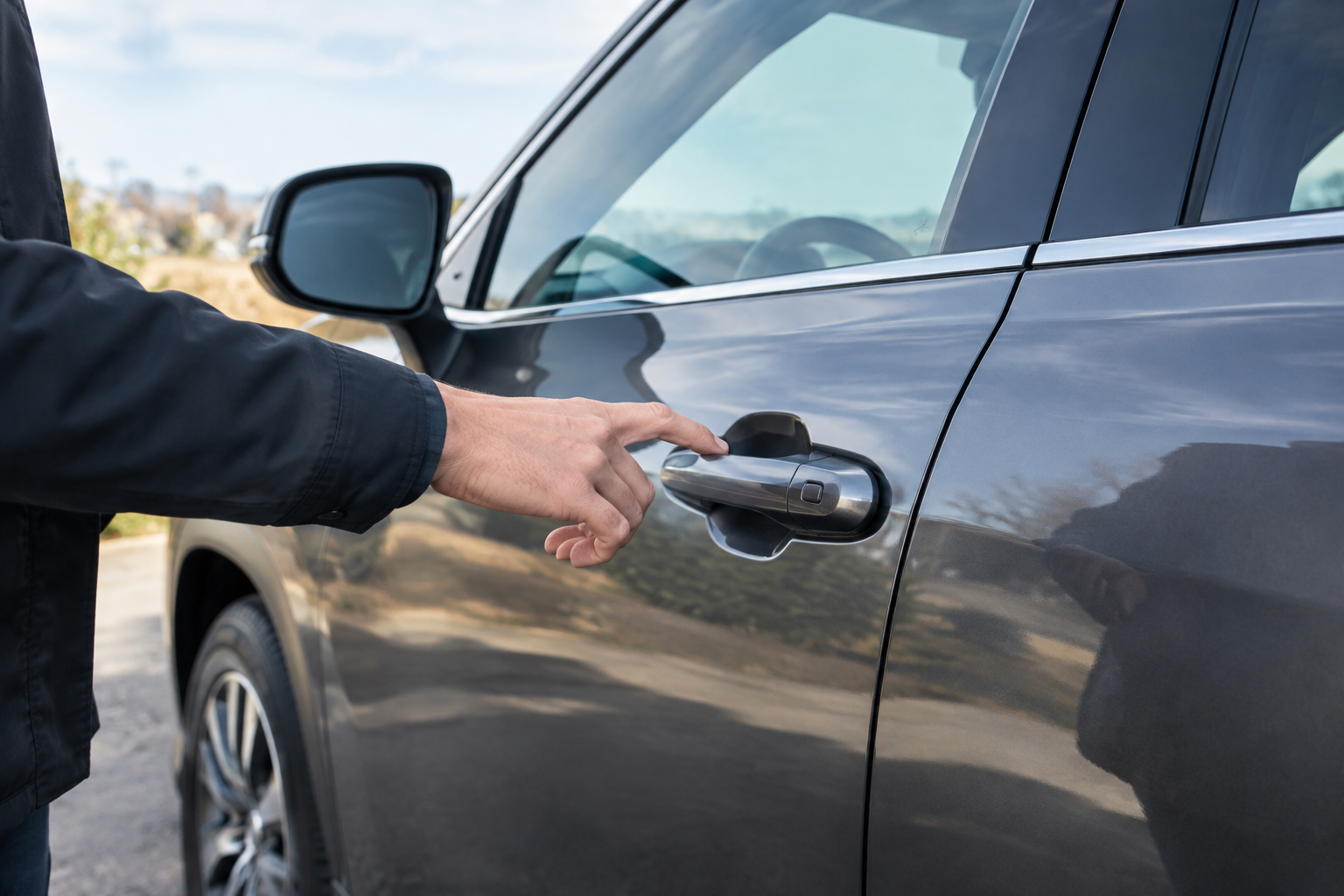
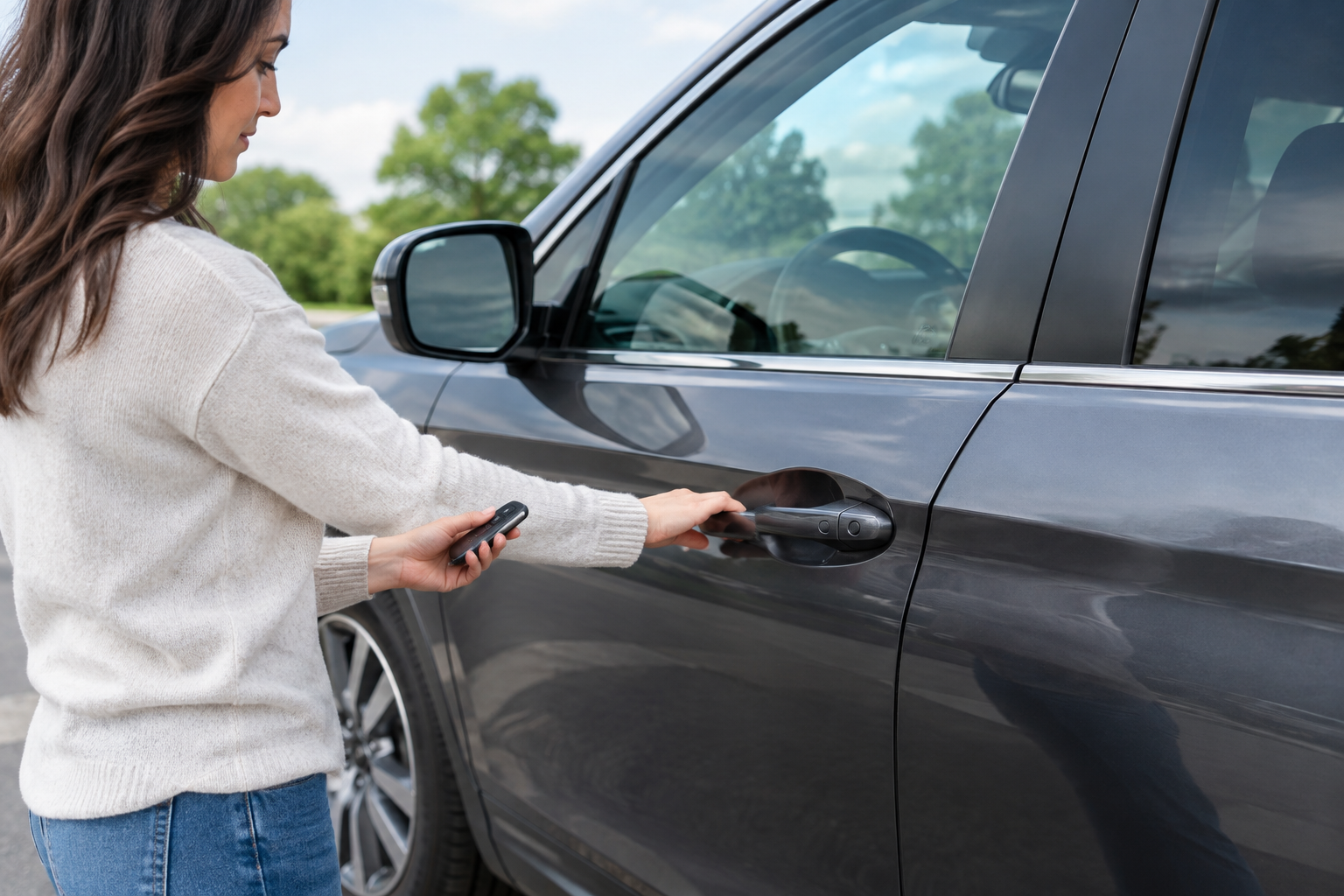
On most Rogue model years (2014 to present, across all three generations), the passive entry system uses antennas built into the door handles that constantly listen for a signal from the Intelligent Key fob when it’s within a few feet of the vehicle. Touch the small button or sensor pad on the back of the driver or passenger door handle, and the car verifies the fob is nearby before unlocking that door.
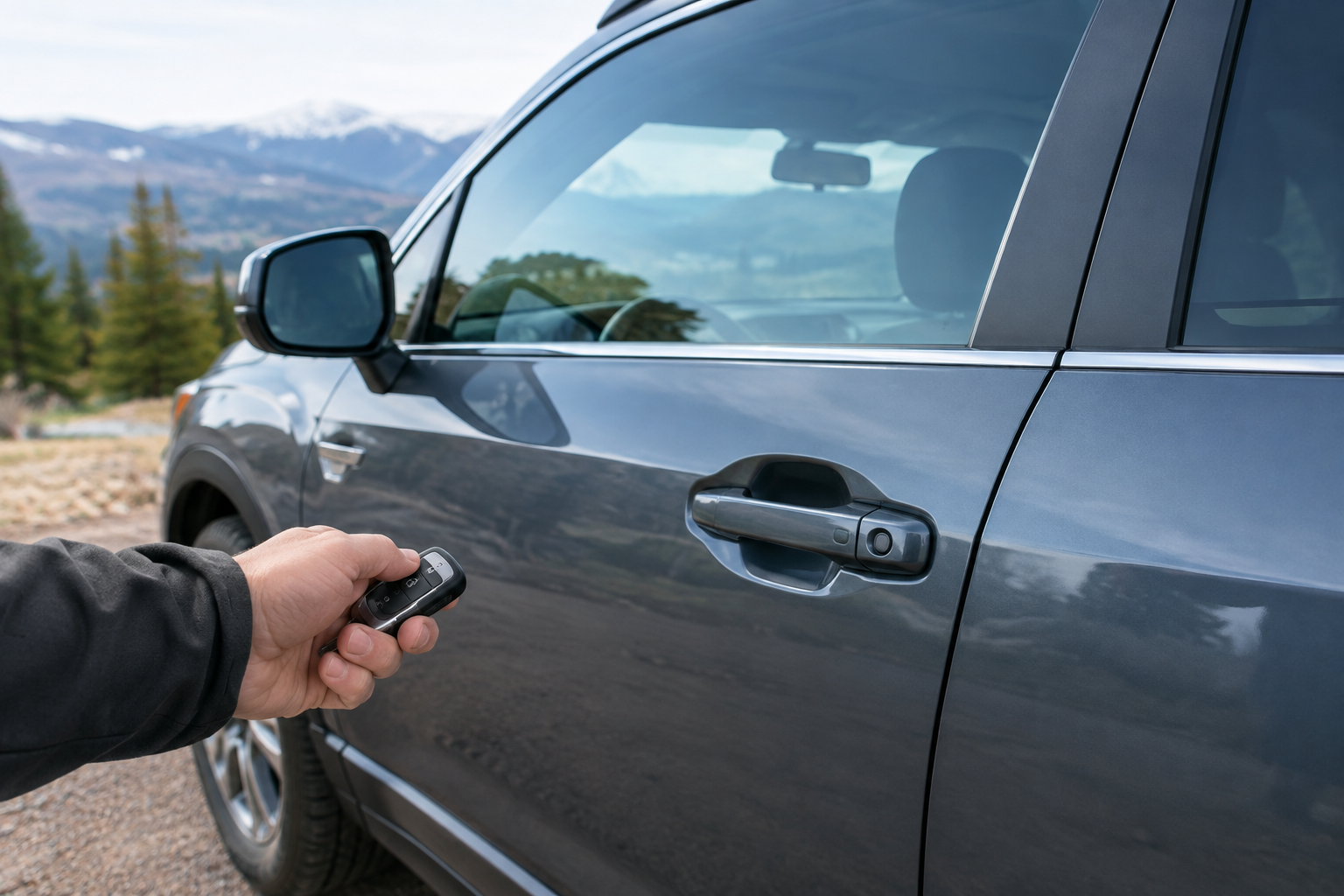
This is different from the remote unlock button on the fob itself, which uses a stronger RF signal that can work from much farther away. That’s why a weak fob battery can kill passive entry at the handle while the remote buttons still function for a little while longer. The two systems draw on the fob’s battery differently, and passive entry is the first thing to degrade.
It’s also worth knowing that not every Rogue trim has passive entry on both front doors. Some base trims (like older S trims) only equip the driver’s door with the touch sensor, while SL and Platinum trims typically have it on both front doors. If you’re testing the passenger side and it’s never worked, check your owner’s manual before assuming something broke.
Start With the Fob Battery, Even If the Remote Buttons Still Work
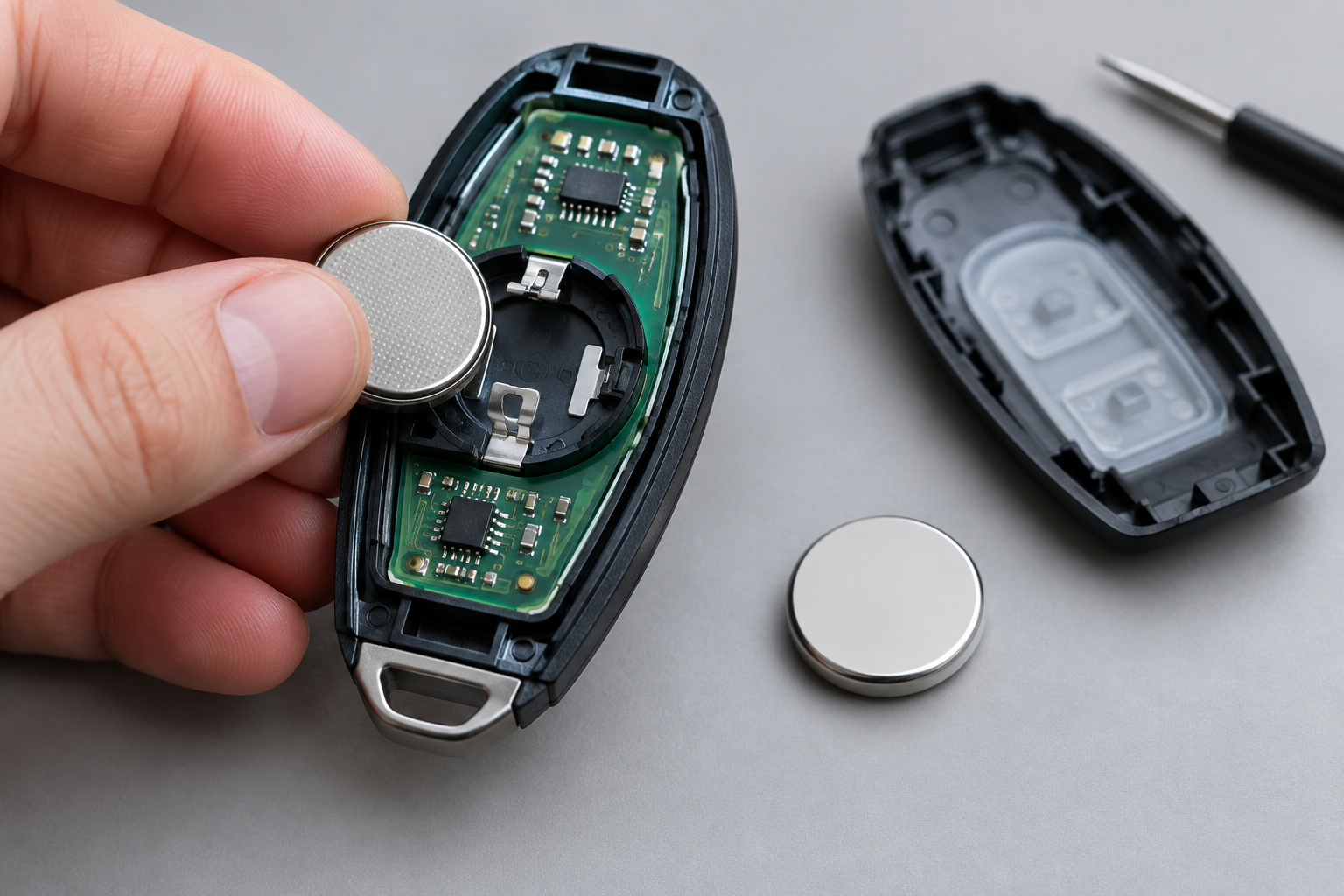
The single most common cause of passive entry failure is a fob battery that’s weak but not fully dead. The Rogue’s Intelligent Key uses a CR2025 or CR2032 coin cell battery depending on model year, and Nissan fobs are notorious for giving you a slow fade rather than a sudden death.
You’ll often notice the range on passive entry shrinking first. Instead of unlocking as soon as you’re within a few feet, you might have to stand right against the handle before it responds. Eventually touch entry stops working altogether, but the panic button and remote lock/unlock buttons keep functioning for days or weeks longer because they only need a strong pulse for a split second, not constant proximity detection.
Replacing the battery is cheap and takes about two minutes. Pop open the fob (there’s usually a small tab or hidden screw), swap the battery with the correct orientation, and snap it back together.
Nissan Rogue Key Fob Battery CR2025
A fresh coin cell battery is the cheapest fix for fading passive entry range, and a two-pack means you’ll have a spare on hand.
If you’re not sure which battery size your fob takes, check the sticker inside the battery compartment or your owner’s manual glovebox card. Using the wrong voltage or size battery can seat loosely and cause intermittent problems that look exactly like a dying battery even when it’s fresh.
Fob Sleep Mode and Power-Saving Behavior
Nissan built a power-saving feature into the Intelligent Key that puts the fob into a low-power sleep state if it hasn’t been used or moved in a while. This is meant to extend battery life, but it can also mean your fob simply isn’t broadcasting a strong enough signal to trigger the handle sensor after sitting still for an extended period, like overnight in a house or in a bag on a desk at work.
Usually walking toward the car and pressing any button on the fob once wakes it back up, and touch entry works normally after that. If you find you always have to press a button before the handle will respond, that’s a sign of either sleep mode kicking in aggressively or a battery that’s on its way out, even if it’s not dead yet.
Some owners also carry the fob near other electronics like phones, other key fobs, or metal objects in a bag, which can interfere with the signal reaching the car. Try carrying the fob in a different pocket or a dedicated spot in your bag for a few days and see if the problem improves.
Check Whether Passive Entry Got Disabled in Settings
This one catches a surprising number of Rogue owners off guard. Depending on your model year, Nissan lets you toggle passive entry on or off entirely through the vehicle information display, accessed with the steering wheel controls, or in some newer models through the touchscreen settings menu under “Vehicle Settings” or “Locks.”
If someone else drove the car recently, a service shop reset settings during maintenance, or you were poking around the menus yourself, it’s possible the feature simply got switched off rather than being broken. Go into the settings menu and look for anything labeled Intelligent Key, Keyless Entry, or Advanced Drive-Assist Display and confirm passive/touch unlock is enabled.
This is worth checking before you spend money on parts, since it takes about thirty seconds and costs nothing. It’s a similar idea to checking software toggles on other systems, like when people assume a hardware fault is to blame for something that turns out to be a simple setting, the same way owners troubleshooting lane assist behavior on the Rogue often find the answer buried in a menu rather than a mechanical issue.
Testing a Single Door Handle vs. a Vehicle-Wide Problem
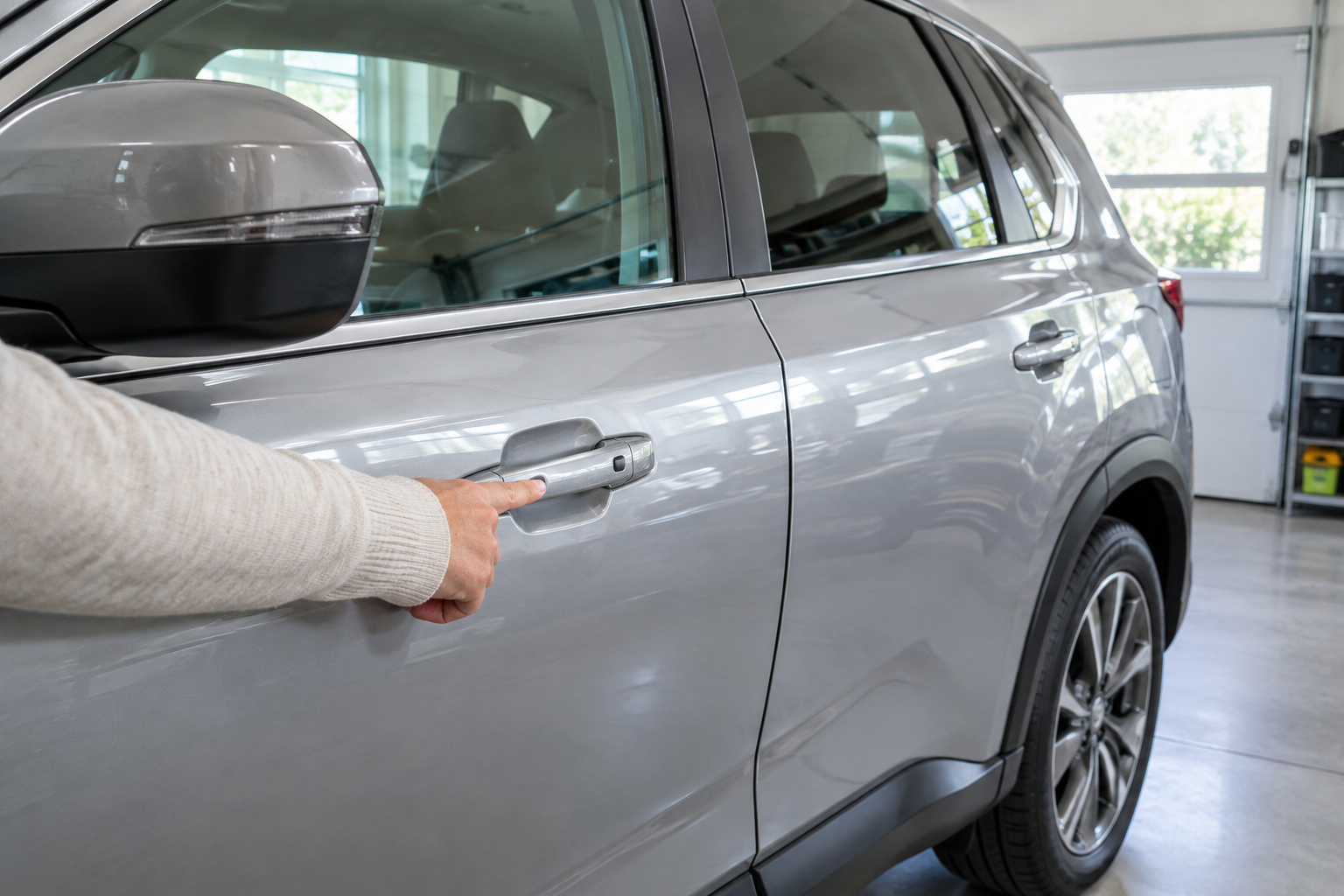
Once you’ve ruled out the fob and settings, the next step is figuring out whether this is a fob issue, a single-handle issue, or something affecting the whole car.
- If the fob still locks and unlocks via remote buttons at a normal distance, and passive entry fails at every door, the problem likely sits with the fob battery or antenna reception in the vehicle rather than one bad handle.
- If passive entry works fine on one door handle but not the other, you’re almost certainly looking at a failed sensor or wiring issue in that specific handle, since fob problems affect the whole car equally.
- If nothing works at all, not even the remote buttons, check the 12V battery before anything else. A weak or discharged battery is a very common and overlooked cause.
To test a single handle, try a second Intelligent Key fob if you have one (most Rogues come with two). If the second fob also fails at the same door but works fine at the other door, that isolates the fault to the handle itself, not the fob.
Door handle touch sensors on the Rogue are known to fail after years of exposure to road salt, moisture, and general wear, especially on the driver’s door which gets used the most. Replacement handle assemblies with the sensor built in are available, and a competent shop or a confident DIYer can swap one in an afternoon.
Low 12V Battery Voltage and Its Effect on Passive Entry
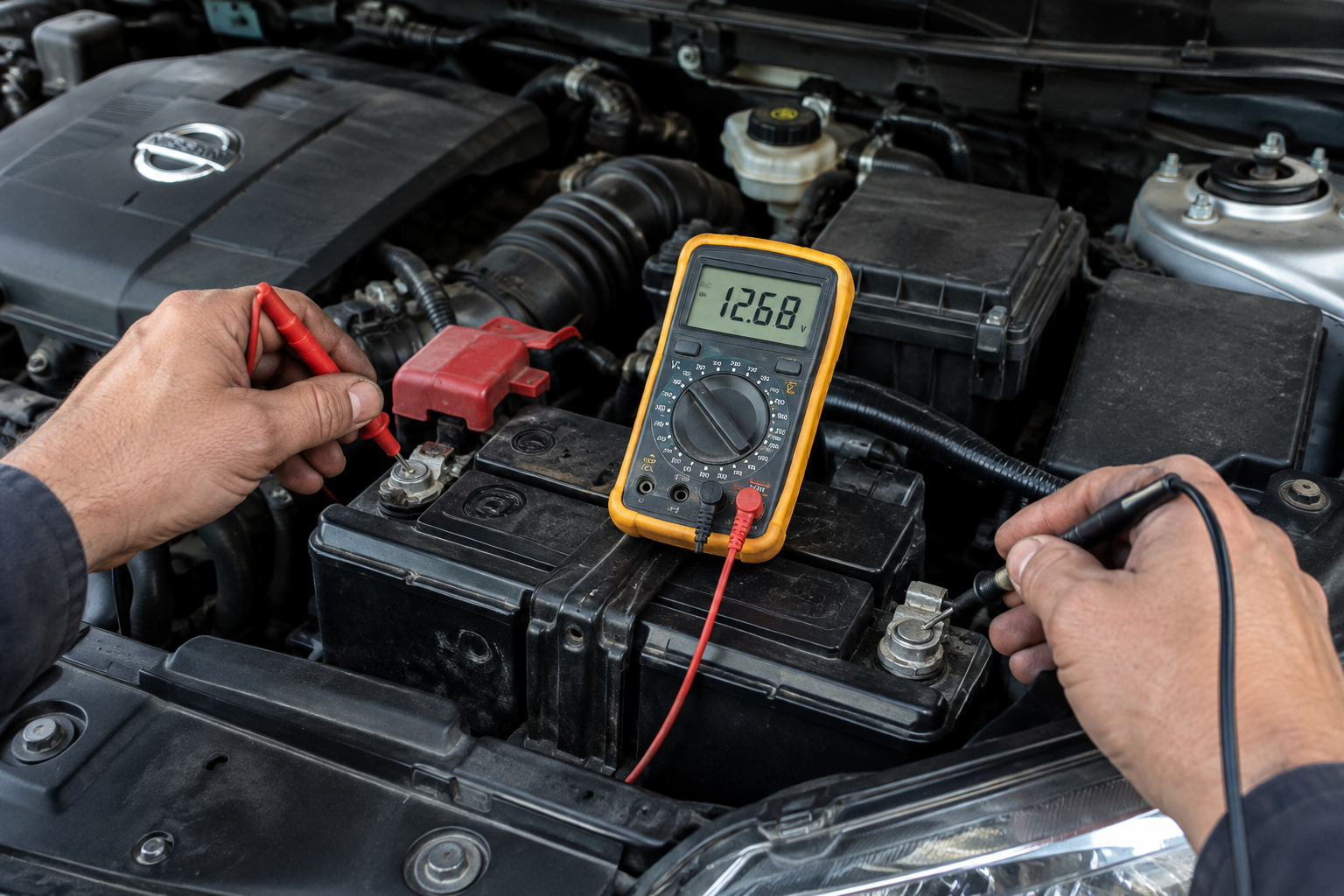
The Rogue’s Body Control Module handles a lot of small electrical tasks, including running the antennas in the door handles that detect your fob. When the 12V battery voltage drops even slightly below normal, whether from age, a parasitic drain, or cold weather, passive entry is often one of the first features to act up before you notice anything else wrong.
This is especially common in Rogues that sit for days at a time, like a second car in a household or a commuter vehicle that only gets driven a few times a week. A battery that’s marginal but still cranks the engine fine can still cause passive entry dropouts because the sensors need stable voltage to read the signal properly.
If your Rogue is more than three or four years old and you’re noticing passive entry issues along with slower cranking, dim interior lights, or accessories acting sluggish on startup, get the battery tested at any auto parts store. Most will test it for free and give you a clear pass or replace reading.
Battery Voltage Tester
A cheap voltage tester lets you check your 12V battery health at home before it starts affecting electronics like passive entry.
Electrical gremlins like this aren’t unique to the Rogue. If you’ve dealt with unrelated electrical quirks on other vehicles, like intermittent alerts or sensor behavior, you know how a marginal battery or module can cause symptoms that seem totally disconnected from the actual cause.
Antenna Interference and Environmental Factors
Passive entry relies on a low-frequency signal between the fob and the car’s antennas, and that signal isn’t immune to interference. Parking near cell towers, large power lines, or other vehicles with active keyless systems can occasionally disrupt the handshake between fob and car, though this is a less common cause than battery or settings issues.
More commonly, physical damage to the handle itself, from a fender bender, a car wash brush catching it wrong, or someone yanking it open aggressively, can crack the sensor housing or loosen a wiring connector behind it. If your passive entry problem started right after any kind of impact or body work near that door, that’s your first suspect, not the fob.
Cold weather can also slow the response time of the sensors slightly, though it shouldn’t stop them from working entirely. If your Rogue only has trouble in freezing temperatures and it’s otherwise fine, that’s likely just normal cold-weather lag rather than a fault worth chasing.
When to See a Nissan Dealer or Independent Shop
If you’ve replaced the fob battery, confirmed passive entry is enabled in the settings, tested a second fob, and checked the 12V battery, and the problem is still isolated to one door handle, it’s time for a professional diagnosis. A shop with Nissan-specific scan tools can pull codes from the Body Control Module that point directly to which antenna or handle circuit is failing, saving you from guessing and replacing the wrong part.
This is also the point where it makes sense to get the fob itself tested on a bench, since some intermittent fob failures don’t show up as a simple dead battery but as a failing internal antenna or chip that only a diagnostic tool can confirm.
Frequently Asked Questions
Why does my Nissan Rogue key fob work but not the door handle?
This almost always points to either a weak fob battery, the fob being in a low-power sleep state, or passive entry being disabled in the vehicle settings. The remote buttons on the fob use a stronger signal and need less power than the constant proximity detection required for passive entry, so they tend to keep working after touch entry has already started failing.
How do I know if it’s my door handle sensor and not the fob?
Test a second Intelligent Key fob at the same door handle. If the second fob also fails to unlock that specific door while working fine on the other side, the handle sensor or its wiring is the problem, not the fob.
Can a low car battery cause keyless entry to stop working?
Yes. The Body Control Module needs stable voltage to run the door handle antennas properly, and even a battery that’s still strong enough to start the engine can cause passive entry dropouts if voltage is marginal. Getting the battery load-tested is a quick way to rule this out.
Is passive entry the same as remote keyless entry on the Rogue?
No, they’re related but separate systems within Nissan’s Intelligent Key setup. Remote keyless entry refers to pressing the buttons on the fob to lock or unlock from a distance, while passive entry is the touch-sensor feature on the door handle that unlocks automatically when the fob is nearby, without pressing anything.
Leave a Reply