
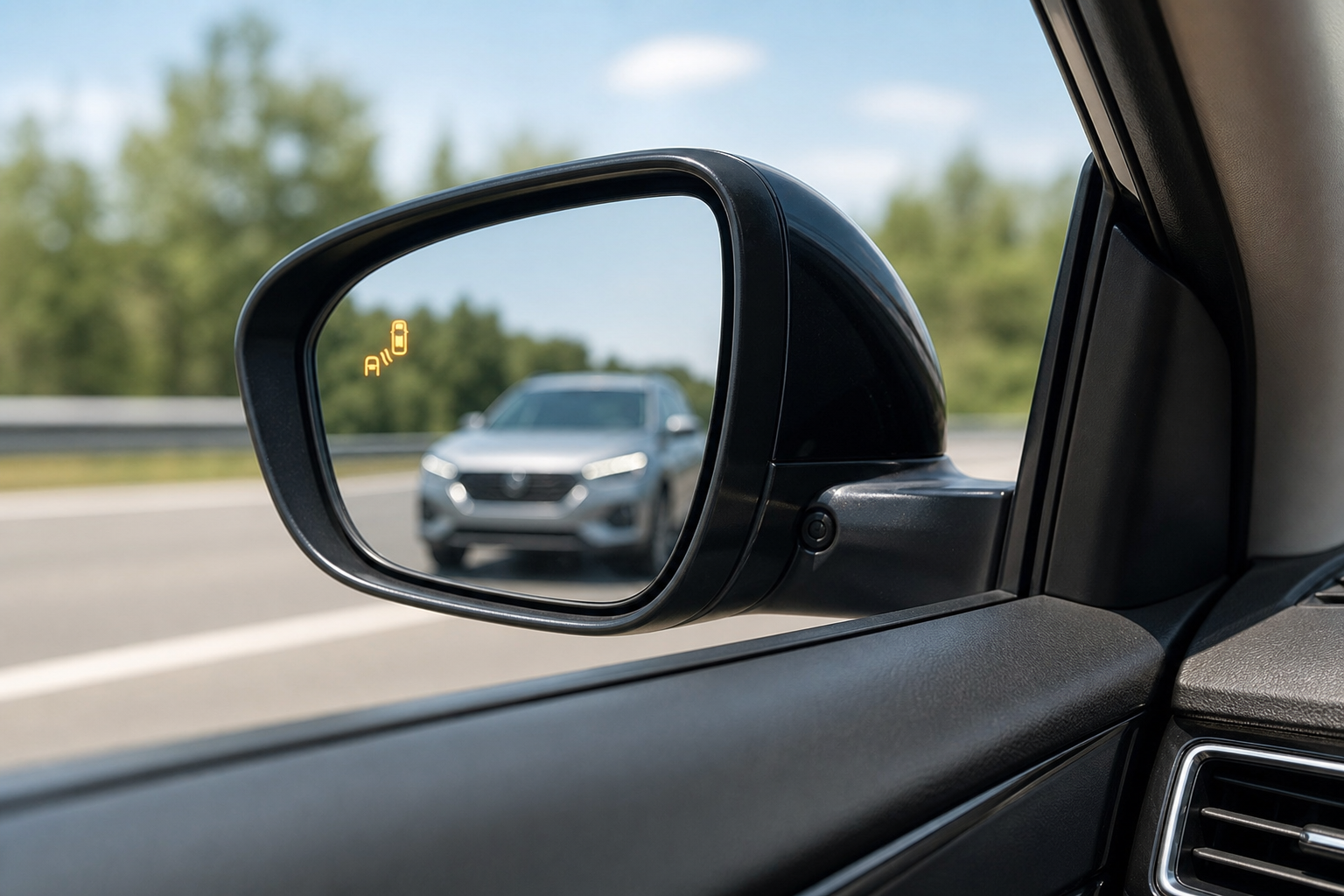
If the blind spot warning light on your Nissan Rogue’s mirror suddenly stops lighting up, or you get a message saying the system is temporarily unavailable, it’s easy to assume the worst. Most of the time, though, the cause is something simple you can fix yourself in the driveway, not a expensive sensor replacement. Before you book a shop appointment, it helps to know exactly what’s going on behind that rear bumper and why the system is so sensitive to interference in the first place.
What Nissan Calls This System (and Where the Sensors Live)

Nissan’s official name for this feature is Blind Spot Warning, or BSW. On some Rogue trims you’ll also see it paired with Blind Spot Intervention, which adds gentle steering correction if you drift toward a vehicle in your blind spot. They work off the same hardware, so if one stops functioning, the other usually does too.
The actual sensors are radar units mounted in the rear bumper cover, one on each corner behind the plastic fascia. They’re not visible from the outside, which is part of why bumper damage or an aftermarket hitch can throw them off without you noticing any physical change.
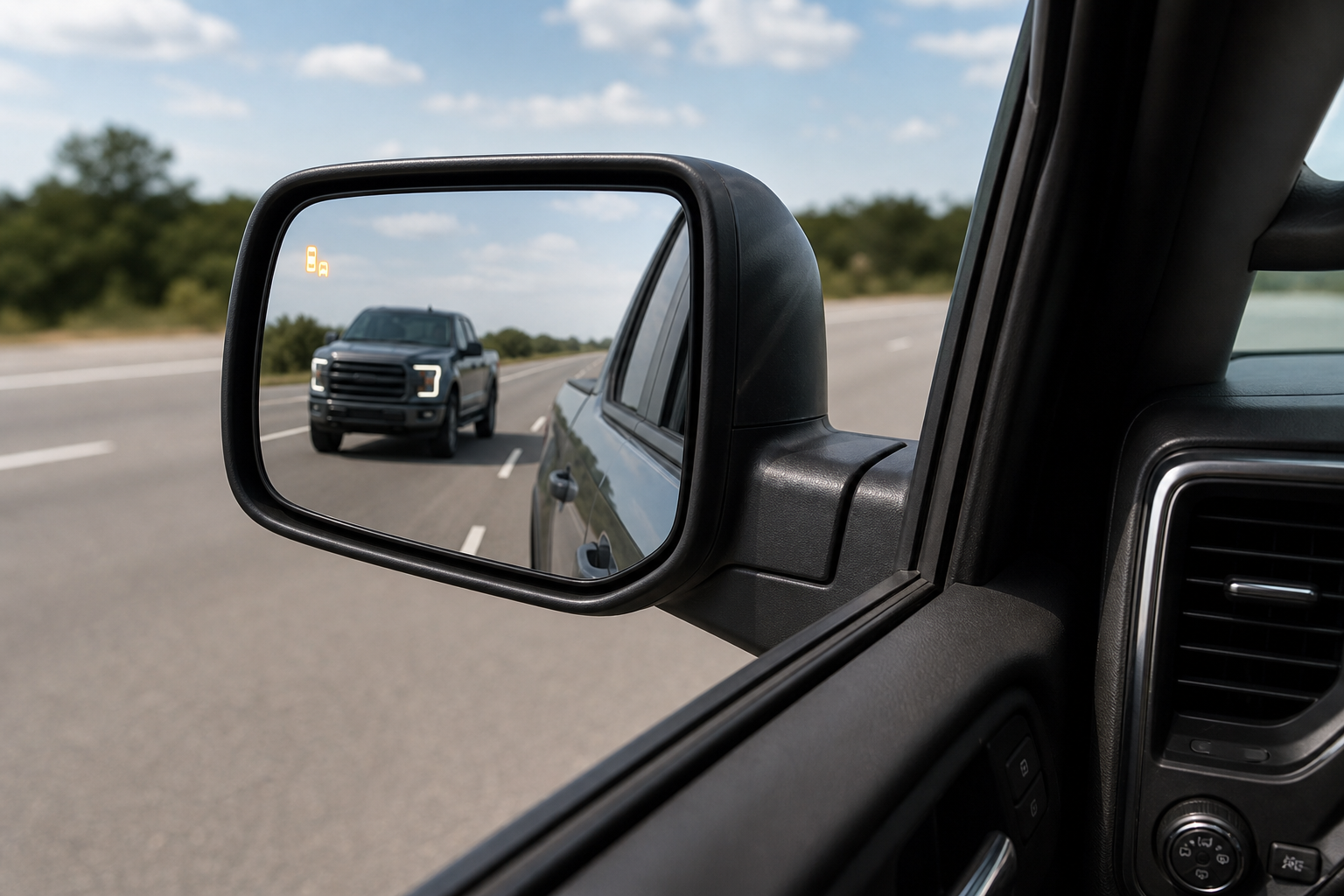
Availability has shifted across generations. On the second-generation Rogue (2014-2020), BSW was optional and tied to SV and SL trims with the Premium or Platinum packages. On the third-generation Rogue (2021-present), it became standard or near-standard across most trim levels, including the base S in many model years. If you’re not sure your Rogue even has the feature, check your trim’s window sticker or look for the small warning icon on the outside edge of your side mirrors.
Start With the Simple, Owner-Safe Checks
Before assuming a sensor is bad, run through these checks. They take a few minutes and solve the majority of BSW complaints.
Dirt, Snow, Mud, and Road Grime
Radar sensors need a clear path through the bumper cover, and a thick layer of road salt, mud, or packed snow can block the signal enough to trigger an “unavailable” message. This is especially common in winter or after driving unpaved roads. Wipe down both rear bumper corners with a damp microfiber cloth and give the system a minute to reset after the vehicle is running.
Trailer Hitches, Bike Racks, and Cargo Accessories
A hitch-mounted bike rack, cargo box, or even a trailer hitch ball sitting in the wrong position can sit directly in the radar’s field of view. Nissan actually disables BSW automatically when certain trailer wiring harnesses are connected, since the system can’t reliably tell a trailer from a real hazard. If you added an accessory recently and the warning appeared right after, that’s your first suspect.
Bumper Wraps, Stickers, and Aftermarket Add-Ons
Vinyl wraps, thick pinstripe tape, or a rear bumper protector installed over the sensor area can interfere with radar signals even if they look harmless. Metallic-based paints or wraps are the worst offenders. If you had bodywork or a wrap done recently, that’s worth checking before anything else.
Settings Turned Off Accidentally
It sounds obvious, but BSW can be toggled off from the settings menu on the dash display, and it’s easy to bump this setting without realizing it, especially if someone else drove the car recently. Check under the driving assistance or safety shield menu and confirm the toggle is switched on.
Low Battery Voltage
Nissan’s driver assistance systems, including BSW, will often disable themselves temporarily if the vehicle’s voltage drops below a certain threshold. This happens with a weak or aging 12-volt battery, a loose terminal, or a failing alternator. If you’ve noticed slow cranking, flickering dash lights, or other electrical quirks along with the blind spot warning, the battery is the more likely culprit. We cover this exact scenario in more detail in our guide on a car battery dying overnight even when the alternator tests fine, which walks through how to isolate a parasitic drain or a weak cell.
A battery maintainer is a smart thing to keep in the garage if your Rogue sits for stretches at a time, since even a slightly discharged battery can cause enough voltage sag to knock out radar-based safety systems.
NOCO Genius Battery Maintainer
Keeps your Rogue’s battery at full charge between drives so voltage-sensitive systems like BSW don’t disable themselves.
Temporary Sensor Blockage vs. a Real Fault
There’s an important distinction between the system saying “temporarily unavailable” and the blind spot warning light staying off permanently with no message at all. A temporary unavailable message almost always clears itself once whatever is blocking the sensor is removed, whether that’s snow, a loose trailer connector, or a low battery that’s since been charged.
A light that never comes back on, paired with a dash warning that stays illuminated after a full drive cycle, points toward an actual fault in the radar module, the wiring harness, or a connector that’s corroded or unplugged. This is where a code reader becomes useful, since Nissan’s system will log a specific fault code you can look up rather than guess at.
OBD2 Bluetooth Scanner
A budget-friendly scanner that reads manufacturer-specific codes, which is often the fastest way to confirm whether a BSW sensor is actually faulty.
Bumper Damage and Misalignment

A minor parking lot bump or a low-speed fender bender doesn’t always leave visible damage, but it can shift the bumper cover slightly or knock a radar sensor out of its factory alignment. Since the sensors rely on a precise angle to scan the lane next to you, even a small shift can cause missed detections or false alerts.
If your Rogue has had any rear-end bodywork, a bumper repaint, or a bumper cover replacement, and the BSW problems started around the same time, misalignment should be high on your list of suspects. This is also the point where DIY troubleshooting reaches its limit, since realigning a radar sensor isn’t something you can eyeball in the driveway.
When You Need a Scan Tool or Professional Calibration
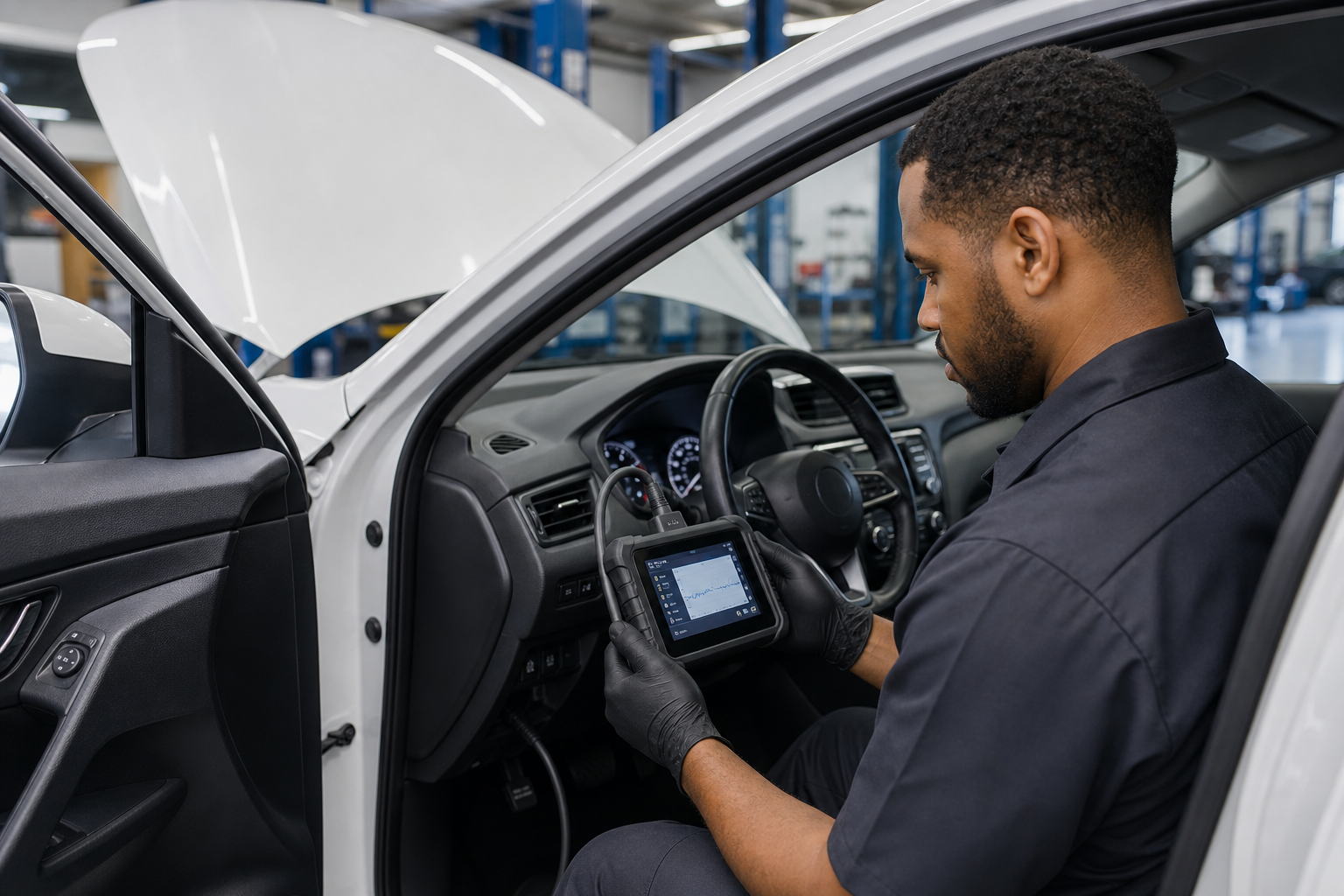
Some fixes genuinely require dealer-level or professional-shop equipment, and it’s worth knowing the difference so you don’t waste time trying to DIY something that needs a calibration target and specialized software.
- Sensor replacement: If a radar unit has physically failed, it needs to be swapped and then initialized to the vehicle’s software before it will function correctly.
- Post-collision calibration: Any time the rear bumper is removed, repaired, or replaced, the BSW sensors need to be recalibrated using Nissan’s specified procedure, which typically involves a target board set at an exact distance and angle.
- Wiring harness repairs: Corrosion or a chafed wire in the rear harness can cause intermittent faults that only show up as a stored code, not a visible symptom, and tracing that down requires a scan tool with live data capability.
- Software updates: Occasionally Nissan issues a software update for the BSW control module to fix false alerts or detection range issues, which only a dealer can flash.
If you’re comfortable sourcing your own parts, a replacement radar sensor is one repair where buying OEM or OEM-equivalent matters, since aftermarket units aren’t always compatible with Nissan’s calibration software.
Nissan Rogue Blind Spot Radar Sensor
Search current listings for OEM-style blind spot radar sensors compatible with your Rogue’s model year before booking a shop repair.
A Quick Note on Related ADAS Quirks
Blind spot warning doesn’t operate in isolation. It shares wiring, software logic, and sometimes fault codes with other driver assistance features on the Rogue. If you’ve also noticed lane keep assist behaving oddly around the same time, it’s worth reading our breakdown on how lane assist works on the Nissan Rogue and whether it stays disabled between drives, since a shared sensor or module fault can affect both systems at once.
Frequently Asked Questions
Why does my Nissan Rogue say blind spot warning is temporarily unavailable?
This message usually means the radar sensors in the rear bumper are blocked by dirt, snow, or an accessory, or that the vehicle’s battery voltage dropped below the system’s operating threshold. Clean the bumper corners, remove any hitch-mounted accessories, and make sure the battery is fully charged, then take the vehicle for a short drive to let the system re-check itself.
Can cold weather or snow really disable my Rogue’s blind spot monitoring?
Yes. Packed snow, road salt buildup, or even a thin sheet of ice over the rear bumper corners can block the radar signal enough to trigger an unavailable warning. This is one of the most common causes in winter climates and usually resolves once the bumper is cleaned off.
Does a trailer hitch always disable blind spot warning on the Rogue?
Not always, but connecting certain trailer wiring harnesses will automatically disable BSW, since the system can’t distinguish the trailer from a genuine hazard in your blind spot. Check your owner’s manual for your specific model year, since Nissan’s trailer tow package handles this differently across trims.
Do I need to recalibrate blind spot sensors after a bumper repair?
Yes, in almost every case. Removing or replacing the rear bumper cover changes the sensor’s alignment enough that Nissan requires a calibration procedure afterward. This isn’t something you can do with basic tools at home, so plan on a dealer or a shop with the correct calibration equipment.

Leave a Reply