
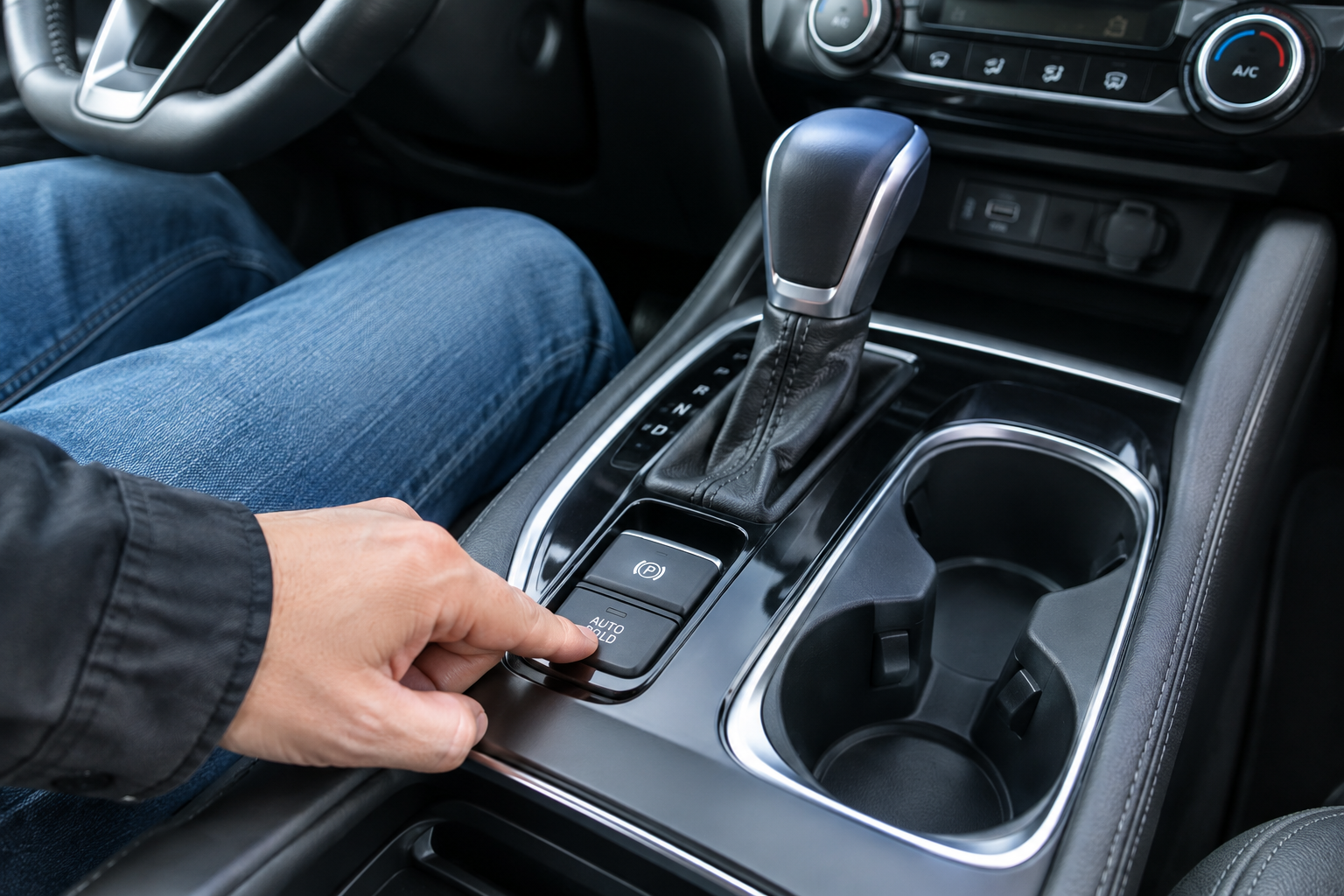
If you drive a Nissan Rogue with Auto Hold and you’re constantly hitting that button at every red light because it just won’t stick, you’re not imagining things. Auto Hold on the Rogue is picky about the conditions it needs before it’ll engage, and on top of that, Nissan designed it to reset itself every time you restart the vehicle. That combination trips up a lot of owners who assume something’s broken when the system is actually behaving exactly as engineered.
What Auto Hold Actually Does on the Rogue
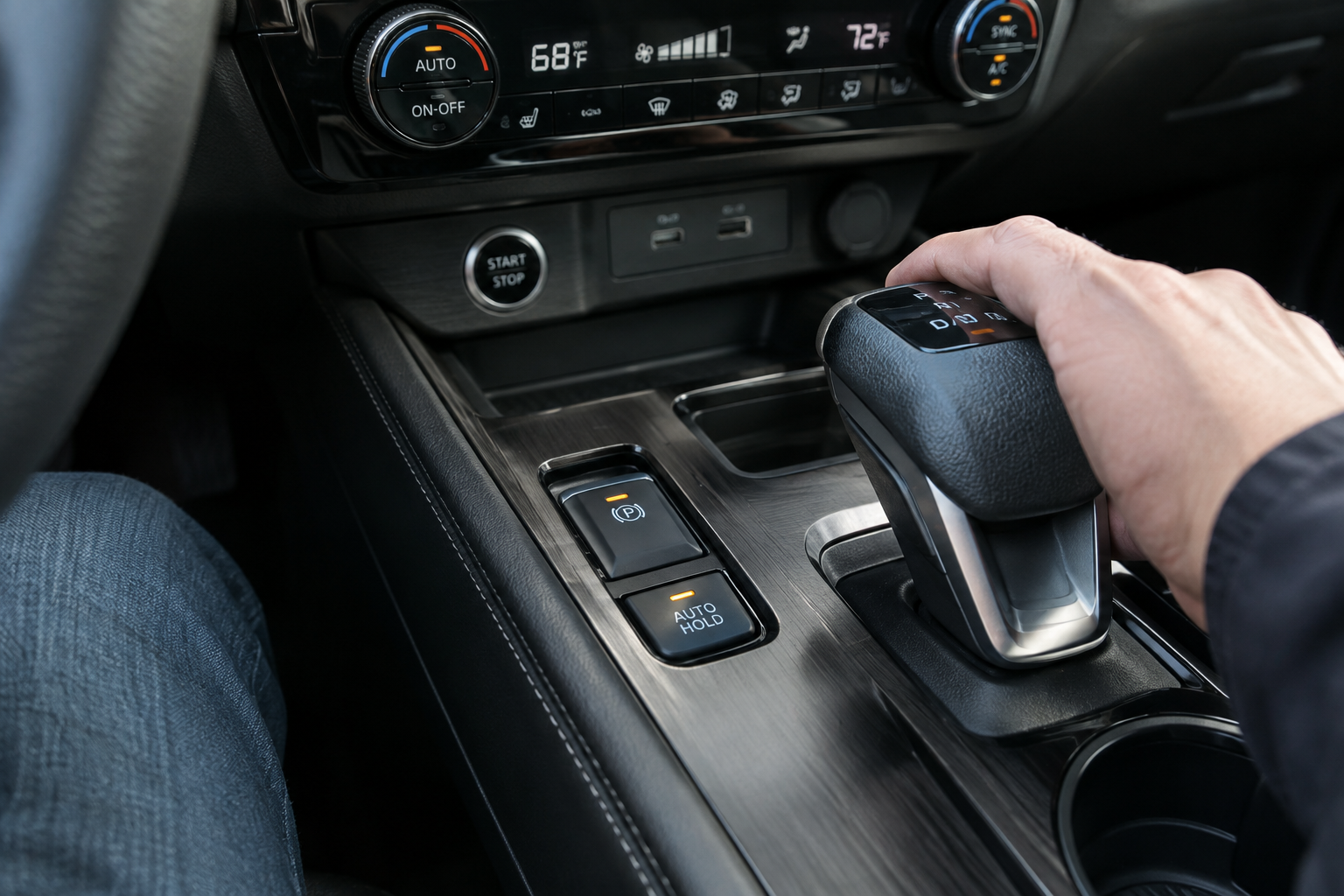
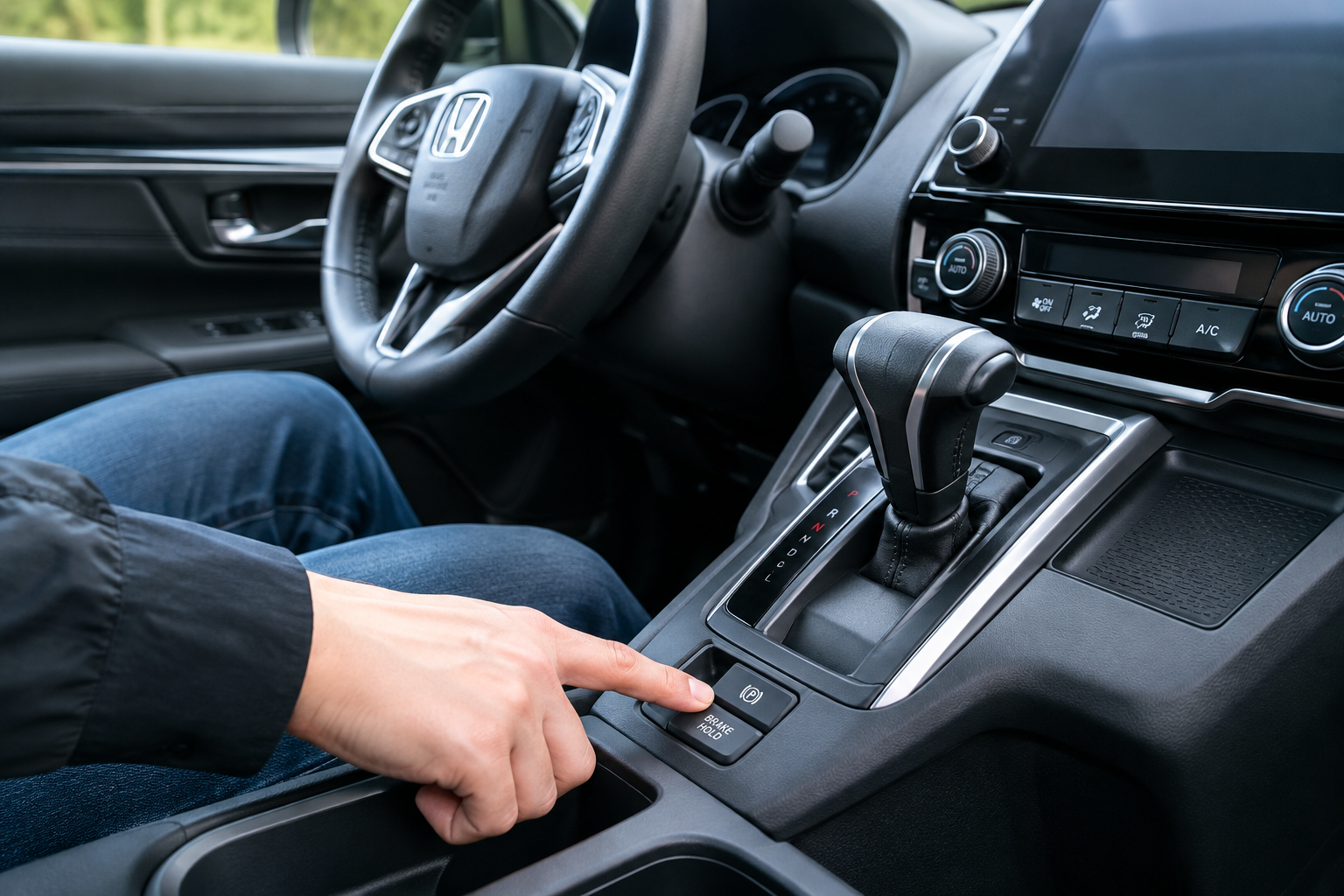
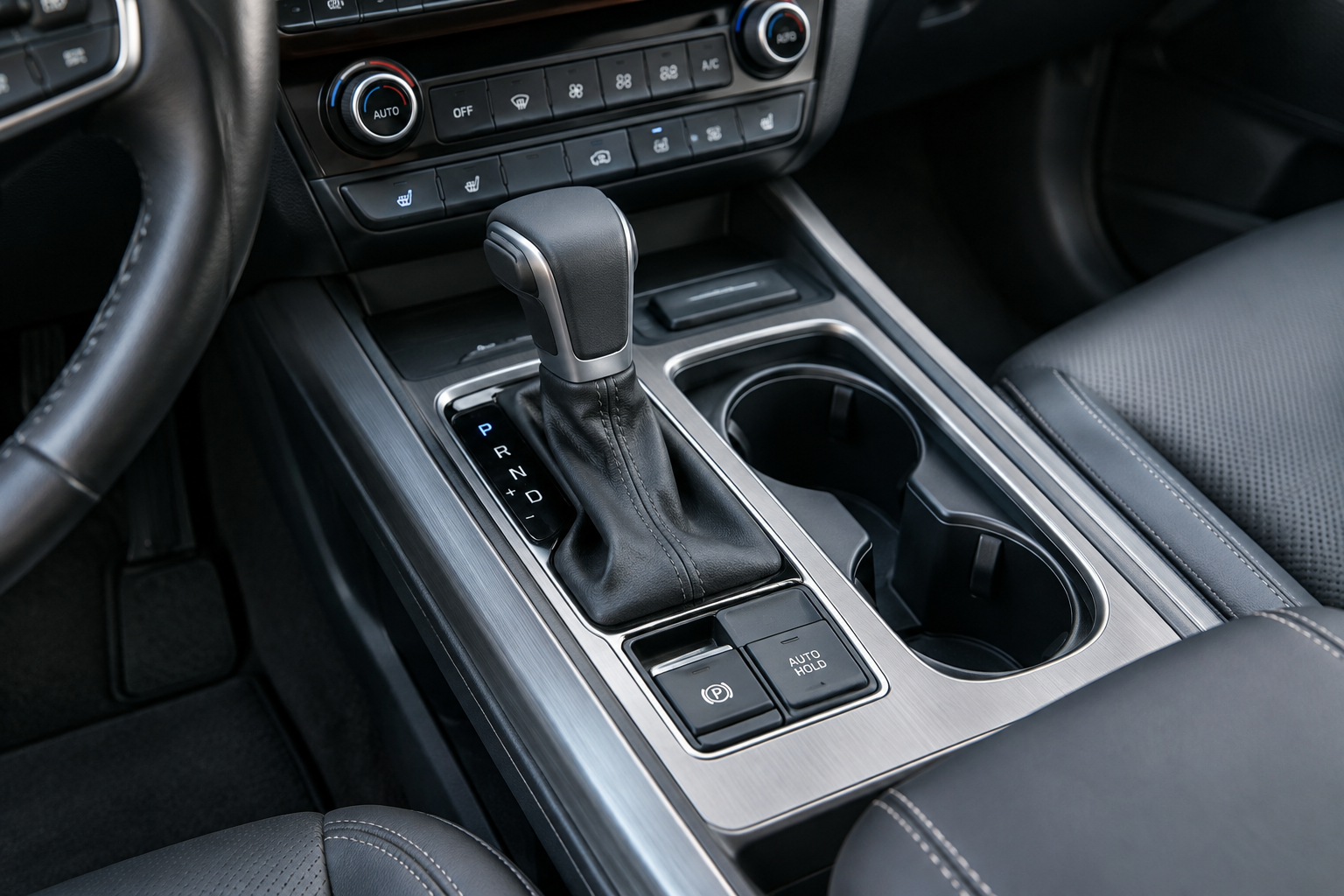
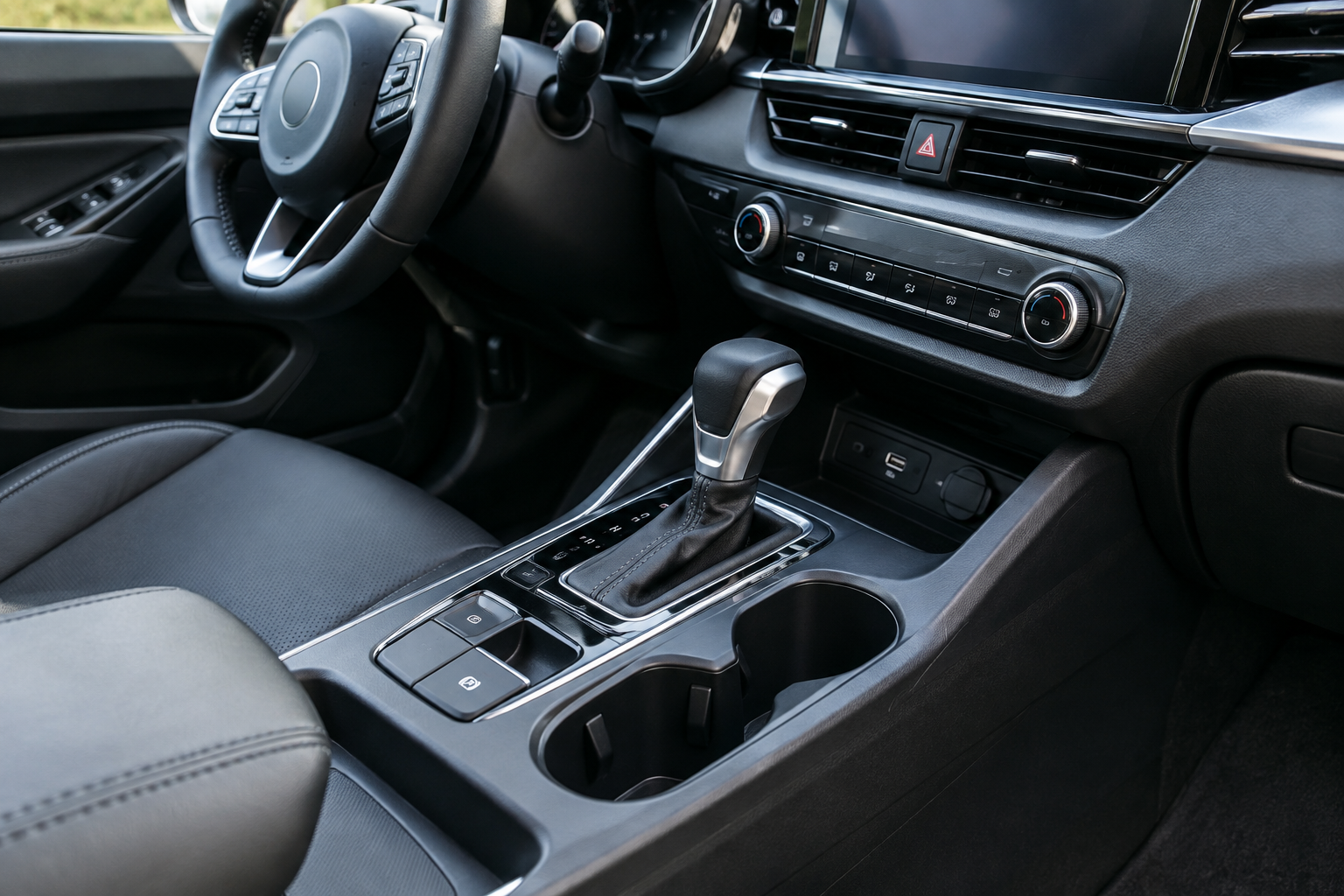
Nissan calls this feature “Auto Hold,” and it’s tied directly to the electric parking brake (EPB) system on the third-generation Rogue (2021 and newer). The button sits right next to the parking brake switch on the center console, usually marked with an “A” and a brake symbol inside a circle.
When active, Auto Hold keeps the brakes clamped after you come to a complete stop, so you don’t have to keep your foot on the pedal in traffic or at lights. Once you press the accelerator again, it releases automatically. It’s a convenience feature, not a substitute for the parking brake, and Nissan never intended it to replace shifting into Park when you leave the vehicle.
Why Auto Hold Won’t Engage or Turns Itself Off
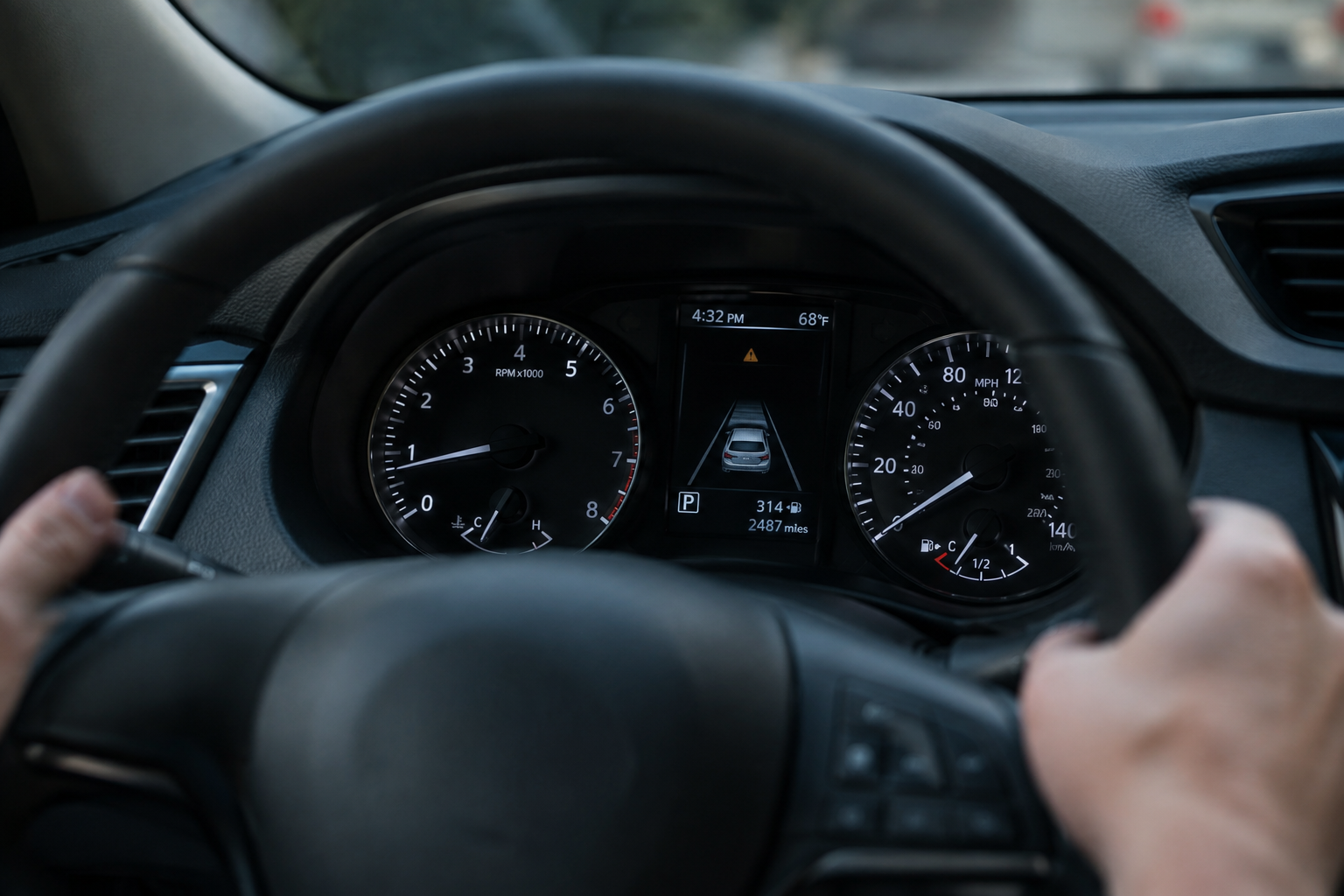
Before Auto Hold will activate, the Rogue needs several conditions met at once. Miss one of these and the system simply won’t turn on, even if the button lights up green.
- Seat belt fastened: The driver’s seat belt must be buckled. This is one of the most commonly overlooked requirements.
- Driver’s door closed: An open door tells the system you might be exiting, so it won’t hold the brakes.
- Vehicle at a complete stop: Auto Hold only engages after the car has fully stopped moving, not while still rolling.
- Sufficient brake pedal pressure: A light tap usually isn’t enough. You need firm, consistent pressure on the pedal at the moment you stop.
- Transmission in Drive or Reverse: Shifting to Park cancels Auto Hold immediately, since the parking pawl takes over.
- No active warning lights: If the ABS, EPB, or brake system warning light is illuminated, Auto Hold will refuse to activate at all.
If Auto Hold suddenly disengages while you’re stopped, check whether you unbuckled your seat belt, opened a door, or the hood popped a sensor. Those are the usual culprits, not a failing brake system.
Why You Have to Turn It On Every Single Drive
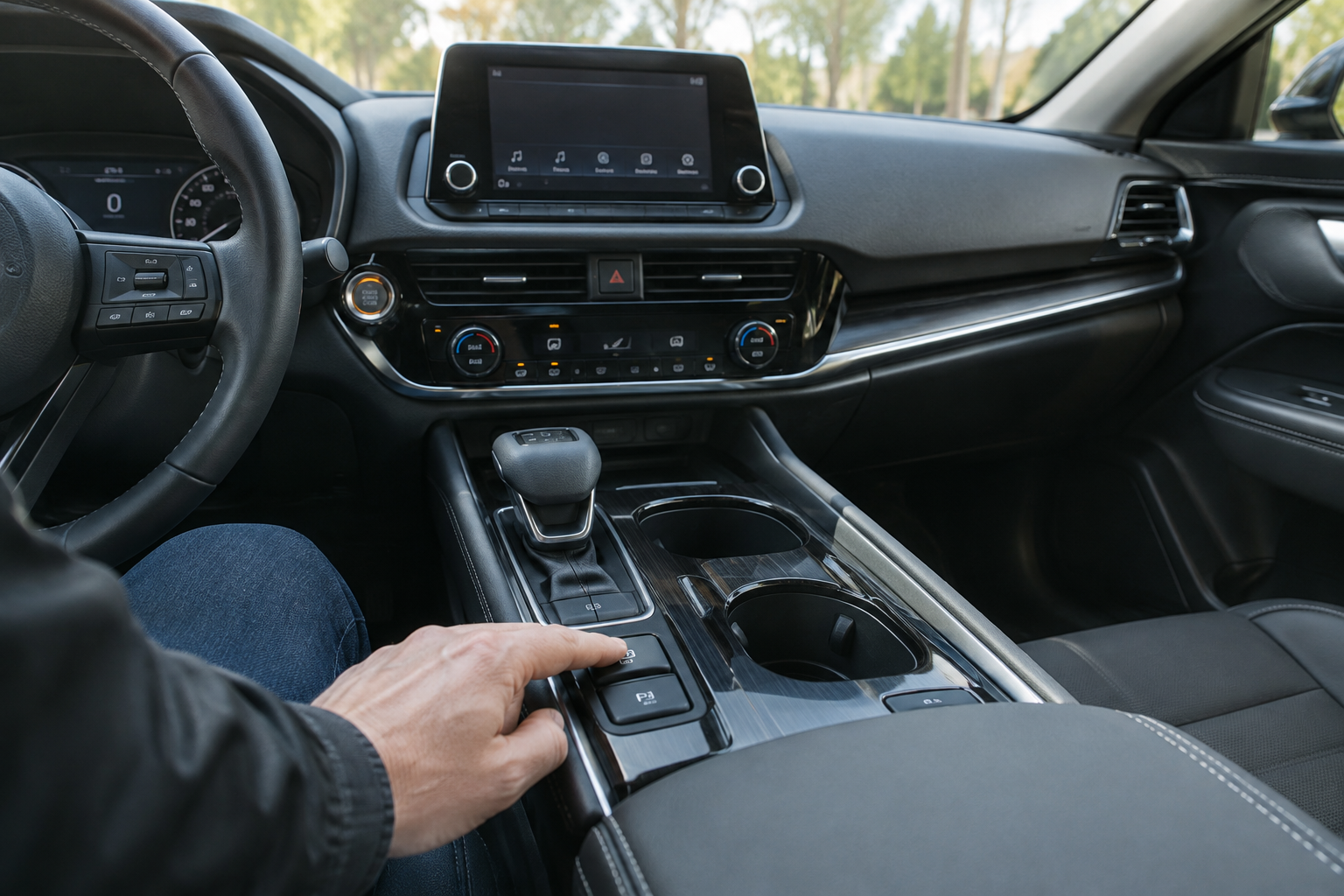
This trips up more Rogue owners than any other part of the system. Nissan designed Auto Hold to reset to “off” every time you shut off the ignition. It does not remember your last setting across a key cycle, unlike some driver assist features. So if you loved having it on yesterday, you’ll need to press that button again today before it’ll do anything.
This isn’t a glitch or a sign of a dying battery. It’s intentional, likely for liability reasons since Nissan wants drivers to consciously choose to activate a brake-holding feature each time rather than assume it’s always running. If you want it every drive, get in the habit of tapping it right after you start the engine, similar to how many drivers re-enable lane centering features each trip. For comparison, check out our guide on turning off Lane Assist on the Nissan Rogue, which covers a similar “resets on restart” quirk with the driver assistance suite.
When It’s a Real Malfunction
Normal operation means Auto Hold won’t engage without the right conditions and resets after every restart. A true malfunction looks different. Watch for these signs:
- The Auto Hold or EPB warning light stays on continuously, even after a fresh start and all doors closed.
- You hear repeated clicking or grinding from the rear brakes when Auto Hold tries to engage.
- The brake pedal feels soft, sinks slowly, or drops closer to the floor over time. If you’re seeing that, it’s worth reading through what to check when a brake pedal goes to the floor after sitting overnight, since a slow leak in the hydraulic system can mimic Auto Hold problems.
- Auto Hold releases on its own while stopped on a hill, even with your foot fully on the brake.
- A dealer scan tool or code reader pulls stored fault codes related to the EPB module or wheel speed sensors.
If you’re seeing any of these, a diagnostic scan is the fastest way to get answers instead of guessing. A code reader capable of reading ABS and EPB-specific modules, not just generic engine codes, will tell you exactly which sensor or actuator is throwing a fault.
Nissan Rogue OBD2 Scanner (ABS/EPB Capable)
A bidirectional scanner that reads ABS and electric parking brake modules, not just the engine light, so you can pinpoint Auto Hold faults yourself.
A basic code reader that only clears the check engine light won’t cut it here, since Auto Hold faults live in the ABS/EPB module, not the powertrain computer. Spending a bit more upfront on a scanner with bidirectional control also lets you retract and reset the electric parking brake motor after pad replacement, which is handy if you ever do your own rear brake job.
FAQ
Does Auto Hold on the Nissan Rogue stay on after I turn off the car?
No. Nissan designed Auto Hold to reset to off every time you shut off the ignition, regardless of model year on the third-generation Rogue. You’ll need to press the Auto Hold button again after every restart if you want it active. This is normal behavior, not a defect.
Why does my Rogue’s Auto Hold light stay on but the brakes don’t actually hold?
This usually points to a real fault rather than a setting issue. Common causes include a weak signal from a wheel speed sensor, low brake fluid tripping a warning, or a worn EPB actuator motor at the rear calipers. Have the system scanned for stored EPB and ABS codes before assuming it’s just a software quirk, since ignoring it can leave you without proper hold on an incline.
Leave a Reply