
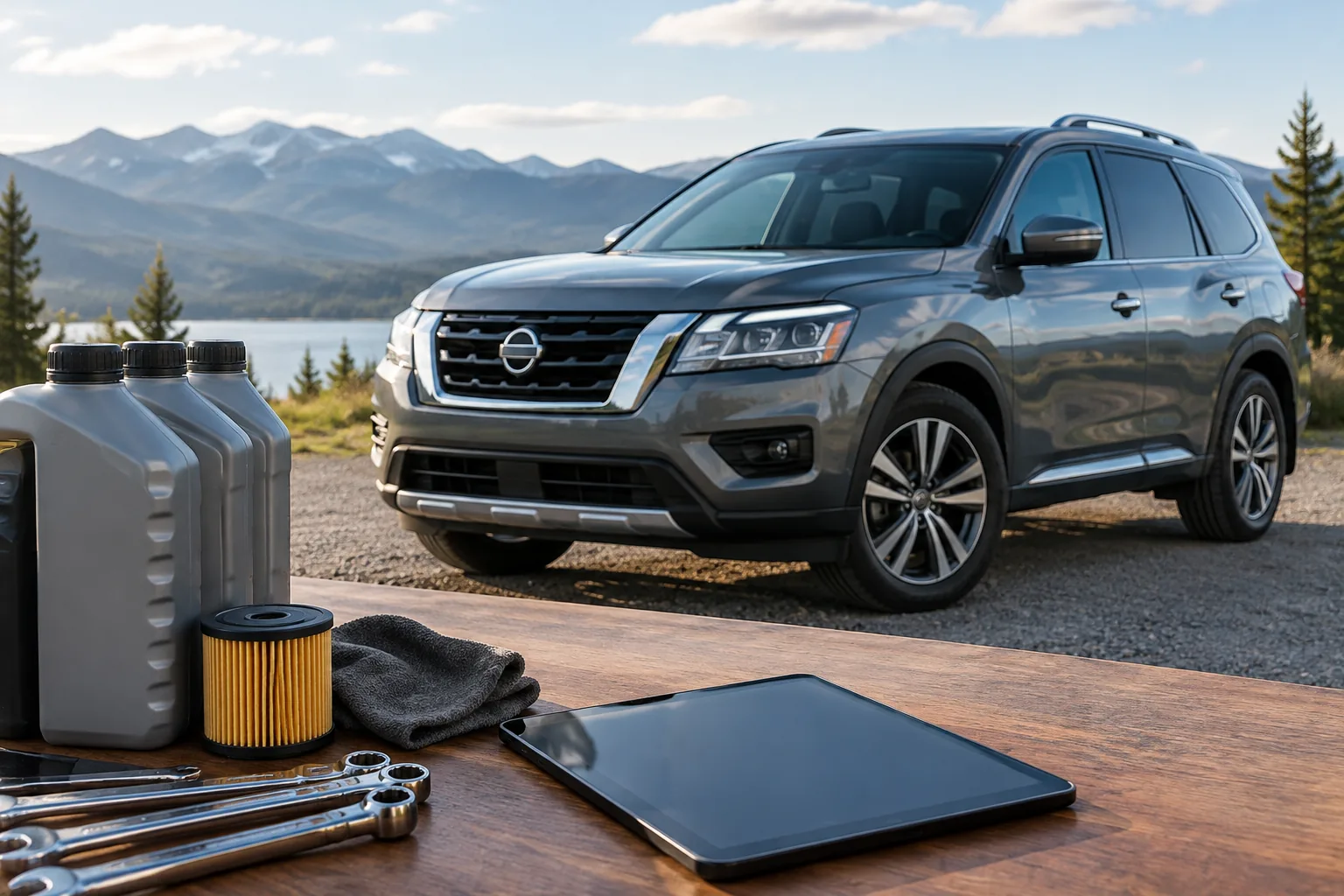
On a Pathfinder with a maintenance reminder in the information display, you reset it with the steering wheel controls. Turn the ignition on, open the Settings menu, find the Maintenance section, pick the item you just serviced (engine oil, for example), and choose the reset option. The exact menu names change by model year and display type, so treat the steps below as the general path and confirm labels in your owner’s manual.
The reset only clears the reminder. It doesn’t change oil, replace a filter, or fix anything. Reset only the items you actually did.
First, Identify Which Warning You’re Seeing

These three get confused constantly, and they mean very different things.
- Maintenance reminder: A message or indicator in the display saying a service interval has been reached. It’s a prompt, not a fault, and it’s what this article covers.
- Red oil-pressure warning: A red oil can symbol. This means the engine may not be getting proper oil pressure. Pull over safely, shut the engine off, and don’t keep driving. Resetting a reminder does nothing here.
- Check engine light: An amber engine-shaped symbol that points to an emissions or engine-management fault. It needs diagnosis, not a reminder reset.
As far as I know, Nissan’s reminder is a distance interval you choose, not a sensor measuring oil condition like the system described in our Jeep Grand Cherokee oil life monitor guide. Confirm that in the maintenance section of your manual. The practical point is that the reminder only knows the mileage you told it, so a hard-use truck may need oil sooner than the display says.
Reset Procedure by Generation
2013 to 2021 Pathfinder (fourth generation)
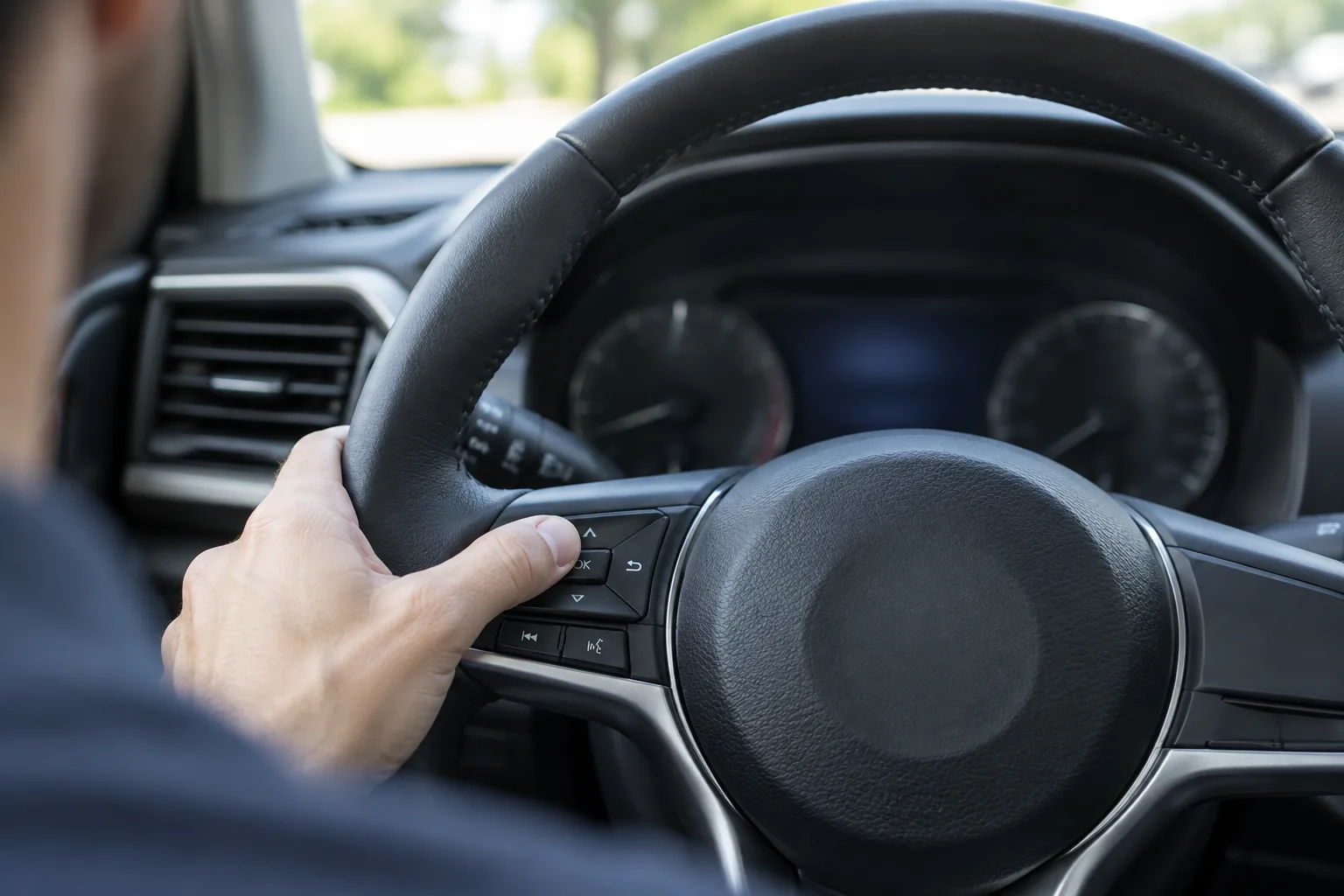
These models have a vehicle information display controlled by steering wheel buttons. Menu wording can vary by trim and year.
- Park the vehicle and set the ignition to ON. With push-button start, that means pressing the button without your foot on the brake. Starting the engine may also work, so check your manual.
- Use the steering wheel controls to open the display’s Settings menu.
- Look for a Maintenance entry and open it.
- Select the item you serviced, such as engine oil, then choose the reset option and confirm.
- Expect the display to show the interval restarting, or the reminder message to disappear.
2022 and newer Pathfinder (fifth generation)
The redesigned Pathfinder has a different instrument display and different controls, so I won’t guess at menu names. The general method is the same: ignition on, vehicle parked, open the settings area of the driver display, find maintenance, select the serviced item, and reset it. Your manual’s instrument and maintenance sections will give the exact path for your trim.
2012 and older Pathfinder
I can’t confirm that third-generation (2005 to 2012) or older Pathfinders have the same menu-based reminder, so don’t assume one exists. If your display has no Maintenance menu, look for a reset procedure in your manual. If there isn’t one, track oil changes with a sticker and a mileage log instead.
If the reset doesn’t take
- Make sure the ignition is on, not accessory, and the vehicle is parked.
- Check that you reset the item that’s actually showing (oil versus oil filter versus another item).
- Back out of the menu, wait a moment, and try again.
- If the reminder returns immediately, the interval may be set below your current mileage. Adjust the interval, covered next.
- If the menu is missing or locked, check your manual or ask a Nissan dealer.
Changing the Interval and Gathering Supplies
Clearing a reminder and changing its interval are separate actions. The Maintenance menu typically lets you set the distance for each item as well as reset it, but confirm the labels in your manual. Pick an interval that matches your manual’s schedule for your driving conditions, then reset.
If you’re doing the oil change yourself, get the oil grade, capacity, and filter specification for your exact engine from your owner’s manual before buying anything. Then match parts to your engine rather than just the model name. A low profile oil drain pan is a handy extra, and you should confirm its capacity covers your engine’s oil volume. Our list of must-have tools for DIY car owners covers the rest of the basics.

Low Profile Oil Drain Pan
Optional for DIY oil changes; check that its capacity exceeds your engine’s oil volume.
If the display clears but you’re unsure whether you did the work, check the dipstick and your service records. And if the reminder disappears after a battery disconnect, that’s worth a look too, since a weak battery can cause odd resets. Our guide to finding a parasitic battery drain can help.
FAQ
Do I need a scanner to reset the Pathfinder maintenance reminder?
No. On models with the menu, you reset it from the driver display with the steering wheel controls. A scan tool isn’t required, and it also won’t clear a real oil-pressure or engine fault.
Can I reset the reminder without changing the oil?
You can, but you shouldn’t. The reminder is your backup for remembering service, and clearing it early just hides an overdue oil change. Reset it only after the work is done.



Leave a Reply