
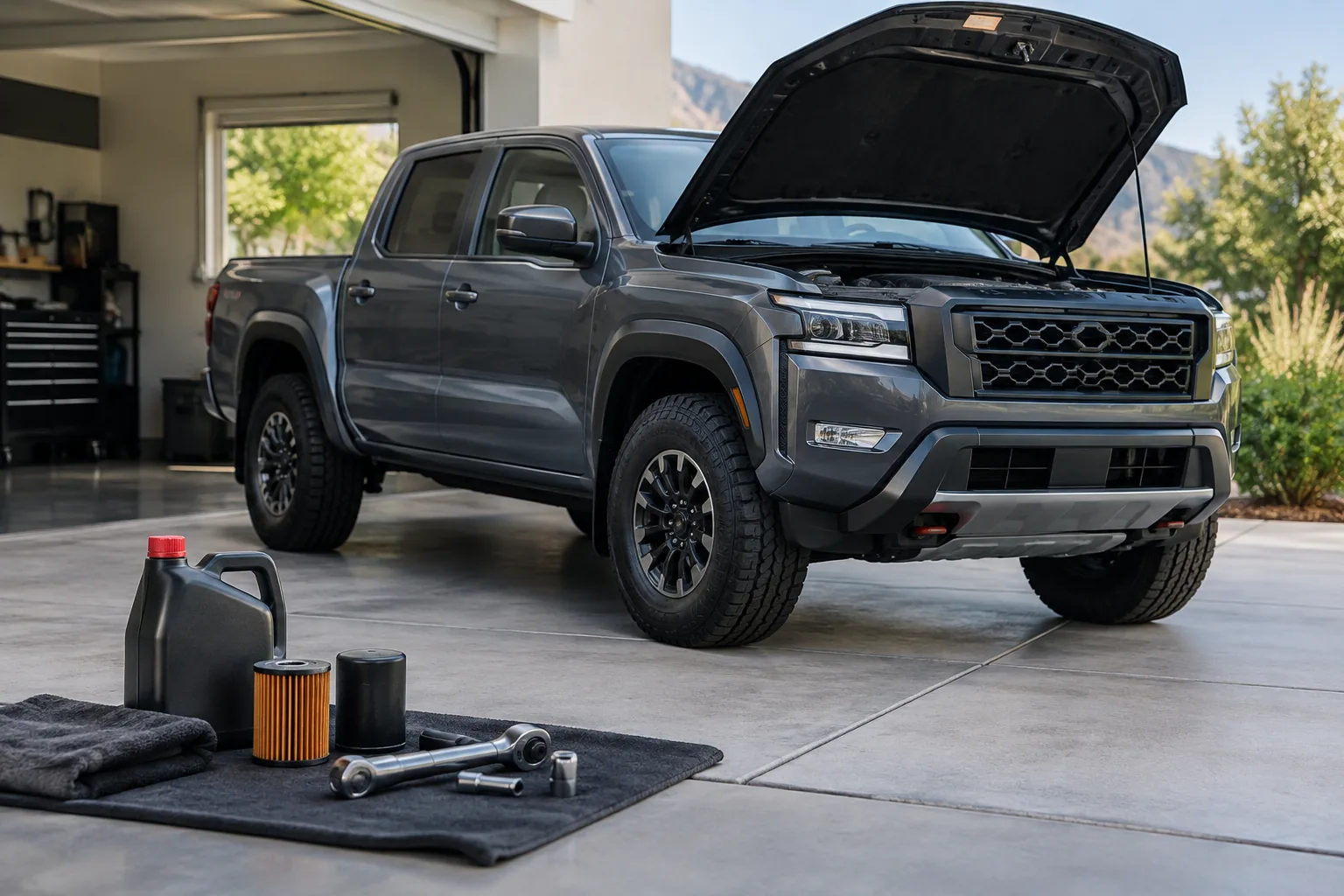
On a Nissan Frontier with a maintenance reminder, you reset it from the instrument cluster’s information display. You use the steering wheel or cluster buttons to find the maintenance or service settings, pick the oil item, and choose reset. Which Frontiers have that menu, and what it’s called, depends on the year and trim, so confirm it in the maintenance or instrument sections of your owner’s manual.
The reset only clears a reminder. It doesn’t change the oil, replace the filter, or fix anything. Reset it only after the work is actually done.
Know Which Light You’re Dealing With

Three different things get mixed up here, and only one is a reset job.
- Maintenance reminder: a message or indicator in the information display telling you a service interval has arrived. This is the one you reset.
- Red oil-pressure warning: a red oil can symbol means the engine may not be getting proper oil pressure. Stop driving when it’s safe to do so, shut the engine off, and check the oil level. A reset won’t touch it.
- Check-engine light: a stored fault that needs diagnosis. It doesn’t clear by resetting a service reminder.
Nissan’s maintenance reminders in the displays I’m familiar with are interval timers you set, not sensors measuring oil quality. That’s different from a true oil life monitor like the one covered in our Jeep Grand Cherokee oil life monitor guide. I can’t confirm exactly how every Frontier year behaves, so check the manual’s description of your truck’s reminder.
Reset Procedures by Generation

2022 and Newer Frontier (Third Generation)
These trucks have a cluster information display, so the reminder lives in a settings menu. I can’t give you exact menu wording for every trim, so treat the steps below as the general path and follow your manual’s labels.
- Park the truck and put the ignition in the ON position. The engine doesn’t need to run for most cluster menus, but your manual will state the required ignition state.
- Use the steering wheel display controls to open the settings area of the information display.
- Look for a maintenance or service entry, then select the oil or engine oil item.
- Choose the reset option for that item and confirm.
- Expected confirmation: the reminder message clears and the remaining distance goes back to the interval you have set.
If the oil filter has its own entry, reset it only if you replaced the filter, which you should do with every oil change. Tire rotation and other items are separate reminders. Reset only the ones you actually performed.
2005 to 2021 Frontier (Second Generation)
This is a long production run, and the cluster equipment varies a lot by year and trim. I can’t confirm which of these trucks have an electronic maintenance reminder. Many older Frontiers with a basic gauge cluster likely have no oil reminder at all, and for those, the free method is a windshield sticker or a note in your phone with the date and mileage.
To find out what yours has, cycle through the display or trip computer buttons on the cluster and look for a settings or maintenance screen. If you find one, the steps above are the general method. If there’s no such menu, check the maintenance and instrument sections of your owner’s manual for a reminder. If the manual doesn’t describe one, your truck doesn’t have one to reset.
Changing the Interval Versus Clearing It
Clearing the reminder and setting the interval are two separate steps. On trucks with a settable reminder, there’s usually a separate option to choose the distance, and the reset simply restarts the count from that figure.
Choose the interval from the maintenance schedule in your owner’s manual, not from a habit. Severe-use driving like towing, short trips, dusty roads, and heavy loads can call for shorter intervals, and the manual lays out which conditions qualify for your engine.
If the Reset Won’t Take
- Confirm the ignition state your manual specifies, and that the truck is parked.
- Make sure you selected the right item. Oil, filter, and tire rotation can be separate entries.
- Look for a separate confirm step. Some menus need you to select reset and then confirm.
- If the message returns right away, the interval may be set below your current distance, so check the interval setting.
- If there’s no maintenance menu at all, your truck may not have the reminder. Confirm in the manual.
- If the menu is there but misbehaves, a Nissan dealer can check it. A dealer can also help if the warning is the red oil can or a check-engine light.
Optional Supplies for a DIY Oil Change
You don’t need to buy anything to reset the reminder. If you’re doing your own oil change, though, a clean funnel setup helps avoid spills on the engine and frame. A funnel set is a budget-friendly pick.

Oil Change Funnel Set
A basic funnel set helps keep oil off the engine and out of the driveway during a DIY change.
Oil capacity, viscosity, and the right filter depend on your engine and model year, so confirm those in your manual before buying anything. Our DIY tool list covers the other basics. If you’re curious how another brand handles this, see how to reset the service due indicator on a Subaru Outback.
FAQ
Does resetting the reminder mean my oil is fresh?
No. It only restarts the reminder. If you reset it without changing the oil and filter, the truck will simply stop reminding you while the old oil stays in the engine.
Can I reset the reminder early if I change the oil sooner than planned?
Yes, if your truck has the reset option, you can reset it whenever you complete the service. Just set the interval to match your plan and the manual’s schedule for how you use the truck.


Leave a Reply