
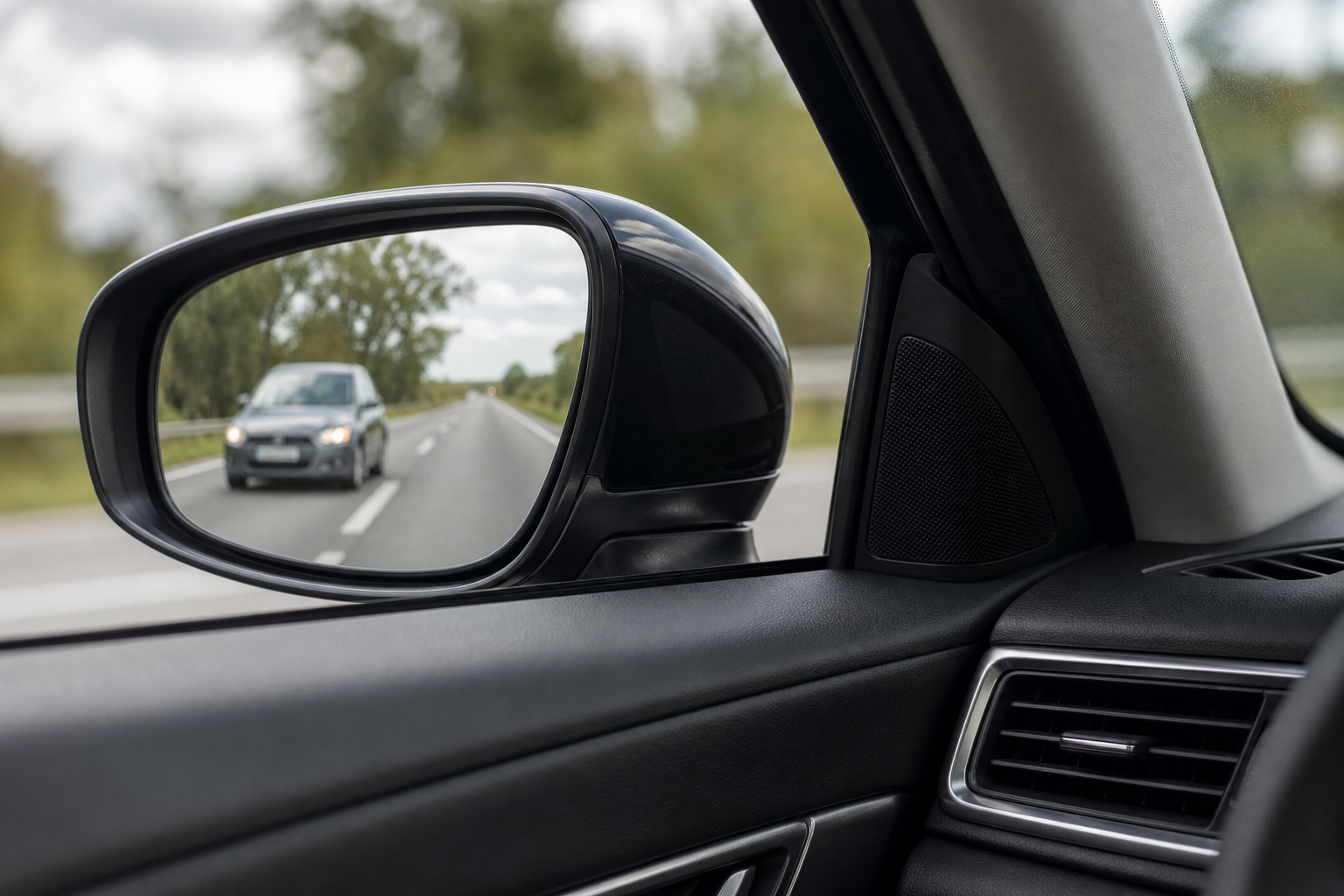
You’re merging onto the highway, glance over for the little amber light in your side mirror, and it’s just… not there. No warning chime, no indicator, sometimes not even an error message on the dash. Just silence from a system you’ve come to rely on every single day. Before you assume the worst and start pricing out a trip to the dealership, there’s a good chance the fix is something you can handle yourself in the driveway.
Mazda’s Blind Spot Monitoring (BSM) system, paired with Rear Cross Traffic Alert (RCTA) on most trims, relies on radar sensors tucked into the rear bumper. Like most driver-assist tech, it’s sensitive to dirt, weather, minor damage, and even how you’ve loaded up your CX-5. This guide walks through the causes in order, from the easy owner fixes to the stuff that actually needs a scan tool.
What Mazda Calls This System (and Where the Sensors Live)
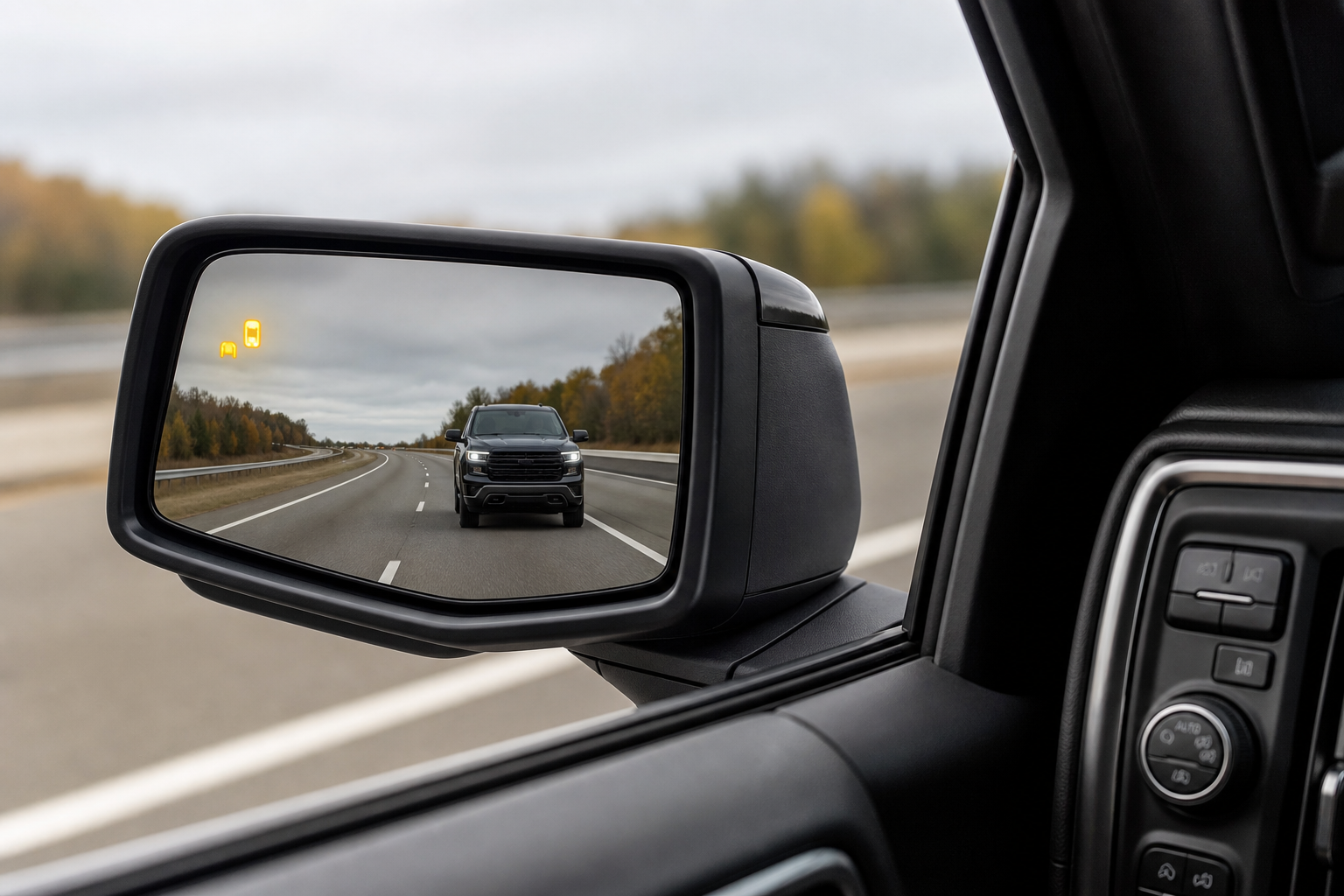
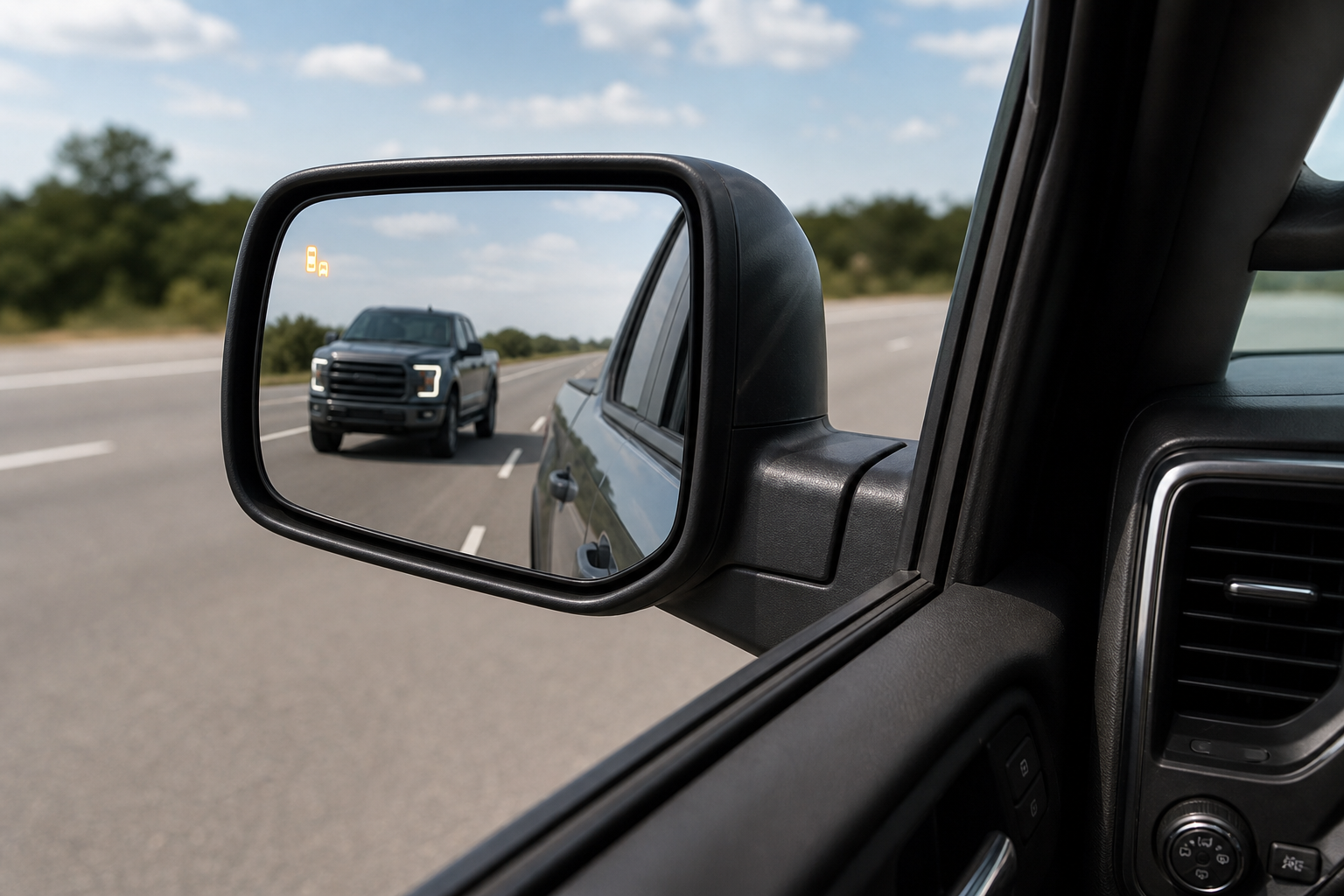
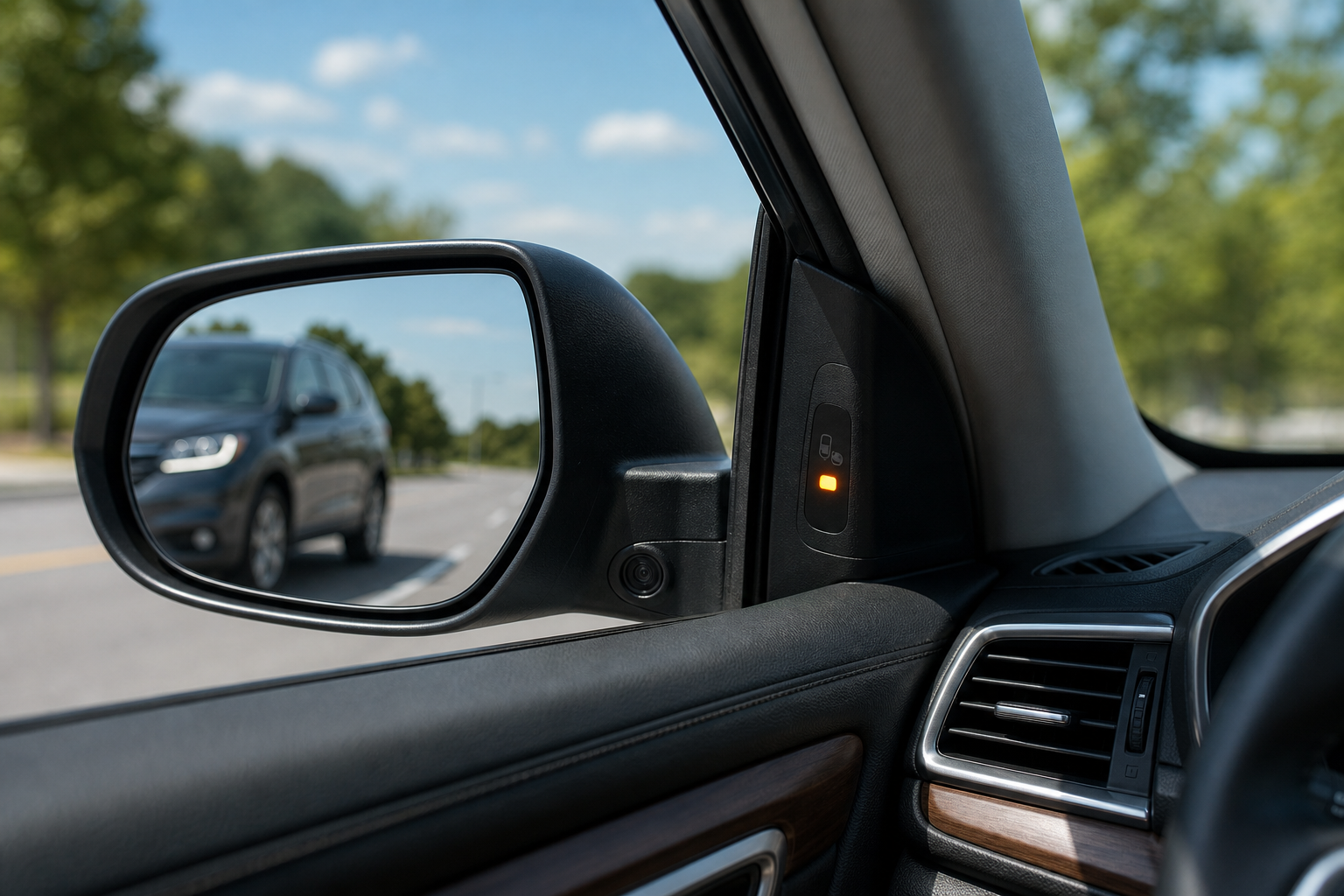
Mazda’s official name is Blind Spot Monitoring, shortened to BSM in the owner’s manual and on the dash settings menu. It’s almost always bundled with Rear Cross Traffic Alert, since both features use the same rear-corner radar units. On the CX-5, you’ll see the indicator light built into the outside mirror housing on the driver and passenger side.
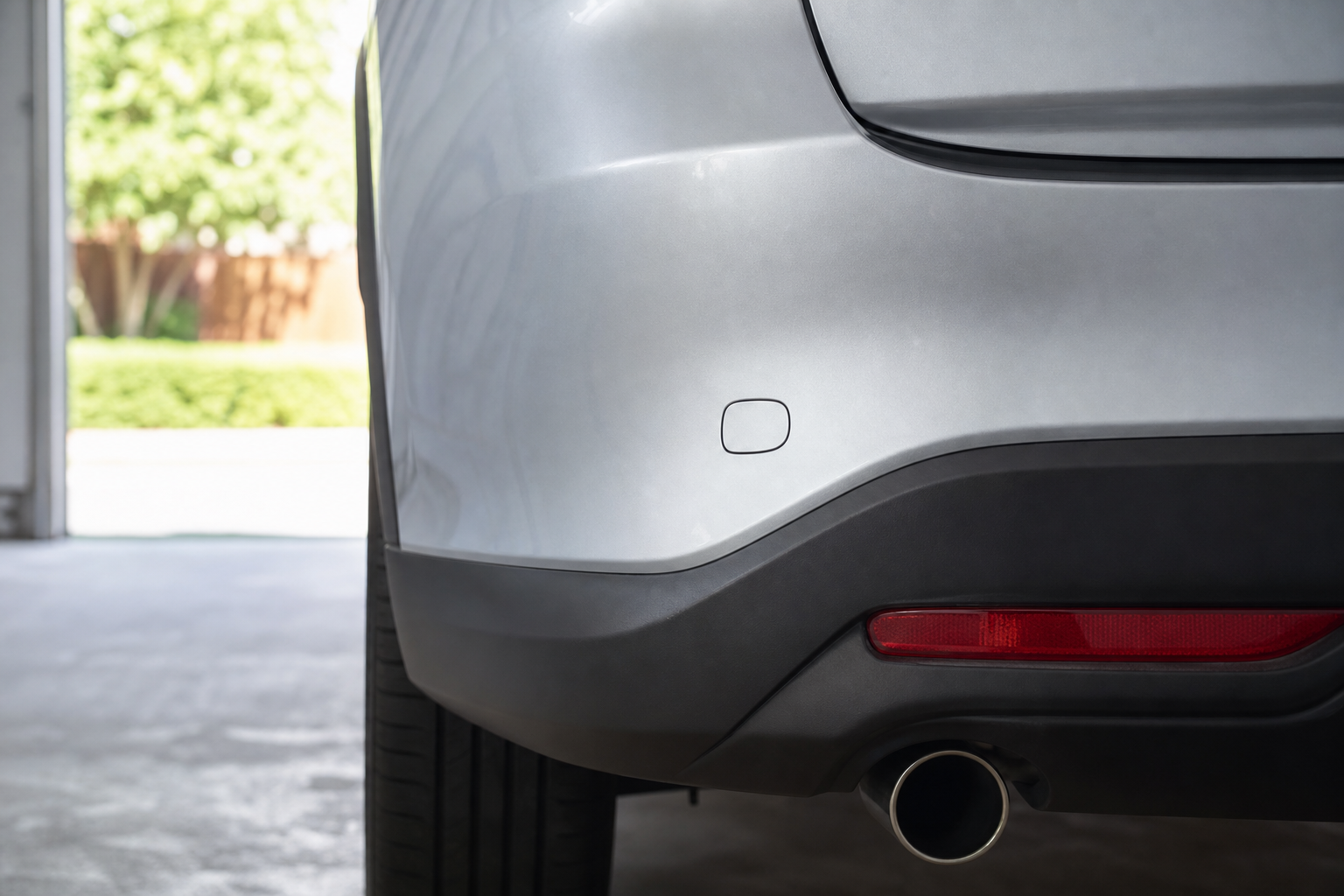
The actual sensors are radar modules mounted behind the rear bumper fascia, one on each corner, angled to cover the lanes beside and slightly behind the vehicle. They’re plastic-covered but not indestructible, and they need a clear, unobstructed line of sight to work correctly.
BSM has been standard or available across most CX-5 trims since the 2017 model year, with broader standard fitment on Touring and Grand Touring trims in later years. If you’re driving a base Sport trim from an earlier model year, double check your window sticker or owner’s manual since it may not have come with BSM at all, which would explain why it “doesn’t work” even when everything is fine mechanically.
Start Here: Simple Causes You Can Check Yourself
Most BSM complaints trace back to something external blocking or confusing the radar sensors, not an actual failure. Work through these before you assume you need a repair.
Dirt, Mud, Ice, and Snow on the Rear Bumper
Radar sensors need a relatively clean bumper surface to send and receive their signal properly. A thick layer of road grime, packed snow, or ice over the sensor location can weaken or completely block the signal, triggering an “unavailable” message or just killing the feature silently.
Wash the rear bumper corners with a hose or at a car wash, paying extra attention to the lower corners near the wheel wells. In winter, clear off any built-up slush after driving through slop, especially after highway trips where road salt cakes on thick.
Bumper Cover Damage or a Bad Repair
Even a minor parking lot tap can shift the sensor’s aim behind the bumper cover, and a bumper that’s been repainted or replaced after a fender bender is a common culprit. Body shops that don’t recalibrate the radar afterward, or that use aftermarket bumpers not properly aligned for it, can leave BSM working intermittently or not at all.
Look at the rear bumper corners for cracks, dents, or visible misalignment. If you had bodywork done recently and the problem started right after, that’s almost certainly your answer, and the shop needs to recalibrate or reinstall correctly.
Trailer Hitches, Bike Racks, and Towing Accessories
A hitch-mounted bike rack, cargo carrier, or even a trailer without lights properly connected can sit directly in the radar’s field of view. Metal accessories close to the bumper are notorious for causing false readings or completely blanking the system.
If your BSM issues only show up when you’ve got a rack or trailer installed, remove it and test again. Some owners find that switching to a low-profile hitch bike rack that sits further from the bumper corners solves the interference for good.
Low Battery Voltage
Radar modules are picky about power. If your battery is weak, aging, or the alternator isn’t charging properly, you may see BSM drop out, throw a temporary warning, or refuse to initialize on startup.
This is especially common in colder months when battery capacity naturally drops. If your CX-5 also struggles to start or you’ve noticed dimming lights, get the battery tested at any auto parts store for free before you spend money chasing a sensor problem. If your battery seems to drain overnight even with a healthy alternator, this guide on batteries dying overnight with a good alternator covers the usual suspects.
Settings Turned Off Accidentally
It sounds obvious, but it happens constantly. BSM can be toggled off through the infotainment settings menu, and a passenger, a kid, or even you fumbling through menus can switch it off without realizing.
Go to Settings, then Driver Assistance on the center display, and confirm Blind Spot Monitoring is toggled on. It only takes a few seconds and it’s the single most overlooked cause of a “broken” system.
Temporary Sensor Blockage from Cargo or Tinting
Overloading the rear cargo area, especially with heavy items pressed against the bumper cover from behind, can occasionally interfere with sensor performance. Aftermarket bumper wraps, thick protective films, or poorly installed trailer wiring harnesses run near the sensor housing can do the same.
If the system started acting up right after a wrap job, film installation, or DIY wiring project, that’s your first place to check.
When It’s a Sensor Fault or Wiring Issue
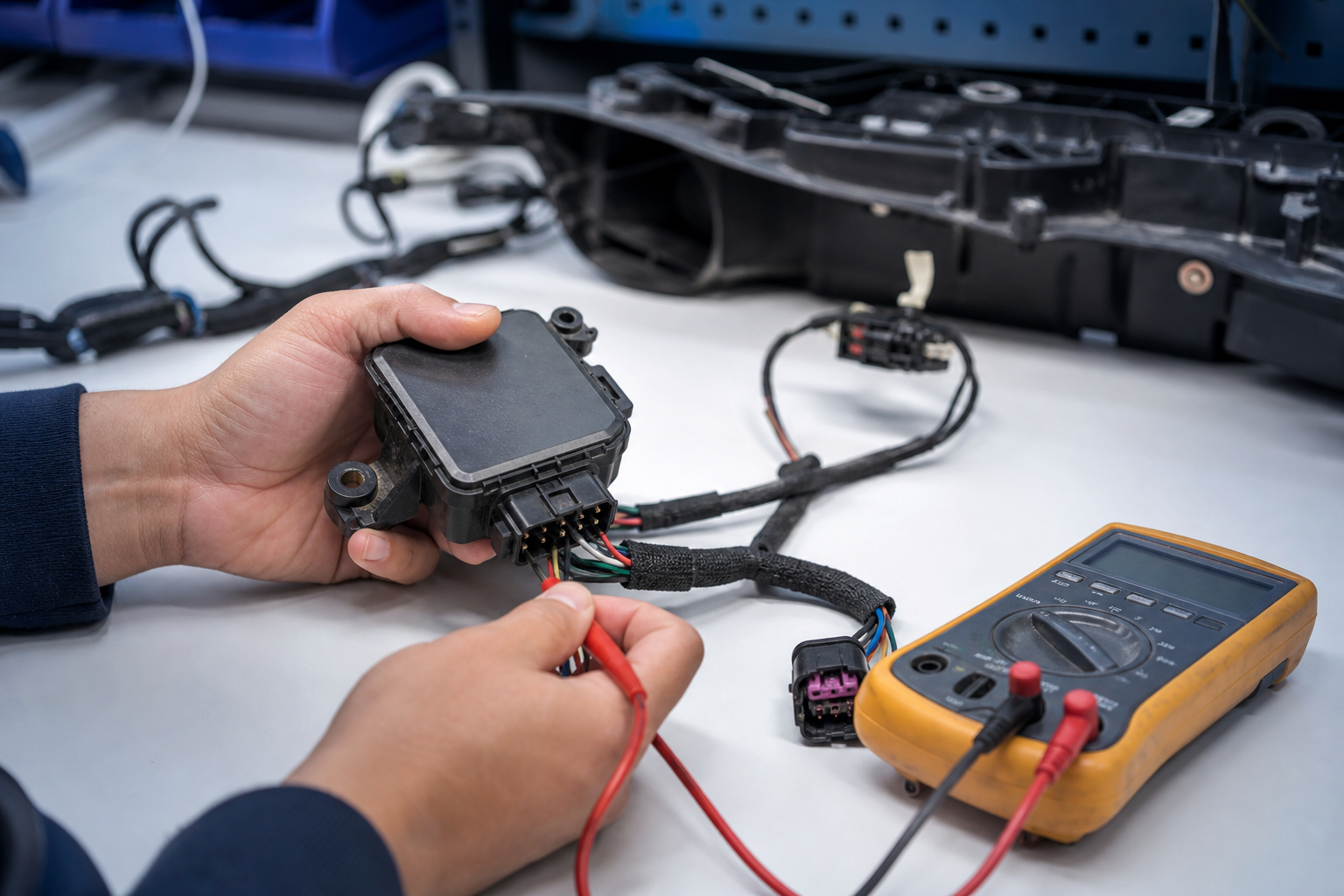
If you’ve cleaned the bumper, confirmed the settings, ruled out accessories, and checked your battery, and the problem is still there, you’re likely looking at an actual hardware fault. A cracked radar sensor housing, corroded connector, or damaged wiring harness from road debris are the most common failures.
You’ll typically get a dash message like “Blind Spot Monitoring Unavailable” or a solid warning light rather than an intermittent glitch. This points to something the system itself has flagged as a fault, not just a temporary obstruction.
A scan tool that reads Mazda-specific codes can pull the exact fault stored in the module, which tells you whether it’s the left sensor, right sensor, or a wiring problem before you spend money guessing. A dedicated OBD2 scanner with manufacturer-specific coverage, like an Autel MaxiCOM scanner, can pull these codes at home, though full sensor diagnostics on some CX-5 model years may still require Mazda’s dealer-level software for a complete readout.
Autel MaxiCOM MK808
A solid mid-range scanner that reads manufacturer-specific ADAS and radar fault codes, useful for confirming a BSM sensor fault before paying for a diagnostic visit.
If you’re comfortable working under the rear bumper, visually inspecting the sensor for cracks or a loose connector is safe and reversible. Replacing the actual radar unit yourself is possible on many CX-5 model years, but it almost always requires calibration afterward, which brings us to the next section.
Calibration: Why It’s Needed and Why It’s Not a DIY Job
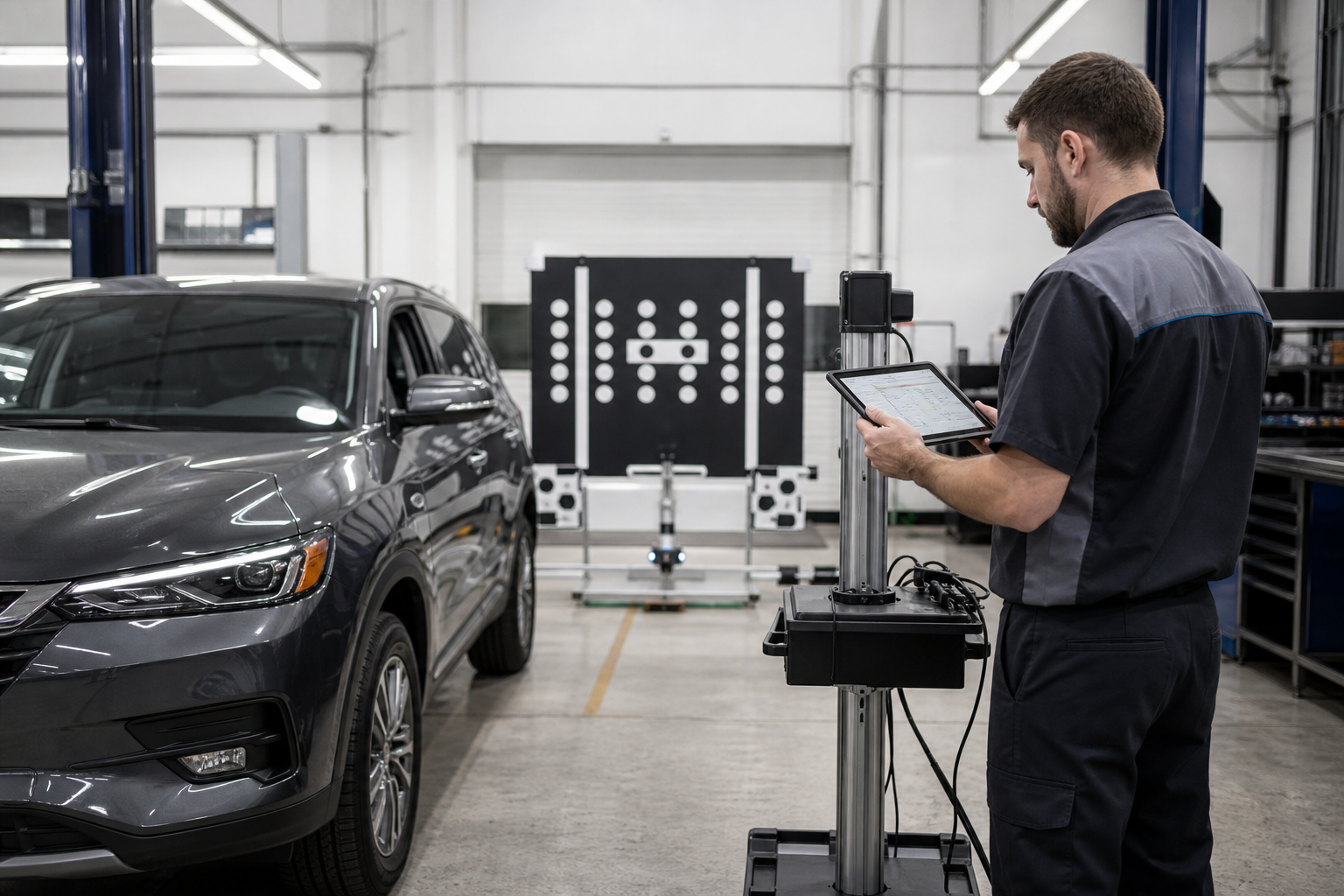
Blind spot radar sensors need to be calibrated to the vehicle’s exact ride height, alignment, and bumper position. Any time a sensor is replaced, the bumper is removed or replaced, or the rear suspension is serviced, the system typically needs to be recalibrated to read distances and angles accurately again.
This isn’t something you can eyeball or adjust with a wrench. Mazda’s calibration procedure requires specific target boards, precise measurements, and dealer-level diagnostic software (Mazda’s IDS system) to confirm the sensor is reading true. Attempting to skip this step after a repair is how owners end up with BSM that “sort of” works but throws false alerts or misses vehicles it should catch.
If you’ve had bumper work done, a collision repair, or suspension work and BSM stopped working right after, tell the shop specifically that the radar needs recalibration. Many general body shops don’t automatically include this step unless you ask, and driving around with an uncalibrated system is worse than having no system at all, since it can give false confidence.
Model Year and Trim Differences Worth Knowing
Not every CX-5 has BSM as standard equipment, and the exact warning language on the dash has shifted slightly across generations. First-generation CX-5s (2013-2016) didn’t offer BSM at all in early trims, with it becoming available mid-cycle on higher trims. Second-generation models (2017-2024) expanded standard availability significantly, with Touring, Grand Touring, and Signature trims almost always including it, while base Sport trims varied by year.
If you’re troubleshooting a used CX-5 and aren’t sure whether it should even have this feature, check the door jamb sticker for the build date or look up the VIN through Mazda’s owner site. It saves you from chasing a “fault” that’s actually just a trim-level limitation.
When to Book a Dealer or Independent Shop Visit
Once you’ve cleared the easy stuff, a persistent warning light, a dash message that won’t go away, or a system that fails the same way every single drive means it’s time for a professional look. Independent shops with Mazda-capable scan tools can often handle this for less than dealer rates, provided they have access to the calibration procedure.
Bring notes on when the problem started, what if anything changed (body work, new accessories, weather), and whether it’s constant or intermittent. That information cuts diagnostic time significantly and saves you money on the visit.
Keeping BSM Reliable Going Forward
A little routine maintenance goes a long way with radar-based safety systems. Wash the rear bumper regularly, especially in winter, and inspect it after any parking lot bump even if you don’t see obvious damage.
If you tow or haul gear often, consider hardware designed to sit outside the sensor’s field of view rather than directly behind it. For drivers who like a visual backup to blind spot monitoring, a wide-angle clip-on mirror is a cheap way to double-check your blind spot while the system is being serviced. Check out this blind spot mirror as an inexpensive stopgap.
Blind Spot Radar Sensor Replacement
If diagnostics confirm a failed sensor, this search pulls up compatible replacement radar units for the CX-5’s rear bumper corners.
Owners who deal with other driver-assist quirks might also relate to issues like weak or jerky regenerative braking in hybrids and EVs, which shares the same lesson: sensors and electronic systems are only as reliable as the inputs feeding them.
Frequently Asked Questions
Why does my Mazda CX-5 blind spot monitoring say “unavailable”?
This message usually means the radar sensor can’t get a clean reading, often from a dirty or blocked bumper, a towing accessory in the way, or low battery voltage. If cleaning the bumper and checking your settings doesn’t clear it, the system may have detected an actual sensor fault that needs a scan tool to diagnose.
Can I clean or fix the blind spot sensor myself?
Yes, cleaning the rear bumper corners and checking for visible cracks or damage is completely safe for any owner to do. Actually replacing a sensor or recalibrating the system after bumper work requires dealer-level software and should be left to a professional shop.
Does a bumper repair always require recalibration?
In most cases, yes. Any time the bumper cover is removed, replaced, or repainted near the sensor location, the radar needs to be recalibrated to read distances accurately, and this is a step some general body shops skip unless you specifically ask for it.
Why does BSM work sometimes but not always?
Intermittent failures usually point to something environmental rather than a hardware failure, like weather buildup, a loose accessory, or marginal battery voltage. If it’s failing the exact same way every single drive regardless of conditions, that’s a stronger sign of an actual sensor or wiring fault.

Leave a Reply