

You can reset the maintenance reminder on a Mazda CX-30 yourself, for free, from the center display. Once the service is done, park the car, turn it on, open the Maintenance item in the infotainment menus, pick the specific reminder you completed, and confirm the reset. No scanner or special tool is needed.
Resetting is the easy part. Making sure you’re resetting the right reminder, at the right time, for work that was actually done matters more. This guide covers how to tell the warnings apart, how the reset works, what to check if it won’t take, and a few notes for anyone changing the oil at home.
First, Identify Which Light or Message You’re Seeing
Several different things can show up on a CX-30, and only some of them are resettable reminders. Mixing them up is how people end up ignoring a real problem.
- Maintenance reminders: These are informational messages about an oil change, tire rotation, or scheduled maintenance coming due. They’re based on the intervals set in the car. Exact wording and where it appears vary by model year and display, so check the maintenance or warning-indicator sections of your owner’s manual for your exact message.
- Red oil-pressure warning: This is the oil can symbol in red. It is not a reminder. It means the engine may not be getting adequate oil pressure, and you shouldn’t keep driving on it. Pull over safely, shut the engine off, and check the oil level using the procedure in your manual. If the light stays on or the level is fine, get the car looked at before driving it further.
- Check-engine light: This is the amber engine-shaped symbol. It means the engine control system has logged a fault. An oil change won’t clear it, and neither will a maintenance reset.
If you only see a maintenance message when you start the car, you’re in reset territory. If you see a red oil can or a check-engine light, the fix is diagnosis, not a menu reset.
Resetting Does Not Do the Maintenance
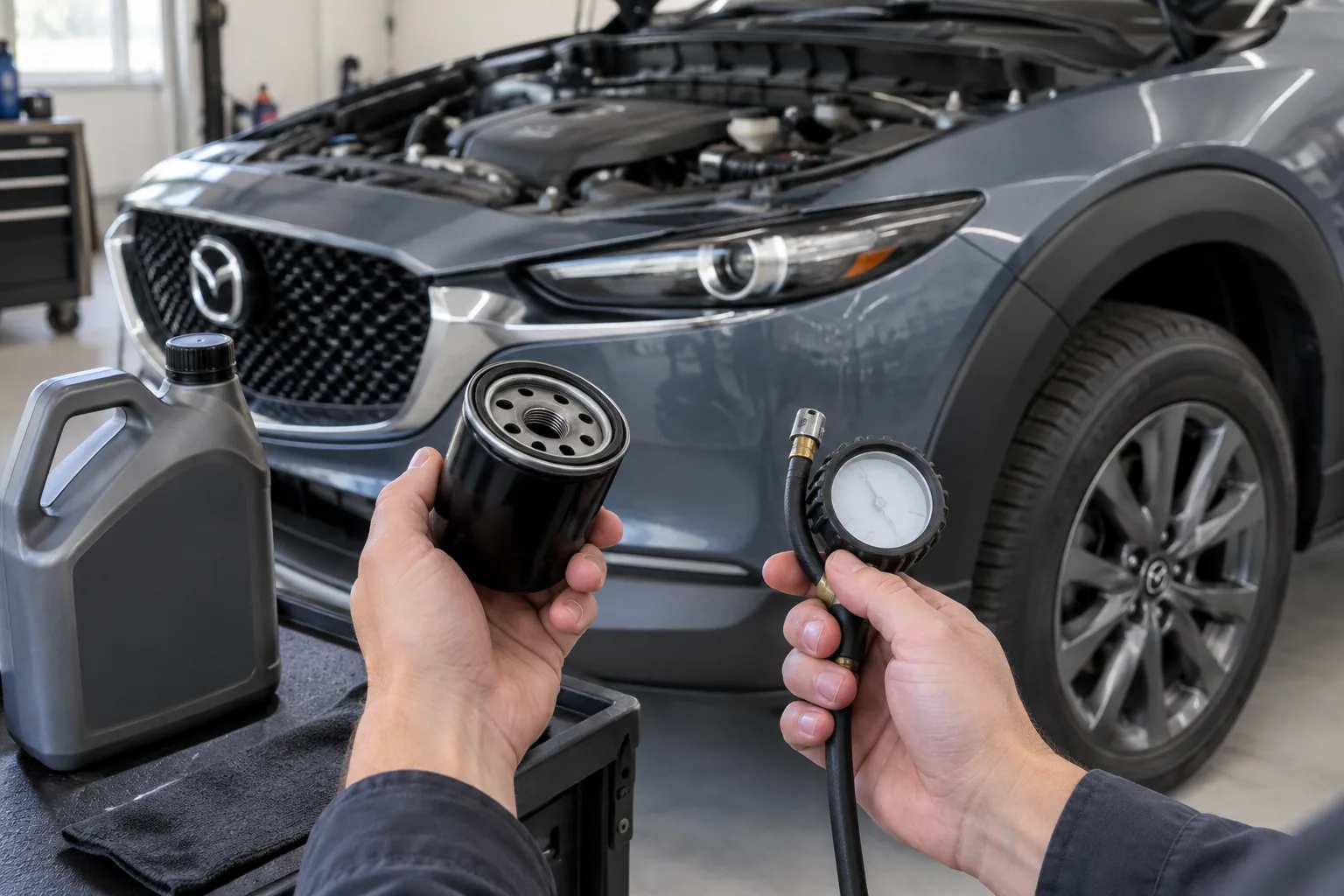
The reset only tells the car’s reminder system to start counting again. It doesn’t confirm that oil was changed, that the right filter went on, or that a fault was repaired.
Reset only the items you actually completed. If you changed the oil but didn’t rotate the tires, reset the oil change reminder and leave the tire rotation one alone. Clearing everything because the message is annoying just means the car stops reminding you about work that’s still due.
The same goes for a shop visit. If a shop did an oil change, look at the invoice to see what else was done before resetting additional items. Some shops reset the reminder for you, but it’s worth confirming rather than assuming.
Which CX-30 Years Does This Apply To?
The CX-30 arrived in the US for the 2020 model year, so there are no earlier US-market CX-30s to worry about. Every CX-30 sold here uses Mazda’s center display and controller setup, which is what the steps below are based on.
Mazda has updated software, menus, and equipment over the years, and trims differ in display and options. Menu names and the exact path can change between model years. I’m giving you the general method and the items to look for, and your owner’s manual is the final word on the exact menu name and button sequence for your specific car. The maintenance section of the manual, plus any supplement for the infotainment system, will show it.
How to Reset the CX-30 Maintenance Reminder
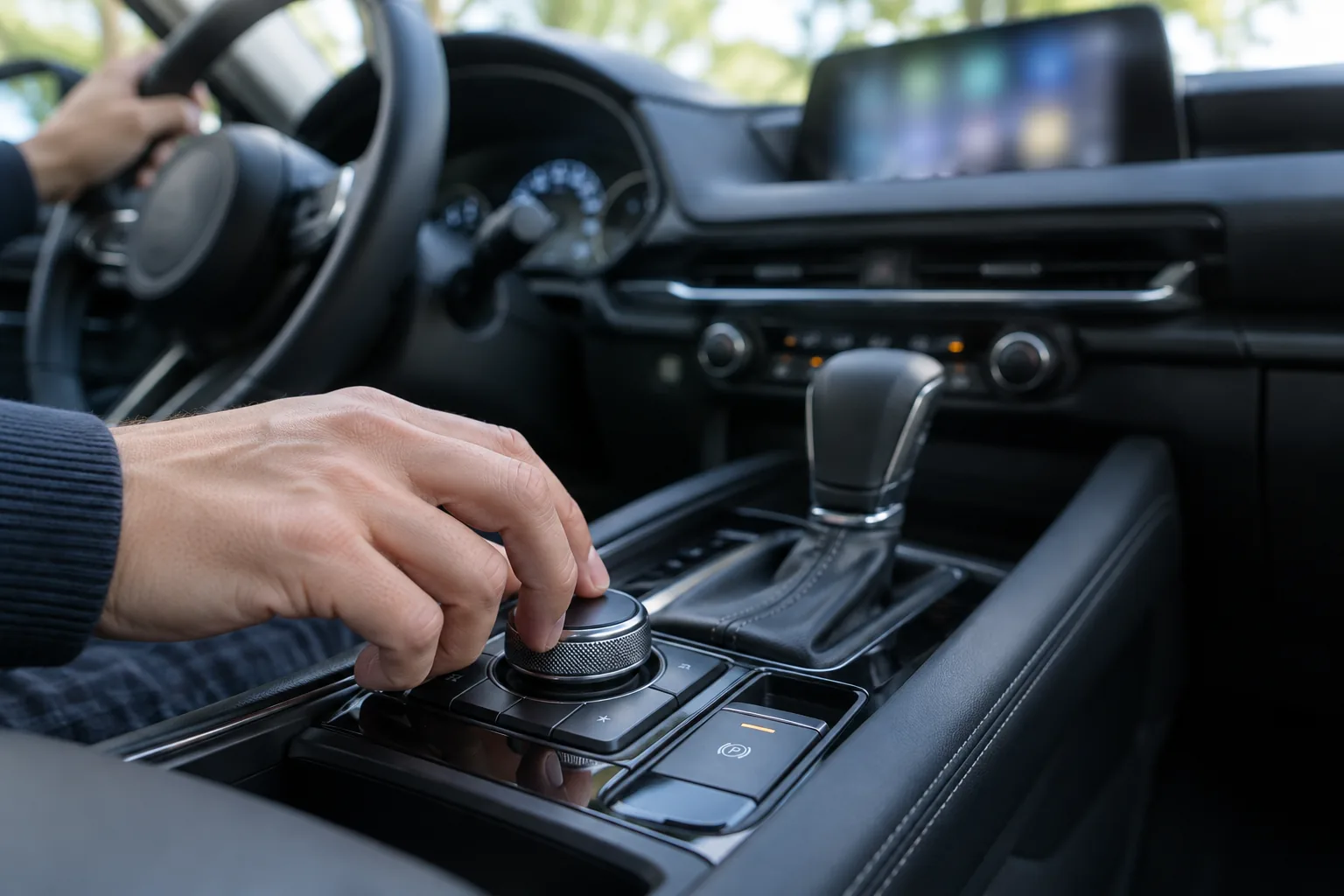
This is the owner-operated method using the center display. Do it after the service is complete, with the vehicle parked.
- Park safely. Use a level spot, set the parking brake, and put an automatic in Park. The infotainment system limits some functions while the vehicle is moving, so don’t try this while driving.
- Turn the vehicle on. Starting the engine is the simplest way to get the display fully active. Your manual may also allow the ignition to be in the ON position without the engine running. Check that if you want to do this with the engine off.
- Open the main menu on the center display. Depending on your car, you can use the touchscreen while parked or the commander knob and buttons on the console.
- Look for the Maintenance item. It’s typically found in the applications or vehicle-related section of the home screen. Confirm the exact label in your manual, since I won’t guess at a menu name that may differ by year.
- Select the specific reminder you completed. The system generally separates items such as oil change, tire rotation, and scheduled maintenance. Pick only the one you did.
- Choose the reset option and confirm any prompt. The system may ask you to confirm before it clears the reminder.
- Check for confirmation. The screen should show the item as reset or show a fresh interval. Turn the vehicle off, restart it, and make sure the reminder message no longer appears.
If the Reset Doesn’t Work
Work through these before assuming something’s broken:
- Check that you’re parked and the system is awake. A greyed-out option often means the car thinks it’s moving or the display isn’t fully active. Stop, set the brake, and try again.
- Confirm you picked the correct item. It’s easy to reset tire rotation when the message is about scheduled maintenance, or the reverse.
- Restart the vehicle and look again. A message may linger until the next start cycle even after a successful reset.
- Re-read the manual section. If the menu doesn’t match what I’ve described, your year or trim may use a different path. The manual’s maintenance section is the authority.
- Ask a Mazda dealer. If the option is missing or won’t save, a dealer can check whether it’s a software issue or something else. Don’t assume a purchased tool is required.
If the message comes back immediately after a reset, treat that as a clue that a different warning is involved, not just the reminder.
Before You Change the Oil: Confirm These Details
The CX-30 has been offered with more than one engine, including a naturally aspirated 2.5L and, for some model years, a turbocharged 2.5L. The correct oil grade, oil capacity, and filter can depend on the engine and model year, so don’t buy supplies from memory or from a forum post.
Check your owner’s manual for the specified oil viscosity, the oil capacity, the recommended service interval, and any severe-use schedule. Look up the oil filter by your exact year and engine, using the manual, a Mazda parts counter, or the filter manufacturer’s fitment tool. The same goes for the drain plug washer and any torque spec, which should come from the service information for your vehicle.
The reminder interval is a guide, not a guarantee. If you do lots of short trips, towing, dusty roads, or extreme temperatures, your manual’s severe-use schedule may call for sooner service. Following the schedule in the manual matters more than waiting for the message. Some owners choose to change oil early; that’s their call, but the manual is the baseline.
Optional Supplies for a DIY Oil Change
Doing the oil change yourself is a reasonable weekend job, but it isn’t required for the reset. A shop visit works just as well, and you can reset the reminder afterward if the shop didn’t.
If you do it at home, a few supplies make it cleaner. An oil drain pan with a spout and lid keeps used oil contained. A funnel set helps with a tight filler opening, and a few shapes mean fewer spills.

Oil Change Funnel Set
A multi-shape funnel set helps keep oil off the engine bay, but make sure the neck fits your filler opening before you pour.
The rest of the kit, including a torque wrench, jack stands, and a socket set, is covered in our list of must-have tools for every DIY car owner. Never work under a car supported only by a jack. Use proper stands on level ground.
Skip buying a filter or oil from a generic search result without checking it against your exact engine and year. Search listings can mix up fitments, and the manual or a parts counter is the safe place to confirm.
How This Compares to Other Brands
Mazda’s approach to maintenance reminders is not the same as every other brand. Some vehicles use an oil-life percentage that you reset from the dash or steering wheel, like the process in our guide to resetting the oil life monitor on a Jeep Grand Cherokee. Others use a service-due indicator, such as the one covered in our Subaru Outback service due reset guide. Don’t carry steps from one brand to another, because the controls and menus are different.
If you’re shopping and maintenance cost is part of the decision, our look at cars that cost the most to maintain is useful context for judging what ownership will run you.
FAQ
Do I have to reset the reminder after an oil change?
The car will run fine without it, but the reminder won’t know the service happened. It may keep nagging you, or worse, give you a wrong countdown. Reset the oil change item after the work is done so the next reminder is accurate.
Will resetting the maintenance reminder turn off the check-engine light?
No. The check-engine light is tied to a stored fault, not the service interval. A reset doesn’t repair anything or clear a fault. Have the code read and the cause diagnosed.
What if the red oil light comes on right after an oil change?
Stop driving as soon as it’s safe and shut the engine off. Check the oil level using the manual’s procedure and look for leaks around the drain plug and filter. If the level looks correct and the light stays on, don’t keep driving. Get the car inspected.
Should I reset the reminder if a shop did the oil change?
Check first. Many shops reset it, and you can usually see the status in the Maintenance menu. If it still shows as due and your invoice confirms the work, reset only that item. If it’s unclear what was done, ask the shop.
The Short Version
Identify the message first, because a maintenance reminder is a different thing from a red oil-pressure warning or a check-engine fault. Do the service, then reset only the items you completed using the Maintenance option in the CX-30’s center display, with the vehicle parked. Confirm the exact menu name for your year and trim in the owner’s manual, and if the reset won’t take, a Mazda dealer can sort it out.


Leave a Reply