

The short answer: on a Lincoln Nautilus, you reset the oil life monitor from the instrument cluster or touchscreen menus, with the ignition on, after the oil and filter have actually been changed. No scanner or special tool is required. The exact menu names change with model year and screen setup, so I’ll give you the method and tell you what to confirm in your manual.
Identify the Message Before You Reset Anything
A Nautilus oil life reminder is a routine maintenance message, usually worded something like “Change Engine Oil Soon” or “Oil Change Required.” It’s driven by the oil life monitor, which estimates oil condition from how the engine is used, not just mileage. Your exact wording may differ by year and display.
Two other warnings look similar at a glance but mean something else:
- Red oil-pressure warning: A red oil can symbol or a low oil pressure message is not a reminder. Pull over safely, shut the engine off, and have the oil level and pressure checked before driving further.
- Check-engine light: An amber engine symbol is a fault warning. Resetting the oil life does nothing to clear it, and it needs diagnosis.
Resetting the monitor doesn’t change the oil, replace the filter, or fix anything. Reset it only after the service is done, and only for the items you completed. A reset without an oil change just hides a reminder you still need.
Reset Procedure by Model Year
The Nautilus name started with the 2019 model year, when it replaced the MKX. A 2018 or earlier vehicle won’t be a Nautilus, so look for MKX instructions in that car’s own manual. The Nautilus was redesigned for 2024, which is the main dividing line for controls.
2019 to 2023 Nautilus
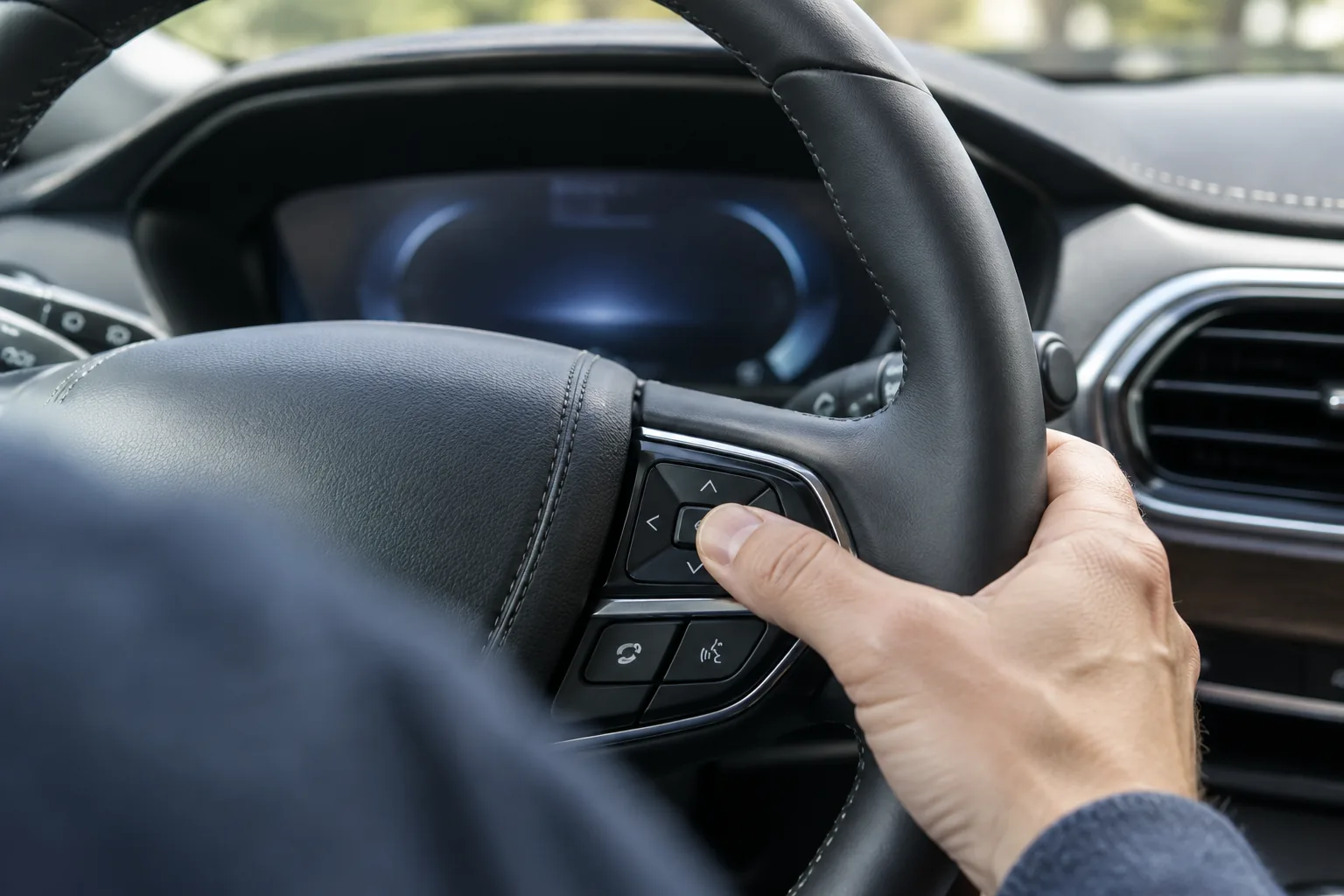
These models use the instrument cluster menu, controlled with the steering wheel buttons. Confirm the exact menu name in the maintenance section of your owner’s manual.
- Park safely and confirm the oil and filter change is finished.
- Turn the ignition on. Your manual will say whether the engine should be running or off for the reset.
- Use the steering wheel arrow buttons to scroll the cluster menu to the settings or vehicle options area.
- Find the oil life entry and select the reset option.
- Press and hold the OK or select button until a confirmation appears.
- Check that oil life reads 100 percent and the reminder is gone.
2024 and Newer Nautilus
The redesigned Nautilus has a very different display layout, and I can’t give you a menu path with confidence. In general, expect the oil life reset to be under a vehicle, settings, or maintenance area on the screen or cluster, and check the manual for the exact name.
- Confirm the oil and filter change is done.
- Turn the ignition on, with the engine state your manual specifies.
- Open the vehicle settings or maintenance menu using the screen or steering wheel controls.
- Find the oil life item and choose the reset option.
- Confirm the prompt if one appears, then verify the monitor shows 100 percent.
If the Reset Doesn’t Work

Start with the basics. Make sure the ignition is actually on, the vehicle is stationary, and you’re in the oil life screen rather than a nearby one. Some resets need the button held longer than a tap, so keep holding until you see a confirmation.
If the menu option is missing or the message returns, turn the vehicle off, open and close the driver’s door, restart, and try once more. Persistent trouble, or any other warning light alongside the reminder, is a job for a Lincoln dealer or qualified shop. Don’t keep resetting to make a message disappear.
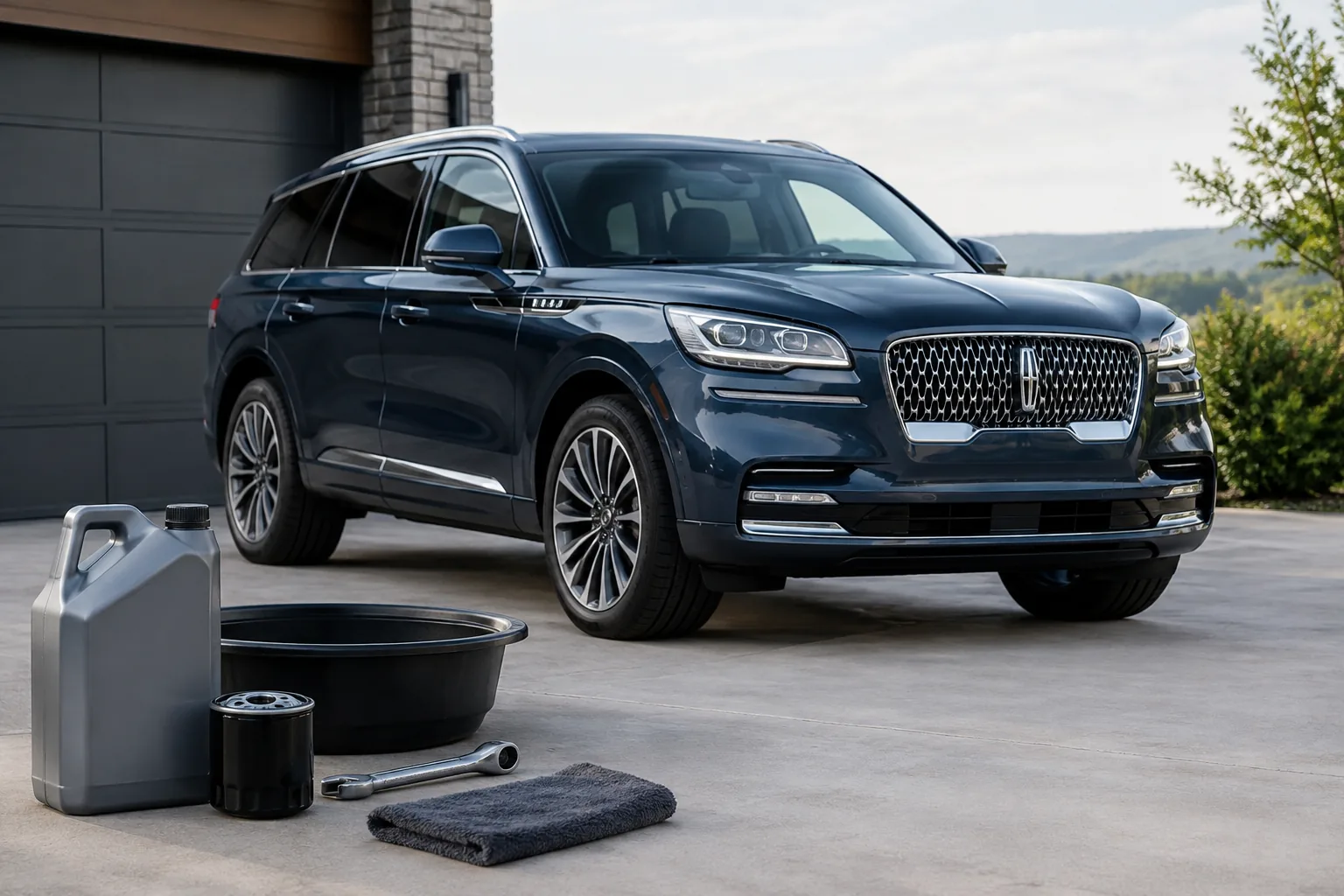
If you’re doing the oil change yourself, use the oil grade, capacity, and filter listed in your manual for your specific engine, and confirm fitment before buying anything. A low profile oil drain pan is handy for crossovers like this, though it’s optional. Our guide to must-have tools for every DIY car owner covers the rest of a basic kit.

Low Profile Oil Drain Pan
A low-profile pan makes it easier to slide under a crossover when you change the oil yourself.
Own other vehicles? The process is similar in spirit to our walkthrough on how to reset the oil life monitor on a Jeep Grand Cherokee, though the menus differ.
FAQ
Do I need to reset the oil life monitor after every oil change?
Yes, if your Nautilus uses the oil life monitor. It can’t detect that fresh oil went in, so it keeps counting from the old oil unless you reset it. Skipping the reset can leave you with a false reminder, or no timely reminder at the next service.
Can I reset it without changing the oil?
You can, but you shouldn’t. The reset only clears the reminder and doesn’t service the engine. Resetting without completing the work means the monitor no longer reflects the real condition of your oil.



Leave a Reply