
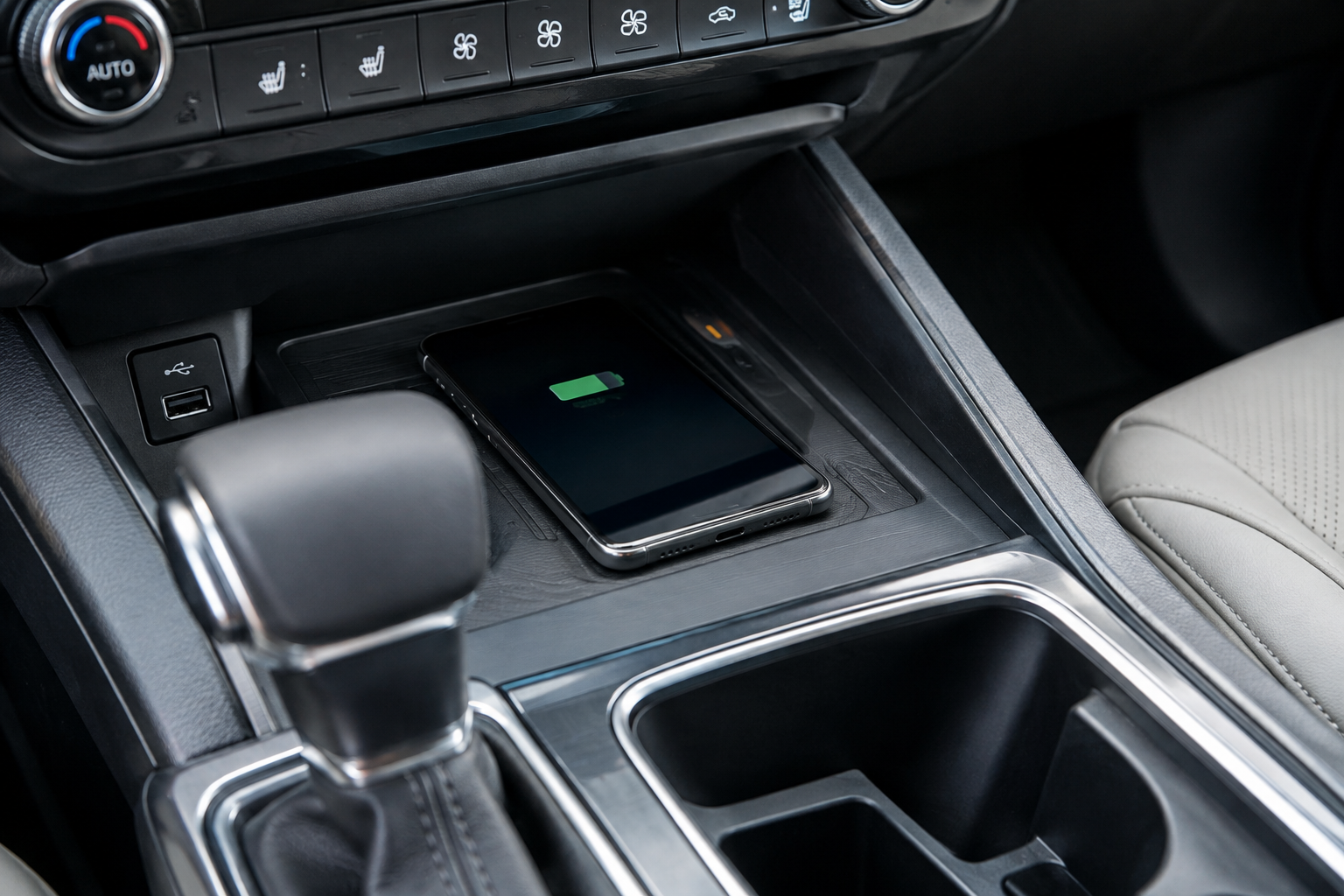
You toss your phone on the charging pad before backing out of the driveway, and by the time you hit the highway, you notice it never actually started charging. Or worse, it’s charging so slowly that you arrive with less battery than when you left. The Kia Telluride’s wireless charging pad is a great feature when it works, but it’s also one of the pickiest pieces of tech in the cabin, and a lot of small things can knock it offline.
Before you assume the pad itself is broken, there’s a good chance the fix is something simple like a case swap or a wallet you forgot was in your pocket. Let’s walk through the real causes, starting with the basics and working toward the less obvious culprits.
Confirm Your Phone Actually Supports Qi Wireless Charging
The Telluride’s wireless charging pad uses the Qi standard, which is built into most modern iPhones and Android flagships. But “supports wireless charging” doesn’t mean every phone charges at the same speed or even makes reliable contact with the coil.
Older budget phones, some carrier-locked models, and certain international variants either lack Qi charging entirely or have the coil positioned differently inside the phone body. If your phone is a hand-me-down or an off-brand device, check the manufacturer’s spec sheet before troubleshooting anything else in the vehicle.
It also helps to know that the Telluride’s pad is not a fast-charging pad in the way a dedicated 15-watt Qi charger at home might be. Kia’s factory pads are typically tuned for a lower wattage output, so even a perfectly healthy connection will charge slower than what you’re used to on your nightstand charger. That’s normal, not a malfunction.
Check Your Phone Case and Any Attached Accessories
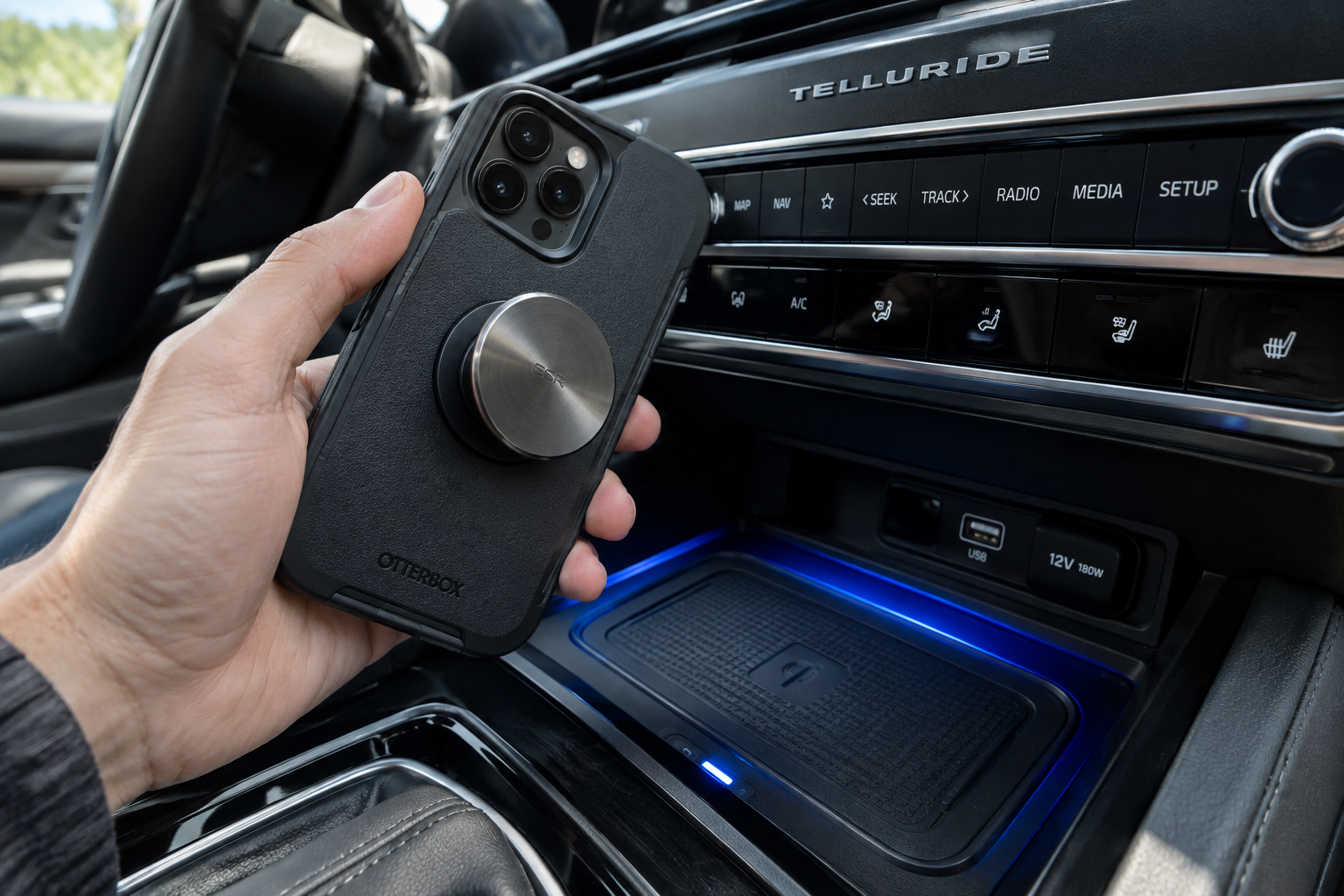
This is the number one reason wireless charging fails or drops in and out. Anything between your phone and the coil weakens the magnetic field, and the Telluride’s pad has a shallow tolerance for extra bulk.
- Thick cases: Rugged or battery cases, wallet cases, and anything advertised as “military grade” often exceed the pad’s charging distance.
- Metal or metallic accents: Cases with metal buttons, kickstands, or credit card slots with foil-backed cards can block charging entirely or cause it to start and stop repeatedly.
- PopSockets and grips: Even collapsed, some grips add just enough thickness to break the connection.
- MagSafe accessories: If you use a MagSafe case with a metal ring or mount attachment, remove it before placing the phone down, since the added metal can interfere with the coil alignment.
Try charging with the case completely off. If it charges fine without the case, you’ve found your answer, and it’s time for a thinner, Qi-friendly case.
Phone Placement and Alignment Matter More Than You Think

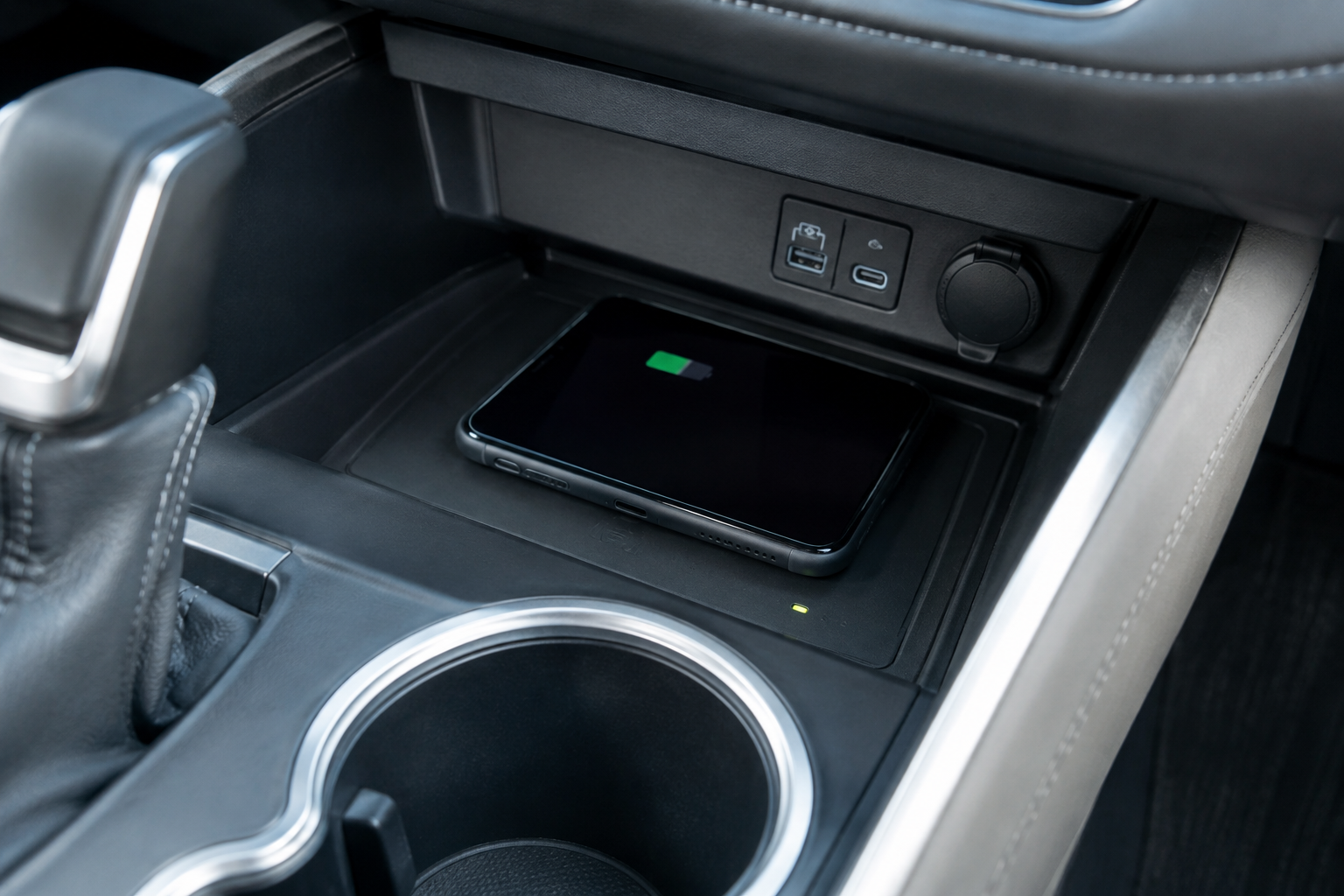
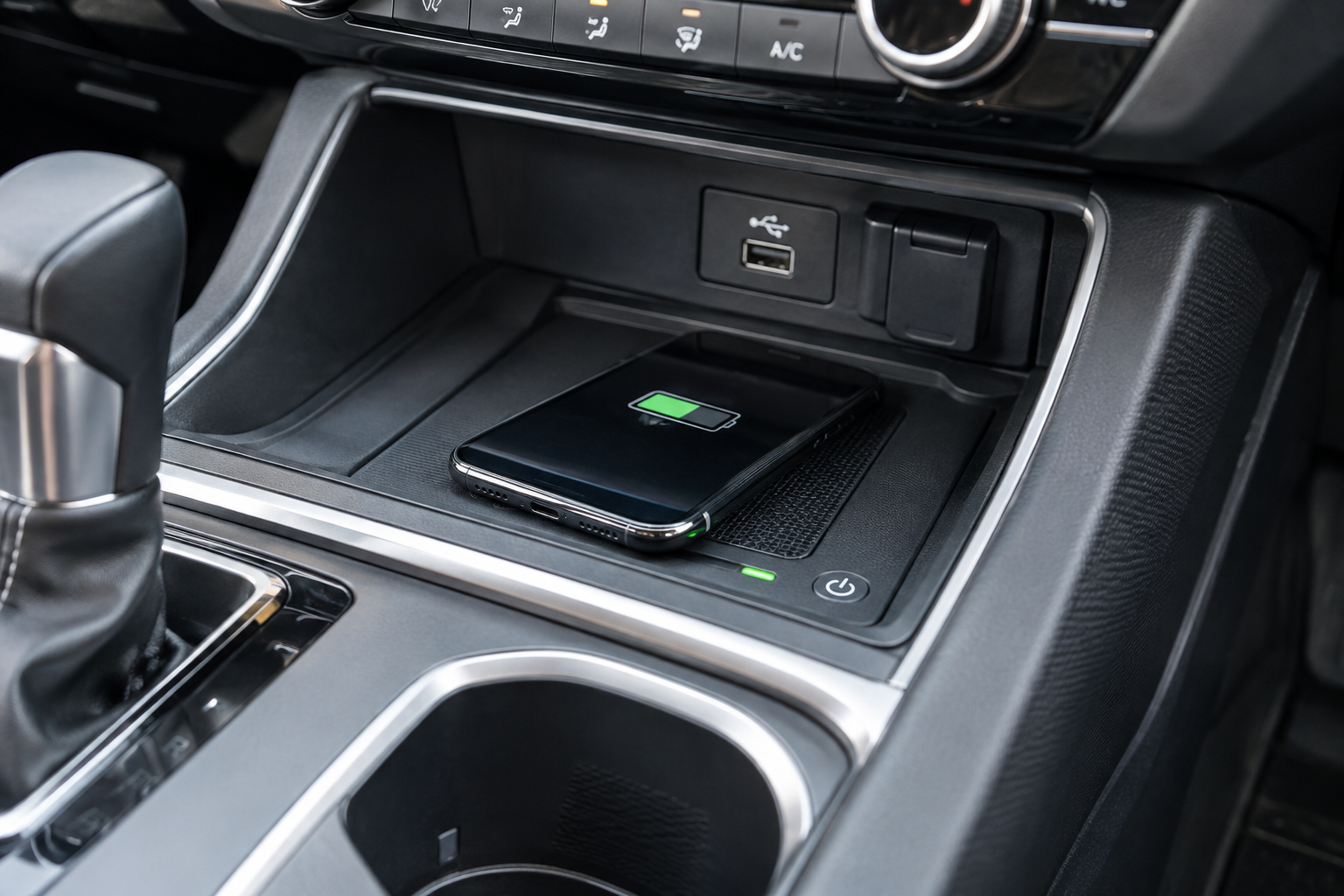
The coil inside the Telluride’s charging tray is smaller than the surface area of the tray itself, which means there’s a real “sweet spot” you need to hit. Off-center placement is one of the most common reasons for repeated connect-and-disconnect cycles, especially on uneven roads where the phone can shift slightly.
Center your phone both left-to-right and top-to-bottom in the tray, with the screen facing up. Larger phones like a Galaxy S24 Ultra or iPhone Pro Max often need to sit slightly higher or lower than smaller phones to line up with the coil, so don’t assume dead center is always correct for your specific model.
If your phone rattles or slides during turns, that movement alone can interrupt charging. A small silicone charging pad insert, sold separately from Kia and third parties, can help grip the phone in place without adding meaningful thickness.
Overheating and the Pad’s Built-In Heat Protection
Wireless charging generates more heat than a wired connection, and the Telluride’s system includes thermal protection that will intentionally slow or pause charging if your phone gets too warm. This is a safety feature, not a defect.
Heat builds up fastest when:
- Direct sunlight is hitting the console area on a hot day
- The phone is already warm from heavy use like navigation or streaming before you set it down
- A thick case is trapping heat against the phone’s back
If your phone feels hot to the touch after a short drive, that’s very likely why charging stopped. Let it cool for a few minutes with the case removed and it should resume charging normally once temperatures drop back into range.
Debris, Dirt, and Loose Change in the Charging Tray
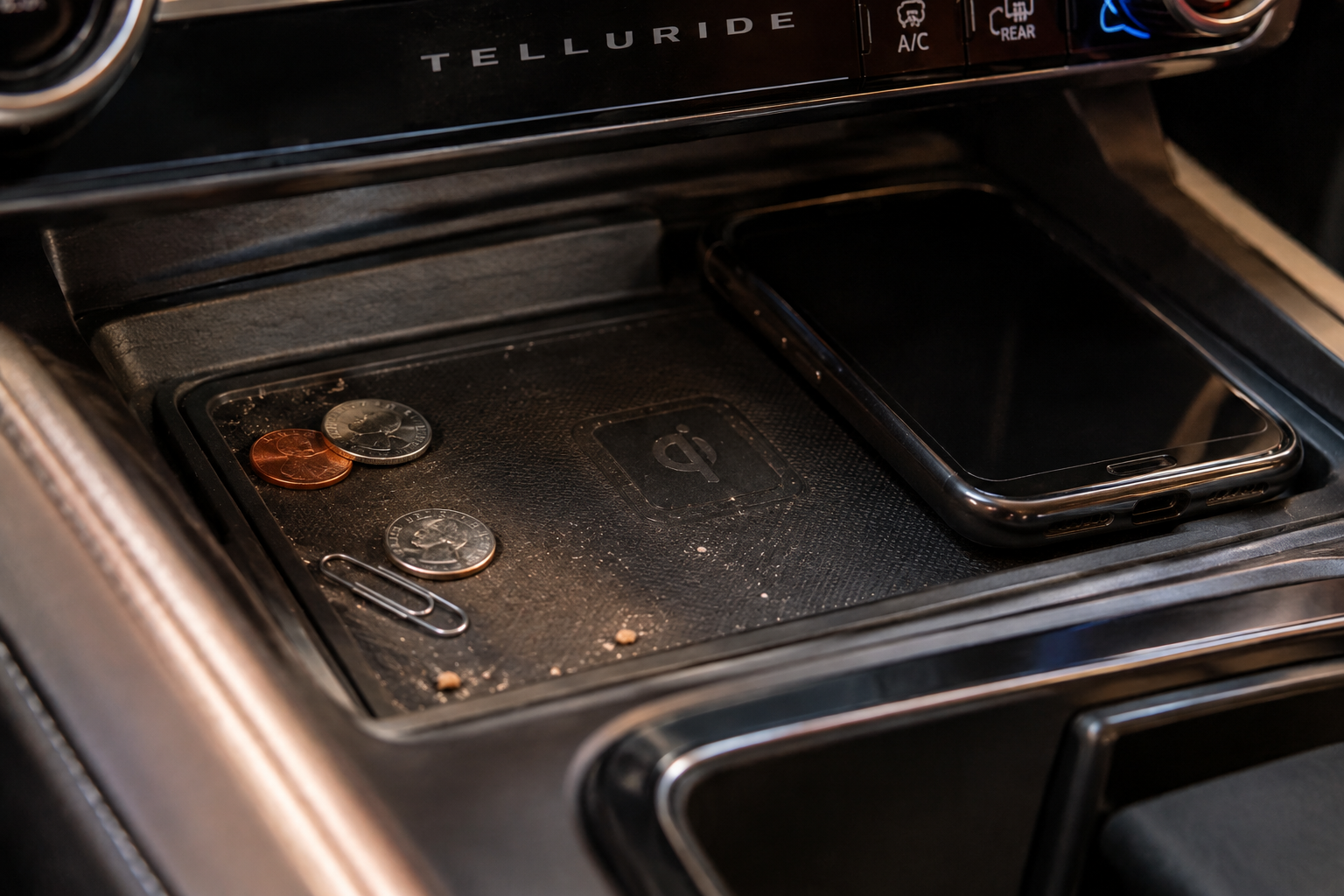
Coins, keys, and small metal debris in the charging tray can cause a lot of confusion because the results are inconsistent. Sometimes the pad charges fine, other times it flashes an error light or refuses to start.
Wipe out the tray with a dry microfiber cloth and check for anything metallic that may have slid in from a cupholder or console tray nearby. Coins are the most common offender since they’re small enough to go unnoticed under a phone.
Kia’s system usually has an indicator light near the pad that changes color or blinks when it detects a foreign object versus a compatible device. If you’re seeing a flashing or red-ish indicator instead of a steady charging light, that’s often a signal there’s interference in the tray rather than a problem with your phone.
Vehicle Power State and Software Considerations
The charging pad on most Telluride trims only activates once the vehicle is in an accessory or “on” power state, meaning it typically won’t charge if the vehicle is fully off. If you’re expecting it to trickle-charge while parked overnight, that’s not how the system is designed to work.
Availability also varies by trim and model year. Wireless charging has been standard or available on higher trims like the EX, SX, and X-Line since the Telluride’s early production years, but base trims in certain years may not include it at all. If you’re troubleshooting a “missing” feature, it’s worth confirming your specific trim actually has the hardware before assuming something is broken.
A soft reset of the infotainment system, usually done by holding the power button on the head unit for several seconds, can occasionally clear up minor glitches affecting the charging tray’s communication with the phone. It’s a low-effort step worth trying if everything else checks out physically.
Anker Wireless Charging Pad
A solid backup Qi charger to keep in the car or at your desk if you want a faster charge than the factory pad provides.
If you’ve gone through every step above and the factory pad still won’t cooperate, it may genuinely have a hardware fault, particularly if the indicator light doesn’t turn on at all or the tray feels loose. At that point, a dealer inspection is the right move rather than continuing to troubleshoot on your own.
When a Fallback Charger Makes Sense
Once you’ve ruled out case thickness, placement, heat, and debris, and the factory pad is still unreliable, a wired charge through the USB-C port is the most dependable short-term fix. It bypasses the wireless system entirely and charges at full speed regardless of case or alignment issues.
If you’d rather stick with wireless convenience, a MagSafe car charger that mounts to a vent or window is a good alternative for iPhone users, since the magnetic alignment removes the placement guesswork entirely.
Belkin MagSafe Car Vent Mount Charger
Magnetic alignment eliminates the coil placement problem entirely and works well as a phone mount too.
These aftermarket options should be treated as a fallback, not a first move. Most Telluride owners who go through the troubleshooting steps above find the factory pad works fine once the real culprit, usually a case or a stray coin, gets addressed.
Frequently Asked Questions
Why does my phone charge in some spots on the pad but not others?
The charging coil inside the tray is smaller than the tray surface, so only a specific area actually makes contact with the field. Larger phones especially need to be shifted slightly to line up correctly, since the coil position relative to the phone’s edges changes with screen size.
Is it normal for wireless charging to be slower than a wall charger?
Yes. Factory wireless pads, including the one in the Telluride, are generally tuned for a lower wattage output than a dedicated fast charger. If you need a full charge quickly before a trip, plugging into the USB-C port will always be faster.
Does every Telluride trim have wireless charging?
No. Availability depends on trim level and model year, with higher trims like the EX, SX, and X-Line more consistently including the feature. Check your specific trim’s equipment list rather than assuming it’s standard across the lineup.

Leave a Reply