
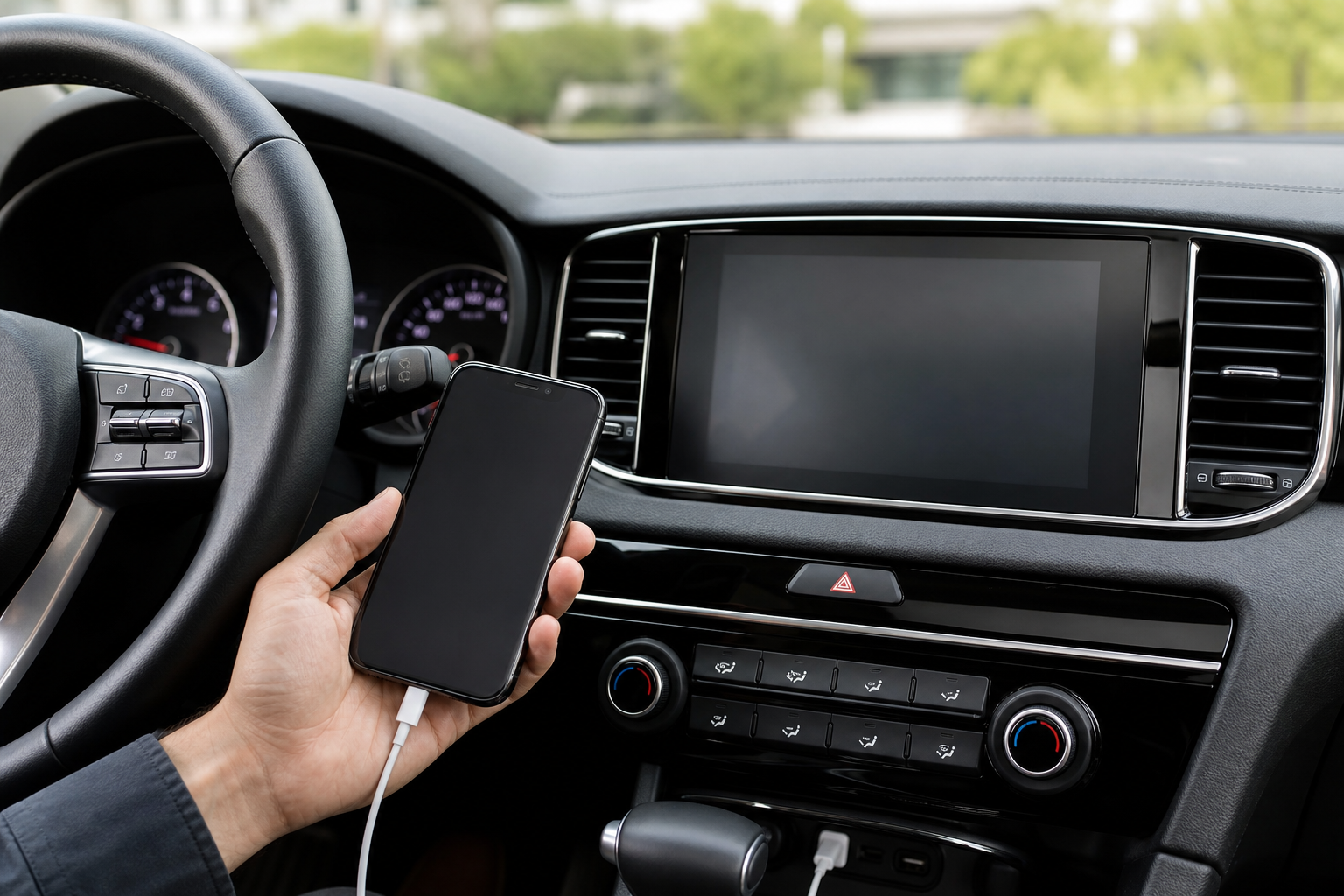
Nothing kills the mood on a road trip like your podcast cutting out and Apple CarPlay booting you back to the Kia’s home screen. It happens more often than it should on the Sportage, especially on the newer models running the curved panoramic display, and it usually traces back to a handful of repeat offenders. Before you assume your phone or your Sportage is broken, work through the fixes below in order. Most owners solve this in under fifteen minutes without a dealer visit.
Why Apple CarPlay Disconnects on the Kia Sportage
The Sportage has offered CarPlay in different forms depending on the model year. Older Sportage models (roughly 2017 through 2021) only support wired CarPlay through a specific USB port. The redesigned fifth-generation Sportage (2023 and newer) added wireless CarPlay as standard or available equipment on most trims.
That distinction matters because wired and wireless connections fail for completely different reasons. A loose cable causes wired dropouts. A Bluetooth or Wi-Fi handshake problem causes wireless dropouts. Trying wireless fixes on a wired-only setup, or vice versa, wastes your time.
Fixes for Wired CarPlay Disconnecting
Check the Cable and USB Port First
This is the single most common cause on the Sportage. Kia often installs two USB ports up front, but only one is a data port capable of running CarPlay. The other is charge-only and will never launch CarPlay no matter what cable you use.
Look for a small “media” or steering wheel icon printed next to the correct port, usually the one closer to the infotainment screen. If both ports are unmarked, test each one individually with your cable plugged in.
Cheap or worn-out cables are the next biggest culprit. Cables that only carry a charge signal, or ones with frayed connectors, will connect briefly and then drop the moment the car hits a bump. Stick with an Apple-certified (MFi) cable rather than a generic one from a gas station rack.
Anker MFi Lightning Cable
A certified data cable that avoids the charge-only cables responsible for most wired CarPlay dropouts.
If you drive a Sportage with a USB-C iPhone (iPhone 15 or later), make sure your cable is a genuine USB-C to USB-C data cable, not just a charging cable pulled from a wall adapter kit.
Restart Your Phone and Reset the Connection
A soft reset clears out background glitches that build up over weeks of use. Power your iPhone off completely, wait about ten seconds, then turn it back on and plug it into the Sportage before starting the car.
If that doesn’t hold, unplug the cable, turn the vehicle off, wait a minute, then restart the car and reconnect. This forces the infotainment unit to fully re-negotiate the connection instead of trying to resume a broken session.
Fixes for Wireless CarPlay Disconnecting
Reset Bluetooth and Wi-Fi Pairing
Wireless CarPlay on the Sportage relies on Bluetooth for the initial handshake and Wi-Fi Direct for the actual audio and video streaming. If either connection is flaky, CarPlay will connect, then randomly kick you back to the home screen a few minutes later.
On your iPhone, go to Settings, then Bluetooth, and forget the Sportage from your list of devices. On the Sportage’s screen, go into the connectivity or device menu and delete the paired phone entry there too. Then pair from scratch: Bluetooth first, followed by the CarPlay prompt.
Also double-check that Wi-Fi is turned on in your iPhone’s control center. Wireless CarPlay won’t work at all if Wi-Fi is toggled off, even though you’re not manually joining any network.
Delete and Re-Add the Vehicle in CarPlay Settings
Go to Settings, General, then CarPlay on your iPhone. Tap on your Sportage in the list and select “Forget This Car.” Restart the phone, then start the Sportage and let it prompt you to reconnect as if it were the first time.
This clears out corrupted pairing data that a simple Bluetooth forget doesn’t always fully erase, and it’s one of the more reliable fixes for wireless connections that drop every few minutes rather than staying stable.
Signal Interference and Phone Placement
Wireless CarPlay is sensitive to physical interference in a way wired connections aren’t. Phones stored in a metal cup holder insert, thick metal-backed cases, or wireless charging pads mounted in odd spots can weaken the Wi-Fi Direct signal enough to cause dropouts on rough roads or near cell towers.
If you’re using a wireless charging mount, try moving your phone to a different spot in the cabin for a test drive. A dedicated wireless car charger designed for CarPlay use tends to cause fewer issues than generic pads, since it’s built to keep a stable connection while charging.
Infotainment System and Software Fixes
Reboot the Sportage Infotainment Screen
Kia’s infotainment unit can freeze up just like a smartphone can. Press and hold the power button on the touchscreen (or the volume knob on some trims) for about ten seconds until the screen goes black and restarts.
If holding the button doesn’t do anything, turn the vehicle off, open and close the driver’s door to fully power down the electronics, and wait a couple of minutes before restarting. This is different from just turning the key or push button off, since some accessory power stays on otherwise.
Check iOS Compatibility and Update Your Software
Apple regularly patches CarPlay bugs in iOS updates, and Kia’s UVO infotainment software gets its own periodic updates too. Running an outdated version on either side is a common cause of intermittent drops that seem to have no pattern.
On your iPhone, go to Settings, General, Software Update, and install anything pending. On the Sportage, check the Settings menu for a system update option, or visit a Kia dealer to have them check for a software update using their diagnostic tool, since not every update pushes over the air.
Factory Reset the Infotainment System
If nothing above sticks, a factory reset of the head unit clears out any corrupted settings tied to CarPlay pairing. On most Sportage models, this is found under Settings, System, then Reset, though the exact wording varies by model year and trim.
Keep in mind this also wipes your saved Bluetooth devices, radio presets, and any personalized settings, so it’s a last resort rather than a first step. Write down your favorite stations before you do it.
Belkin USB-C Car Charger with CarPlay Cable
A solid backup option if you want a fresh, certified cable and charger combo dedicated just to CarPlay duty.
Confirm Your Sportage Actually Supports the Feature You’re Trying to Use
It’s worth double-checking your specific trim and model year before spending an hour troubleshooting something that isn’t available on your car. Wireless CarPlay wasn’t standard across every Sportage trim even after the 2023 redesign, and some lower trims on earlier years stuck with wired-only CarPlay through an 8-inch display rather than the larger wireless-capable screen.
Check your owner’s manual or the window sticker from when the car was new to confirm which system you have. Trying to force a wireless pairing on a wired-only unit will never work no matter how many times you reset Bluetooth.
Since Kia has dealt with its share of recalls and software hiccups across recent model years, it’s also worth staying current on any open service bulletins for your Sportage. Our recent roundup on recent Kia recalls covers a few issues worth knowing about if you’re troubleshooting anything electronic in the cabin.
FAQ
Why does Apple CarPlay work fine at home but disconnect on the highway?
This points to a wireless interference problem rather than a software bug. Highway driving puts you near more cell towers and other Wi-Fi signals, which can disrupt the Wi-Fi Direct connection wireless CarPlay relies on. Try moving your phone away from metal surfaces and other electronics in the cabin.
Does every Kia Sportage model year support wireless CarPlay?
No. Wireless CarPlay became available with the fifth-generation Sportage starting around the 2023 model year, and even then it wasn’t necessarily standard on every trim. Sportage models from 2017 through 2021 generally require a wired connection through a specific data-capable USB port.
Will a factory reset delete my paired phones and settings permanently?
Yes, a factory reset on the infotainment unit clears all paired Bluetooth devices, saved radio presets, and any personalized display settings. You’ll need to set everything up again from scratch, including re-pairing your phone for CarPlay, so save any important settings information beforehand.

Leave a Reply