
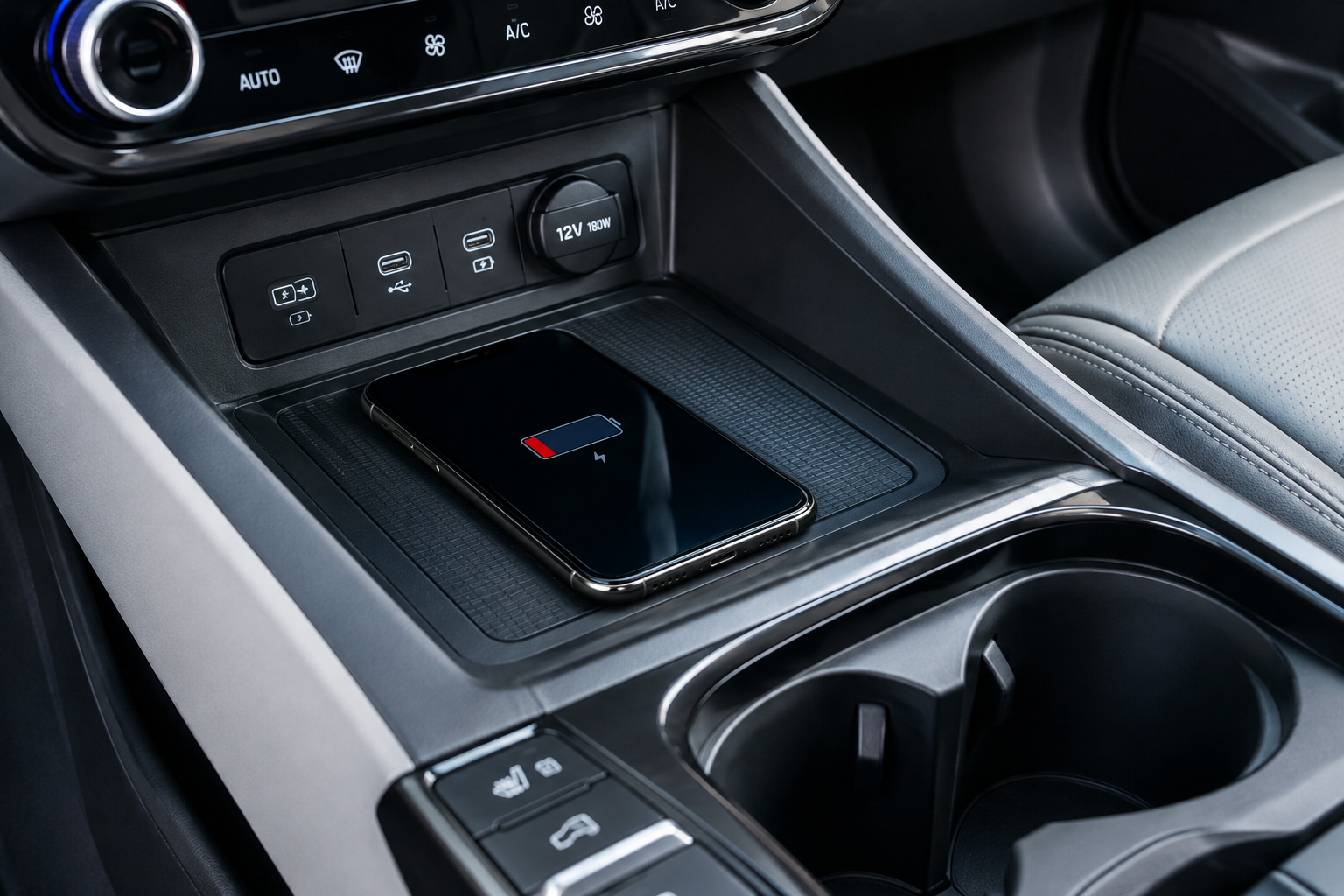
Your Hyundai Tucson’s wireless charging pad is supposed to be one of those quiet conveniences you never think about, until it stops working. If your phone won’t charge at all, keeps connecting and disconnecting, gets hot to the touch, or trickles along at a fraction of its normal speed, there’s almost always a specific, fixable reason behind it. Before you assume the pad itself is broken, run through the checks below.
How the Tucson’s Wireless Charging Pad Actually Works
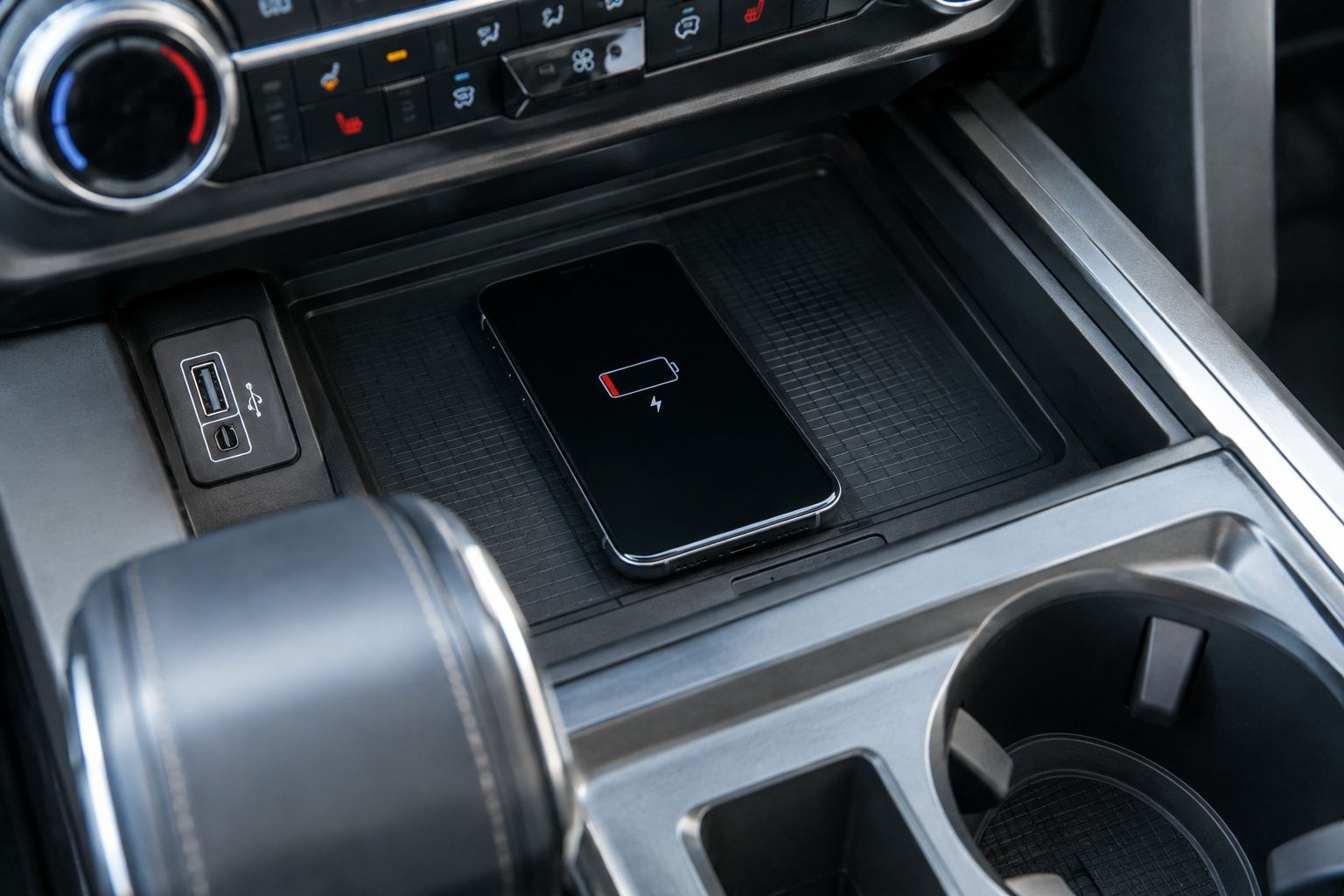
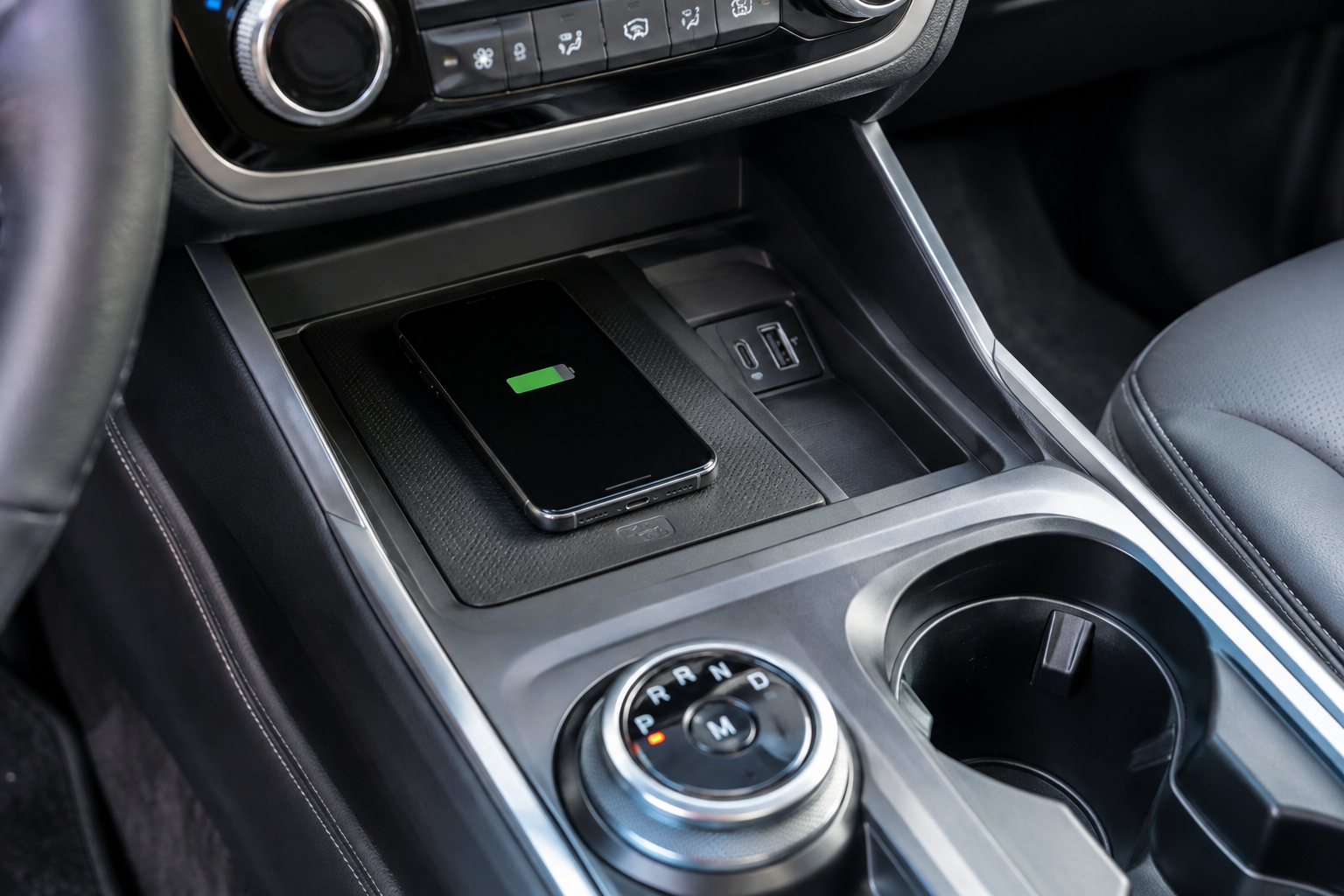
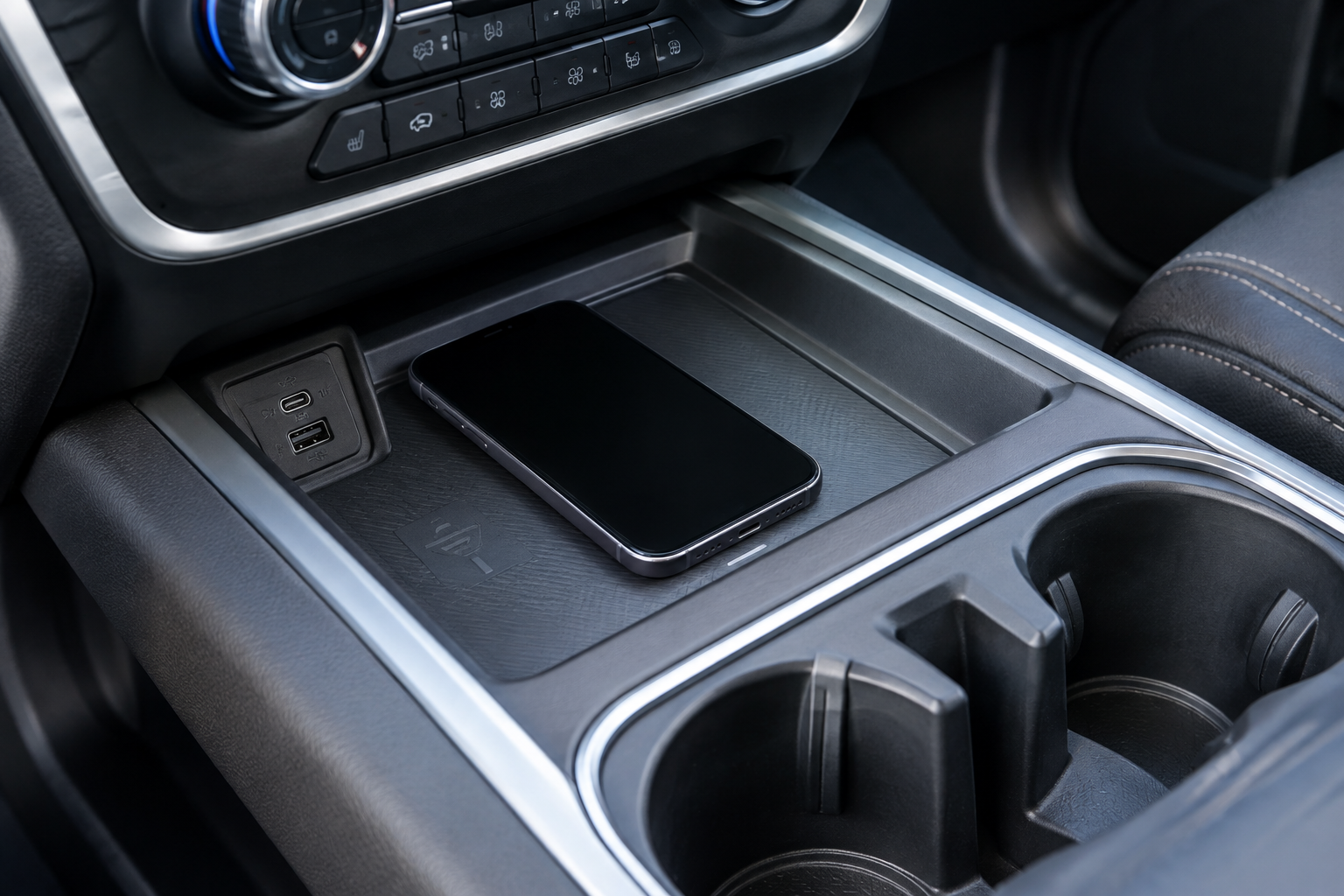
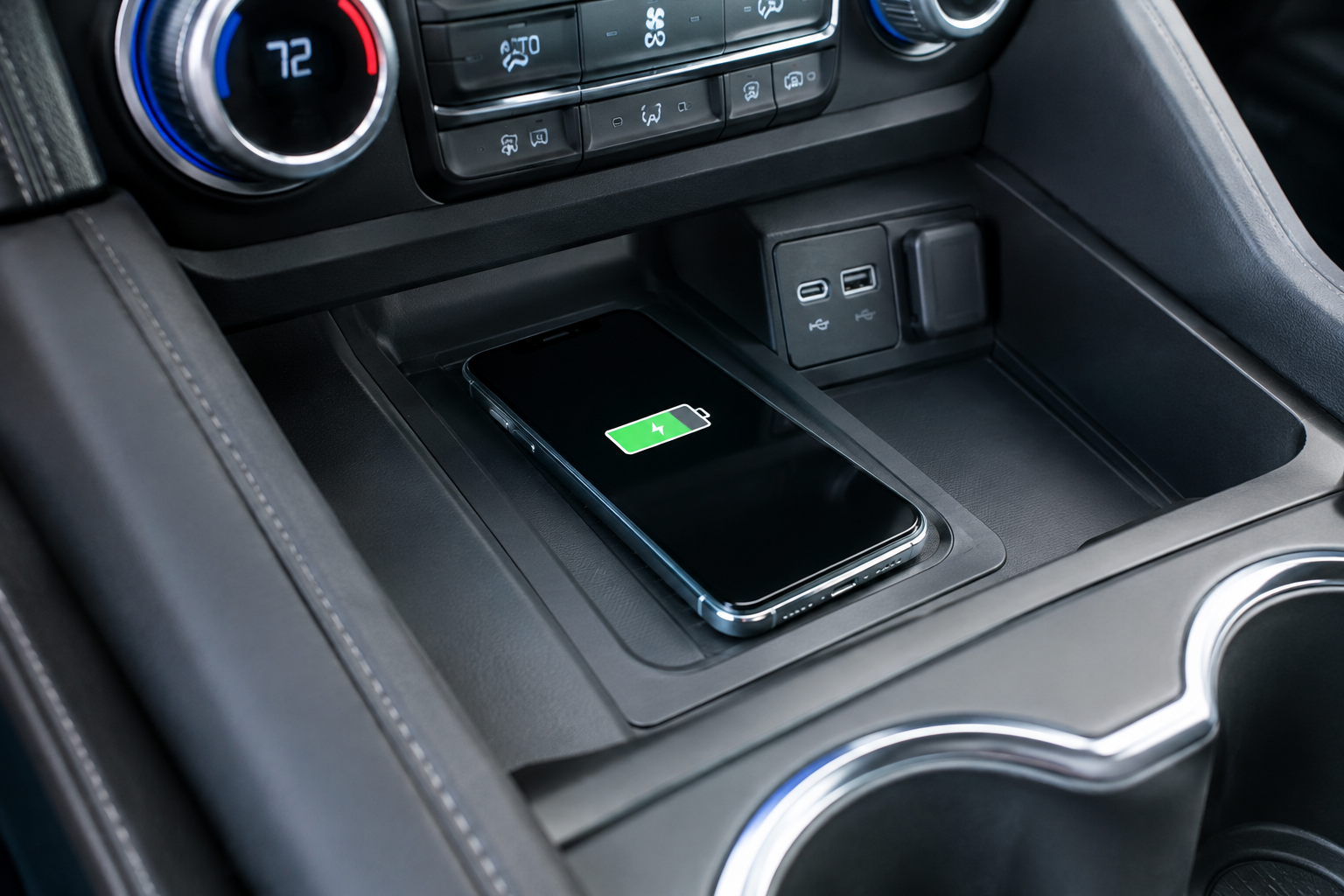
The factory wireless charger in the Hyundai Tucson uses the Qi charging standard, the same protocol found in most wireless chargers on the market. It’s typically located at the base of the center console, just ahead of the cupholders, under a small rubber-lined tray with “Wireless Charging” or a phone icon molded into it.
Availability depends heavily on trim and model year. On most Tucson generations, wireless charging comes standard on SEL Convenience trim and above, but it’s often left off the base SE trim entirely. If you’re troubleshooting a “missing” charger, double-check your window sticker or owner’s manual first. You might not have the hardware at all.
When the pad is working correctly, most Tucson trims show a small LED indicator near the tray. Solid or slow-pulsing light usually means an active charge, while rapid blinking or no light at all typically signals a connection problem, overheating, or a compatibility issue. Get familiar with what your specific model does, since indicator behavior varies slightly between the 2022-2025 redesign and earlier fourth-generation Tucsons.
Confirm Your Phone Is Actually Compatible
Not every phone charges wirelessly, and not every wireless phone charges at the same wattage. iPhones from the 8 and X onward support Qi charging natively. Most Samsung Galaxy, Google Pixel, and newer Android flagships do too, but budget and mid-range Android phones sometimes skip wireless charging entirely.
Even compatible phones can behave differently. Some newer iPhones and Android devices support faster wireless charging speeds than the Tucson’s pad is rated to deliver, which means you might see slow, steady charging that feels underwhelming compared to a wired connection. That’s normal and not a sign of a defective pad.
If you’re not sure whether your phone supports Qi charging, check the manufacturer’s spec sheet or look for a “Qi certified” logo in your phone’s box or manual. Don’t assume compatibility just because the phone is expensive or new.
Case Thickness and Material Matter More Than You Think
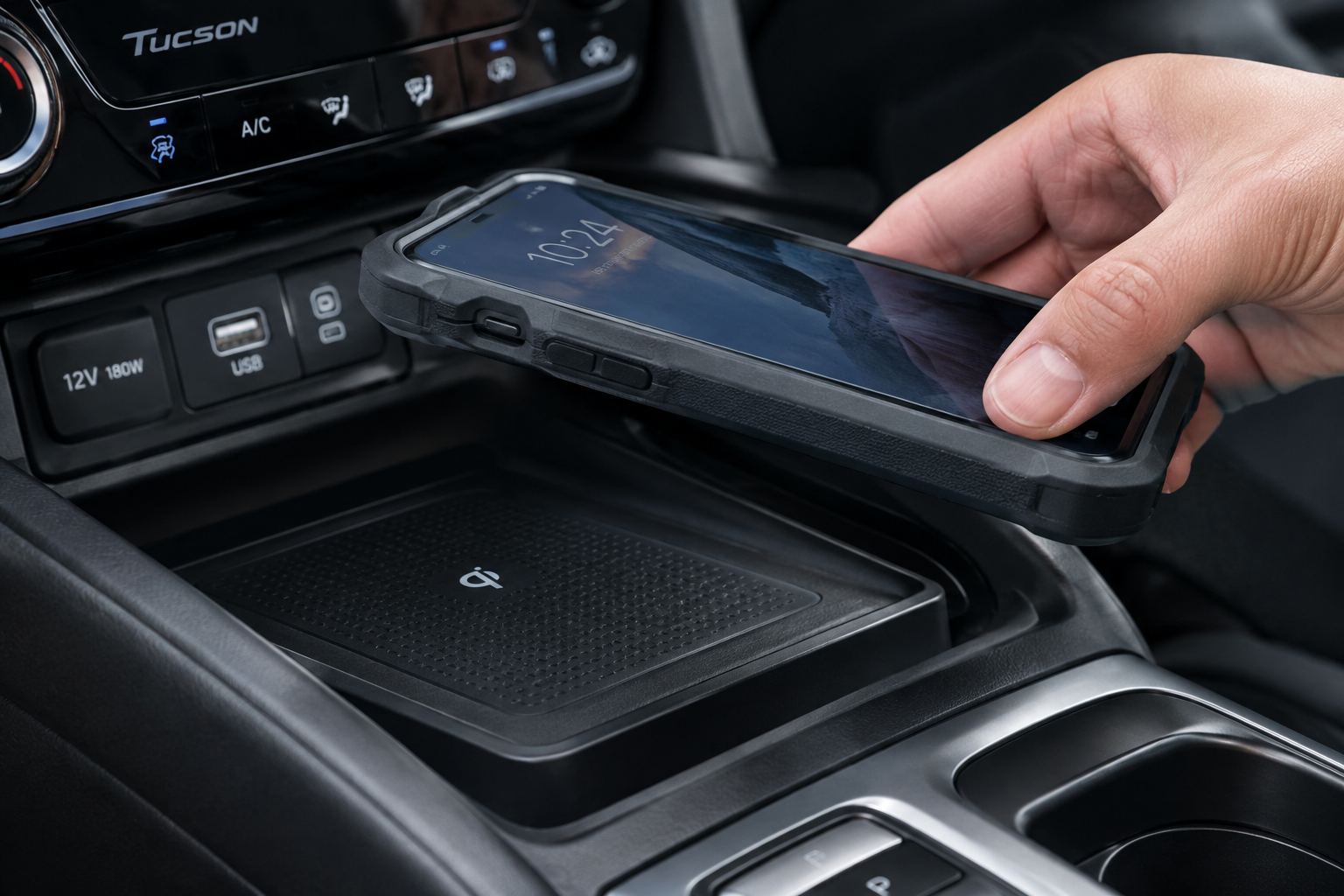
Thick cases are one of the most common reasons a Tucson’s wireless pad seems to “not charge” or charges painfully slowly. Qi charging works through magnetic induction, and that connection weakens fast with distance. Most automotive wireless chargers, including Hyundai’s factory unit, are only rated to charge through a certain amount of material, often somewhere in the range of a few millimeters.
Rugged cases, battery cases, wallet cases with card slots, and anything with a kickstand built into the back are the usual culprits. If your phone charges fine on a wireless charger at home but struggles in the Tucson, try removing the case entirely as a test.
- Battery cases or power bank cases almost always block wireless charging completely.
- Wallet cases with metal money clips or RFID-blocking material can interfere with the coil.
- Textured or “rugged” cases with air gaps add extra distance between your phone and the pad’s coil.
If removing the case fixes the problem, look for a slim, Qi-friendly case designed specifically for wireless charging rather than going caseless every time you drive.
Metal Accessories and Magnetic Mounts Cause Real Interference
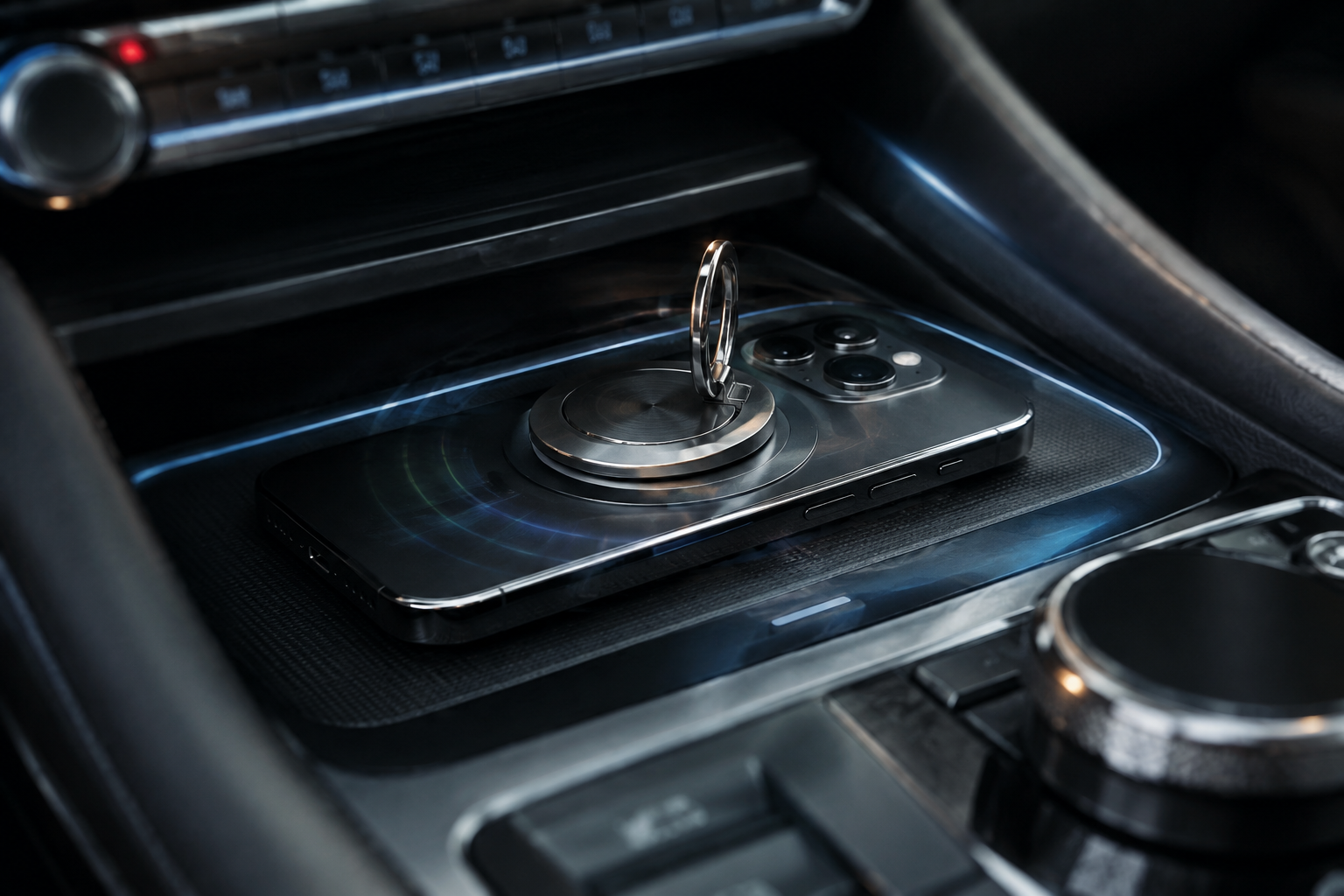
This one catches a lot of people off guard. Metal PopSockets, credit cards with magnetic strips, kickstands, and magnetic mount plates left on the back of a phone can all disrupt the electromagnetic field the charging pad relies on.
Some drivers install a metal or magnetic phone mount ring for use with dash or vent mounts, then forget it’s there when they drop the phone onto the wireless pad. Even a thin metal ring can be enough to block charging or trigger the pad’s foreign object detection, which shuts the coil down as a safety measure.
If you use a MagSafe-style setup elsewhere in the car, it’s worth keeping that separate from your wireless charging pad routine rather than trying to use both interchangeably. A dedicated MagSafe car charger mounted on the vent or dash works well for hands-free navigation, but it’s a different system than the factory Qi pad in your console.
MagSafe Car Charger Mount
A solid alternative for drivers who want reliable magnetic charging without relying on the factory pad’s coil alignment.
Phone Placement Inside the Tray
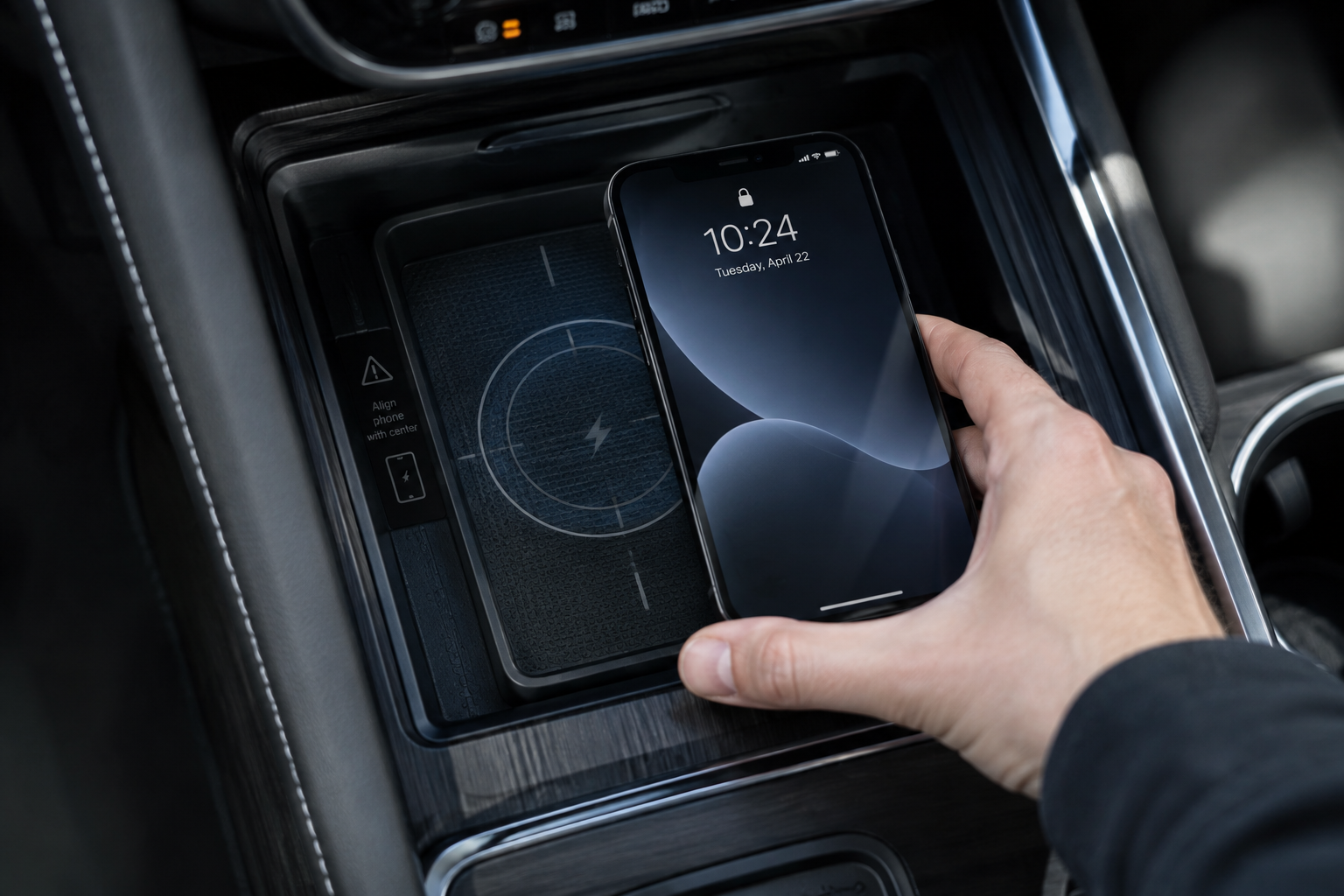
The Tucson’s charging tray has a specific sweet spot where the coil in your phone lines up with the coil in the vehicle. Even an inch of misalignment can drop you from a full charge to no charge at all, and it’s easy to bump the phone out of position over bumps or hard turns.
Most Tucson trays are shaped to center a phone automatically, but larger phones like the iPhone Pro Max or Galaxy Ultra models can hang over the edges and sit slightly off-center. Try placing the phone with the top edge aligned to the top of the tray rather than centered top-to-bottom, since that’s typically where the coil sits.
If your phone repeatedly disconnects and reconnects while driving, it’s often a placement issue triggered by vibration rather than a hardware fault. Push the phone flat into the tray and check if the indicator light stabilizes.
Overheating and the Pad’s Built-In Heat Protection
Wireless charging generates more heat than a wired USB connection, and the Tucson’s system includes thermal protection that intentionally slows or stops charging if your phone gets too warm. This is by design, not a malfunction, and it’s meant to protect your phone’s battery.
Direct sunlight is the biggest factor here. A phone sitting in a sun-baked console during a summer afternoon can easily hit its thermal limit within minutes, especially with a case still on. If you notice charging cuts out on hot days but works fine in mild weather, heat is almost certainly your answer.
Running the air conditioning to cool the cabin before placing your phone down, removing the case, and avoiding direct sun angles on the console all help. If you frequently drive in hot climates, you may just need to accept that wired charging is more reliable during peak summer heat.
Debris, Dust, and Coin Slots in the Tray
Loose change, crumbs, and dust can build up in the charging tray over time, especially since it doubles as a convenient shallow storage spot when you’re not charging anything. A stray coin sitting under your phone can trigger the pad’s foreign object detection and shut charging down entirely.
Pop out the tray liner if your Tucson allows it, and wipe down the surface with a dry microfiber cloth. Avoid anything wet or abrasive near the coil area. It only takes a minute and it’s one of the most overlooked fixes for intermittent charging.
Vehicle Power State and Software Settings
The Tucson’s wireless pad is tied to the vehicle’s accessory power, meaning it typically only works with the ignition in ACC or ON position, not with the vehicle fully off. If you’re trying to charge with the engine off and getting nothing, that’s expected behavior rather than a fault.
Some Tucson trims also route wireless charger power through the infotainment system, so a frozen or glitching touchscreen can occasionally interrupt charging alongside other electronics. If you’ve noticed other odd infotainment behavior, a full vehicle restart, turning the Tucson off, waiting a minute, then restarting, resolves most of these software hiccups.
It’s also worth checking whether your Tucson has any user-adjustable charging settings buried in the infotainment menu, since some model years include an on/off toggle for the wireless charger that can get switched accidentally. While you’re in the settings menu, it’s a good time to check on other driver assistance features too, like how to turn off Driver Attention Warning on your Tucson or review how Lane Assist behaves and whether it stays off between drives.
When to Consider an Aftermarket Charger Instead
If you’ve gone through every check above, case removed, phone confirmed compatible, tray cleaned, no metal accessories, and it’s still unreliable, the factory pad itself may have a wiring or coil issue worth having a dealer inspect. In the meantime, a wired USB connection remains the most dependable fallback, since it isn’t affected by alignment, heat cycling, or foreign object detection.
If you’d rather stick with wireless convenience, a quality aftermarket vent-mounted or dash-mounted charger can be a reasonable workaround, especially one with active cooling built in. Just know you’re adding a mount to your dash or vents rather than relying on the console tray.
Wireless Car Charger Mount with Cooling Fan
A good backup option if your factory pad struggles with heat, since active cooling helps maintain faster, more stable charging speeds.
For drivers who prioritize charging speed above all else, a simple wired car charger and cable still outperforms any wireless setup, factory or aftermarket. It’s worth keeping one in the glovebox as a backup regardless of how well your wireless pad is working.
Frequently Asked Questions
Why does my phone charge at home but not in my Hyundai Tucson?
This usually comes down to case thickness or heat. Home chargers often sit flat with no ambient heat working against them, while the Tucson’s tray adds cabin temperature and sometimes a less precise coil alignment into the mix. Try charging without a case first to isolate the cause.
Is it normal for the wireless charging pad to feel warm?
Yes, mild warmth is normal for any Qi wireless charger, including the Tucson’s factory unit. If the pad or your phone feels hot enough to be uncomfortable to touch, that’s when the thermal protection should kick in and slow or stop the charge.
Does the Tucson’s wireless charger work with the car off?
No, on nearly all Tucson trims the wireless pad only functions when the ignition is in ACC or ON mode, since it draws power through the vehicle’s accessory circuit rather than staying powered at all times.
Can a magnetic phone case damage the wireless charger?
It’s unlikely to cause permanent damage, but magnets and metal accessories can interfere with charging and may trigger the pad’s foreign object detection to shut it off as a precaution. Removing magnetic accessories before placing your phone on the pad usually resolves the issue immediately.
Leave a Reply