
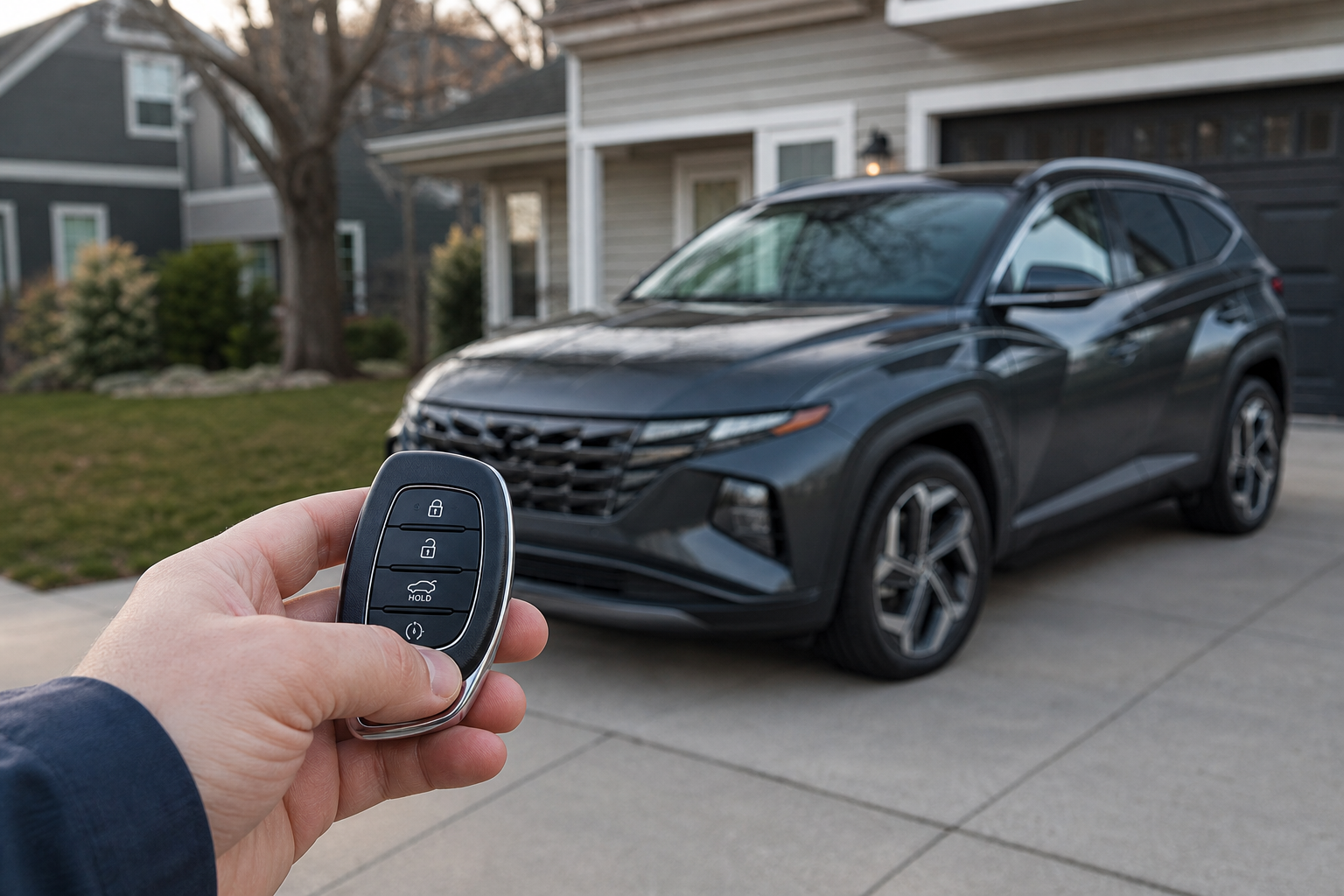
You press the remote start button on your key fob or tap the button in the Bluelink app, and nothing happens. No engine crank, no lights flashing, just silence. It’s one of the more annoying quirks of modern Hyundai ownership because remote start feels simple until it isn’t, and the Tucson has a handful of built-in conditions that will block it every time without any obvious warning.
The good news is that most remote start failures on the Tucson come down to a short list of causes, and you can usually diagnose the problem in under five minutes. Before you assume something is broken, run through the checks below in order.
Start With the Fast Checks
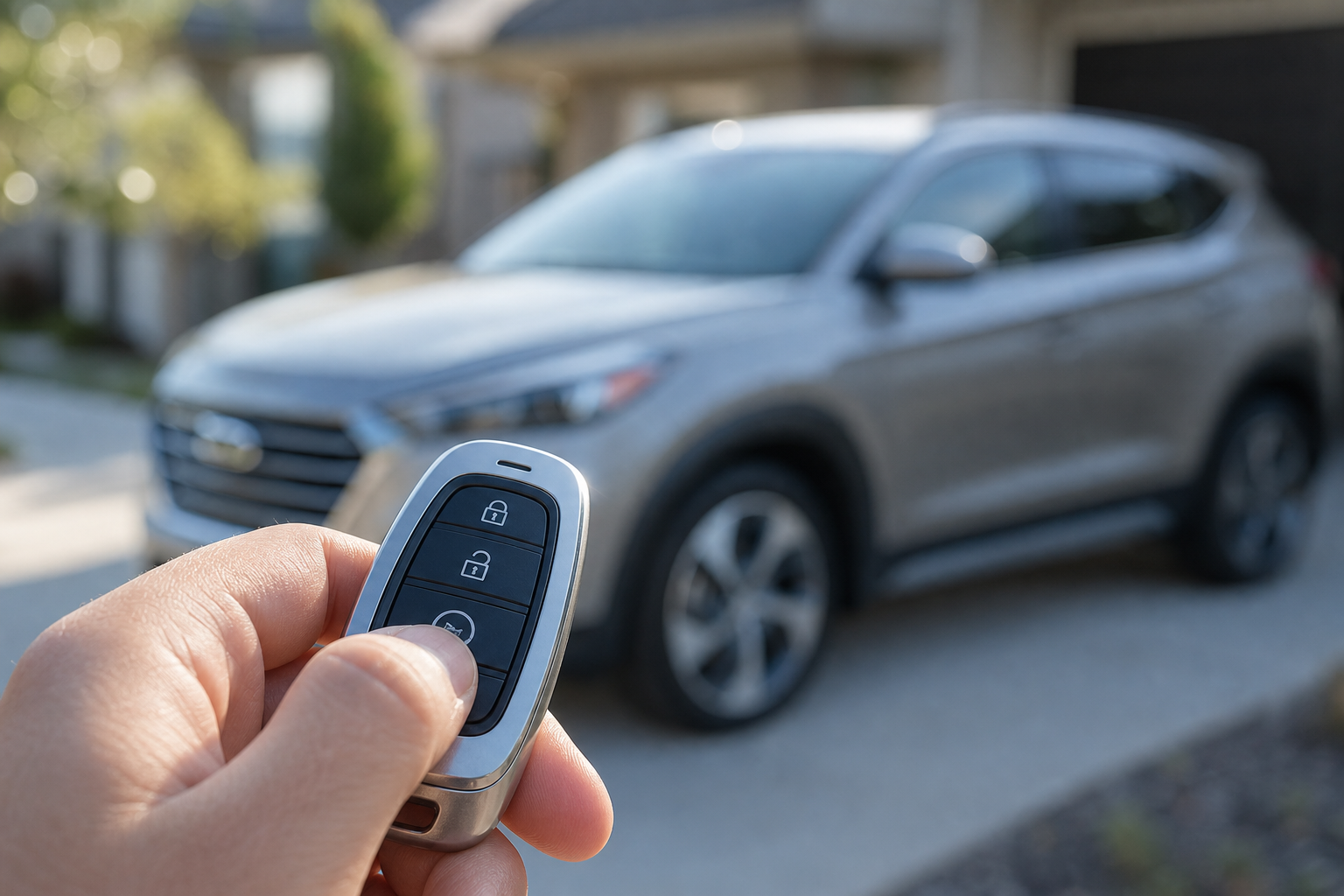
Hyundai’s remote start system, whether you’re using the key fob or the myHyundai/Bluelink app, has safety lockouts baked in. If any of these conditions aren’t met, the car simply refuses to start and won’t always tell you why.
- Doors must be closed and locked. The Tucson won’t remote start if a door, the trunk, or the hood is open, and on most model years it requires the doors to be locked, not just closed.
- Hood must be shut completely. This trips up a lot of owners after they’ve just checked their oil or windshield washer fluid.
- Key fob sequence matters. On most Tucson key fobs you need to press the lock button first, then press and hold the remote start button (usually the circular arrow icon) for about three seconds until you see the parking lights flash and the mirrors fold in briefly.
- Fuel level. Some model years won’t allow remote start if the tank is below roughly an eighth of a tank, since the system assumes you need to physically be in the car soon.
- Check-engine light or other active warnings. Any active fault code, especially anything related to the engine, charging system, or transmission, can disable remote start as a precaution.
- Key fob battery. A weak battery in the fob is one of the most common culprits and the easiest to fix. If the range on your fob has gotten noticeably shorter, that’s usually the tell.
If you haven’t swapped your fob battery in a couple of years, that’s the first thing to rule out. A fresh Hyundai Tucson key fob battery is cheap and takes about two minutes to install, and it solves a surprising number of “remote start is broken” complaints.
CR2032 Key Fob Battery 5-Pack
Keep spares on hand since Tucson fobs and TPMS sensors on many vehicles use the same CR2032 cell.
Vehicle Battery and Charging System
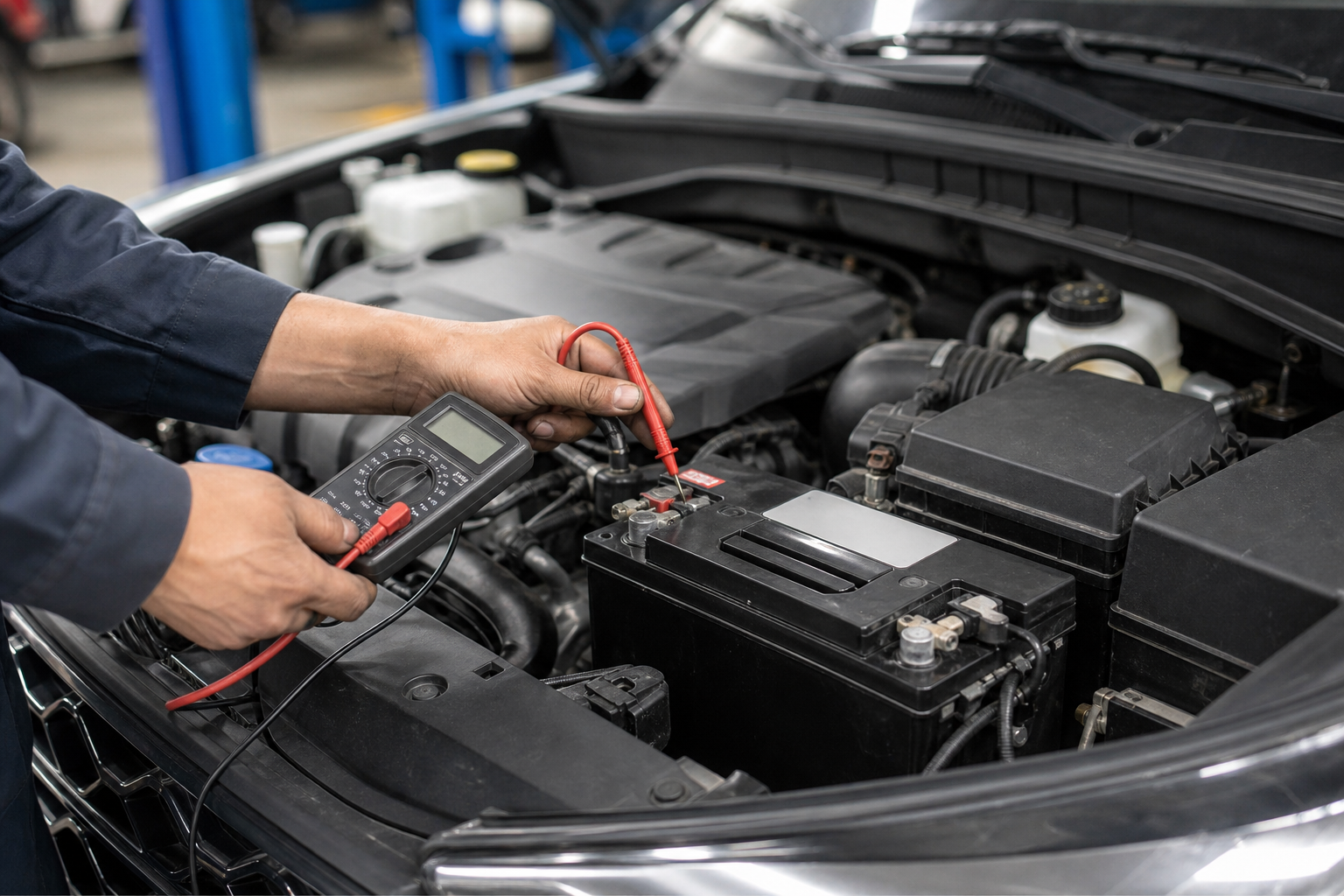
Remote start pulls a decent amount of power to crank the engine and run the climate system before you’re even in the car, and the Tucson’s computer will refuse the request if it detects the 12-volt battery voltage is too low. This is different from your battery being completely dead. It can still turn the key and start the car normally, but not remotely, because the system is being conservative.
A battery that’s three or four years old and starting to weaken is a common cause of intermittent remote start failures, especially in cold weather when voltage drops naturally. If you’ve noticed slower cranks in the morning or dimming interior lights, that’s a sign your battery is on its way out even if it hasn’t failed you yet. It’s worth reading through this guide on batteries that die overnight even with a good alternator, since the underlying causes overlap with remote start issues.
A basic voltage check with a multimeter takes thirty seconds. You want to see around 12.6 volts with the engine off. Anything consistently under 12.2 volts means the battery is struggling and could be the reason remote start keeps failing even though every other system in the car checks out.
NOCO Genius Battery Charger and Maintainer
A reliable way to keep your 12-volt battery topped off if the Tucson sits for days between drives.
Factory System vs. App vs. Aftermarket
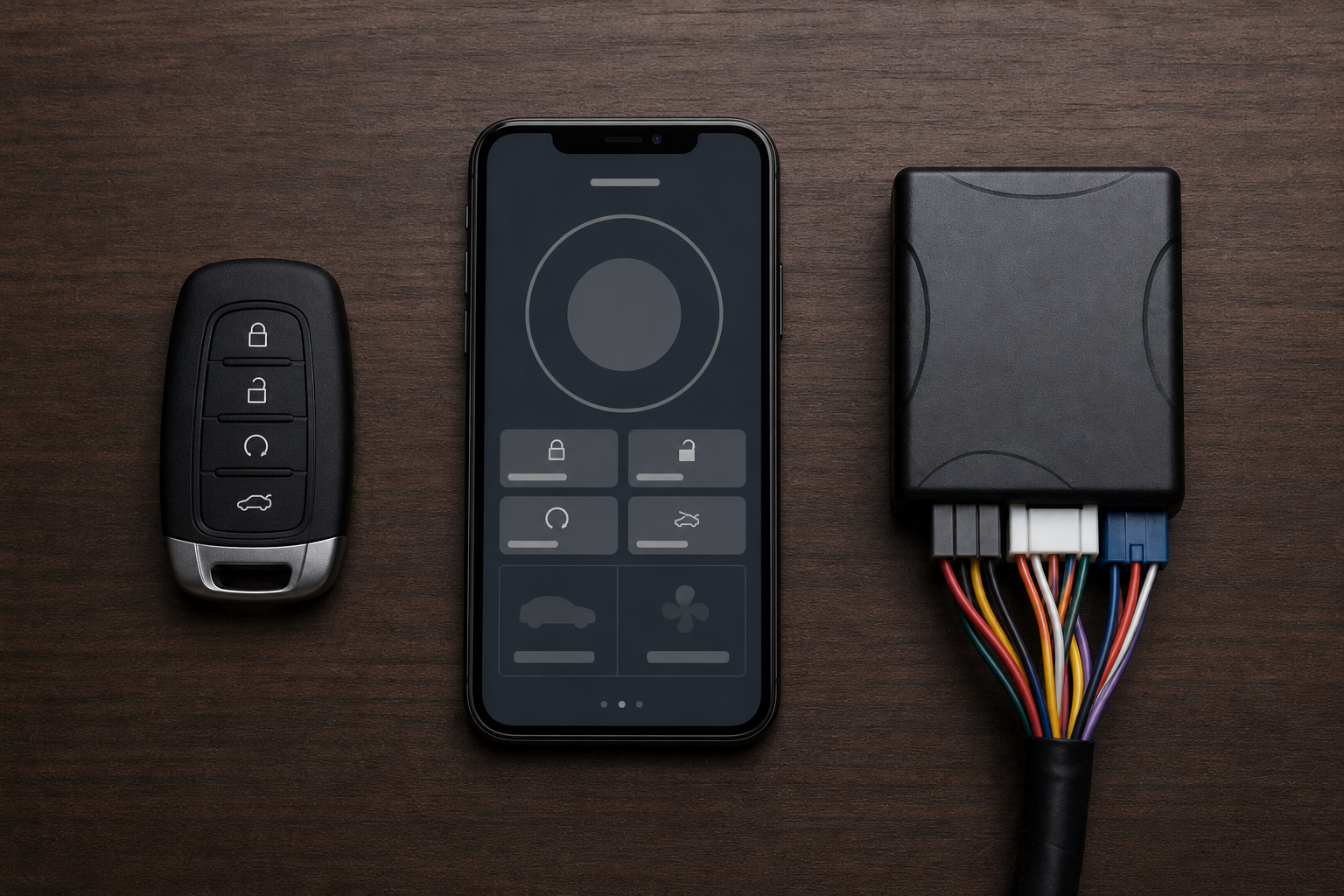
Hyundai’s factory remote start comes in two flavors depending on your Tucson’s model year and trim: key fob only, or key fob plus the Bluelink app through myHyundai. Not every Tucson trim includes Bluelink from the factory, and even when it does, remote start through the app requires an active Bluelink subscription. If your trial period lapsed and you didn’t renew, the app will still show the remote start button, but tapping it will just return an error or time out.
If you’re not sure whether your subscription is active, check the myHyundai app directly rather than assuming. Our full walkthrough on setting up the myHyundai Bluelink app for remote access covers account linking and subscription status, which is worth checking before you assume there’s a mechanical problem.
Aftermarket remote start kits are a separate issue entirely. If a previous owner or dealer installed a third-party system like a Compustar or Viper unit, the failure could be a wiring fault, a blown fuse on the aftermarket module, or a programming conflict with the factory immobilizer. These systems intercept the factory wiring, so troubleshooting them usually means going back to whoever installed it rather than treating it like a stock Hyundai problem. Don’t waste time chasing factory-specific fixes if you’ve got an aftermarket box wired in under the dash.
Frequently Asked Questions
Why does my Tucson’s remote start work sometimes but not other times?
Intermittent failures almost always point to either a marginal 12-volt battery, a weak key fob battery, or fuel level hovering right around the cutoff threshold. Check voltage first since that’s the most common cause of “it worked yesterday but not today” complaints.
Does remote start drain my car battery faster?
Using remote start regularly does use more battery power than a normal cold start, since the car runs the climate system and sometimes the rear defroster for several minutes without you driving to recharge it. If you remote start often and also do a lot of short trips, your battery works harder and may wear out sooner than average.
Leave a Reply