
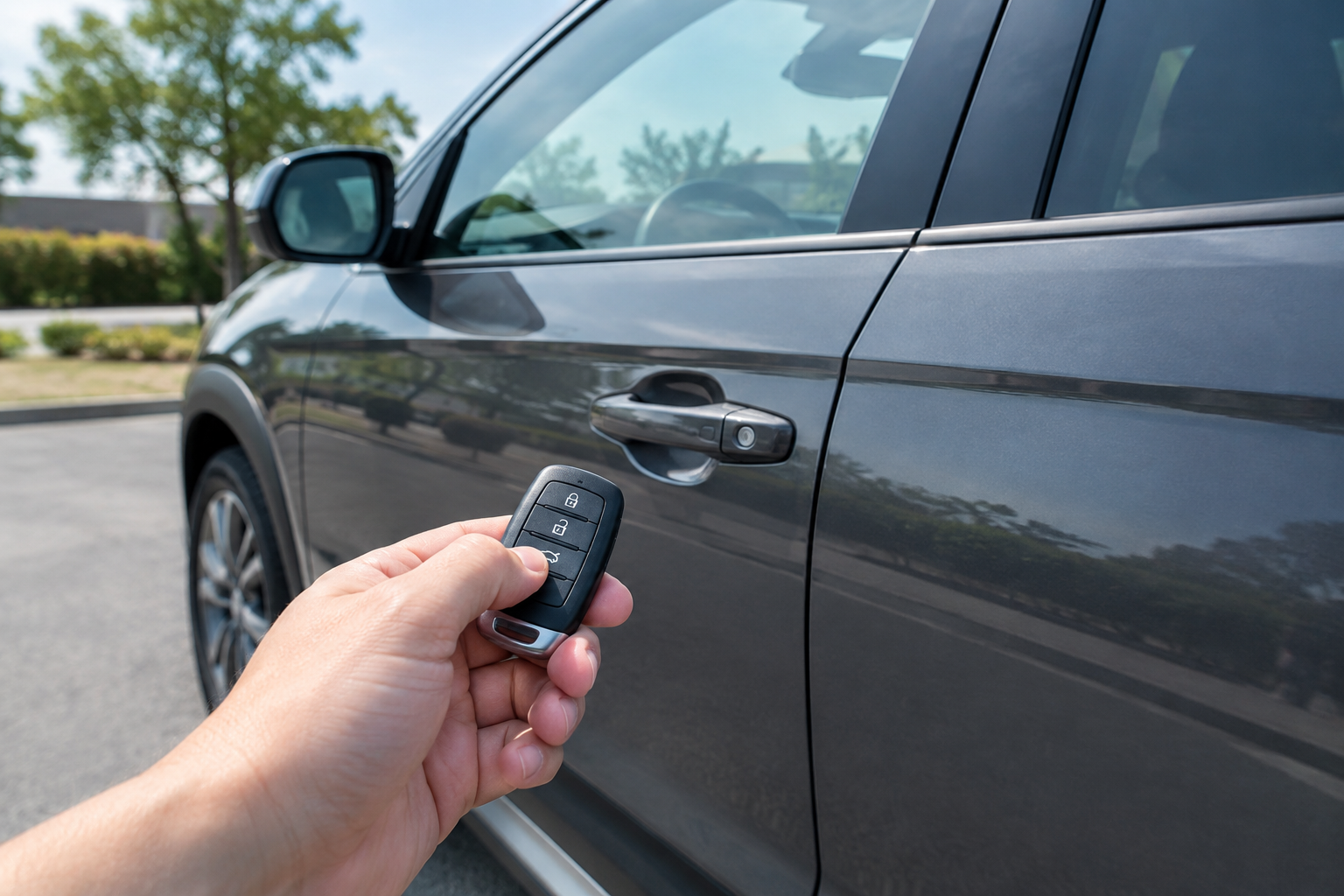
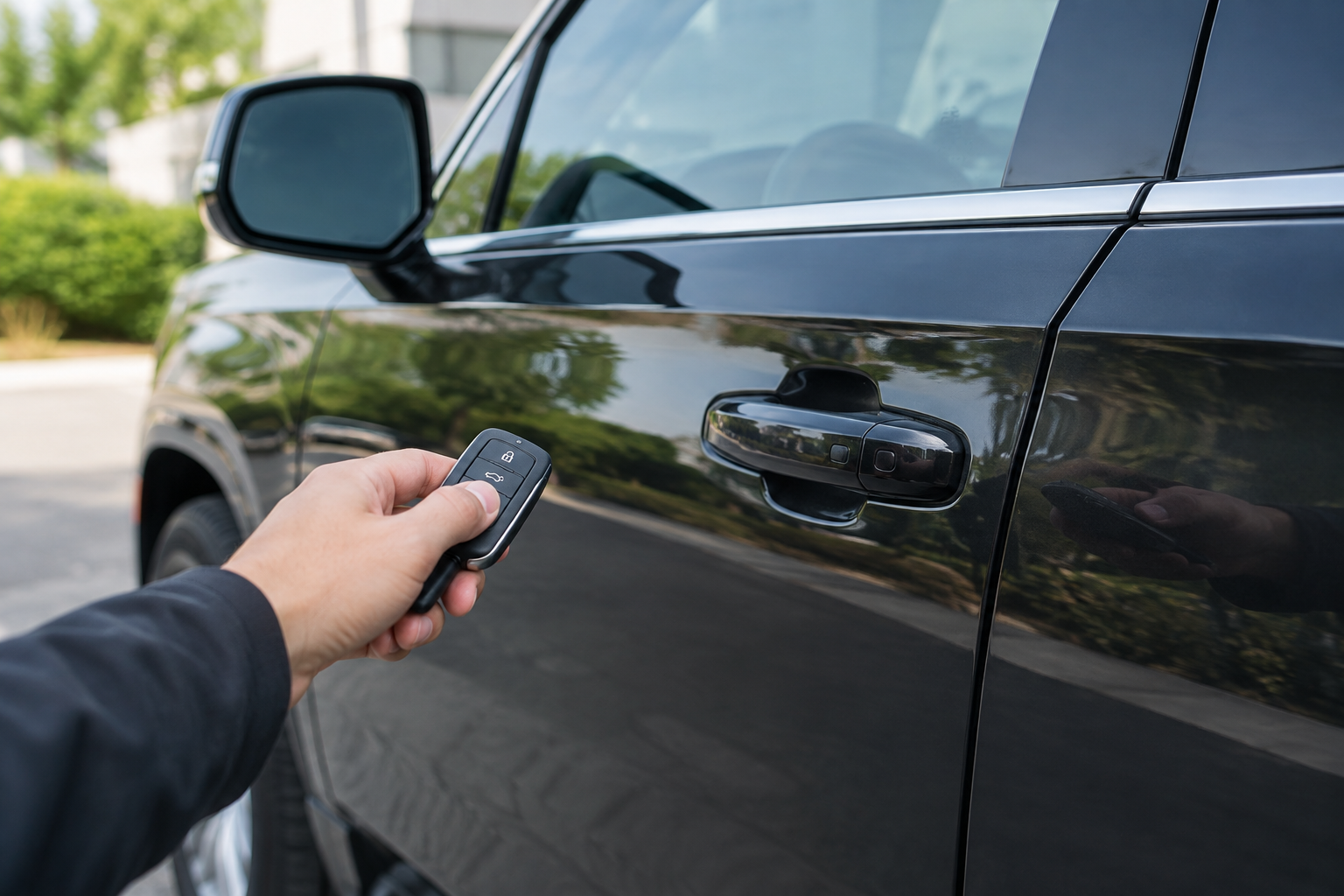
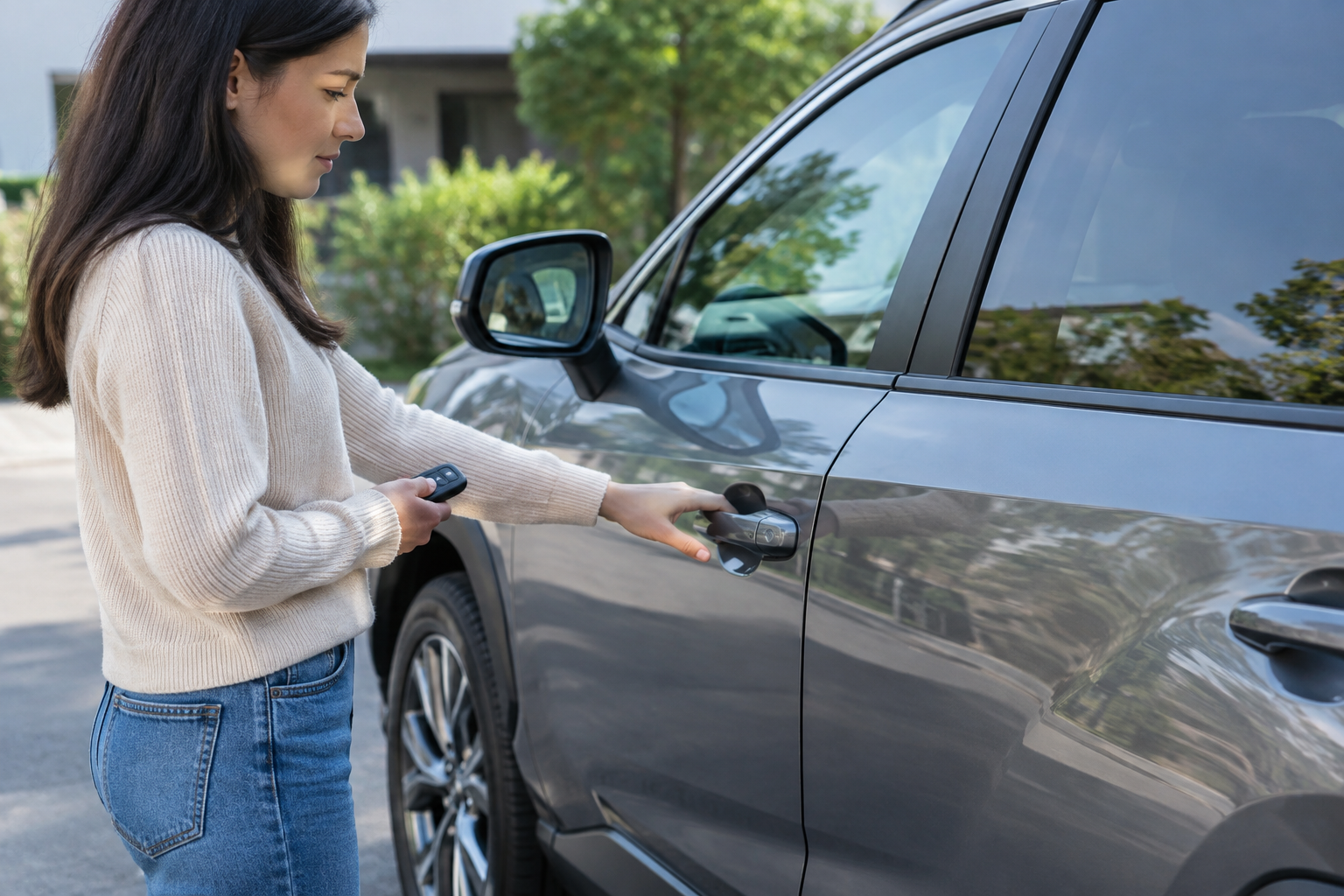
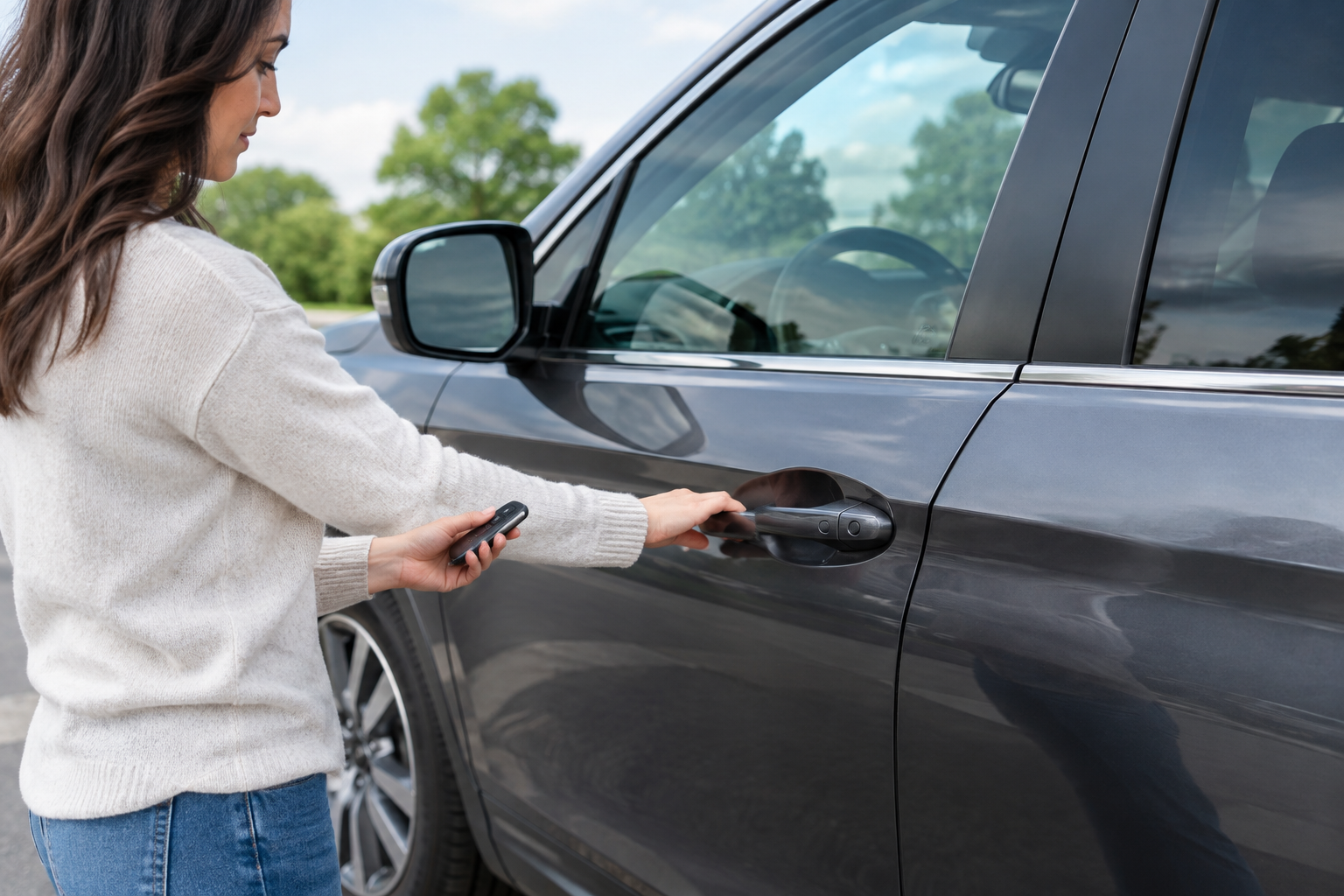
You walk up to your Tucson with your hands full of groceries, tap the door handle like you always do, and nothing happens. No click, no unlock, no welcome chime. You dig the fob out of your pocket, press the button, and the doors pop open just fine. So what’s going on with the handle itself?
Hyundai calls this feature Smart Entry, and when it stops responding to a touch or approach while the fob still works from a button press, the cause is almost always one of a handful of usual suspects. Some are a two-minute fix. Others point to something you’ll want a dealer to look at. Let’s work through them in order of likelihood.
Start With the Fob Battery, Even If Remote Buttons Still Work
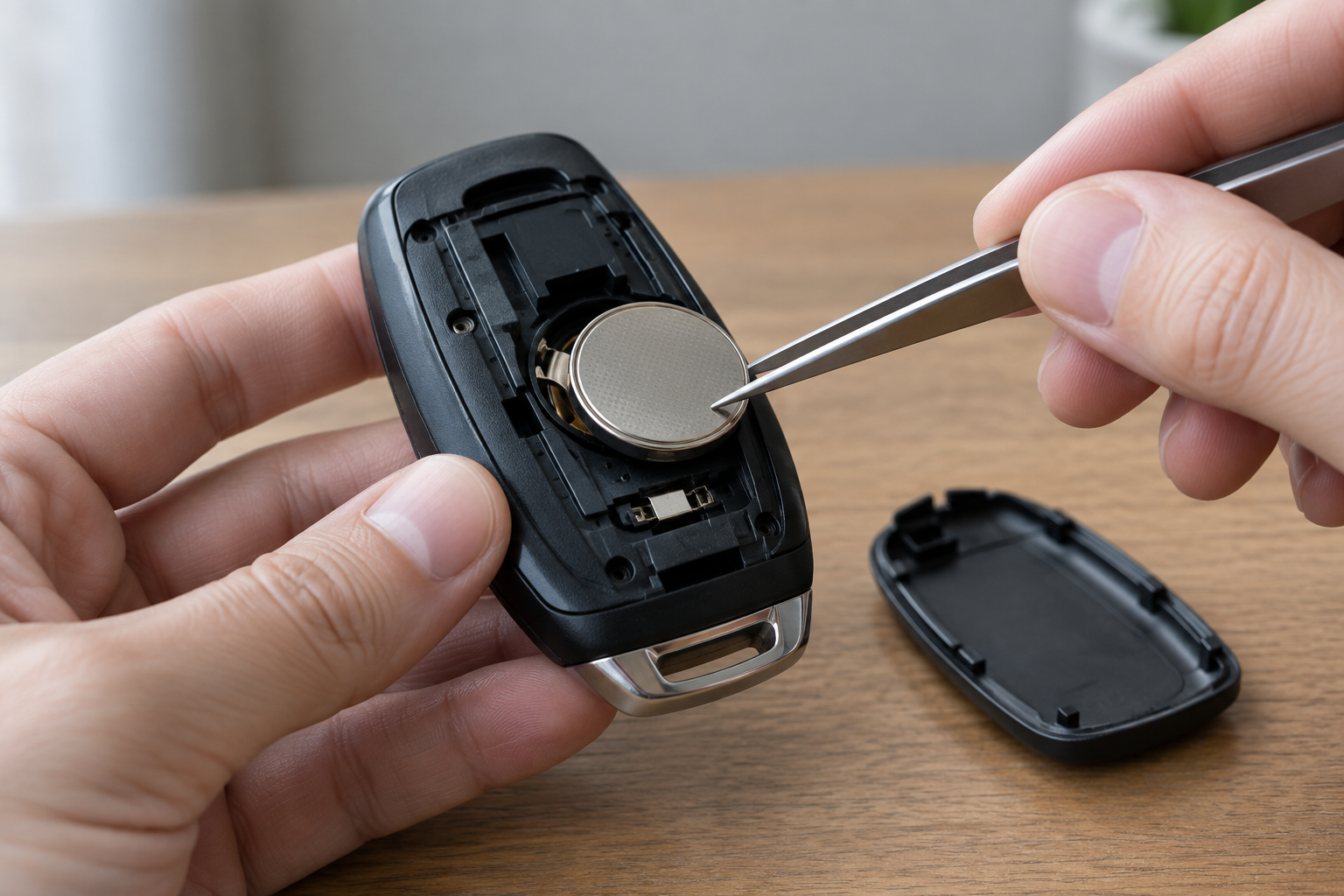
This trips up a lot of Tucson owners because it seems counterintuitive. Your key fob can have just enough juice left to trigger a button press unlock from a few feet away, but not enough to power the passive entry handshake that Smart Entry relies on.
Smart Entry uses a much weaker, shorter-range signal exchange between the fob and the sensors in the door handle. It needs a healthier battery than a simple button press does. A fob running on a weak coin cell will often keep working for remote locking and unlocking long after passive entry quietly stops working at the handle.
The Tucson typically uses a CR2032 coin cell battery in the fob. Popping the case open and swapping in a fresh one solves this problem more often than any other fix on this list. Keep a spare or two on hand so you’re not caught off guard again.
Hyundai Tucson Key Fob Battery CR2032
A fresh coin cell battery is the single most common fix for a Tucson handle that stops responding to touch.
Check Whether the Fob Went Into Sleep or Power-Saving Mode
Newer Tucson fobs, especially on 2022 and later models with the redesigned proximity key, include a power-saving feature that puts the fob to sleep if it hasn’t moved or been used in a while. This is meant to stretch battery life, but it means the fob won’t answer the door handle’s request until it wakes up.
A single press of any button on the fob usually wakes it up immediately. If your fob has been sitting untouched on a counter for a day or two and the handle suddenly won’t unlock, press the lock or unlock button once before you walk out to the car, or just carry it in your pocket where it moves around naturally.
This is also worth remembering if you keep a spare fob in a drawer as a backup. It can go into a deeper sleep state after extended inactivity and take a moment longer to respond the first time you use it again.
Confirm Smart Entry Is Actually Turned On
It sounds obvious, but this setting can get switched off accidentally, especially if someone else drove the car recently or a technician reset settings during service. On the Tucson, Smart Entry can be toggled on or off through the infotainment screen, usually under Vehicle settings, then Door/Lock or Smart Key settings depending on the model year.
Trim level matters here too. Base SE and SEL trims on some Tucson generations don’t include Smart Entry at all, only remote button unlock, so if you recently switched vehicles or you’re driving a loaner, don’t assume every Tucson has the touch feature in the first place.
Higher trims like Limited, N Line, and some SEL Convenience/Premium packages typically get Smart Entry standard. Check your owner’s manual for the exact menu path for your model year, since Hyundai has shuffled its infotainment menus more than once over the past several generations.
Test Every Door Handle, Not Just One
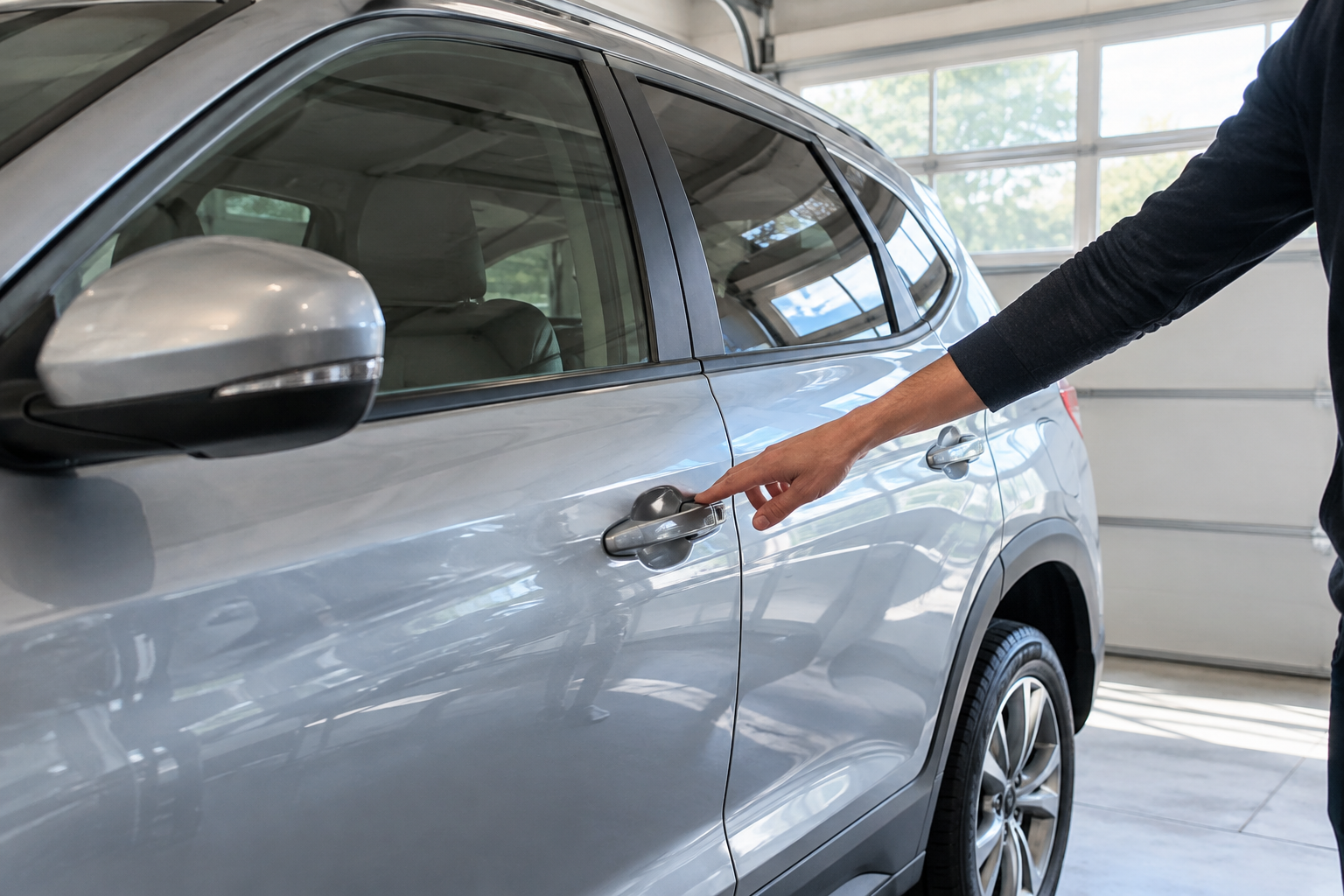
This step tells you a lot. If one specific door handle won’t unlock the car but the others work fine with a touch, you’re almost certainly looking at a bad handle sensor or a wiring connection issue at that door, not a fob or battery problem.
The touch sensor built into the handle can fail from repeated exposure to moisture, road salt, or just age. It can also get confused by a dirty or corroded connector where the door wiring harness plugs into the handle assembly. If only the driver’s door acts up while the passenger and rear doors unlock normally, that’s a vehicle-side electrical fault, and it usually needs a dealer or an experienced independent shop to diagnose with a scan tool.
On the other hand, if no door handle on the vehicle responds to touch, but the fob’s buttons still lock and unlock everything, that points back toward the fob itself, a global settings issue, or something affecting the car’s reception across the board rather than one broken part.
Rule Out Interference and Low 12V Battery Voltage
Passive entry systems are sensitive to radio interference. Parking near a cell tower, a large box store with heavy Wi-Fi and security systems, another car’s aftermarket alarm, or even a phone charger plugged into a nearby outlet can occasionally disrupt the low-power signal between fob and handle. If the problem only happens in specific parking spots or locations, this is worth considering before you assume something’s broken.
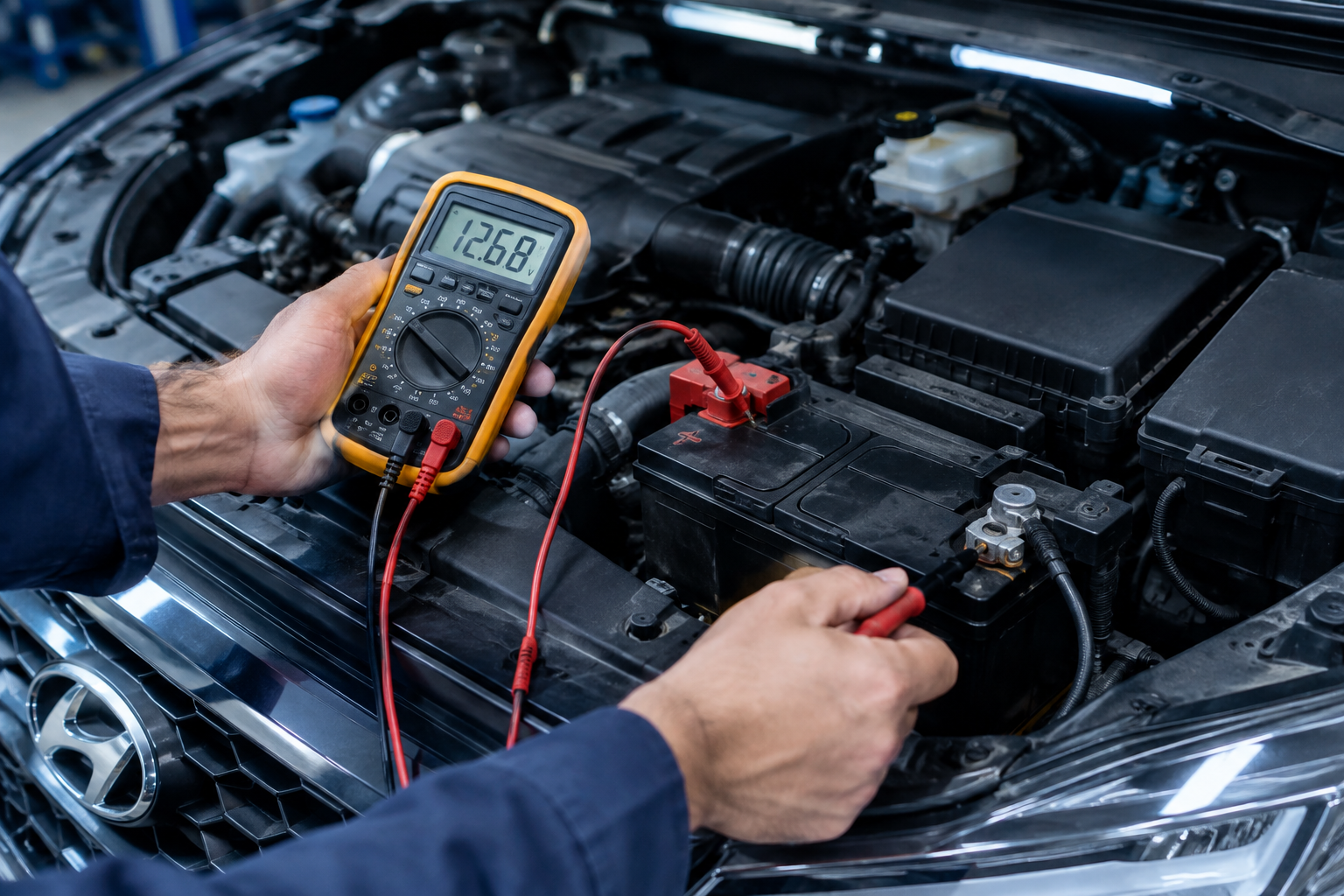
A weak 12V battery is another sneaky cause. The Tucson’s body control module needs stable voltage to run the Smart Entry sensors, and if your battery is aging or the alternator isn’t charging properly, you might notice passive entry becoming unreliable before you notice anything else wrong. This is especially common in colder weather when battery capacity naturally drops.
If your Tucson is a few years old and you haven’t tested the battery recently, it’s cheap insurance to have it checked at an auto parts store or with a simple multimeter. A battery reading below 12.4 volts at rest is a sign it’s on its way out, even if the car still starts fine every morning.
Know Your Model-Year Lockout Quirks
Hyundai builds in a few deliberate behaviors that get mistaken for malfunctions. On many Tucson model years, Smart Entry will not unlock the door if the fob is detected inside the cabin, which prevents you from accidentally locking yourself out. If you set the fob down on the passenger seat while loading the trunk, don’t be surprised when the front door handle refuses to cooperate afterward.
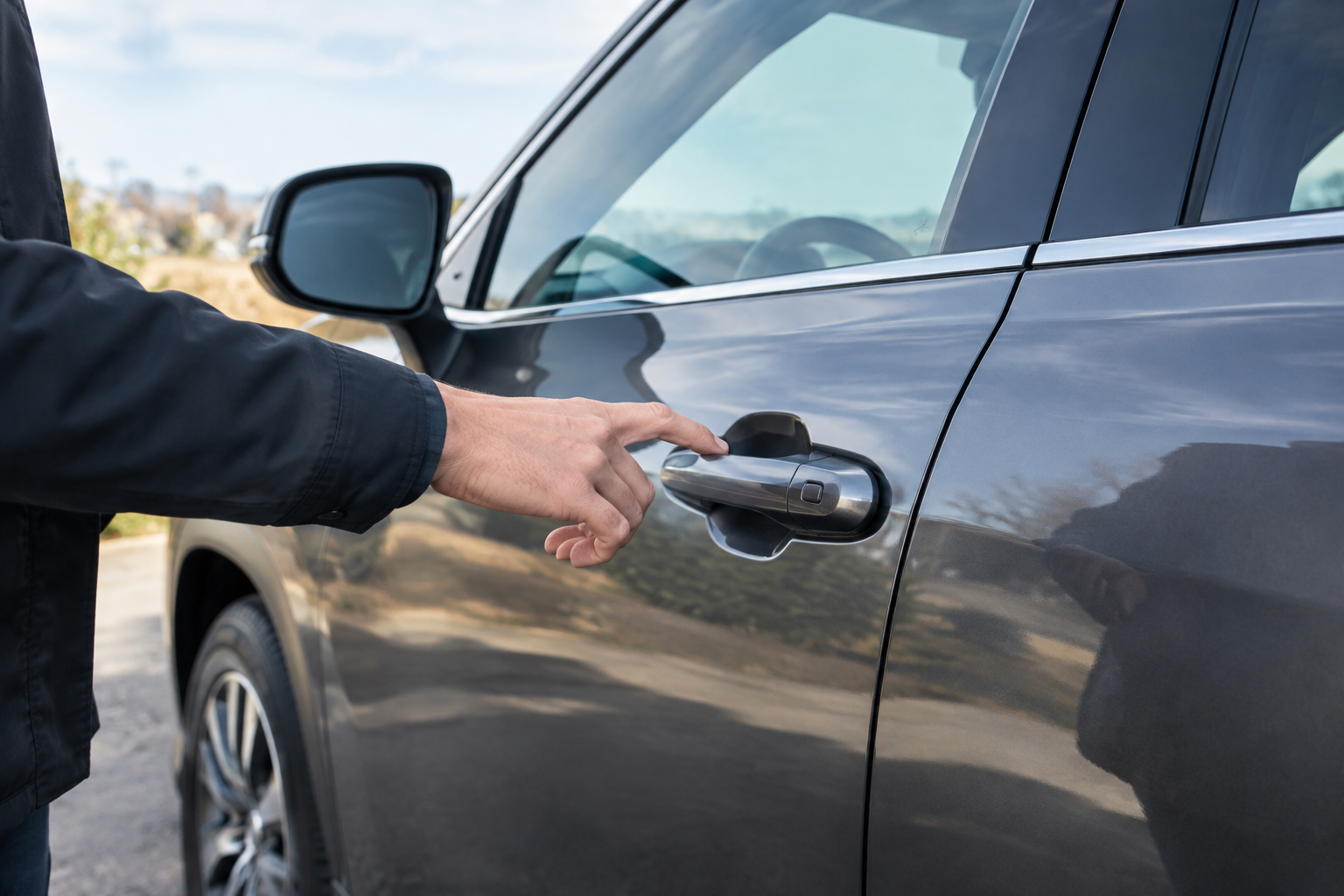
Some model years also require you to touch the handle within a certain window after approaching the vehicle, and the sensor can be more sensitive to a firm, deliberate touch than a light brush. Try gripping the handle fully the way you would to open the door rather than tapping it with a fingertip.
There’s also a known pattern on certain Tucson years where extreme cold temporarily reduces handle sensor sensitivity. If your unlock issue only shows up on the coldest mornings of the year, warming the vehicle up or using the fob’s button instead is a reasonable workaround rather than a sign of a bigger problem. If you’re troubleshooting other electronics on the Tucson at the same time, like the driver monitoring system, our guide on turning off Driver Attention Warning on the Hyundai Tucson covers another commonly misunderstood feature on this model.
Fob Problem or Vehicle Problem? Quick Diagnostic Checklist
- Fresh battery installed and remote buttons work at longer range: likely a fob or handle sensor problem, not a dead fob.
- Only one door handle fails while others work: vehicle-side wiring or sensor fault at that specific door.
- All handles fail but remote buttons work fine: check Smart Entry settings and 12V battery health first.
- Problem is intermittent and location-specific: consider interference before assuming a hardware failure.
- Problem started right after cold weather set in: test again once temperatures rise before pursuing a repair.
If you’ve worked through this list and you’re still stuck, a spare fob is a smart backup to keep in the car, especially if your current one is getting old or has been dropped a few times. A replacement or backup Hyundai Tucson key fob is inexpensive insurance against exactly this kind of headache.
OBD2 Diagnostic Scanner
A budget-friendly Bluetooth OBD2 scanner can help you or your mechanic pull body control module codes related to door and Smart Entry faults.
Frequently Asked Questions
Why does my Tucson fob work for locking but not unlocking at the handle?
This is a classic sign of a weak fob battery. Locking the car with a button press requires less signal strength than the passive entry handshake needed to unlock a touch-sensitive handle, so unlocking tends to fail first as the battery weakens.
Can a bad 12V battery really affect keyless entry on a Hyundai Tucson?
Yes. The Smart Entry system depends on stable voltage from the vehicle’s electrical system to power the handle sensors and body control module. A weakening 12V battery, especially in cold weather, can cause intermittent or complete passive entry failure even when everything else in the car seems to work normally.
Is it normal for Smart Entry to stop working if the fob is inside the car?
Yes, this is intentional. Hyundai designs the system this way to prevent you from locking your keys inside the vehicle accidentally. If the fob is detected inside the cabin, the door handles typically won’t respond to a touch unlock attempt from outside.
Leave a Reply