
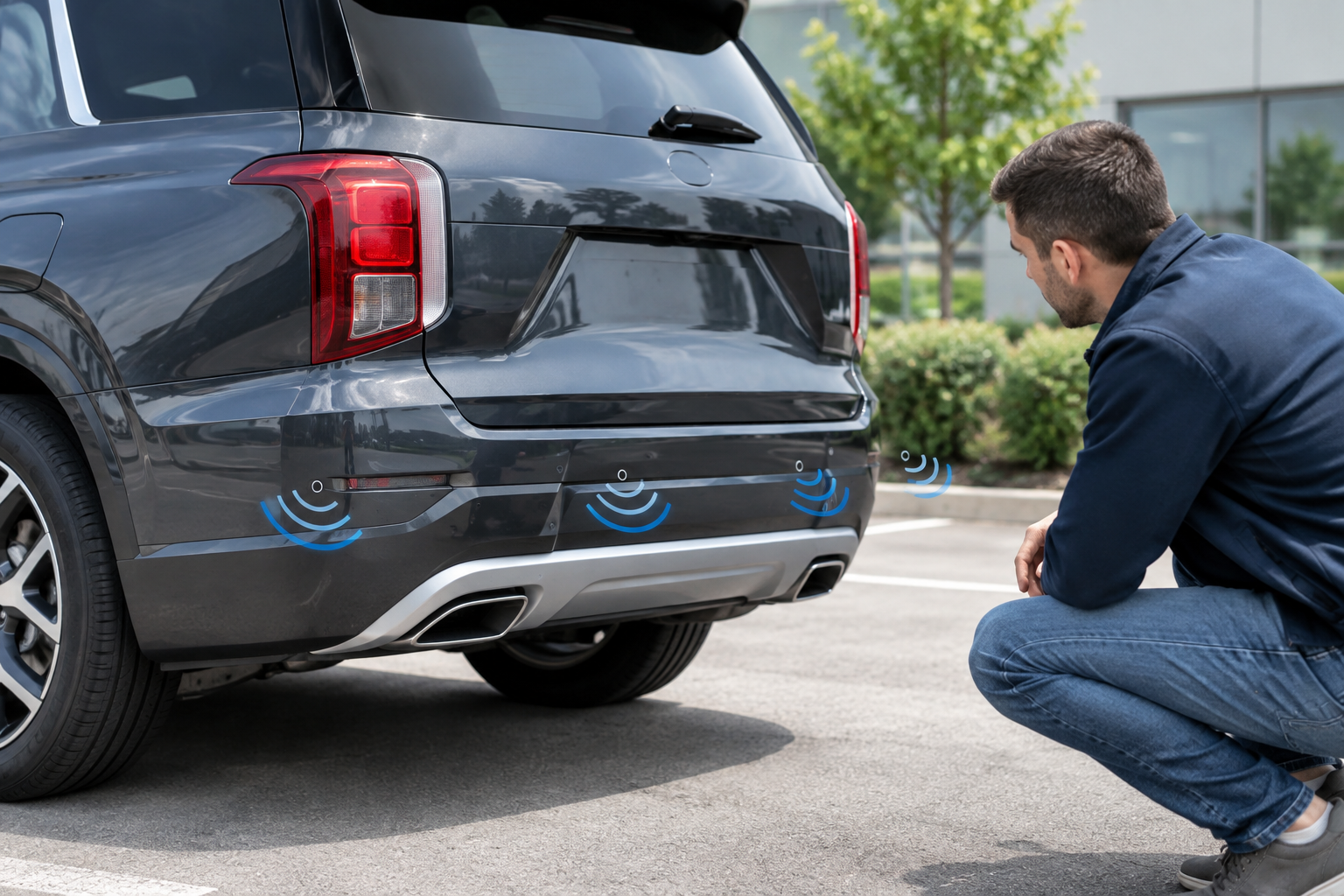
That constant beeping from your Palisade’s parking sensors isn’t just annoying, it’s your SUV telling you something’s off. Maybe it’s screaming at a wall that’s clearly ten feet away, or maybe it’s gone completely silent when you’re backing toward a curb you can’t see. Either way, Hyundai’s parking sensor system (marketed as Parking Distance Warning, or PDW, on most trim levels) relies on a handful of small ultrasonic sensors that are surprisingly easy to confuse and occasionally fail outright.
Before you assume the worst, it helps to know what actually causes these glitches. Most of the time the fix is simple. Sometimes it’s not, and you’ll need a shop with the right diagnostic tools. Here’s how to tell the difference.
Know What Your Palisade Actually Has
Not every Palisade has the same sensor setup, and the feature name has changed slightly across model years. On the first-generation Palisade (2020-2022), Hyundai calls the front and rear ultrasonic sensor system “Parking Distance Warning,” available on SE, SEL, and Limited trims depending on packages. Rear sensors have been standard or near-standard across most trims since launch, while front sensors were often bundled with the Convenience Package or higher trims.
The redesigned second-generation Palisade (2023 and newer) expanded availability, and higher trims like Calligraphy add “Remote Smart Parking Assist” (RSPA), which uses the same ultrasonic sensors plus additional logic to park the vehicle semi-autonomously. If your Palisade has RSPA, a sensor problem can disable both the beeping alerts and the auto-park feature at the same time, which is a useful clue when troubleshooting.
Check your trim’s window sticker or owner’s manual to confirm whether you have front sensors, rear sensors, or both. It’s common for owners to think a front sensor is “broken” when their trim never had front sensors installed in the first place.
The Most Common Cause: Dirty or Blocked Sensors
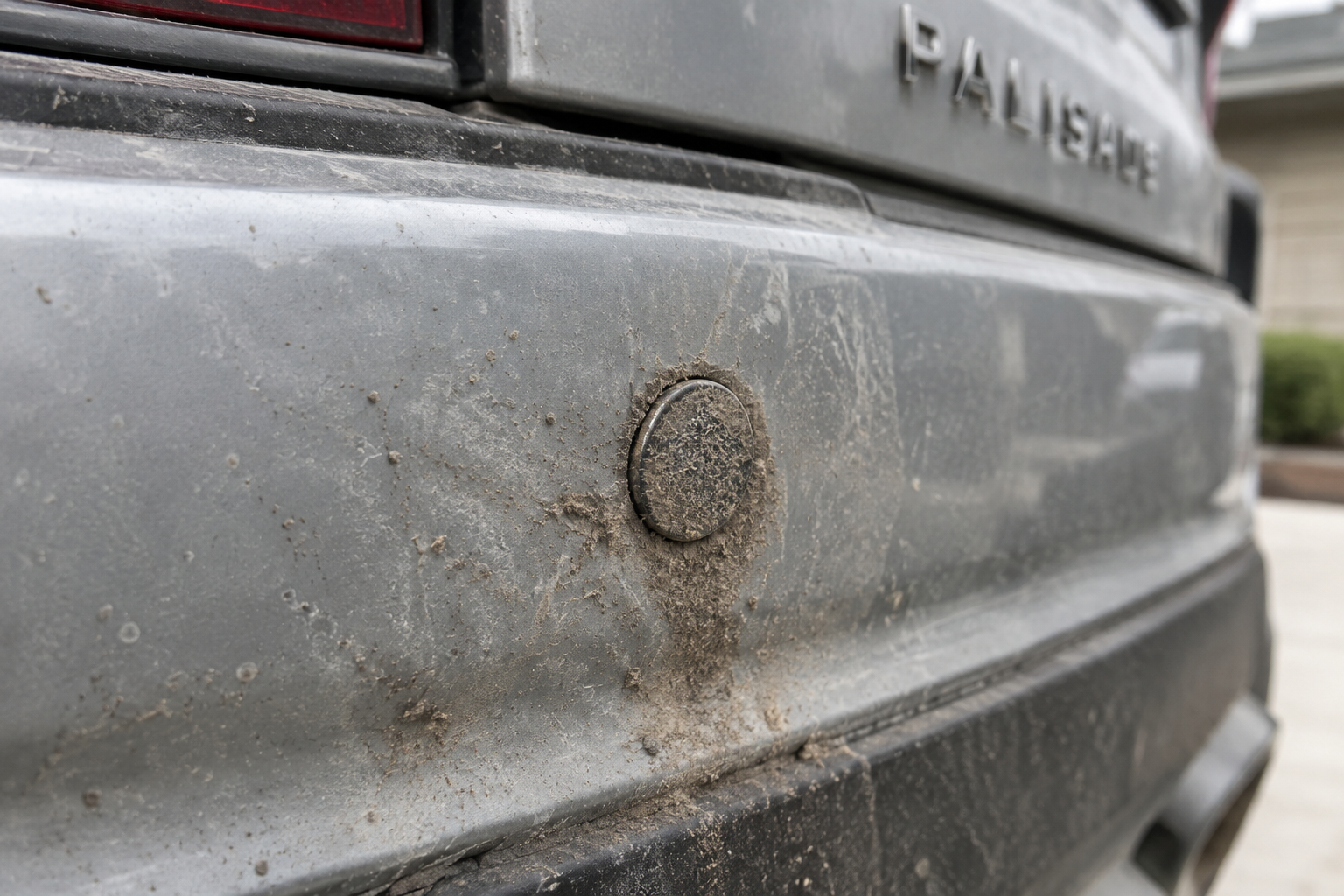
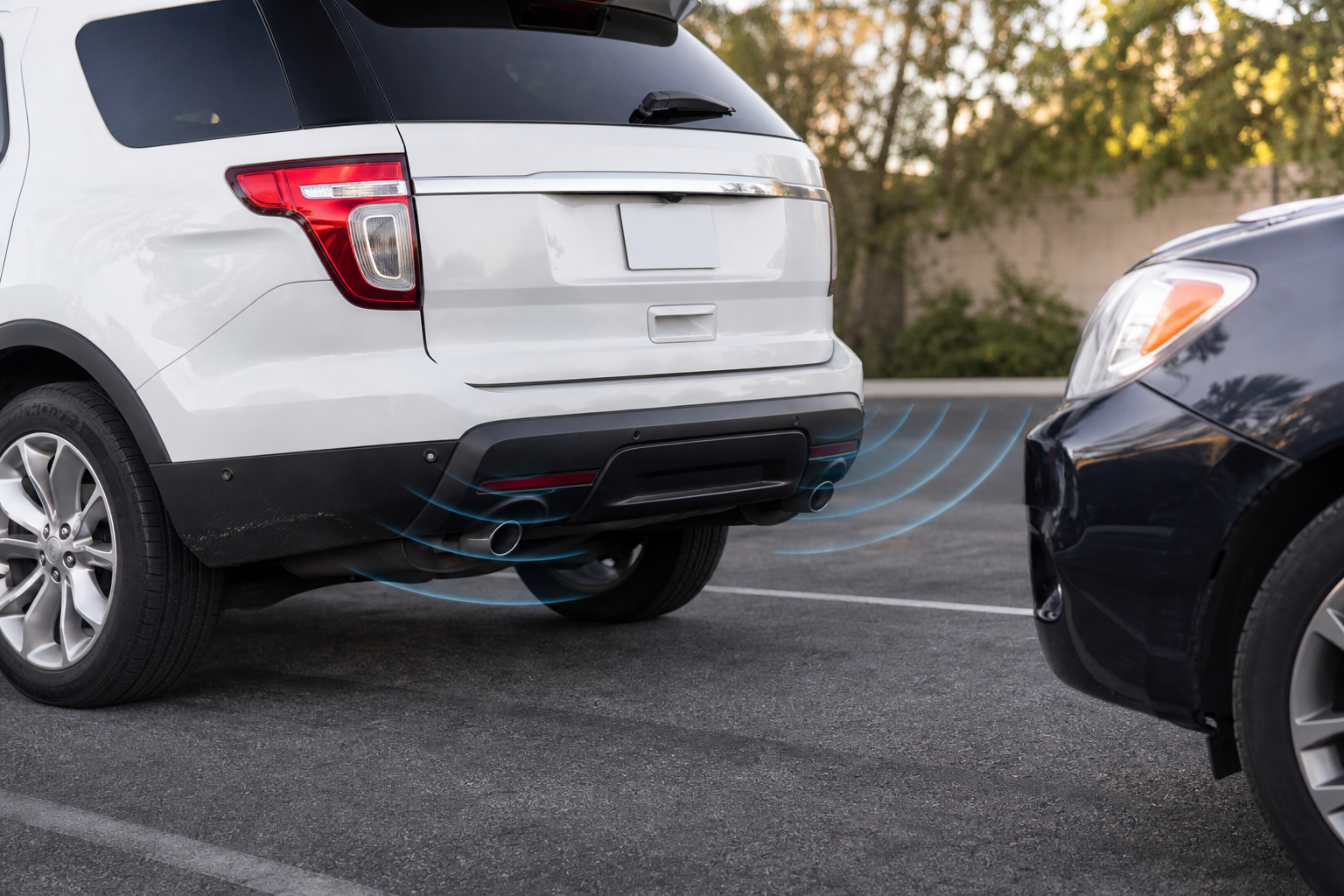
Ultrasonic parking sensors work by sending out sound waves and timing how long they take to bounce back. Anything that muffles or blocks that signal, even slightly, can cause false readings or make the system stop detecting objects altogether.
- Road grime and mud: A thin layer of dirt over a sensor can distort the return signal enough to trigger random beeping or missed detections.
- Ice and snow: Cold-weather owners see this constantly. A skim of ice over the bumper sensors is one of the top reasons Palisades start beeping erratically or refuse to detect anything in winter.
- Bug splatter and road salt buildup: These accumulate slowly, so the problem often creeps in gradually rather than appearing overnight.
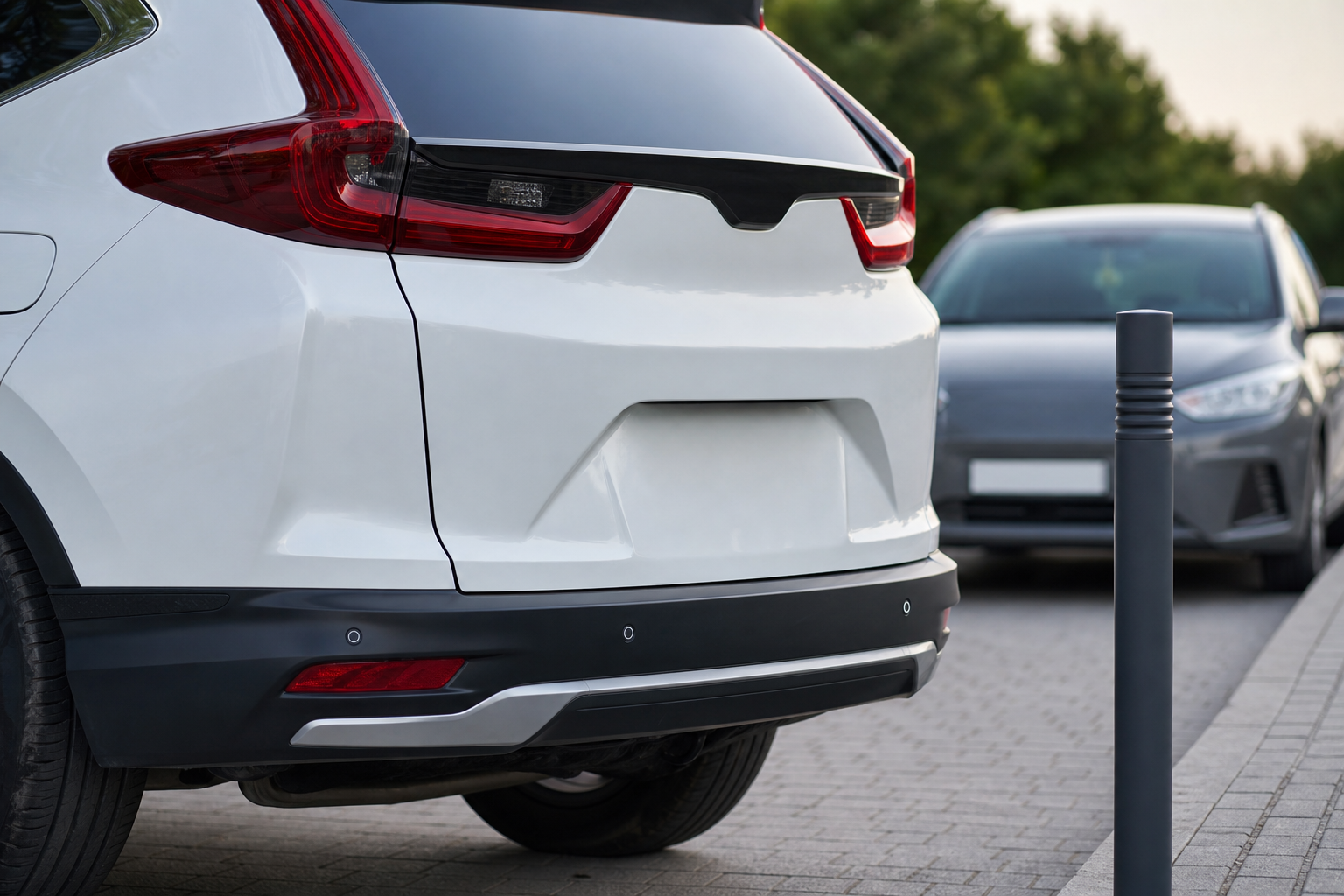
Wipe each sensor (they look like small circular discs embedded in the bumper) with a clean, damp microfiber cloth. Avoid abrasive cleaners or anything that could scratch the plastic housing. If you’re dealing with frequent ice buildup, a quick pass with a soft brush or de-icer spray before every winter drive can save you a lot of frustration.
Tow Hitches, Bike Racks, and Bumper Accessories
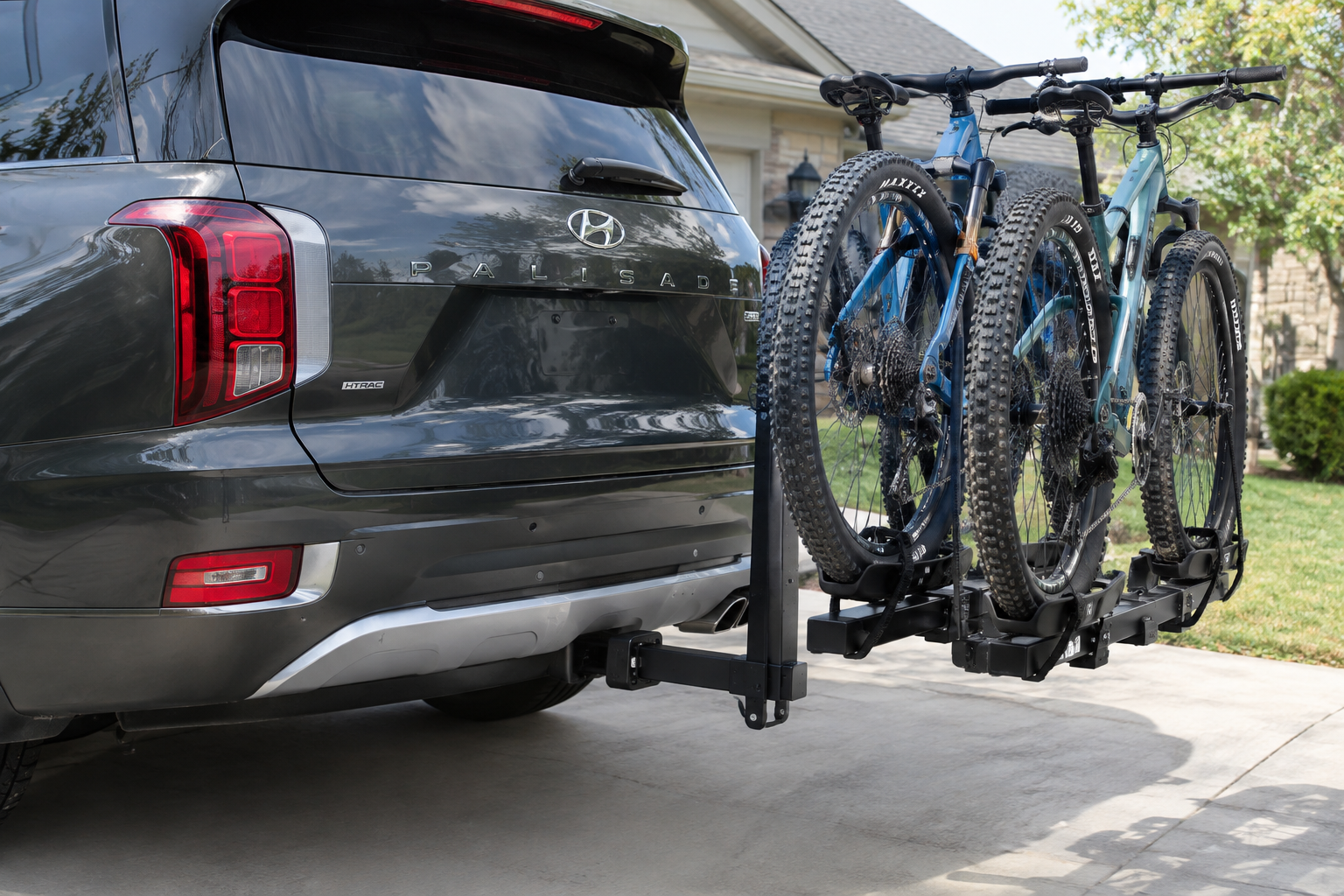
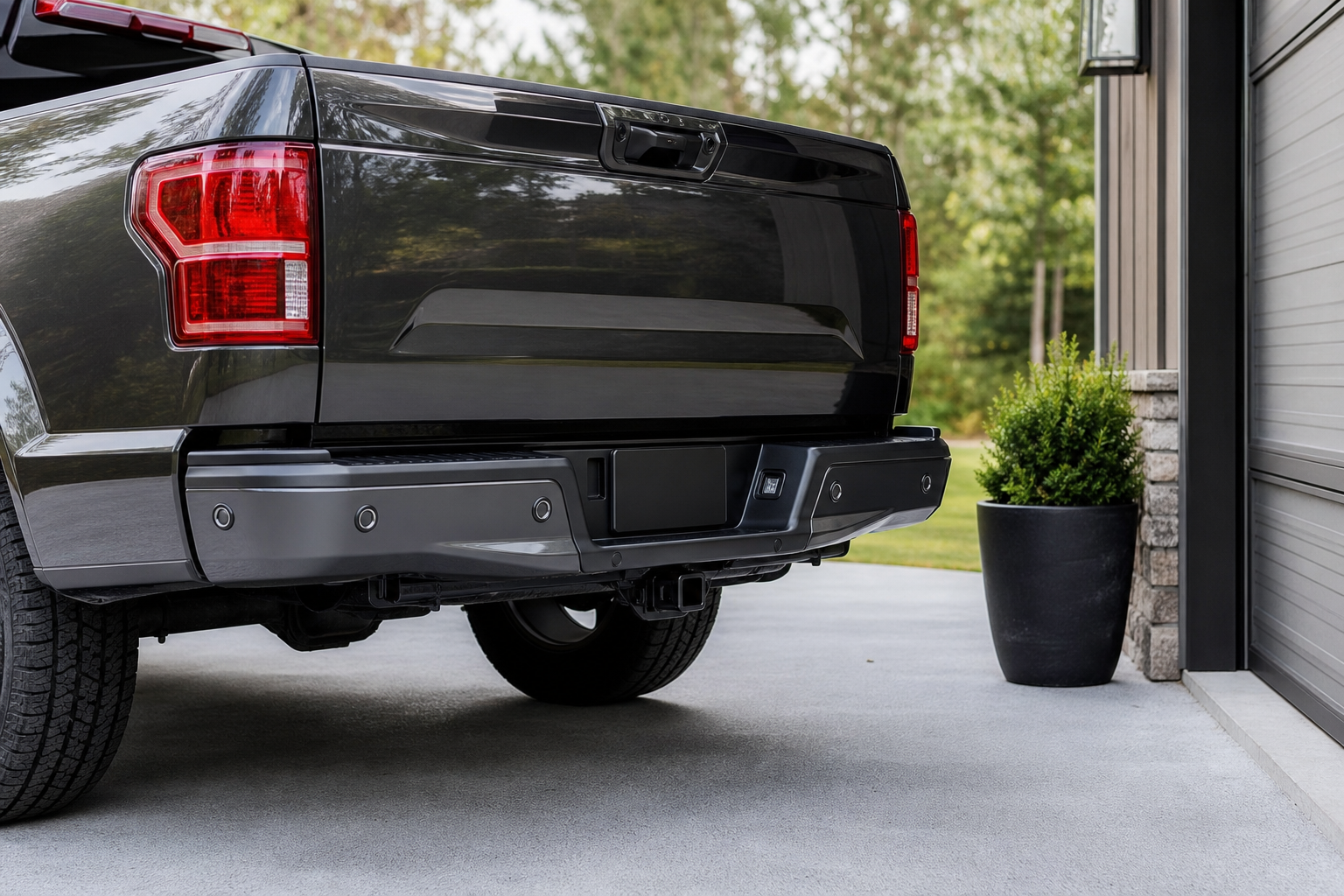
If your Palisade keeps beeping nonstop even when nothing is behind you, an aftermarket accessory is a prime suspect. Trailer hitches, especially ball mounts left installed after towing, sit directly in the sensor’s detection zone and will trick the system into thinking an object is always present.
Bike racks, cargo carriers, and even some trailer wiring harnesses mounted near the rear bumper can cause the same issue. Try removing the accessory and see if the beeping stops. If it does, you’ve found your culprit, and you’ll either need to remove the hitch when not towing or accept that the rear sensors will need to be temporarily disabled through the settings menu.
This is also worth checking if you recently had bodywork done or added a Hyundai-branded accessory bumper protector. Even a slightly misaligned aftermarket piece can sit close enough to a sensor to cause interference.
Bumper Damage and Sensor Misalignment
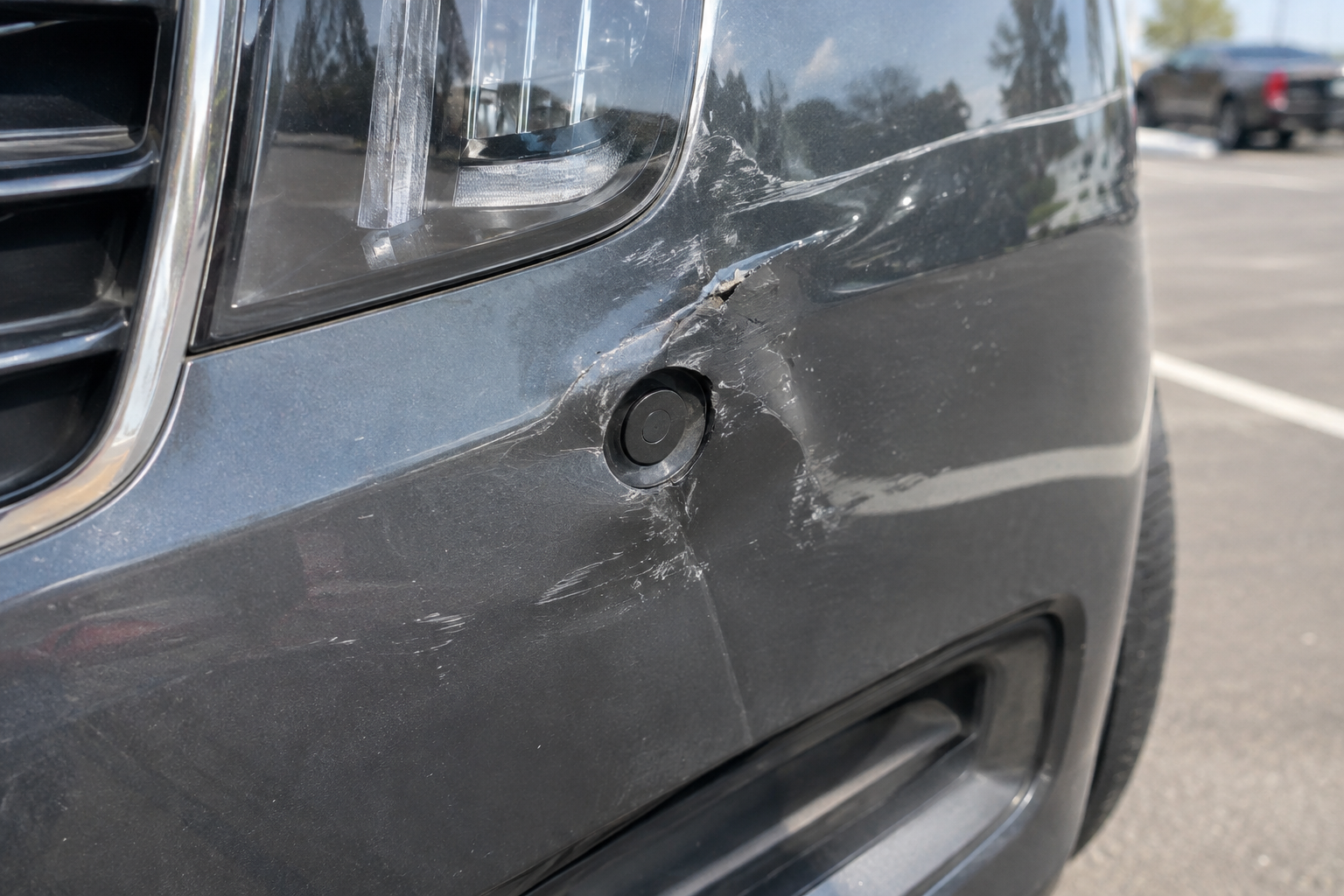
A minor parking lot bump might not leave a visible dent, but it can still knock a sensor out of its proper angle. Since these sensors are calibrated to “read” a specific field of view, even a couple of degrees of misalignment can cause missed detections or false alarms.
Walk around your Palisade and visually inspect each sensor. They should sit flush with the bumper surface, all pointing in roughly the same direction as their neighbors. If one looks tilted, sunken in, or sticking out compared to the others, that’s likely your problem sensor.
Bumper damage doesn’t have to be dramatic to cause issues. Even a low-speed parking scrape that cracked the sensor housing without denting the bumper itself can be enough to throw off the reading. If you spot physical damage, that sensor almost certainly needs replacement rather than cleaning or realignment.
Check Your Settings Before Assuming It’s Broken
It sounds obvious, but plenty of Palisade owners have accidentally toggled their parking sensors off (or turned the volume down to nothing) through the infotainment settings without realizing it. Head into the vehicle settings menu, usually under “Parking Assistance” or “Driver Assistance,” and confirm that both front and rear sensors are enabled and the alert volume is turned up.
Some trims also let you adjust sensitivity levels. If yours is set too low, the system may not trigger until you’re dangerously close to an object, which can feel like the sensors “stopped working” when really they’re just less sensitive than you’re used to.
If you’re also dealing with other alert systems that feel overly aggressive or oddly timed, it’s worth comparing notes with how Hyundai and Kia handle similar features. Our guide on how the Driver Attention Warning works on Kia and Hyundai vehicles covers a related system that shares some of the same settings menu structure, which can help you get more comfortable navigating the Palisade’s assistance features overall.
Wiring Issues and Failed Sensors
If you’ve ruled out dirt, ice, accessories, and settings, and the problem persists, you’re likely looking at a wiring fault or a genuinely failed sensor. Ultrasonic sensors do wear out over time, especially if they’ve taken repeated impacts from curbs or shopping carts.
A telltale sign of a wiring problem versus a dead sensor is consistency. A bad connection often causes intermittent beeping that comes and goes with vibration, temperature, or how the bumper flexes. A fully failed sensor usually causes a permanent, unchanging fault, like one specific zone never detecting anything no matter what’s behind it.
You can sometimes narrow down which sensor is at fault by testing each one individually. With the vehicle in reverse and the parking brake set, slowly wave your hand or a soft object in front of each sensor one at a time, listening for a change in beep frequency. A sensor that produces no reaction at all, while its neighbors respond normally, is your prime suspect.
That said, confirming an actual failure versus a software glitch typically requires a scan tool capable of reading Hyundai-specific body control module codes. If your dashboard is showing a “Parking Distance Warning Unavailable” or similar message, that’s a strong signal a diagnostic scan is needed rather than a DIY fix. Dealerships and independent shops with Hyundai-capable scan tools can pull specific sensor fault codes that tell you exactly which unit failed, which saves you from guessing.
FOXWELL Hyundai/Kia OBD2 Scanner
A bidirectional scanner that reads manufacturer-specific codes, useful for narrowing down which parking sensor is actually at fault before paying for a shop diagnosis.
If you do end up needing replacement sensors, keep in mind that most Palisade parking sensor replacements require calibration afterward, either through a static procedure with a scan tool or, in some cases, a short drive cycle that lets the module relearn its baseline readings. This isn’t something to skip. An uncalibrated sensor can behave just as erratically as a failed one, giving you false confidence that the repair didn’t work.
Keep the Sensors Clean Going Forward
Once you’ve solved the immediate issue, a little routine maintenance goes a long way. A soft-bristle brush kept in the garage makes quick work of sensor cleaning during winter, and a proper bumper cover or protective film can reduce the odds of stone chips and minor scrapes cracking a sensor housing over time.
Hyundai Palisade Parking Sensor
Compatible replacement sensors are worth having on hand if you already know which unit failed and just need the part number matched at a shop.
If you tow regularly, consider a hitch cover or a habit of removing the ball mount after each trip. It only takes a few extra seconds and it eliminates one of the most common causes of constant rear sensor beeping. For Palisade owners who also deal with other electronic quirks, our post on turning off the Driver Attention Warning on the Hyundai Palisade is a useful companion read since both systems live in the same settings menu.
Frequently Asked Questions
Why do my Palisade’s rear sensors work but the front ones don’t beep at all?
This is often a trim-level issue rather than a malfunction. Front sensors weren’t standard on every Palisade trim, especially in earlier model years, so check your build sheet or owner’s manual before assuming a sensor failed. If your trim should have front sensors and they’re unresponsive, inspect them for damage or dirt first.
Can cold weather really cause parking sensors to stop working?
Yes, and it’s one of the most common complaints from Palisade owners in snowy climates. A thin layer of ice or packed snow over the sensor disrupts the ultrasonic signal enough to cause missed detections or erratic beeping. Clearing the bumper before driving usually resolves it immediately.
Do I need to visit a dealer if a sensor is confirmed bad?
Not necessarily, but you will need someone with a Hyundai-compatible scan tool for both diagnosis and post-replacement calibration. Independent shops with the right equipment can usually handle this just as well as a dealership, often for less.
Leave a Reply