
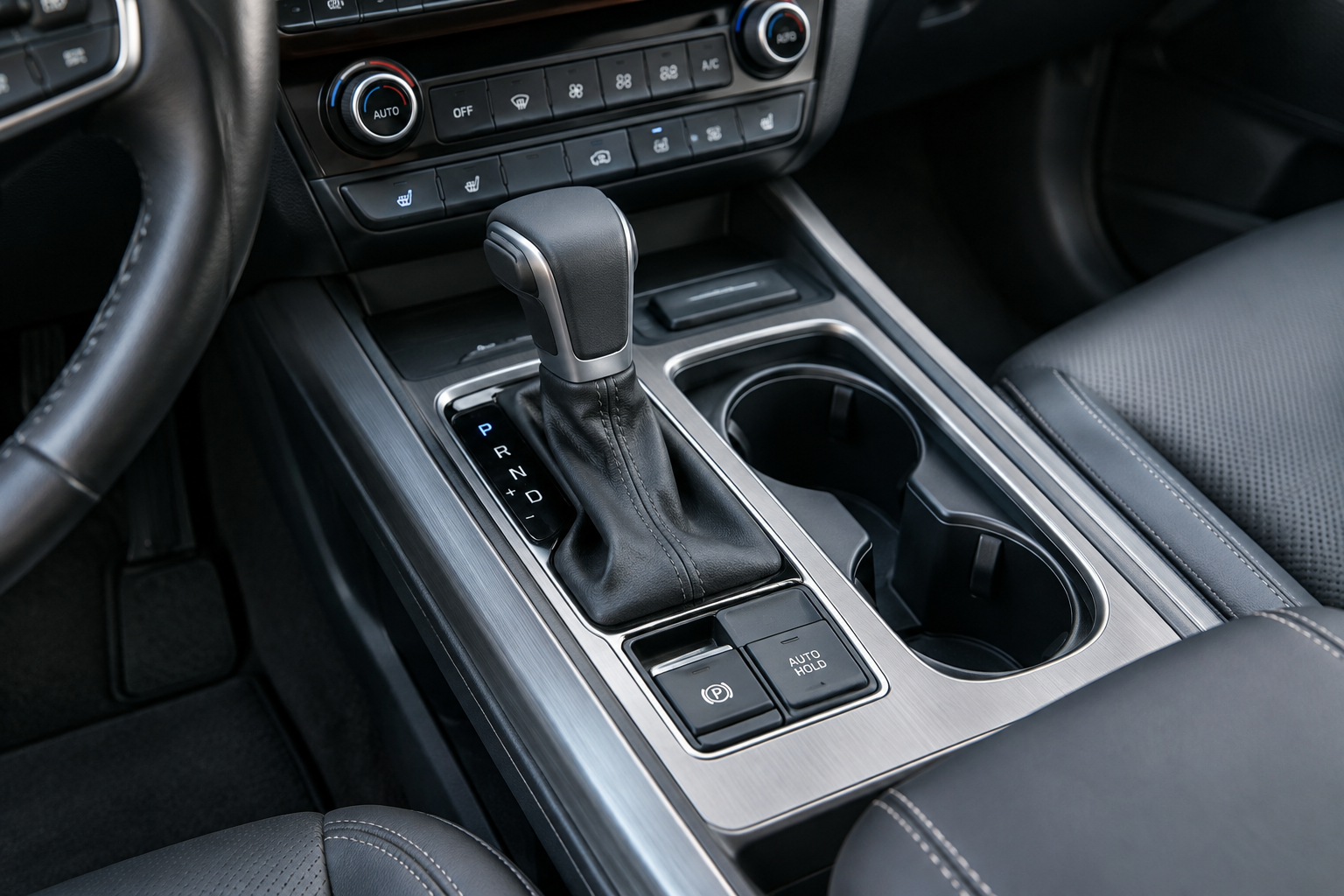
You put the Palisade in park, hit the Auto Hold button, and expect it to stay lit every time you drive. Then one day it just doesn’t activate, or it turns off on its own mid-drive, or you find yourself pressing that button every single time you start the car. None of this means your brakes are failing, but it usually means one of several specific conditions isn’t being met.
Before you assume the worst, it helps to know exactly how Hyundai designed this feature to behave. Auto Hold has strict requirements to turn on, and it resets by design in certain situations. Below is a full breakdown of why it won’t activate, why it shuts off, and when you’re actually looking at a real problem worth scanning for codes.
What Auto Hold Actually Does on the Palisade
Hyundai calls this feature Auto Hold, and it’s built into the electronic parking brake system across every Palisade model year from the 2020 launch through the current generation. It’s a separate function from the electronic parking brake itself, though the two systems share hardware and switches on the center console.
When Auto Hold is active, the car keeps your brakes clamped after you come to a complete stop, even if you take your foot off the brake pedal. This lets you sit at a red light or in traffic without holding the pedal down. Once you press the accelerator again, the brakes release automatically and you drive off normally.
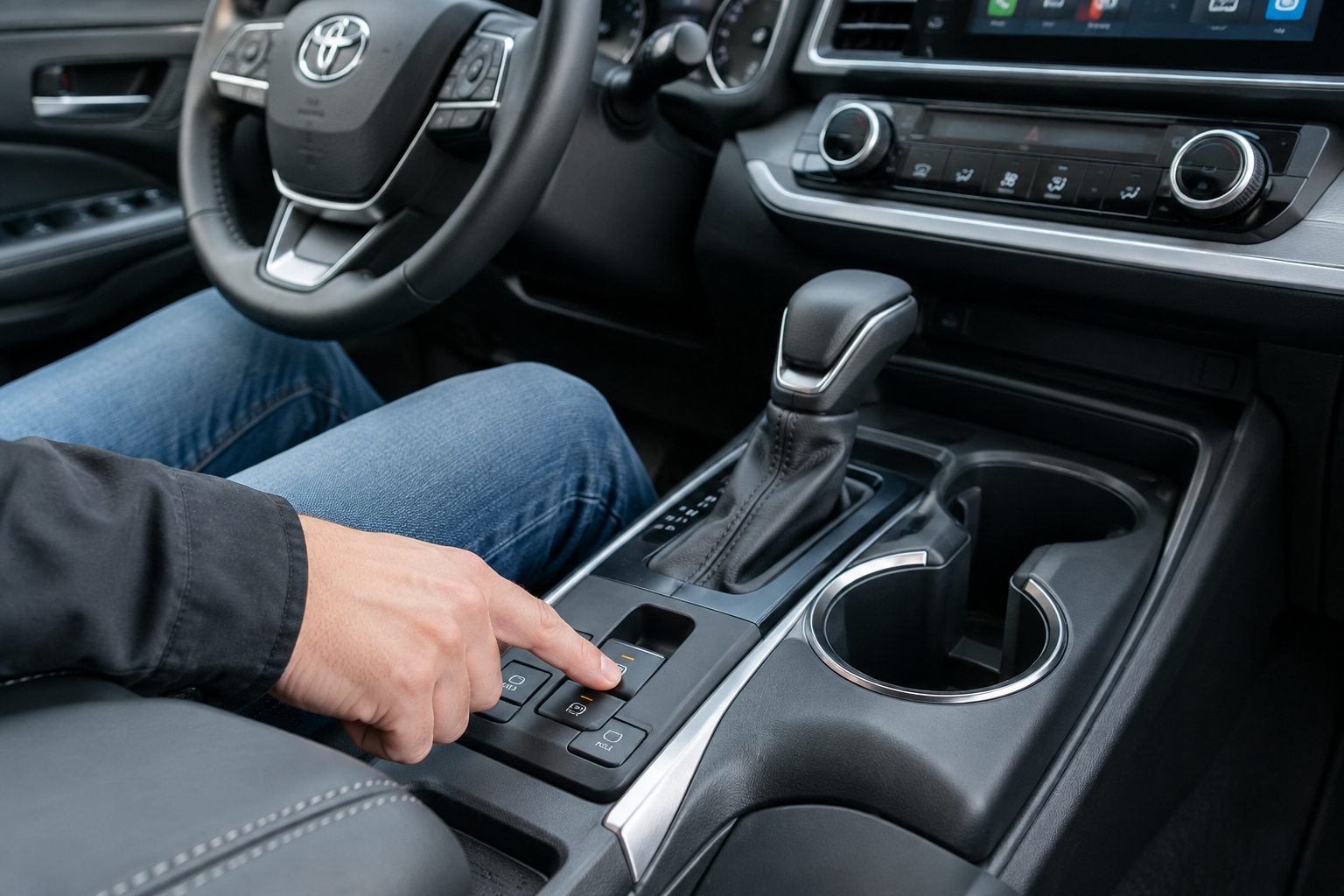
The button itself is a small switch, usually labeled “AUTO HOLD,” located near the electronic parking brake button on the console. Pressing it toggles the feature on or off, and an indicator light in the cluster changes color to reflect the state, green when it’s actively holding the car, white or amber when it’s enabled but not currently holding.
Why Auto Hold Won’t Turn On
If pressing the Auto Hold button does nothing, or the light won’t turn green, it’s almost always because one of the required conditions isn’t met. Hyundai’s system checks all of these before it will engage:
- Driver’s seat belt must be buckled. The system won’t arm Auto Hold if it doesn’t detect the belt latched.
- All doors need to be closed. An open door, including the liftgate on some trims, blocks activation.
- The engine needs to be running. Auto Hold requires the vehicle to be in an active drive state, not just accessory power.
- You have to be pressing the brake pedal firmly when you press the Auto Hold button, and the car generally needs to be at a stop or moving very slowly.
- The transmission shouldn’t be in Park when you first activate it. You typically engage Auto Hold while in Drive or Reverse, then it holds you when you stop.
- The parking brake must be released. If the electronic parking brake is engaged, Auto Hold and the parking brake conflict, and the system will prioritize whichever one was activated last.
If any of these conditions aren’t satisfied, the Auto Hold light will either stay off completely or blink briefly before shutting off again. Check your seat belt first. It’s the most commonly overlooked culprit, especially if you’ve got a jacket bunched up near the buckle sensor.
Why It Turns Itself Off Mid-Drive or Won’t Stay Engaged
Auto Hold shutting off unexpectedly while you’re driving is usually tied to one of a few specific triggers rather than a mechanical fault.
Shifting Into Park or Turning Off the Engine
This is expected behavior, not a malfunction. Every Palisade model year is designed so that Auto Hold releases automatically when you shift into Park or shut off the ignition. The brakes physically release because holding them electronically with the engine off would drain the battery and isn’t necessary once the car is parked.
Does the Setting Persist After You Restart the Car?
Here’s the part that catches a lot of Palisade owners off guard. Hyundai designed Auto Hold to NOT remember your preference across ignition cycles on most model years. Every time you start the car, Auto Hold defaults back to off, and you need to press the button again if you want it active for that drive. This is normal operation, not a glitch, and it applies broadly across the 2020 through 2025 Palisade lineup based on Hyundai’s owner’s manuals for the vehicle.
Some owners mistake this reset for a malfunction because competing SUVs from other brands do retain the last-used setting. If you’re used to a vehicle that remembers, the Palisade’s behavior will feel like the feature is broken when it’s actually functioning exactly as engineered.
Low Brake Fluid or ABS Warning Lights
Auto Hold shares components with the ABS and stability control systems. If the car detects a fault in either system, or if brake fluid drops below the minimum level, it will disable Auto Hold and often light up the brake warning symbol or ABS light on the dash at the same time. This is a genuine warning sign, not routine behavior, and it means you should check your brake fluid reservoir under the hood right away.
Parking Brake Interaction
If you manually engage the electronic parking brake while Auto Hold has the car held, the parking brake takes over and Auto Hold disengages. This is intentional, since the two systems aren’t meant to run at the same time. If you notice Auto Hold dropping out right when you touch the parking brake switch, that’s working as designed.
When It’s a Real Malfunction
Normal resets after restarting the car, or releases when you shift to Park, aren’t problems. A true malfunction looks different and usually comes with other symptoms.
Watch for these signs of an actual fault:
- The Auto Hold light flashes rapidly or stays amber even when all conditions (seat belt, doors, brake pedal) are met
- The brake warning light or ABS light stays illuminated on the dash
- The car rolls slightly even when Auto Hold shows as engaged
- You hear a grinding or clicking noise from the rear brakes when Auto Hold engages or releases
- The electronic parking brake also behaves erratically, since these two systems are linked
If you’re seeing any of these, it’s worth pulling codes before you spend money on parts. A basic OBD2 scanner will read generic codes, but for ABS and electronic parking brake specific faults on a Palisade, you’ll get better results from a scanner that reads manufacturer-specific modules.
Hyundai Palisade OBD2 Scanner ABS EPB
A scanner that reads ABS and electronic parking brake modules gives you a much clearer diagnosis than a basic code reader.
If your fluid level looks low, don’t just top it off and forget about it. Low brake fluid on a Palisade is often a sign of worn rear brake pads, since the calipers on electronic parking brake systems retract further as pads wear, which lowers the fluid level in the reservoir gradually over time. If you’re chasing brake related issues on your Palisade, it’s also worth reading through our guide on what to check when a brake pedal goes to the floor after sitting overnight, since some of the same components are involved.
Keeping a small bottle of the correct DOT-rated brake fluid in the garage isn’t a bad idea if you’re already noticing the level creeping down. Check your owner’s manual for the exact spec Hyundai calls for before buying anything.
Hyundai DOT 4 Brake Fluid
Topping off with the correct DOT 4 spec keeps you from mixing fluids that aren’t compatible with your Palisade’s ABS system.
How to Reset or Re-Enable Auto Hold Correctly
If Auto Hold seems stuck or unresponsive, try this sequence before assuming it’s broken:
- Buckle your seat belt and close all doors completely, including the liftgate
- Start the engine and let it idle for a few seconds
- Press the brake pedal firmly and hold it
- Press the Auto Hold button once and watch for the indicator to turn white or green
- Come to a complete stop and confirm the light turns green, indicating the brakes are actively held
If it still won’t engage after confirming every condition is met, that’s a strong indicator you’re dealing with a sensor fault, whether it’s the seat belt buckle switch, a door ajar sensor, or something deeper in the ABS module. At that point, a scan tool reading is going to save you a lot of guesswork compared to swapping parts one at a time.
Frequently Asked Questions
Does Auto Hold stay on after I turn off the Hyundai Palisade?
No. On virtually every Palisade model year, Auto Hold resets to off every time you restart the engine. You need to press the button again each drive if you want it active. This is normal and matches how Hyundai designed the feature, not a sign of failure.
Why does my Auto Hold light stay amber instead of turning green?
An amber or white light usually means Auto Hold is enabled but not currently holding the brakes, which happens when the car is still moving. It should turn green once you come to a complete stop. If it stays amber while fully stopped with the brake pedal pressed, check your seat belt and door sensors first, then consider a scan for stored codes.
Can low brake pads cause Auto Hold to stop working?
Yes, indirectly. Worn rear brake pads can lower your brake fluid level as the calipers extend further to compensate, and low fluid will trigger warnings that disable Auto Hold along with other brake functions. If your fluid keeps dropping, have your rear pads inspected rather than just refilling the reservoir repeatedly.
Leave a Reply