
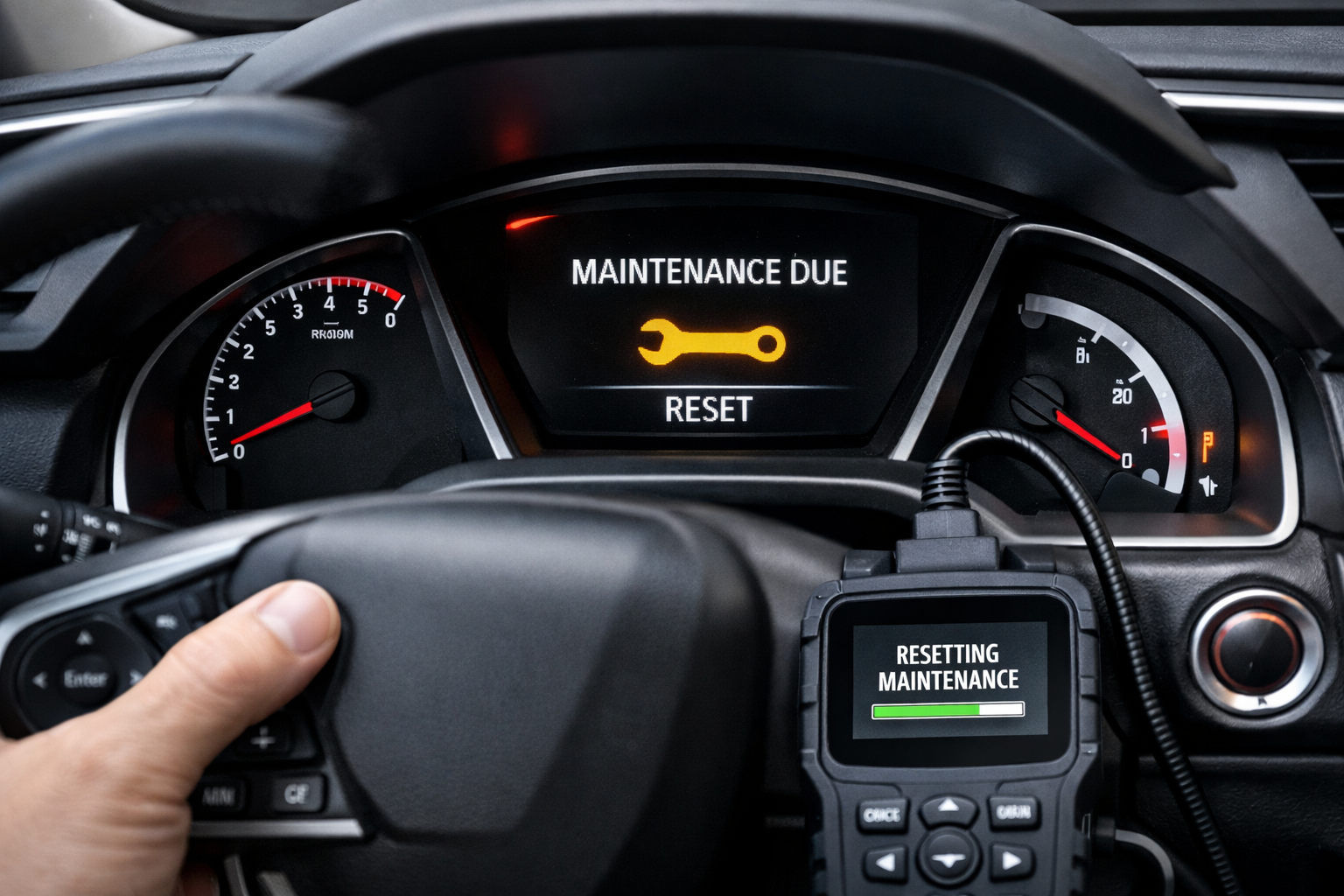
The Honda Civic uses Honda’s Maintenance Minder system, which displays coded service reminders rather than a simple oil life percentage. After completing the indicated services, you need to reset the system to clear the wrench light and start the next monitoring cycle.
The process varies slightly between the 9th, 10th, and 11th generation Civics, but all use some combination of steering wheel controls or the trip odometer button.
11th Gen Civic (2022-2024): Steering Wheel Controls
Press the Home button on the left side of the steering wheel. Use the scroll wheel to navigate to Vehicle > Maintenance Info.
The screen displays the current maintenance codes. Select the service item to reset and confirm. The wrench icon disappears and the system begins monitoring for the next service interval.
10th Gen Civic (2016-2021): Infotainment or Button
On the touchscreen, go to Home > Settings > Vehicle > Maintenance Info > Reset Items. Select the service code to clear and confirm.
On trims with the simpler instrument cluster display (without the full touchscreen interface), the alternative method works: turn the ignition to ON, press and hold the trip odometer knob for about 10 seconds until the maintenance indicator resets and the wrench icon turns off.
9th Gen Civic (2012-2015): Trip Knob Method
Turn the ignition to ON without starting the engine. If the maintenance code is displayed on the instrument cluster, press and hold the trip odometer knob for about 10 seconds.
The wrench icon and service code reset. If the code isn’t currently displayed, press the trip knob briefly to cycle through the instrument displays until the maintenance code appears, then press and hold to reset.
Honda Maintenance Minder Codes Explained

The Civic’s Maintenance Minder uses main codes and sub-codes. Main code A means replace engine oil only. Main code B means replace engine oil and filter, plus inspect brakes and other systems.
The numbered sub-codes indicate additional services:
- 1 = rotate tires
- 2 = replace engine air filter and cabin air filter
- 3 = replace transmission fluid
- 4 = replace spark plugs
- 5 = replace engine coolant
- 7 = replace brake fluid
A display showing “A” means only an oil change is needed. “B12” means oil and filter change, tire rotation, and air filter replacements. Only perform the services indicated by the displayed codes.
The system calculates when each service is due based on your actual driving conditions, so the interval between services varies. Similar to how electric cars handle maintenance scheduling, modern vehicles tailor service needs to real-world use.
Oil Recommendation

Honda recommends 0W-20 full synthetic oil for all 2016+ Civic models. The 9th gen (2012-2015) also uses 0W-20.
Honda genuine 0W-20 synthetic is formulated specifically for Honda engines, though quality aftermarket 0W-20 oils from major brands work equally well. Pair the oil with a Honda genuine or OEM-equivalent filter for the best results.

Honda Genuine 0W-20 Synthetic Oil
Honda’s recommended oil specification for 2016+ Civic engines
For a quick lookup of the reset steps for your Civic or any other vehicle, our oil life reset tool has interactive instructions for 50+ popular cars and trucks with copy and print buttons for garage use.
Frequently Asked Questions
How often does the Civic need an oil change?
Honda’s Maintenance Minder calculates intervals based on driving conditions. Most Civic owners see the “A” code (oil change due) every 5,000 to 7,500 miles under normal driving.
Short-trip city drivers in cold climates may see it sooner due to the accelerated oil degradation from incomplete warmup cycles. This is why the Maintenance Minder system adapts to your specific driving habits rather than using a one-size-fits-all mileage number.
Can I reset just the oil change code?
On the 10th and 11th gen, yes. The system lets you reset individual service items independently, so you can clear the oil change code without affecting other pending service reminders.
On the 9th gen, the trip knob reset clears all pending codes at once. You don’t have the option to selectively reset individual service items on these older models.
What does it mean when the wrench light is yellow vs. orange?
A yellow or amber wrench means maintenance is approaching (the remaining service life is getting low). An orange or red wrench means maintenance is overdue and should be performed as soon as possible.
The color change provides an escalating urgency indicator. Don’t ignore the orange or red version, as it indicates you’re running on borrowed time.
What if the wrench light comes back on immediately after resetting?
If the wrench light reappears right after resetting, you either didn’t complete the reset procedure correctly, or there’s an underlying issue the system has detected. Try the reset procedure again, making sure you hold the button for the full 10 seconds on models that use the trip knob method.
If it still returns, visit a Honda dealer or use an OBD-II scanner to check for stored diagnostic codes. The Maintenance Minder system is separate from the check engine light, but sometimes a fault code can trigger persistent warnings.



Leave a Reply