
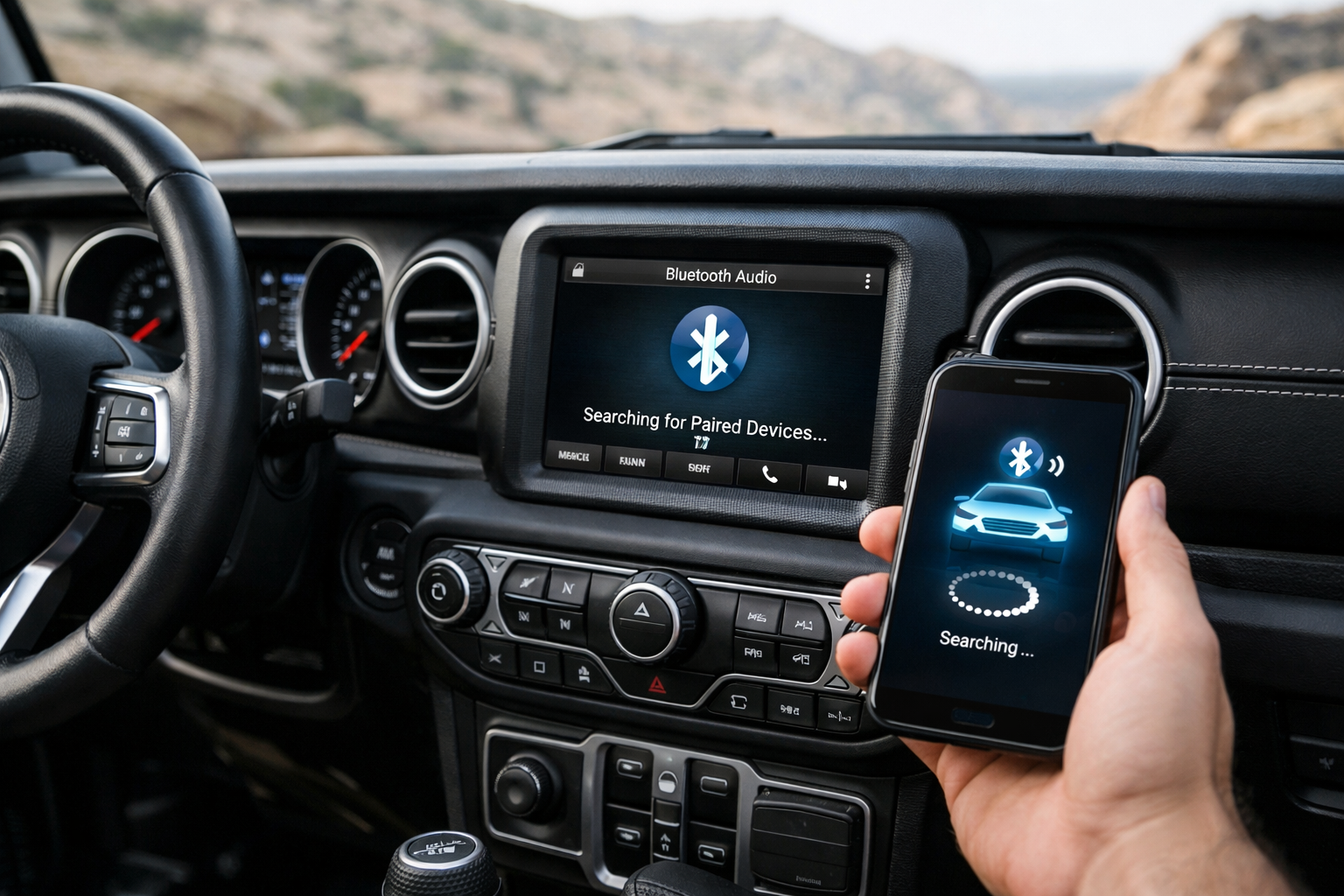
Jeep’s Uconnect system powers the Wrangler’s Bluetooth, and while the pairing process itself is simple, Uconnect has earned a reputation for occasionally dropping Bluetooth connections mid-drive. The JK (2011-2018) and JL (2018+) use different Uconnect versions with different capabilities, and knowing the common fixes for connection issues saves you from repeated frustration every time the audio cuts out or your phone disconnects.
Much like other tech-heavy vehicles, keeping your Jeep’s software current is similar to maintaining any other modern vehicle system. If you’re dealing with other tech issues in your vehicle, check out our guide on how to fix Apple CarPlay connection problems for additional troubleshooting strategies that often apply across brands.
JL Wrangler (2018+): Uconnect 5
On the Uconnect 5 touchscreen, tap Phone > Settings > Paired Phones > Add Device. The Wrangler appears as “JEEP UCONNECT” or similar in your phone’s Bluetooth list. Select it, confirm the 6-digit code on both screens, and grant permissions for contacts and messages.
Uconnect 5 supports two simultaneous connections, so you can designate one phone for calls and another for audio streaming. This feature is particularly useful for couples who share the Wrangler, or if you want to keep a work phone connected while streaming music from your personal device.
JK Wrangler (2011-2018): Uconnect 130/430/8.4
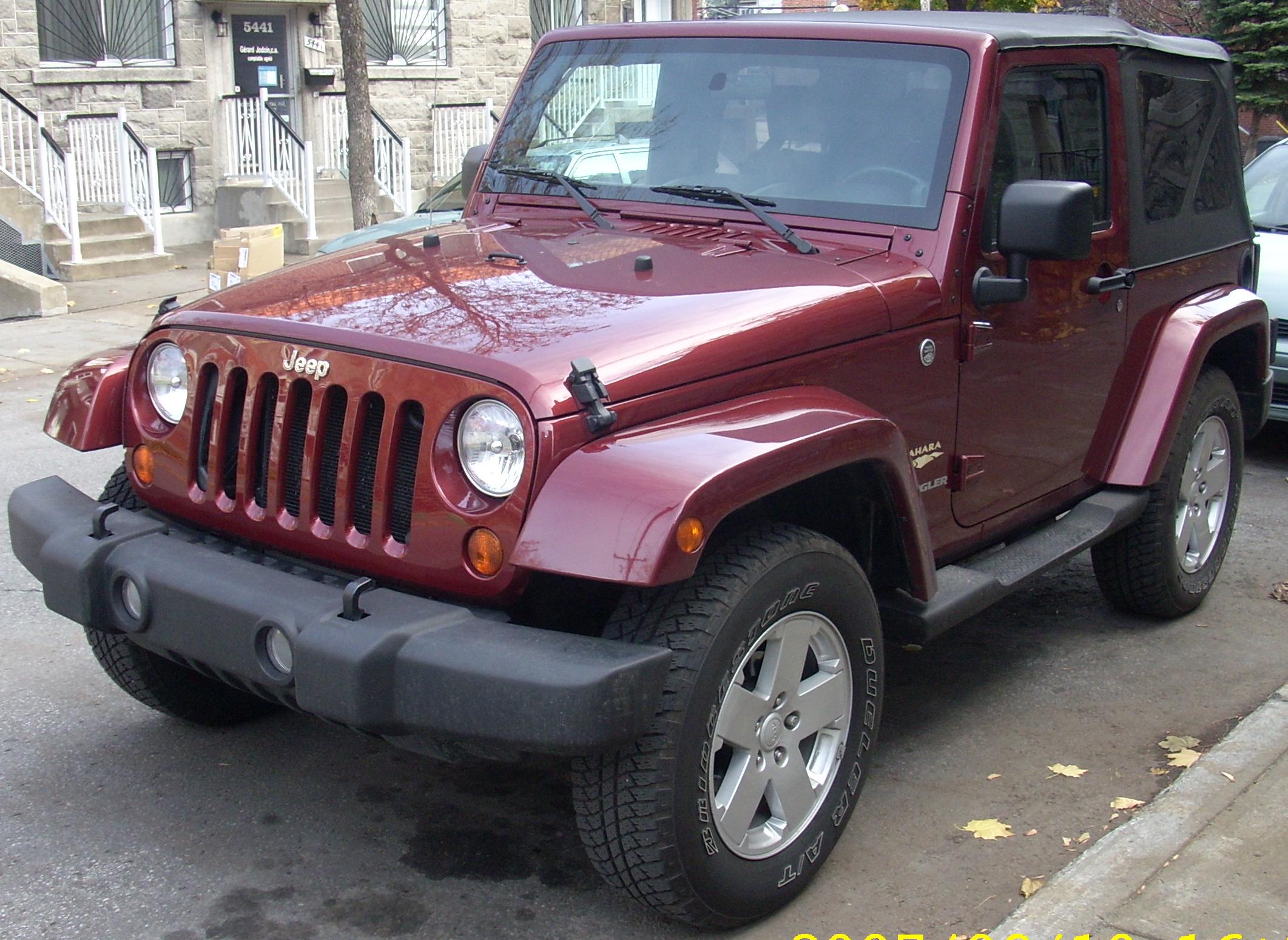
The pairing process depends on which Uconnect version your JK has. For the 8.4-inch touchscreen, tap Phone > Settings > Add Device. For the smaller Uconnect 130 (base radio) or 430 (mid-level), press the Phone button on the head unit and navigate to Setup > Pair Phone. Follow the on-screen prompts.
The Uconnect 130 is the most basic system with limited Bluetooth features. It supports calls but audio streaming quality can be inconsistent. If you’re considering a Wrangler for off-road adventures, upgrading from the base audio system is worth considering.
Fixing the “Connected But No Audio” Issue
Uconnect occasionally connects for phone calls but routes music through the phone’s speaker. This is the same phone/media profile separation issue that affects many car brands. On the Uconnect phone settings, select your phone and verify that both “Phone Audio” and “Media Streaming” are enabled.
On your phone, check that “Media Audio” is toggled on in the Bluetooth device settings for the Wrangler. This separate toggle exists on both Android and iPhone, though the exact location varies by operating system version.
If both profiles show as enabled but audio still doesn’t stream, delete the pairing on both devices and re-pair from scratch. On Uconnect, go to Paired Phones, select the phone, and choose “Delete.” On your phone, “Forget” the Wrangler in Bluetooth settings. Then pair again as if it’s the first time.
Uconnect System Reset
If Bluetooth stops working entirely (the system won’t find phones, won’t pair, or drops every connection immediately), a system reset often fixes it. For a soft reset that preserves your paired devices: press and hold the Volume knob and the Tune/Scroll knob simultaneously for 10 to 20 seconds. The screen goes black and reboots.
This clears the software cache without erasing settings. Think of it like restarting your phone when an app misbehaves. It’s a quick fix that resolves most temporary glitches.
For a hard reset that clears everything: navigate to Settings > Reset > Factory Default on Uconnect 5, or Settings > System > Restore Settings on the 8.4-inch Uconnect. This erases all paired devices, radio presets, and custom settings.
You’ll need to re-pair every phone and reconfigure preferences. This is the nuclear option, but it resolves persistent Bluetooth issues that soft resets don’t fix.
Uconnect Software Updates
Jeep releases Uconnect software updates that improve Bluetooth compatibility and fix known connection bugs. For Uconnect 5, updates may arrive over-the-air or via USB download from the Jeep website. For older Uconnect versions on the JK, updates typically require a dealer visit.
Keeping Uconnect up to date is one of the most effective ways to improve Bluetooth reliability, especially after major phone OS updates that can change Bluetooth behavior. Check for updates every few months, particularly if you notice connection problems starting after updating your phone.
For JK models without Bluetooth or with a non-functional system, a Bluetooth AUX adapter adds wireless connectivity through the auxiliary input jack. These adapters are budget-friendly and work reliably if your factory Bluetooth is beyond repair.

Bluetooth AUX Adapter for Jeep
Add wireless audio to JK Wranglers with basic audio systems
Frequently Asked Questions
Why does Uconnect keep dropping my phone?
Uconnect Bluetooth dropouts are a known issue, especially on early JL models (2018-2019 production). A Uconnect software update often resolves it. Check with your dealer for the latest firmware version, or download updates from Jeep’s website via USB. Early production units had firmware bugs that caused intermittent disconnections, and updated software versions have significantly improved stability.
Can I pair two phones to the Wrangler?
Uconnect 5 on the JL supports two simultaneous connections (one for calls, one for audio). JK systems typically support one active connection at a time, though multiple phones can be stored in the paired list for quick switching. You can store up to 10 phones in the system memory and switch between them without re-pairing each time.
Does removing the top or doors affect Bluetooth?
No. The Bluetooth antenna is part of the head unit inside the dashboard, not the body panels. Open-air driving doesn’t affect Bluetooth connectivity range or stability. Wind noise may make hands-free calls harder to hear, but the connection itself is unaffected. Your phone stays connected just as reliably with the top down as with it up.
What if my older JK doesn’t have Bluetooth at all?
For older JK Wranglers that shipped without factory Bluetooth, you have two options. First, install a Bluetooth AUX adapter that plugs into your auxiliary jack and provides wireless audio streaming. Second, upgrade to a full aftermarket head unit with modern Bluetooth, Apple CarPlay, and Android Auto. The aftermarket route gives you better sound quality and more features but requires more installation work.


Leave a Reply