
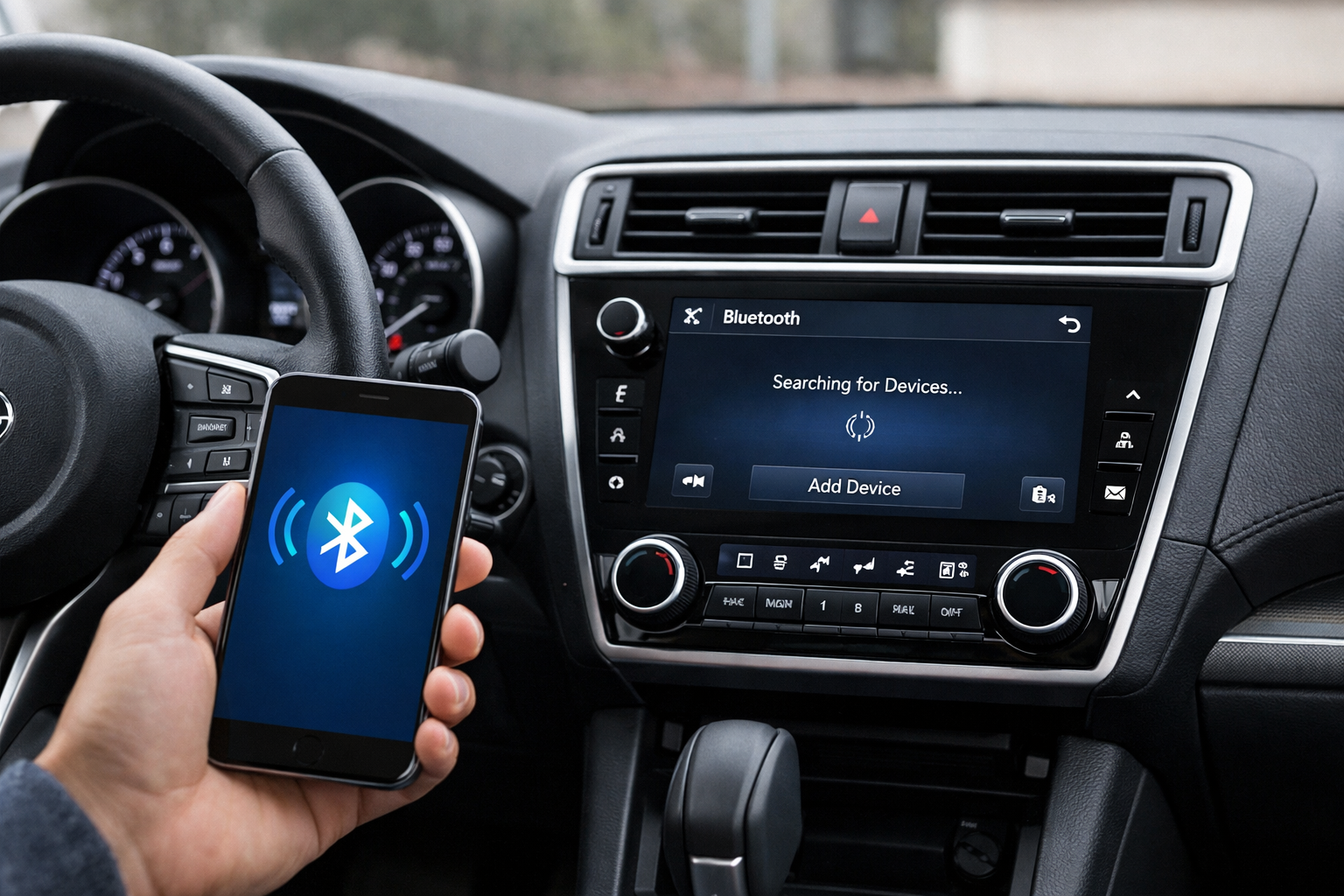
Subaru’s STARLINK infotainment system handles Bluetooth on the Outback, and it has earned a reputation for being pickier about phone compatibility than some competing systems. The 5th gen (2015-2019) and 6th gen (2020+) use different STARLINK versions with different interfaces, but both share the same occasional Bluetooth stubbornness.
Knowing the pairing process, the dual-phone feature, and how to force a Bluetooth module reset covers the scenarios most Outback owners encounter.
6th Gen Outback (2020+): STARLINK 11.6-inch
On the large vertical touchscreen, tap Settings > Bluetooth > Add New Device. The Outback broadcasts its Bluetooth name. Find it on your phone’s Bluetooth settings and pair.
Confirm the 6-digit code on both screens and grant contact and message permissions. The 6th gen STARLINK supports two simultaneous Bluetooth connections, letting you pair one phone for calls and another for music.
5th Gen Outback (2015-2019): STARLINK 6.5/8-inch
Press Settings (gear icon) > Bluetooth > Add Device on the touchscreen. Search for the Outback on your phone and pair. Confirm the code.
After pairing, verify that both phone and audio profiles are enabled in the device options. The 5th gen may require manually enabling the audio streaming profile on some trims.
Subaru’s Phone Compatibility Quirk
STARLINK has documented compatibility challenges with certain phone models, particularly after major phone OS updates. If your phone won’t pair, pairs but immediately disconnects, or pairs for calls but not audio, check Subaru’s website for a Bluetooth compatibility list specific to your STARLINK version.
Some phone models require specific Bluetooth protocol settings that STARLINK’s older firmware versions don’t support well. Similar to how CarPlay issues on the Toyota RAV4 often come down to software handshake problems, STARLINK can be particular about how devices communicate.
Updating the STARLINK firmware often resolves compatibility issues. On the 6th gen, updates may arrive over-the-air. On the 5th gen, firmware updates are typically installed via USB download from Subaru’s website or through a dealer visit.
Forcing a Bluetooth Module Reset
If Bluetooth connections become unreliable, repeatedly drop, or the system won’t pair with any device, a module reset can clear the issue. On the 6th gen, press and hold the Power/Volume knob for 10 seconds to perform a soft reboot.
The screen goes black and restarts within 15 to 20 seconds. This clears the software cache without erasing paired devices or settings.
For a full factory reset that clears everything: Settings > General > Factory Data Reset. This erases all paired devices, radio presets, navigation history, and custom settings. It’s the most thorough fix for persistent Bluetooth issues but requires re-pairing all phones and reconfiguring preferences afterward.
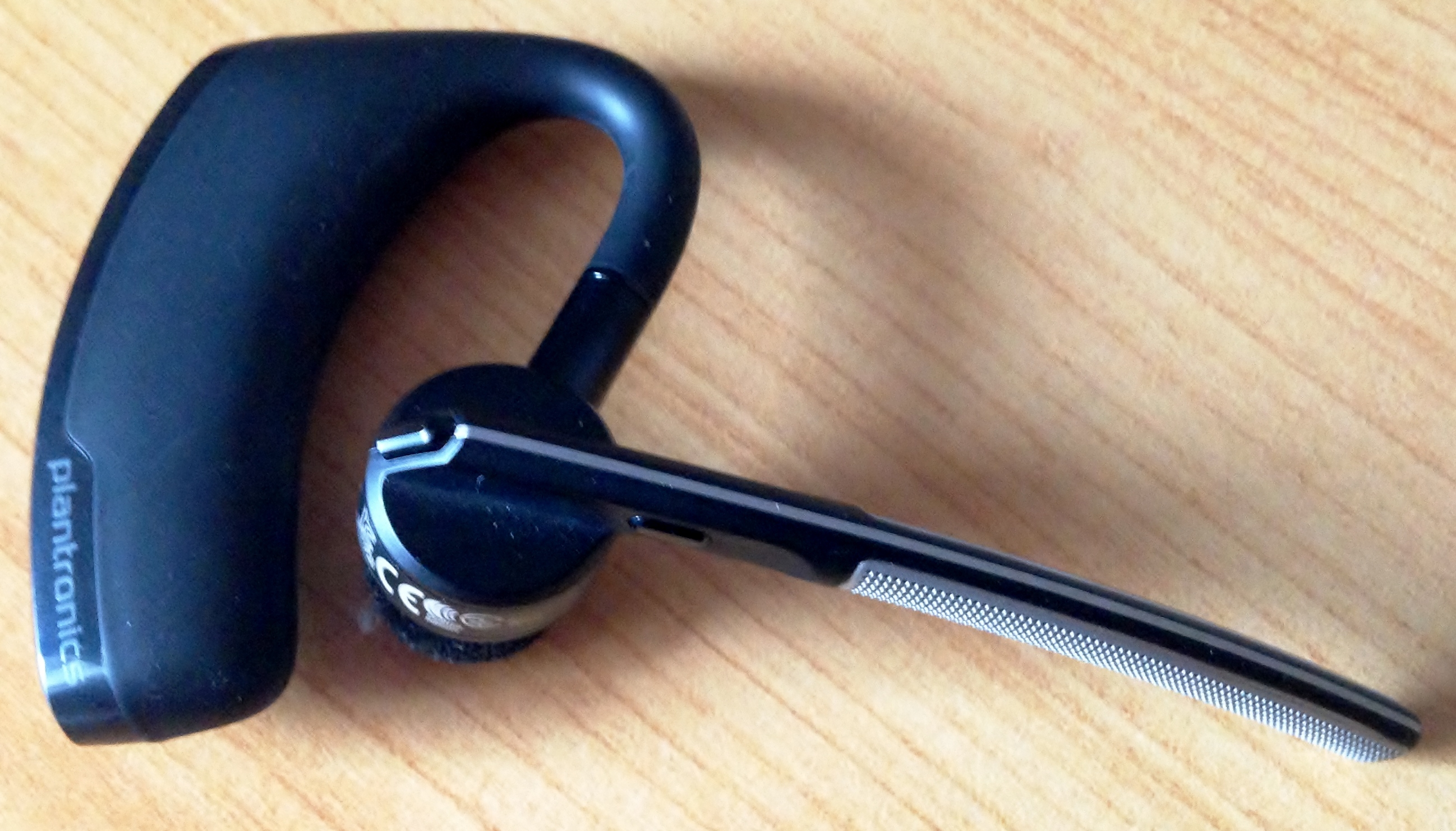
For older Outbacks without Bluetooth or with a non-functioning system, a Bluetooth adapter adds wireless audio through the AUX or USB input.

Bluetooth Adapter for Subaru
Add Bluetooth to older Outback models without built-in connectivity
Dual-Phone Pairing
The 6th gen STARLINK’s dual-phone feature is useful for couples or families who share the vehicle. Pair both phones through the normal pairing process. Then go to Bluetooth > Paired Devices and assign roles: one phone for calls and another for audio.
When both phones are in range, STARLINK connects to each according to its assigned role. This means the driver can receive calls on their phone while the passenger’s phone provides the music.
Frequently Asked Questions
Why is STARLINK picky about phones?
STARLINK’s Bluetooth implementation has specific requirements for handshake protocols and profile negotiation. Some phone models or OS versions don’t implement these protocols identically, causing pairing or connection issues. Firmware updates on both the phone and the Outback usually resolve compatibility problems.
Does the Outback support wireless CarPlay?
Wireless Apple CarPlay is available on the 2023+ Outback with STARLINK. The 2020-2022 models support wired CarPlay via USB. Android Auto follows similar availability.
How many devices can I pair?
STARLINK stores up to 7 paired devices on most trims. Delete unused entries to make room when the list is full and to prevent connection priority conflicts with absent devices.
What if I’m comparing Outbacks for outdoor use?
If you’re deciding whether an Outback fits your lifestyle, check out our comparison on the Subaru Outback vs Toyota RAV4 for camping and outdoor adventures to see how connectivity and other features stack up for your needs.


Leave a Reply