

You toss your phone on the wireless charging pad, back out of the driveway, and twenty minutes later your battery is at the same percentage or lower than when you left. Or maybe the pad chirps with that connect-disconnect sound over and over until you just give up and plug in a cable instead. The Honda Pilot’s factory wireless charger is a great feature when it works, but it’s also picky about phone placement, case thickness, and a handful of settings most owners never touch.
Before you assume the hardware is broken, it’s worth running through the common causes below. Most wireless charging complaints in the Pilot come down to something simple: a thick case, a magnetic mount ring left on the phone, or a setting buried in the touchscreen menu. Here’s a walkthrough that should get you charging normally again.
Confirm You Actually Have the Wireless Charging Pad
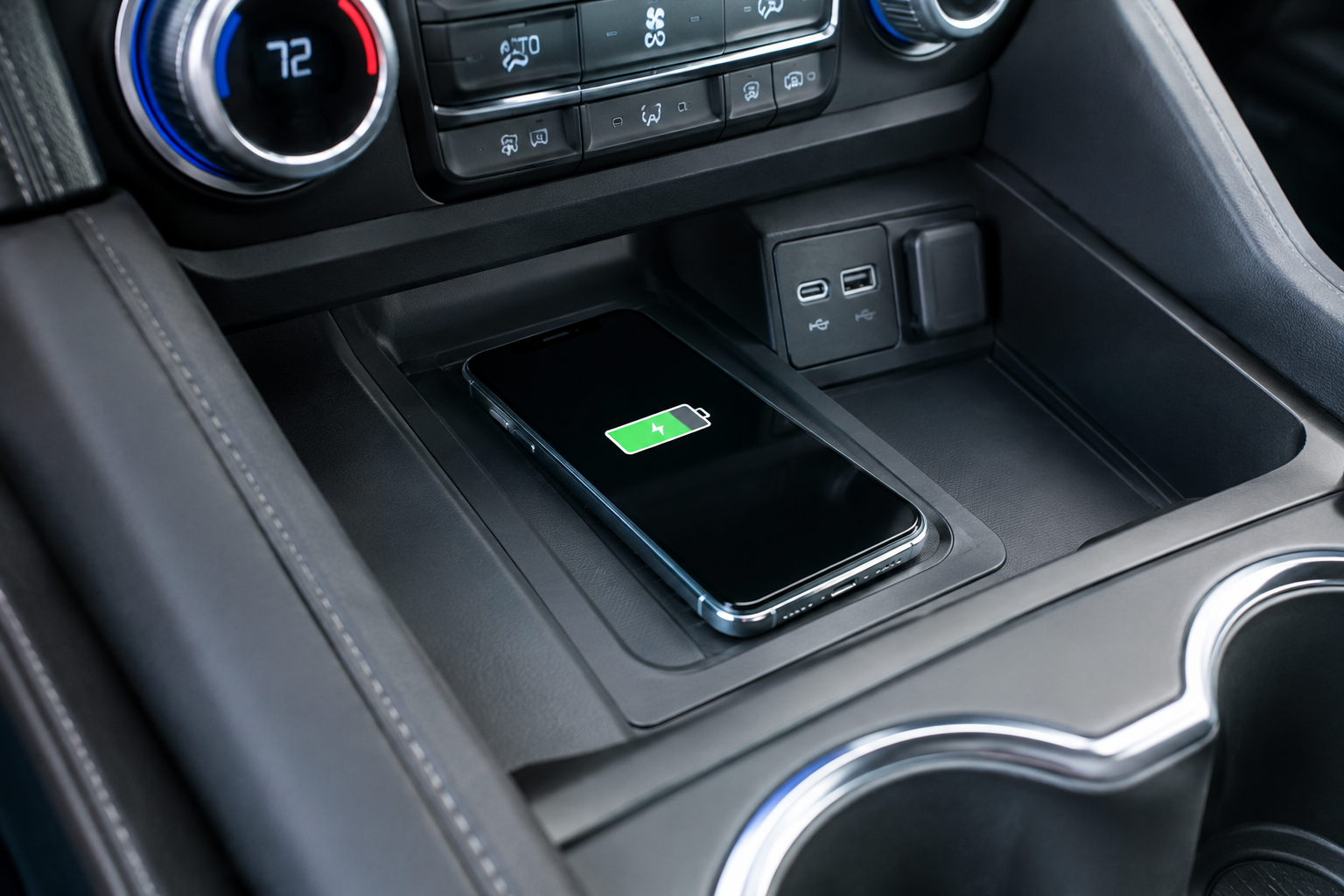
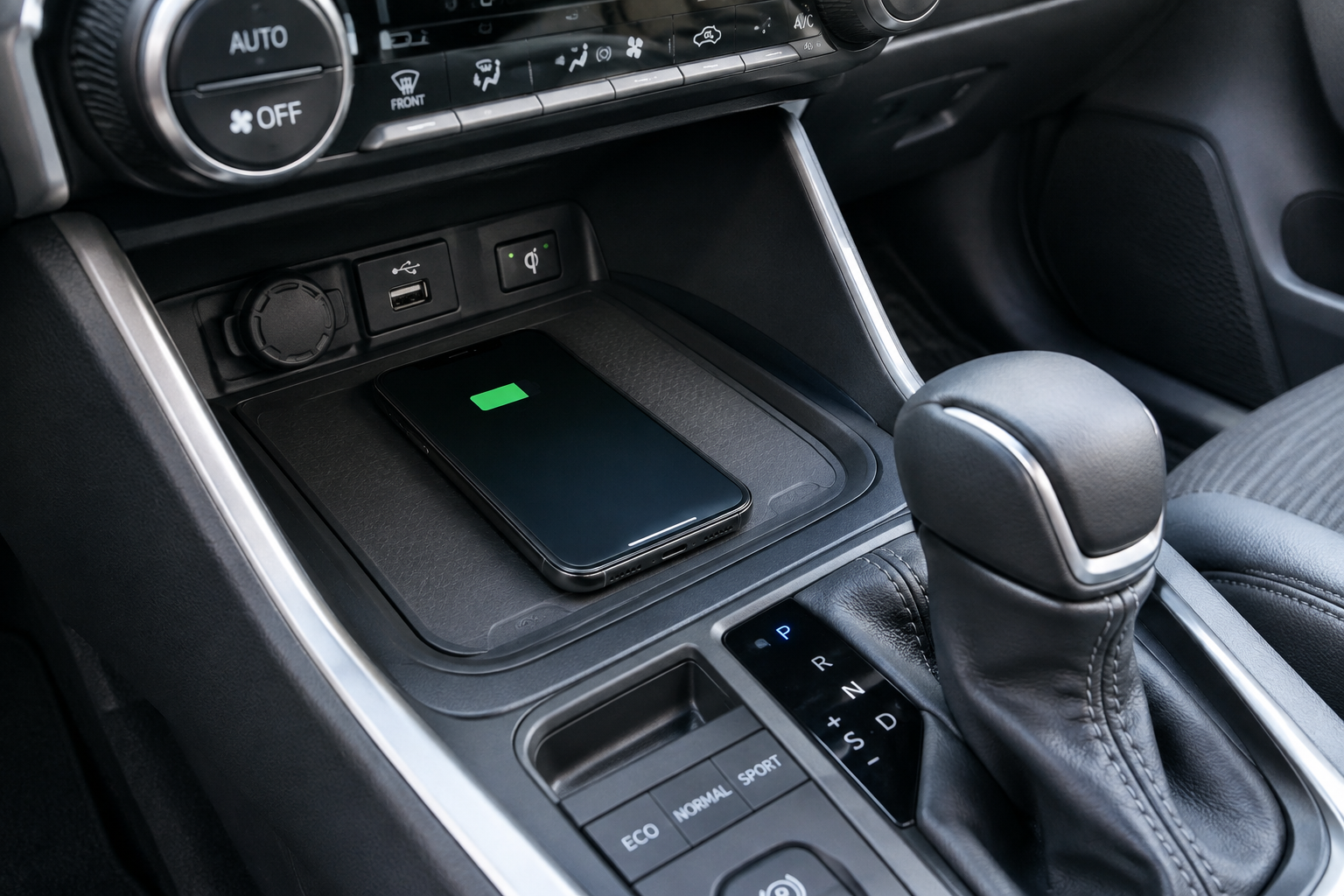
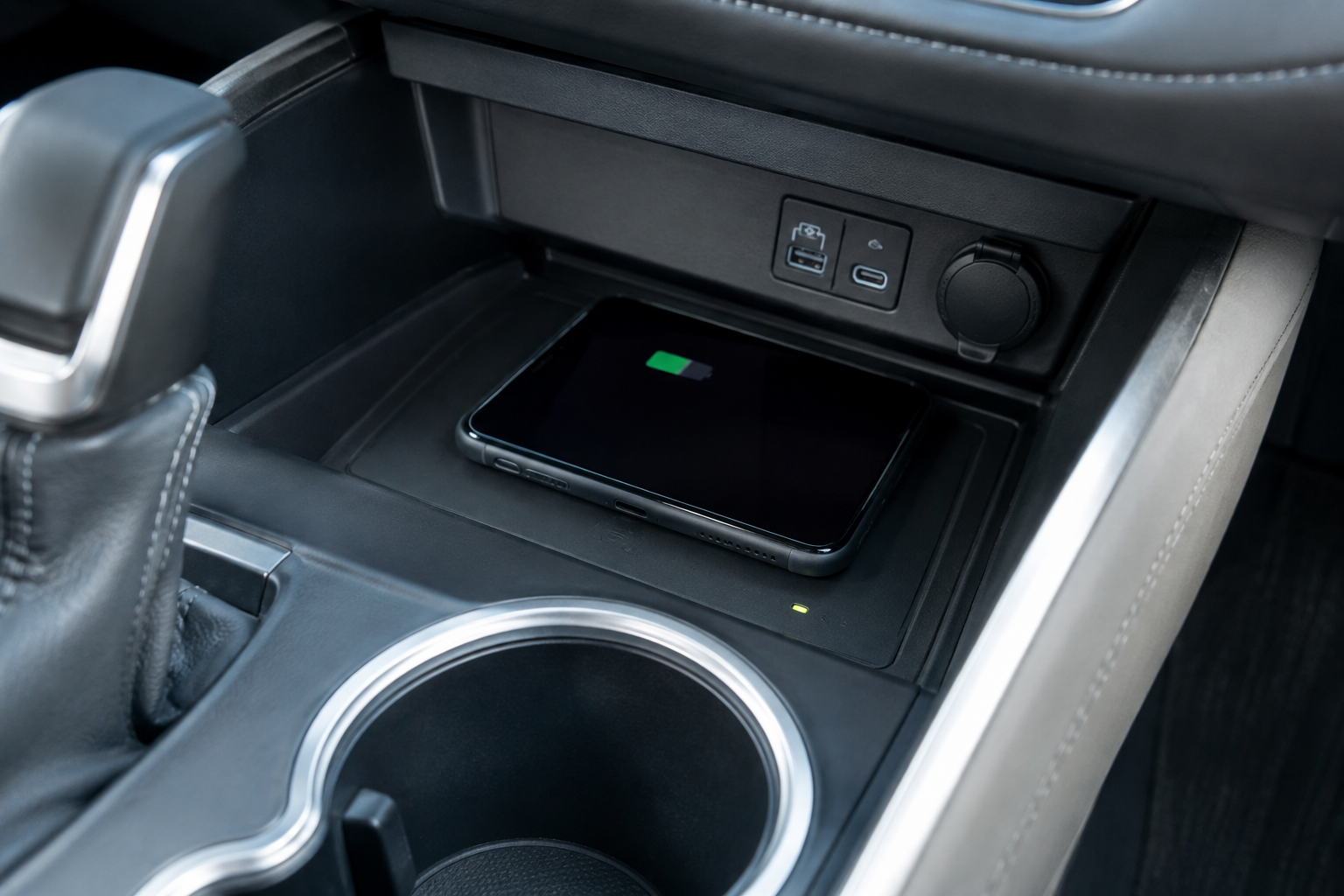
Not every Honda Pilot trim comes with the factory wireless charger, and this trips up a lot of shoppers and even some current owners. On most model years, wireless charging is standard on EX-L and above, while base LX and Sport trims typically rely on a USB port only. If you’re not sure, look for a rubberized, non-slip tray just ahead of the cupholders, usually below the climate controls or forward of the shifter, often with a small lightning bolt or phone icon molded into the surface.
If your Pilot doesn’t have that tray at all, you’re not dealing with a malfunction, you simply don’t have the equipment. In that case, skip ahead to the aftermarket section below. If the tray is there but nothing happens when you set your phone down, keep going through the checks in this article.
Check Phone Compatibility and Charging Standard
The Honda Pilot’s factory pad uses the Qi wireless charging standard, which covers the vast majority of modern iPhones and Android phones. But “Qi-compatible” doesn’t mean every phone charges at the same speed, and some older or budget phones don’t support wireless charging at all without an add-on receiver.
- iPhone 8 and later support Qi charging natively.
- Most Samsung Galaxy, Google Pixel, and other flagship Android phones from the last several years support Qi as well.
- Some budget Android phones, especially older models, don’t include a wireless charging coil, so nothing you do with placement will fix that.
If you recently switched phones and charging stopped working, this is the first thing to rule out. Check your phone’s specifications for “Qi wireless charging” support before you spend time troubleshooting the vehicle side.
Case Thickness and Magnetic Accessories
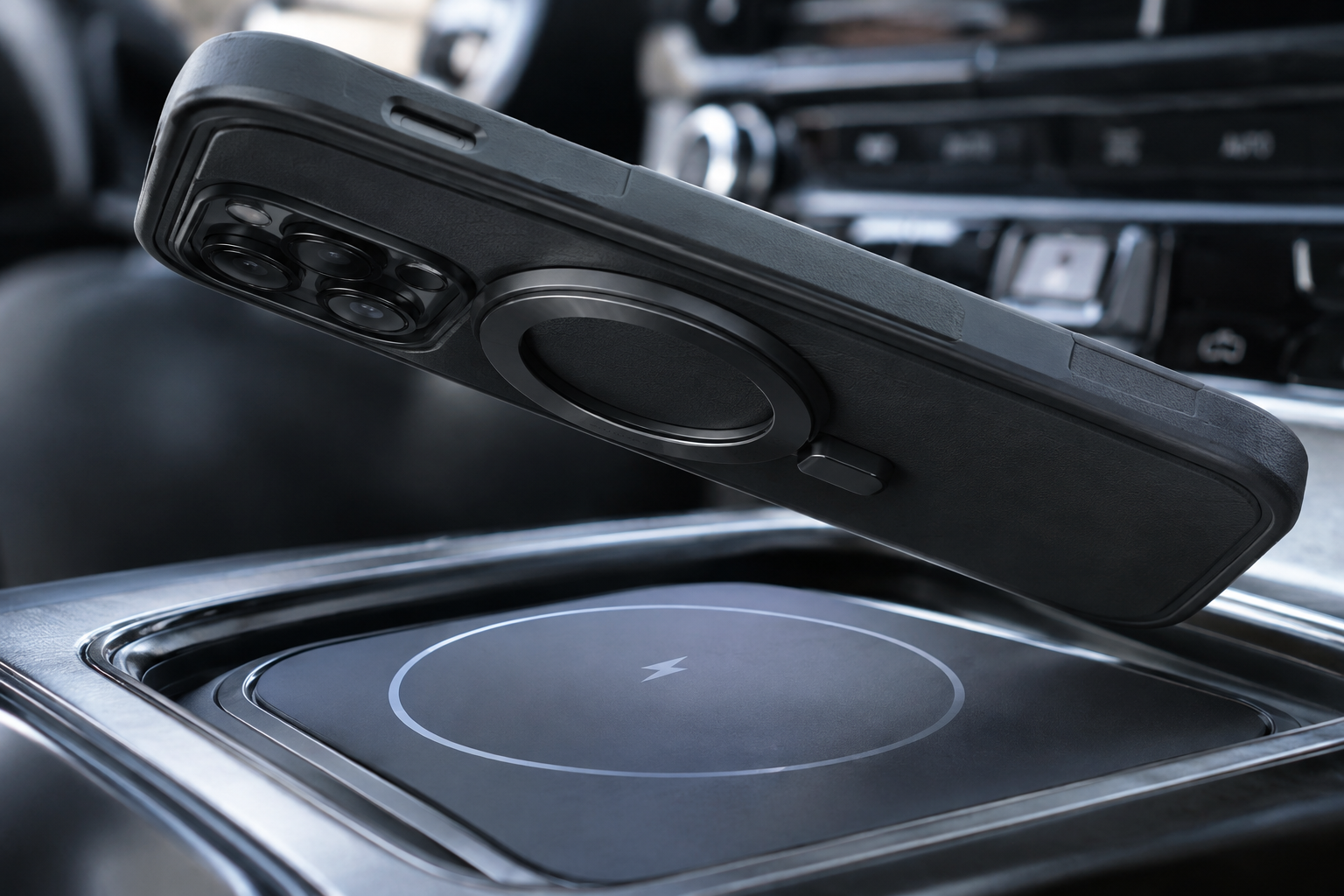
This is the single most common cause of slow or intermittent wireless charging, in the Pilot and in nearly every car with a factory pad. Qi charging works by transferring power across a small air gap, and that gap has a tolerance. Thick cases, battery cases, wallet cases with card slots, and rugged or military-grade cases often push your phone just far enough away from the coil that charging becomes unreliable or stops completely.
Magnetic accessories cause a different problem. If you have a magnetic mount ring, a MagSafe case with a metal ring insert, or a metal kickstand attached to your phone or case, that metal can interfere with the coil alignment and sometimes trigger the charger’s foreign object detection, which shuts off power as a safety measure. Credit cards with magnetic strips or RFID chips stored in a wallet case can cause similar issues, and in some cases the magnetic strip itself can be damaged by sitting near the coil.
Try charging with the case removed entirely. If that fixes it, look for a slim, non-magnetic case for daily use, or keep a case-off habit specifically for driving. If you want a dedicated magnetic setup instead of relying on the factory pad, a MagSafe car charger mounted elsewhere in the cabin can be a cleaner solution for iPhone owners, since it’s designed around magnetic alignment rather than fighting against it.
Phone Placement and Coil Alignment
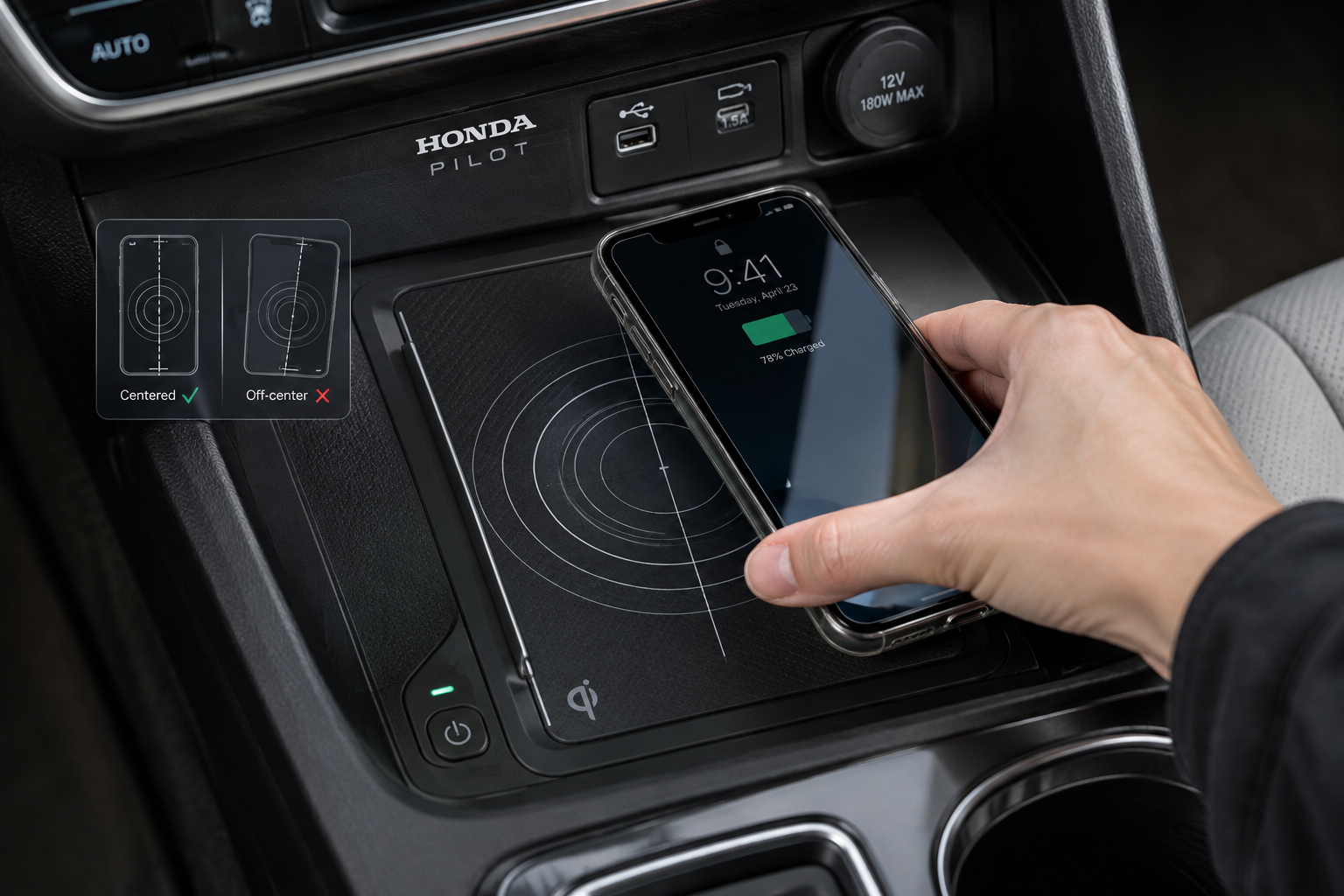
Even with a compatible phone and no case, placement matters more than most people expect. The coil inside your phone is a specific size and location, usually centered on the back of the device, and the Pilot’s charging tray has its own coil position marked with an icon or outline. If your phone is off center, tilted, or sliding around while you drive, you’ll get that annoying repeated connect and disconnect chime as contact is made and lost.
Set the phone flush against the pad, screen up, centered on the marked outline, and give it a second to register before you start driving. Sharp turns, hard braking, and rough roads can shift the phone just enough to break the connection, so if you drive an aggressive commute or frequently take on/off ramps, this may explain intermittent charging even when everything else checks out.
Heat Protection and Charging Speed
Honda’s wireless charging system includes thermal protection that intentionally slows or pauses charging if the pad or your phone gets too warm. This isn’t a malfunction, it’s the system protecting your phone’s battery. Direct sunlight through the windshield, a hot cabin in summer, or a phone that’s already warm from heavy use (navigation, streaming music, a video call) can all trigger this slowdown.
If you notice charging is fine in the morning but crawls to a stop during a hot afternoon drive, heat is almost certainly the reason. Cracking a window, using climate control before placing the phone down, or simply accepting slower charging on hot days is the practical fix here. There’s no setting that overrides this protection, and trying to defeat it isn’t something you’d want anyway since it protects your phone’s long-term battery health.
Debris, Coins, and Foreign Objects
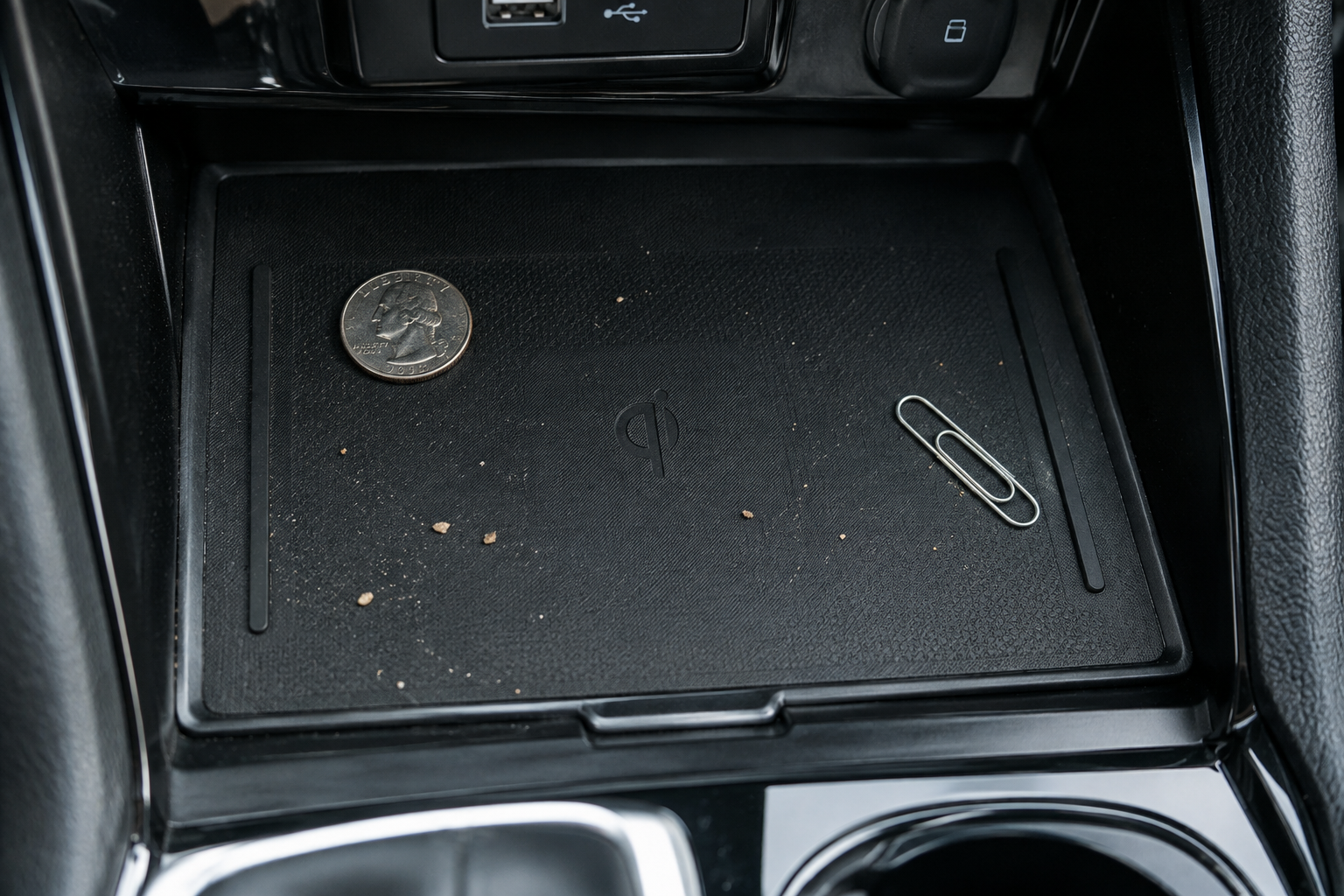
Wireless charging pads are magnets for loose change, keys, and small metal debris, and the Pilot’s tray is no exception. Even a small coin left under your phone can trigger the foreign object detection system, which halts charging as a precaution against overheating that object. Crumbs, dust, or grit can also create a slight gap between the phone and the pad surface.
Wipe the tray down periodically with a dry microfiber cloth and make it a habit to check for stray coins or keys before setting your phone down. This is a quick check that costs you nothing and solves more “broken charger” complaints than people expect.
Vehicle Power State and Software Settings
The wireless charger on most Pilot trims only operates when the vehicle is on or in accessory mode, so if you’re trying to charge with everything fully shut off, that’s expected behavior rather than a fault. Some model years also include a wireless charging on/off toggle buried in the phone or connectivity settings menu on the touchscreen, so it’s worth checking there if charging seems to have stopped working after a software update or a settings reset.
An indicator light near the tray, when present, typically shows a steady color when charging normally and a different color or blinking pattern when there’s an issue like a foreign object or poor alignment. Check your owner’s manual for the exact meaning of your model year’s indicator behavior, since Honda has adjusted this across Pilot generations. If you’ve recently had the 12-volt battery disconnected for service, it’s also worth a quick check of your other cabin electronics, similar to how disconnecting power can affect settings covered in guides like how to turn off lane assist on the Honda Pilot, since some driver assistance and comfort settings reset together after power loss.
When to Consider an Aftermarket Charger
If you’ve gone through phone compatibility, removed the case, cleaned the tray, checked placement, and ruled out heat as the cause and you’re still getting unreliable charging, the pad itself may have a hardware fault worth having a dealer inspect. In the meantime, or if you decide the factory pad just isn’t cutting it for your phone and case combination, a wired charger is the most reliable fallback and won’t have any of the alignment or foreign object issues that come with wireless setups.
Anker USB-C Car Charger
A dependable, budget-friendly backup that charges faster and more consistently than a finicky wireless pad.
For iPhone owners specifically, a magnetic mount charger designed around MagSafe alignment tends to be more forgiving than the factory Qi tray, since it locks into position instead of relying on you to place the phone just right every time.
Belkin MagSafe Car Vent Mount
Combines a phone mount with magnetic wireless charging so your phone stays aligned even on rough roads.
Either option is a reasonable stopgap while you sort out whether the factory pad needs service, and neither requires giving up wireless charging entirely if that’s the feature you actually want.
Frequently Asked Questions
Why does my phone charge wirelessly at home but not in my Honda Pilot?
Home chargers are often more forgiving of case thickness and placement than the factory automotive pad, which has a tighter coil tolerance built in for safety and heat management. Try removing your case in the vehicle specifically and centering the phone on the marked outline before assuming the pad is faulty.
Does the Honda Pilot wireless charger work with all iPhones?
Any iPhone 8 or later supports Qi wireless charging, so compatibility itself usually isn’t the issue. MagSafe iPhones can still charge on the factory pad, but the metal ring in some MagSafe cases can cause alignment or foreign object detection problems, so a slim non-MagSafe case often works better with the built-in tray.
Why does my phone get hot on the wireless charging pad?
Wireless charging generates more heat than a wired connection by nature, and direct sunlight or a warm cabin makes it worse. The system will slow or pause charging automatically to protect the battery, which is normal behavior rather than a defect.
Is it bad to leave my phone on the wireless pad with the car off?
It won’t damage anything, but most Pilot trims stop supplying power to the pad once the vehicle is fully off, so your phone simply won’t charge in that state. This is expected and not something you need to troubleshoot further.
Leave a Reply