
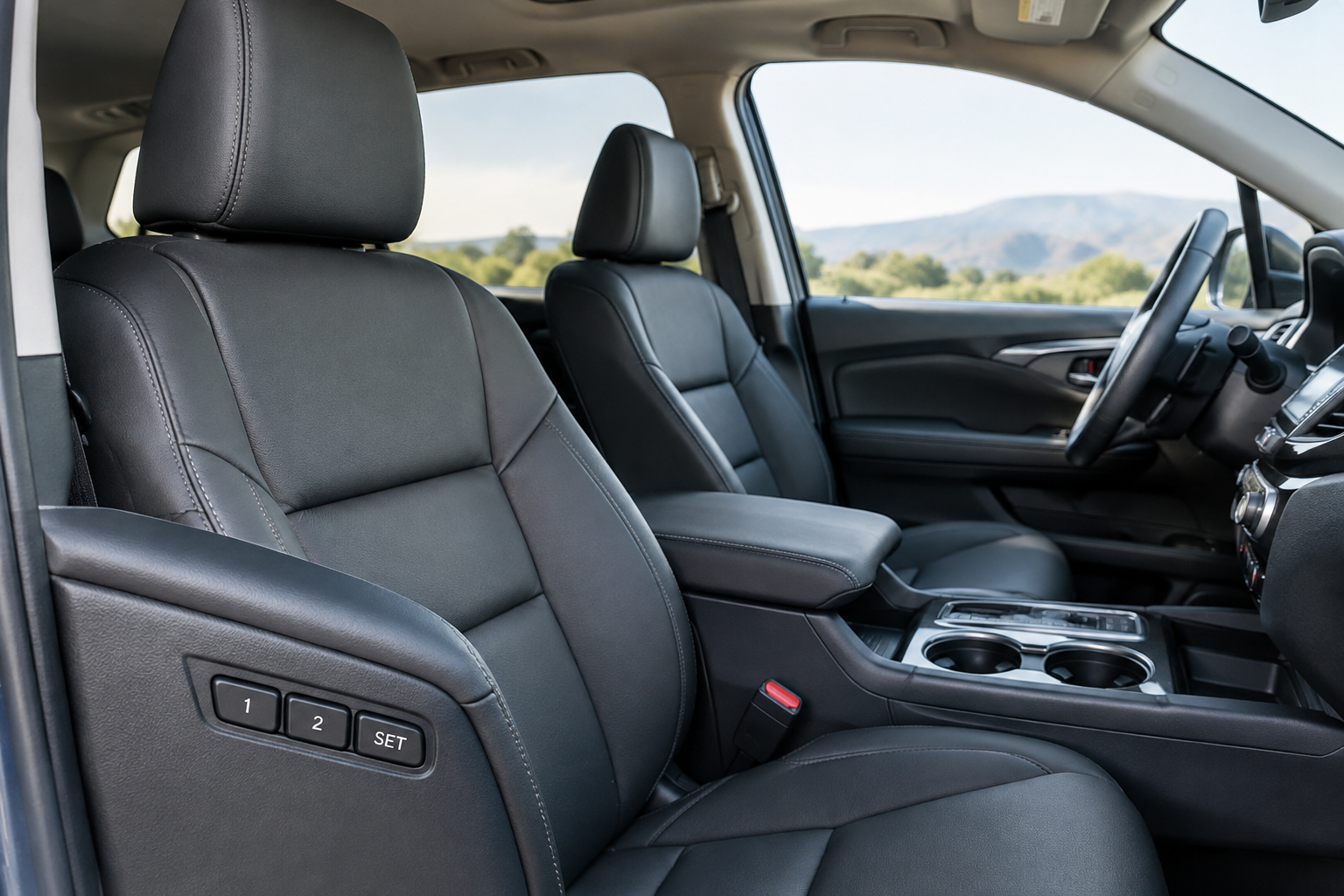
You climb into your Honda Pilot, press your memory seat button, and instead of gliding into your usual spot, the seat either doesn’t move at all or stops somewhere that isn’t quite right. Maybe it worked fine last week. Maybe your spouse drove the Pilot yesterday and now your seat thinks it belongs three inches forward. This is one of the more annoying quirks of an otherwise solid feature, and most of the time it has nothing to do with a broken part.
Memory seats feel like magic when they work and infuriating when they don’t. Before you assume you need a new seat motor or control module, it helps to understand how Honda’s memory system actually saves and recalls positions, because most failures trace back to how it was set up rather than a hardware fault.
How the Honda Pilot Memory Seat System Actually Works
On trims equipped with it (typically EX-L, Touring, and Elite, depending on model year), the Pilot’s driver seat memory system uses position sensors on the seat track, seatback recliner, and sometimes the outside mirrors and steering column. When you save a position, the module records the exact voltage output from each of those sensors, not a general “front” or “back” setting.
That precision is exactly why small movements or a low battery event can throw things off. If a sensor reads even slightly differently than it did when you saved the position, the seat will stop wherever the module thinks matches, which might not be where you remember.
Most Pilots with memory seats tie the saved positions to either a driver profile linked to your key fob or to the numbered buttons (1 and 2) on the door panel or seat side. Knowing which system your specific model year uses matters a lot when you’re troubleshooting, since the fix is different for each.
The Correct Save Sequence (And Why Skipping a Step Breaks It)
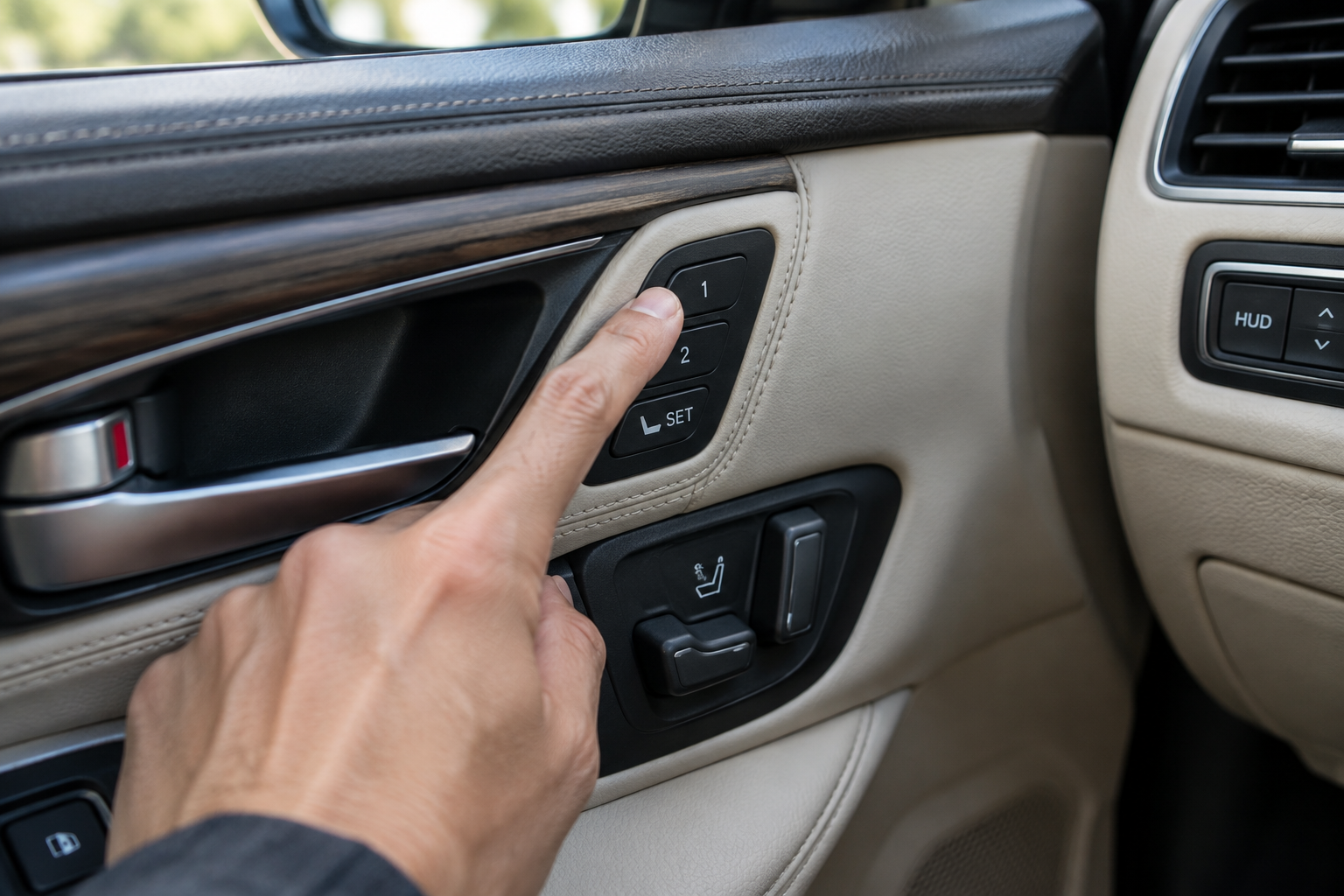
The most common reason a memory seat “won’t save” is that the button sequence wasn’t completed correctly. Honda requires a very specific process, and if you let go too early or press things out of order, nothing gets stored.
The general sequence on most Pilot model years works like this:
- Adjust the seat, mirrors, and steering wheel (if power-adjustable) to your preferred position.
- Press and hold the “SET” button (usually located near the memory 1/2 buttons on the door panel) until you hear a beep or see a confirmation light.
- While still holding SET, press the numbered memory button (1 or 2) you want to save to.
- Release both buttons at the same time or in the order specified in your owner’s manual.
If you press SET and then take too long to hit the number button, the system times out and cancels the save without telling you. That’s the part that trips people up. It feels like it saved because you heard a beep, but the beep was just acknowledging the SET press, not confirming a successful save.
Try the sequence again, slowly, and confirm with a second beep or flash that the save actually completed. If your Pilot doesn’t chime at all during this process, check your owner’s manual for your specific trim, since Honda has changed the exact button layout and feedback across generations.
Key Fobs, Driver Profiles, and Why the Seat Moves When Someone Else Drives
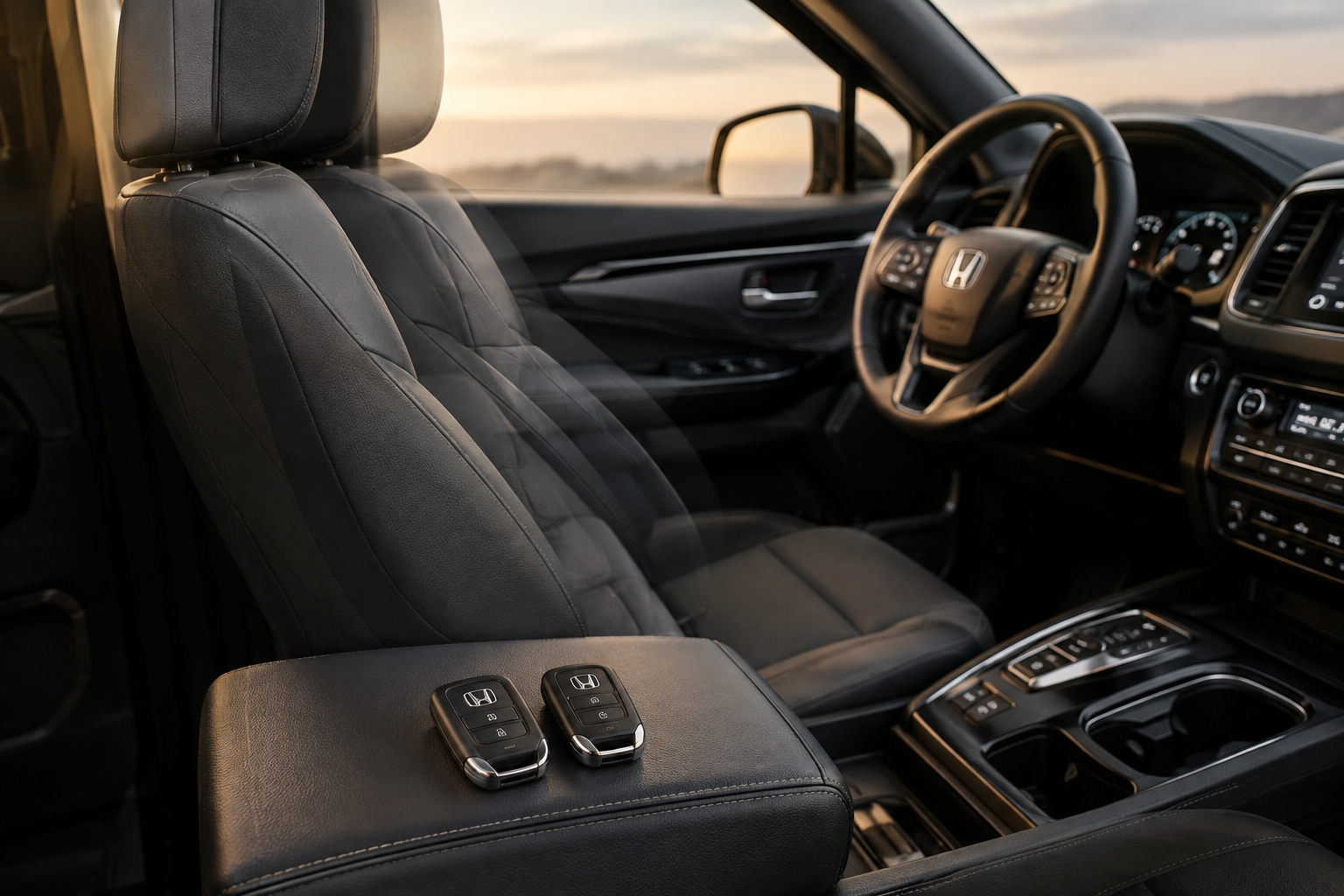
If your Pilot links memory positions to key fobs rather than buttons, this explains a very specific complaint: the seat is perfect when you use your key, but moves to a strange position when someone else drives and then you get back in.
Here’s what’s happening. Many Pilot trims allow two fobs to be programmed to two different memory profiles. If a third fob is used, or if a fob that was never assigned to a profile gets used, the vehicle may default to whatever position was last set, or it may not adjust the seat at all, leaving it wherever the previous driver left it.
This gets worse in households where multiple people share fobs or where a valet or dealership loaner key gets used. If the seat suddenly stopped matching your saved position after someone else drove the vehicle, check whether your fob is still correctly paired to your profile slot before assuming anything is broken.
You can usually verify and reassign fob-to-memory pairing through the settings menu on the infotainment screen on newer Pilots, or through the door-panel button sequence on older ones. If you’re not sure which system your model year uses, your dealer’s service department can tell you in under a minute by checking the trim and build date.
Easy Entry/Exit Settings Can Look Like a Memory Failure
Honda’s easy entry/exit feature is a common source of confusion, because it looks exactly like a memory malfunction even though it’s working exactly as designed. When you shift into Park and open the door, the seat may slide back and the steering wheel may tilt up to give you more room to get out. When you start the car again, it’s supposed to return to your saved position.
The problem shows up when that return trip doesn’t fully complete before you put the car in gear, or when the feature is set to move on ignition-off rather than on gear selection, depending on your model year’s settings. If you’re in a hurry and start driving before the seat finishes its return cycle, it can feel like your memory setting is wrong when really it just didn’t have time to move.
Check your settings menu for an “easy access” or “entry/exit” toggle. Turning this off entirely is a valid troubleshooting step if it’s causing more annoyance than convenience, and it will help you isolate whether your memory positions are actually wrong or just interrupted mid-cycle.
Seat Position Limits and Sensor Range Issues
Every memory seat has hard mechanical limits on the seat track and recline mechanism. If you try to save a position that’s at or very near the extreme end of the track (all the way back, fully reclined, etc.), the sensors sometimes struggle to record a consistent value, since you’re right at the edge of their range.
This is more common in taller drivers who run the seat all the way back and slightly reclined. If your saved position is close to the mechanical limit, try backing off slightly, half an inch on the track or a couple degrees on the recliner, and resaving. Giving the sensors a little room away from the hard stop often produces a more consistent and repeatable save.
If you’re dealing with worn seat track hardware or want to inspect your seat rail components for play or damage, a look at current listings for a Honda Pilot memory seat switch can help you compare OEM-style replacement parts if you eventually confirm the issue is mechanical rather than a setting.
Battery Disconnects and Why They Wipe Your Settings
Disconnecting the 12-volt battery, whether for a repair, a dead battery jump, or aftermarket accessory installation, can wipe stored memory seat positions on many Pilot model years. The seat module loses its reference point and sometimes needs to relearn where “zero” is on the track before it can reliably return to a saved spot.
If your memory seat stopped working correctly right after a battery replacement, jump start, or any electrical work, this is almost certainly your answer. It’s not a coincidence, and it’s not a failure worth panicking over.
The fix is usually a reinitialization procedure, which involves manually running the seat to its full forward and full rearward limits (and sometimes full up and down on height-adjustable seats) so the module can relearn the track’s range. Your owner’s manual will list the exact steps for your model year, since this varies between the third-generation Pilot (2016-2022) and the redesigned model that followed.
Once the seat is reinitialized, you’ll need to resave your memory positions from scratch. Don’t skip this step and just assume your old saved settings will come back, because in most cases they won’t until you go through the save sequence again.
NOCO Boost Plus Jump Starter
A reliable jump starter that avoids full battery disconnects, reducing the risk of wiping your memory seat settings.
Keeping a jump starter in the vehicle means you’re less likely to need a full battery swap or disconnect just because of a slow crank on a cold morning, which in turn means fewer surprise memory resets.
When It’s Not a Setup Issue: Diagnosing a Faulty Switch, Sensor, or Module
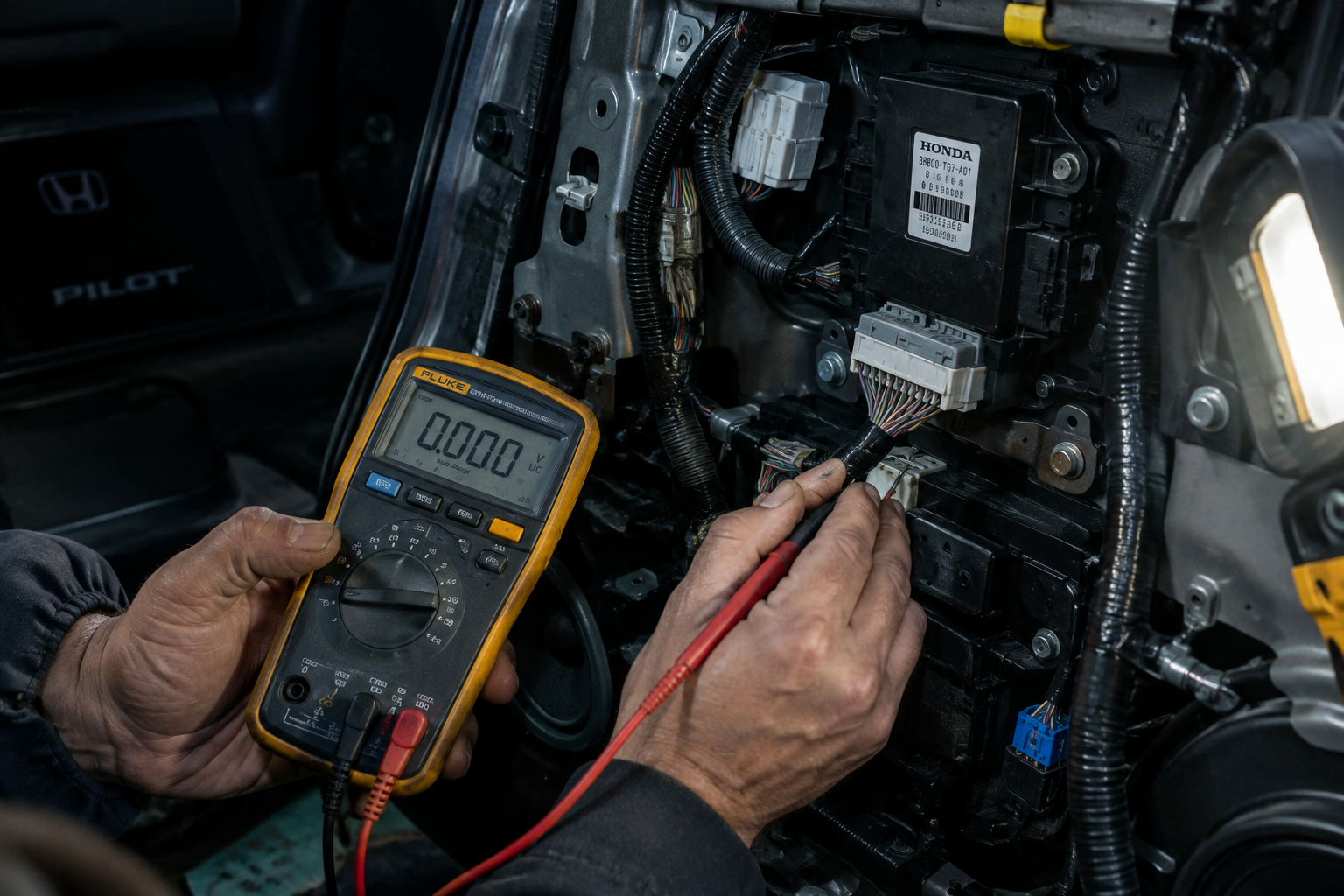
If you’ve confirmed the save sequence is correct, the right fob is being used, easy entry/exit isn’t interfering, and you’re not saving a position near the mechanical limit, and the problem still persists, you’re likely looking at a hardware fault rather than a settings issue.
A few signs point toward an actual component failure rather than a setup problem:
- The seat moves inconsistently even when you’re manually adjusting it with the standard power seat switch, not just the memory buttons.
- You hear grinding, clicking, or a motor that runs but doesn’t move the seat.
- The memory position saves correctly but recalls to a different spot every single time, even under identical conditions.
- Dash warning lights or messages related to the seat system appear.
A worn position sensor on the seat track is a common failure point, and it can cause exactly this kind of inconsistent recall behavior since the module is getting a flaky signal rather than a clean read. A failing seat control module is less common but does happen, usually after water intrusion from a spilled drink or a flooded floor mat.
If you’re at this stage, a dealership or independent shop with Honda diagnostic software can pull codes from the seat control module and tell you definitively whether you’re dealing with a sensor, a switch, or the module itself. This isn’t something you want to keep guessing at with parts swaps, since seat modules and sensor assemblies aren’t cheap enough to replace on a whim.
While you’re in troubleshooting mode on your Pilot’s electronics, it’s also worth checking whether other driver-assist features are behaving as expected. If you’ve noticed unrelated quirks with lane centering or steering assist, our guide on how to turn off Lane Assist on the Honda Pilot covers similar profile and settings behavior that can help you understand how Honda’s systems retain (or forget) your preferences.
Frequently Asked Questions
Why does my Honda Pilot memory seat move to a different position every time?
This usually points to a sensor giving an inconsistent reading, often because the saved position is too close to a mechanical limit, or because the seat module lost its calibration after a battery disconnect. Try resaving the position with a bit of buffer from the track’s end and confirm the save with a full sequence, holding SET and the number button until you get clear confirmation.
Do I need to reprogram my memory seat after a battery replacement?
In most cases, yes. Disconnecting the 12-volt battery on a Honda Pilot commonly clears stored seat positions and can require a reinitialization procedure where you run the seat to its full range of travel before resaving your settings. Check your owner’s manual for the exact steps for your model year.
Why does the seat move when my spouse or another driver uses a different key?
If your Pilot ties memory positions to key fobs, using a fob that isn’t assigned to your profile, or one that was never paired at all, can cause the seat to stay wherever the last driver left it or move to an unexpected default. Check your settings menu or door-panel controls to confirm your fob is correctly linked to your saved memory slot.
How do I know if I need a new seat switch or sensor instead of just resetting settings?
If the seat behaves inconsistently even during normal manual adjustment (not just memory recall), makes unusual noises, or fails to move at all despite the motor running, you’re likely dealing with a hardware issue rather than a setup problem. A dealership or shop with Honda diagnostic tools can confirm whether the fault lies in the switch, the position sensor, or the seat control module.
Leave a Reply