
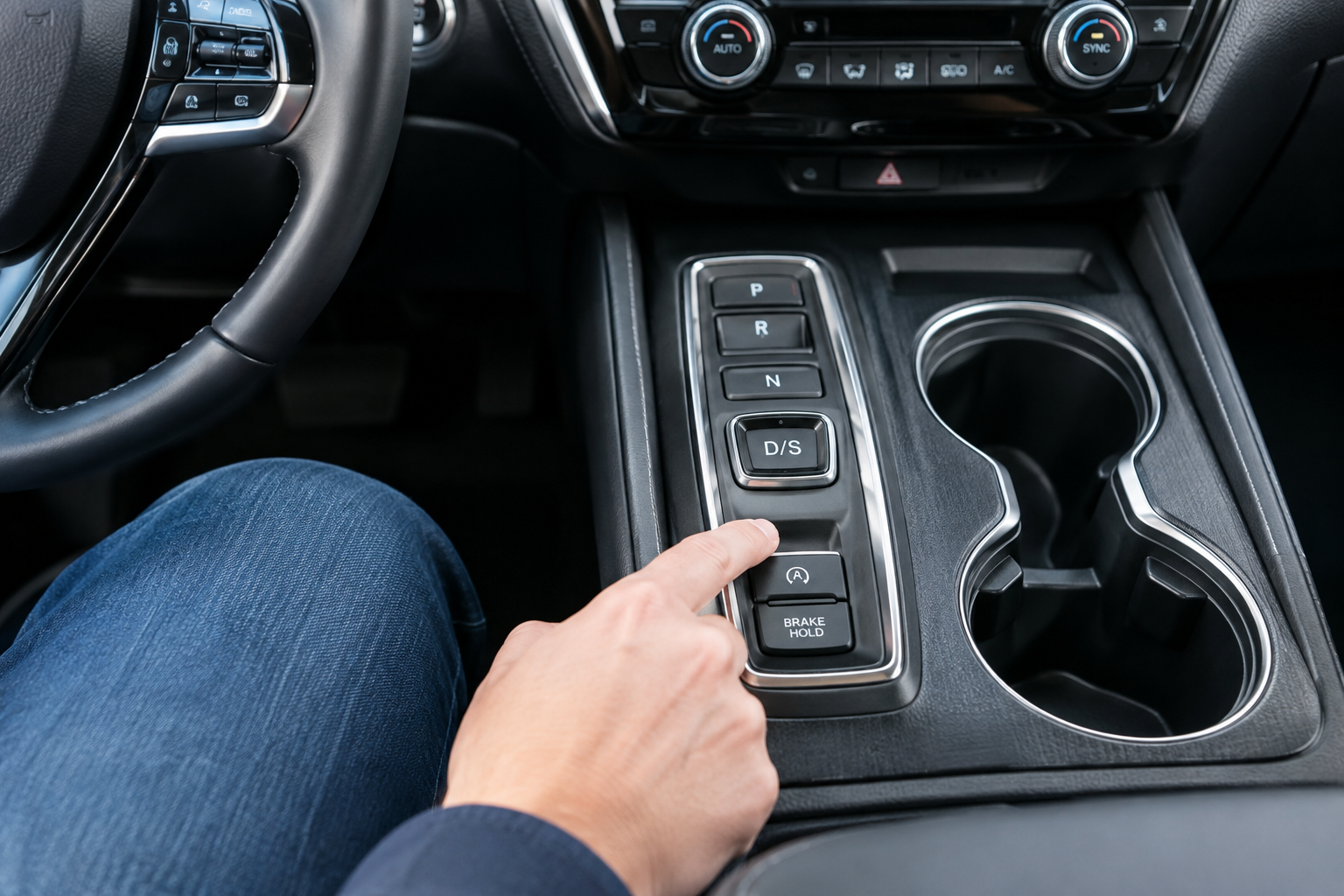
If your Honda Pilot’s Brake Hold light refuses to turn on, drops off on its own, or resets every single time you start the truck, you’re not imagining things and you’re probably not dealing with a broken vehicle either. Honda’s Brake Hold system has a specific set of conditions it needs to see before it will engage, and it behaves differently from the “Auto Hold” systems you might remember from a Hyundai or VW rental car. Before you assume something’s failing, it helps to know exactly what Honda designed this feature to do.
Honda Calls It “Brake Hold,” Not “Auto Hold”
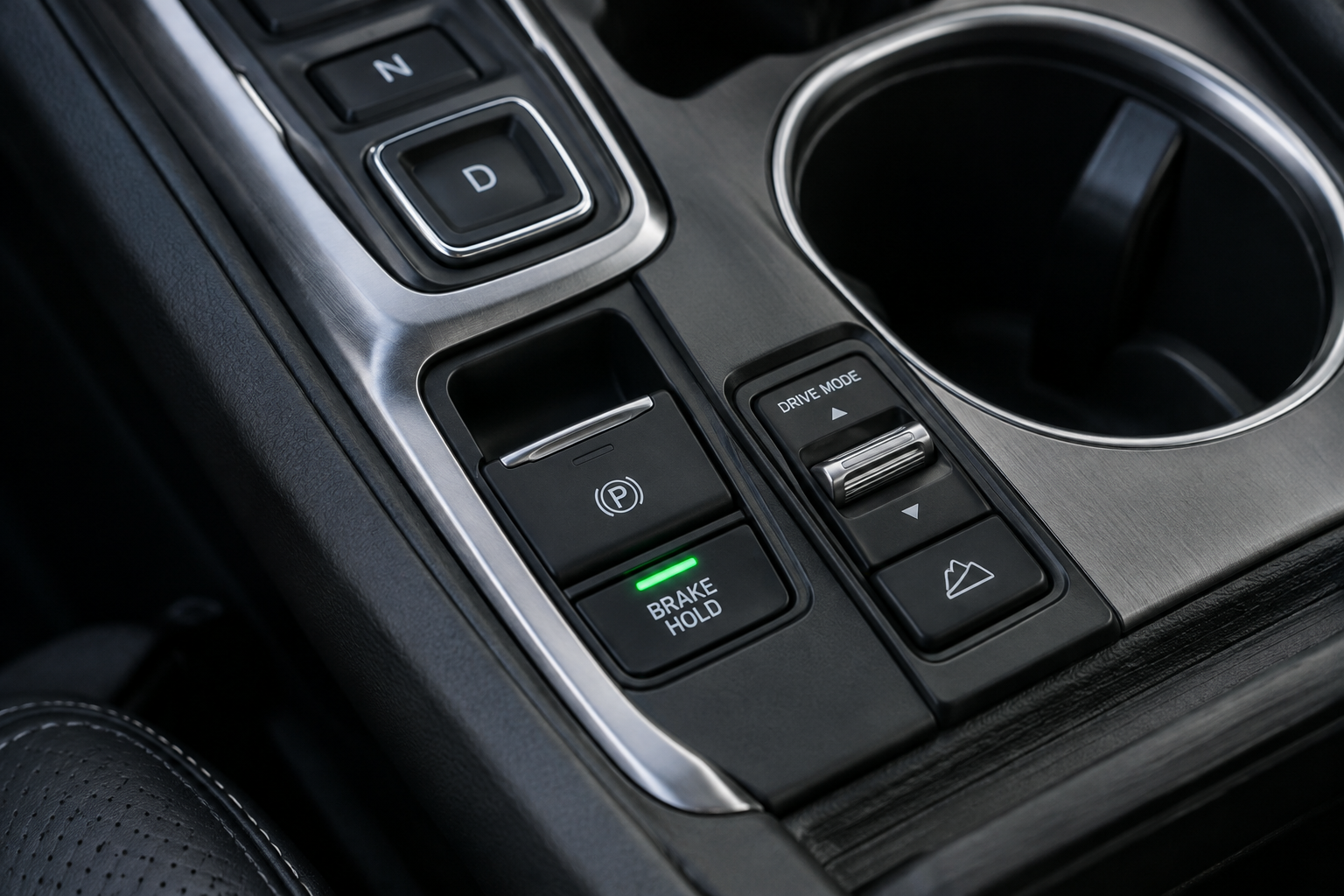
This trips up a lot of Pilot owners who search for “Auto Hold” and come up confused. Honda’s own owner’s manuals and dashboard button label this feature Brake Hold, not Auto Hold. Functionally it does the same job as Auto Hold on other brands: it keeps the brakes clamped at a stop so you don’t have to keep your foot on the pedal in traffic or at a long light.
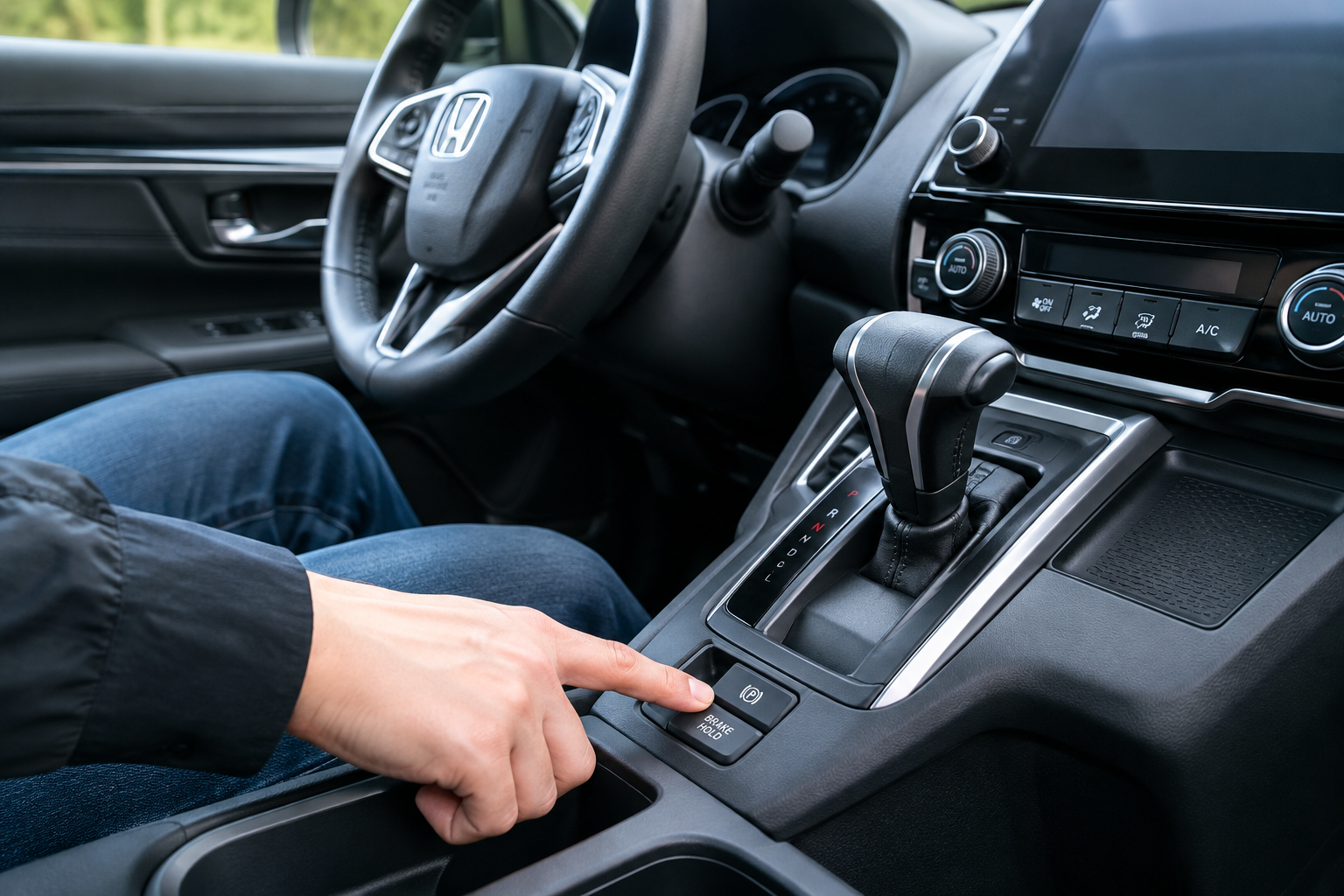
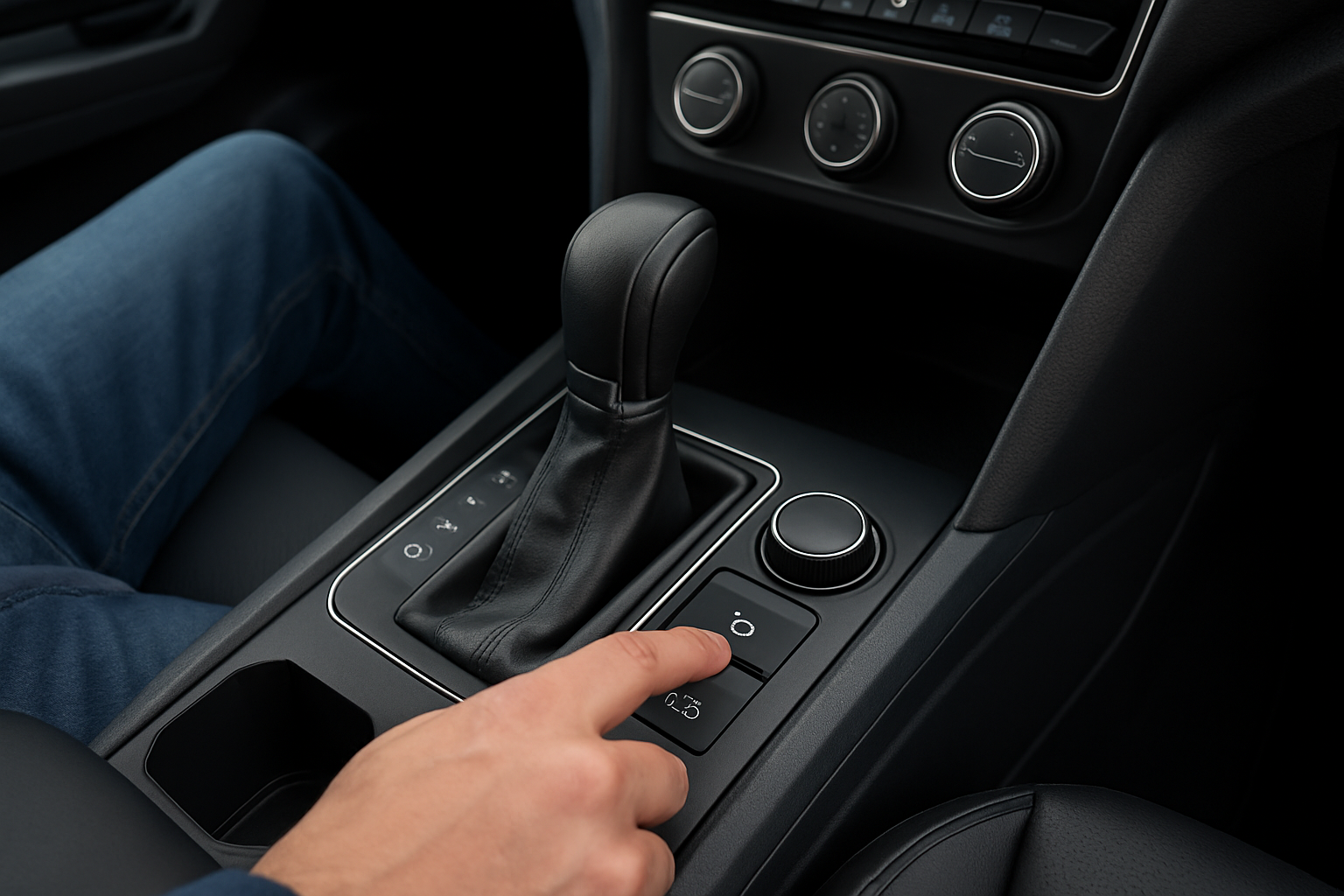
The Brake Hold button sits near the electronic parking brake switch on the center console, usually marked with a circular arrow and “P” style icon and the word “HOLD.” When the system is ready but not currently holding, the indicator glows white. When it’s actively holding the vehicle at a stop, it turns green. If neither light comes on when you press the button, the system is telling you it can’t activate right now, and that’s actually useful diagnostic information.
Why Brake Hold Turns Off Every Time You Restart the Pilot
This is the number one complaint that isn’t actually a problem. Honda designed Brake Hold to default to off every time you start the engine, regardless of model year, from the third-generation Pilot’s introduction through the current redesign. It does not remember your last setting across an ignition cycle.
That means if you turn Brake Hold on during your morning commute, shut the engine off at the grocery store, and start it back up, you’ll need to press the button again. This isn’t a software glitch or a dying module. It’s the same behavior Honda uses across the CR-V, Accord, and Odyssey, and it’s intentional so the system doesn’t surprise a new driver who doesn’t realize it’s active.
If you’re used to a vehicle where Auto Hold stays on permanently once enabled, the Pilot’s reset-on-restart habit will feel like a bug. It isn’t. It’s just Honda’s design choice, and no amount of dealer reprogramming will change that behavior on a properly functioning system.
The Conditions Brake Hold Needs to Actually Engage
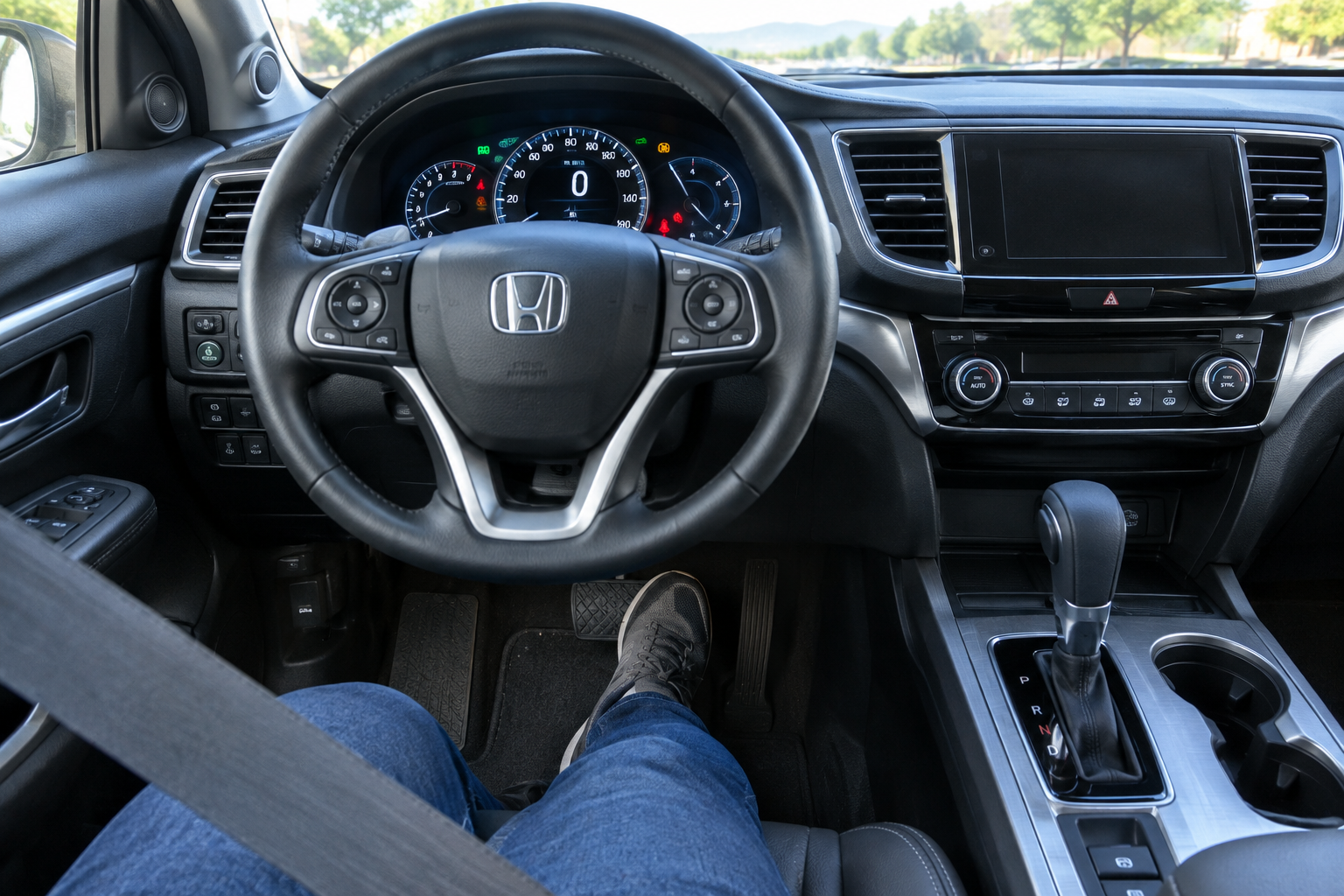
Even after you press the Brake Hold button, the system won’t hold the vehicle until several conditions are met at the same time. Miss even one and the light will stay white instead of turning green, or it won’t illuminate at all.
- Driver’s seat belt fastened. Honda ties Brake Hold to seat belt status, so an unbuckled driver seat belt will block activation.
- Driver’s door closed. An open door, or in some cases a door that isn’t fully latched, prevents the hold from engaging.
- Brake pedal applied firmly to a complete stop. Brake Hold only locks in once the vehicle has come to zero speed with the pedal pressed, not while still rolling.
- Transmission in Drive (or Sport), not Park or Reverse. Shifting to Park automatically releases the hold and functionally turns the feature off until you press the button again.
- Electronic Parking Brake released. Brake Hold and the EPB are separate systems, and having the parking brake engaged will keep Brake Hold from taking over.
- Engine running, not just in accessory mode. The system needs the vehicle fully powered up, not just electronics-on.
- No active warning lights related to the brake system, ABS, or VSA. Any of these will disable Brake Hold as a safety precaution.
If you’re pressing the button and getting nothing, run through this list before assuming a fault. Nine times out of ten it’s the seat belt or the parking brake still being engaged.
Common Reasons Brake Hold Won’t Stay On or Shuts Off Mid-Drive
Once you’ve ruled out the basic conditions above, a handful of real mechanical and electrical issues can cause Brake Hold to misbehave.
Low Brake Fluid or a Brake Fluid Warning
Brake Hold shares sensors with the ABS and VSA systems. If your brake fluid reservoir drops below the minimum line, even slightly, the low fluid warning can disable Brake Hold along with the parking brake system until the fluid is topped off and the warning clears.
ABS or VSA Fault Codes
Because Brake Hold relies on the same wheel speed sensors and hydraulic control unit as the anti-lock brakes and stability control, any stored fault in those systems will lock out Brake Hold entirely. You’ll usually see the ABS light, VSA light, or both illuminated on the dash at the same time the Brake Hold button won’t respond.
Electronic Parking Brake Module Issues
Some Pilot model years have had documented software quirks in the EPB control module that cause Brake Hold to intermittently refuse to engage or release unexpectedly while stopped. Honda has issued dealer-level reprogramming for some of these cases, so if the problem is consistent and repeatable, a software update at the dealer is worth asking about.
Door Latch Sensor Problems
A door that closes normally but doesn’t fully seat the latch sensor will read as “open” to the computer, even though it looks and sounds closed. This is a less common cause, but it’s worth testing each door individually if Brake Hold seems to fail randomly.
A Failing or Miscalibrated Brake Pedal Position Sensor
If the system can’t confirm you’ve pressed the pedal firmly enough, or the sensor reading is inconsistent, Brake Hold may refuse to lock in even though everything else checks out. This usually shows up alongside other odd brake-feel symptoms.
If you’ve had unrelated brake pedal complaints on top of Brake Hold trouble, it’s worth reading through what to check when a brake pedal goes soft or sinks overnight, since some of the same components overlap.
Diagnosing the Problem Yourself
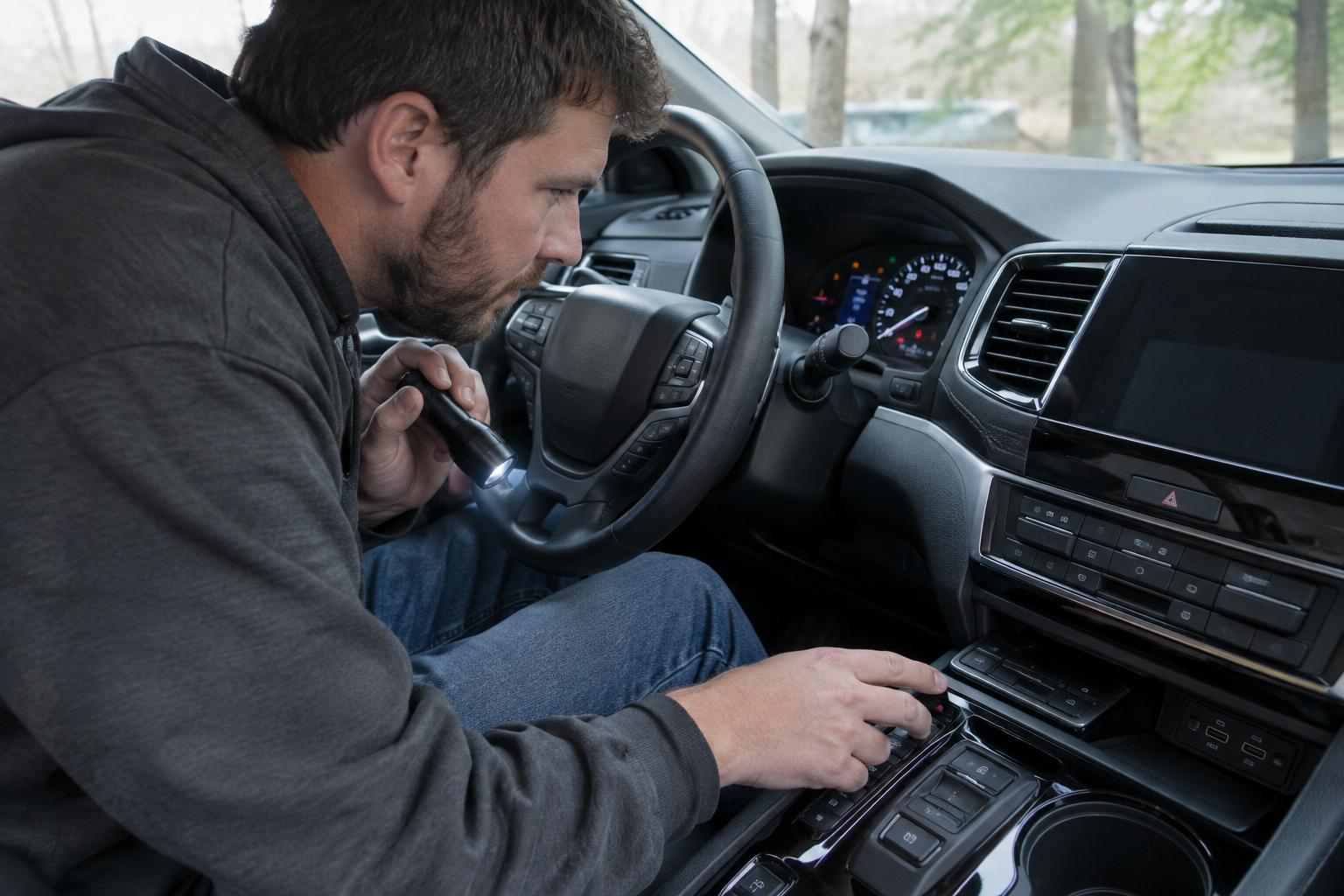
Before booking a dealer appointment, you can rule out a lot with a basic scan tool. A code reader that can pull ABS and EPB-specific codes, not just generic powertrain codes, will tell you immediately whether Brake Hold is being blocked by a real fault or just a condition you’re missing.
Honda Pilot OBD2 Scanner with ABS and EPB Support
Reads beyond generic engine codes to pull ABS and electronic parking brake fault codes that block Brake Hold.
A basic engine-only code reader won’t show you anything useful here, since Brake Hold faults live in the ABS/VSA and body control modules, not the engine computer. Spend the extra money on a scanner that specifically lists ABS and SRS/body system support in its description.
Once you’ve got a scanner, check these things in order:
- Confirm the brake fluid level is at or above the minimum line.
- Pull codes and check specifically for ABS, VSA, and EPB related faults.
- Test each door for a solid, fully latched close.
- Confirm your seat belt light isn’t flashing even when buckled, which can point to a seat belt buckle switch issue.
- Note whether the problem happens every single time or only occasionally, since intermittent issues usually point to a sensor or connector rather than a full module failure.
If you’re already dealing with other driver assistance quirks on your Pilot, it’s worth checking whether they’re related. Some owners troubleshooting Brake Hold at the same time run into lane keeping assist behaving unexpectedly, and our guide on turning off Lane Assist on the Honda Pilot covers a similar reset-on-restart pattern that’s normal for that system too.
When It’s Normal vs. When It’s a Real Malfunction
Resetting to off after every engine start is normal. Refusing to engage because a door is cracked, the seat belt isn’t buckled, or the parking brake is still set is also normal, and it’s the system working exactly as designed.
A real malfunction looks different. If the Brake Hold button does nothing at all even when every condition is met, if the ABS or VSA light is on at the same time, if the brake fluid warning appears without an obvious leak, or if the system releases on its own while you’re still stopped with your foot on the pedal, that’s a genuine fault worth diagnosing rather than a quirk of normal operation.
A quick way to sanity check yourself: buckle up, close all doors, put the transmission in Drive, release the parking brake, come to a full stop with firm brake pressure, then press the button. If Brake Hold still won’t turn green after all of that, you’re looking at an actual issue rather than a missed condition.
Frequently Asked Questions
Does Honda Pilot Brake Hold stay on after I turn off the car?
No. Brake Hold resets to off every time you shut off the ignition, regardless of model year. You need to press the button again after every restart. This is standard Honda behavior, not a defect.
Why won’t my Brake Hold button light up at all?
If the button doesn’t illuminate white when pressed, the system has detected a condition preventing activation, most commonly an active ABS, VSA, or brake fluid warning. Check your brake fluid level first, then scan for stored fault codes if the fluid is fine.
Can I use Brake Hold and the parking brake at the same time?
No. Brake Hold and the Electronic Parking Brake are separate systems that don’t operate simultaneously. Engaging the EPB will release Brake Hold, and Brake Hold won’t activate while the EPB is set.
Is Brake Hold the same as Auto Hold on other brands?
They do the same basic job of holding the vehicle at a stop without pedal pressure, but Honda uses the name “Brake Hold” specifically, and its reset-on-restart behavior differs from some competitor systems that remember your last setting.


Leave a Reply