
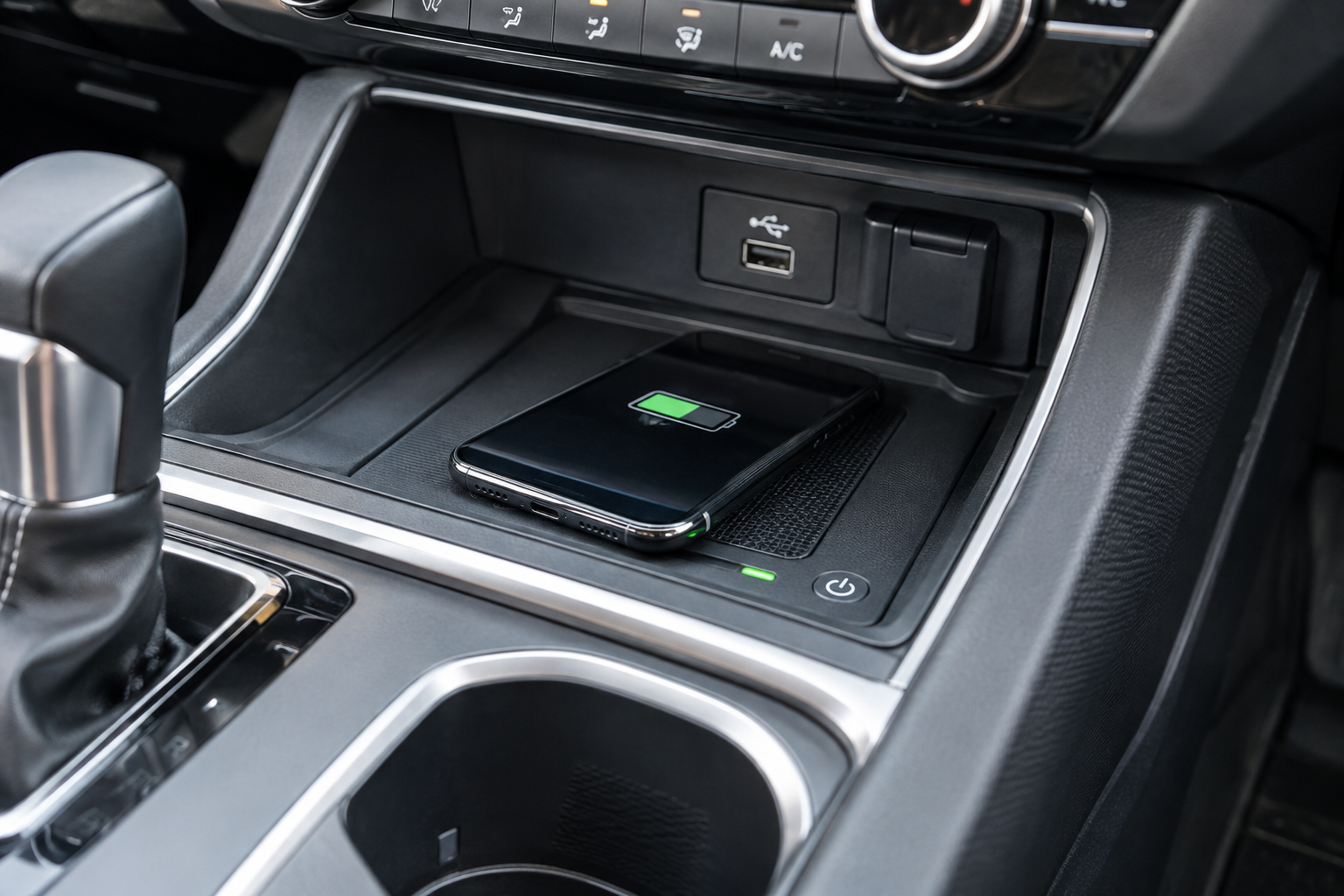
You set your phone on the charging pad in your Honda CR-V, pull out of the driveway, and twenty minutes later you glance down to find it’s barely gained any battery, or worse, it’s not charging at all. Wireless charging pads are one of those features that feel great when they work and mildly infuriating when they don’t. The good part is that most CR-V charging issues come down to a handful of predictable causes, and you can usually sort them out in the parking lot before you even leave.
Confirm Your CR-V Actually Has the Charging Pad You Think It Has
Not every CR-V trim comes with wireless charging, and it hasn’t been available for every model year either. On most recent generations, the wireless charging pad is a feature reserved for EX-L, Sport-L, and higher trims, while LX and EX models often skip it. Before you assume something is broken, check your owner’s manual or window sticker to confirm your specific trim and model year actually includes the factory pad.
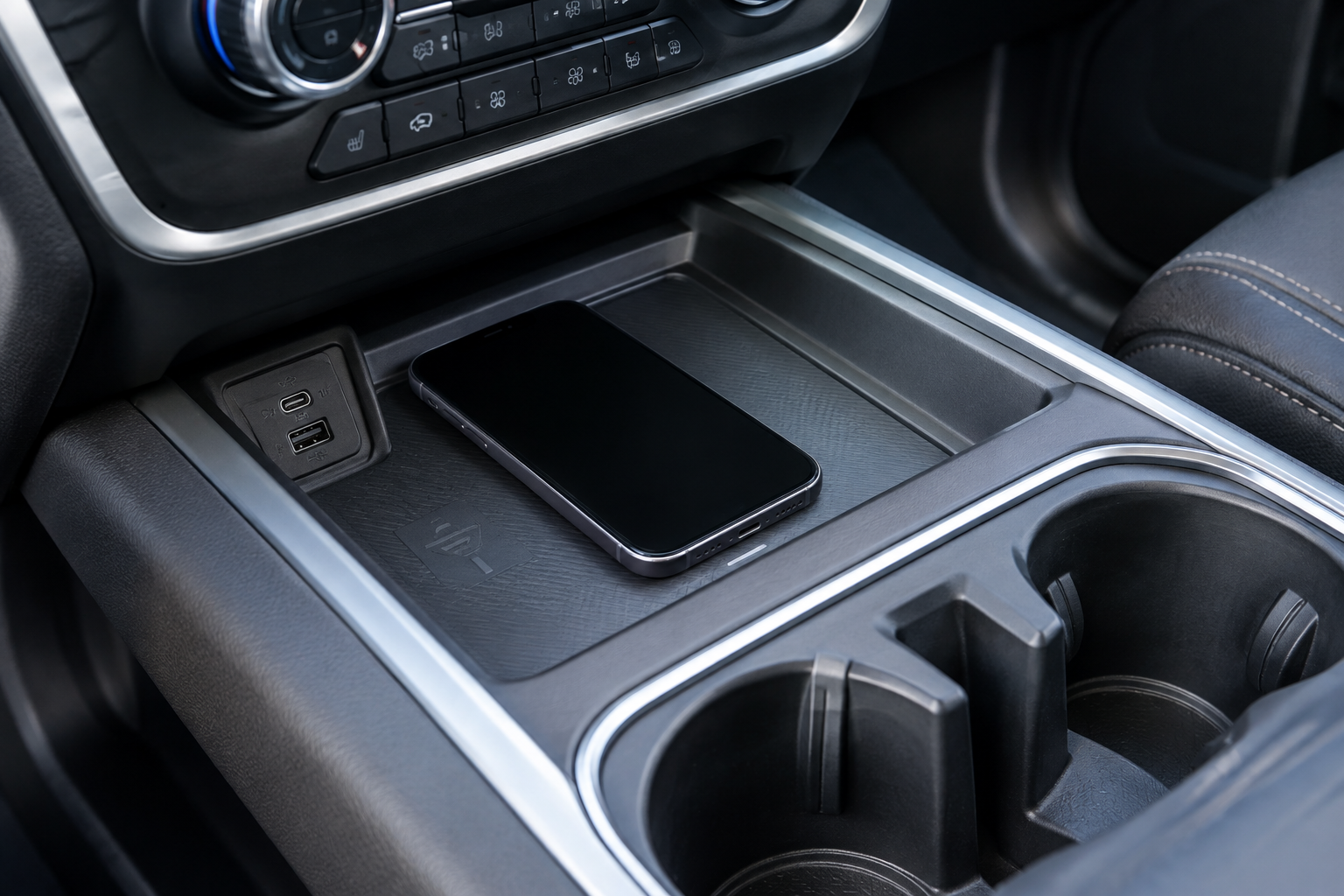
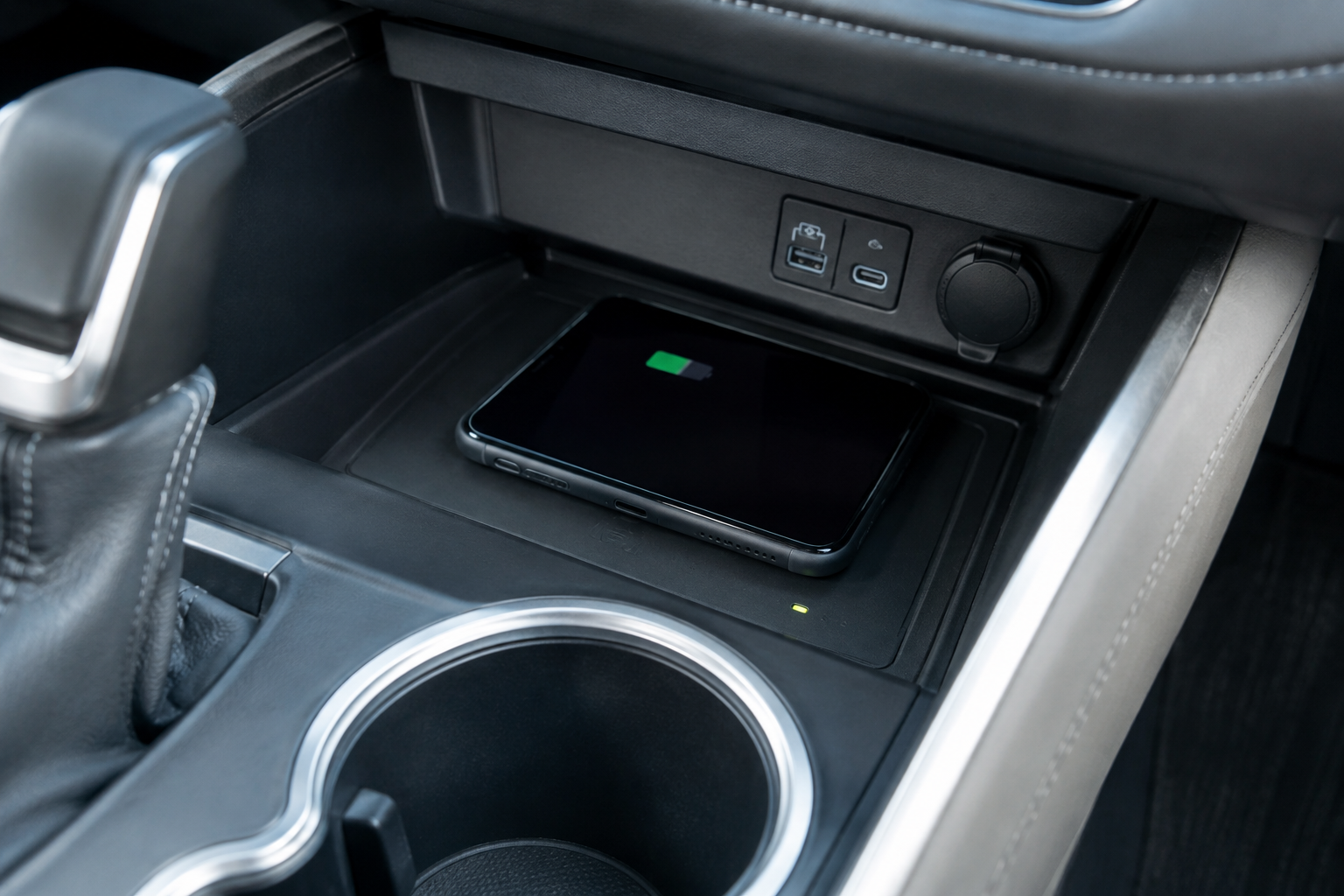
The pad itself is typically located in a small rubberized tray at the base of the center console, just ahead of the cupholders. It uses the Qi wireless charging standard, the same one used by most modern smartphones, so compatibility issues are less about the car and more about your phone and its case.
Check Phone Compatibility and Case Thickness First
Qi charging is fairly universal at this point, but not every phone charges at the same speed, and some older or budget models don’t support wireless charging at all. If your phone is more than five or six years old, double check that it actually has Qi charging built in before troubleshooting anything else.
Case thickness is one of the most common culprits for slow or inconsistent charging. Wireless charging relies on magnetic induction between two coils, and that connection weakens quickly with distance. A slim case usually isn’t a problem, but bulky rugged cases, battery cases, or wallet cases with card slots on the back can push your phone just far enough away from the coil to cause weak or interrupted charging.
Try removing your case entirely and placing the phone directly on the pad. If it charges normally and quickly without the case, you’ve found your answer. At that point, you can either charge without the case at home and in the car, or look into a thinner case designed for Qi compatibility.
Metal, Magnetic, and MagSafe Accessories Can Block the Signal
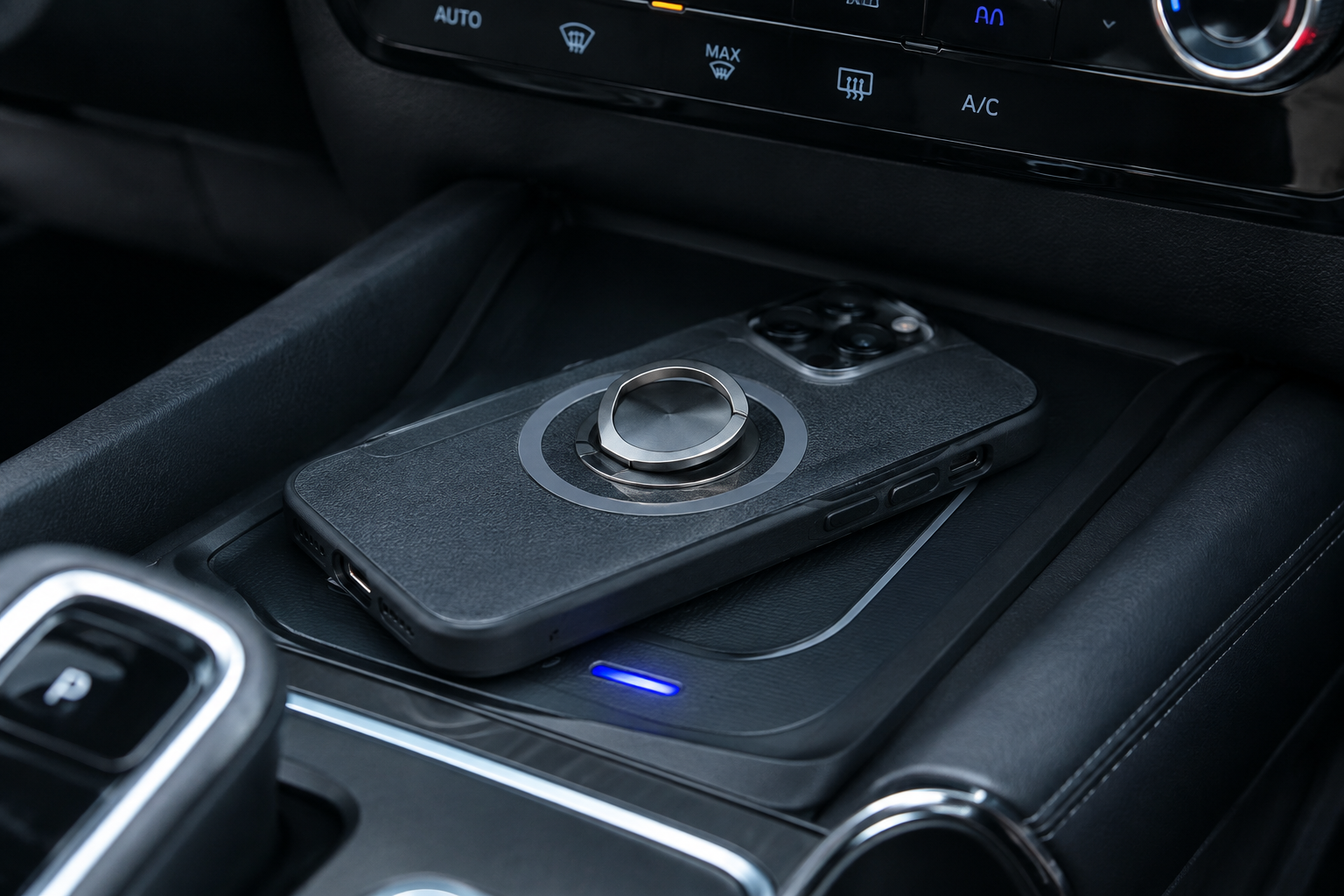
Metal interferes with wireless charging, plain and simple. Credit cards, cash clips, PopSockets with metal backing, and metallic phone rings all sit between your phone and the coil and can cause the connection to drop repeatedly or refuse to start at all.
MagSafe cases and accessories deserve their own mention here. The magnets in MagSafe gear are designed for Apple’s charging ecosystem, not the CR-V’s factory pad, and in some cases those magnets can actually misalign your phone on the tray or interfere with the coil detection. If you use a MagSafe case, try flipping it over or removing any magnetic wallet attachment before setting the phone down.
If you’re someone who relies heavily on magnetic mounting in the car, it might be worth looking at a dedicated MagSafe car charger that’s built specifically for magnetic alignment, rather than trying to force a MagSafe phone to work well on a pad that wasn’t designed for it.
Phone Placement and the “Repeatedly Connecting and Disconnecting” Problem

The most common complaint with CR-V wireless pads isn’t a total failure to charge, it’s the frustrating cycle of connecting, disconnecting, and reconnecting every few seconds. This almost always comes down to placement. The coil in the CR-V’s tray is smaller than the entire pad surface, so setting your phone slightly off center, too far forward, or too far back can mean it’s only partially aligned with the coil.
Most CR-V models show a small charging indicator light near the pad. Watch that light as you adjust your phone’s position. It typically glows or blinks when a connection is detected and goes solid once charging starts steadily. If it keeps flickering on and off, nudge the phone in small increments until the light stabilizes.
Road vibration and cornering can also shift your phone out of alignment mid-drive, especially on rougher roads. If you’re constantly readjusting, that’s less an indicator of a broken pad and more a sign that gravity and momentum are working against you on a flat, wall-less tray.
Overheating and Why Your CR-V Might Slow Down or Stop Charging

Wireless charging generates more heat than a wired connection, and phones are programmed to protect their batteries by throttling or pausing charging when they get too warm. If your CR-V’s interior is already hot from sitting in the sun, adding wireless charging on top of that heat load can push your phone into thermal protection mode within minutes.
This is especially common in summer months or if the pad sits in direct sunlight through the windshield. You’ll often notice the phone charges fine for the first few minutes, then slows dramatically or stops as it heats up. Running your air conditioning before placing the phone on the pad, or waiting until the cabin cools down, usually resolves this.
If your phone case is thick and dark colored, it can trap additional heat around the phone itself. Removing the case while charging, especially in warmer weather, can make a noticeable difference in both charging speed and consistency.
Debris, Vehicle Power State, and Software Checks
Coins, crumbs, and small debris in the charging tray are an easy thing to overlook. Even a thin layer of dust or a stray coin sitting between the phone and the pad surface can disrupt the magnetic connection enough to cause charging failures. Wipe the tray clean with a dry cloth periodically, especially if you frequently toss keys or change into that same spot.
Vehicle power state matters too. On many CR-V models, the wireless pad only activates when the vehicle is running or in accessory mode, and it may shut off shortly after you turn the car off to prevent draining the battery. If you’re expecting the pad to trickle-charge your phone while parked with the engine off, that’s likely not how it’s designed to behave, and it’s not a malfunction.
It’s also worth checking your phone’s own software settings. Some Android phones have a wireless charging toggle in the battery or connections menu that can be accidentally switched off, and battery saver modes on both Android and iPhone can limit charging speed as a power-saving measure. A quick software update on your phone can also resolve compatibility quirks that Honda and phone manufacturers occasionally iron out after a model’s initial release.
When to Consider an Aftermarket Charger Instead
If you’ve gone through every factory check, tried different phones, cleared the tray, cooled the cabin, and you’re still getting inconsistent charging, the factory pad itself may simply be worn out or defective, which is a dealer service question at that point. But for a lot of CR-V owners, the honest answer is that the factory pad was never going to be the fastest or most reliable option to begin with.
A wired charging cable running to your CR-V’s USB-C port will always charge faster and more reliably than any wireless pad, factory or otherwise. If you want to keep things wireless but get better alignment and speed, a MagSafe car charger mounted to your vent or dash gives you a locked-in magnetic connection that doesn’t drift with road vibration the way a flat tray does.
Anker MagSafe Car Charger
A reliable magnetic mount charger that solves the alignment and vibration issues common with flat charging trays.
For non-MagSafe phones, a simple wired car charger and a quality USB-C cable remain the most dependable fallback. It’s not as elegant as setting your phone down and forgetting about it, but it won’t leave you at ten percent battery after a short errand.
Anker USB-C Car Charger
A budget-friendly wired option that charges faster and more consistently than any wireless pad.
Frequently Asked Questions
Why does my Honda CR-V wireless charger only work sometimes?
Inconsistent charging is almost always a placement or interference issue rather than a hardware failure. Check for a phone case that’s too thick, metal accessories near the phone, or slight misalignment with the coil, and watch the indicator light to find the sweet spot on the pad.
Can I use my phone while it’s wirelessly charging in the CR-V?
Yes, but active use like navigation or video streaming generates extra heat and draws more power than the pad can supply, which can slow charging or cause it to pause entirely. For faster charging during heavy use, a wired connection through the CR-V’s USB-C port is a better choice.
Does the Honda CR-V wireless charging pad support fast charging?
Charging speed on the factory pad is generally slower than a wired connection and varies by phone model, since it depends on both the Qi standard implementation and your phone’s own wireless charging capability. If speed matters more to you than convenience, wired charging or a dedicated aftermarket fast wireless charger will outperform the factory pad.
Leave a Reply