
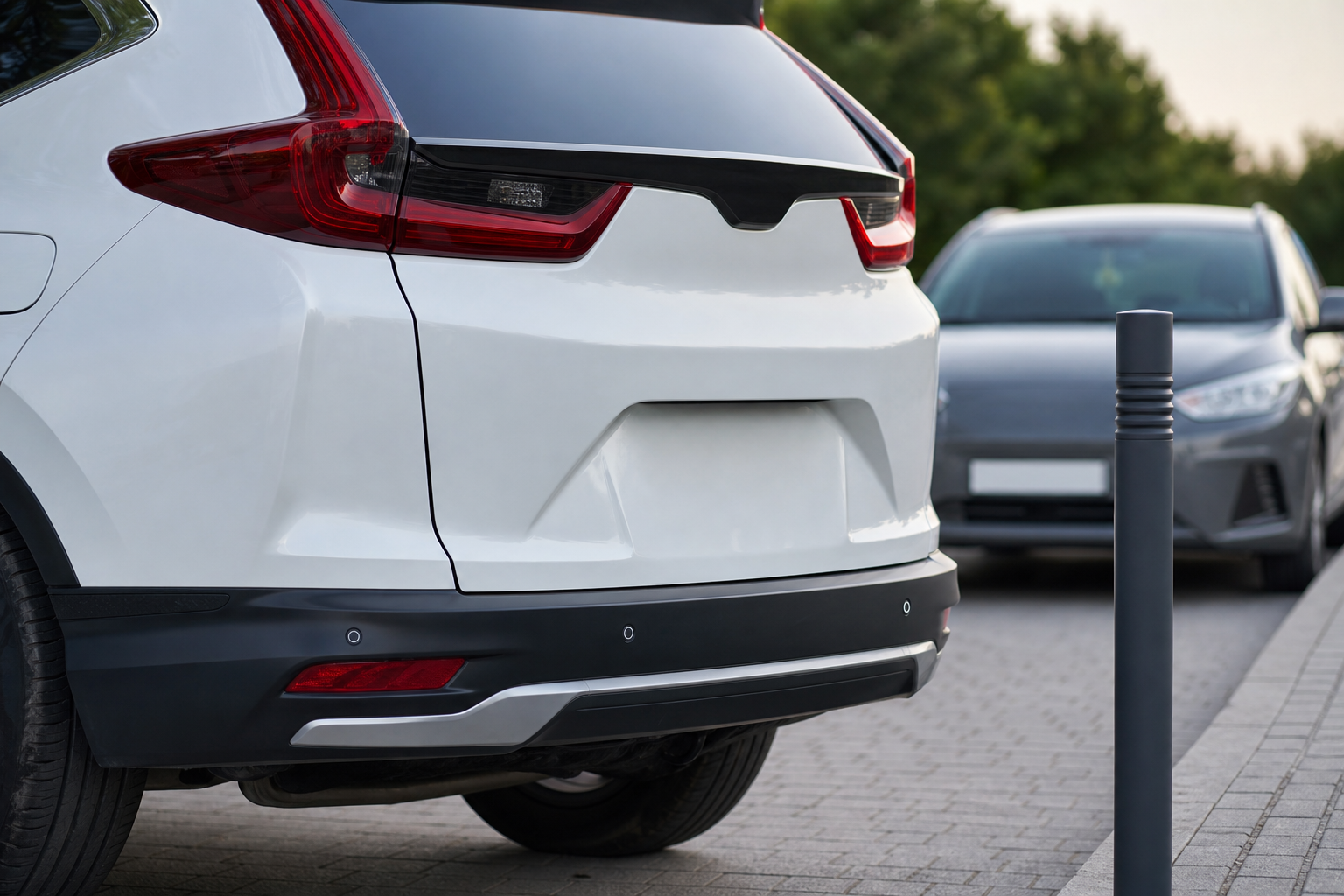
That constant beeping when nothing’s behind your CR-V is enough to make you want to rip the whole system out of the dash. On the flip side, a parking sensor system that suddenly goes silent, or throws up a “Parking Sensor System Unavailable” message right when you need it backing into a tight spot, is its own kind of frustrating. Both problems usually trace back to a handful of common causes, and most of them are things you can check yourself before booking a shop visit.
Honda’s parking sensor setup, whether it’s called Parking Sensor System or bundled into Honda Sensing, relies on small ultrasonic sensors tucked into the bumpers. They’re simple in concept but sensitive to dirt, damage, and even minor bumper repairs. Before you assume you need new parts, it helps to understand exactly how the system works and what commonly knocks it out of alignment.
Know What System Your CR-V Actually Has
Not every CR-V has the same setup, and getting this wrong is where a lot of owners waste time troubleshooting the wrong thing. On most CR-V trims from the fifth generation (2023 and newer), the front and rear parking sensors are grouped under “Parking Sensor System” and are typically standard or available starting at the EX-L trim and above. Lower trims like the LX often only get a rear camera without front or rear sensors at all.
Earlier generations (2017 to 2022) offered rear sensors as part of the “Rear Parking Sensor System,” usually bundled with Honda Sensing packages on EX-L and Touring trims. Front sensors were far less common on these model years and, when present, were often part of an accessory kit dealers installed rather than a factory-standard feature.
Before you troubleshoot anything, check your owner’s manual or window sticker to confirm what your specific trim and model year actually came with. If your CR-V never had front sensors from the factory, no amount of diagnosing will make front detection work, since the system simply isn’t wired for it unless it was added as a dealer accessory.
Dirty, Iced, or Covered Sensors: The Most Common Culprit
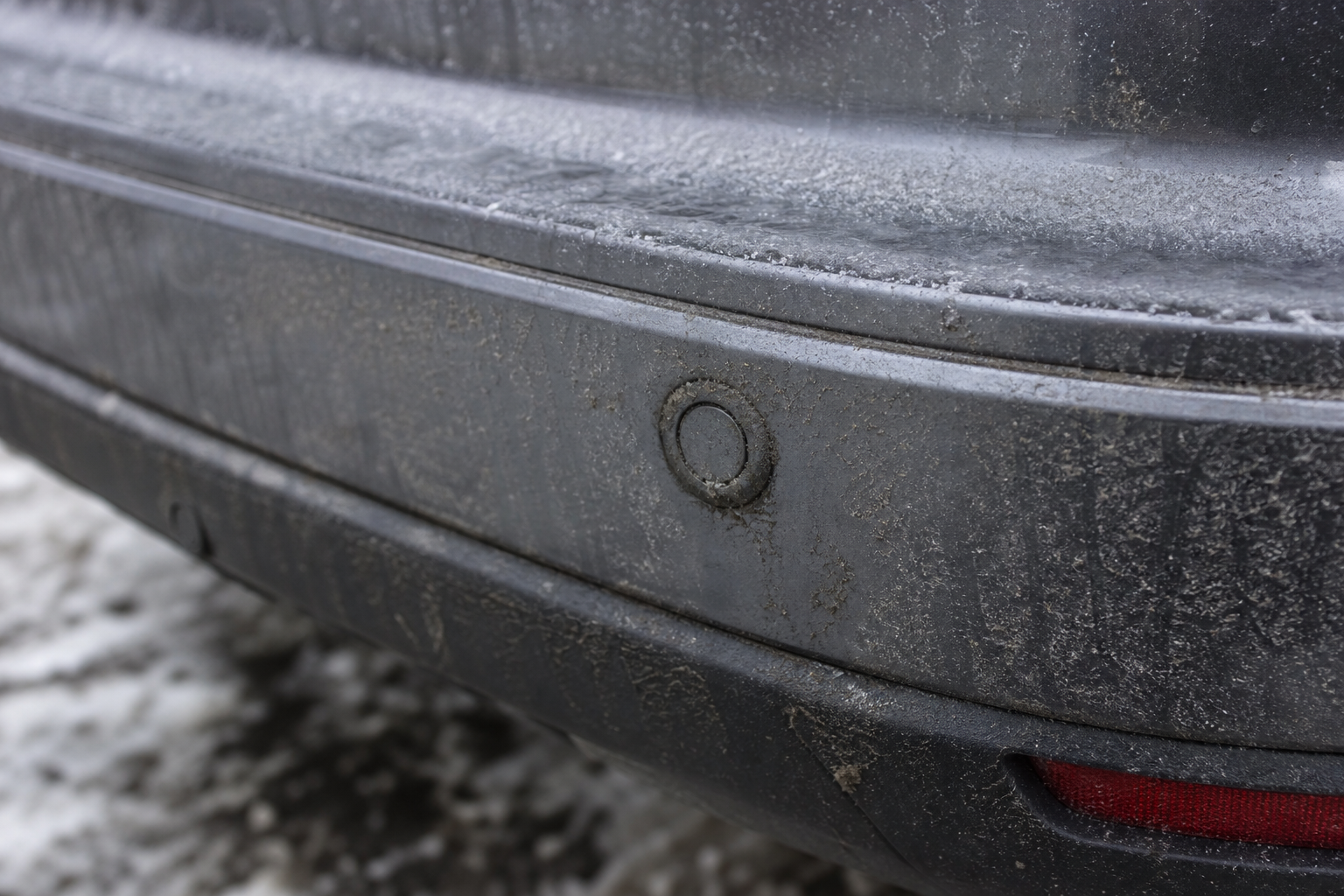
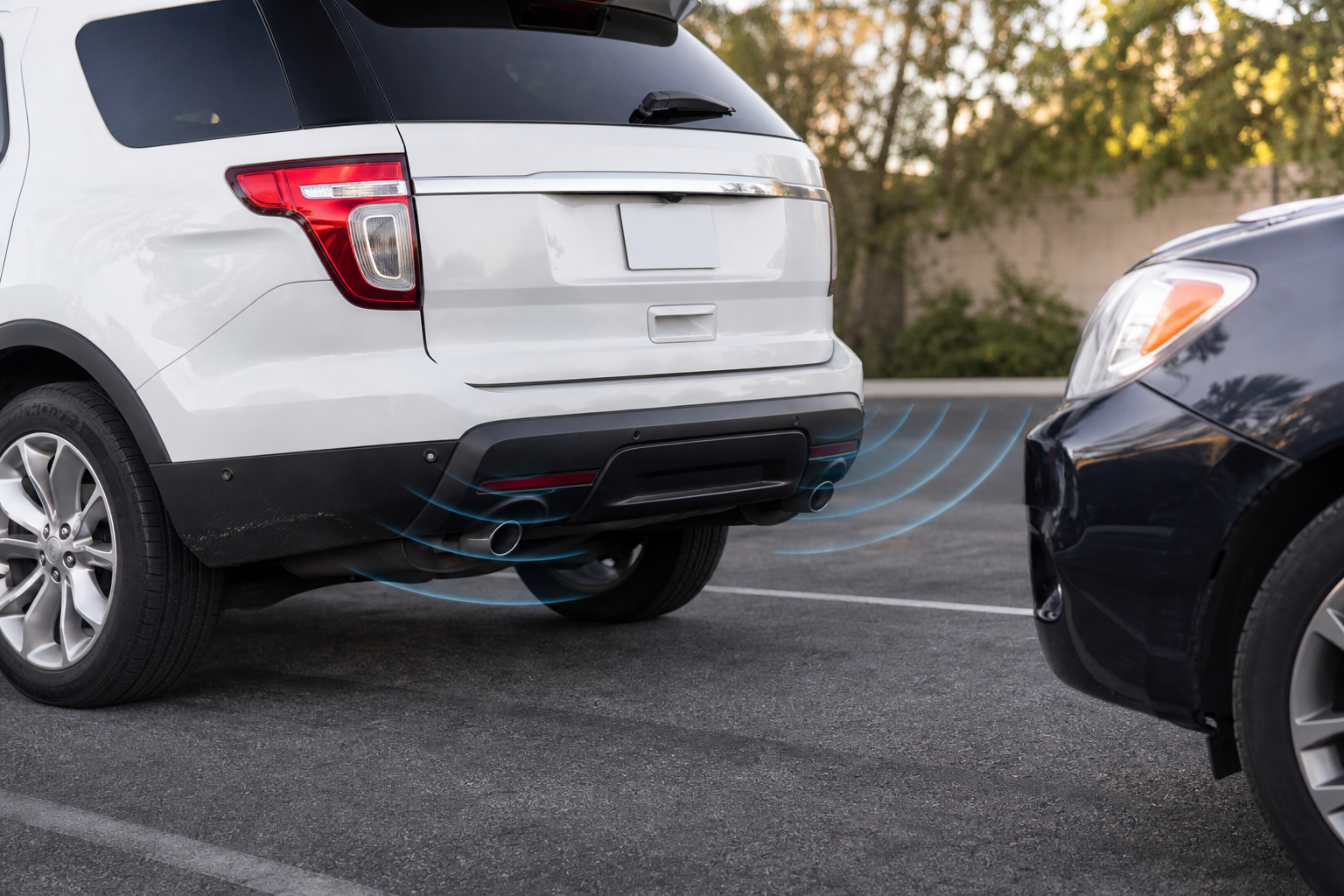
Ultrasonic sensors send out sound waves and measure how long it takes for them to bounce back. Anything that blocks or muffles that signal, mud, road salt, a thick layer of ice, or even a stuck-on leaf, can cause false readings or make the system think an object is closer than it is.
This is why sensors act up more in winter and after driving through slush or a muddy trail. The fix is usually as simple as wiping down the bumper with a clean microfiber cloth and warm water. Avoid high-pressure car washes aimed directly at the sensor housings, since repeated blasting can eventually work moisture into the connectors.
If you live somewhere with harsh winters, keeping a cloth in the car for quick sensor wipe-downs saves you from chasing a phantom electrical problem that’s really just road grime. A microfiber detailing cloth works fine and won’t scratch the sensor’s plastic face.
Tow Hitches, Bike Racks, and Bumper Accessories
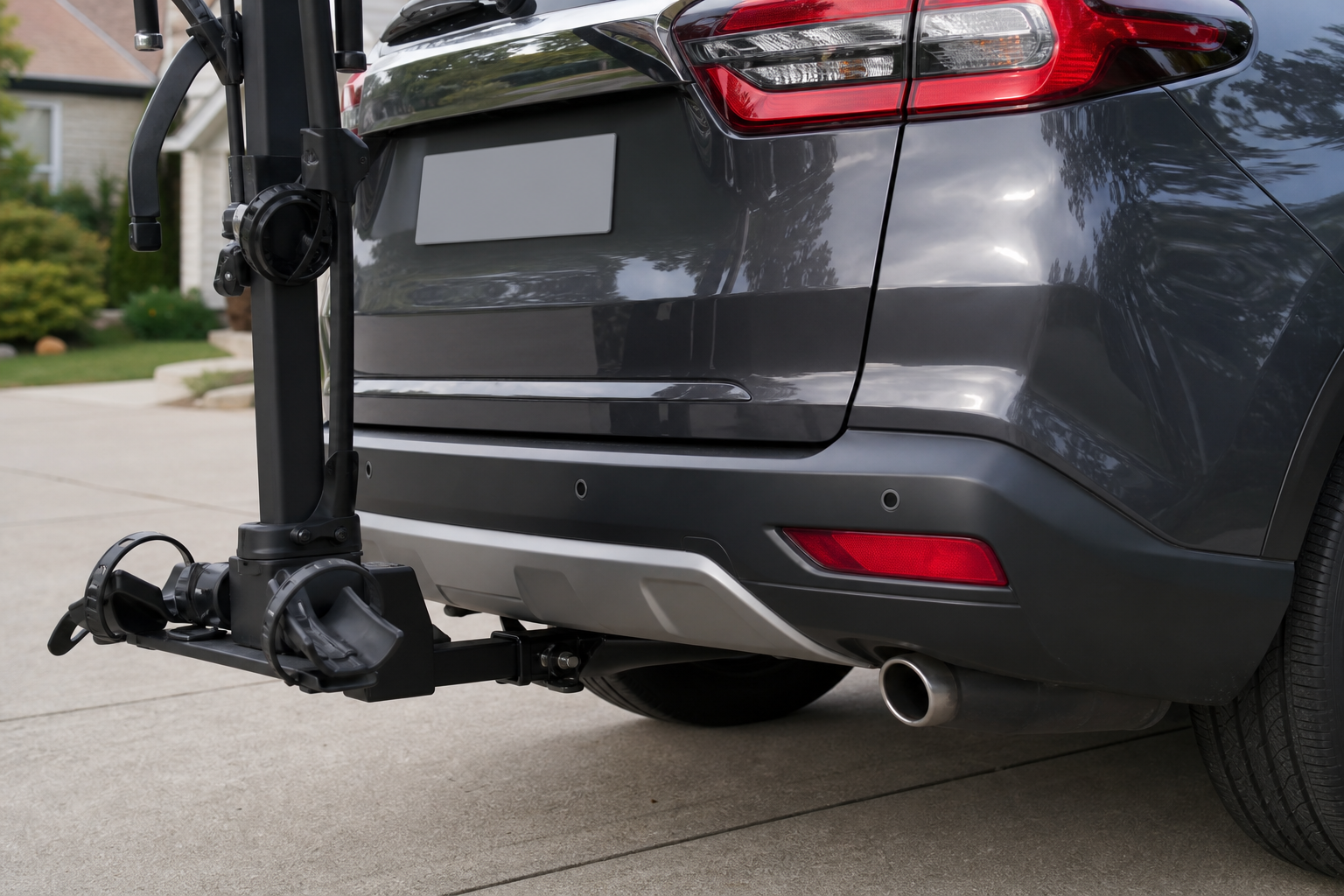
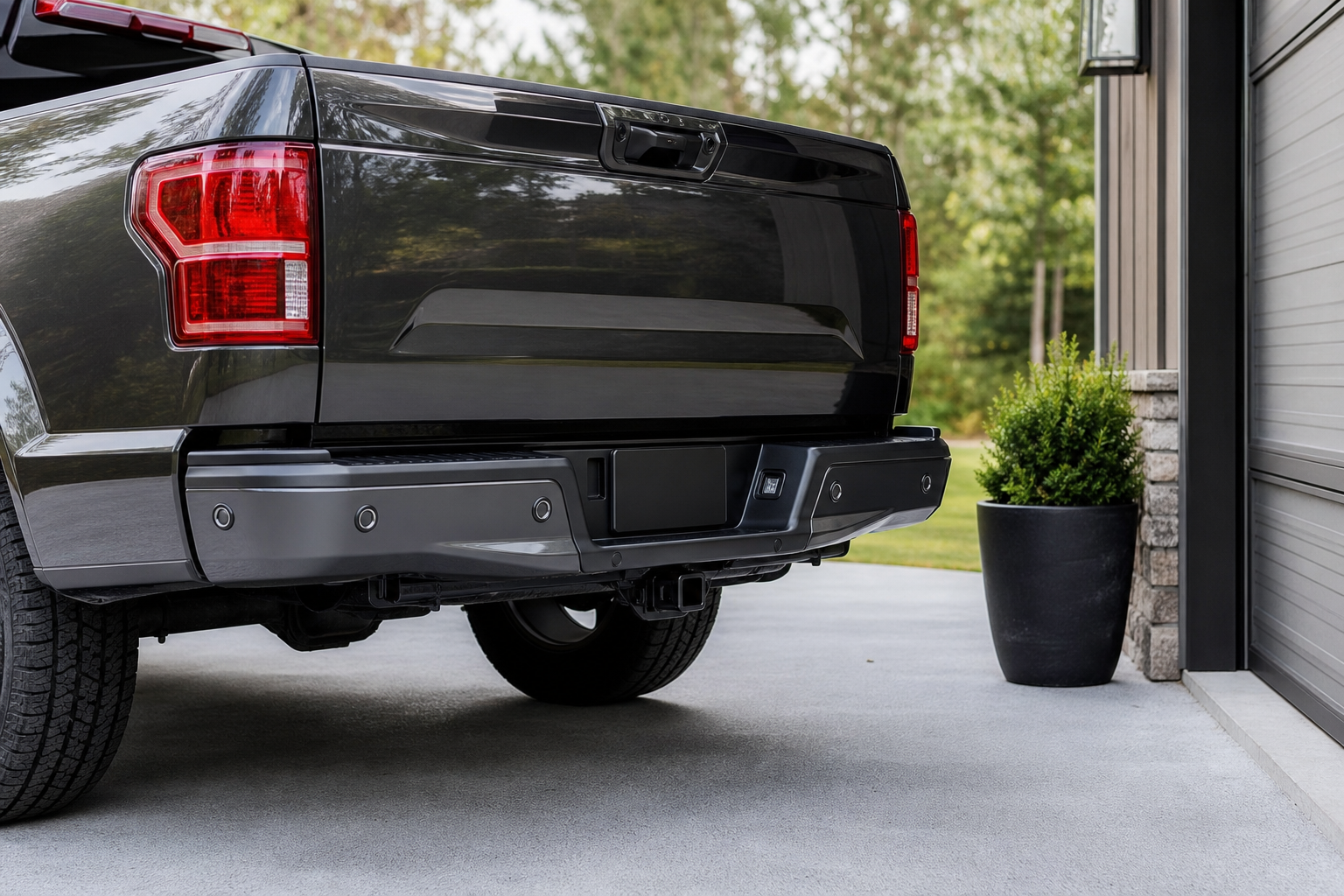
If your CR-V constantly beeps even when you’re nowhere near an obstacle, look at what’s mounted to the back of the vehicle. Tow hitches, especially ball mounts and hitch-mounted bike racks, sit directly in the sensor’s detection zone and will trigger constant alerts.
Even a hitch without anything attached can sometimes confuse the rear sensors depending on how far it protrudes. Some owners solve this by removing the hitch insert when it’s not in use, since a bare receiver tube is less likely to trigger false positives than a ball mount sticking out.
License plate frames, bike racks, cargo boxes, and even thick bumper stickers placed near a sensor can cause the same issue. If the beeping started right after you installed an accessory, that’s your prime suspect before you look at anything electrical.
Bumper Damage and Body Shop Repairs
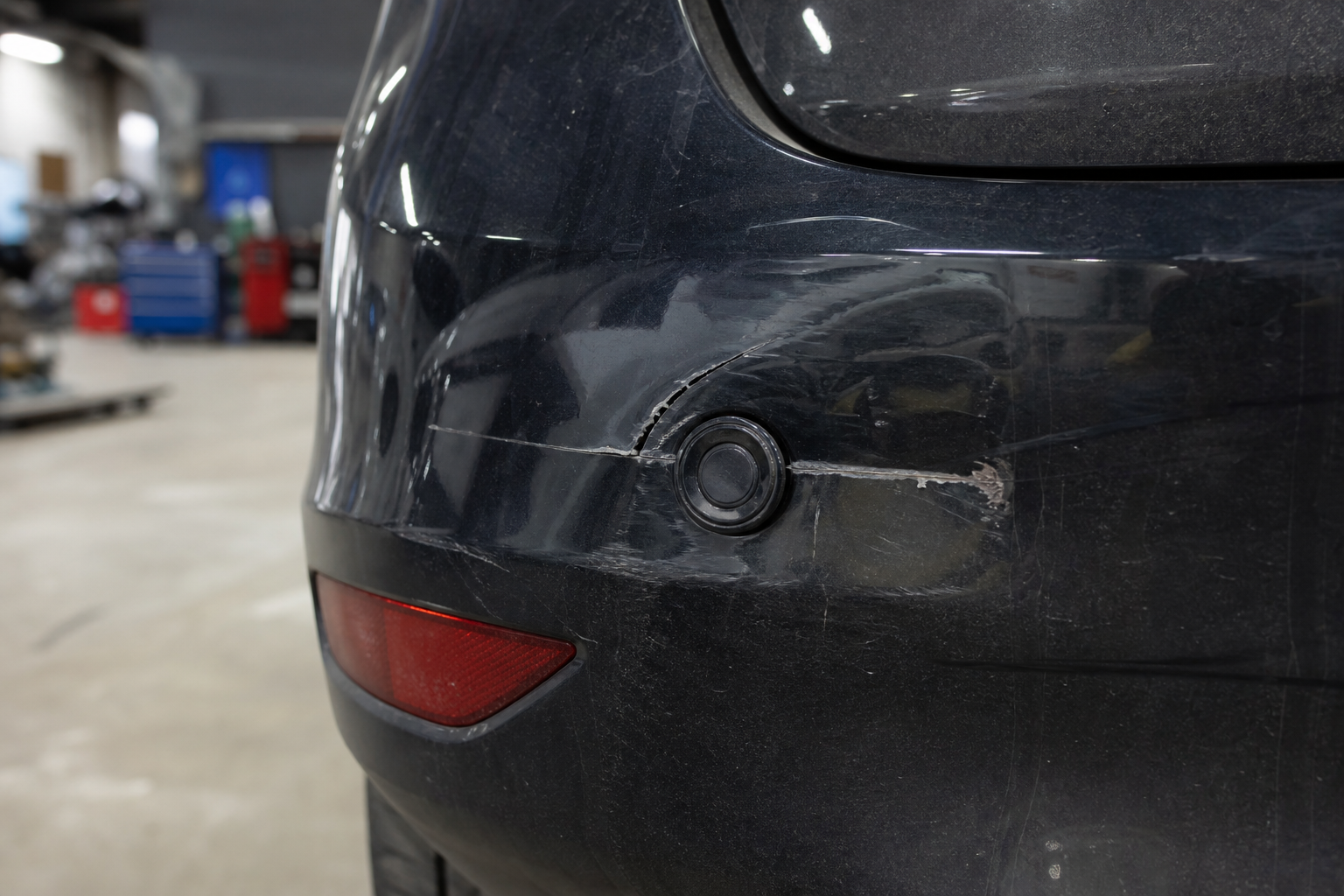
A fender bender that seems minor to you can be a big deal to a parking sensor. These sensors are calibrated to sit at a specific angle and depth in the bumper fascia. Even a small dent, a repaint, or a bumper cover that wasn’t perfectly reseated after a repair can throw off the sensor’s aim enough to cause missed detections or constant false alarms.
This is especially common after body shop work where the bumper was removed and reinstalled. If the shop didn’t recalibrate or properly seat the sensor bezels, you might notice the system either stopped detecting objects reliably or started beeping at things that aren’t there.
If your parking sensor issues started right after a repair, insurance claim, or DIY bumper swap, go back to whoever did the work. Sensor alignment and calibration after bumper repair is something a body shop should verify as part of the job, not something you should attempt to correct yourself with shims or guesswork.
Checking Your Settings Before Assuming a Failure
Honda’s parking sensor volume and sensitivity can be adjusted through the infotainment settings menu on newer CR-V models, and it’s worth checking these before assuming a hardware fault. Go to Settings, then Vehicle, then look for Parking Sensors or Driver Assistance options depending on your trim.
Some owners accidentally lower the sensor volume to nearly silent while adjusting other audio settings, then think the system stopped working entirely. Others don’t realize the system automatically deactivates above a certain speed (typically around 6 mph) as a normal design feature, not a malfunction.
If you’re also dealing with other driver assist alerts that feel like too much, it’s worth comparing notes with how Honda handles similar systems. Our guide on turning off Lane Assist on the Honda CR-V covers a similar menu structure and explains which settings reset when you restart the car versus which ones stick.
Wiring, Connectors, and Corrosion
When cleaning and settings don’t explain the problem, wiring is the next place to look. Parking sensors run on a shared wiring harness that connects each sensor to a control module, usually located behind the rear bumper cover. A corroded connector, a chafed wire from repeated bumper removal, or a loose ground can cause one or more sensors to drop out intermittently.
Intermittent problems that come and go with temperature or vibration, working fine one day and throwing a fault the next, point toward wiring rather than a single dead sensor. This is harder to diagnose without pulling the bumper cover, so if you suspect wiring, it’s reasonable to have a shop check it rather than tracing wires blind.
A common giveaway is a dash message reading “Parking Sensor System Problem” or similar wording, paired with the sensor icon lit up amber. That combination almost always means the onboard computer detected an electrical fault, not just dirt or an object blocking the sensor.
Identifying a Suspect Sensor Without Guessing
You don’t need a scan tool to narrow down which sensor might be causing trouble. Start by parking near a wall or another car at a safe, low speed and watching which sensor icon on the dash display lights up or fails to respond compared to the others. Honda’s system typically shows a visual representation of all sensor zones, so a consistently blank zone points to that specific sensor.
You can also listen closely while walking around the bumper with the vehicle in reverse (with a helper watching the dash, and only in a safe, controlled space). Some sensors make a very faint clicking sound when actively pinging, and a sensor that’s silent while others click may be dead or disconnected.
Visually inspect each sensor for cracks, discoloration, or a housing that looks pushed in compared to its neighbors. A sensor that’s visibly recessed or angled differently than the others on the same bumper is a strong sign of physical damage, even if the plastic looks intact.
What you shouldn’t do is start unplugging or swapping sensors yourself based on guesswork. Honda’s parking sensors are matched to specific bumper positions and, on many trims, require calibration through the dealer’s diagnostic system after replacement. A shop with access to Honda’s factory scan tool can pull actual fault codes for each sensor circuit, which tells you definitively which one failed instead of relying on trial and error.
FIXD OBD2 Scanner
A budget-friendly Bluetooth scanner that can pull basic body control module codes and give you a starting point before a dealer visit.
A basic OBD2 scanner won’t always read Honda’s body control module codes in full detail, since parking sensor faults often live on a separate network than the standard powertrain codes most cheap scanners access. Still, having one in the glovebox is useful for catching related issues, like a check engine light that might be masking a bigger electrical problem affecting multiple systems at once.
When You Actually Need Calibration or a Scan Tool
Some situations genuinely require professional diagnosis, and it’s better to know that upfront than waste a weekend chasing a phantom fix. Any time a sensor has been physically replaced, you need calibration through Honda’s factory diagnostic software to register the new part and confirm it’s communicating correctly with the control module.
The same goes for any bumper cover replacement, even if the sensors themselves weren’t touched. Removing and reinstalling the fascia changes the sensor angle enough that a proper shop will re-verify alignment as standard procedure.
If you’re seeing a persistent dash warning that doesn’t clear after cleaning the sensors and checking settings, that’s your signal to stop DIY troubleshooting and get an actual fault code pulled. Guessing at wiring repairs on a system tied into the vehicle’s broader safety electronics isn’t worth the risk of causing a secondary problem, especially on newer CR-Vs where parking sensors share circuitry with other Honda Sensing features.
Honda CR-V Parking Sensor
OEM-style replacement sensors matched to CR-V bumper mounts, useful to have on hand once a dealer or shop confirms which unit failed.
Keeping Your Bumper Sensor-Friendly Going Forward
Once your sensors are working again, a little prevention goes a long way. Avoid aftermarket bumper stickers, wraps, or protective films placed directly over sensor housings, since even a thin layer of material can affect signal accuracy.
If you tow regularly, get in the habit of removing the hitch ball mount when you’re not actively towing. It takes a few seconds and eliminates one of the most common sources of false rear sensor alerts on CR-Vs with a trailer hitch installed.
Regular bumper washing with a soft cloth, especially after winter driving or off-pavement trips, keeps the sensors clear without the risk of high-pressure water intrusion. It’s a small habit that saves you from unnecessary trips to the shop over what usually turns out to be caked-on road grime.
Frequently Asked Questions
Why does my Honda CR-V keep beeping with nothing behind it?
The most common cause is a hitch, bike rack, or bumper accessory sitting in the sensor’s detection zone. Dirty or ice-covered sensors are the second most likely cause, especially in winter or after off-road driving.
Do all Honda CR-V trims have front and rear parking sensors?
No. Front sensors are far less common than rear sensors and typically only appear on higher trims like EX-L and Touring, depending on model year. Base trims often only include a rear camera without any ultrasonic sensors at all.
Can I fix a broken parking sensor myself?
You can identify which sensor is likely at fault through visual inspection and watching the dash display, but actual replacement usually requires calibration through Honda’s diagnostic system. It’s best to have a shop confirm the diagnosis with a scan tool before buying parts.
Will a car wash damage my CR-V’s parking sensors?
Standard automatic car washes are generally fine, but repeated high-pressure spraying directly at the sensor housings over time can push moisture into the connectors. Hand washing with a soft cloth is the safer long-term habit for keeping sensors clean without added risk.
If your CR-V has other driver assist quirks alongside the parking sensor issue, like unexpected alerts from lane keeping or attention monitoring systems, it’s worth checking whether those are separate problems or connected to the same electrical fault. And if you’re dealing with unrelated electrical gremlins, like a battery that keeps dying overnight, our guide on why a car battery dies overnight even with a good alternator covers another common source of intermittent electronics trouble.
Leave a Reply