
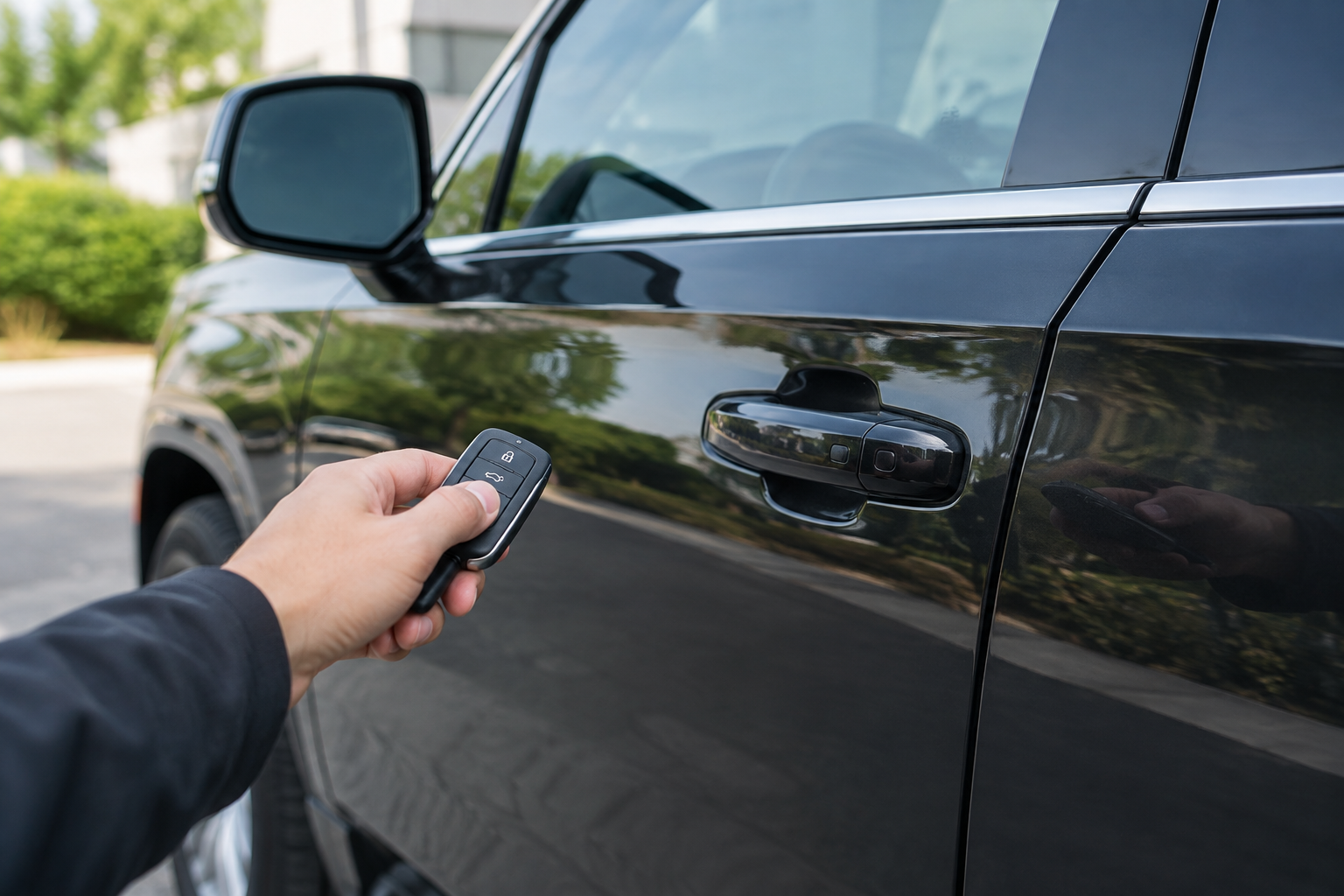
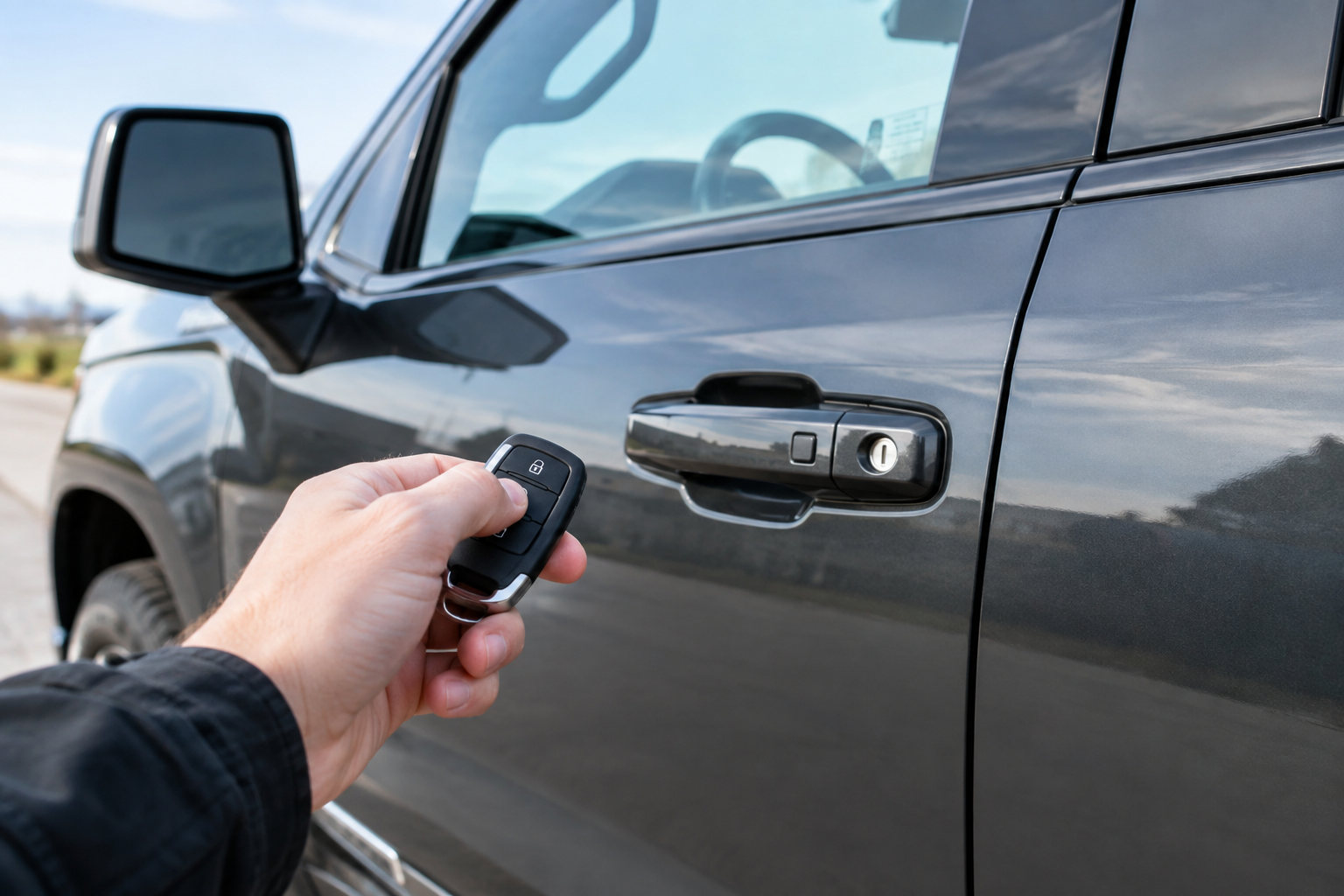
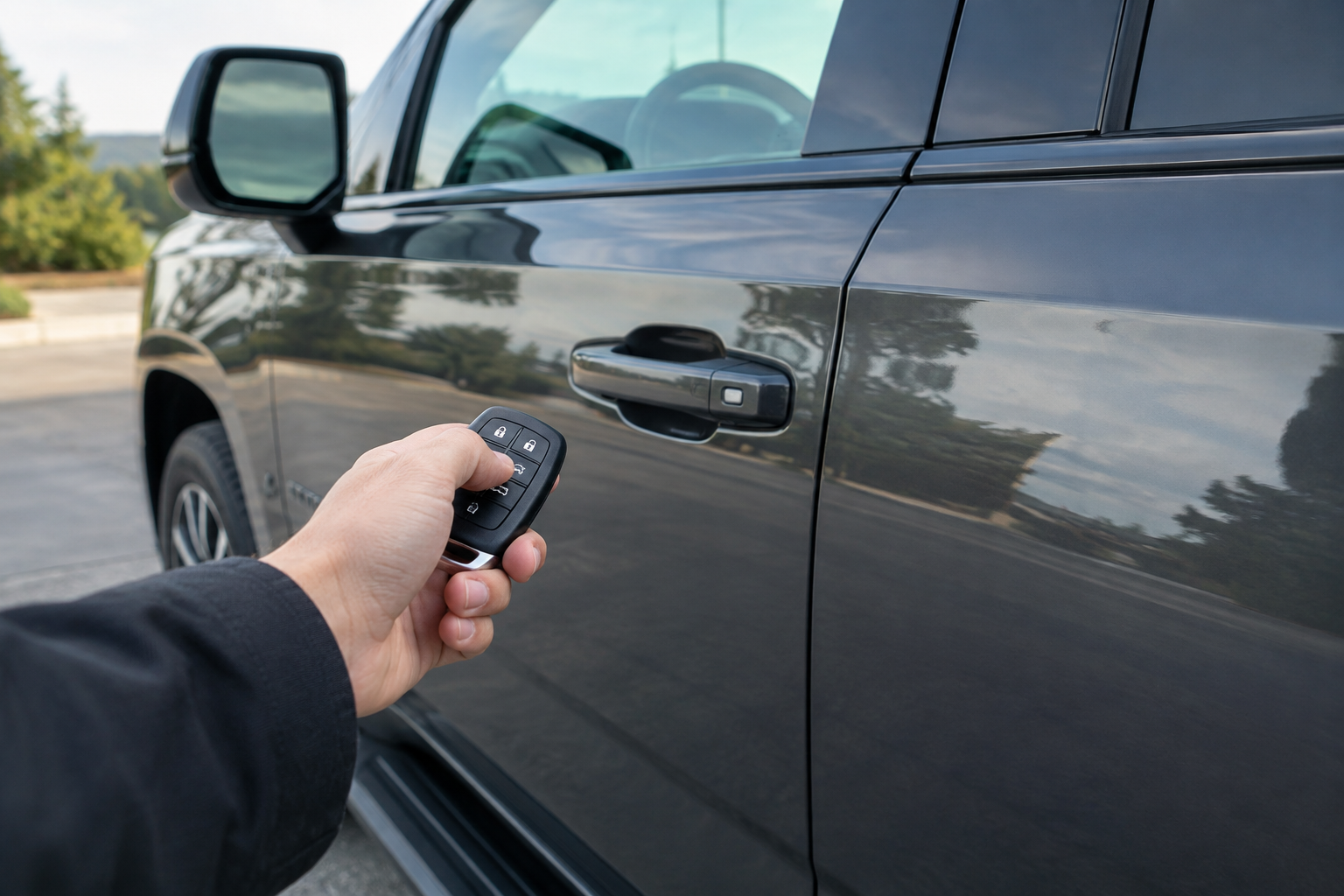
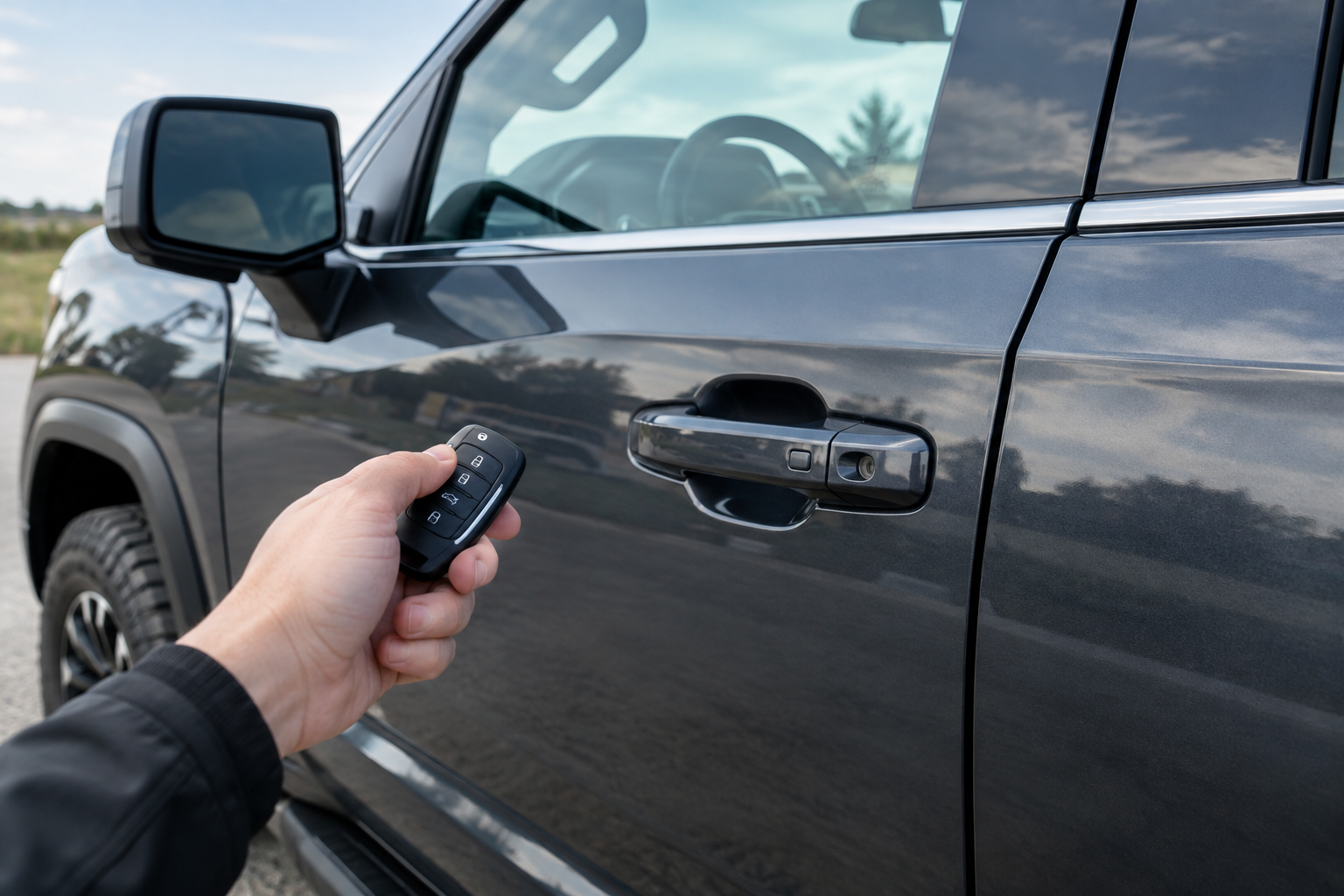
You walk up to your Yukon with your hands full of groceries, reach for the door handle, and nothing happens. No click, no unlock, no welcome lights. You try again, maybe press the little button on the handle harder, and still nothing. If your key fob is in your pocket and this is happening, you’re dealing with a passive entry problem, and it’s more common on the Yukon than most owners realize.
The good part is that this is usually fixable without a trip to the dealer. GMC calls this feature “Passive Entry” or “Keyless Access” depending on the model year, and it relies on a chain of components that all have to work together: the fob, the antennas in the handles, the body control module, and your battery voltage. Break one link and the whole system stops responding the way you expect.
Confirm What Feature You’re Actually Dealing With
Before you troubleshoot anything, make sure you know exactly how your Yukon’s system is supposed to work, because GMC has changed this across generations. On most 2015 to 2020 Yukons, passive entry means the fob just needs to be within about three feet of the door. You touch the small button or pad on the back of the handle and it unlocks automatically, no button press on the fob required.
On the 2021+ Yukon (the current generation), the system is similar but GM tightened up the RF timing and added more aggressive power-saving logic to the fob. Some trims also require you to touch a specific capacitive sensor strip rather than a mechanical button, and that sensor can fail independently of everything else in the system.
Check your owner’s manual for the exact wording GMC uses for your model year. Denali trims sometimes have slightly different settings menus than SLE or SLT trims, and that matters when you get to the infotainment settings step below.
Start With the Fob Battery
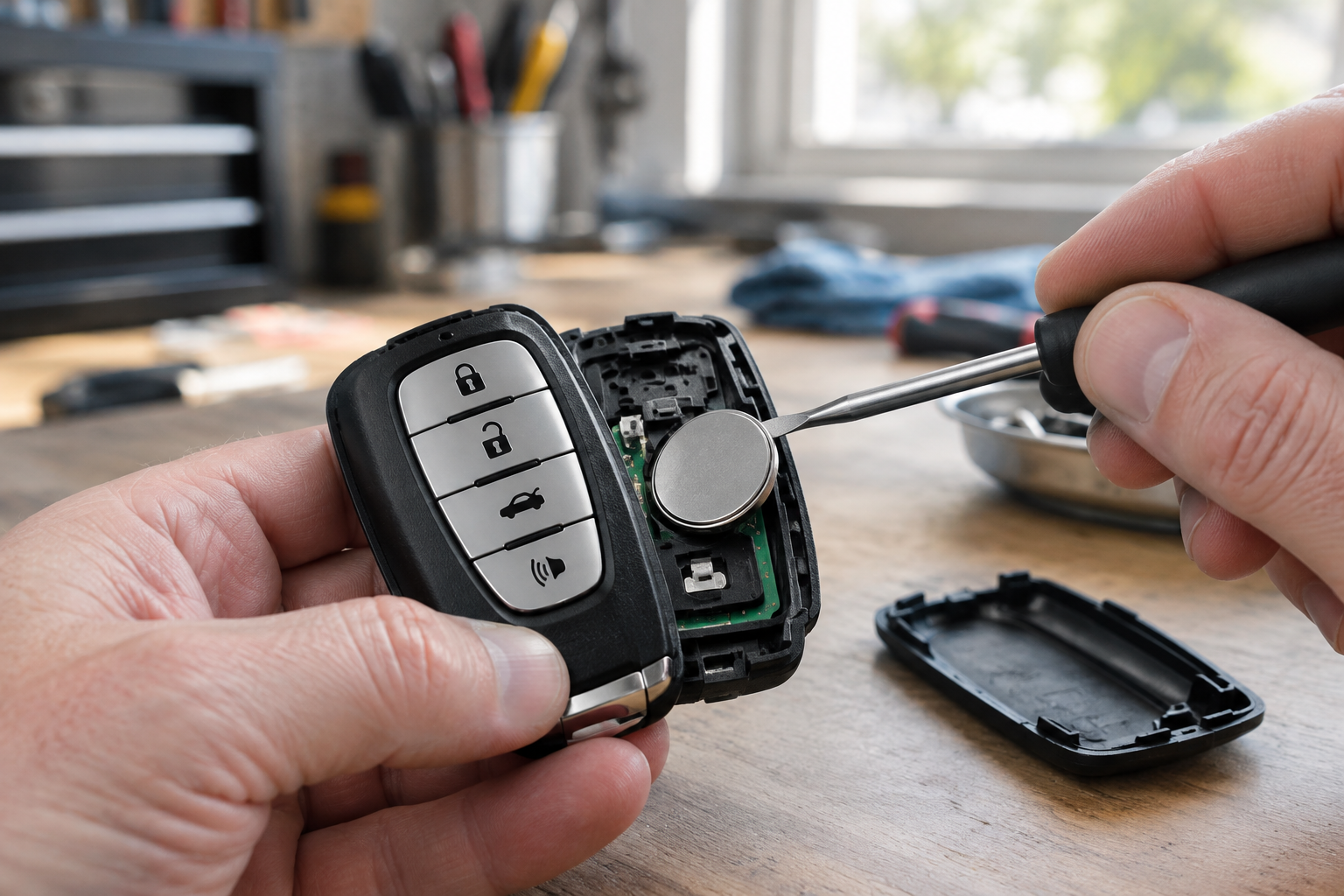
This is the fix probably 60 percent of people need and skip because “the fob still unlocks the doors when I press the button.” That logic is flawed. A fob with a weakening battery can still have enough juice to send a strong RF signal when you press a button, but not enough to power the low-frequency passive entry handshake that happens when you just walk up and touch the handle. Passive entry draws power constantly to listen for the vehicle’s LF signal, and it’s the first thing to suffer as the battery drains.
Yukon fobs typically use a CR2032 coin cell. Swap it and test again before you touch anything else on this list. If you don’t have a spare on hand, a GMC Yukon key fob battery pack is cheap enough that it’s worth keeping two or three in the glovebox.
CR2032 Batteries 10-Pack
A bulk pack keeps a spare on hand for the fob, garage remotes, and other household electronics so you’re never caught with a dead battery again.
While you’re in there, look at the battery contacts for corrosion or a bent spring clip. A fob that’s been dropped or sat in a cupholder with spilled soda can have contact issues that a fresh battery won’t fix on its own.
Rule Out Fob Sleep Mode and RF Interference
GM fobs go into a low-power sleep state if they sit motionless for an extended period, which happens more than you’d think if you keep a spare fob in a drawer or a purse that doesn’t move much. Give the fob a shake or press any button once to wake it up, then try the handle again.
Interference is the other sneaky culprit. Passive entry uses low-frequency signals that can get drowned out by things you wouldn’t expect: a phone charging cable running near your pocket, another key fob nearby, a smartwatch, or even certain aftermarket phone mounts with strong magnets. If you carry multiple fobs or a phone case with a car key card in it, try isolating the Yukon fob by itself and testing again.
Parking near cell towers, RFID-heavy retail environments, or other vehicles with active passive entry systems can occasionally cause temporary signal conflicts too, though this is rarer and usually resolves once you move the truck.
Check Whether Passive Entry Got Turned Off in Settings
This one catches a lot of owners off guard. Somewhere in the infotainment menu under Vehicle Settings or Locks, there’s a toggle for passive entry or “unlock with approach.” It’s possible for this to get switched off accidentally, especially if someone else drove the truck, a valet used it, or a software update reset some preferences.
Navigate to Settings, then Vehicle, then Door Locks (the exact path varies slightly by model year and trim), and confirm passive unlock is enabled. If it’s grayed out or missing entirely, that can point to a module fault rather than a simple setting, which pushes you toward the vehicle-side troubleshooting further down.
Owners dealing with other GMC and Chevy convenience features have run into similar surprises with settings resetting unexpectedly. If you’ve also noticed your rear seat reminder on the GMC Yukon behaving oddly or resetting itself, it’s worth a full pass through your settings menu rather than just the lock section.
Isolate a Single Handle vs. a Whole-Vehicle Problem
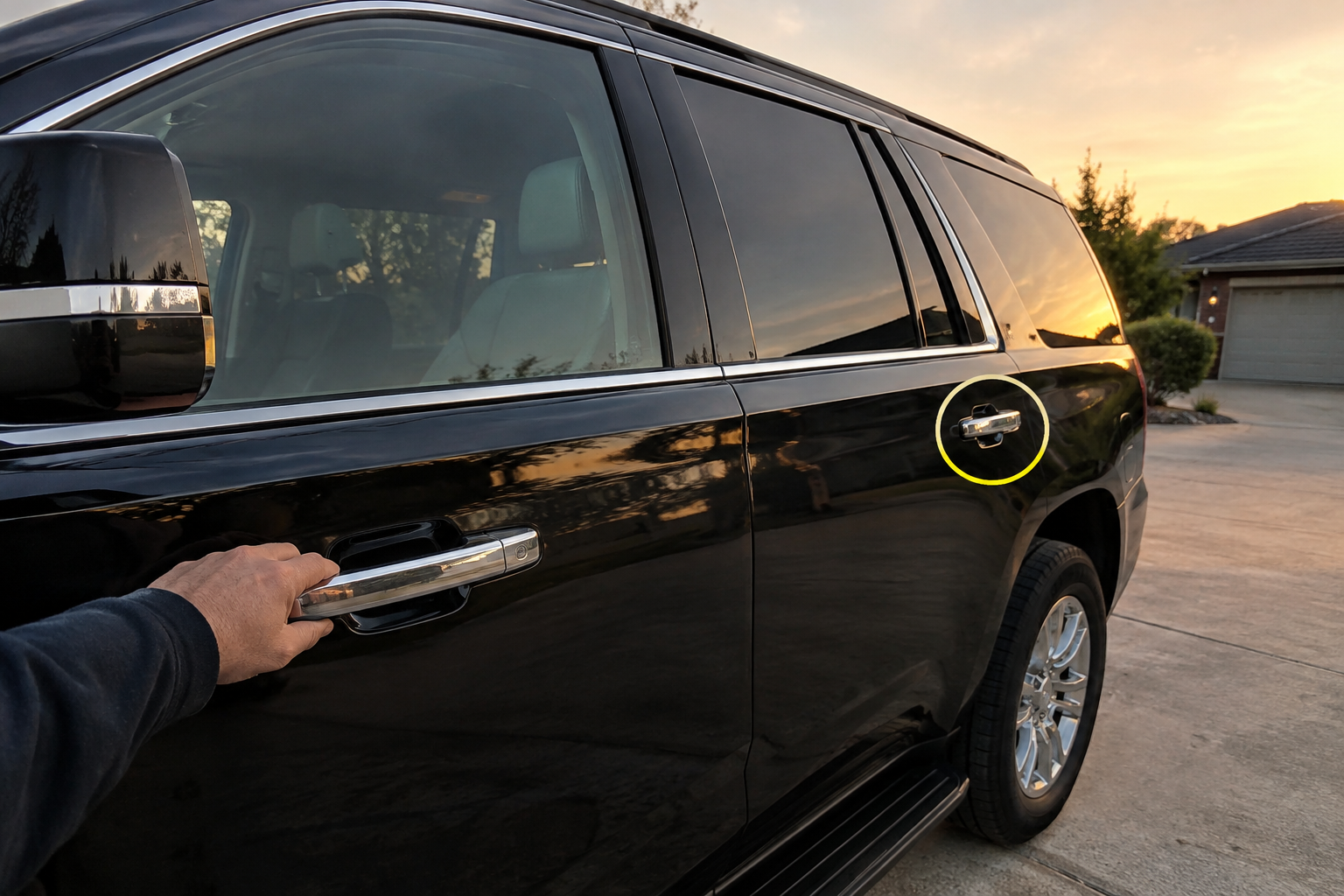
Test every door handle on the truck, not just the one you normally use. This single step tells you almost everything.
- Only one handle fails, others work fine: That points to a bad antenna coil or capacitive sensor built into that specific handle, or a wiring connector at that door that’s corroded or loose. This is a handle-specific repair, not a fob or battery issue.
- All handles fail with the fob nearby: This points to the fob itself, the body control module, or low 12V battery voltage affecting the whole passive entry system at once.
- Handles work sometimes but not consistently: This intermittent pattern usually means a marginal connection somewhere, either at the BCM, a chafed wiring harness near a door hinge, or a fob battery that’s on its way out but not fully dead yet.
If you narrow it down to one handle, the fix is usually replacing the handle assembly, since the antenna and sensor are typically molded into the unit as one piece on the Yukon. That’s a job you can do yourself with basic trim tools if you’re comfortable pulling door panels, or a quick task for a shop if you’d rather not.
Check Your 12V Battery Voltage
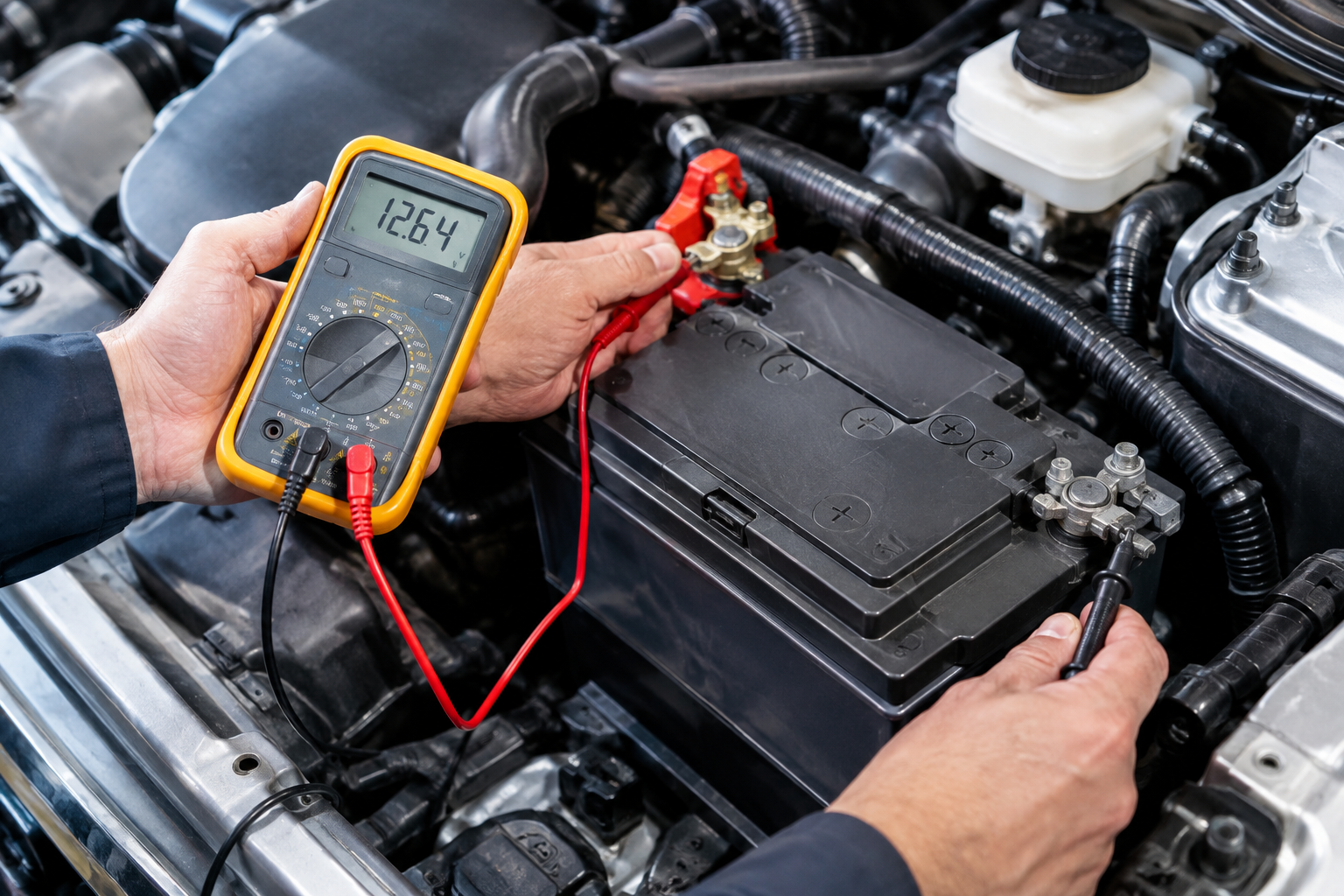
Passive entry is one of the first systems to act flaky when your Yukon’s 12V battery voltage drops below spec, even if the truck still starts fine. GM’s body control modules are picky about voltage thresholds for RF systems, and a battery sitting at 11.8 volts or lower at rest can cause exactly this kind of intermittent lock and unlock behavior.
Grab a multimeter and check resting voltage with the truck off. You want to see somewhere around 12.4 to 12.6 volts. If you’re reading meaningfully lower than that, especially on a Yukon that’s a few years old or one that sits parked for long stretches, the battery or the alternator’s charging output is worth investigating before you spend money on a new handle assembly.
Multimeter for Automotive Diagnostics
A basic digital multimeter takes the guesswork out of diagnosing battery and electrical issues, and it pays for itself the first time it saves you an unnecessary parts purchase.
If your battery tests weak, consider a maintainer to keep it topped off between drives, especially if the Yukon sits for days at a time in a garage. A trickle charger or smart battery maintainer is a cheap way to rule voltage out permanently as a variable.
When It’s Time to See a Dealer or Locksmith
If you’ve swapped the battery, confirmed settings, tested every handle, and checked voltage, and the problem is still there, you’re likely looking at a body control module fault or a wiring issue that needs a scan tool to diagnose properly. GM’s diagnostic software can pull specific fault codes tied to the passive entry antennas that aren’t visible from the driver’s seat.
An automotive locksmith who specializes in GM keyless systems can often diagnose and reprogram fobs for less than a dealer visit, and it’s worth calling around before you assume you need a full BCM replacement. Bring both fobs if you have them, since testing with a second fob is one of the fastest ways a tech can confirm whether the problem is the fob or the truck.
Frequently Asked Questions
Why does my Yukon’s key fob still unlock the doors with the button but not with the handle touch?
This almost always points to a weak fob battery or a fob in sleep mode, since button-press RF signals are stronger and require less power than the passive entry handshake. Replace the battery first and retest before assuming anything else is wrong.
Can cold weather affect passive entry on the Yukon?
Yes. Cold temperatures reduce battery performance in both the fob and, in more extreme cases, the 12V system, and it’s common to see passive entry become sluggish or unresponsive during winter cold snaps even when everything tested fine in warmer weather.
Is passive entry the same feature as remote start on the Yukon?
No, they’re separate systems that happen to share the same fob. Passive entry only controls unlocking and locking by proximity, while remote start is triggered by a dedicated button press and runs through different vehicle logic, so one can fail while the other keeps working normally.
Leave a Reply