
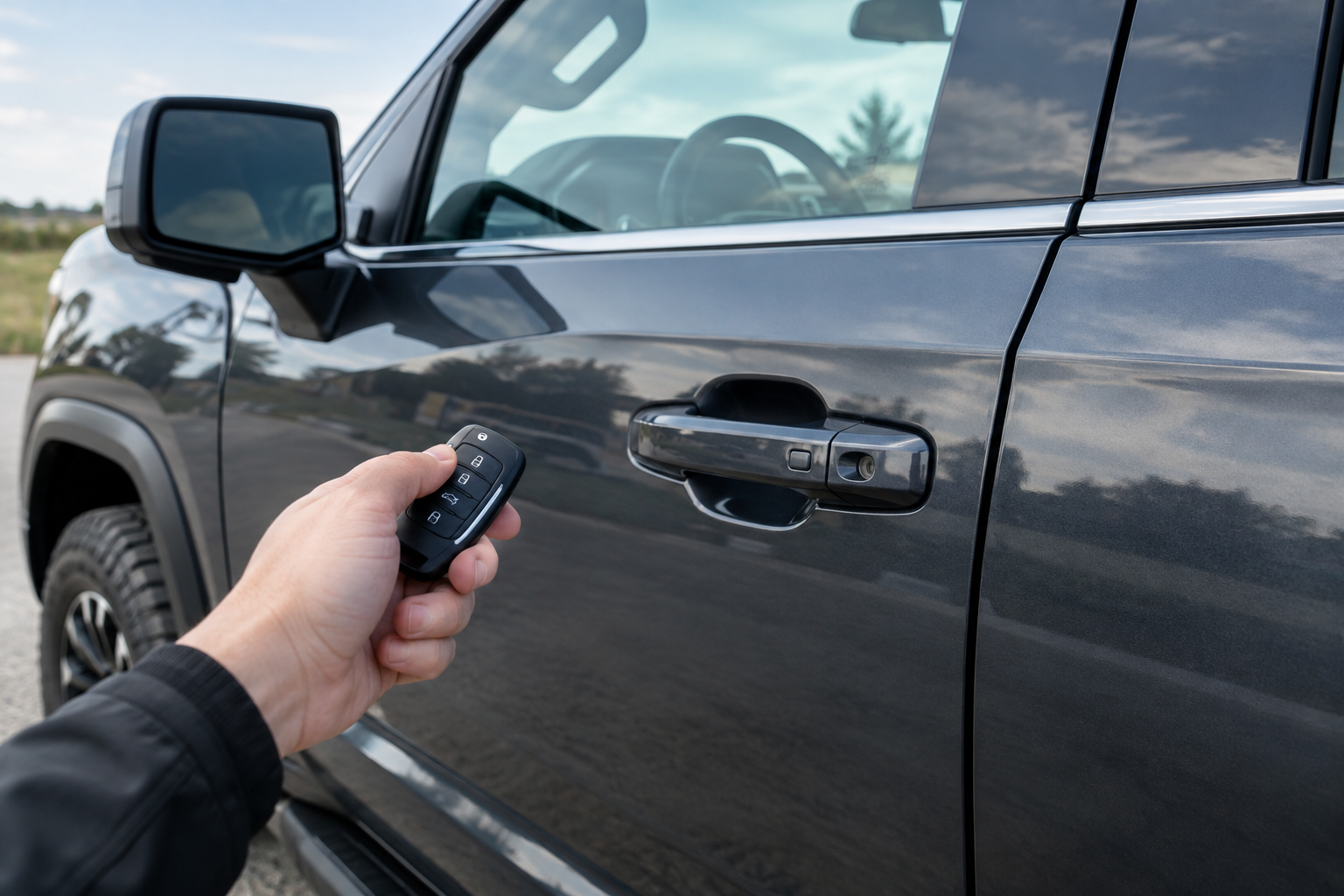
You walk up to your Sierra with an armload of groceries, tap the door handle like you’ve done a thousand times, and nothing happens. The truck just sits there, locked, while you fumble for the fob or the physical key hidden inside it. If this has started happening out of nowhere, you’re not imagining things, and you’re definitely not alone. GMC’s passive entry system is convenient when it works, but it’s also got a handful of failure points that are easy to misdiagnose.
Before you assume the whole system is dead or start pricing out a new door handle, it helps to understand exactly how this feature is supposed to work on your specific Sierra, because GMC didn’t put it on every trim the same way.
What GMC Calls This Feature and How It Actually Operates
GMC refers to this as “Passive Entry” (sometimes labeled Passive Entry Passive Start, or PEPS, in service documentation). It’s not the same thing as remote keyless entry, which is the button-press unlock on your fob. Passive entry lets you unlock the truck without pressing anything, just by having the fob in your pocket or bag and touching the door handle.
Here’s where a lot of owners get confused: on most Sierra 1500 model years, you don’t just wave your hand near the handle. You have to physically touch the small textured pad or button built into the back of the exterior door handle. The system detects your touch, checks for a valid fob within range, and pops the lock. If you’re brushing past the handle without making contact with that sensor pad, it simply won’t trigger, fob or no fob.
Passive entry is standard on higher trims like SLT, AT4, and Denali, but it’s often absent or optional on base Pro and Elevation trims, which may rely on remote entry only. If your truck never had this feature from the factory, no amount of troubleshooting will make it appear. Check your window sticker or owner’s manual to confirm passive entry was actually included on your build.
First Step: Figure Out If It’s the Fob or the Truck
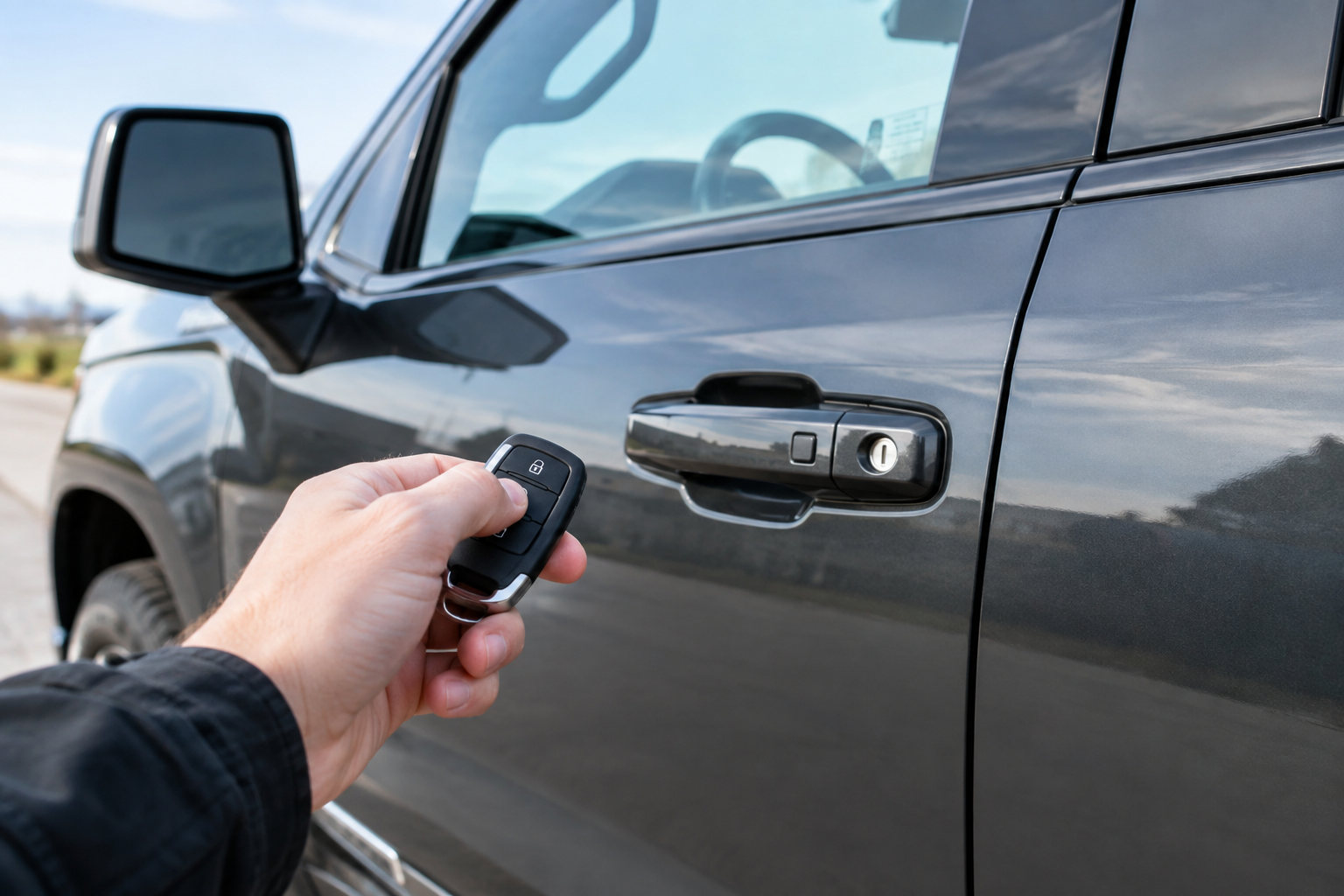
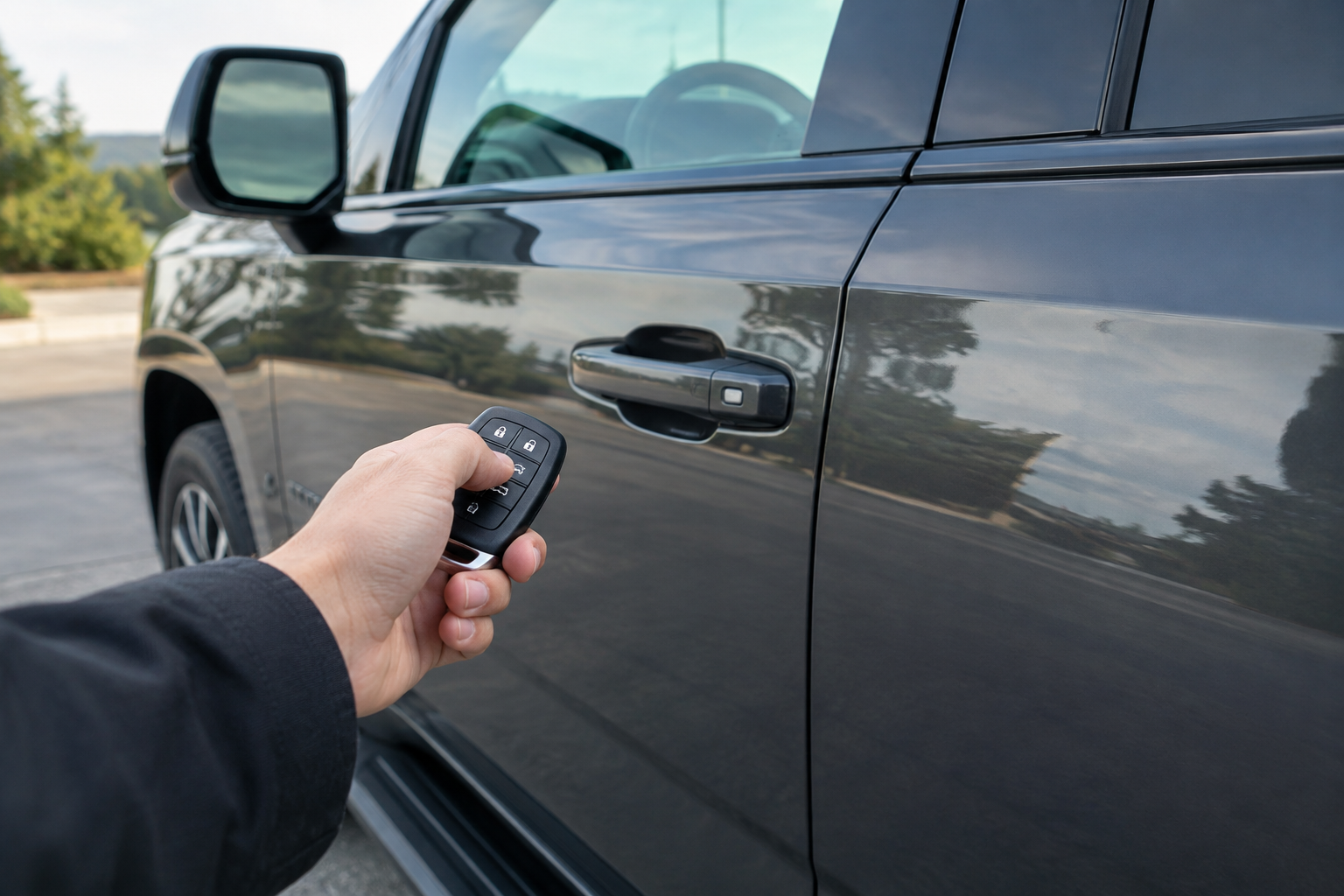
Before chasing sensors and modules, isolate the problem. Try the fob’s physical unlock button from a few feet away. If that works fine, the fob has power and is communicating with the truck, which points you toward the handle sensor or a settings issue rather than a dead battery.
Next, try passive entry at every door, not just the one giving you trouble. If only the driver’s door refuses to respond while the passenger and rear doors work fine with a touch, you’re almost certainly dealing with a bad sensor or wiring fault in that one handle, not a fob or vehicle-wide problem.
If passive entry fails at every door but the remote buttons on the fob still work, that tells you the truck itself has stopped listening for passive entry signals, which usually points to a settings change, a weak fob battery, or a low 12V battery rather than a handle problem.
Weak or Dying Fob Battery
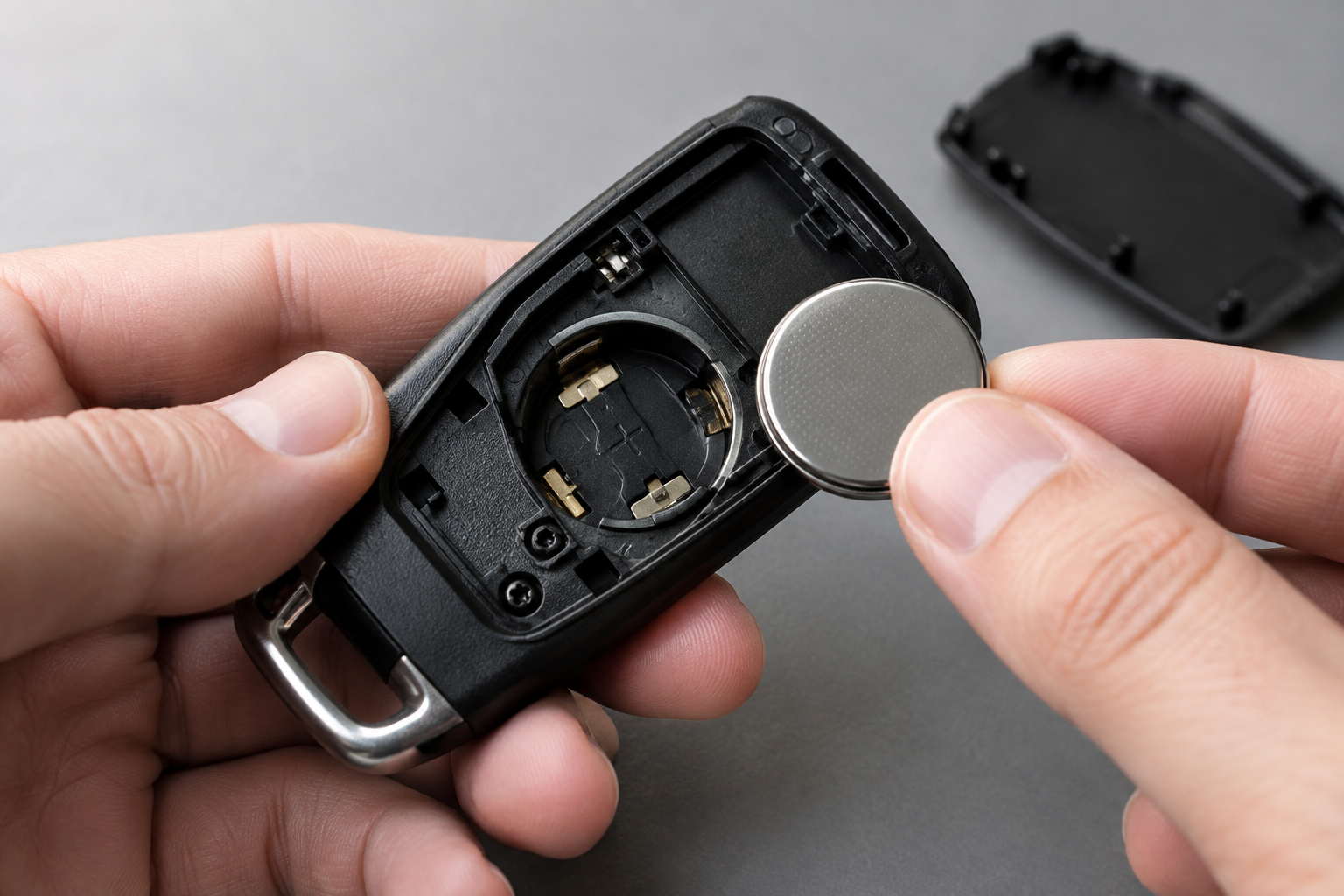
This is the most common culprit, and it’s the first thing to rule out. Passive entry requires a stronger, more consistent signal than a simple button press, so a fob battery that’s marginal will often still unlock the truck when you press the button but fail completely on passive touch entry. It’s a classic early warning sign that people miss because the fob “still works.”
Most GMC Sierra fobs use a CR2032 coin cell. Swapping it takes less than five minutes: pop the emergency key blade out, pry the case open at the seam with a small flathead or coin, and slide the old battery out. Always match the battery orientation shown inside the fob housing.
Energizer CR2032 Batteries
A reliable, long-lasting coin cell that’s the exact type most GMC Sierra key fobs use.
Keep a couple of spares in your center console or glovebox. It’s a cheap fix compared to the cost and hassle of getting a fob reprogrammed at the dealer if you let it die completely and lose your settings.
Fob Sleep Mode and Power-Saving Behavior
GMC fobs, like most modern key fobs, go into a low-power sleep state if they’ve been sitting motionless for an extended period, often overnight or if the truck’s been parked for several days. This is intentional, designed to preserve battery life and reduce RF interference. A fob that’s been sitting still on a nightstand or in a bag on the passenger seat can take a moment to “wake up” once you start moving toward the truck.
If you walk straight from your house to the driver’s door and passive entry doesn’t respond on the first touch, try walking around the truck once, jingling your keys, or pressing any button on the fob first to force it awake. If it unlocks fine after that, this was likely just sleep mode and not an actual fault.
This is also worth remembering if you keep your fob in a drawer near other electronics or metal objects. RF shielding from a metal box, a phone case, or even a stack of coins can dampen the signal enough that passive entry becomes unreliable even with a fresh battery.
Passive Entry Turned Off in the Truck’s Settings
Something a lot of Sierra owners don’t realize is that passive entry can be toggled off entirely through the infotainment system, and it’s easy to accidentally disable it while poking around vehicle settings or letting a dealer service tech reset preferences. On most Sierra 1500s with the touchscreen infotainment system, you’ll find this under Settings, then Vehicle, then Door Lock/Unlock settings, sometimes labeled “Passive Entry” or “Keyless Access.”
Go through this menu and confirm the feature is switched on. While you’re in there, also check if there’s a separate toggle for individual doors, since some trims let you limit passive entry to just the front doors or driver’s door only, which can look like a broken handle when it’s actually working exactly as configured.
If you recently had a battery disconnect, a software update, or dealer service done, settings resets are a common side effect. This is similar to how other GM-family features get toggled off unexpectedly, the same way owners run into after a reset with things like the rear seat reminder on the GMC Sierra 1500.
Door Handle Sensor Problems on a Single Door
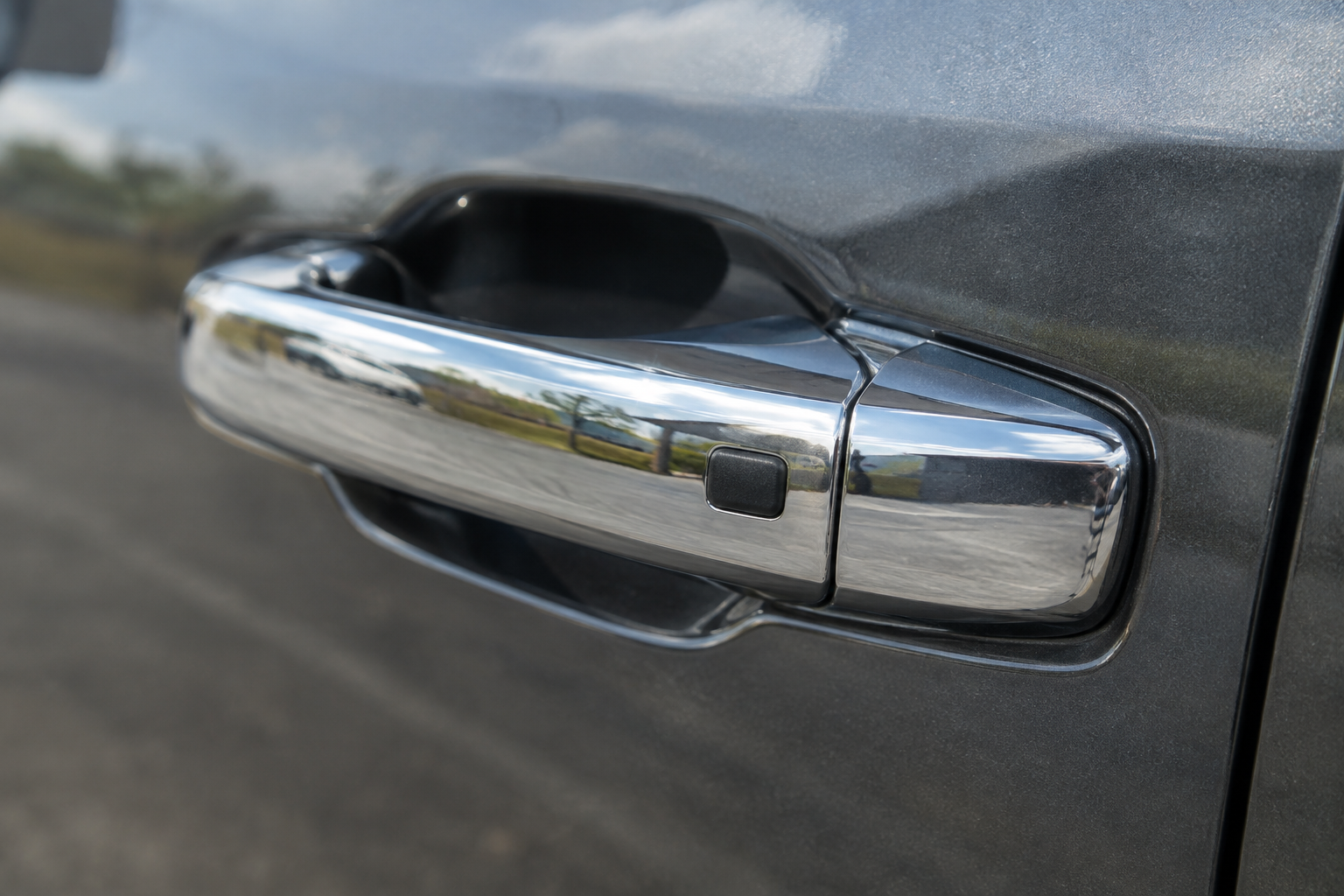
If you’ve confirmed the fob is healthy and passive entry is enabled, but one specific door still refuses to respond to touch while the others work, the handle sensor itself is the likely suspect. These capacitive touch pads are exposed to weather, road salt, and constant hand contact, and they do fail over time.
Water intrusion is a big one, especially after car washes, heavy rain, or if you live somewhere with harsh winters. Moisture can get behind the handle’s touch sensor and either short it out or block it from registering contact correctly. Corrosion on the wiring harness connector behind the handle is another common failure point, particularly on trucks that are a few years old and see regular exposure to road grime.
A GM dealer or independent shop with the right scan tool can pull codes related to the door module and confirm whether the sensor itself has failed versus a wiring or module fault. If you’re comfortable with basic electrical diagnostics, a multimeter can help you check for continuity at the connector before assuming you need a full handle replacement.
Antenna Interference and Low 12V Battery Voltage
Passive entry relies on low-frequency antennas built into the doors and body of the truck communicating with the fob’s transponder. Aftermarket electronics, phone mounts with magnets, or even another fob left inside the cabin can create interference that confuses this handshake. If you’ve added a dash cam, remote starter, or other aftermarket wiring near the doors, that’s worth investigating if the problem started right after installation.
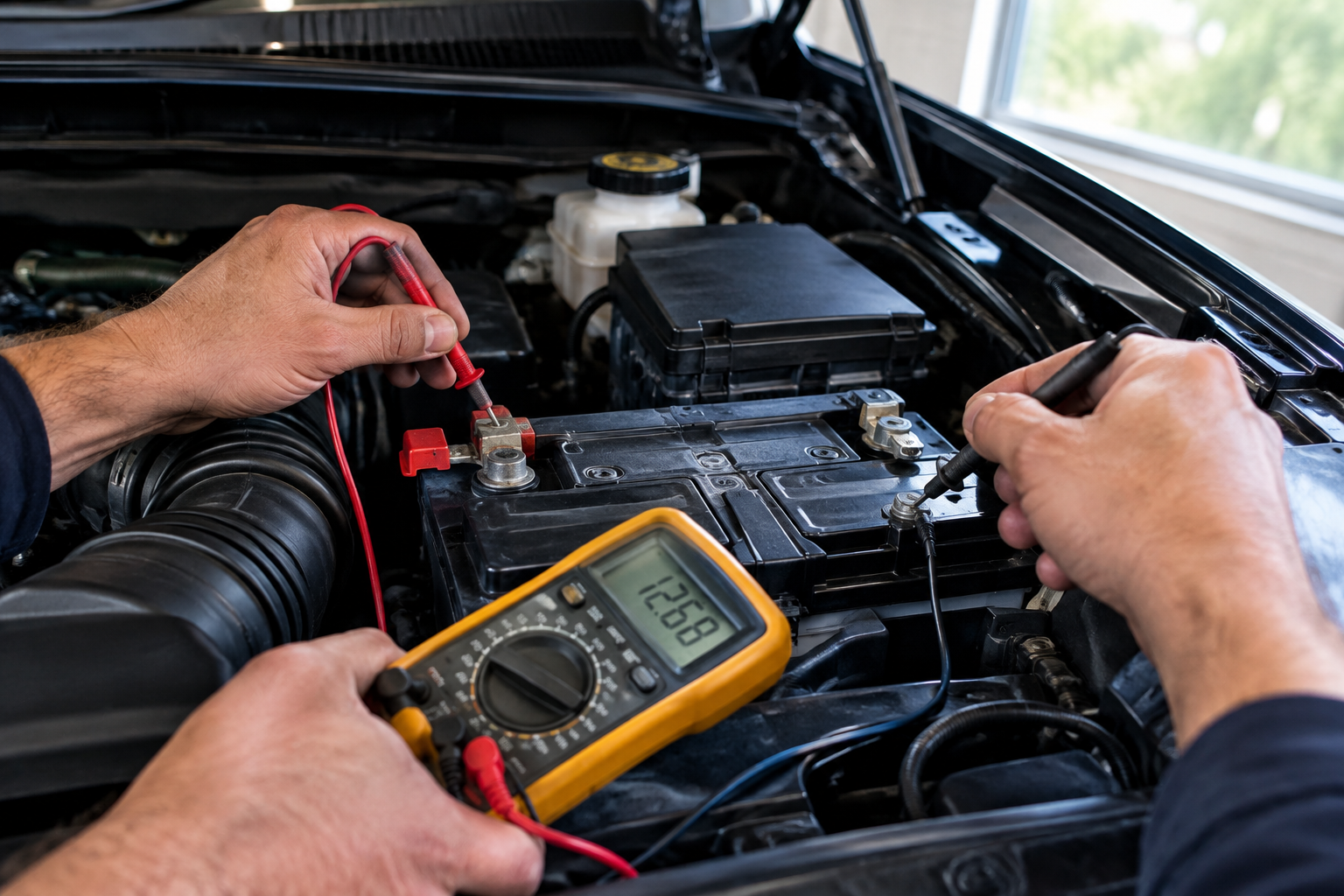
Low 12V battery voltage is an underrated cause of intermittent passive entry failures. These systems need a stable voltage supply to power the body control module and door sensors properly, and a battery that’s aging or has a weak connection can cause passive entry to work sometimes and fail other times, especially in cold weather when battery output naturally drops.
If your Sierra’s battery is more than three or four years old, or you’ve noticed slower cranking, dimming interior lights, or other small electrical quirks, get it load tested before spending money on fob replacements or handle repairs. A cheap trickle charger or battery maintainer can also help if the truck sits unused for long stretches.
NOCO Genius Battery Charger
A solid, affordable way to keep your Sierra’s 12V battery healthy if it sits for extended periods, which helps prevent voltage-related electrical glitches.
Model Year and Trim Differences Worth Knowing
The Sierra 1500 went through a redesign for the 2019 model year, and passive entry behavior shifted slightly with it. Earlier trucks tend to have simpler touch-sensor logic, while newer models integrate passive entry more tightly with the digital driver display and infotainment settings, meaning there are more software toggles that can silently turn the feature off.
Higher trims like Denali and AT4 also sometimes include additional anti-theft logic that temporarily disables passive entry if the fob has been sitting stationary near the truck for an unusually long time, a security measure meant to prevent relay attacks. If you park close to your house and the fob rarely leaves a certain range, this can occasionally cause the system to require a manual button press instead of a touch unlock.
Always check your specific owner’s manual for the exact wording GMC uses for your model year, since GM has renamed and reorganized these settings menus more than once across recent Sierra generations.
FAQ
Why does my key fob unlock the truck with the button but not by touching the handle?
This almost always points to a weak fob battery, passive entry being disabled in settings, or a bad touch sensor in that specific door handle. Since the button press requires less signal strength than passive touch entry, a marginal battery often affects touch unlock first.
Can a low truck battery really affect keyless entry?
Yes. The body control module and door sensors need stable voltage to communicate properly with the fob. A weak or aging 12V battery can cause intermittent passive entry failures even though everything else in the truck seems to run normally.
Is passive entry standard on every GMC Sierra 1500 trim?
No. It’s typically included on SLT, AT4, and Denali trims, but base Pro and some Elevation configurations may only offer standard remote keyless entry through the fob buttons. Check your window sticker or owner’s manual to confirm what your specific truck came with.
How do I know if it’s just one bad door handle instead of a whole-truck fob issue?
Test passive entry at every door on the truck. If only one door fails while the others respond normally to a touch, the problem is isolated to that door’s sensor or wiring rather than the fob or the vehicle’s overall passive entry system.
Leave a Reply