
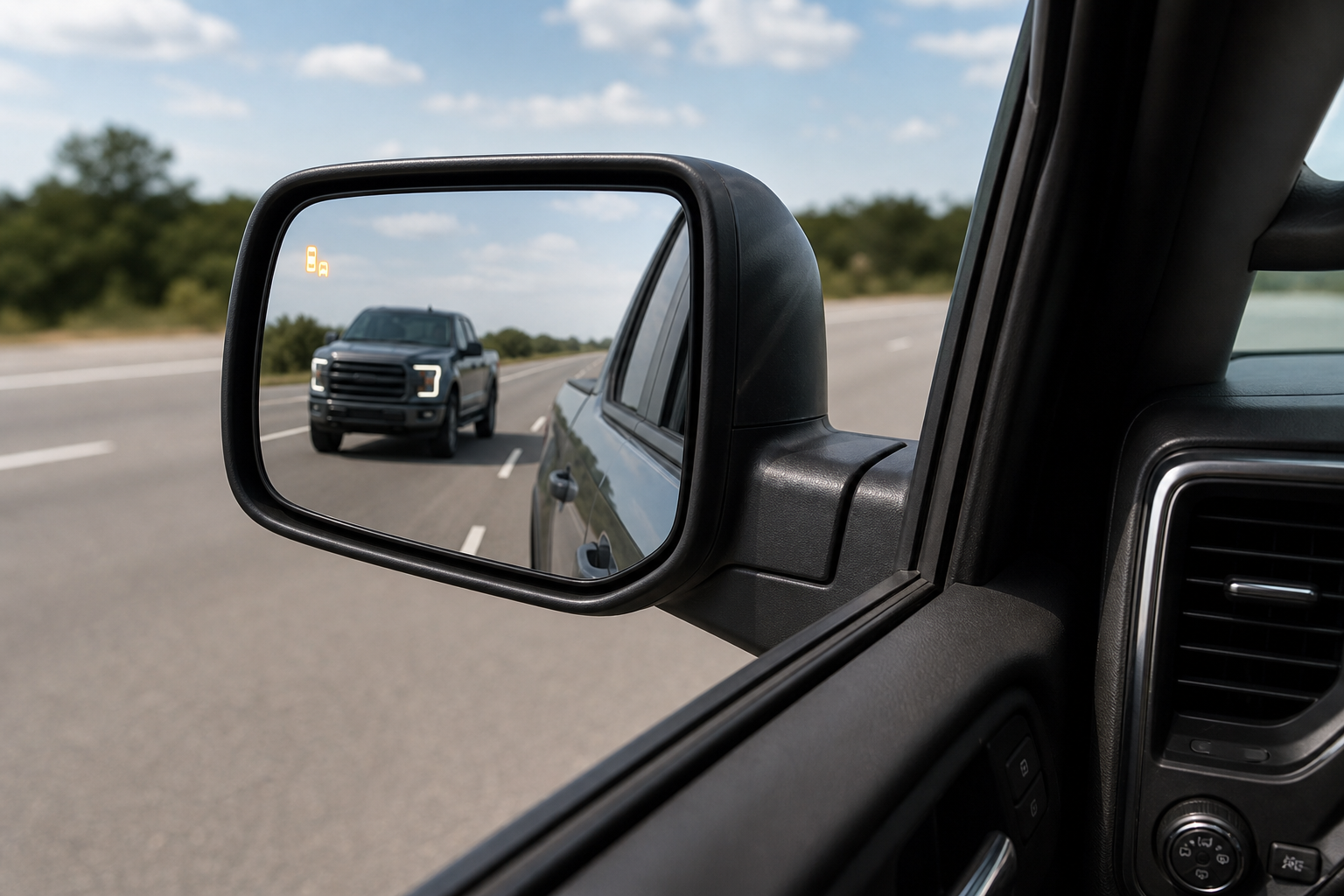
You’re merging onto the highway, glance at your mirror for the little amber icon that’s supposed to warn you about a car in your blind spot, and it’s just… not there. Or worse, your GMC Sierra 1500 throws up a message saying the system is unavailable, right when you need it most. Before you assume you’re staring down an expensive sensor replacement, there’s a good chance the fix is something you can handle in your driveway in five minutes.
Side Blind Zone Alert issues on the Sierra 1500 are usually caused by something blocking or confusing the radar sensors, not a broken part. This guide walks through what the system actually is, what you can check yourself, and when it’s time to hand things over to a shop with the right diagnostic tools.
What GMC Calls This System (and Where the Sensors Live)
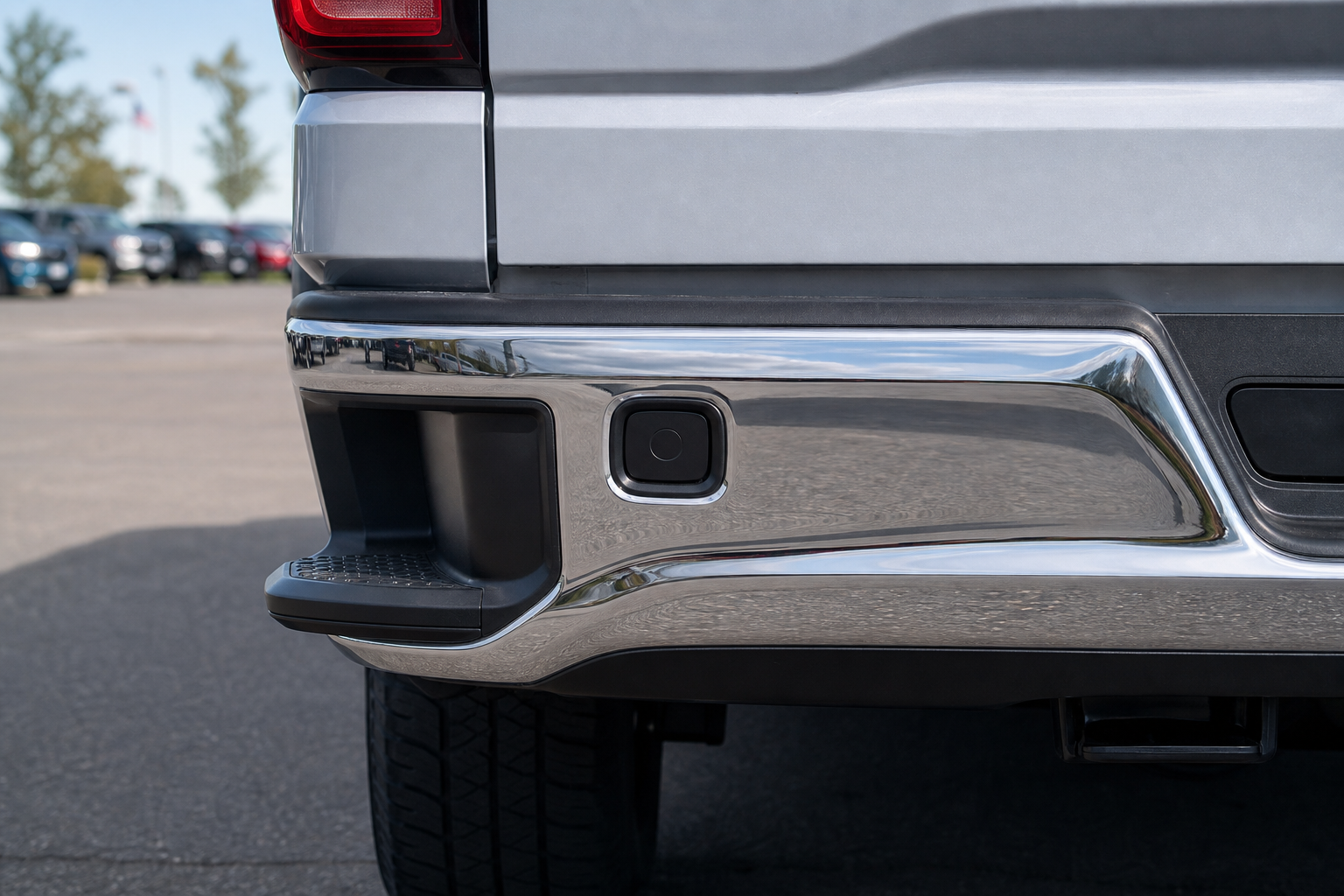
GMC doesn’t use the generic term “blind spot monitoring” in its own literature. On the Sierra 1500, this feature is officially called Side Blind Zone Alert (SBZA), and it’s usually bundled with Lane Change Alert and Rear Cross Traffic Alert as part of a Driver Alert Package.
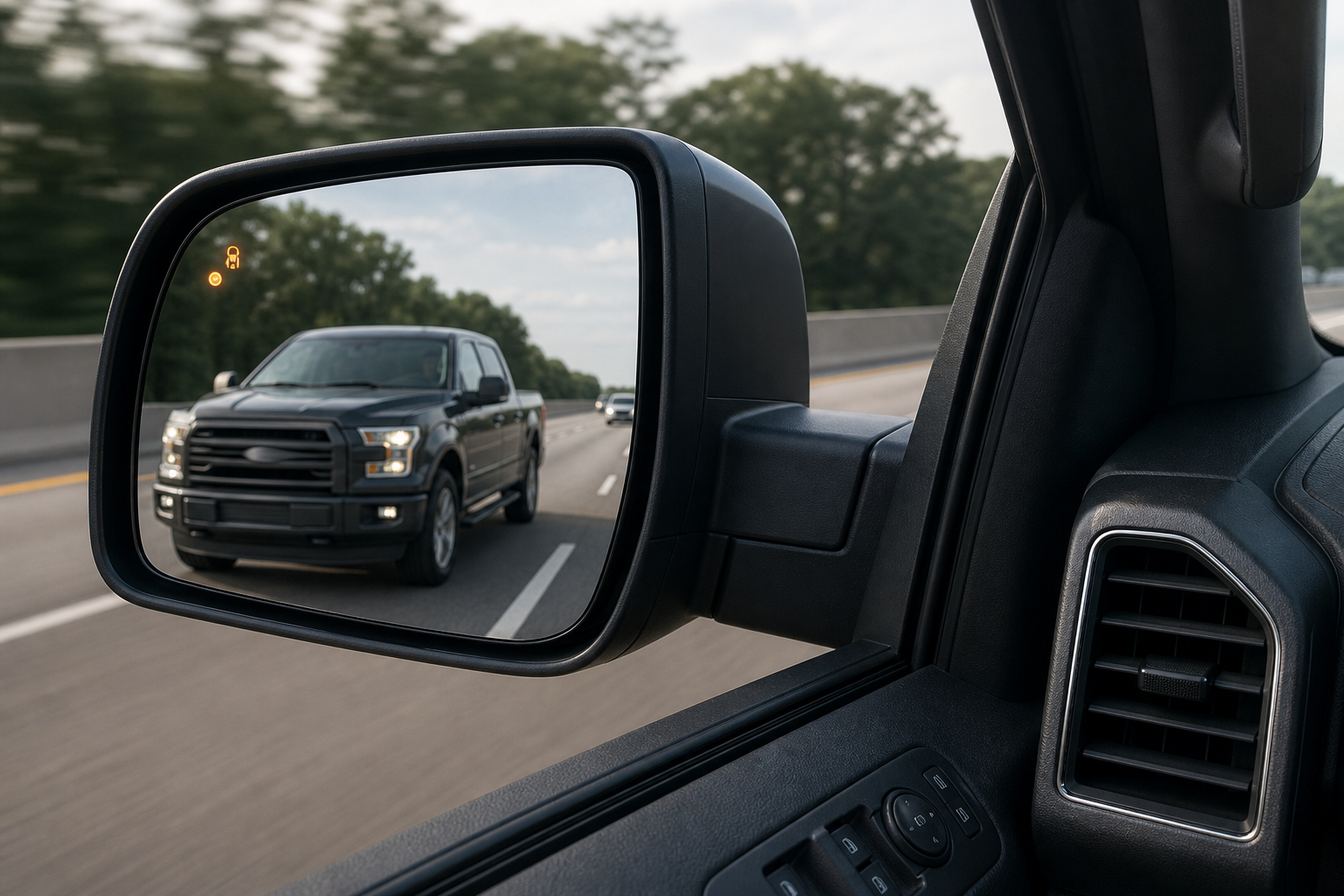
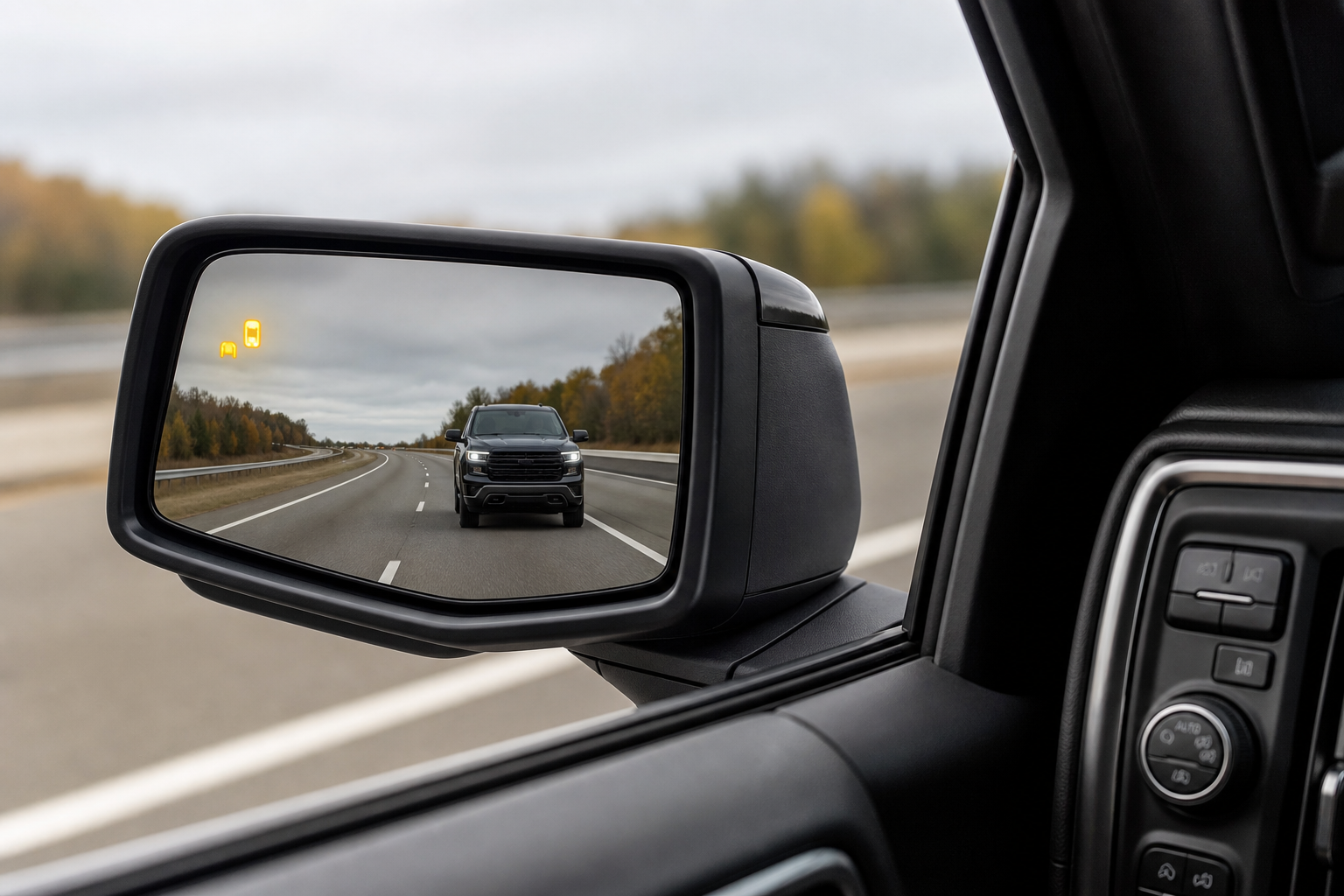
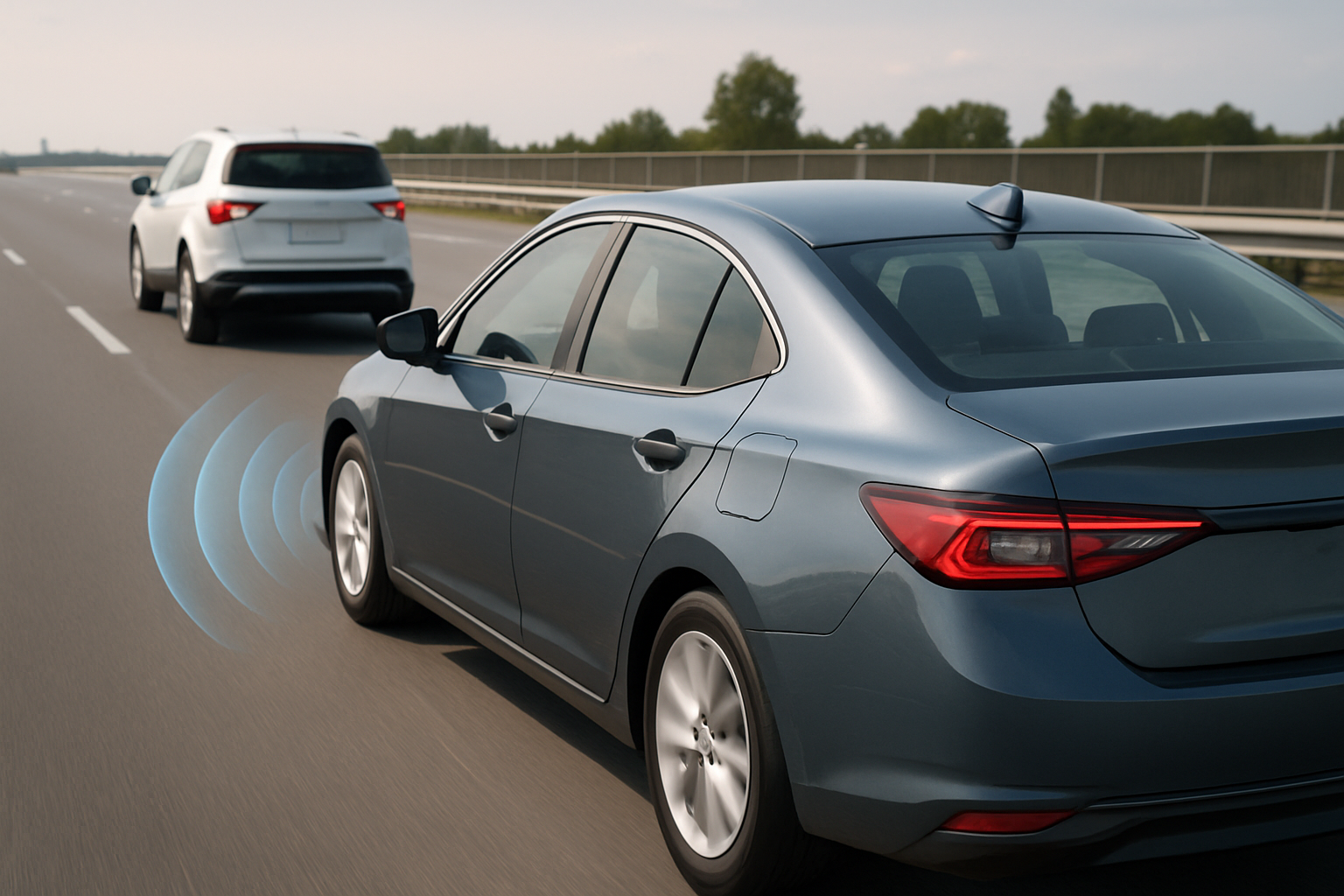
The system relies on two short-range radar sensors mounted behind the rear bumper fascia, one on each corner. These sensors detect vehicles approaching or sitting in your blind zone and trigger an amber warning icon in the corresponding side mirror, sometimes paired with a chime or seat vibration if your Sierra has the Driver Alert Package II.
Availability varies by trim and model year. On the current generation (2019 and newer, including the 2022 refresh), SBZA typically starts as available equipment on SLE trims and comes standard on higher trims like SLT, AT4, and Denali. If you own a base-level Pro or WT trim, don’t be surprised if the feature simply isn’t there at all, since it was never installed rather than broken.
If you’re also dealing with other driver assist quirks in the same truck, it’s worth checking out how to turn off Lane Assist on the GMC Sierra 1500, since GMC groups several of these camera and radar based systems under the same settings menu.
Owner-Safe Checks Before You Assume It’s Broken
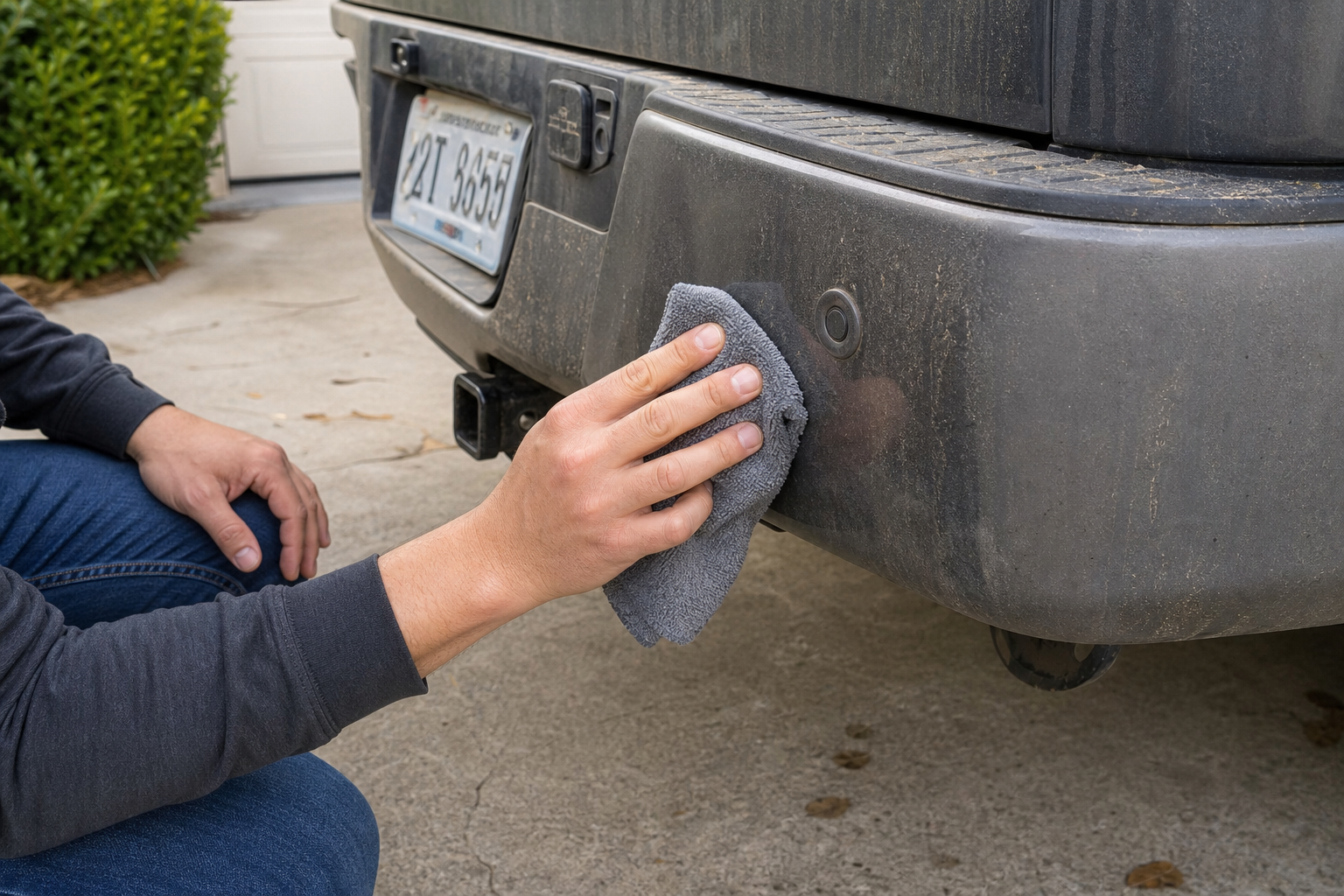
Most Side Blind Zone Alert complaints trace back to something simple. Work through these before you spend money on diagnostics.
Dirt, Ice, Snow, and Road Grime
The radar sensors sit low on the rear bumper corners, which makes them magnets for mud, road salt, and packed snow. A layer of ice or a thick coat of grime can block the radar signal enough to trigger an “unavailable” message. Wipe down both rear bumper corners with a clean microfiber cloth and check again after a drive in wet or snowy conditions.
Bumper Damage or Aftermarket Add-Ons
Even a minor rear-end tap that doesn’t look serious can shift a sensor’s aim inside the bumper. If you’ve had any bodywork done, added a step bumper, hitch-mounted cargo carrier, bike rack, or aftermarket bumper cover, that’s a common culprit. Metal brackets and reflective stickers near the sensor zone can also throw off radar readings.
Trailers and Towing Accessories
SBZA is designed to ignore a trailer you’re legally towing, but it needs to be told a trailer is connected, usually through the infotainment trailering menu or by detecting the 7-pin connector. If that setup isn’t done correctly, the system may either stay off completely or falsely alert on your own trailer. This ties in closely with towing setup in general, so if you’re hauling regularly, it’s worth reviewing how tow/haul mode works and when to activate it, since GMC and Chevy share a lot of the same drivetrain and towing electronics.
Low Battery Voltage
Driver assist systems are some of the first features to act up when battery voltage drops below normal, even if the truck starts fine. A weak battery or a failing alternator can cause SBZA to intermittently disable itself, especially on cold mornings. If you’ve noticed other electrical hiccups, or your battery seems to drain overnight, check our guide on a car battery dying overnight when the alternator tests good, since that same root cause often shows up as blind spot system faults too.
Settings Got Toggled Off
It sounds obvious, but it happens constantly. Someone leans on the steering wheel controls, or a passenger pokes around the infotainment settings, and SBZA gets switched off. Check under Vehicle Settings, then Driver Assistance, or Driver Alert on the touchscreen to confirm the feature is actually enabled.
Temporary Sensor Blockage
Heavy rain, dense fog, or driving through a car wash can temporarily confuse the radar. This usually resolves on its own within a minute or two of normal driving once conditions clear. If the warning disappears after your next drive, it wasn’t a real fault.
If grime buildup is a recurring issue for you, especially if you drive on salted winter roads or gravel, keeping a dedicated cleaning kit in the garage makes this a five-minute job instead of a guessing game.
Chemical Guys Bumper and Trim Cleaner
A quick, safe way to keep bumper-mounted radar sensor covers free of grime that can block signal.
When It’s a Real Sensor Fault or Calibration Issue
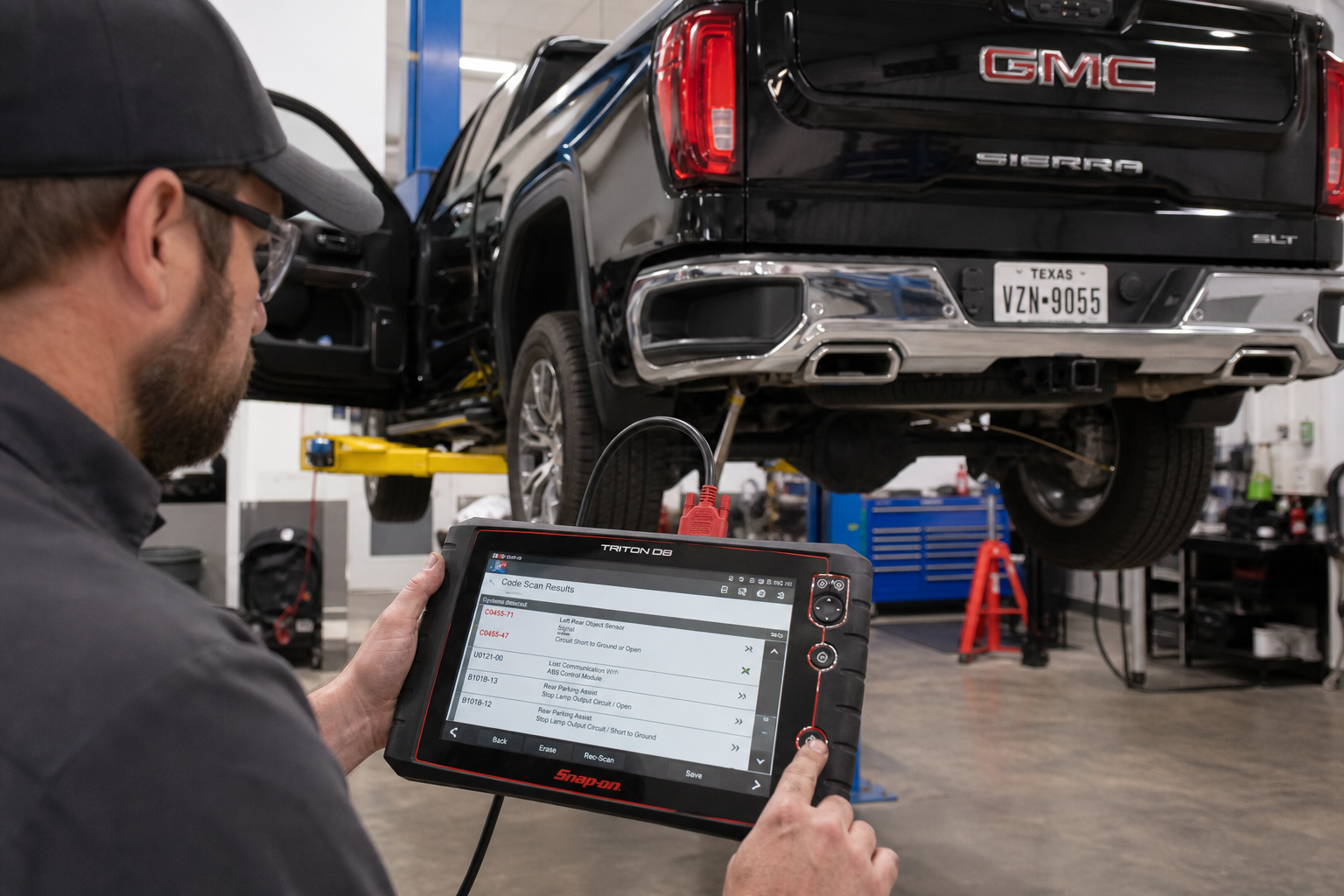
If you’ve cleaned the sensors, ruled out trailer interference, checked your battery, and confirmed the setting is on, and the fault still comes back consistently, you’re likely looking at something that needs a scan tool.
Common professional-level causes include:
- A stored diagnostic trouble code (DTC) in the SBZA module, only readable with a scan tool that supports GM-specific modules
- A sensor that’s failed internally, which will show up as a hard fault rather than an intermittent one
- Misalignment after bumper repair or replacement, which requires a static or dynamic radar calibration procedure
- Wiring or connector corrosion behind the bumper fascia, common on trucks that see a lot of road salt
Radar calibration isn’t something you can eyeball. Even a sensor that’s off by a couple of degrees can cause false alerts or missed detections, and GM’s procedure typically requires either a target board setup in a controlled shop environment or a specific drive cycle with a scan tool monitoring the process live. This is not a DIY job, and attempting to “adjust” a sensor by hand can make the problem worse.
If you want to at least confirm whether a code is present before booking a shop visit, a capable OBD2 scanner that reads GM-specific modules (not just basic engine codes) can save you a diagnostic fee.
Autel MaxiCOM Bidirectional Scan Tool
A step up from basic code readers, capable of pulling manufacturer-specific ADAS codes on GM trucks.
For a direct replacement part if a shop confirms a failed sensor, it helps to know exactly what you’re shopping for. You can browse current GMC Sierra 1500 blind spot radar sensors to compare OEM and aftermarket options, though we’d recommend having a shop confirm the part number matches your exact model year before ordering.
A Quick Word on Model Year Differences
The Sierra 1500 has gone through a few electrical architecture changes that affect how SBZA behaves and what tools can diagnose it. Trucks from 2019 through 2021 use a different module layout than the refreshed 2022-and-later trucks, and the newer Ultium-adjacent electrical architecture on later model years sometimes requires updated scan tool software to read fault codes correctly. If your shop’s scanner throws an error trying to communicate with the module, outdated software is a common reason, not necessarily a bigger mechanical problem.
Frequently Asked Questions
Why does my Sierra say “Side Blind Zone Alert Unavailable”?
This message almost always points to a blocked or dirty sensor, a low battery voltage condition, or a trailer connection that hasn’t been properly registered in the system. Clean the rear bumper corners first, then check your battery if the message keeps returning after cleaning.
Can I clean the sensors myself without causing damage?
Yes. Use a soft microfiber cloth with a mild bumper-safe cleaner, and avoid pressure washing directly at the sensor area since high-pressure water can work its way behind the fascia over time. Never use abrasive pads or scrapers near the sensor covers.
Does towing a trailer always disable blind spot monitoring?
Not entirely, but the system needs to know a trailer is attached so it can adjust its detection zone accordingly. If your trailer setup isn’t registered through the infotainment system, you may see false alerts or the feature may appear to stop working while towing.
Leave a Reply