
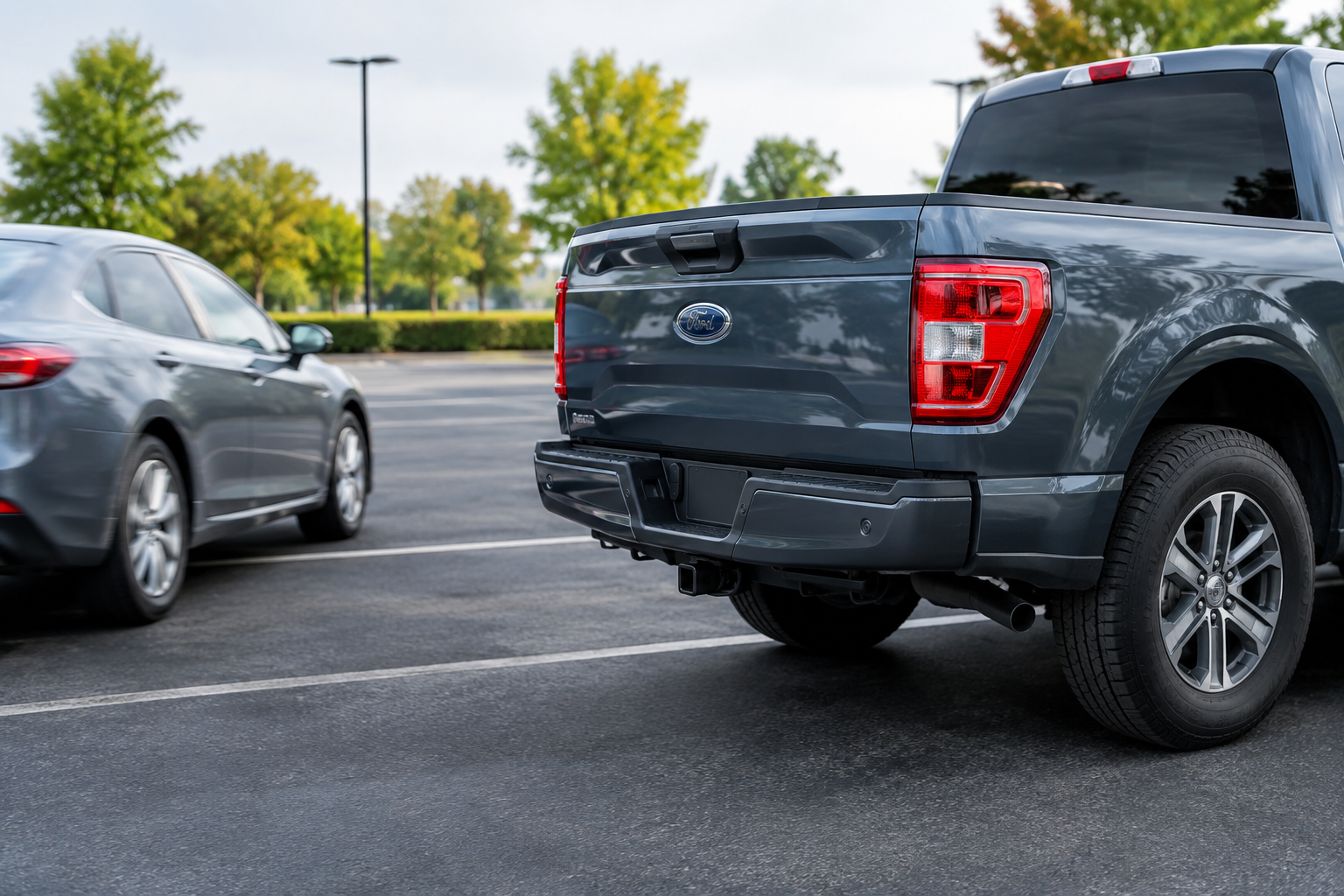
Why Your F-150’s Rear Cross-Traffic Alert Suddenly Stops Working
You’re backing out of a parking spot at the grocery store, and normally your F-150 would beep and flash a warning if a car was coming from the side. Today, nothing. No chime, no icon, no warning arrows on the mirror. It’s an unsettling moment, especially if you’ve come to rely on that system as a second set of eyes.
The good news is that Cross-Traffic Alert failures are almost always traceable to something specific, whether that’s a blocked sensor, a low battery, a hitch-mounted accessory, or a setting that got switched off without you realizing it. This guide walks through the real causes, in the order you should actually check them, and explains how Ford’s system is wired into your truck’s blind-spot monitoring hardware.
Know the System’s Real Name and How It’s Built
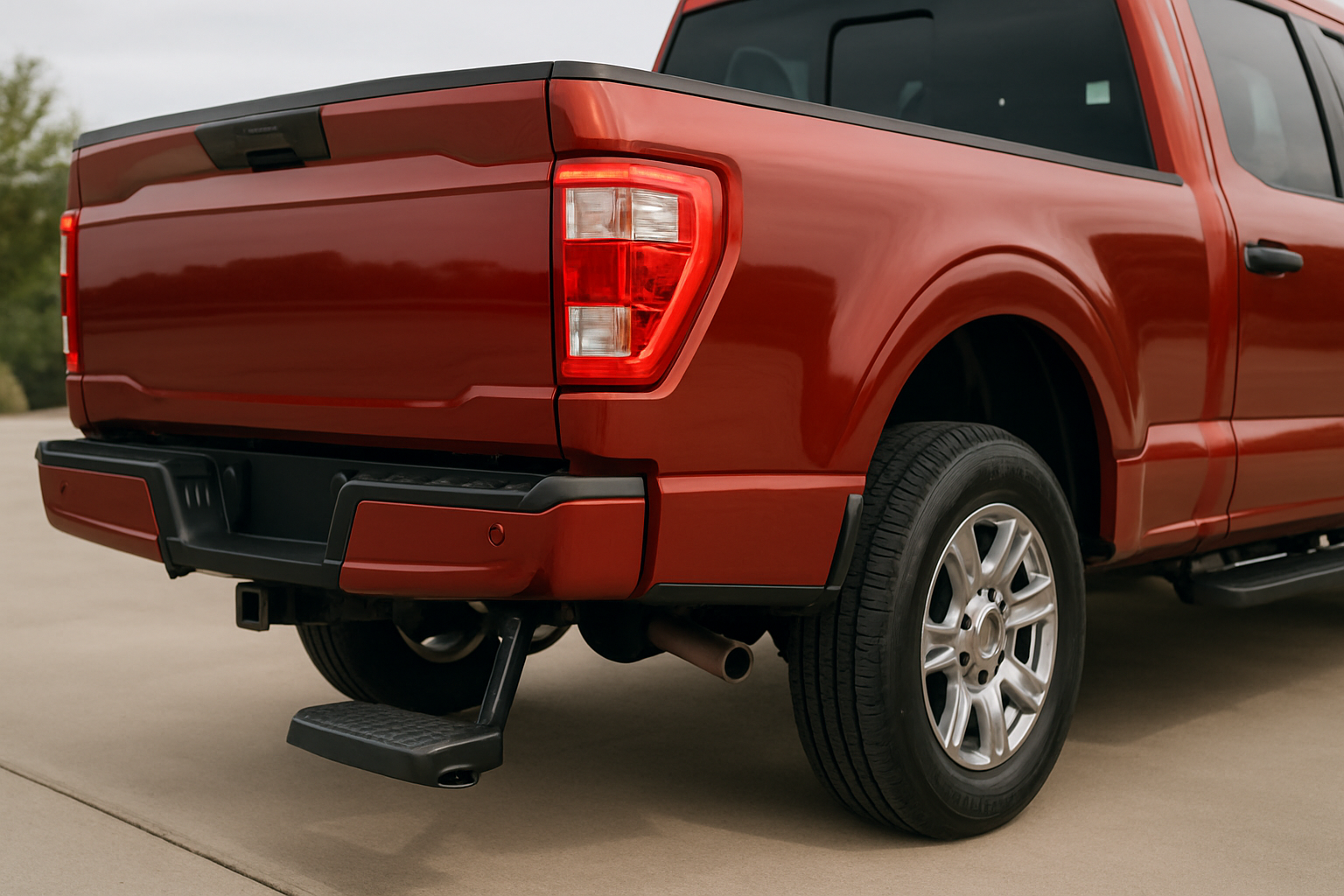
Ford calls this feature Cross-Traffic Alert, and on the F-150 it’s bundled with BLIS, which stands for Blind Spot Information System. These two features are not separate boxes bolted onto your truck. They share the same pair of radar sensors mounted inside the rear bumper, one on each side near the corners.
Those radar units constantly scan for objects approaching from the sides and rear. BLIS uses them while you’re driving forward to watch your blind spots, and Cross-Traffic Alert uses the same hardware while you’re in reverse to watch for vehicles or cyclists crossing behind you. Because they’re the same sensors, a problem that knocks out Cross-Traffic Alert will often knock out BLIS too, and vice versa.
This is an important point when you’re troubleshooting. If you notice a blind-spot warning failure on the highway and a cross-traffic failure in the parking lot on the same drive, you’re probably looking at one root cause, not two unrelated glitches.
Depending on your model year, Cross-Traffic Alert is either standard equipment or part of the Ford Co-Pilot360 package. On 2015-2020 F-150s, it was typically bundled with BLIS as an option on lower trims and standard on higher ones like Lariat and above. The redesigned 2021-and-newer F-150 shifted more of these features into standard Co-Pilot360 across most trims, though exact availability still varies by trim and options package, so it’s worth checking your window sticker or Ford’s build page for your specific truck.
Blocked or Dirty Radar Sensors
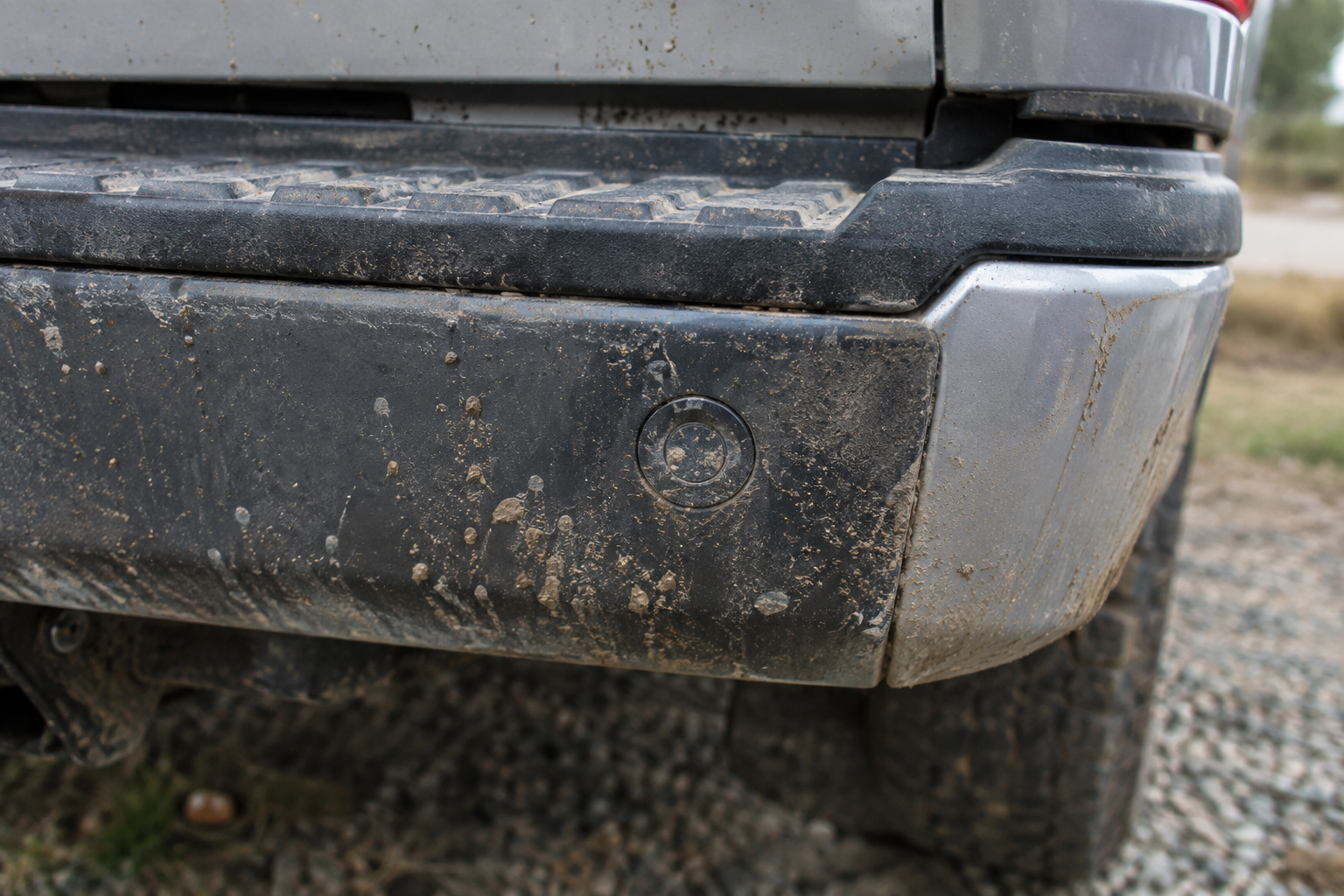
The single most common reason Cross-Traffic Alert quits is also the simplest to fix. Mud, road salt, snow, ice, and even a thick coat of dust on the rear bumper can block the radar signal enough that the system either shuts off entirely or throws inconsistent warnings.
Unlike a backup camera lens, you can’t always see the buildup because the sensors sit behind the bumper cover, not exposed on the surface. A bumper that looks reasonably clean can still have caked mud packed into the seam right where the sensor is hiding.
- Wash the rear bumper corners with a hose and soft brush, focusing on the lower edges near each taillight
- Clear snow and ice buildup after winter storms before backing out, even if the rest of the truck is clean
- Check for slush that’s frozen solid overnight, since it can trap the sensors for days if you don’t dig it out
- Avoid heavy wax or coatings directly over the sensor area, since some can interfere with radar transmission
If cleaning the bumper immediately restores the warnings, that confirms the sensors themselves are fine and it was purely an obstruction issue. This is worth checking first before you assume anything electrical is wrong.
Trailers, Bike Racks, and Cargo Interference
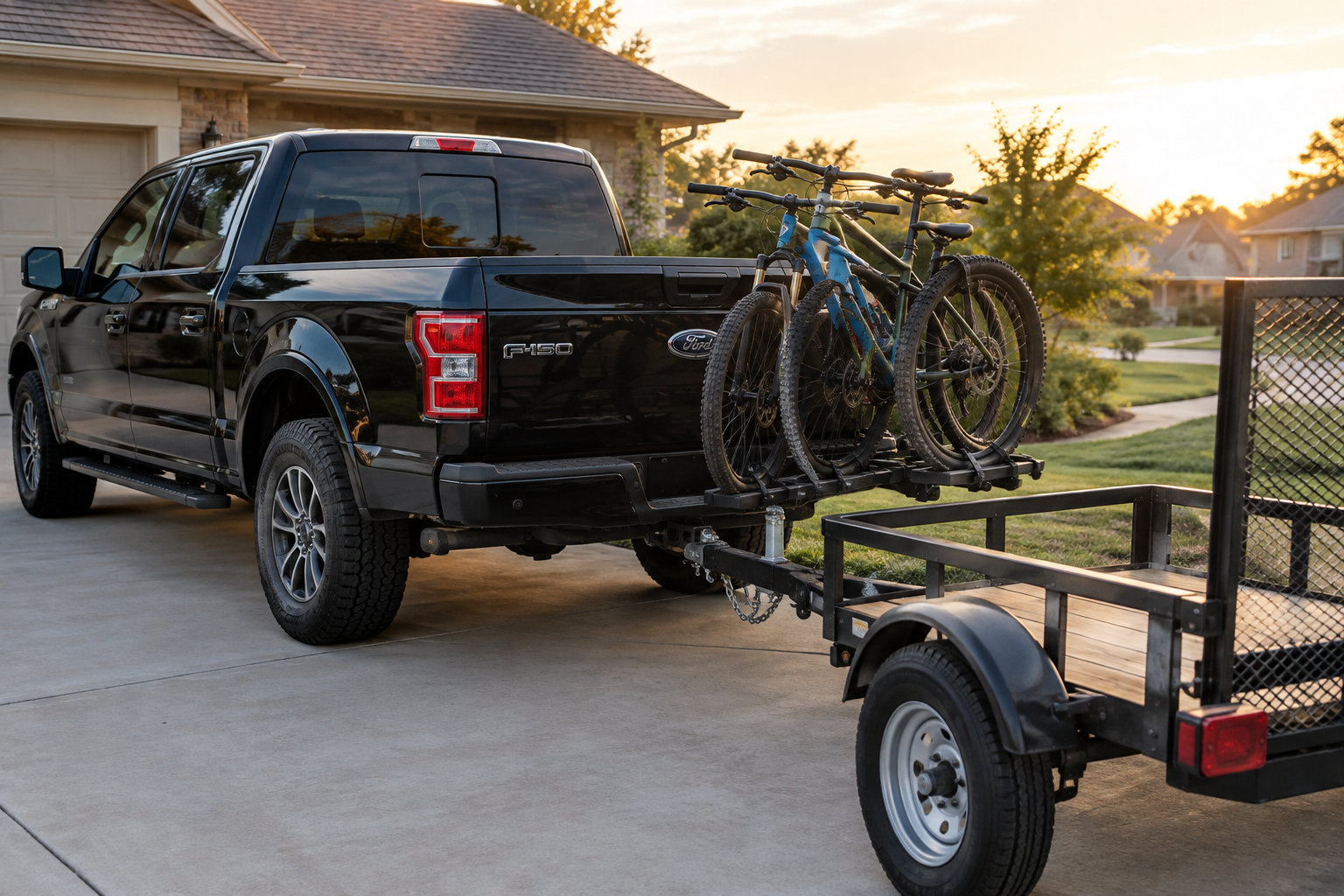
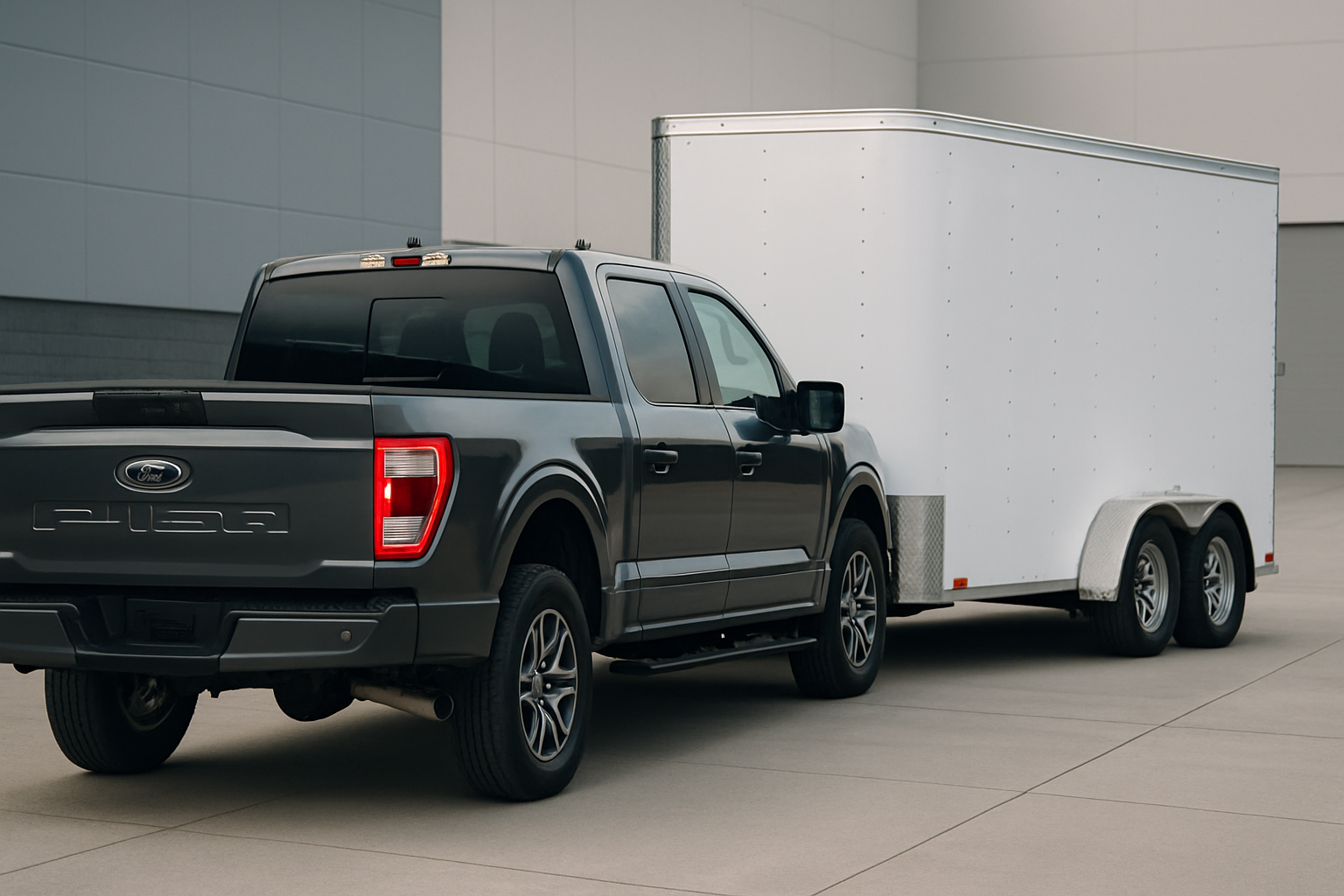
If your Cross-Traffic Alert disappears the moment you hitch up a trailer, that’s expected behavior, not a malfunction. Ford’s system automatically disables rear cross-traffic warnings when it detects a trailer connected through the factory wiring harness, because the trailer body would otherwise trigger constant false alerts.
Some F-150 model years show a message on the dash confirming the system is off due to trailer detection, while others simply go quiet without an obvious notice. Either way, this is intentional and not something you need to chase down as a fault.
Hitch-mounted bike racks, cargo carriers, and tow accessories that sit near the bumper corners can cause the same kind of interference even without a full trailer connection. A bike rack loaded with bikes hanging just behind the sensor location can block the radar cone or create false detections that make the system seem unreliable. If you’re running an aftermarket rack regularly, try a test run without it to see if warnings return to normal.
Bumper Damage and Misalignment
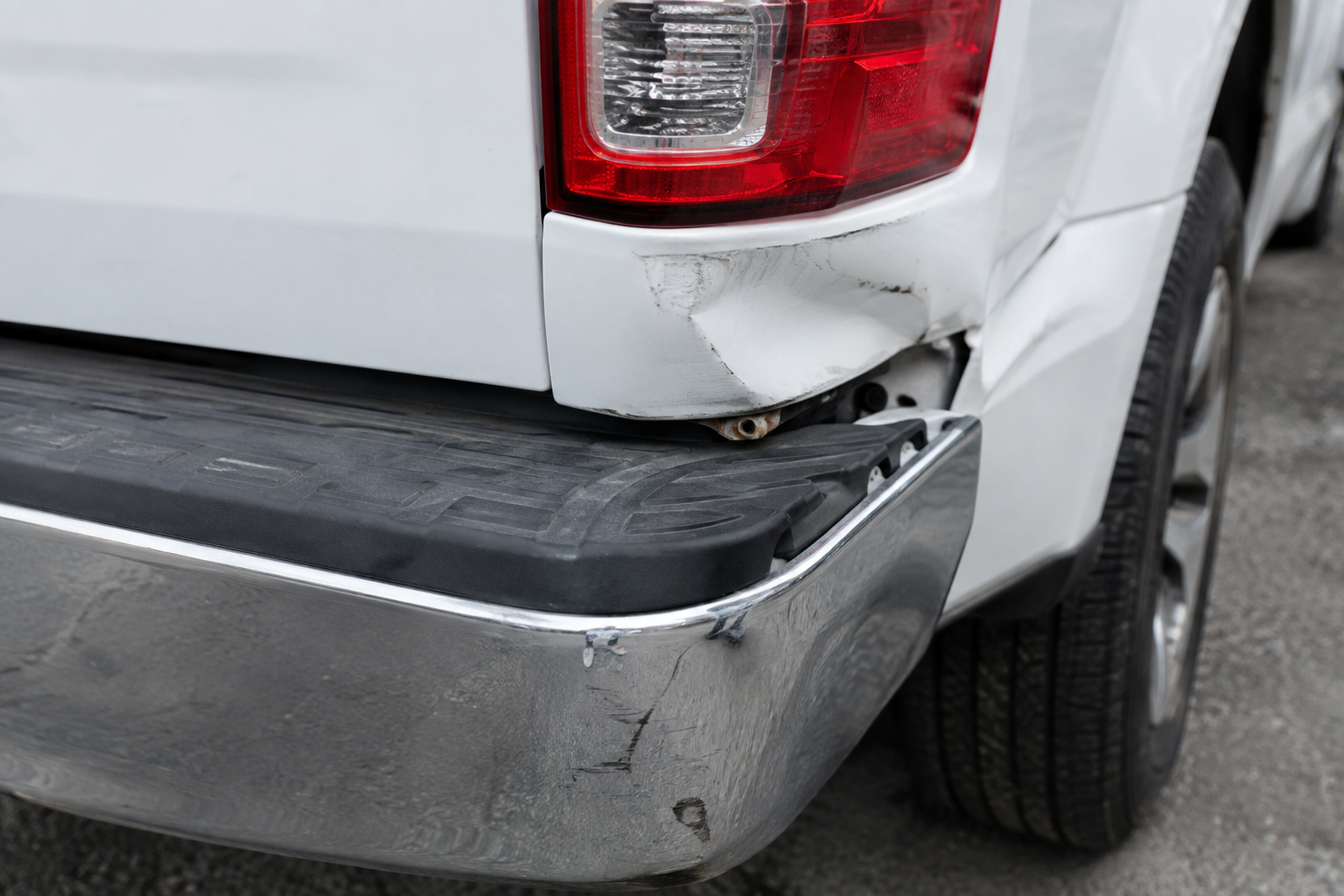
A minor parking lot bump or a low-speed backup collision can shift the bumper cover just enough to change the sensor’s angle, even when there’s no visible dent. Radar sensors are calibrated to a specific position and tolerance, so a bumper that’s slightly pushed in or twisted can cause the system to read inaccurately or shut off due to a fault code.
After any rear-end contact, even something as small as backing into a shopping cart corral, it’s worth checking whether Cross-Traffic Alert and BLIS are still working correctly. If your truck has ever had bumper repair or repainting, the sensors typically need to be recalibrated by a shop with the right diagnostic equipment, since simply reinstalling the bumper cover doesn’t guarantee proper alignment.
If you’re shopping for a replacement, an OEM-fit Ford F-150 rear bumper cover designed for your specific model year will hold the sensor mounts in the correct position much more reliably than a generic aftermarket piece.
Checking Your Settings Menu
It sounds obvious, but plenty of F-150 owners assume something is broken when the system was actually switched off in the settings menu, sometimes by a passenger fiddling with the touchscreen or during a dealer service visit. Cross-Traffic Alert and BLIS can each be toggled independently through the SYNC settings under Driver Assist features.
Go into Settings, then Driver Assist Technology, and confirm both Cross-Traffic Alert and Blind Spot Information System are switched on. It’s also worth checking the sensitivity or volume settings if your truck’s software offers them, since a warning set to a very low chime volume can feel like it’s “not working” when it’s actually just quiet.
If you’ve also had trouble with other alert systems shutting off unexpectedly, it’s worth reading through how to turn off Driver Alert on the Ford F-150 or how the rear occupant alert on the F-150 can be toggled, since Ford groups a lot of these driver-assist features in similar menu locations and understanding one helps you navigate the others.
Low Battery Voltage and Electrical Faults
Radar-based safety systems are sensitive to voltage. If your F-150’s battery is weak, aging, or not holding a full charge, the radar modules can behave erratically, throw temporary fault codes, or shut down entirely until voltage stabilizes. This is especially common in trucks that sit unused for long stretches or that have a battery nearing the end of its service life.
You’ll often see a dash message referencing the Cross-Traffic Alert or BLIS system being temporarily unavailable, which usually clears on its own once the truck runs for a while and the alternator recharges the battery. If the message keeps coming back, that’s a sign the battery itself needs testing or replacing rather than the sensors.
Keeping a reliable charger on hand is a smart move if your truck sees infrequent use or sits in cold weather, since cold temperatures reduce battery capacity and can trigger these faults more easily.
NOCO Genius Battery Charger
A reliable way to keep your F-150’s battery topped off and prevent voltage-related sensor faults, especially if the truck sits for days at a time.
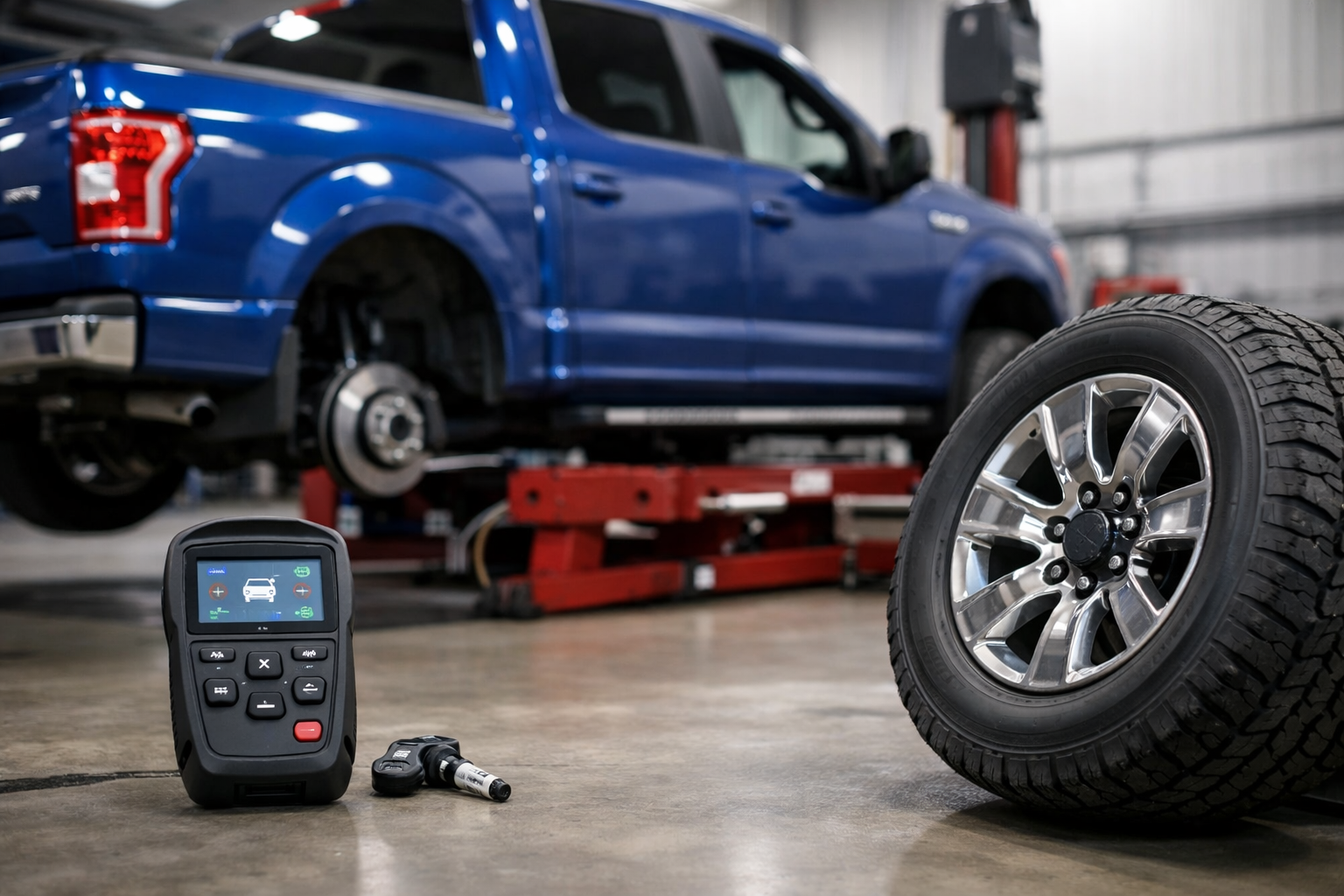
If you suspect a deeper electrical issue rather than just a weak battery, a diagnostic scan can pull the actual fault codes stored by the radar modules. A basic OBD2 scanner that supports manufacturer-specific codes will often show you exactly which sensor or module triggered the fault, which saves guesswork and shop diagnostic fees.
Sensor and Calibration Faults
When cleaning, settings, and battery checks don’t solve it, you’re likely dealing with an actual radar sensor fault. These sensors can fail from age, moisture intrusion, or physical impact, and they typically need to be replaced and then calibrated using Ford’s diagnostic software, which isn’t something you can do with a basic code reader.
Ford dealerships and many independent shops with the right scan tools can recalibrate the sensors after replacement, aiming and confirming the radar field matches factory specifications. Skipping calibration after a sensor swap is a common mistake that leads to the same warnings coming back within a few weeks.
Ford F-150 Blind Spot Radar Sensor
A direct-fit replacement sensor is the right starting point if your dealer or mechanic confirms a hardware fault rather than a wiring or software issue.
Before buying a replacement sensor, get a proper diagnosis first. Radar module fault codes can sometimes point to a wiring harness issue near the bumper rather than the sensor itself, and swapping a good sensor won’t fix a chafed wire or corroded connector.
Model Year and Trim Differences to Keep in Mind
The 13th-generation F-150 (2015-2020) offered Cross-Traffic Alert and BLIS as part of an options package on most trims, becoming more common as standard equipment on Platinum and Limited models. The 14th-generation truck, redesigned for 2021, pushed these features into the Co-Pilot360 suite that comes standard on a much wider range of trims, though exact configurations still shift year to year as Ford updates option packages.
If you’re troubleshooting a used F-150 and aren’t sure whether it should even have this feature, check the door jamb sticker or run the VIN through Ford’s owner site. It’s a quick way to confirm what your specific truck came with from the factory before you spend time chasing a “problem” that’s actually just a feature your truck never had.
FAQ
Does Cross-Traffic Alert work at any speed?
It’s designed to operate at low speeds while backing up, typically under about 3 to 7 mph depending on the model year. It’s not meant to function like a highway radar system, so don’t expect it to warn you about anything while driving forward at normal speeds, that job belongs to BLIS.
Why does my F-150 say Cross-Traffic Alert is unavailable but BLIS still works?
This can happen if the trailer wiring harness is connected, since Ford automatically disables rear cross-traffic warnings with a trailer attached while leaving forward blind-spot monitoring active. If no trailer is connected, check for a rear sensor obstruction like mud or ice before assuming it’s a deeper fault.
Can I clean the radar sensors myself?
Yes, a simple wash with water and a soft brush around the rear bumper corners is safe and often solves the problem immediately. Avoid pressure washers aimed directly at the sensor area and skip abrasive cleaners that could damage the plastic bumper cover.
Does a dead battery reset the Cross-Traffic Alert calibration?
A dead or disconnected battery can sometimes cause temporary fault messages, but it usually doesn’t erase the sensor’s calibration entirely. If warnings don’t return to normal after the battery is recharged or replaced, it’s worth having the system scanned for stored fault codes rather than assuming a recalibration is automatically needed.
Keeping your F-150’s sensors clean, your battery healthy, and your settings checked will solve the vast majority of Cross-Traffic Alert complaints without a trip to the dealer. For anything involving actual sensor replacement or bumper damage, get a proper scan tool diagnosis first so you’re not guessing at parts. And if you’re dealing with other driver-assist quirks on the same truck, it’s worth browsing how to turn off Lane Assist on the Ford F-150, since Ford’s various alert systems often share settings menus and troubleshooting steps.
Leave a Reply