
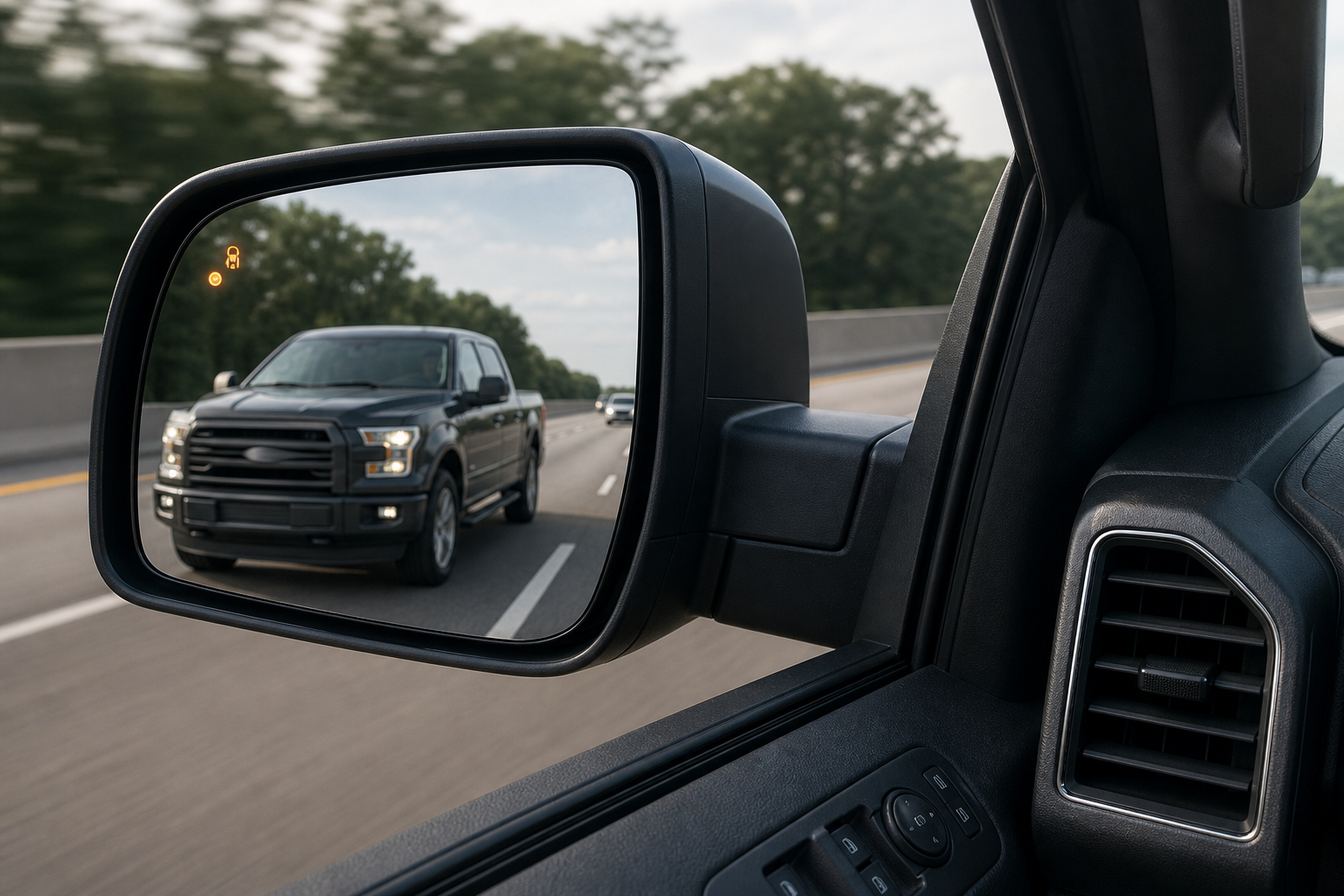
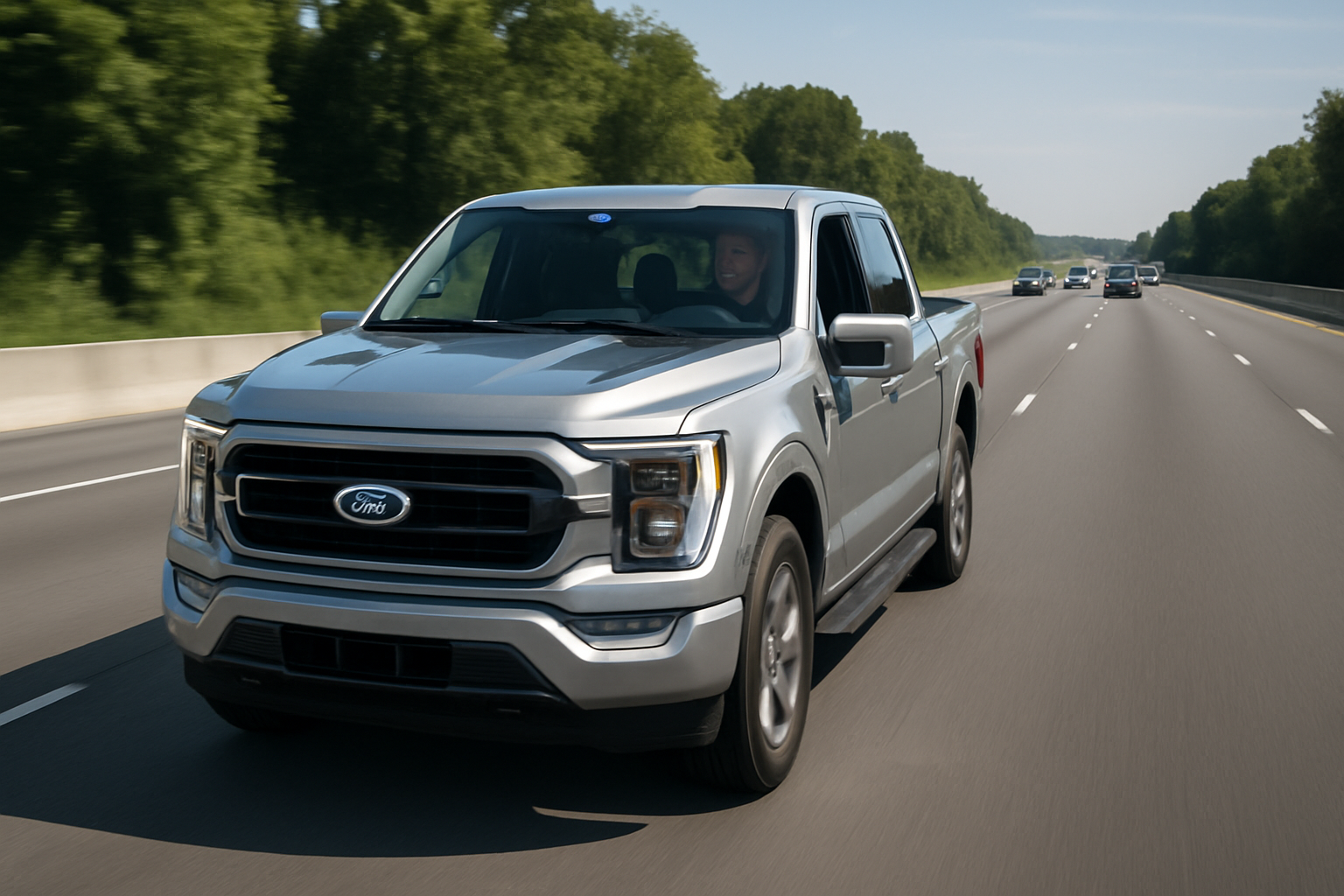
If your Ford F-150’s blind spot warning light suddenly quits, or the mirror indicator stays dark no matter what’s beside you, it’s more unsettling than most dashboard glitches. This is a safety system you probably rely on every day without thinking about it, especially in three-lane traffic or when you’re towing something wide. The good news is that most blind spot failures on the F-150 trace back to something simple, and you can often diagnose the problem yourself before booking a shop visit.
What Ford Calls This System and Where the Sensors Live
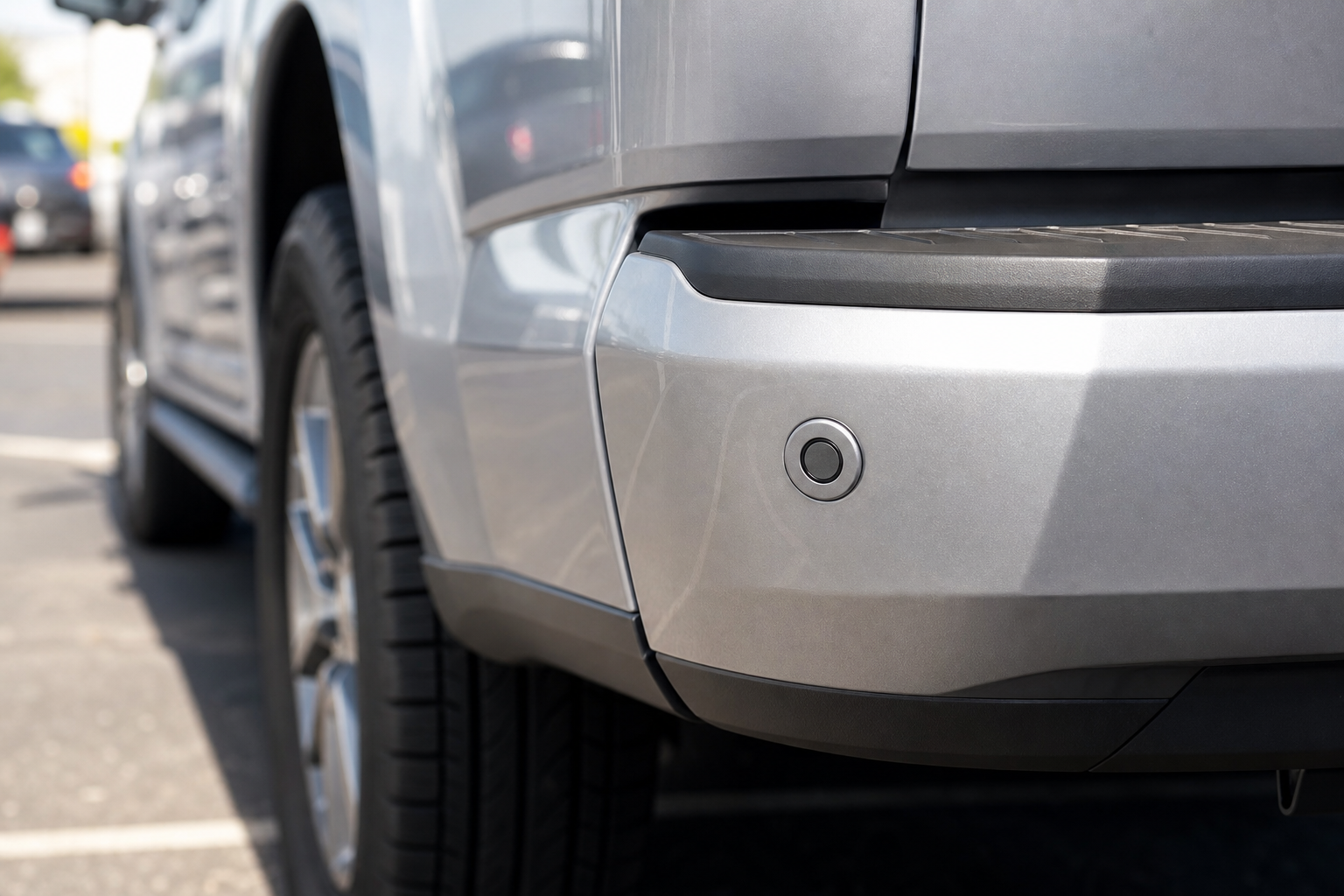
Ford’s blind spot feature is officially called BLIS, short for Blind Spot Information System, and it usually comes bundled with Cross-Traffic Alert. On the F-150, BLIS uses radar sensors mounted behind the rear bumper cover, one on each corner, roughly at the height of the taillights. These radar units watch the lanes behind and beside the truck and light up a small amber icon in the corresponding side mirror when something’s detected.
BLIS has been available on the F-150 since the 2010 model year, though it wasn’t standard across the lineup for a long time. On earlier trucks it was often bundled into an equipment group or the Trailer Tow package. Starting with the 2015 redesign and continuing through the 13th-generation trucks (2021 and newer), BLIS with trailer coverage became far more common, including an extended detection mode that watches the full length of a trailer when you’re towing. If you’re not sure your truck even has the system, check for the small amber icon housing on the outer edge of each side mirror glass.
Owner-Safe Checks Before You Assume It’s Broken
Before you start thinking about sensor replacement or a trip to the dealer, run through these checks. They take a few minutes and solve the problem more often than people expect.
- Dirty or blocked bumper sensors: Mud, road salt, ice, or a thick layer of dirt over the rear bumper corners can block the radar signal entirely. Wipe down both rear corners with a clean microfiber cloth and check again.
- Snow and ice buildup: Packed snow behind the bumper cover is one of the most common winter complaints. Even a thin ice sheet can be enough to trigger a “system unavailable” message.
- Bumper damage or misalignment: A parking lot tap or trailer hitch mishap can shift the bumper cover just enough to angle a sensor incorrectly. Look for cracks, dents, or a bumper that sits slightly crooked.
- Trailers, bike racks, and towing accessories: A trailer, cargo carrier, or hitch-mounted bike rack can physically block the radar’s field of view or confuse it into thinking something is always there. Ford’s extended BLIS trailer coverage needs to be properly set up in the truck’s menu to account for trailer width, so check your towing settings if the alert seems off only when hitched.
- Low battery voltage: BLIS is a power-hungry electronic system, and a weak or aging battery can cause it to drop offline or throw an “unavailable” warning, especially on cold mornings. If you’ve noticed other electrical quirks lately, it’s worth reading through this guide on a car battery dying overnight even with a good alternator, since a marginal battery affects far more than just your radio presets.
- Settings turned off accidentally: BLIS can be disabled through the truck’s driver assist menu. It’s easy to bump this setting during a software update or if someone else drove the truck recently.
- Temporary sensor blockage from weather: Heavy rain, thick fog, or driving through a car wash can occasionally cause a brief “temporarily unavailable” message. This usually clears on its own within a mile or two of driving.
If you’ve cleared the sensors, confirmed the settings are on, and the warning still won’t go away, it’s time to look at something more mechanical or electronic. While you’re checking under the hood, it’s also worth glancing at your F-150’s other driver assist features. If those are acting up too, our guide on turning off Driver Alert on the Ford F-150 explains how that separate system works and how it differs from BLIS.
Cleaning and Basic Inspection Tools
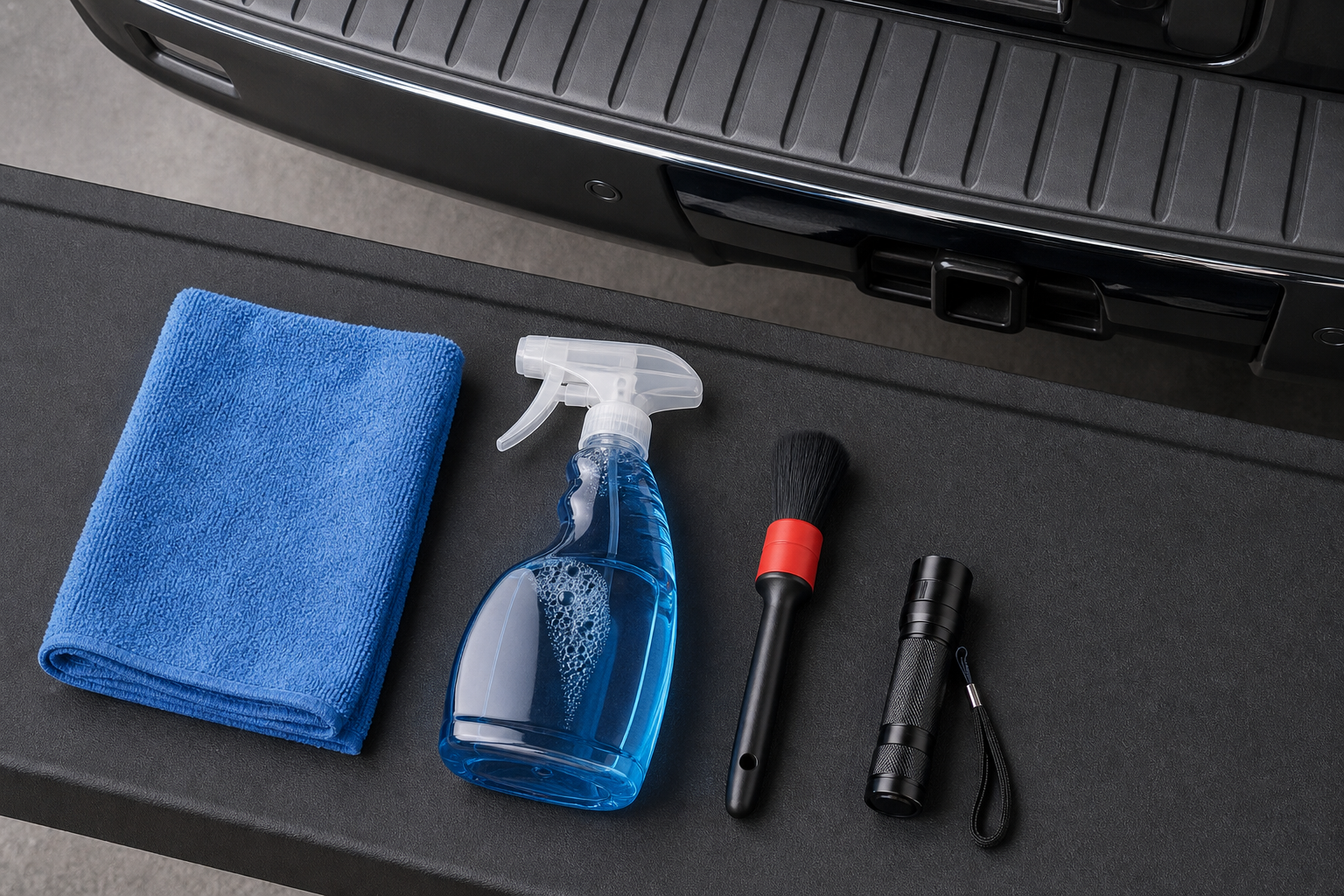
Keeping the sensor housings clean is honestly the single best thing you can do to prevent BLIS problems in winter climates. A soft microfiber towel and a basic automotive detailer spray are usually enough, but if you’re dealing with caked-on road grime or salt film, a dedicated plastic trim and bumper cleaner works better than dish soap and won’t leave a residue that attracts more dirt.
Ford F-150 Blind Spot Radar Sensor
Look up OEM-style replacement radar sensors if your BLIS module is confirmed faulty and needs swapping.
If you’re the type who likes to pull your own diagnostic codes before deciding whether to visit a shop, a Ford-compatible OBD2 scanner can read BLIS fault codes directly. Not every cheap scanner supports body control modules, so look for one that specifically lists ADAS or body system coverage, not just engine codes.
When the Problem Needs a Scan Tool or Professional Calibration
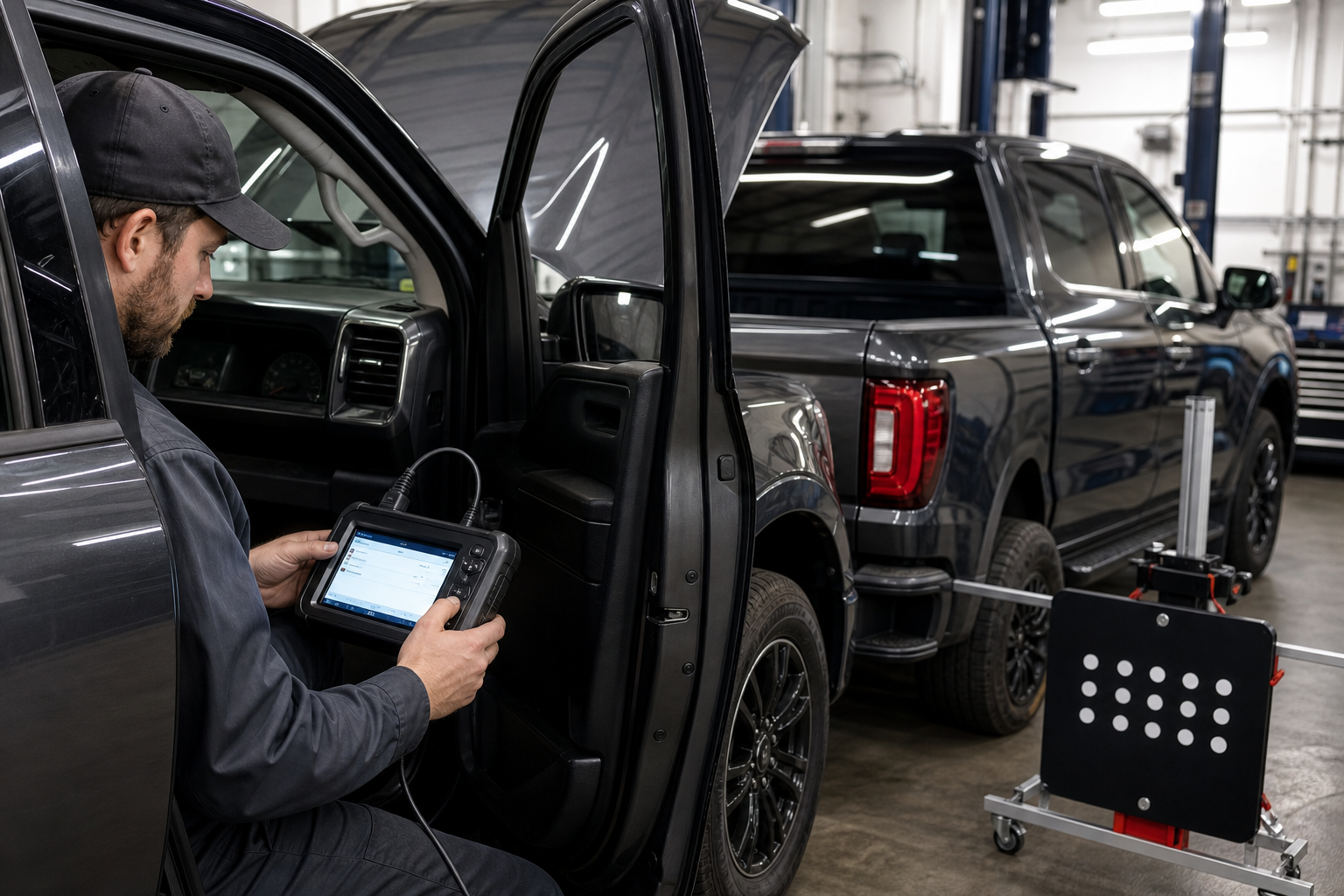
Some BLIS issues go beyond a wipe-down and a settings check. These situations generally call for a shop with the right diagnostic equipment:
- Persistent fault codes: If the warning light stays on after cleaning and a system reset, the radar module itself may be throwing a stored fault code that only a scan tool can read and clear.
- Bumper repair or replacement: Any time the rear bumper cover has been replaced or repaired after a collision, the radar sensors typically need to be recalibrated to the correct alignment angle. This isn’t optional, a sensor that’s off by even a few degrees can create false alerts or miss vehicles entirely.
- Sensor replacement: If a radar unit has failed outright, whether from moisture intrusion, physical damage, or age, it needs to be replaced and then calibrated using Ford’s factory procedure or an equivalent aftermarket tool.
- Ride height changes: If your F-150 has been lifted, lowered, or had its suspension modified, the sensor angle relative to the road changes, which can throw BLIS readings off even though the hardware works fine.
Ford dealers use the Ford Diagnostic and Repair System (FDRS) for BLIS calibration, and most independent shops with newer bidirectional scan tools can handle it too. Don’t attempt this calibration yourself unless you have access to the proper software, since an incorrectly aimed sensor is arguably more dangerous than one that’s simply disabled.
Keeping BLIS Reliable Long Term
A little routine maintenance goes a long way here. Rinse road salt off the rear bumper regularly in winter, inspect the bumper cover after any minor parking lot contact, and keep an eye on your battery’s health, especially once it’s past the four or five year mark. If you tow often, get in the habit of confirming your trailer width settings each time you hitch up a different trailer, since BLIS extended coverage depends on accurate input.
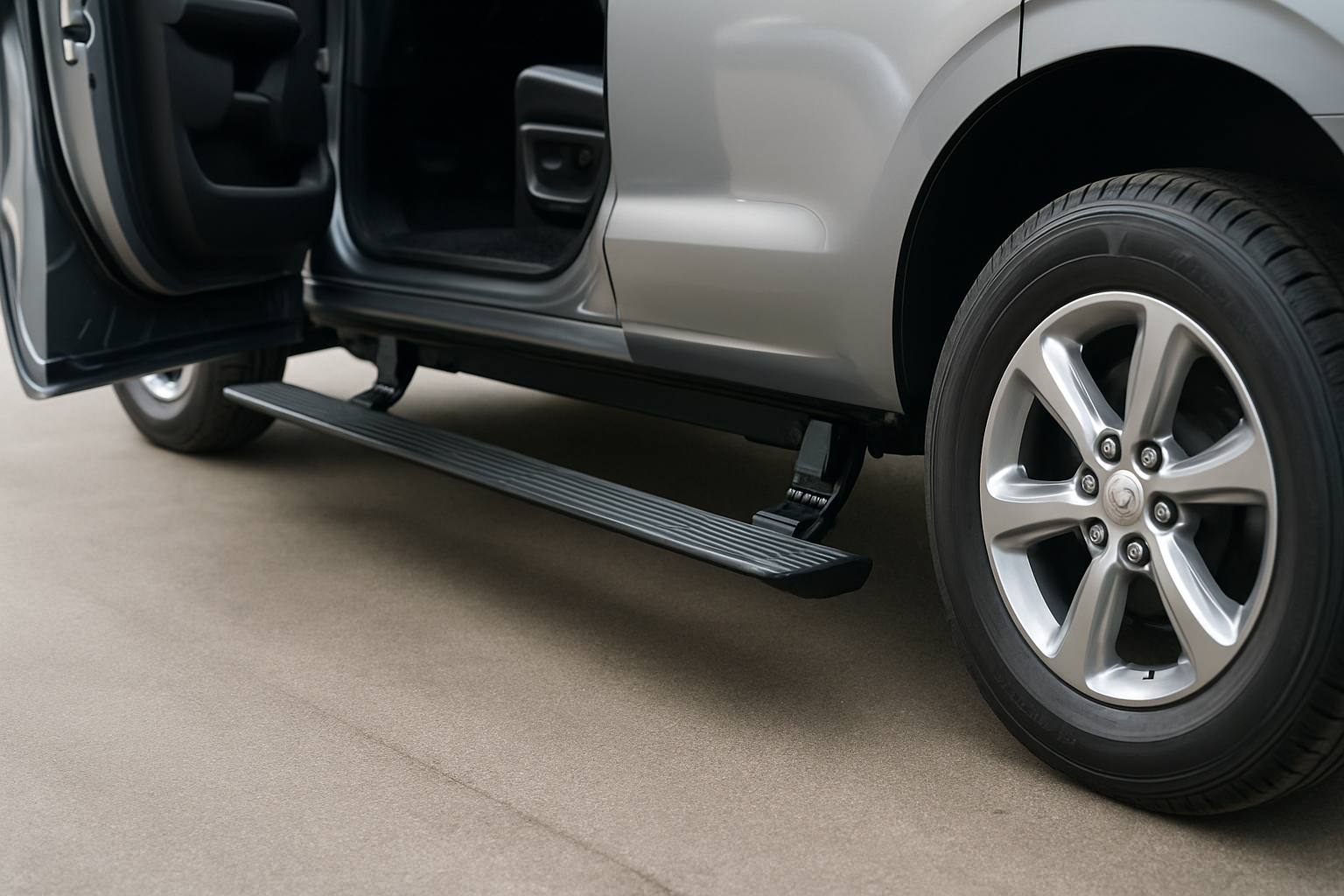
It’s also worth checking your truck’s other assist systems periodically. If you use the running boards often when loading gear, our guide on using the power running boards on the F-150 and Expedition covers a few maintenance tips that overlap with keeping exterior sensors and moving parts working properly. And if you’re weighing whether BLIS quirks are part of a bigger pattern with your truck’s driver assist software, our piece on turning off Lane Assist on the F-150 is a useful companion read.
Frequently Asked Questions
Why does my F-150 say “Blind Spot Info System Unavailable”?
This message almost always points to a blocked or dirty radar sensor, extreme weather conditions, or a low battery voltage issue. Clean both rear bumper corners first, then check for the message again after driving a few miles. If it persists after a full day of normal use, have the system scanned for stored fault codes.
Can a trailer hitch or bike rack cause blind spot monitoring to fail?
Yes. Anything mounted behind the rear bumper, including hitch-mounted cargo carriers, bike racks, or trailers without properly configured width settings, can interfere with the radar’s field of view. Ford’s trailer-aware BLIS needs the correct trailer length entered in the menu to work as intended.
Do I need to recalibrate BLIS after a bumper repair?
In almost every case, yes. Even a minor repair or repaint can shift the bumper cover enough to throw off the sensor angle. Skipping calibration after bodywork is one of the most common reasons owners see intermittent false alerts or missed detections afterward.
Leave a Reply