
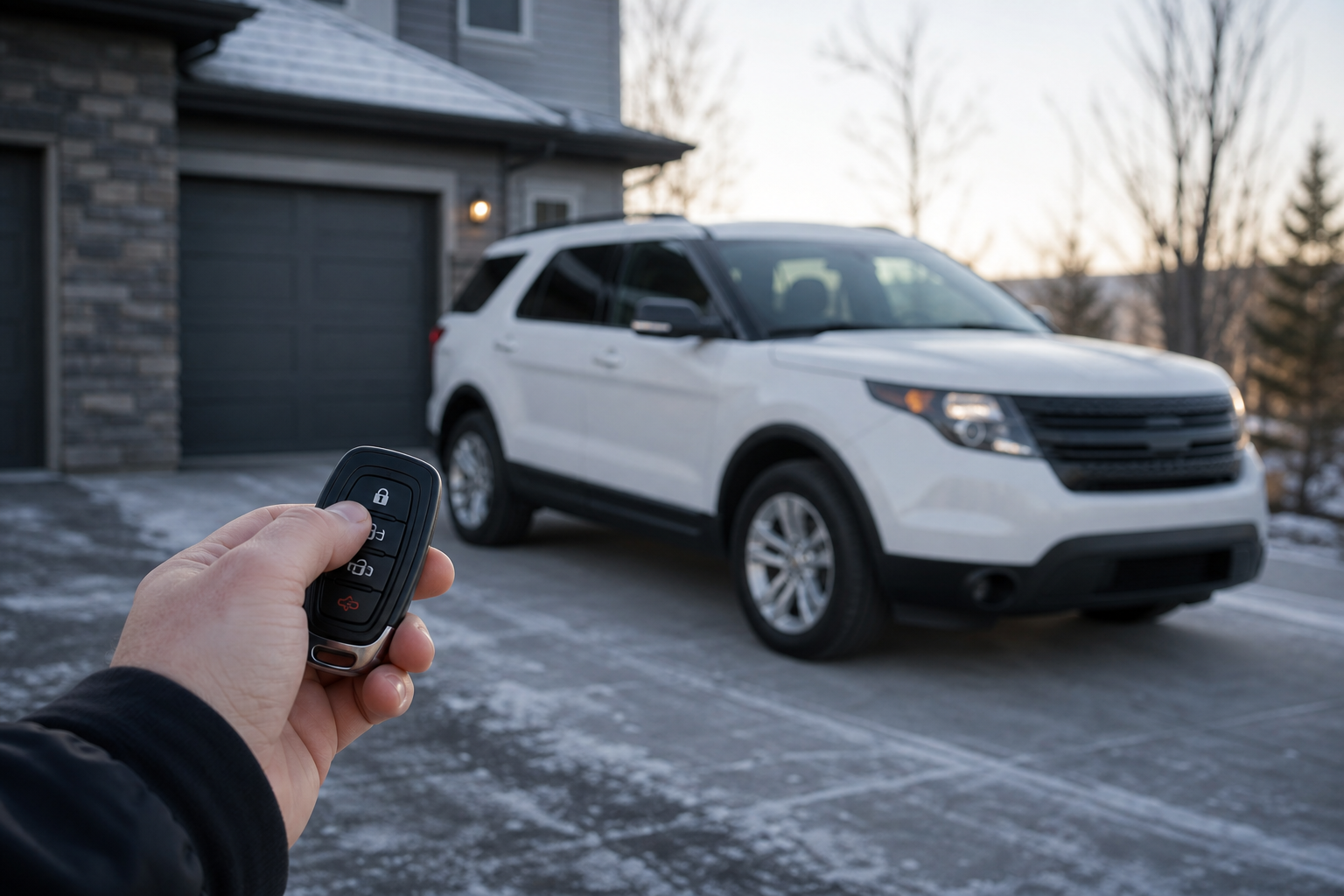
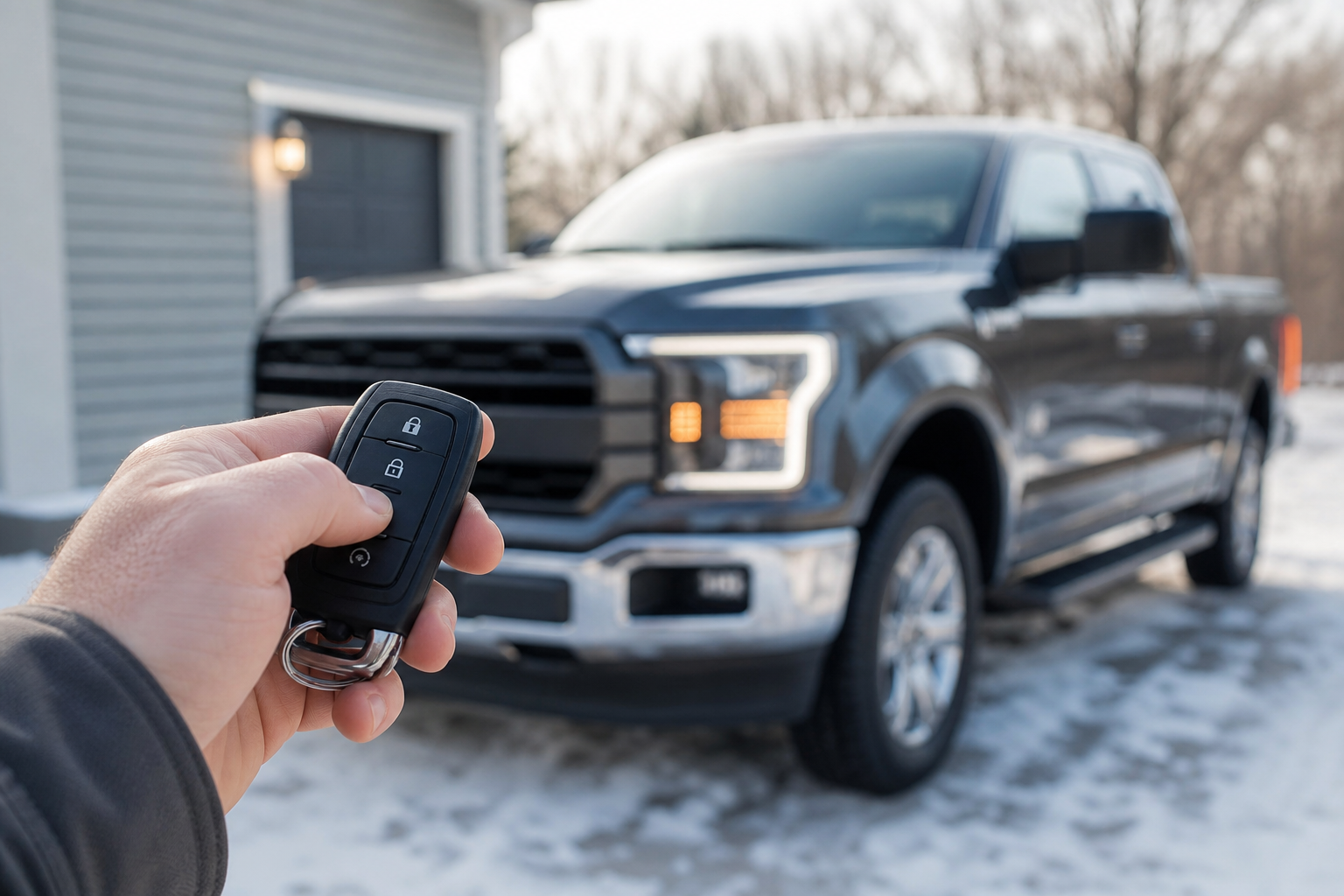
You press the remote start button on your key fob, twice like you always do, and nothing happens. No engine crank, no exhaust puff, no dash lights flickering to life through the windshield. It’s frustrating, especially on a cold morning when the whole point of remote start was to avoid climbing into a freezing cabin.
The good news is that most Ford Explorer remote start failures come down to a handful of common culprits, and you can rule most of them out in under five minutes without any tools. Before you assume the worst, work through this list from the fastest checks to the more involved diagnostics.
Start With the Quick Checks
Ford’s remote start system, whether it’s the factory Intelligent Access setup or a version tied to FordPass, has a specific set of conditions that all have to be true before the engine will turn over remotely. Skip any one of these and the system just won’t respond, often without any error message to explain why.
Confirm Your Key Fob Sequence
Most Explorer model years require you to press the lock button, then press and hold the remote start button (the circular arrow icon) for about two seconds. If you’re too quick or press buttons out of order, the module ignores the input. Try it again slowly, standing close to the vehicle so the signal isn’t weak.
Doors, Hood, and Trunk Must Be Closed and Locked
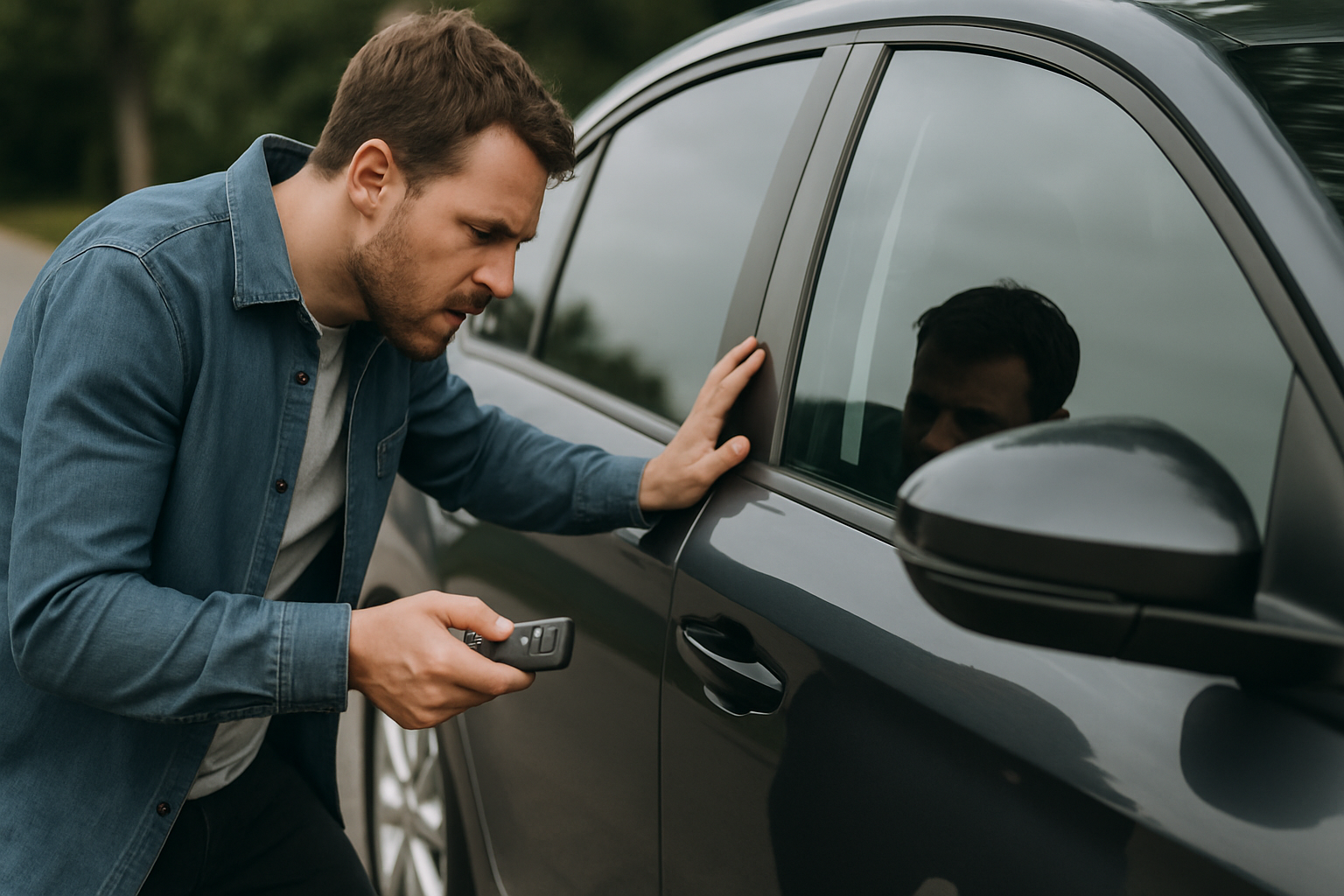
This trips up more people than anything else. The Explorer’s remote start will not engage if any door, the liftgate, or the hood is open or not fully latched. Walk around the vehicle and make sure everything is shut tight, then lock it with the fob before trying again.
Check Your Fuel Level
Some Explorer model years block remote start when the fuel tank drops below roughly an eighth of a tank. This is a safety measure to prevent the vehicle from running out of gas while idling unattended. If your low fuel light is on, fill up before troubleshooting further.
Look for Warning Lights
An illuminated check engine light, low oil pressure warning, or other active fault can prevent remote start from functioning. The system assumes something is mechanically wrong and refuses to start the engine on its own. Scan for codes if a warning light is present, since this is a design feature, not a glitch.
Key Fob and Battery Issues
If the quick checks don’t solve it, the problem is often electrical rather than mechanical. Key fobs and 12-volt batteries wear out quietly, and remote start is usually the first feature to fail when voltage gets marginal.
Weak Key Fob Battery
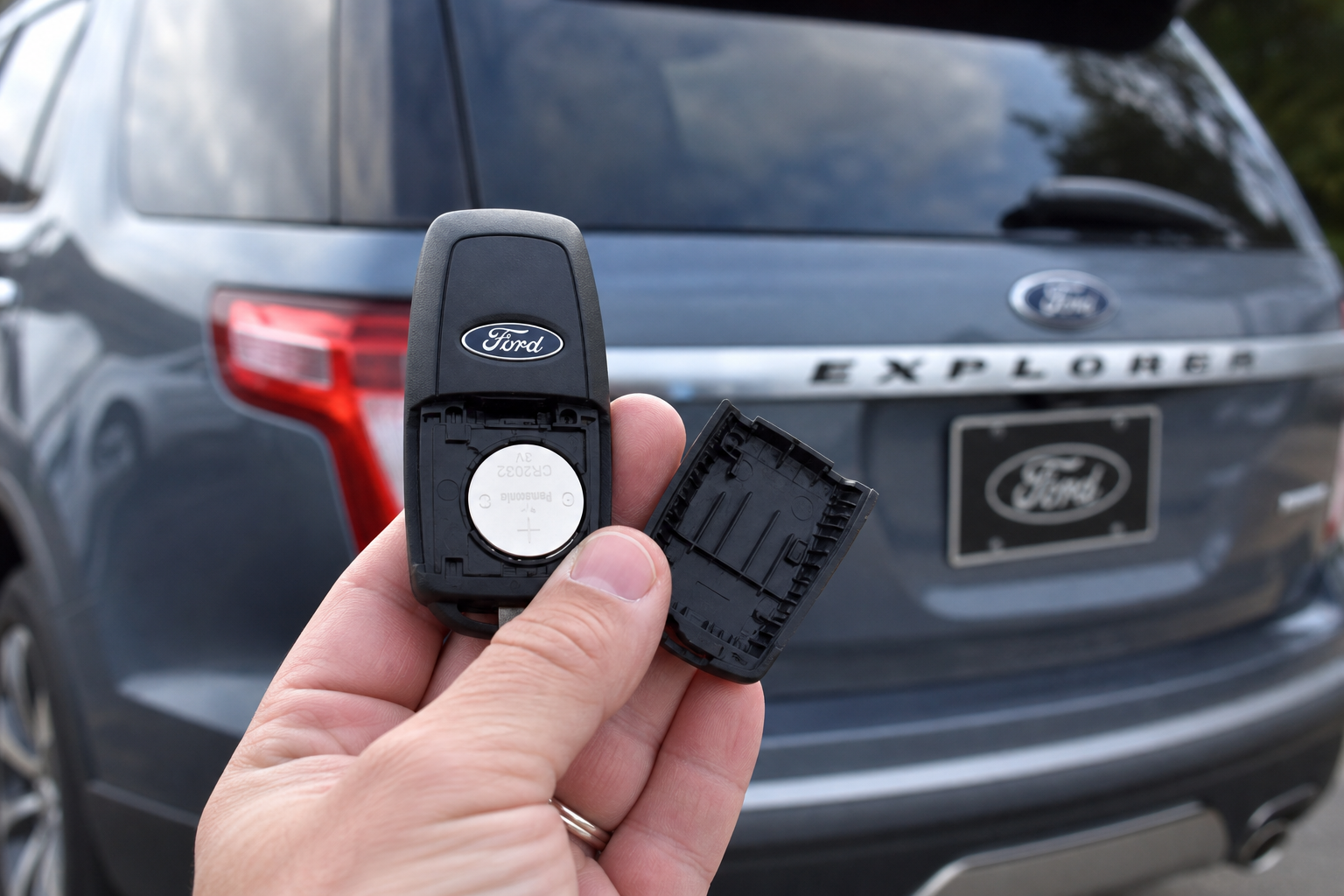
A fob with a low battery might still unlock your doors from close range but won’t have enough power to reliably trigger remote start, which requires a stronger and longer signal. If your fob feels sluggish or you need to be right next to the vehicle for anything to work, swap the battery. A fresh Ford Explorer key fob battery is cheap and takes less than five minutes to replace.
Ford Explorer Key Fob Battery Replacement
Keeping a spare CR2032 on hand means you’re never stuck with a dead fob right when you need remote start most.
Ford Explorer fobs typically use a CR2032 battery, but double check your owner’s manual since some model years use a different cell size. Once you replace it, reprogram or re-sync the fob if your Explorer requires it after a battery change.
Low 12-Volt Battery Voltage
Remote start draws more power upfront than a normal key-turn start because it has to run the entire ignition sequence without you in the driver’s seat providing feedback through the brake pedal. If your battery is weak, aging, or sitting below roughly 12.4 volts at rest, the module may refuse the remote start request even though the vehicle would start fine with the key.
Grab a cheap multimeter and check the voltage at the battery terminals. If you’re consistently seeing low readings, or your Explorer has been sitting for days without being driven, that’s likely your issue. Our guide on a car battery that dies overnight even with a good alternator covers related symptoms worth ruling out if you notice other electrical quirks alongside the remote start failure.
Climate and Vehicle Setting Conflicts
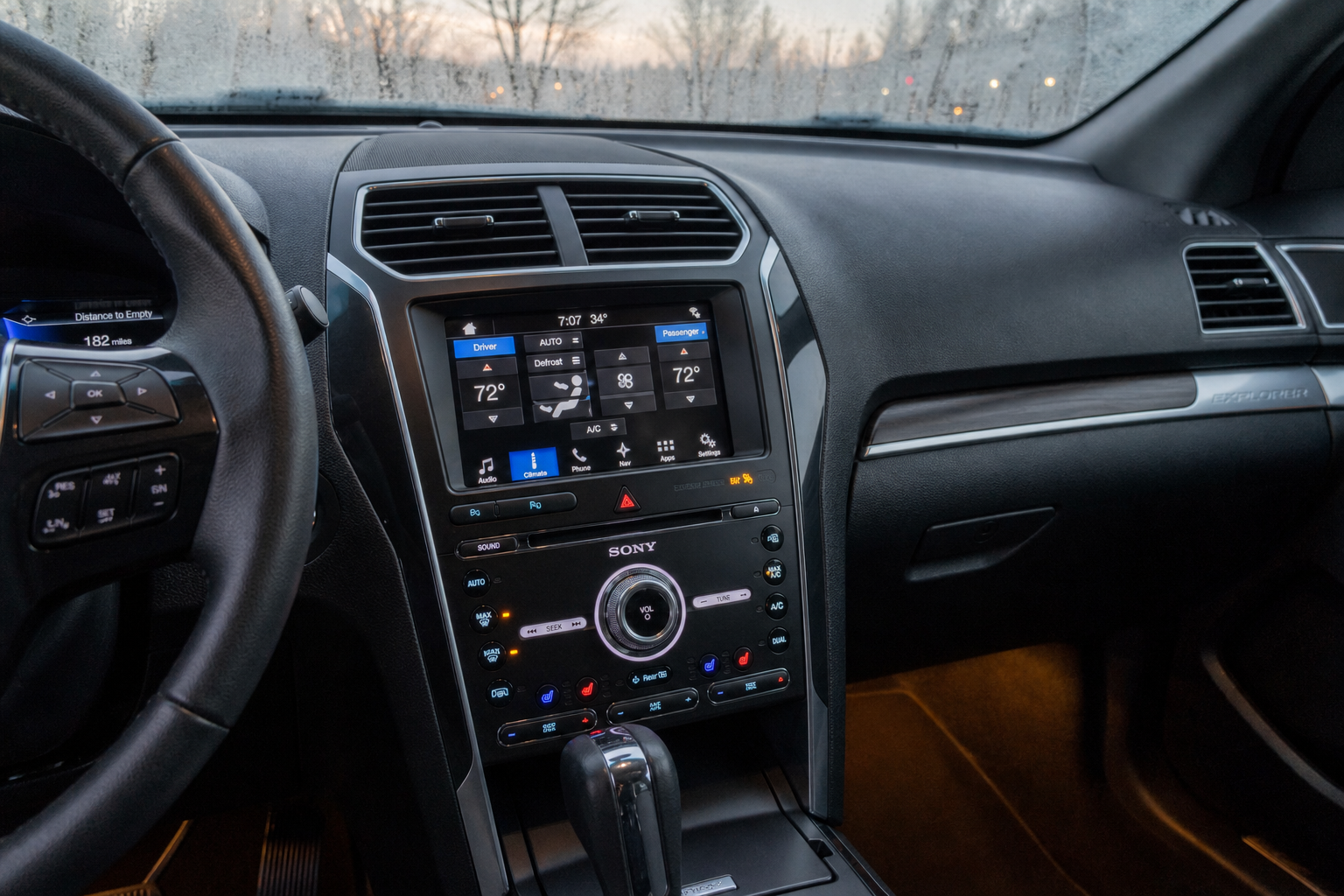
Some Explorer trims let you customize remote start behavior through the SYNC infotainment system, and a misconfigured setting can quietly block the feature. Check whether remote start has been disabled in the vehicle’s settings menu, sometimes buried under “Vehicle” or “Lock/Unlock” options depending on your SYNC version.
Extreme cabin temperatures can also play a role. If your Explorer’s interior temperature sensor reads far outside a normal range, some model years will limit remote start run time or refuse to activate climate control features tied to it, though the engine itself should still start in most cases.
FordPass App and Subscription Requirements
If you’re trying to remote start using the FordPass app rather than the key fob, you’re dealing with a different set of potential failure points entirely. The app relies on cellular connectivity built into the vehicle, plus an active connected services plan.
Check these app-specific issues first:
- Your complimentary FordPass Connect trial may have expired, requiring a paid subscription to continue using remote features
- Weak cellular signal at your Explorer’s parking location can prevent the command from reaching the vehicle
- The app itself may need updating, or your phone’s location services may be restricting background connectivity
- Multiple registered users on the same VIN can sometimes cause command conflicts, especially after a recent ownership transfer
Try force-closing and reopening the app, and confirm your vehicle shows as “connected” rather than “asleep” or “offline” on the home screen. If the vehicle status hasn’t updated in hours, that’s a strong sign the connection itself is the problem rather than the remote start function.
Factory Remote Start vs. Aftermarket Systems
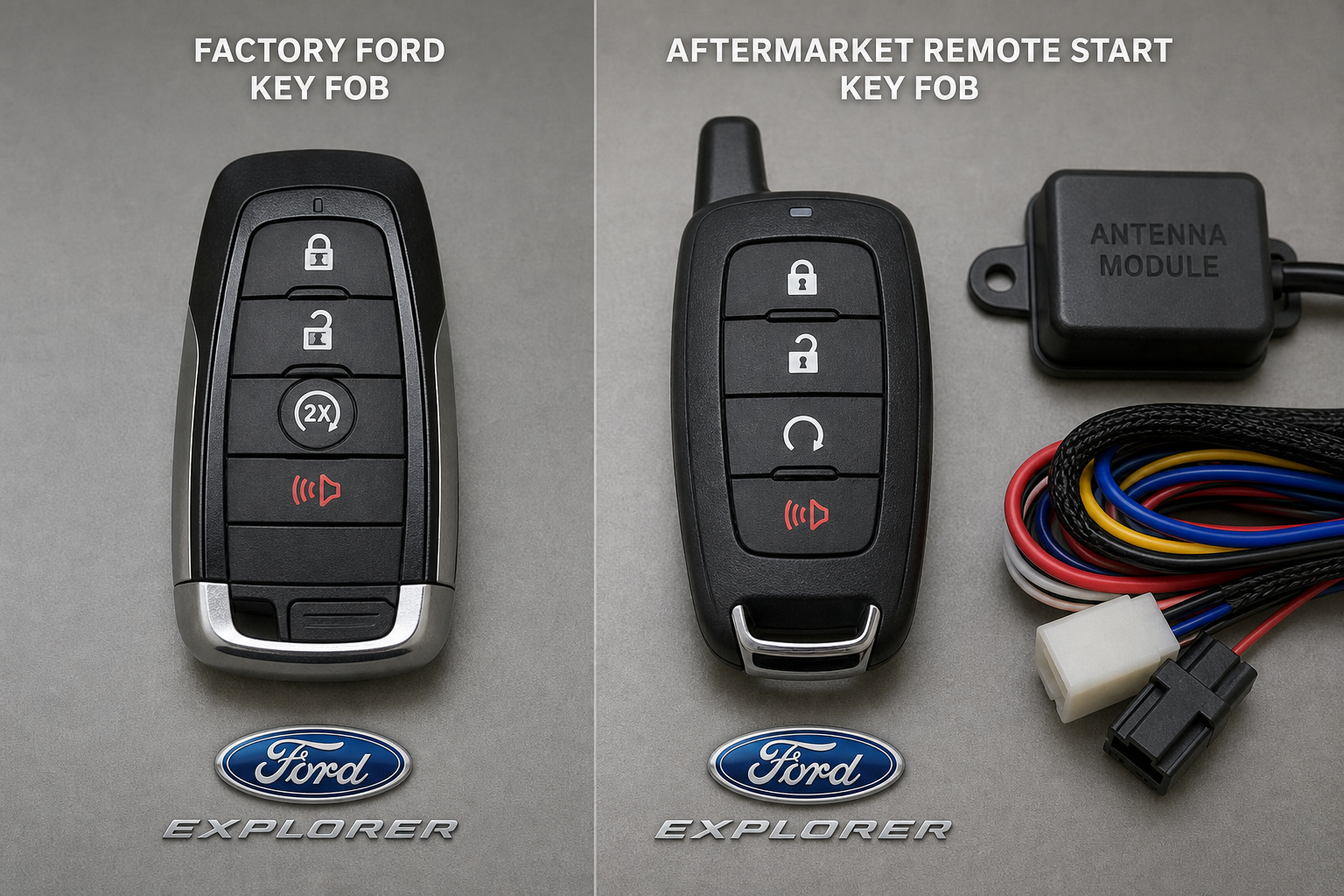
It matters a lot which type of remote start your Explorer has, because the troubleshooting steps and failure points are different for each.
Factory Ford Remote Start
This is the system built into the vehicle from the factory, controlled through the OEM key fob or FordPass. It integrates directly with the body control module and engine control unit, which is why it respects safety lockouts like open doors or low fuel so strictly. Repairs typically require a dealership scan tool or a Ford-trained technician, since the fault often lives inside the vehicle’s existing electrical architecture rather than an add-on component.
Aftermarket Remote Start Systems
If your Explorer was purchased used or had remote start added after the fact by a third-party installer, you’re dealing with a separate module wired into the vehicle, often from brands like Compustar or Viper. These systems have their own remote fobs, their own wiring harnesses, and their own failure points completely separate from anything Ford built in.
Aftermarket units are notorious for antenna wiring that works loose over time, blown fuses specific to the install, or a T-harness connection that corrodes near the steering column. If your Explorer has one of these systems, start by checking the dedicated fuse for the remote start module, usually listed in the installer’s paperwork, before assuming it’s a Ford electrical issue.
Aftermarket problems also tend to show up right after other electrical work, like a battery replacement or stereo installation, since technicians unfamiliar with the aftermarket wiring can accidentally disturb a connection. If you recently had any work done under the dash or near the battery, that’s the first place to look.
When to See a Dealer or Mechanic
If you’ve worked through every check here and remote start still won’t engage, it’s time to get a scan tool involved. A technician can pull stored fault codes from the body control module that point directly to the failed component, whether that’s a door latch sensor reporting a false “open” signal, a hood switch that’s failed, or a fob that needs reprogramming at the module level.
Door latch sensors in particular are a common failure point on Explorers with higher mileage, since they take constant physical wear every time you open and close the door. A sensor that’s stuck reporting “open” will block remote start even when every door is visibly shut and locked, and it’s not something you can diagnose by eye. This is also worth checking if you’ve noticed other odd electrical behavior in the vehicle, similar to the kind of symptoms covered in our guide on diagnosing unusual smells from your car, where isolating the source often takes a process of elimination rather than a single obvious cause.
Frequently Asked Questions
Why does my Ford Explorer remote start work sometimes but not others?
Intermittent failures usually point to a marginal 12-volt battery, a weakening key fob battery, or a door latch sensor that occasionally misreports its status. Since remote start requires every condition to be met simultaneously, even a borderline issue that doesn’t affect normal driving can block it inconsistently.
Does cold weather affect Ford Explorer remote start?
Cold weather itself doesn’t block remote start, and it’s actually the situation the feature is designed for. However, cold temperatures reduce battery capacity significantly, so a battery that’s already weak is far more likely to fail a remote start attempt in freezing conditions than it would on a warm day.
Can a software update fix Ford Explorer remote start problems?
Yes, in some cases. Ford has issued software updates for both SYNC infotainment issues and FordPass connectivity bugs that affected remote start reliability on certain model years. Check for pending updates in the FordPass app or ask your dealer whether any open service bulletins apply to your specific model year and trim.

Leave a Reply