
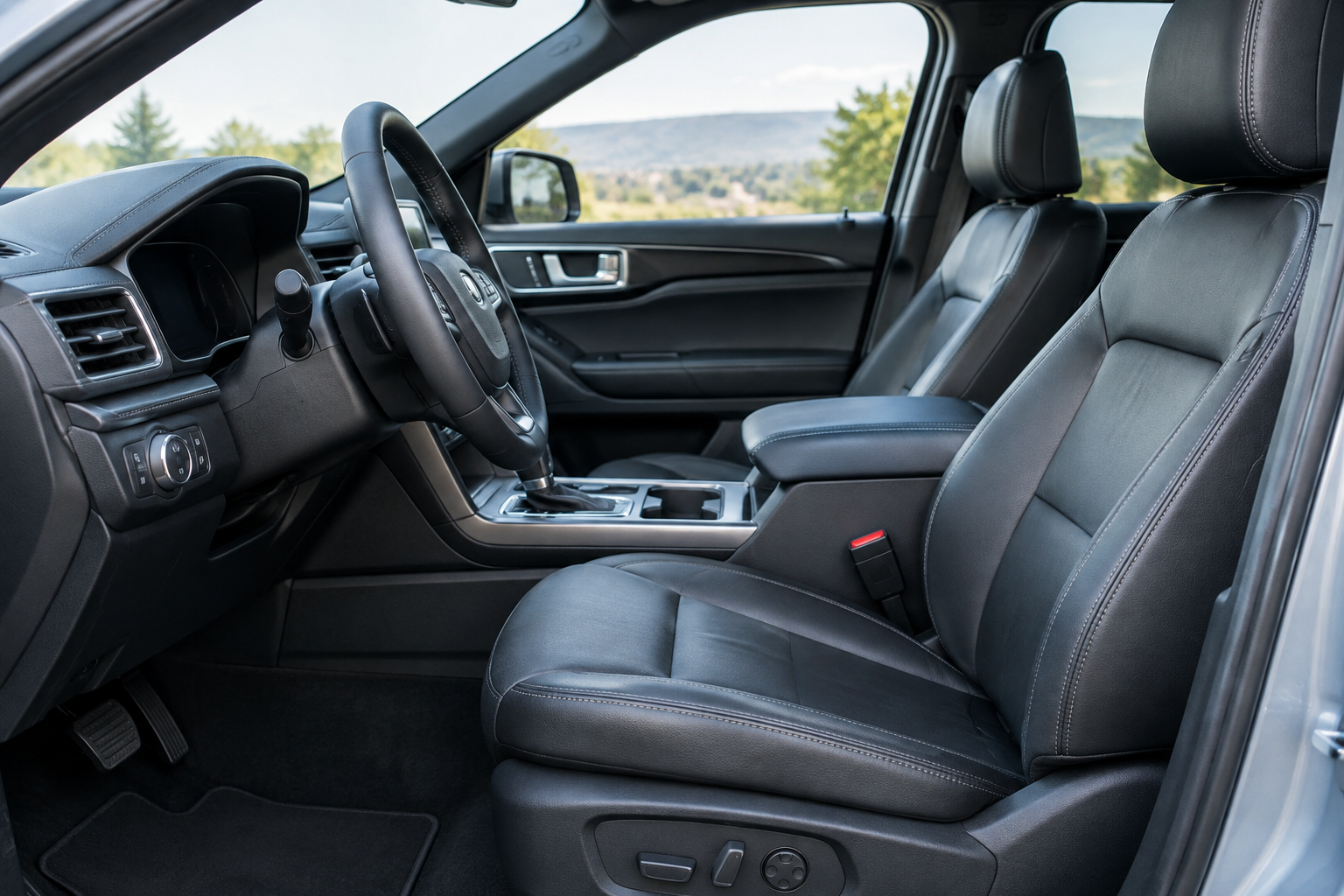
You climb into your Explorer, hit the seat memory button, and instead of sliding into your saved position, the seat just sits there. Or worse, it moves to a spot that isn’t yours at all, like someone else’s setup got assigned to your key. This is one of the more common gripes Explorer owners bring up, and most of the time it’s not a broken part at all. It’s a setup issue tied to how Ford’s memory system links seat positions to keys and driver profiles.
Before you start pulling apart the seat or calling the dealer, it helps to understand how the memory feature is actually supposed to work on this vehicle, because the fix is usually a lot simpler than a repair.
How the Memory Seat System Is Supposed to Work
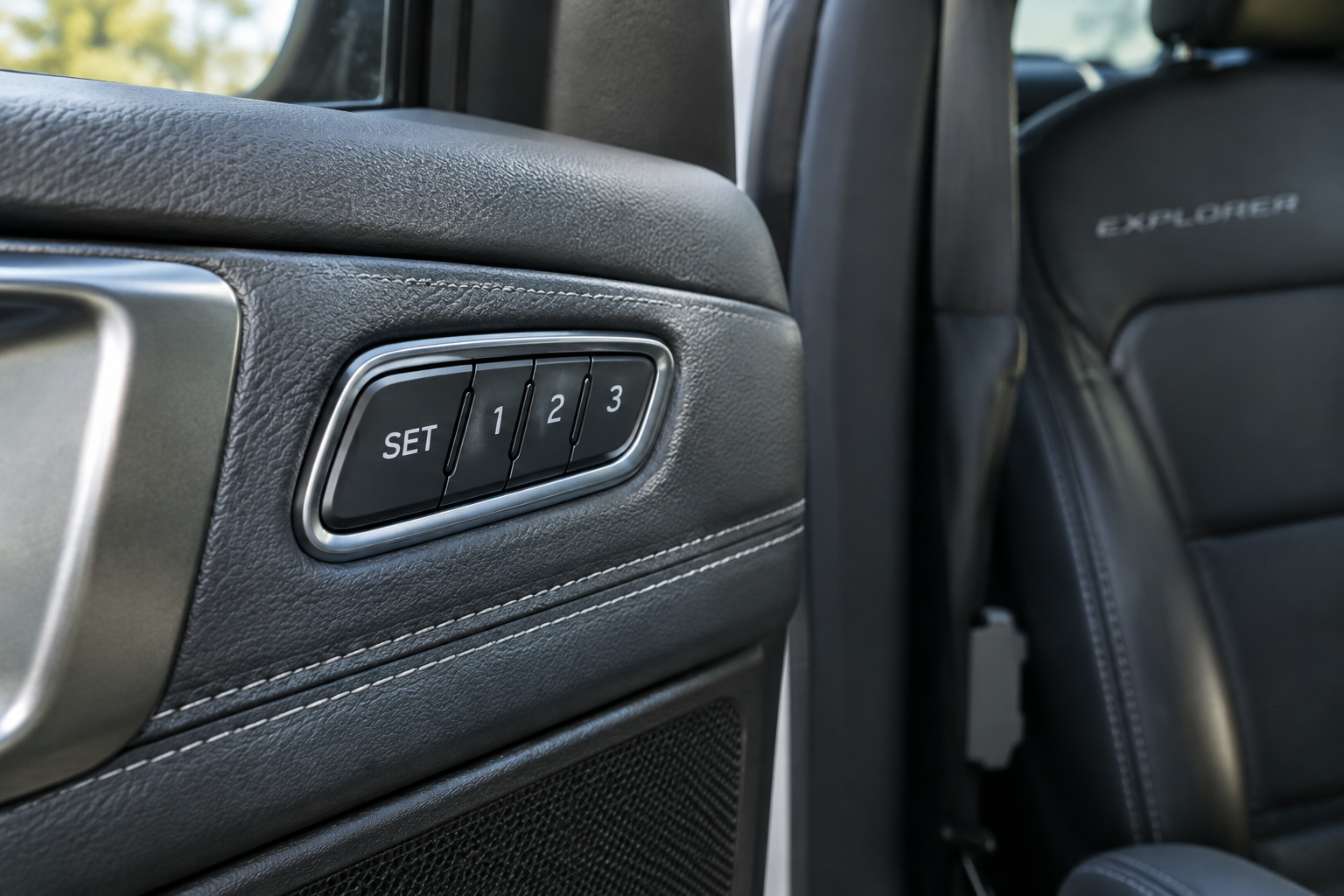
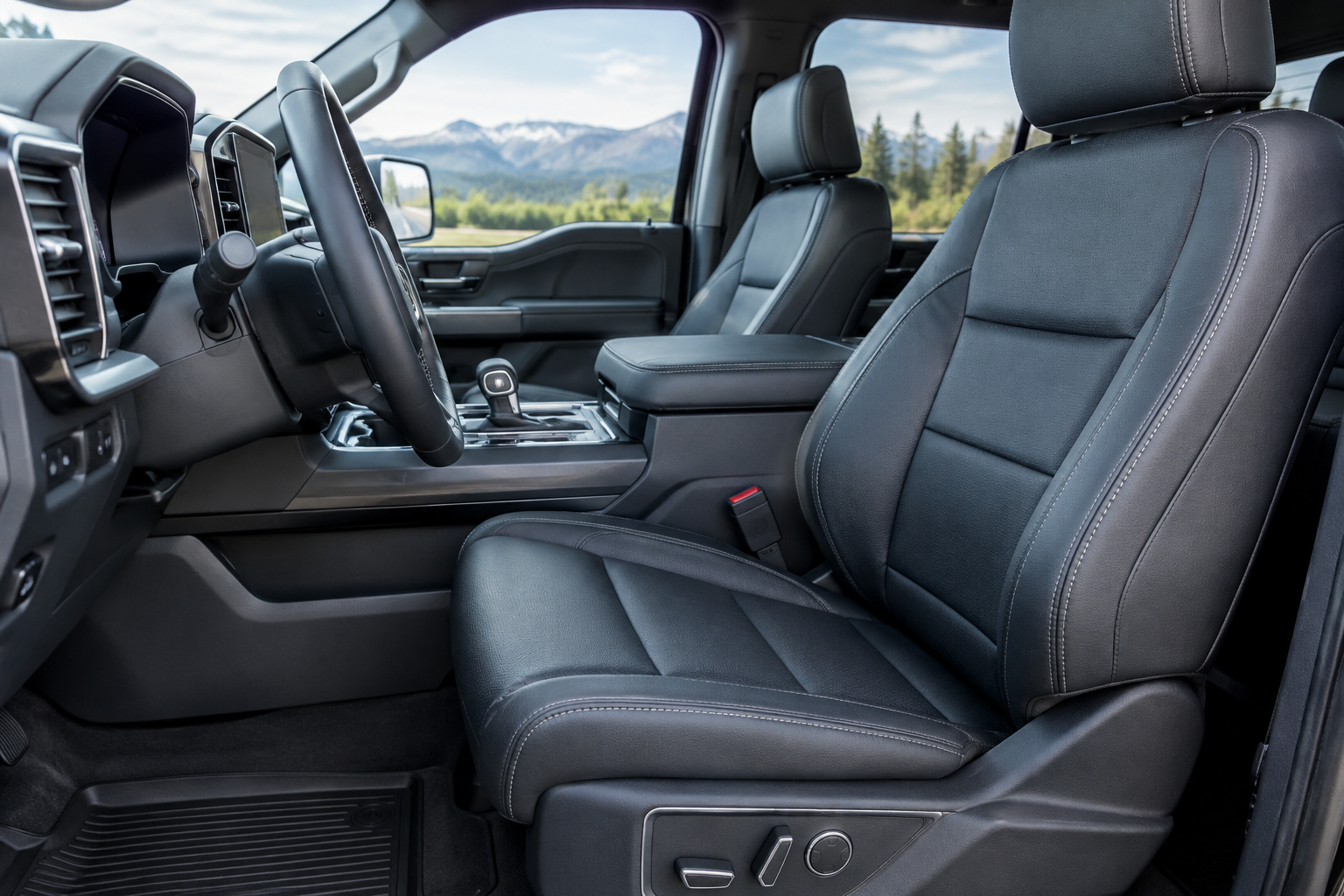
On most Explorer trims equipped with memory seats (typically Limited, ST, Platinum, and King Ranch, depending on model year), the system ties seat position, mirror angles, and sometimes pedal position to either a specific key fob or a driver profile you set through the touchscreen. That distinction matters a lot, because the two behave differently.
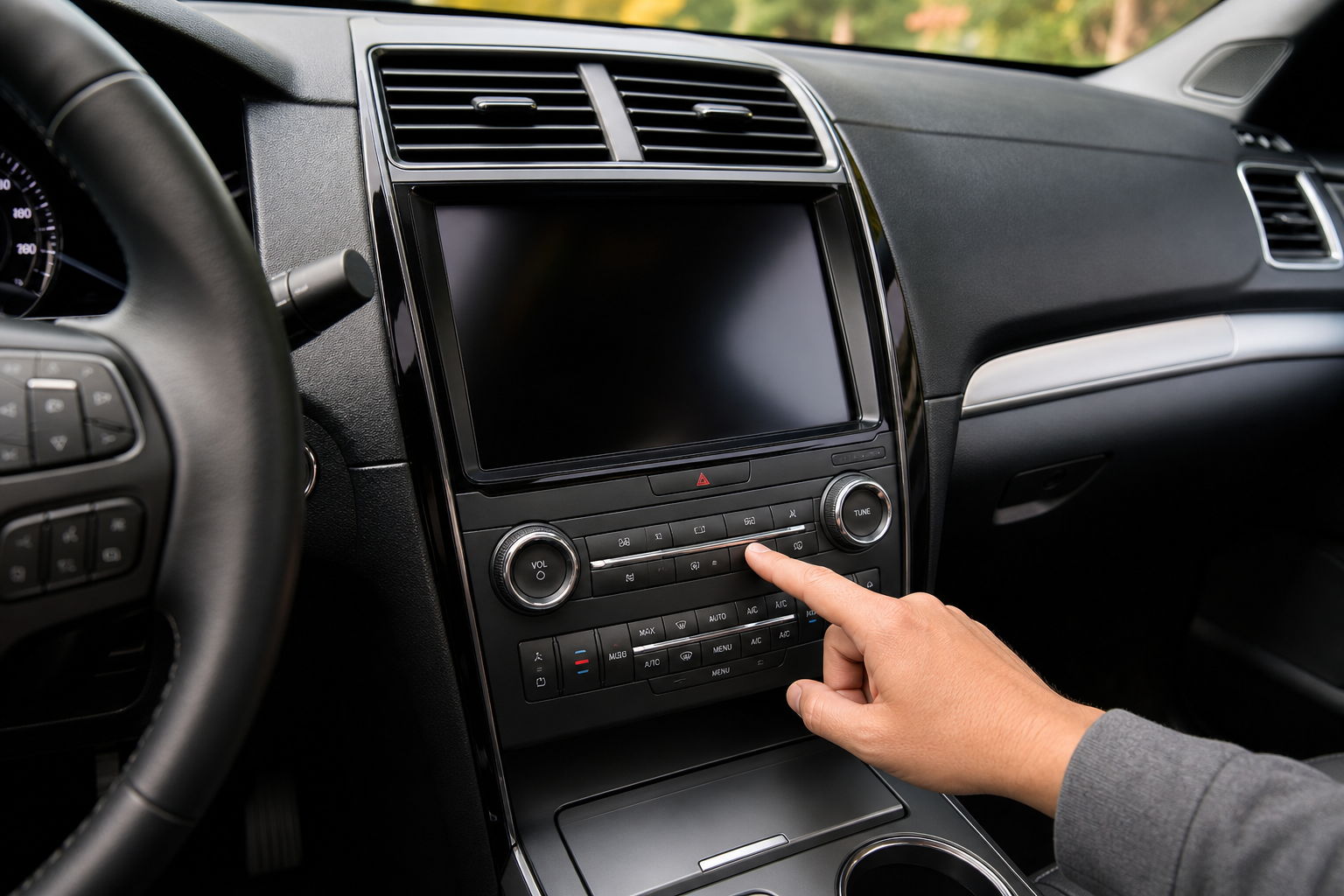
Key-based memory systems assign settings to whichever fob unlocks the car. If two people share one key, only one set of preferences can be stored, and the second driver’s changes overwrite the first every time. Profile-based systems, found on Explorers with Ford’s newer SYNC infotainment setups, let you select a driver profile on screen independent of which key you’re using. If your Explorer changes seat position depending on who last drove it rather than who’s driving now, you’re likely dealing with a key-linked system, not a broken memory module.
The Correct Save Sequence
Saving a memory position isn’t as simple as just adjusting the seat and walking away. The typical sequence is:
- Turn the ignition on (accessory or run, not just unlocking the door).
- Adjust the seat, mirrors, and steering wheel (if power-adjustable) to your preferred position.
- Press and hold the “Set” button along with memory position 1 or 2 within about five seconds.
- Wait for the chime or dashboard confirmation before releasing.
If you let go too early, adjust the seat after the fact without resaving, or try to save while the vehicle is in gear, the position simply won’t stick. This is the single most common reason people think their memory seat is “broken” when it’s actually just never been saved correctly.
Common Causes When Memory Won’t Save or Recall Correctly
Easy Entry/Exit Interference
The Explorer’s easy entry and exit feature automatically slides the seat back when you shift to park and pulls it forward again when you restart the car. If this feature is glitching or if the seat’s return position has drifted, it can look like a memory failure when it’s really just the easy entry/exit calibration being off. Some model years let you disable this feature in the seat settings menu on the touchscreen, which is worth testing to isolate the problem.
Seat Position Limits and Mechanical Binding
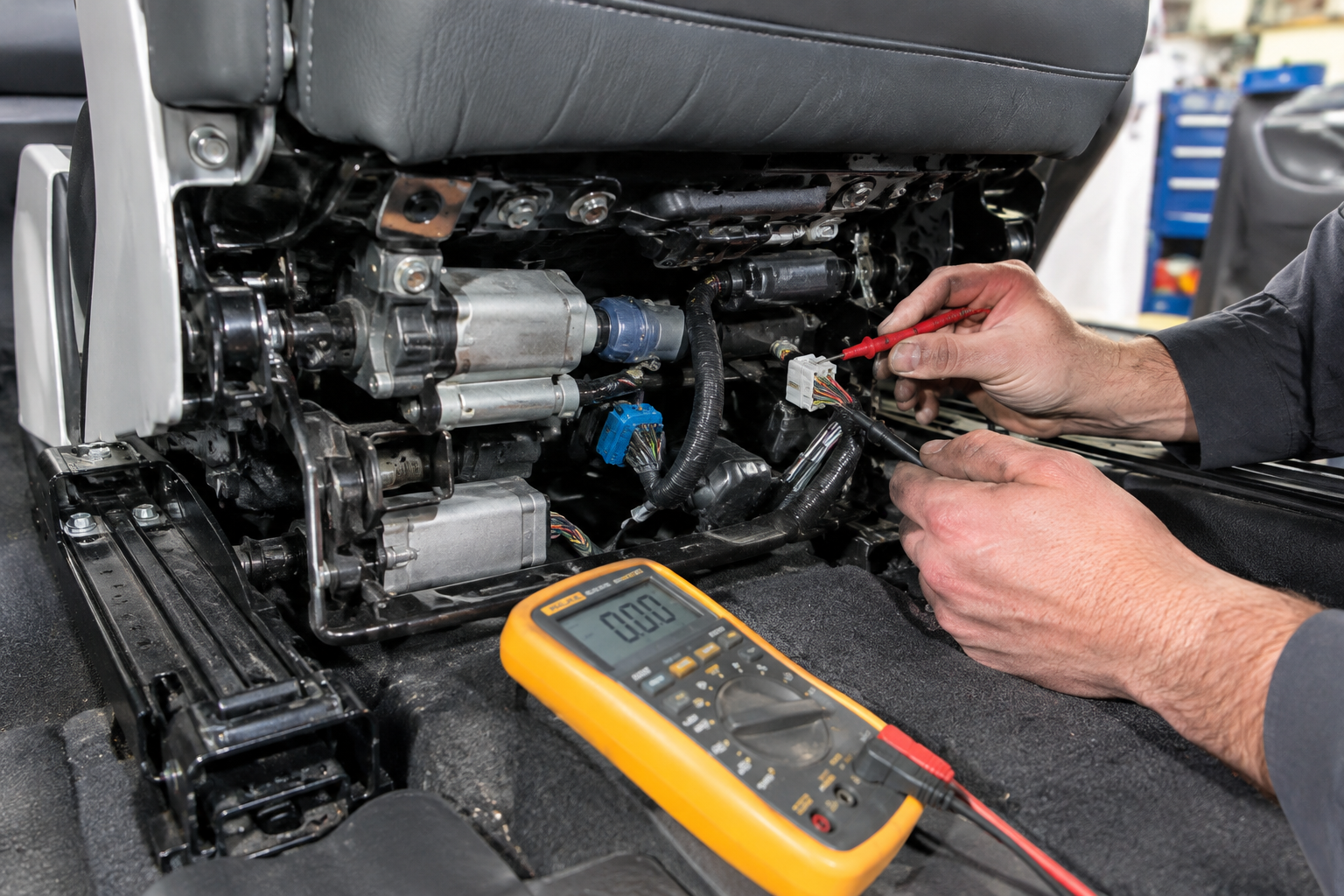
Every memory seat has physical range limits built into its position sensors. If something is obstructing the track, like a jammed seat rail or debris buildup, the seat may hit a limit before reaching its saved position and simply stop, which reads as a “wrong position” recall. Cleaning out the seat tracks and checking for resistance while manually adjusting the seat (with the car off) can rule this out quickly.
Battery Disconnects and Module Reinitialization
Disconnecting the battery, replacing the seat control module, or a low-voltage event can wipe stored memory positions entirely or scramble the sensor calibration. On many Explorer model years, this requires a manual seat reinitialization procedure, cycling the seat through its full range of motion using the manual switches, before memory functions will work correctly again. If your memory seat problems started right after a battery job or dead battery jump, this is almost certainly the cause.
Ford OEM Seat Memory Module
A direct-fit replacement module is worth having on hand if your seat has stopped saving positions entirely despite correct reinitialization.
If you’ve gone through reinitialization and the seat still won’t hold a position, or it moves erratically on its own, that points toward a failing position sensor or a worn seat switch rather than a settings problem. A replacement memory seat switch is a relatively affordable diagnostic step before assuming the whole module needs to be swapped.
Setup Issue or Actual Hardware Failure?
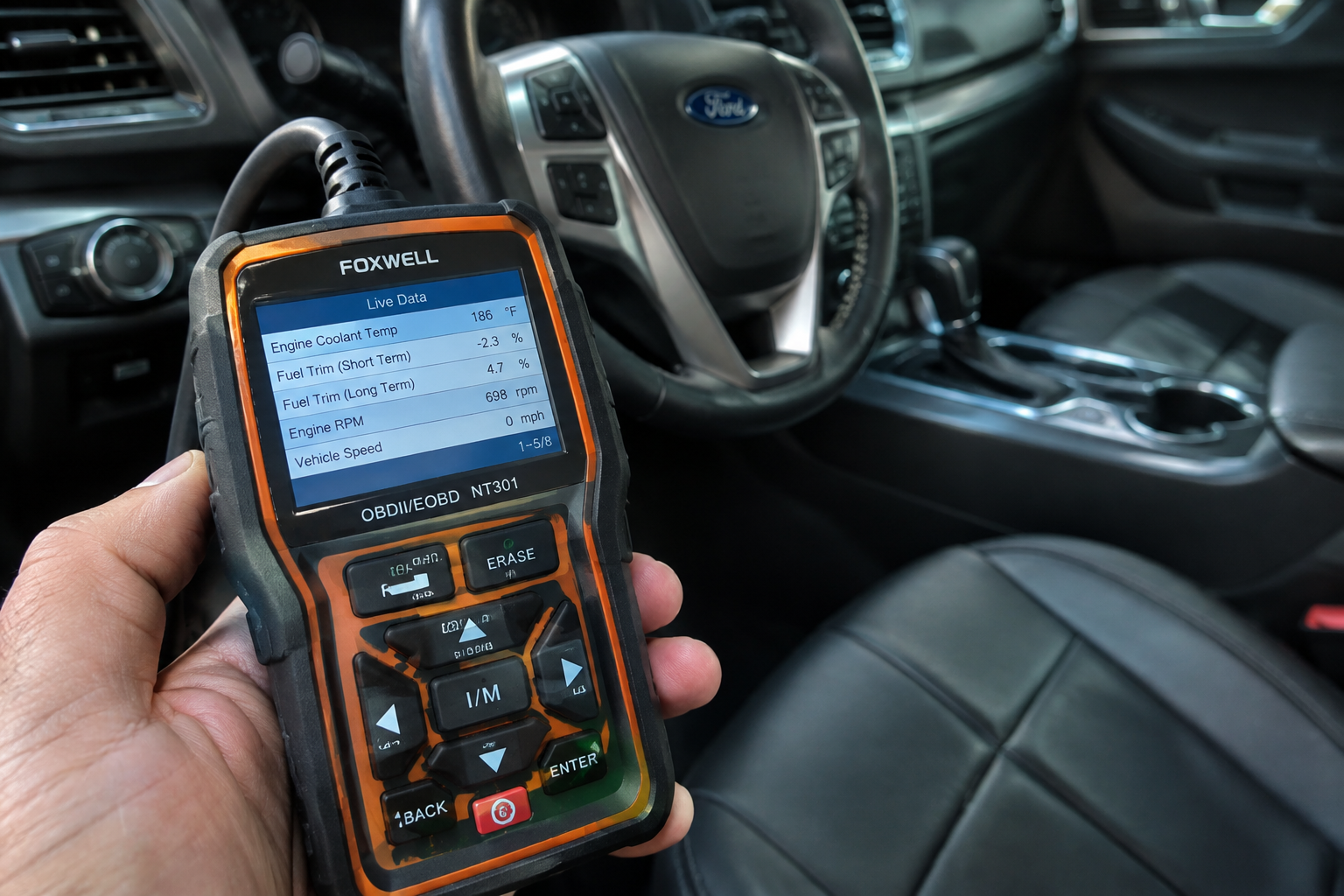
A quick way to tell the difference: setup and profile issues are usually consistent and predictable, like the seat always doing the same wrong thing under the same conditions. Hardware failures tend to be inconsistent, with the seat stopping mid-travel, making grinding noises, or failing to move at all in certain directions.
If you notice the seat jerks, hesitates, or makes noise while moving, that’s a sign of a failing track motor or a bad sensor, not a memory setting problem. In that case, checking your specific position sensor part number against your VIN before ordering a replacement will save you a return shipment.
Owners dealing with other electronic quirks on the Explorer, like unwanted driver alerts, might also want to check out our guide on how to turn off Driver Alert on the Ford Explorer or our breakdown of turning off Lane Assist on the Explorer, since both involve similar menu navigation that can help you get comfortable with the vehicle’s settings system in general.
FAQ
Why does my Explorer’s seat move when my spouse uses their key?
This happens on key-linked memory systems where each fob can only store one saved position. If you both use the same key, or if your Explorer doesn’t have profile-based memory, the seat will always default to whoever’s key programmed that slot most recently.
Do I need to reprogram memory seats after a battery replacement?
Often yes. A battery disconnect can erase saved positions and require the seat to be reinitialized by manually cycling it through its full range using the switches before you resave your preferred position.
Leave a Reply