

The Ford Bronco Sport tracks oil life with an onboard monitor, and after an oil change you reset it from the instrument cluster using the steering wheel buttons. In general, you go into the settings menu, find the oil life item, and hold the OK button until the reading returns to 100 percent. No scanner or special tool is needed.
The Bronco Sport only goes back to the 2021 model year in the US, so there are no older model years that lack the monitor. I can’t confirm a different procedure for each year since then, so below you’ll find the general method plus the things that can vary. Your owner’s manual has the exact menu names for your vehicle.
First, Identify What the Dash Is Telling You
Before you reset anything, make sure the message you’re seeing is an oil-change reminder and not a warning. They look similar at a glance and mean very different things.
- Oil life or oil change reminder: A message in the information display saying an oil change is due or showing a percentage of oil life remaining. This is a maintenance reminder, and you reset it after the service is done.
- Red oil pressure warning: A red oil can symbol or a low oil pressure message. This is a fault warning, not a reminder. Stop driving safely, shut the engine off, and check the oil level. If the warning stays on, don’t keep driving it. Have the vehicle towed or inspected.
- Check engine light or other fault messages: These point to a detected problem. Resetting the oil life monitor won’t clear them or fix whatever caused them.
Resetting the monitor only tells the vehicle the oil was changed. It doesn’t change the oil, replace the filter, or repair anything. Reset it only after the service has actually been done, because a false reset leaves you with a monitor counting from the wrong starting point.
How to Reset the Oil Life Monitor on a Bronco Sport (2021 and Newer)
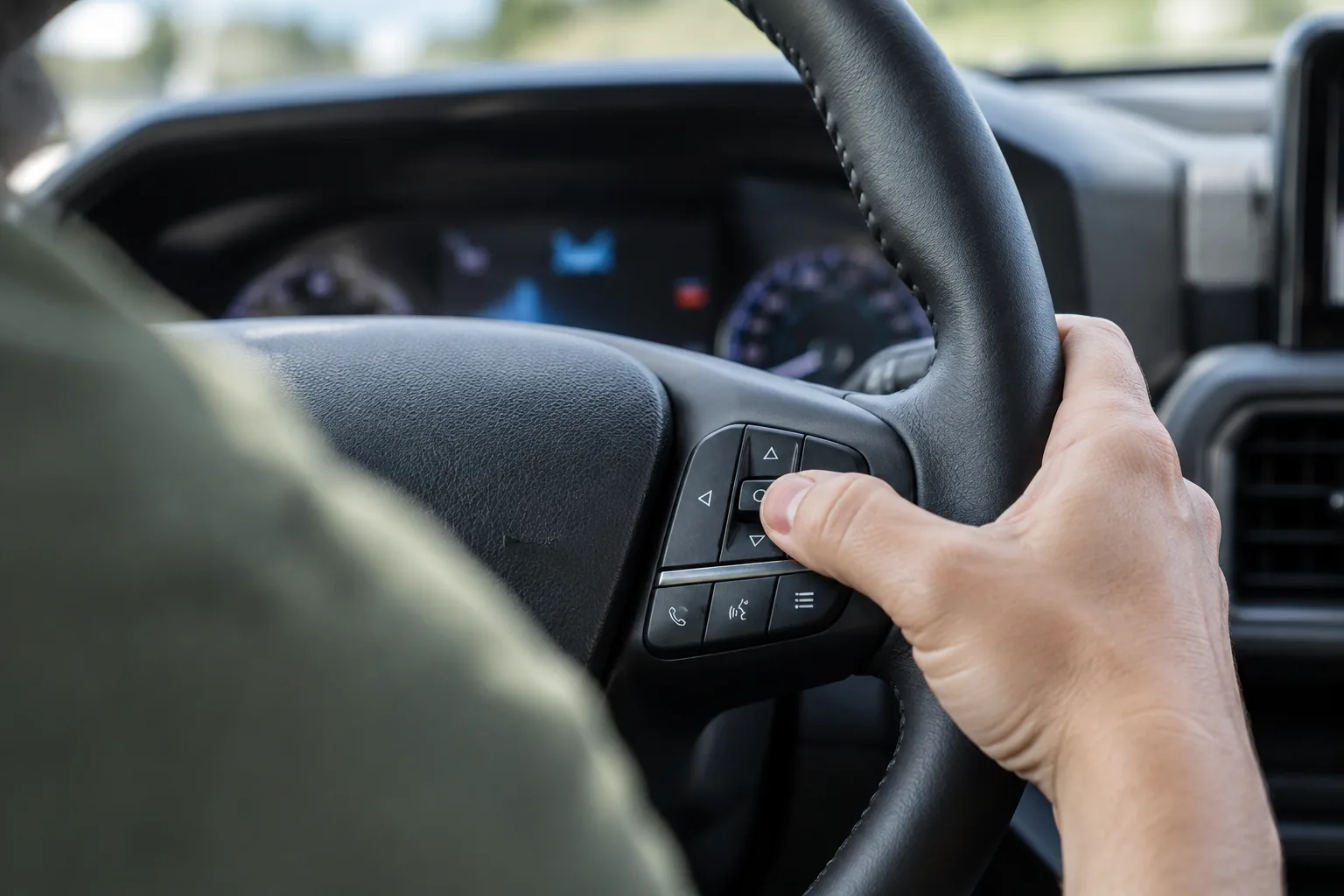
The Bronco Sport has been sold as a single generation since its 2021 launch, and the cluster-based reset is the owner-operated method. Trim and cluster style can change what the screen looks like, so treat the labels below as a guide, not a script.
- Park on level ground, set the parking brake, and put the transmission in Park.
- Turn the ignition on. Your manual will say whether the engine should be off or running for this step, so check that detail in the maintenance section.
- Use the steering wheel controls (the arrow buttons and the OK button) to open the settings menu in the instrument cluster.
- Scroll to the vehicle or oil life entry. The exact menu name can differ by model year, trim, and cluster type, so confirm it in your manual.
- Select the oil life item and press and hold OK until the display confirms the reset.
- Confirm that the oil life reading shows 100 percent and the reminder message is gone.
If the reset worked, the percentage will be back at 100 and the “oil change” reminder shouldn’t reappear on the next key cycle. Turn the vehicle off, restart it, and check once more to be sure.
What Can Change by Year or Trim
Ford has updated the Bronco Sport’s infotainment and equipment over the years, and cluster layouts differ between trims. That’s why the menu wording can vary even though the idea is the same. If your vehicle shows an oil life option on the touchscreen instead, follow the maintenance section of your manual for that exact setup. Don’t assume another Ford’s procedure applies, and that includes the full-size Bronco. It’s a different vehicle with its own manual.
If the Reset Doesn’t Take
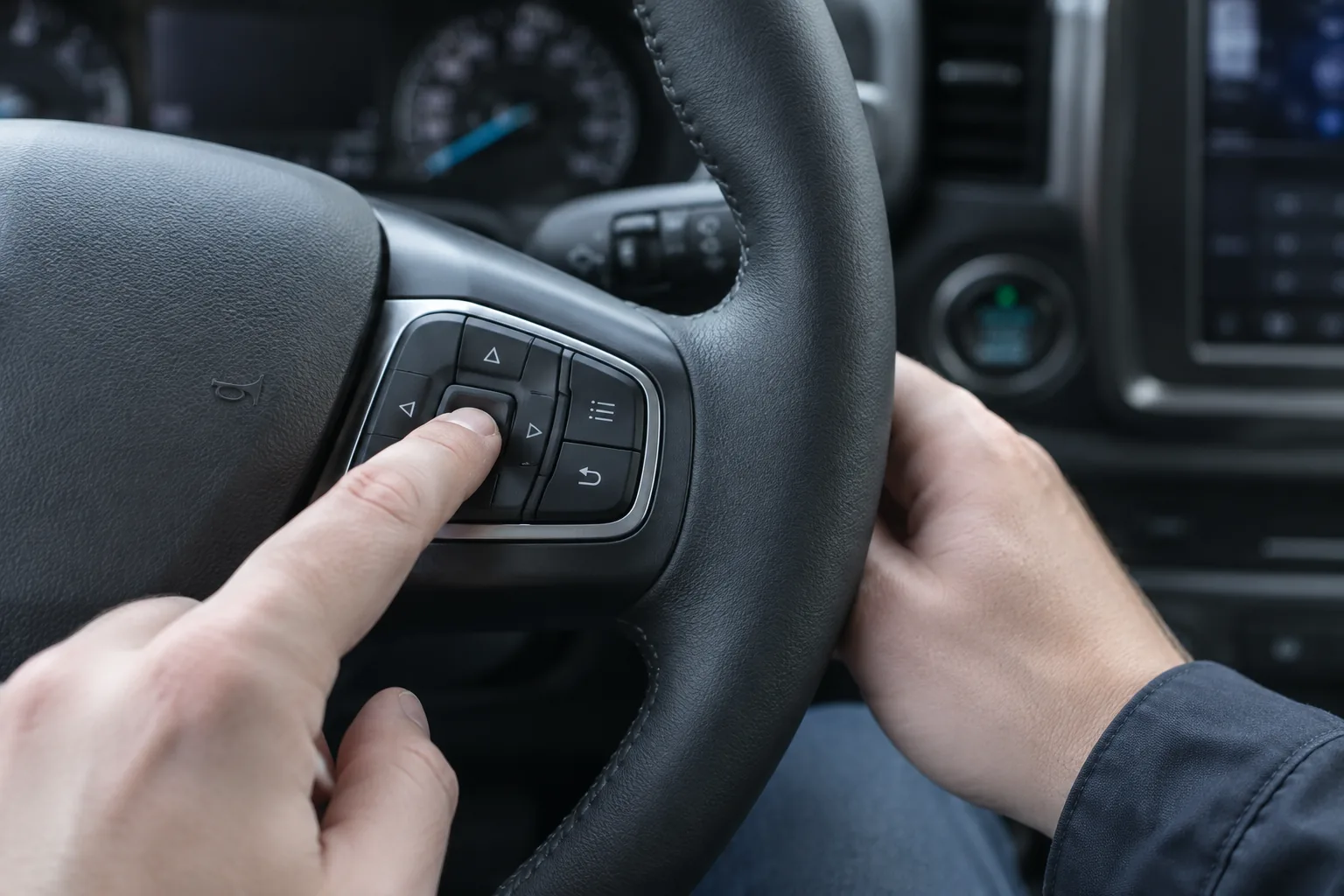
A failed reset usually comes down to timing or button handling. Work through these in order:
- Check the ignition state. Some menu items won’t appear unless the vehicle is in Park with the ignition on. Cycle the key or push-button start and try again.
- Hold OK longer. A quick tap often isn’t enough. Keep it pressed until the display confirms.
- Look at the right menu. If you can’t find an oil life item, you may be in a driver-assist or trip menu. Back out and check the settings or vehicle section.
- Read the message again. If what you’re seeing is a warning and not a reminder, the reset won’t touch it.
- Don’t count on pulling the battery. I wouldn’t use it as a reset method, and it can cause other electronic annoyances. If a battery issue is already on your mind, our guide on finding and fixing a parasitic battery drain is worth a look.
If the monitor still won’t reset, or a warning remains after an oil change, have a Ford dealer or qualified shop check the vehicle. A repeating oil message can be a symptom of something else, and it’s better to know that than keep clearing it.
Doing the Oil Change Yourself
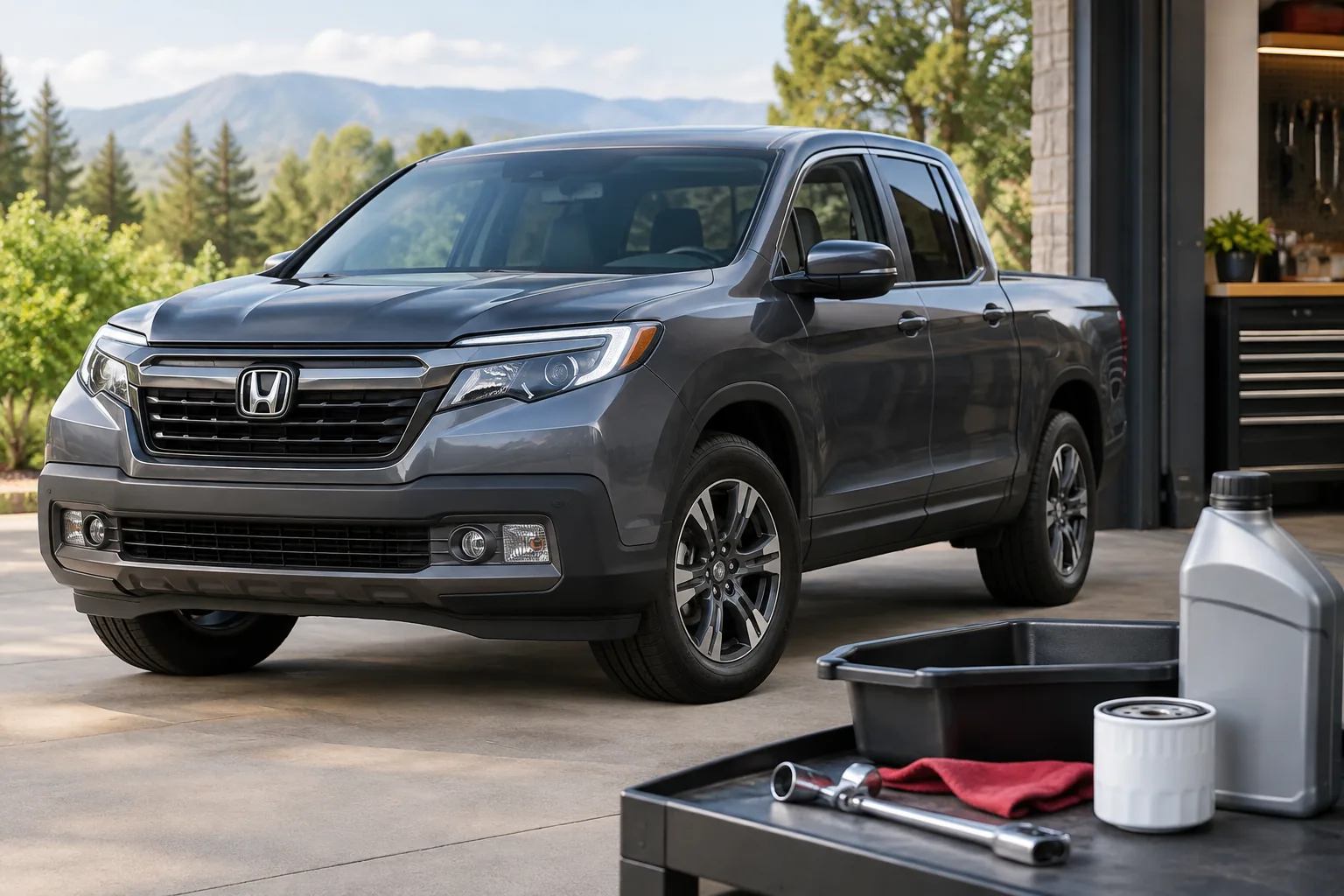
The reset is free, but the oil change itself requires supplies. If you’re doing it at home, make sure the filter, oil specification, and capacity match your exact engine. The Bronco Sport is sold with more than one engine, depending on trim and year. Check the oil section of your manual, or look up fitment by your engine and model year.
A decent set of tools makes the job quicker. Our list of must-have tools for every DIY car owner covers the basics. A filter wrench is the one people most often forget, and the right style depends on your filter, so verify the filter type before buying.

Oil Filter Wrench Set
Handy for DIY oil changes, but confirm your engine’s filter style and size before you order.
The monitor adjusts for how you drive, but your manual still lists limits for how long oil and filters can go. Follow whichever the manual says comes first, especially if you do lots of short trips, towing, or off-road driving. Brands also handle this differently. For example, our Jeep Grand Cherokee oil life reset guide covers a completely different process.
FAQ
Do I need a scanner to reset the oil life on a Bronco Sport?
No. The owner-operated method uses the steering wheel controls and the instrument cluster. A scan tool isn’t required, so don’t pay for one just for this.
Will resetting the oil life turn off my check engine light?
No. The oil life monitor is a maintenance reminder and has no connection to fault codes. A check engine light needs its underlying cause diagnosed, and the same goes for a red oil pressure warning.
What if I reset the monitor before changing the oil?
The vehicle will believe the oil is fresh when it isn’t, so the next reminder will come too late. Change the oil and filter as soon as you can, then reset again. Check your manual for how to handle the reset if you’re unsure of the current state.



Leave a Reply