
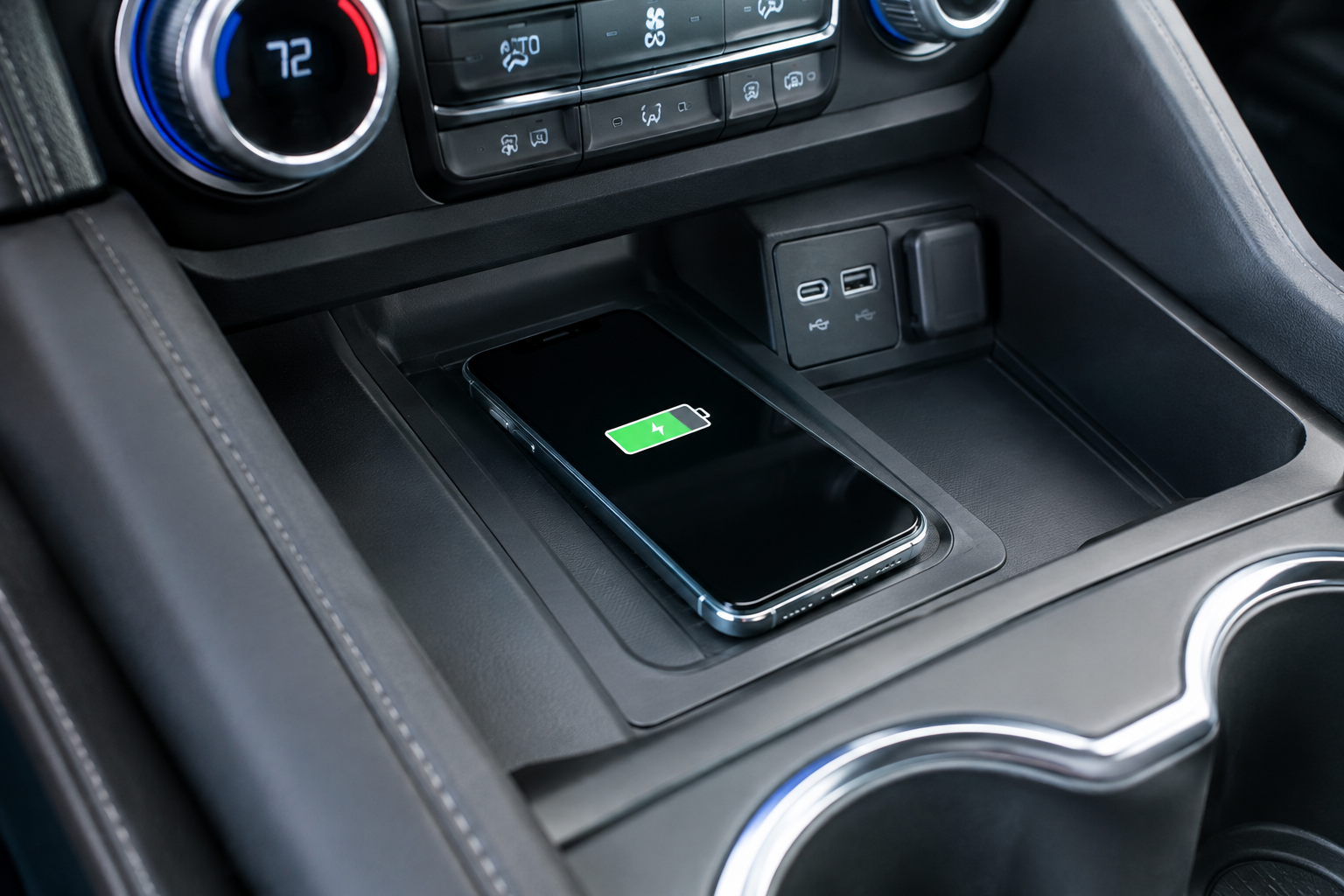
You toss your phone on the wireless charging pad in your Tahoe, pull out of the driveway, and twenty minutes later your battery is at the same percentage it started at, or worse, it’s actually lower. Maybe the pad chirps every few minutes like it’s losing and regaining contact with your phone. This is one of the more common complaints Tahoe owners bring up, and most of the time it comes down to a handful of predictable culprits rather than a failed part.
Before you assume the hardware is bad, it helps to walk through the same checks a dealer tech would run. A lot of this comes down to phone case thickness, placement, and how the Qi charging standard actually works, not a defective charging pad.
Confirm Your Tahoe Actually Has the Factory Wireless Charging Pad
Not every Tahoe trim came with wireless charging standard, and availability has shifted across model years. On most recent generations, the wireless charging pad is included on higher trims like the RST, Premier, and High Country, while it’s sometimes optional or bundled into a technology package on LS and LT trims.
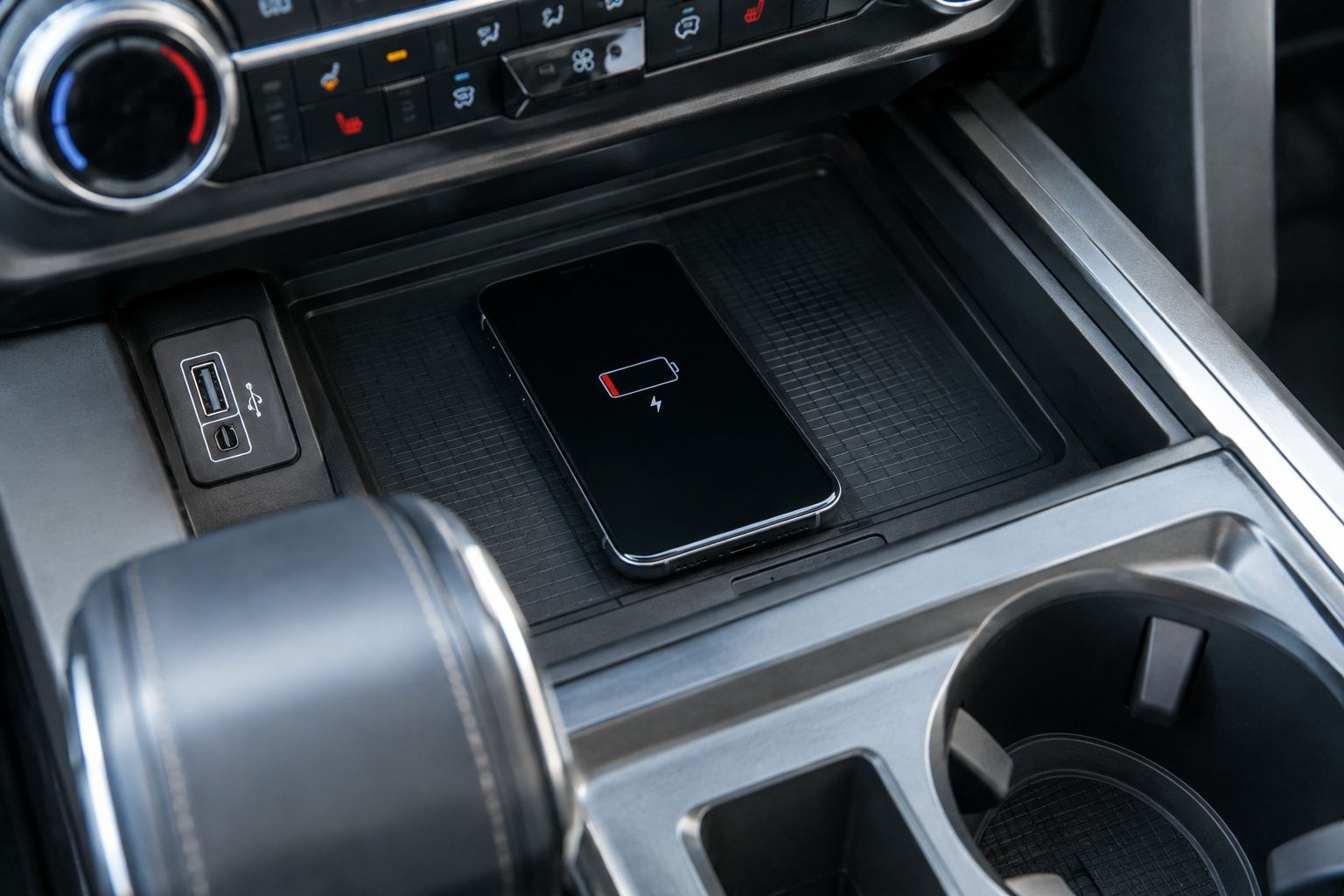
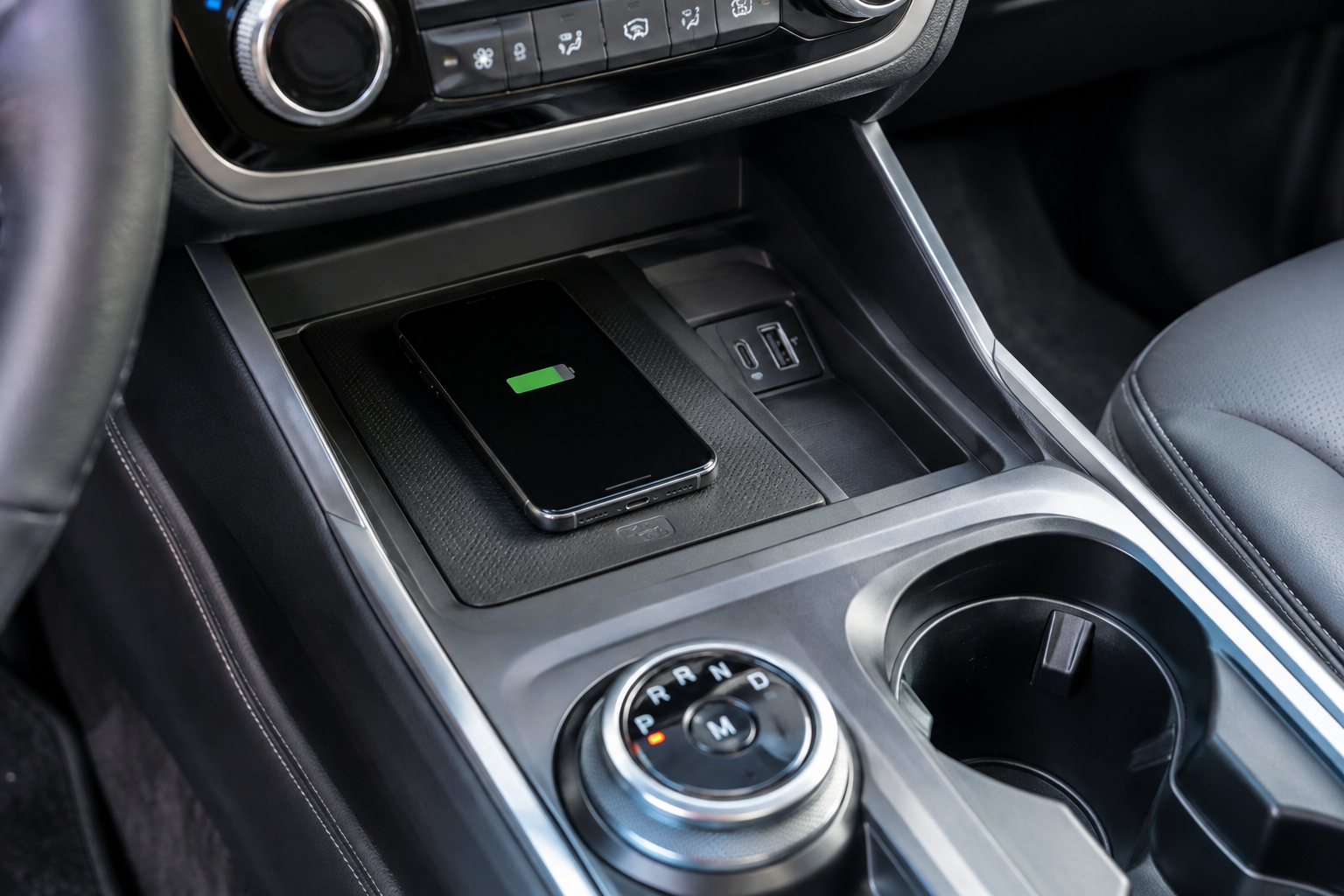
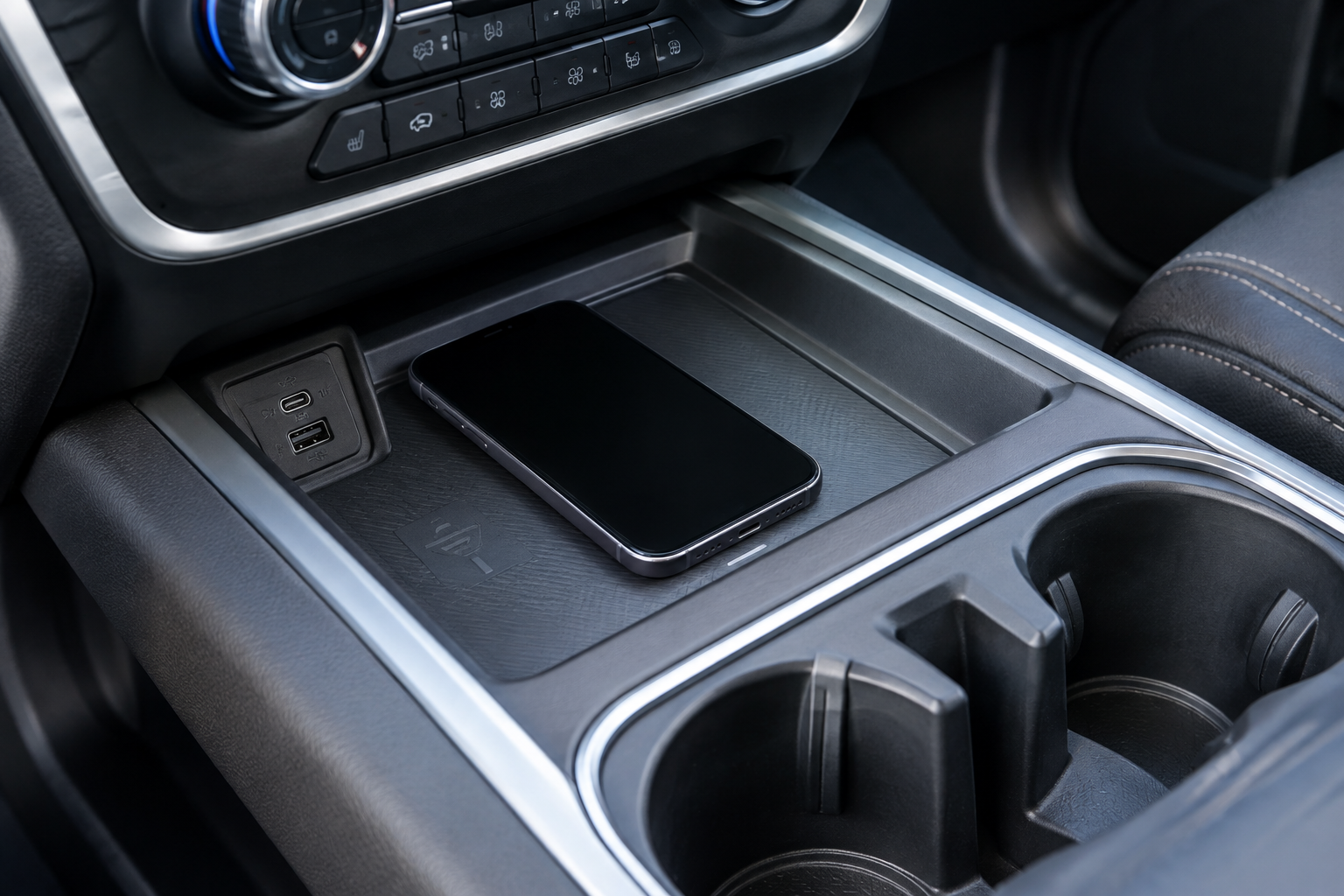
The pad itself is located at the base of the center stack, usually in a small rubberized tray just below or in front of the cupholders, separate from the storage bin under the armrest. If you’re not sure whether your Tahoe has one, check your owner’s manual or look for that rubber-lined tray with a small lightning bolt or phone icon printed on it. If there’s no icon and no rubberized tray, your Tahoe likely doesn’t have this feature at all, and no amount of troubleshooting will make a phone charge there.
Check Phone Compatibility and the Qi Charging Standard
GM’s factory wireless charging pads use the Qi standard, which is the same wireless protocol used by nearly every modern smartphone. That said, “Qi compatible” doesn’t mean every phone charges at the same speed or with the same reliability.
Older iPhones and budget Android phones often cap out at 5 watts on these pads, which feels painfully slow compared to a wired connection. Newer iPhones with MagSafe support Qi charging but don’t get the magnetic alignment benefit on a factory pad, since GM’s charger isn’t a MagSafe-certified magnetic pad. If your phone doesn’t support wireless charging at all (rare these days, but it happens with some budget models), the pad simply won’t do anything no matter how it’s positioned.
Case Thickness, Metal Accents, and Magnetic Accessories
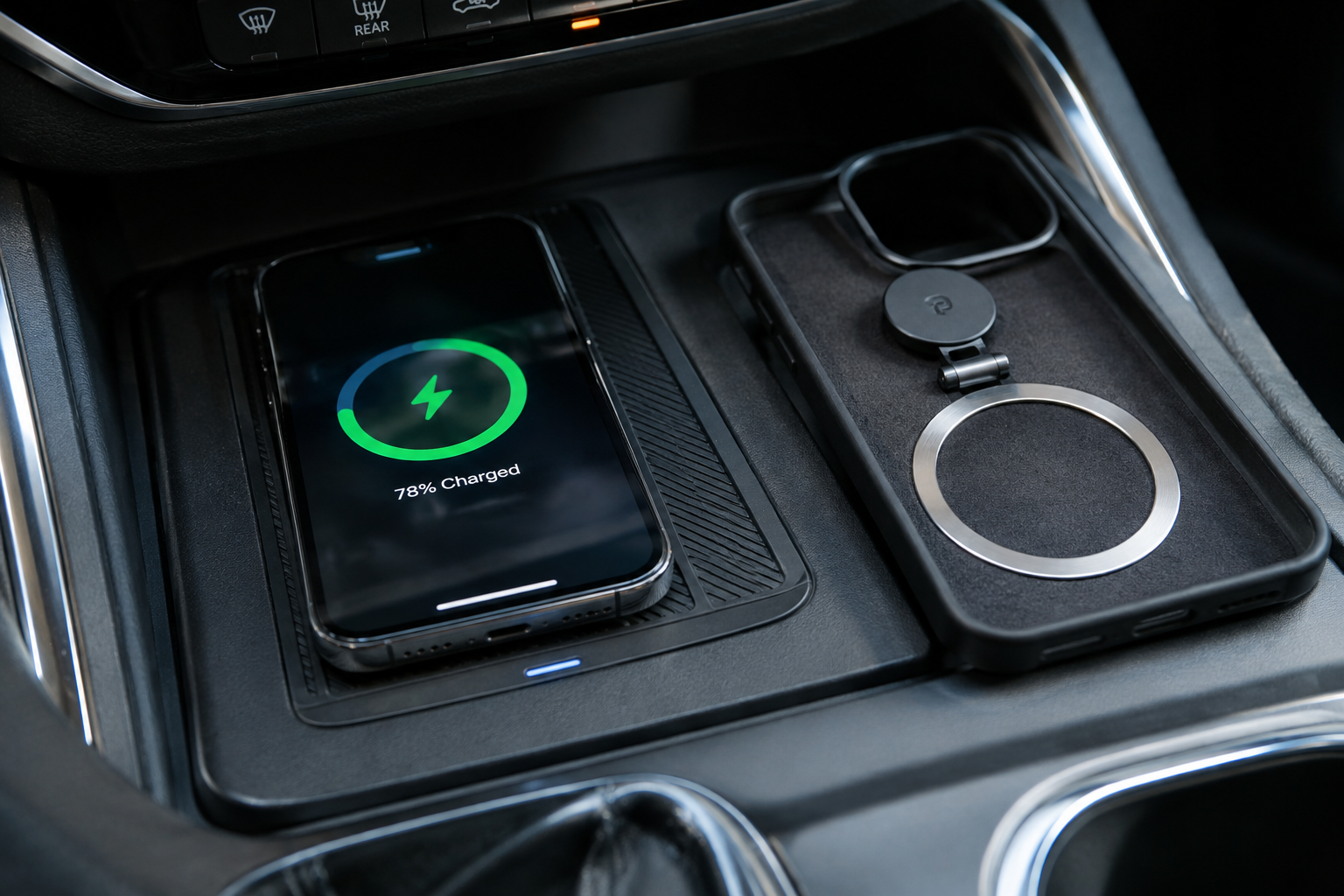
This is the single most common reason a factory wireless pad works inconsistently. Qi charging relies on tight magnetic coupling between coils, and anything between the phone and the pad reduces efficiency or breaks the connection outright.
- Thick cases: Rugged or battery-pack cases often exceed the pad’s effective charging distance, which is typically limited to a few millimeters. If your case is thicker than about 3mm, try removing it before placing the phone down.
- Cases with metal plates: Many wallet cases and kickstand cases have a hidden metal plate for stability. That metal interferes with the coil and can cause charging to stop and restart repeatedly.
- PopSockets and magnetic mounts: Any magnet built into a case, whether for a car mount or a wallet attachment, can confuse the pad’s foreign object detection and shut charging off as a safety measure.
- MagSafe accessories: If you use a magnetic ring or MagSafe case, the embedded magnets can misalign the coils just enough to cause a weak or intermittent connection.
If you’re seeing repeated connect-disconnect cycles, pull the phone out of its case entirely and set it on the pad for a test. If it charges cleanly without the case, you’ve found your answer, and you’ll need either a thinner case or a different charging method for that phone.
Phone Placement and Pad Alignment
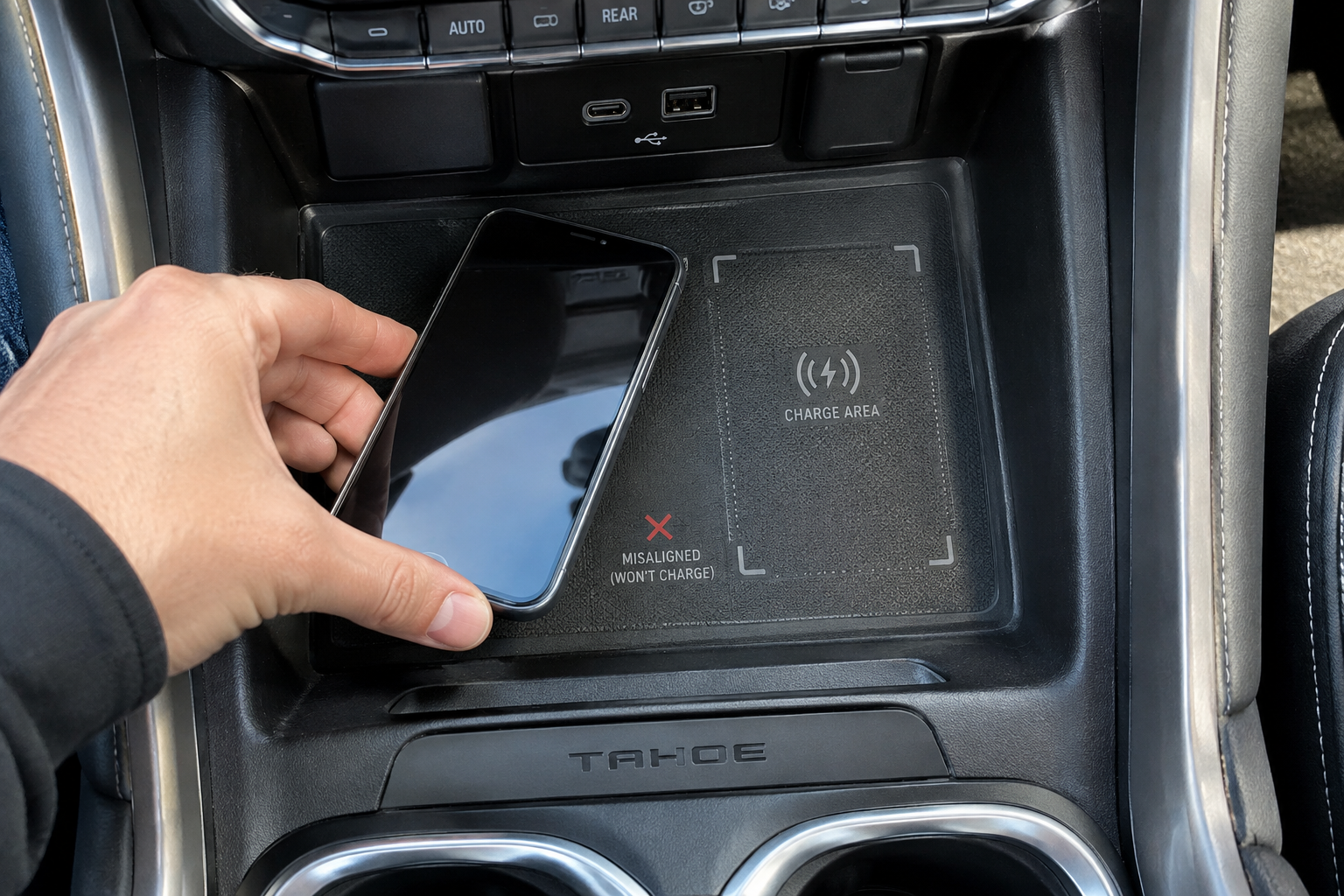
Unlike MagSafe pads that snap into perfect alignment, the Tahoe’s factory pad has no magnet to center your phone. The charging coil inside your phone has to line up with the coil inside the tray, and on a phone that’s larger or shaped differently than average, that sweet spot isn’t always obvious.
Most Tahoe pads mark the charging zone with a raised outline or texture change in the rubber tray. Center your phone directly over that marked area, with the phone lying flat and the screen facing up. Road vibration and cornering can shift the phone even slightly out of position, which is often why charging that starts fine at a red light quits once you’re moving.
Some owners find that laying the phone in landscape orientation instead of portrait gets a more stable connection, since the coil placement varies by phone brand. It’s worth testing both orientations before assuming the pad itself is at fault.
Heat Protection and Thermal Shutdown
Wireless charging generates more heat than a wired connection, and GM’s system includes thermal protection that intentionally slows or pauses charging if the phone gets too warm. This is normal, not a malfunction, but it gets worse in certain conditions.
A black phone case sitting in direct sunlight on a hot dashboard area is already absorbing heat before charging even starts. Add the extra heat from the charging coil and you can trigger a thermal cutback within minutes, especially in summer. If your phone feels warm to the touch and charging has slowed to a crawl, that’s the system protecting the battery, not a broken pad.
To avoid this, use a sunshade when parked, avoid dark colored cases if you’re a frequent wireless charger, and don’t stack anything on top of the phone that traps heat against it.
Debris, Coins, and Foreign Objects in the Tray
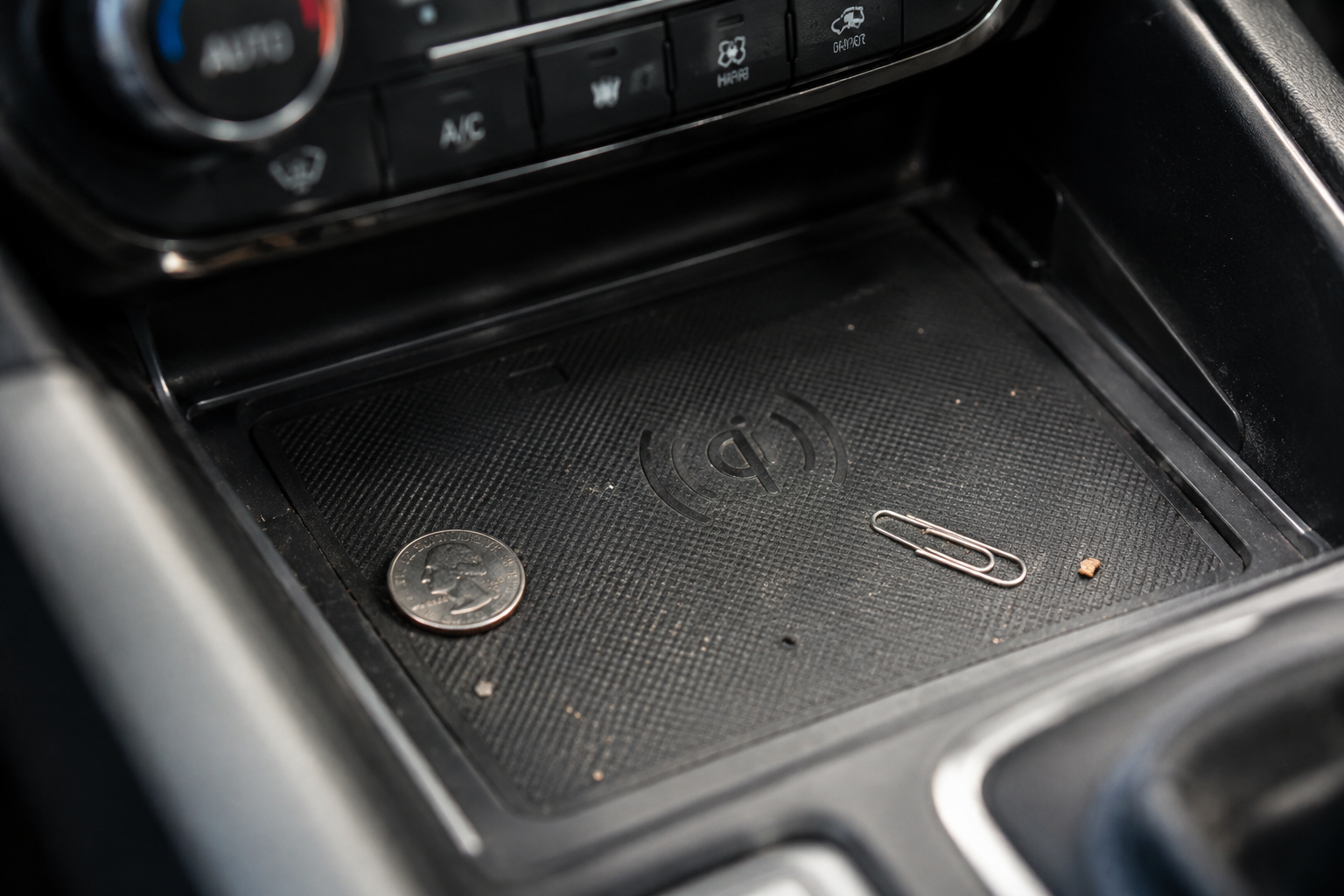
Because the charging tray sits low in the center console, it collects crumbs, coins, and lint just like any other cupholder or bin in your Tahoe. Metal debris, even something as small as a coin or a bit of foil, can trigger the pad’s foreign object detection and stop it from charging at all.
Pull the tray liner out if it’s removable and check underneath it. A flashlight helps here since the rubber liner can hide small objects pressed flat against the bottom of the tray. Wipe it down with a dry microfiber cloth, since moisture in the tray can also cause the same kind of interference.
Vehicle Power State and Software Settings
The wireless charger only receives power when the vehicle is in accessory mode or running, and on some model years there’s a delay of several seconds after startup before the pad activates. If you’re placing your phone down the instant you start the truck and nothing happens, give it a moment before assuming it’s broken.
Check the infotainment settings menu as well. Depending on the model year, there may be a toggle for wireless charging under Settings, and it’s possible to accidentally disable it, especially after a system update or a battery disconnect that reset some preferences. If your Tahoe has this menu option, cycle it off and back on to force a reset of the charging circuit.
A weak battery or an intermittent electrical issue elsewhere in the truck can also cause accessory power to fluctuate, which shows up as random charging drops. If you’ve already ruled out the phone and case and the pad is still misbehaving even with a bare, compatible phone centered correctly, it’s worth having the accessory circuit checked at a dealer.
When to Consider an Aftermarket Charger Instead
If you’ve gone through every factory check, including trying a different phone, and the pad still won’t hold a charge or runs painfully slow, a wired connection is your most reliable fallback. A USB-C cable running to the truck’s charging port will always outperform wireless charging in both speed and consistency, and it sidesteps every issue related to case thickness or coil alignment.
Anker USB-C Fast Charging Cable
A durable, high-speed wired option that skips every wireless charging headache entirely.
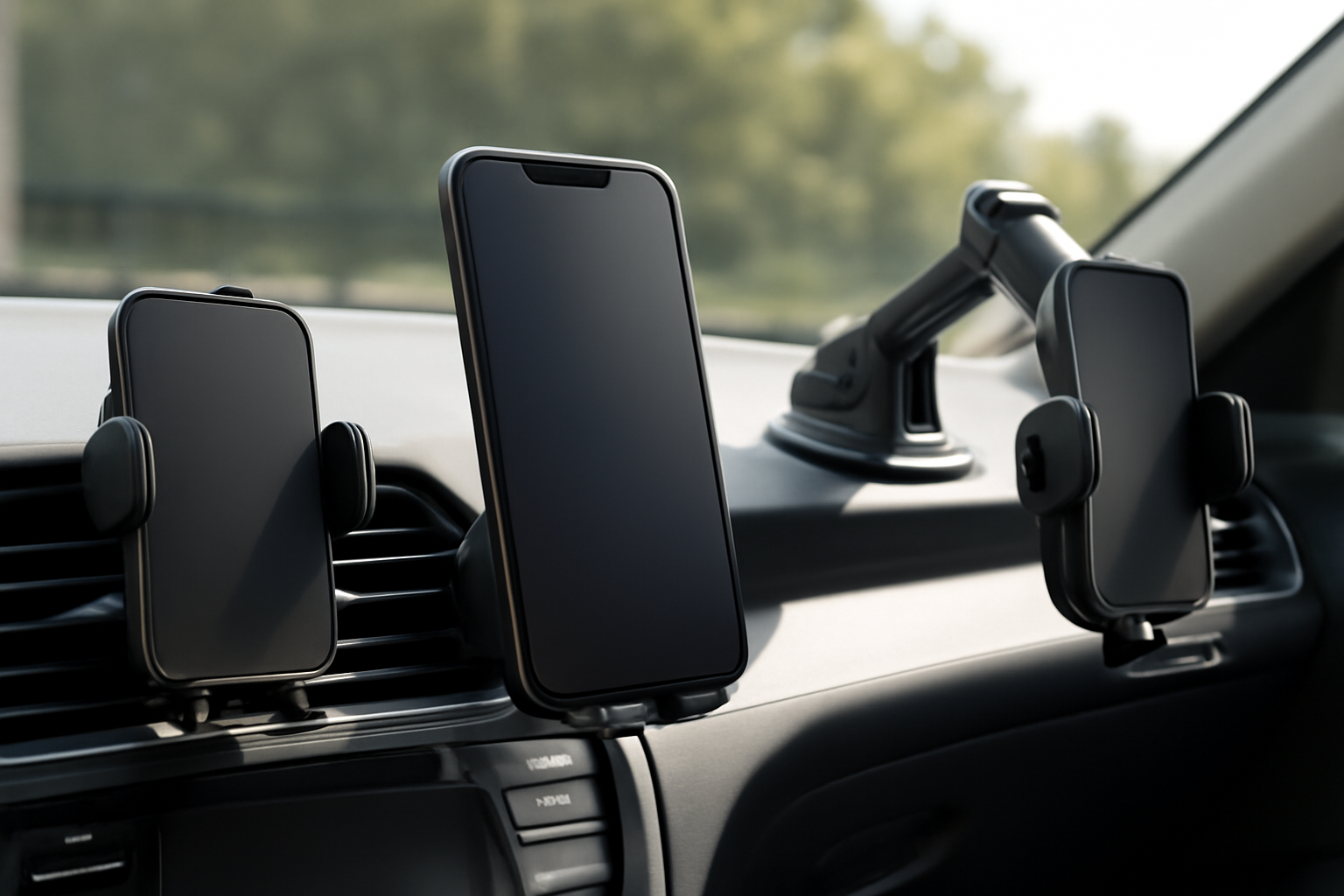
For drivers who specifically want the magnetic alignment that GM’s factory pad lacks, an aftermarket MagSafe-style car charger mounted to a vent or dash is worth a look. These use magnets to snap your phone into perfect coil alignment every time, which solves the placement drift issue that plagues flat charging trays.
MagSafe car charger
Solves the alignment problem that causes intermittent charging on flat factory pads.
Just know that any aftermarket accessory mounted near the dash should be positioned so it doesn’t block your view of the climate controls or infotainment screen. Stick with a low-profile mount if you go this route.
Frequently Asked Questions
Why does my phone charge wirelessly at home but not in my Tahoe?
Home charging pads often have stronger magnets or a more forgiving coil range than GM’s factory tray. Your phone case that works fine on a home pad may simply be too thick or have metal components that interfere specifically with the Tahoe’s flatter, non-magnetic design.
Is it normal for the wireless charger to charge slower than a cable?
Yes. Wireless charging is inherently slower and less efficient than a wired USB-C connection, even under ideal conditions. If you need a fast top-off before a long drive, plug in directly rather than relying on the pad.
Can extreme cold affect the wireless charging pad too?
Cold weather itself doesn’t usually cause problems, but a phone that’s very cold from sitting outside can charge inconsistently until it warms up to a normal operating temperature. This is less common than heat-related issues but does happen in winter climates.
Does a screen protector or thin case affect wireless charging?
A standard screen protector on the front of the phone has no effect since it doesn’t sit between the coils. A thin case under about 3mm with no metal or magnetic components typically won’t cause noticeable charging issues either.
Leave a Reply