
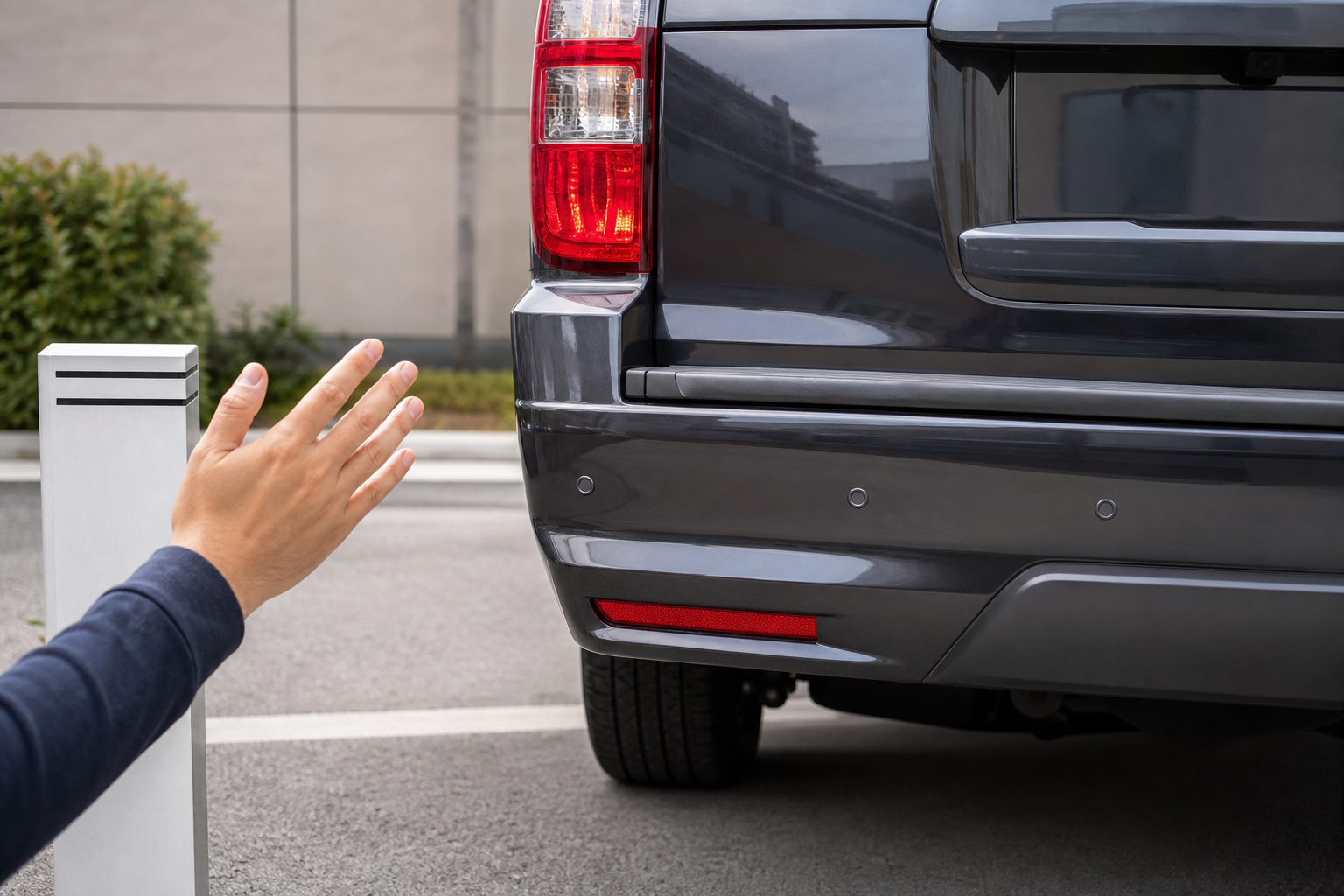
A Chevy Tahoe that won’t stop beeping in your driveway is annoying. A Tahoe that stays silent while you’re backing toward a trailer hitch or a shopping cart is worse. Parking sensors are simple pieces of hardware, but a lot of small things (mud, ice, a misaligned bumper, or a setting you didn’t know existed) can throw them off. Here’s how to work through the problem before you assume you need a new sensor.
Know What System Your Tahoe Actually Has
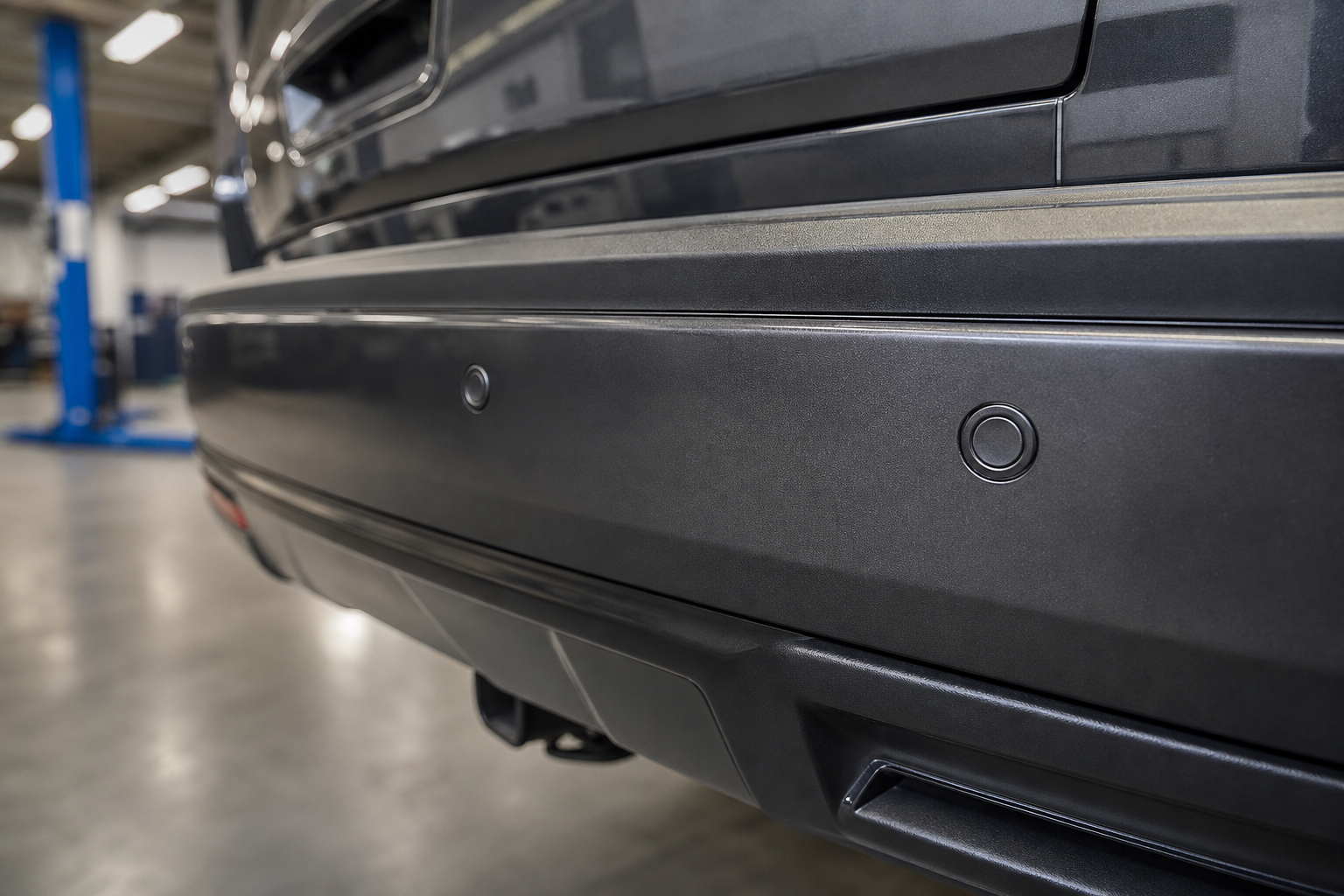
GM calls this feature “Rear Park Assist” on earlier Tahoes and “Front and Rear Park Assist” on trims that include both bumpers. Not every Tahoe has front sensors. Base LS trims often only get rear sensors, while LT, RST, Z71, and Premier trims typically add front sensors and sometimes upgrade to the full “Rear Camera Mirror” and ultrasonic surround system. Before you chase a “failure,” check your owner’s manual or the build sheet to confirm what your specific trim and model year came with from the factory.
If your Tahoe is a newer model with HD Surround Vision, the parking sensors also feed the camera overlay. A sensor problem on these trims can show up as a missing zone on the camera display, not just a beep or a warning light.
Common Reasons Sensors Beep Nonstop or Miss Obstacles
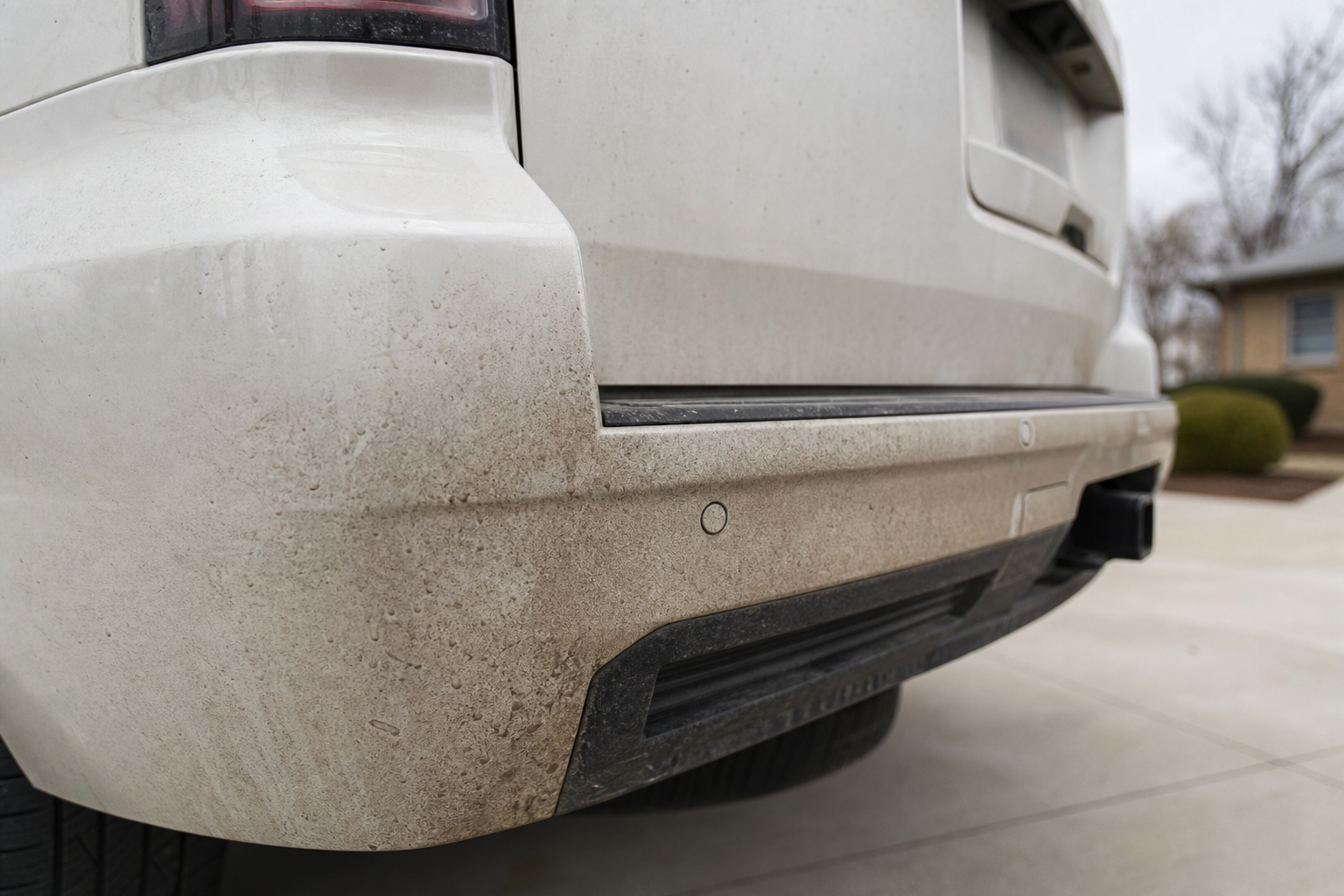
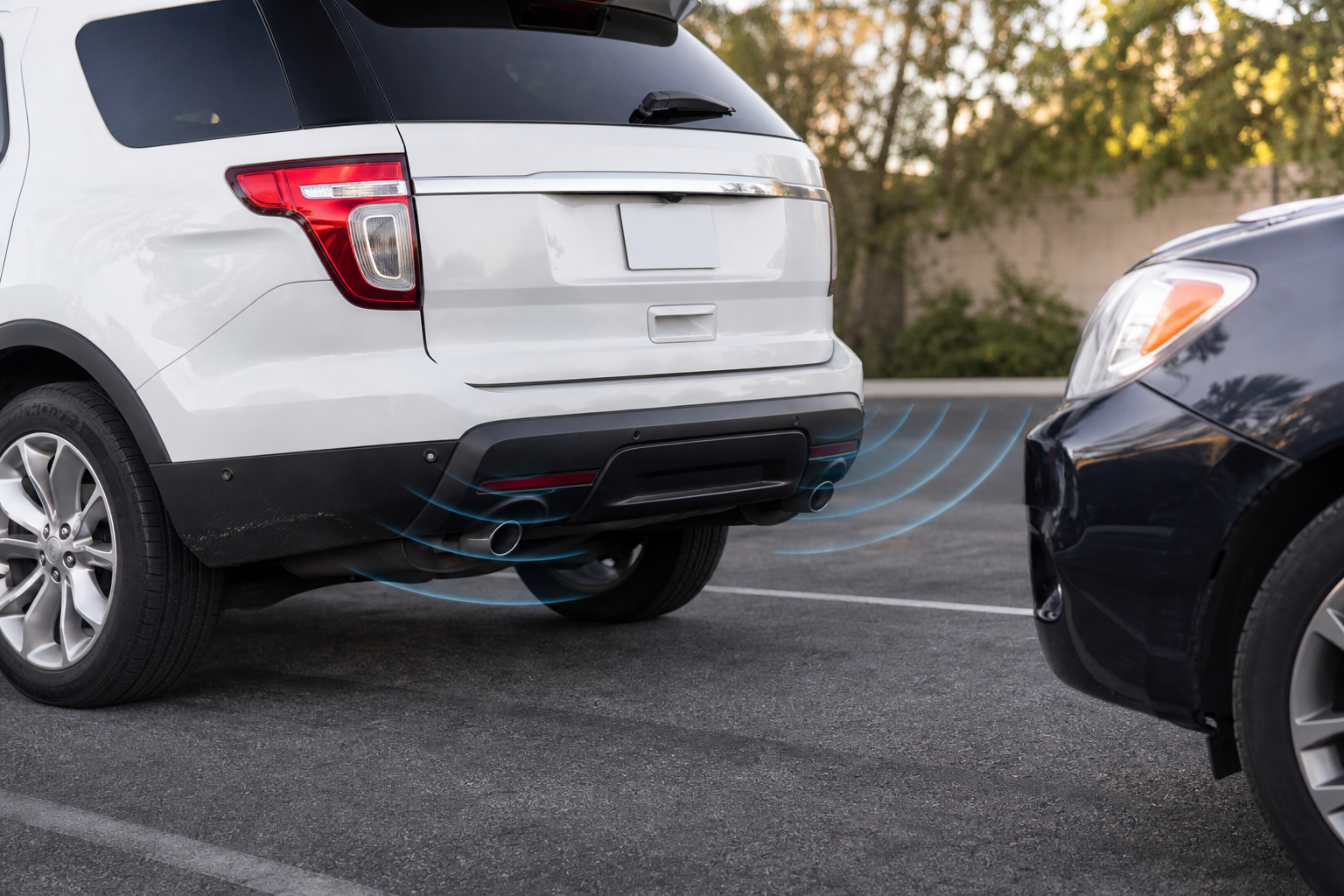
Most parking sensor complaints come down to a handful of repeat offenders. Work through these before assuming you have a wiring or module failure.
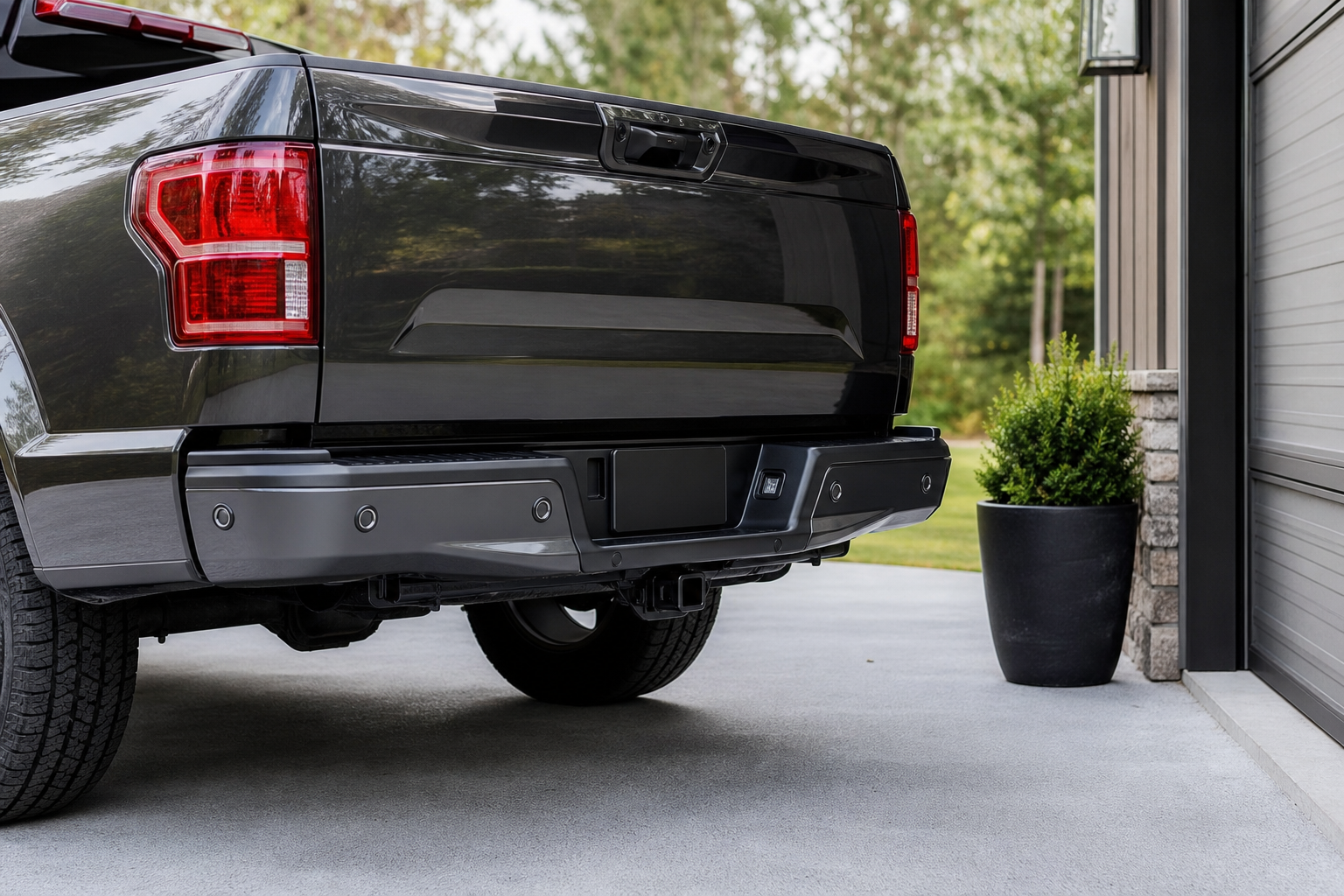
- Dirt, mud, snow, or ice covering the sensor face. The sensors are small round discs in the bumper, and even a thin layer of road grime or ice can block or distort the ultrasonic signal, causing false alerts or missed detections.
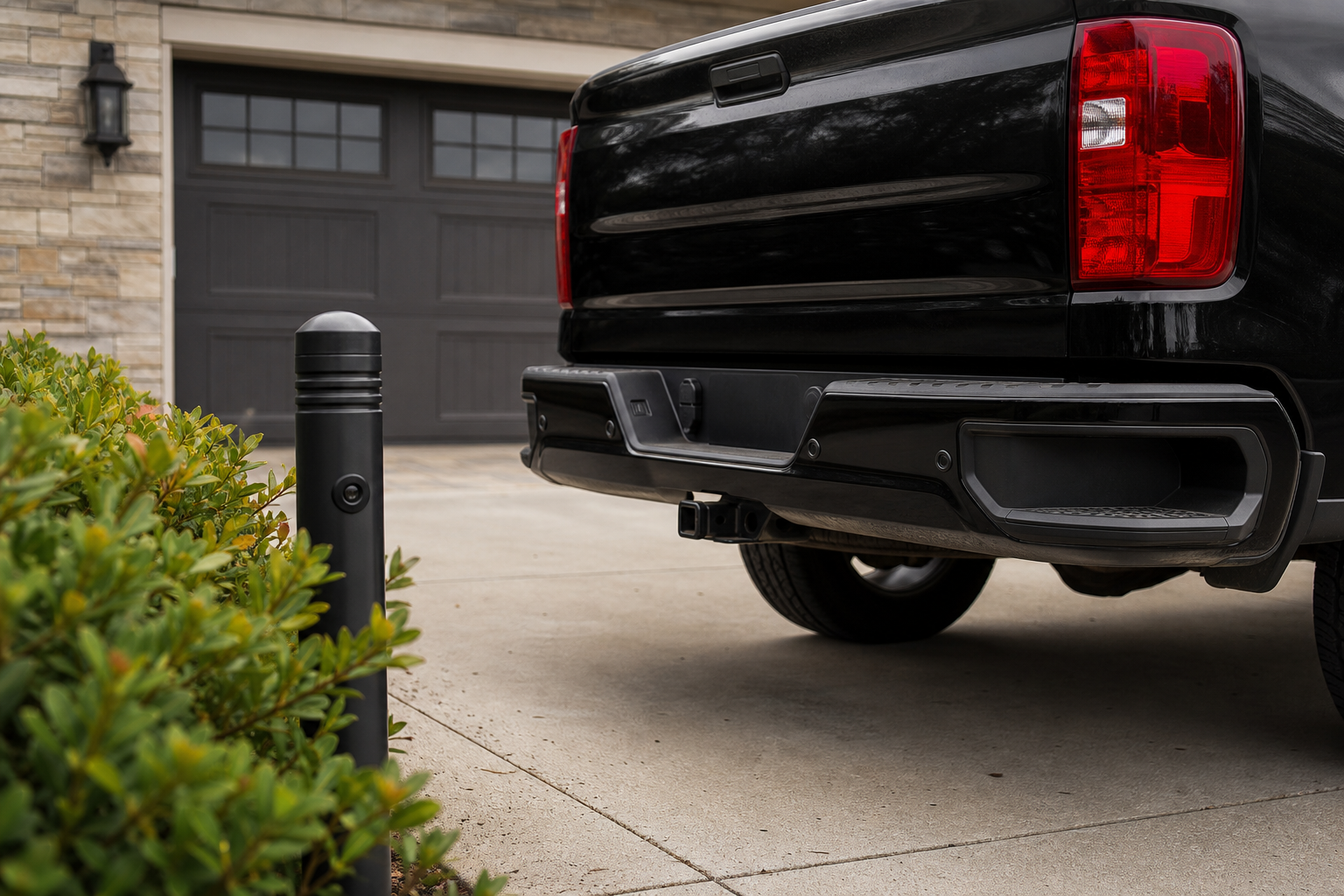
- Tow hitches, bike racks, and aftermarket bumper guards. A hitch ball or receiver sitting in the sensor’s field of view will trigger constant beeping because the system reads it as an obstacle every time you’re in reverse.
- Bumper damage or aftermarket bumpers. A dent, crack, or non-OEM bumper cover can change the angle of a sensor just enough to throw off its readings, even if the sensor itself is fine.
- Wrong trailer or accessory settings. Some Tahoes let you disable rear sensors automatically when towing is detected. If that setting is stuck on or off incorrectly, you’ll get no warning at all when backing up without a trailer.
- A sensor knocked loose or out of alignment. Car washes, minor parking lot bumps, and pressure washing can shift a sensor’s seating in the bumper enough to cause erratic readings.
- Corroded or damaged wiring behind the bumper cover. Road salt and moisture get into the wiring harness connectors over time, especially on trucks that see winter driving.
- A genuinely failed sensor. Ultrasonic sensors do wear out, and a “Park Assist Unavailable” message that won’t clear after you’ve ruled out everything else usually points here.
How to Narrow Down the Culprit Yourself
Start with a visual and physical check before you touch any settings or wiring. Wipe down every sensor with a clean, damp microfiber cloth, since even fingerprint oil or bug residue can affect the ultrasonic signal. Do this in cold weather too, since a thin ice glaze is one of the most common causes of a Tahoe suddenly losing park assist in winter.
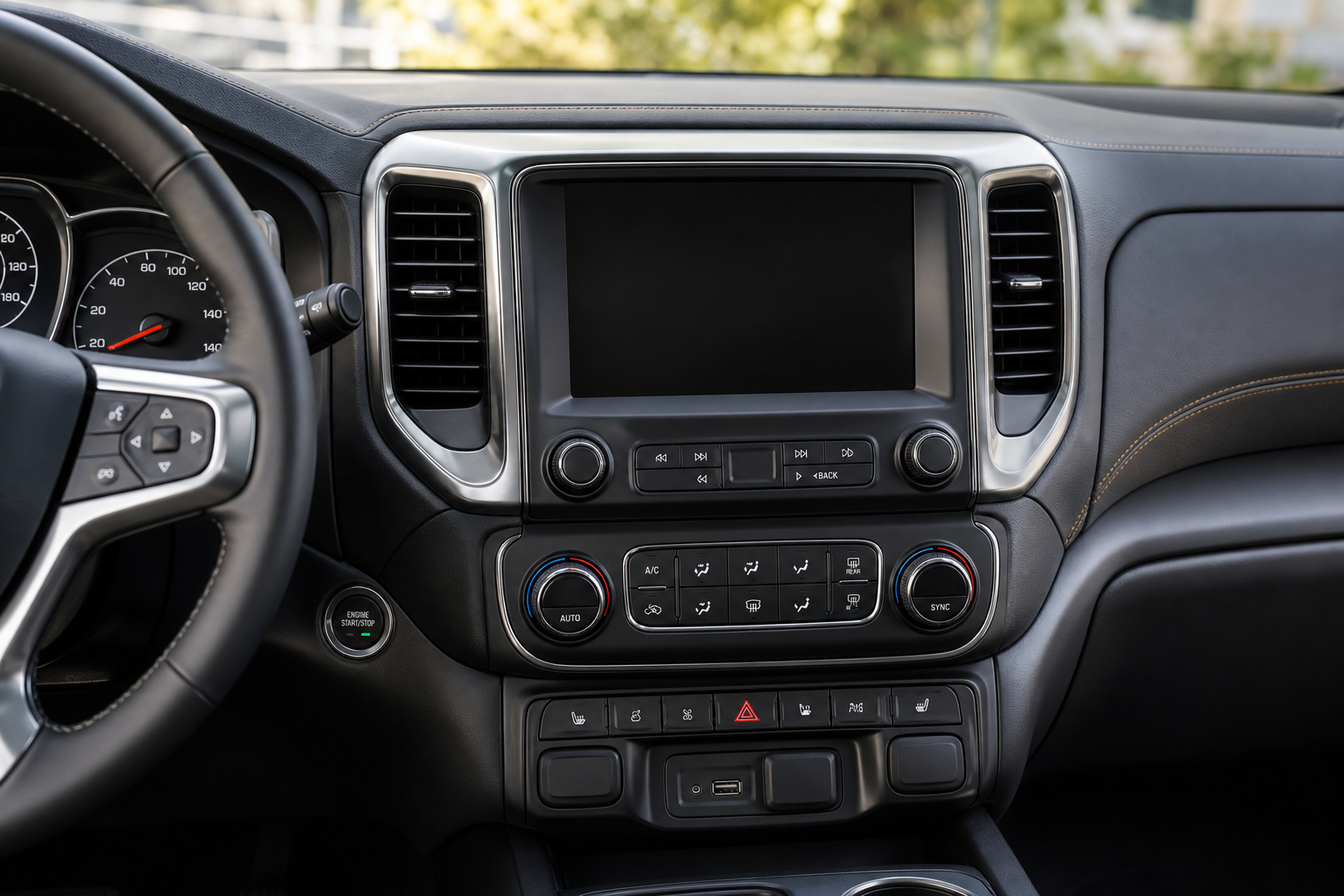
Next, walk around the bumper and look for anything sitting in front of a sensor. Aftermarket brush guards, license plate frames mounted too low, bike racks, and hitch-mounted cargo carriers are frequent causes of constant rear beeping. If you tow regularly, check your infotainment settings under vehicle settings or driver assistance to confirm the system is set to recognize when a trailer is connected, since this affects whether rear sensors report normally.
If the beeping happens only from one specific sensor location, press gently around that sensor’s housing to feel for looseness. A sensor that wiggles in its mount is a strong sign it’s been knocked out of alignment, often from a car wash brush or a minor bumper tap you might not even remember. Compare it side to side with the matching sensor on the other end of the bumper, since they should sit flush and at the same angle.
Pay attention to when the fault message appears. A “Park Assist Unavailable” message that shows up only occasionally, especially in rain or after driving through a car wash, usually points to moisture intrusion at a connector rather than a dead sensor. A message that’s constant and doesn’t clear after cleaning and a full drive cycle is more likely a wiring or sensor circuit issue that needs a scan tool to pinpoint.
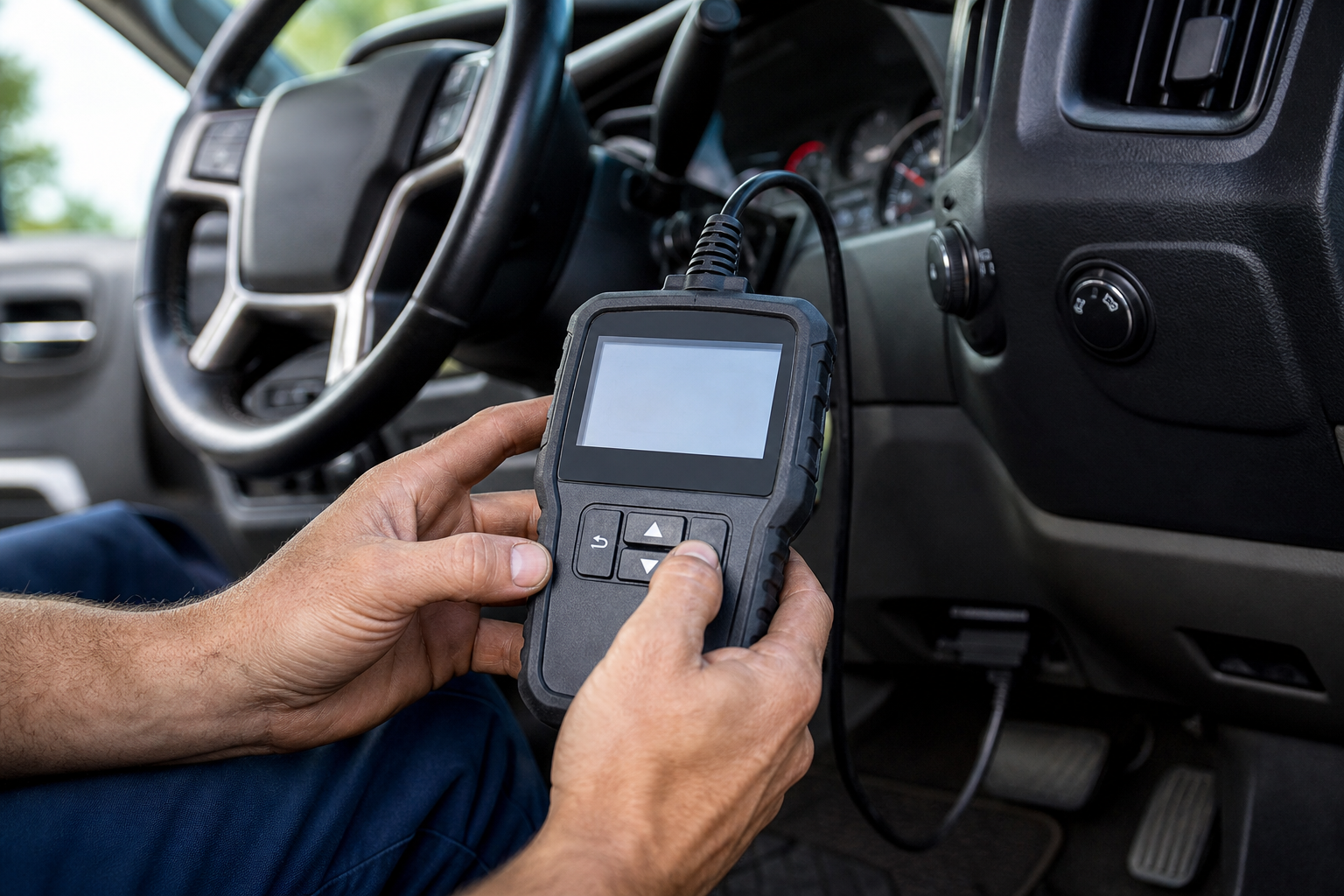
This is where a code reader earns its keep. A basic OBD2 scanner won’t always pull body control module codes, so if you want to actually see which sensor circuit is throwing a fault, look at a scan tool with GM-specific coverage.
BlueDriver Bluetooth Pro OBDII Scan Tool
Reads body control module codes on GM vehicles, which is what you need to isolate a specific park assist sensor circuit.
If a full scan tool feels like overkill for a one-time check, a simple sensor cleaning kit and a soft-bristle detail brush can rule out the most common cause in about five minutes.
Chevy Tahoe replacement parking sensors are worth having on hand if you already know which one is bad, but confirming the actual fault first will save you from buying a part you don’t need. Keep in mind that some Tahoe trims require the body control module to relearn a new sensor’s position after installation, which typically means a dealer or shop with GM-specific software needs to run a calibration. This isn’t a job to guess your way through, since an uncalibrated sensor can behave worse than the original problem.
If you’re dealing with other electronic driver aids acting up on your Tahoe or a related GM truck, it’s also worth checking your rear seat reminder settings, since some owners find multiple alert systems triggering around the same time after a battery disconnect or software update. And if you tow with your Tahoe often, our guide on using tow/haul mode covers another common source of dashboard confusion around trailer-related settings.
Frequently Asked Questions
Why does my Tahoe beep constantly even with nothing behind it?
This is almost always caused by something physically obstructing a sensor, most commonly a hitch ball, bike rack, or dirt buildup. Clean each sensor first, then check for aftermarket accessories sitting in the sensor’s detection path before assuming it’s electrical.
Do I need to recalibrate a sensor after replacing it?
On most Tahoe model years, yes. The body control module needs to relearn the sensor’s position and confirm it’s communicating correctly, which typically requires GM-specific diagnostic software. Skipping this step can leave you with inaccurate distance readings even after installing a new sensor.
Leave a Reply