
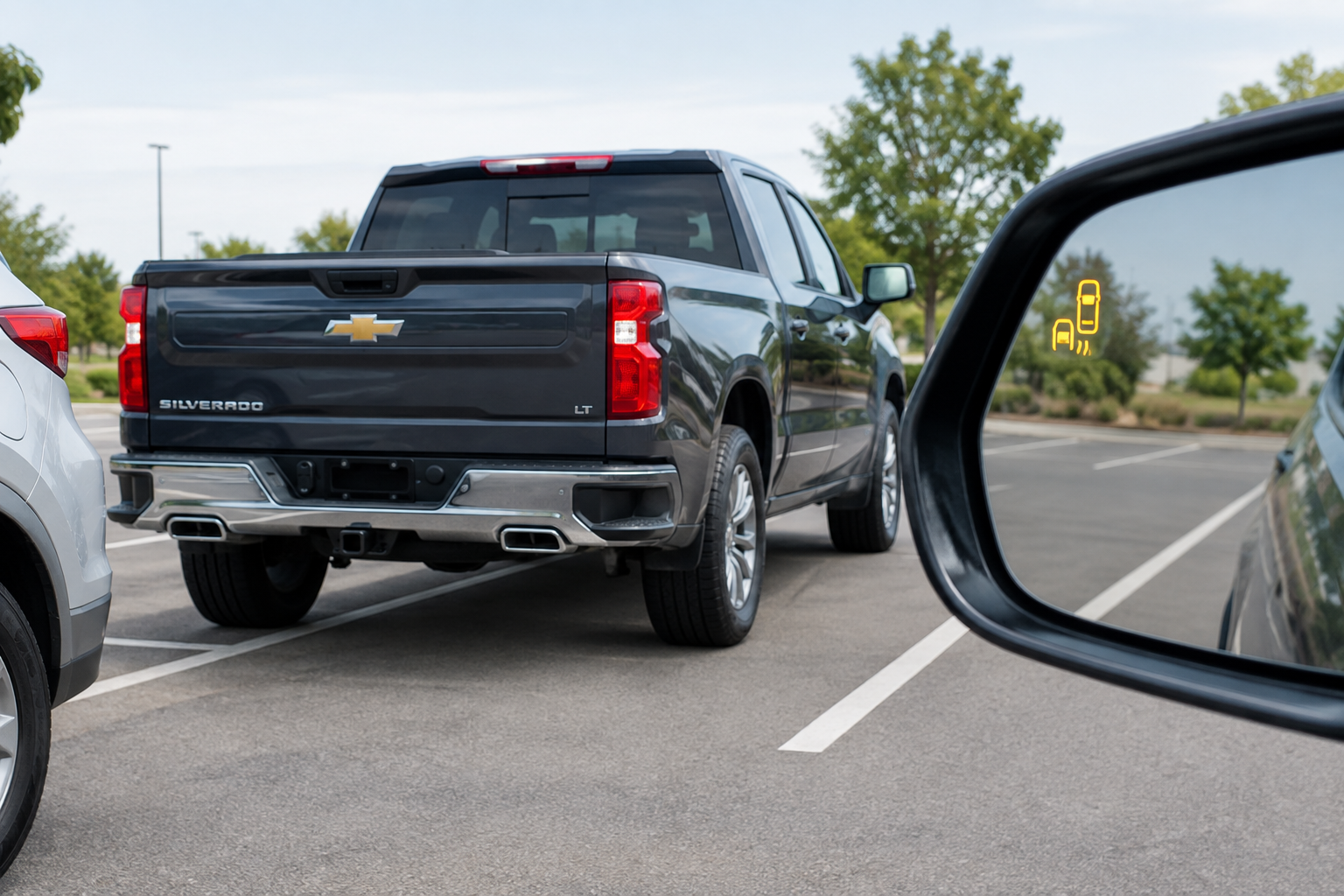
Backing out of a parking spot and getting no beep, no icon, and no warning from Rear Cross Traffic Alert can be unnerving, especially if you’ve come to rely on it in busy parking lots. Chevy calls this feature Rear Cross Traffic Alert (RCTA), and it’s part of the same radar-based safety suite that includes Side Blind Zone Alert on the Silverado 1500. When it stops working or shows as unavailable, the cause is usually something simple like a blocked sensor or a setting that got switched off, but it can also point to a bumper issue or a real electrical fault worth chasing down.
How Rear Cross Traffic Alert Works on the Silverado 1500
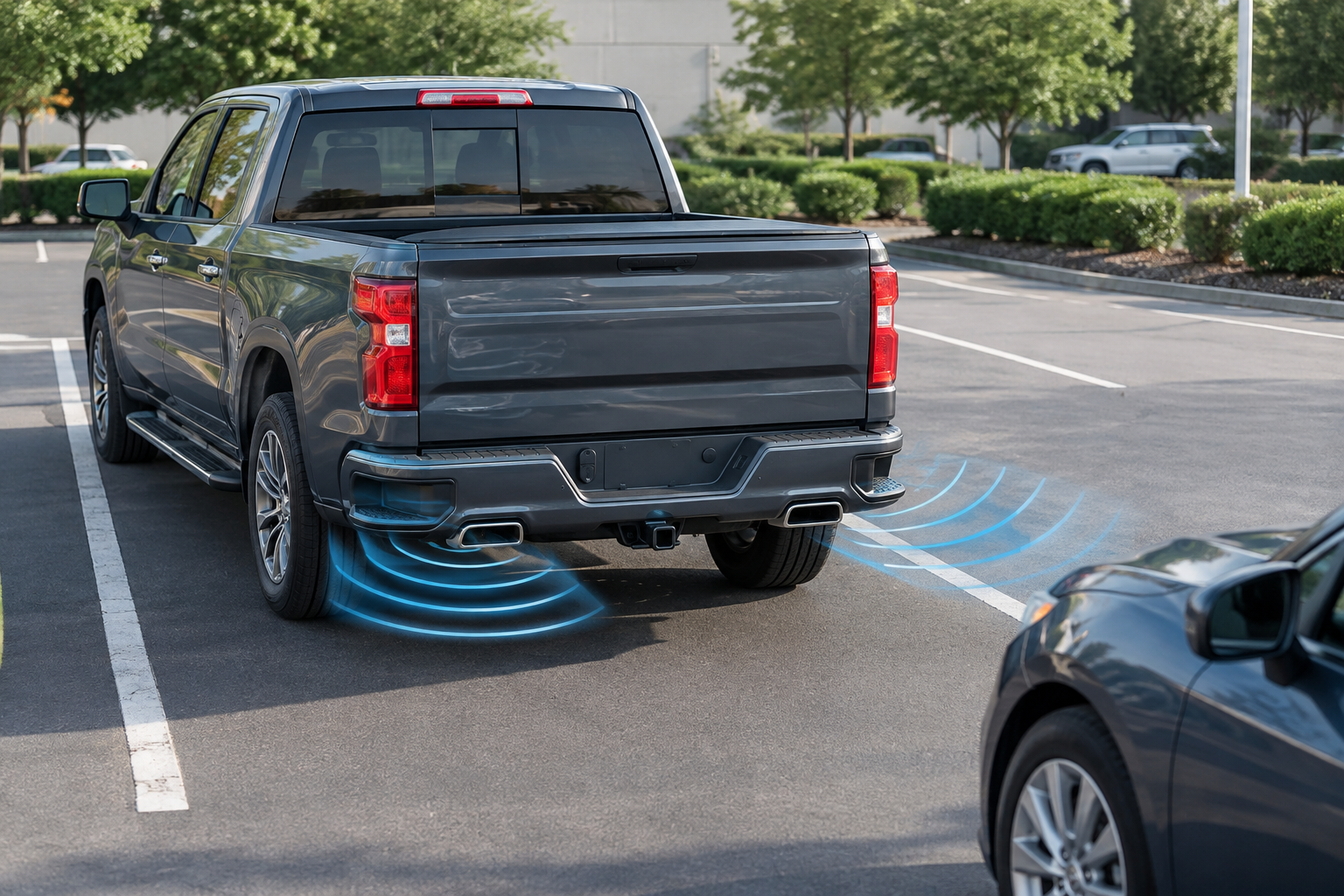
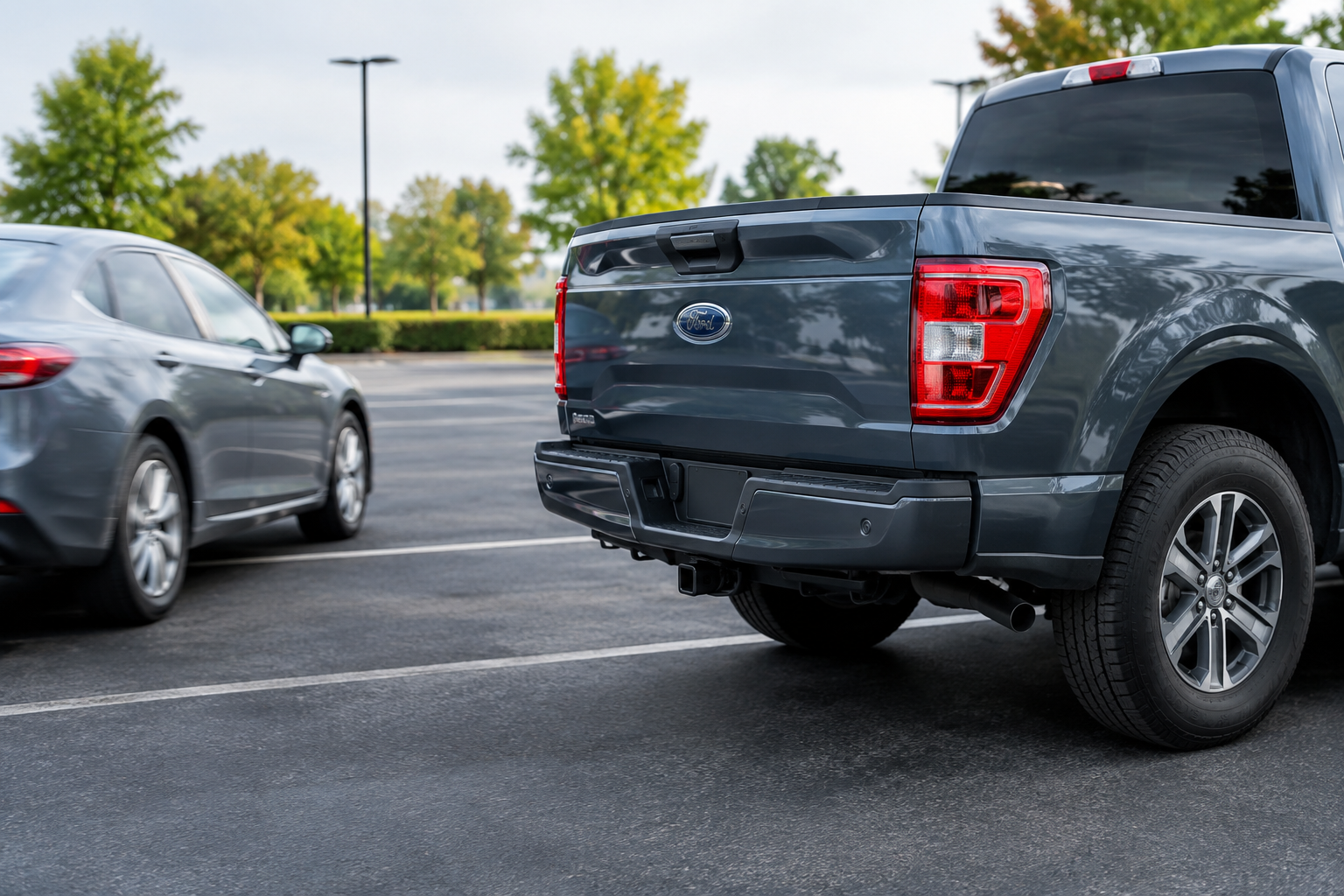
RCTA uses two short-range radar sensors mounted in the rear bumper, one on each corner. These are the same radar units that power the Side Blind Zone Alert system, which is GM’s name for blind-spot monitoring. That shared hardware is why problems with one often show up as problems with both at the same time.
The system is designed to detect vehicles approaching from either side while you’re backing out of a parking space or driveway, not while driving forward. It typically activates when the truck is in reverse and moving at low speed, generally under about 3 to 5 mph, and it won’t function normally above typical parking-lot speeds. If you’re already backing up faster than that, don’t expect a warning.
Trim availability matters here. On earlier Silverado 1500 generations, RCTA and Side Blind Zone Alert were bundled into an optional Driver Alert Package or Safety Package, not standard equipment, so if your truck is a base Work Truck (WT) trim without that option, the system may simply not be installed at all rather than malfunctioning. Starting with the redesigned 2019 and later Silverado 1500, these features became more widely available across trims, and by the 2022 refresh and beyond, they’re included on more mid-level trims standard. Check your window sticker or owner’s manual to confirm what your specific truck actually has, since “not working” sometimes just means “never equipped.”
Common Reasons RCTA Stops Working or Shows Unavailable
Most RCTA complaints come down to a handful of repeatable causes. Working through these in order will solve the majority of cases without a trip to the dealer.
Blocked or Dirty Radar Sensors
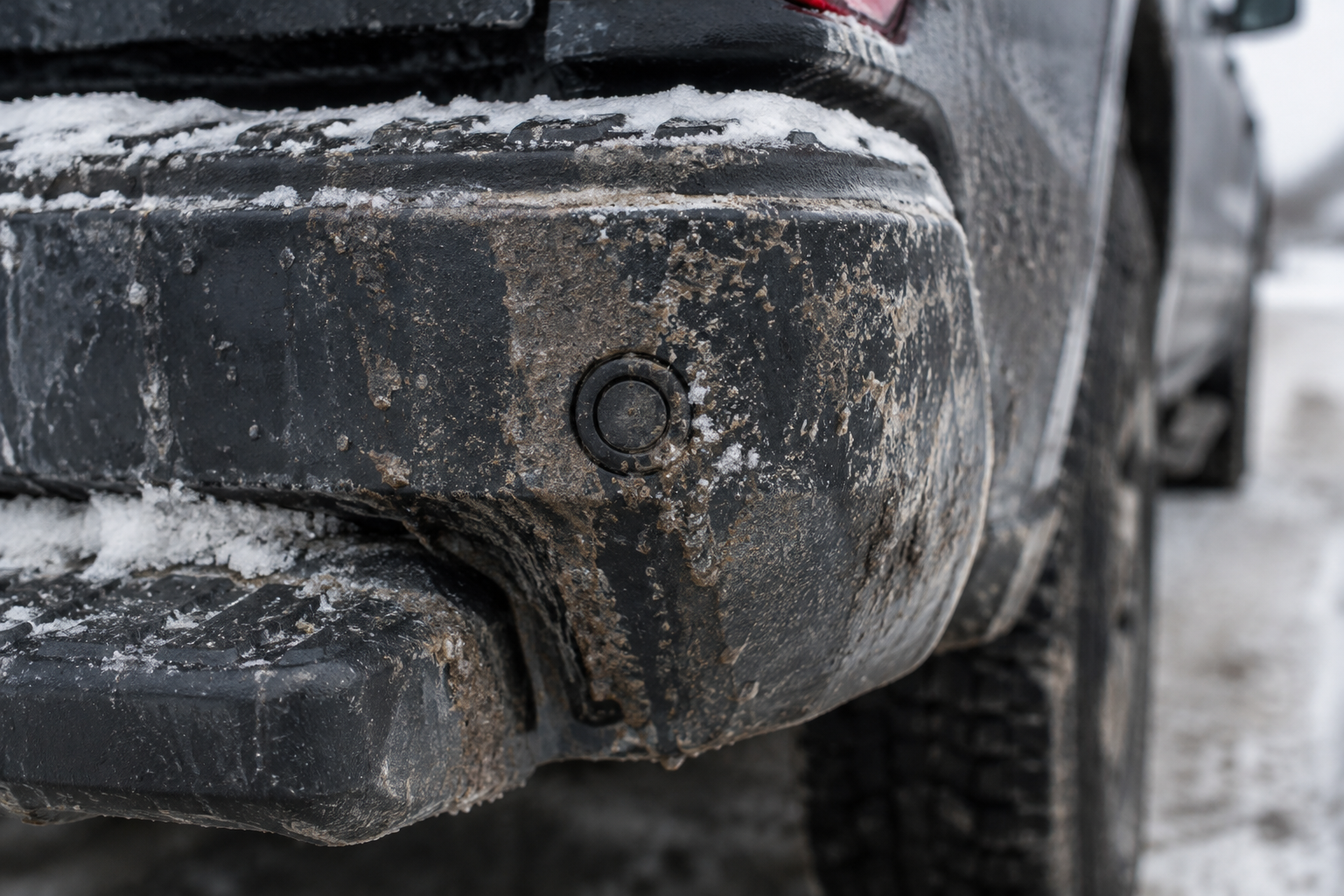
The radar sensors sit behind the rear bumper cover, usually near the taillamp corners. Mud, road salt, ice, heavy snow buildup, or even a thick layer of dust can attenuate the radar signal enough to trigger an “unavailable” message on the dash. Wipe down the rear bumper corners with a clean microfiber cloth, especially after driving in wet or snowy conditions, and see if the system comes back online after a short drive.
Trailer, Hitch, or Bike Rack Interference
Anything mounted behind or near the rear bumper corners, a hitch-mounted bike rack, a cargo carrier, or a trailer with a wide frame, can sit directly in the sensor’s field of view. Chevy’s own documentation notes that RCTA is automatically disabled while towing on many model years because a trailer confuses the radar into reading constant “traffic.” If you’re pulling a trailer and the system goes quiet, that’s expected behavior, not a fault. If you’ve got a hitch-mounted accessory installed even without a trailer attached, try removing it and testing again.
Rear Bumper Damage or Misalignment
A low-speed parking lot bump or a scrape from backing into a curb can shift a radar sensor’s aim just enough to cause inconsistent detection, even if the bumper looks fine from a quick glance. Aftermarket bumper covers, non-factory step bumpers, or poorly installed towing accessories can also throw off the radar’s field of view. If the system started acting up right after body work or a bumper replacement, that’s your prime suspect, and it likely needs a professional recalibration.
Settings and Menu Toggles
It sounds obvious, but it’s worth checking the settings menu first because these features can be switched off accidentally, especially by a second driver or during a dealer service visit. On the Silverado 1500, this is usually found under Vehicle Settings, then Driver Assistance, where you’ll see separate toggles for Rear Cross Traffic Alert and Side Blind Zone Alert. Confirm both are switched on before assuming there’s a hardware problem.
Low Battery Voltage
Radar-based driver assist systems are sensitive to voltage drops. A weak or aging battery, a failing alternator, or a poor ground connection can cause RCTA and Side Blind Zone Alert to intermittently disable themselves, often along with a warning message about other advanced safety features being unavailable. If your truck has multiple electronic systems acting up at once, especially after a cold morning start, get the battery and charging system tested before chasing sensor problems.
Sensor or Calibration Faults
If cleaning the bumper, removing accessories, and checking settings doesn’t resolve it, the radar module itself may have an internal fault or need recalibration. A scan tool that reads GM-specific modules will pull stored codes tied to the radar sensors and confirm whether it’s a wiring issue, a failed sensor, or a calibration that drifted out of spec after bumper work.
Relationship to Blind-Spot Monitoring
Because RCTA and Side Blind Zone Alert share the same rear corner radar sensors, a fault in one sensor often affects both systems simultaneously. If you notice your blind-spot indicators in the side mirrors are also acting inconsistently, flickering on and off, or failing to light up when a vehicle is clearly in your blind spot, that points strongly toward a shared sensor or wiring problem rather than two separate coincidental failures.
That said, don’t assume the two systems behave identically across every model year. GM has made hardware and software changes across Silverado 1500 generations, and some model years handle trailer detection, low-speed cutoffs, or fault messaging slightly differently. If you’re troubleshooting an older truck versus a newer one, check your specific owner’s manual rather than relying on general forum advice written for a different model year.
When to Replace or Upgrade Radar Sensors
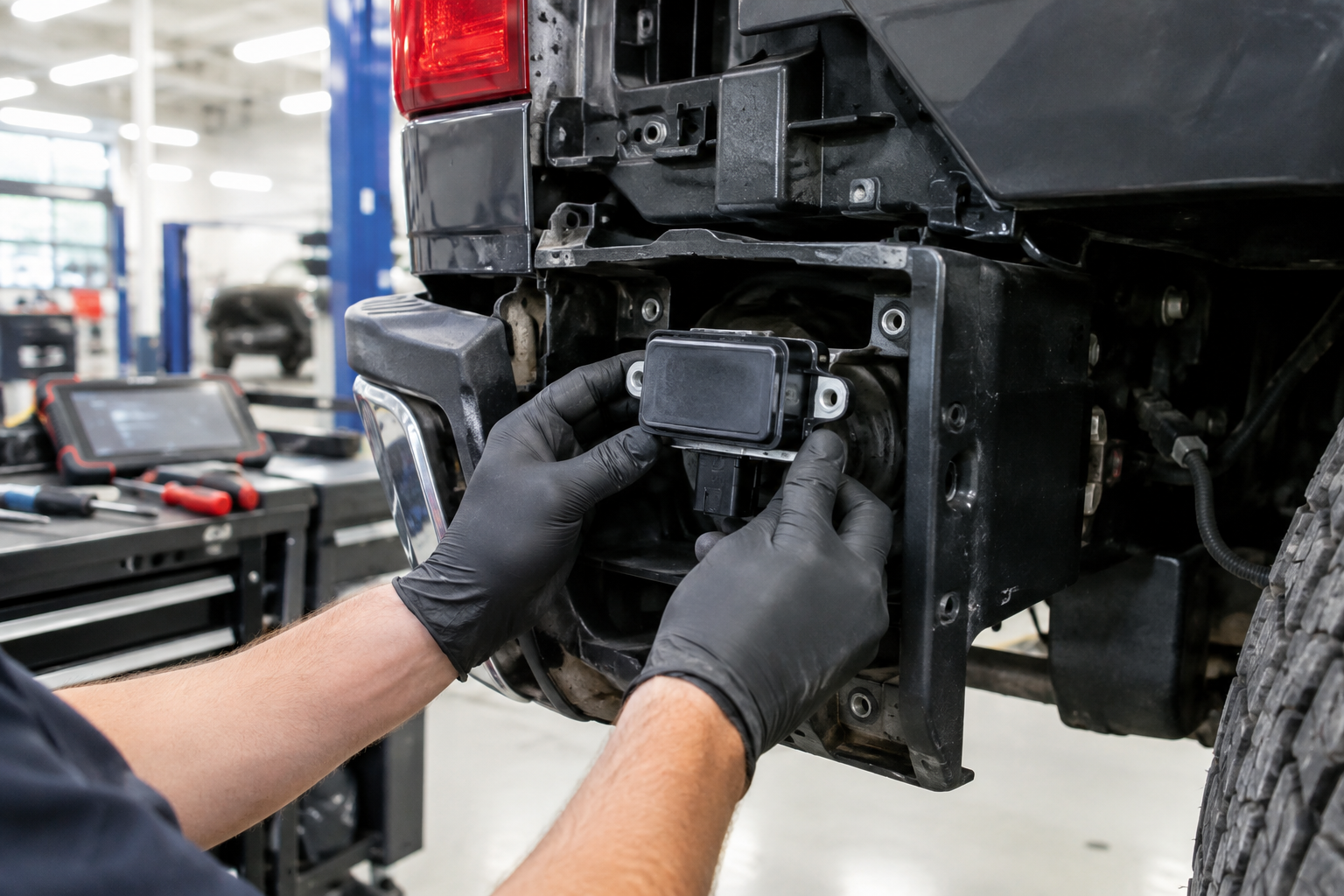
If a scan confirms a sensor has failed rather than just being dirty or blocked, replacement is usually the only fix. Genuine GM sensors are the safest bet for guaranteed fitment and calibration compatibility, but many owners also shop Chevy Silverado 1500 blind spot radar sensors on Amazon for aftermarket or OEM-equivalent replacement units at a lower cost than dealer parts.
Chevy Silverado Blind Spot Radar Sensor
A direct-fit replacement radar sensor option worth comparing against dealer pricing before you commit to a repair.
Whatever sensor you choose, factory or aftermarket, it will need proper calibration afterward. This isn’t a plug-and-play swap where you bolt it in and drive off. Most shops use a target-based calibration procedure that aligns the radar’s field of view precisely, and skipping this step is the most common reason people report a “new” sensor still throwing the same warning.
If you’re also dealing with a dirty or damaged rear camera around the same bumper area, it’s worth cleaning that lens at the same time you check the radar sensors, since both live in the same general location and both get fouled by the same road grime.
Keeping the System Reliable Long-Term
A quick wipe-down of the rear bumper corners every time you wash your truck, especially in winter, will prevent most nuisance “unavailable” messages before they start. If you tow regularly, get in the habit of checking your settings menu after hitching up, since some trailer configurations require you to manually confirm the system is disabled or re-enabled depending on your model year’s software behavior.
If you’re the type of Silverado owner who’s already dialed in other truck features, like knowing when to use Tow/Haul Mode on the Chevy Silverado or how Lane Assist behaves on the Silverado 1500, keeping RCTA in good working order is just one more piece of getting the most out of the truck’s driver assist suite. And if you’re also managing the seat belt chime for rear passengers, our guide on the Rear Seat Reminder on the Chevy Silverado 1500 covers a related but separate alert system worth understanding.
Frequently Asked Questions
Why does my Rear Cross Traffic Alert disable itself while towing?
GM’s radar system reads a trailer’s frame and lights as constant motion nearby, which would flood you with false alerts. On most Silverado 1500 model years, the system automatically disables RCTA when it detects you’re towing, and this is intentional rather than a malfunction.
Can dirt or snow really cause the system to say “unavailable”?
Yes. The radar sensors need a relatively clear path through the bumper cover to send and receive signals. Mud, packed snow, or thick ice buildup on the rear bumper corners is one of the most common and easiest fixes for this exact message.
Does a dead or weak battery affect Rear Cross Traffic Alert?
It can. These radar modules need stable voltage to operate correctly, and a weak battery or failing alternator can cause intermittent shutdowns of RCTA, Side Blind Zone Alert, and other driver assist features at the same time. If multiple systems act up together, check your battery and charging system first.
Leave a Reply