
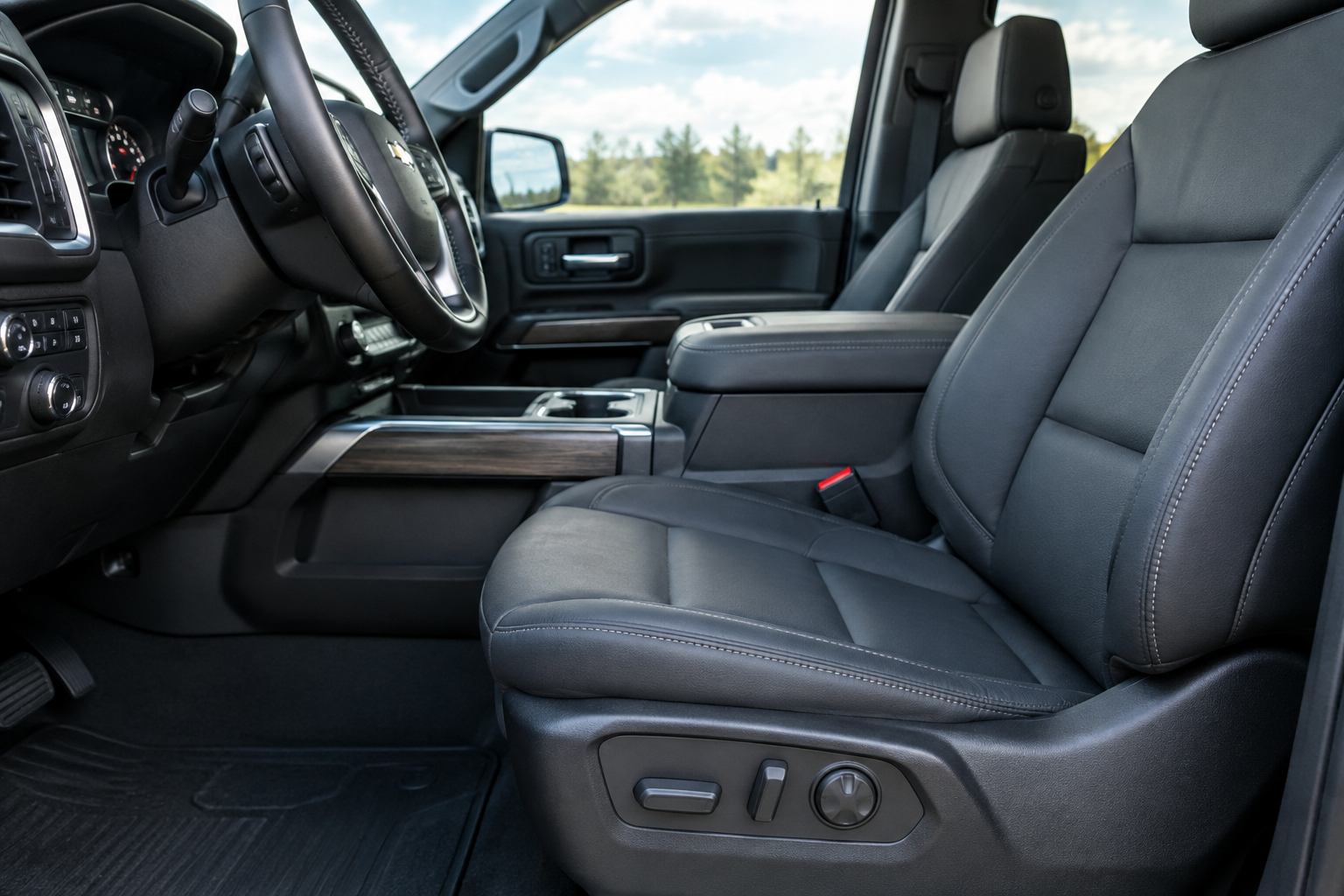
You climb into your Silverado, hit the memory button for seat position one, and instead of gliding into your usual spot, it either doesn’t move at all or stops somewhere that feels completely wrong. Maybe it worked fine last week. Maybe your spouse drove the truck and now your seat thinks it belongs to someone else. This is one of those quirks that seems minor until you’re stuck driving with your knees against the wheel every morning.
The good news is that most memory seat problems on the Silverado 1500 come down to a setup issue rather than a broken part. Before you start pulling apart the seat frame or hunting for a bad motor, it’s worth walking through how GM’s memory system actually works and where it tends to get confused.
How the Memory Seat System Actually Works
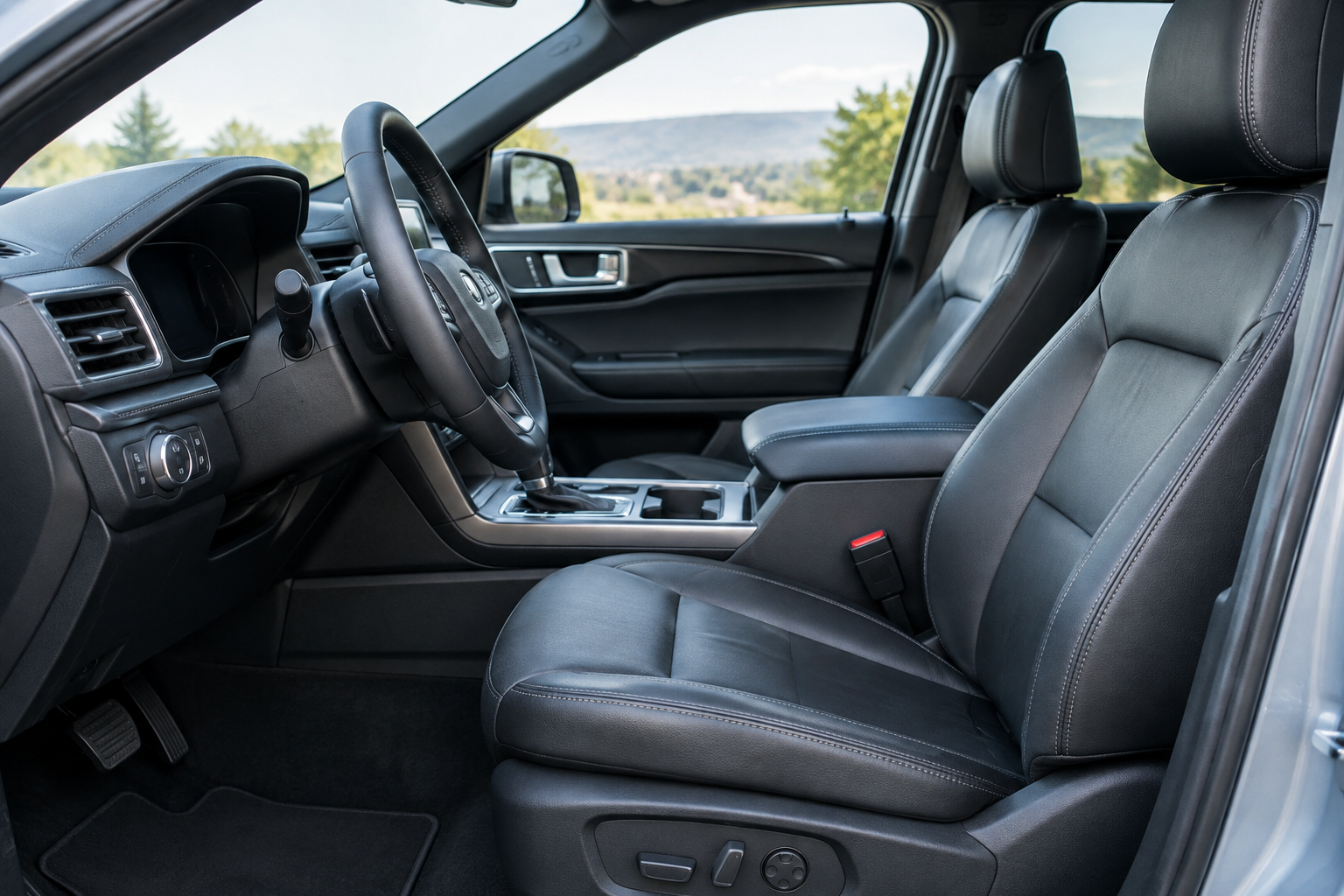
On most Silverado 1500 trims that offer it (typically LTZ, RST, and High Country, though availability shifts by model year), the memory seat ties three things together: a seat position stored in the module, a driver profile, and often a key fob or remote entry transmitter. The seat has to know which “slot” you want it to recall, and it has to know that you’re the one asking.
When you press the “1” or “2” button briefly, the truck simply moves the seat to whatever is stored under that number. To save a new position, you have to hold the seat where you want it, then press and hold the memory button (not just tap it) until you hear a chime or see a confirmation in the driver information center. Skipping that hold step is the single most common reason a “saved” position never actually saves.
Driver Profiles and Key Association
Later Silverado model years link memory settings to a driver profile system that also controls mirrors, radio presets, and sometimes climate settings. If two people share the truck and both use “Profile 1,” the seat will keep overwriting itself based on whoever adjusted it last. This isn’t a malfunction, it’s just profile bleed.
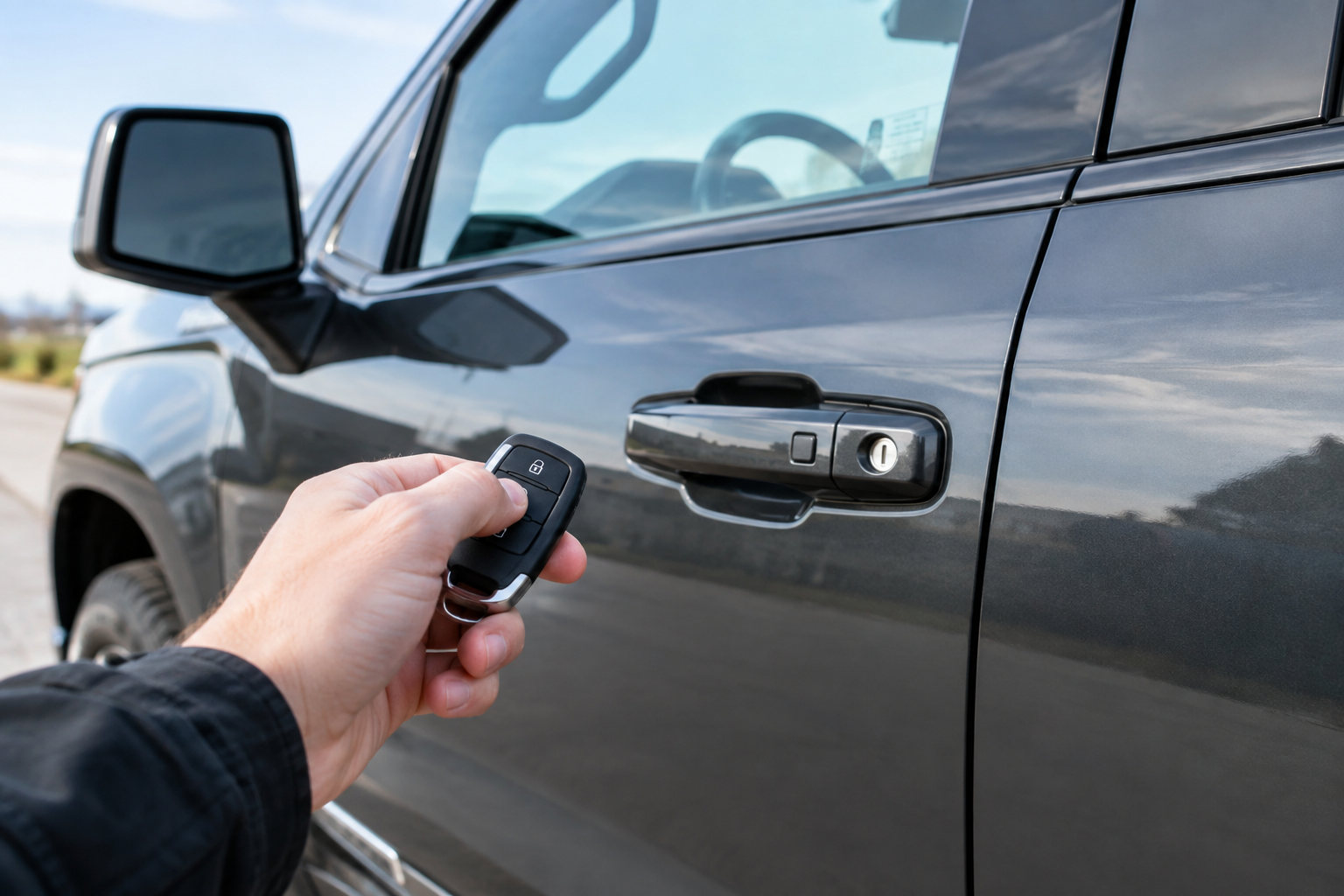
On trims where the key fob is tied to memory settings, using a different fob (like a spare key cut for a teenager or valet use) can call up a completely different stored position, or default to a generic setting if that fob was never associated with a profile at all. If your seat behaves normally with your key but goes haywire with a second fob, that’s your answer right there.
The Correct Save Sequence, Step by Step
Getting the seat to actually remember your spot takes a specific sequence. Skipping steps is the most common reason drivers think their memory system is “broken” when it’s really just user error.
- Turn the ignition on (accessory mode is fine on most years).
- Adjust the seat, mirrors, and steering column (if power tilt/telescope is equipped) to your preferred position.
- Press and hold the memory button labeled 1 or 2 until you hear the confirmation chime, usually two to three seconds.
- Release the button as soon as you hear the chime. Holding too long or pressing again can cancel the save.
- Test it by moving the seat elsewhere, then tapping the memory button once to confirm it returns correctly.
If the chime never sounds, the module isn’t registering the save attempt, which usually points to either a profile conflict or a genuine module fault rather than a technique problem.
Easy Entry/Exit Settings Can Fake a “Wrong Position”
Silverado memory seats often include an easy entry/exit feature that automatically slides the seat back and drops it down when you shift into Park or shut off the truck, then returns it when you restart. If this feature is out of sync or set to “on” when you don’t want it, it can look like your memory position is wrong when really the truck is just doing its exit routine and hasn’t yet cycled back.
Check your infotainment settings under seat or driver preferences. Some model years let you disable easy entry/exit entirely, which is worth doing if you find the seat movement disorienting or if it’s masking an actual memory problem. If you’re troubleshooting, turn this feature off temporarily so you can isolate whether the seat itself is the issue.
Seat Position Limits and Physical Obstructions
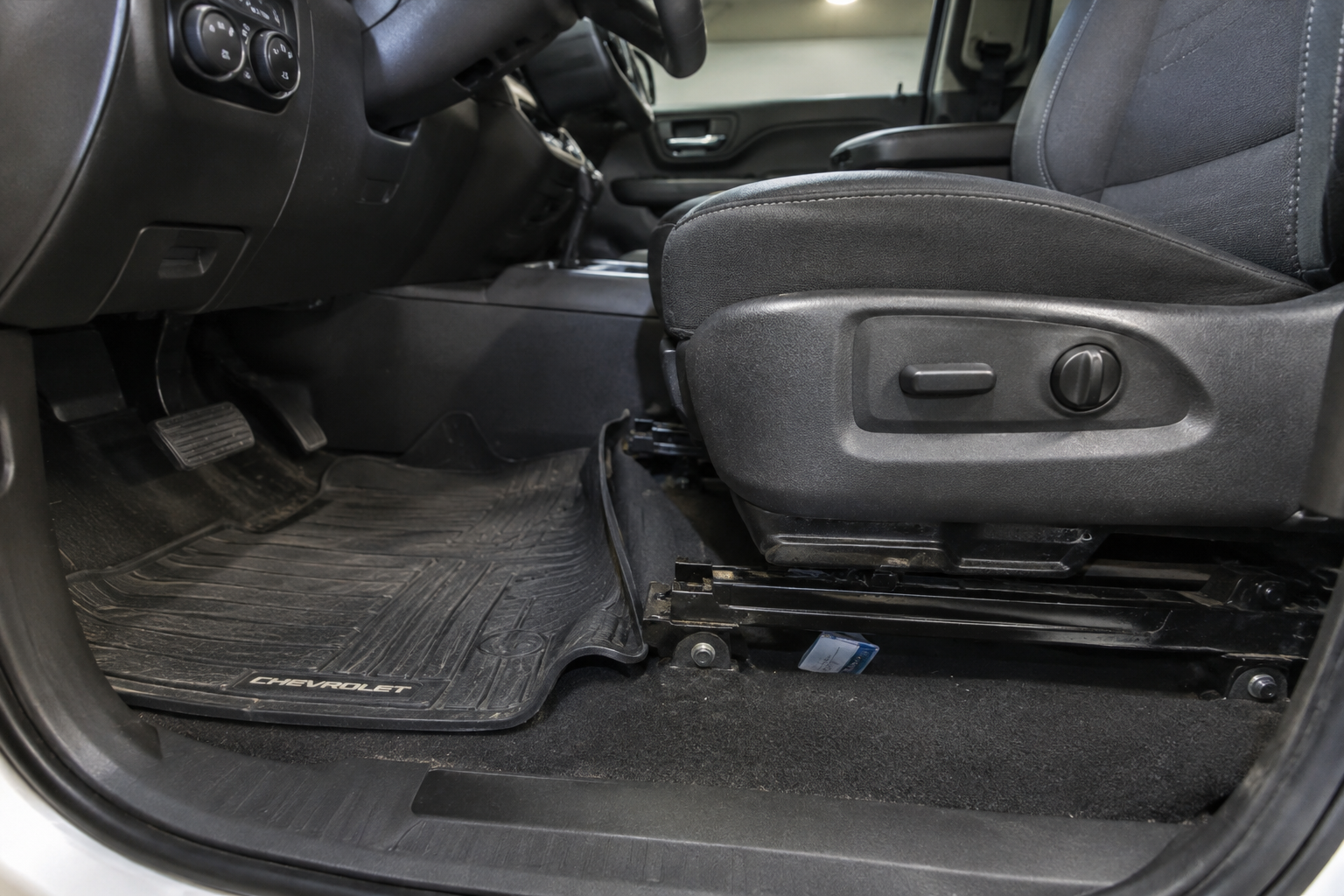
Every memory seat has mechanical end stops. If your stored position is close to the seat’s travel limit, in particularly cold weather (when grease thickens) or if something is jammed in the track (floor mats, debris, a dropped phone case), the seat can stall before reaching its saved spot and the module may register that as an error or simply stop the motor.
Pull back the floor mat and visually inspect the seat tracks. Cold-weather stalling is common enough on GM trucks that it’s often mistaken for a sensor failure when it’s really just friction. If the seat moves freely by hand but struggles under motor power, that’s worth noting for a dealer visit.
Battery Disconnects and Module Reinitialization
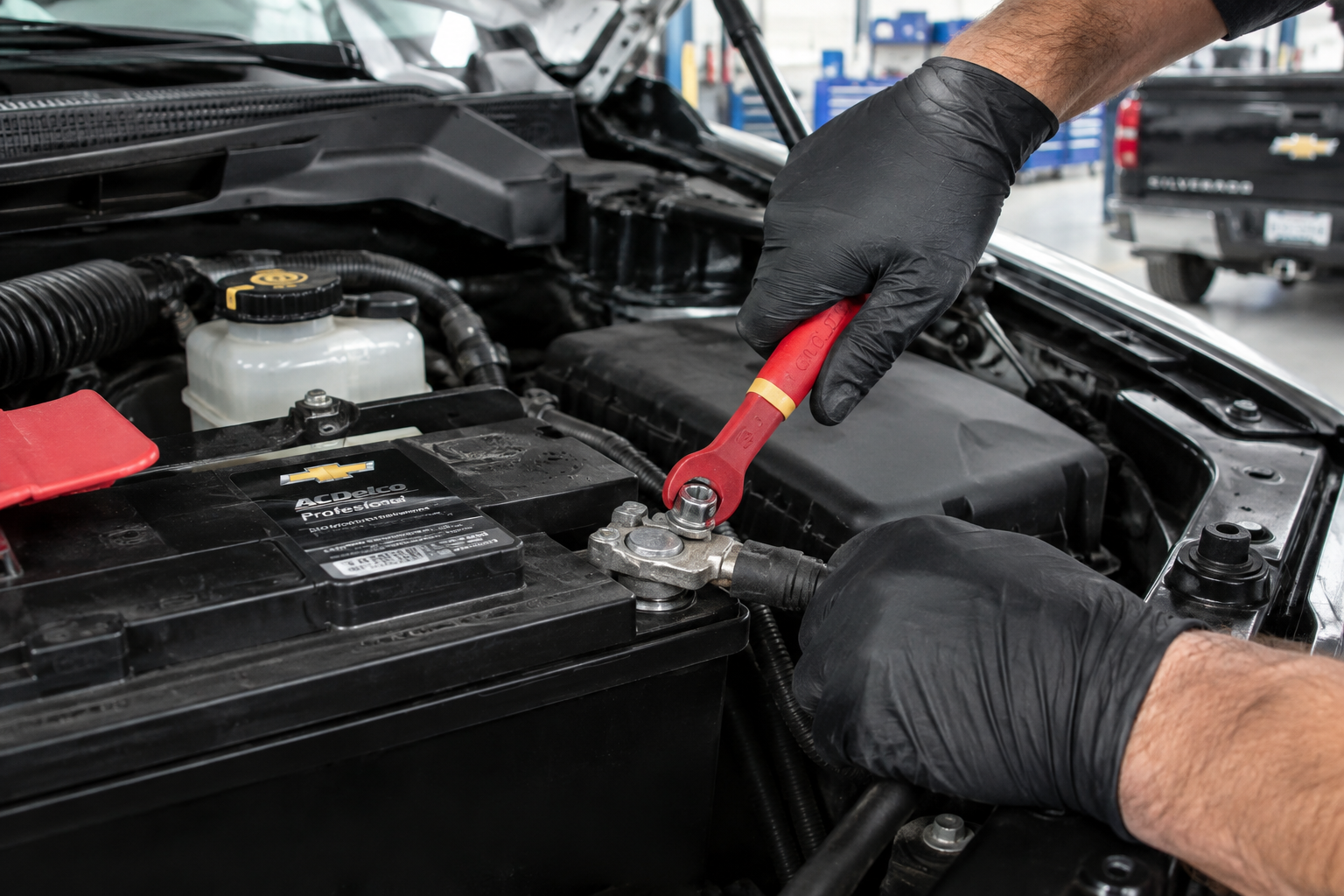
Disconnecting the battery, whether for a repair, a dead battery jump, or aftermarket accessory install, can wipe or scramble memory seat data on some Silverado model years. GM’s body control module sometimes needs to relearn seat travel limits after power is restored, similar to how power windows need to be reinitialized after a battery disconnect.
If your memory seat stopped working right after any battery work, that’s almost certainly your cause. Try reprogramming both memory positions from scratch using the save sequence above. On some years, you may also need a seat relearn procedure, which involves running the seat fully forward and back, or up and down, to let the module remap its sensor limits. Check your owner’s manual for your specific model year, since GM changed this procedure more than once across the current-generation Silverado.
If you’re already dealing with electrical quirks after a battery swap, it’s also worth checking whether other systems reset unexpectedly, similar to what we’ve covered with the rear seat reminder settings on the Silverado 1500, which can also get reset by power interruptions.
When It’s a Real Hardware Problem
Once you’ve ruled out profile conflicts, easy entry/exit confusion, and battery-related resets, a few real failure points remain.
- Seat switch failure: If pressing the memory buttons does nothing at all, not even an attempt to move, the switch pad itself may have failed or lost its connection.
- Position sensor failure: If the seat moves but stops short or overshoots consistently in the same spot regardless of what you save, a position sensor inside the track is likely degrading.
- Module fault: If the chime never sounds, memory never saves under any driver profile, and a reinitialization doesn’t help, the seat memory module itself may need diagnostic scanning at a dealer or qualified shop.
A quality scan tool that reads GM body control modules can help confirm whether the fault is electrical or software-related before you spend money on parts. If you’re comfortable doing some of your own diagnostics, keeping a dedicated OBD-II scanner in the truck is generally a smart move regardless of what’s going on with the seat.
BlueDriver Bluetooth Pro OBDII Scan Tool
A solid option for reading GM-specific body control module codes without a trip to the dealer.
If the switch pad itself is suspect, physically inspecting or replacing the memory seat switch is usually more practical than chasing wiring, especially since these switch assemblies are a common wear item on higher-mileage Silverados. You can browse Chevy Silverado 1500 memory seat switch options to compare OEM-style replacements before booking a shop appointment.
For drivers who want a backup way to protect their seat’s leather or vinyl while troubleshooting mechanical issues, a well-fitted seat cover can also help prevent debris from working into the track and interfering with the sensors down the line.
Silverado Seat Cover Set
Helps keep debris out of the seat tracks, which reduces one common cause of sensor interference.
Trim and Model Year Differences Worth Checking
Not every Silverado 1500 trim gets memory seats, and button labeling has changed over the generations. Some years use physical buttons on the door panel, others integrate memory settings into the touchscreen under driver profiles, and a few link memory recall to the key fob’s unlock button automatically. Before assuming something’s broken, confirm your exact trim and model year’s setup in the owner’s manual, since GM has revised this feature more than once during the current truck generation.
If you’re also dealing with other electronic quirks on your Silverado, like tow/haul mode behaving inconsistently or lane assist not staying disabled between drives, it’s a good sign that a broader module reset or software update might be worth discussing with your dealer.
Frequently Asked Questions
Why does my Silverado seat move to the wrong spot only when my spouse drives it?
This almost always means you’re sharing the same driver profile or key fob association. Set up a second profile and link it to a separate fob if your trim supports it, and each of you should stop overwriting the other’s saved position.
Do I need to disconnect the battery to reset the memory seat?
No, and doing so can actually make things worse by wiping stored positions. Try reprogramming the seat using the standard save sequence first before considering any kind of module reset.
Can cold weather really affect memory seat accuracy?
Yes. Thickened grease in the seat track motors can cause the seat to stall before reaching its saved position in freezing temperatures, which the module sometimes misreads as an obstruction or sensor fault. This typically resolves once the truck warms up.
Leave a Reply