Category: Tesla
Tesla Model 3: Connect a Phone
Connecting your phone to the Tesla Model 3 involves many conveniences, such as answering phone calls and listening to music. To connect your phone to the Tesla Model 3, you must pair it with your Tesla via Bluetooth. To pair your phone, ensure the Model 3 and your Phone are powered on. 2017 – 2022 Models read more
Written by

Tesla Model 3: How To Set Clock
The Tesla Model 3 time is linked to the GPS satellite and should update automatically. However, sometimes, the time may fail to update when you change time zones. This guide will detail the steps to set your clock. 2017 – 2022 Models Tap the clock 3X at the top of your Tesla screen, and the time read more
Written by
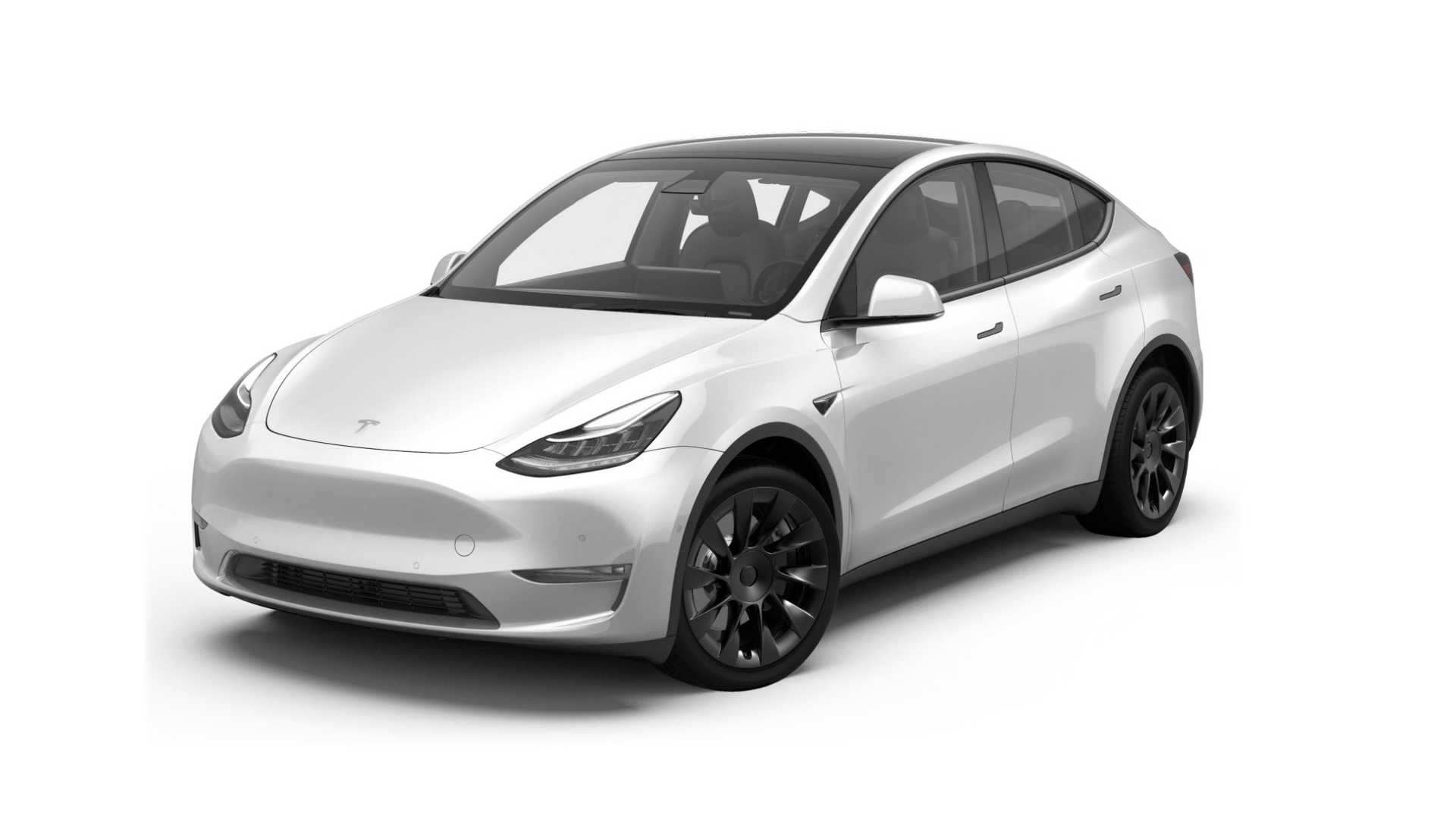
Tesla Model Y: How To Set Clock
Your clock will link to GPS to ensure the time is always correct, but if your clock does not self-correct, follow the steps below. 2020 – 2022 Models Your clock should reset itself automatically when, for example, you enter another time zone. If it doesn’t show the correct time: On your touchscreen, press and hold the time display for read more
Written by

Tesla Model S: How To Open Trunk
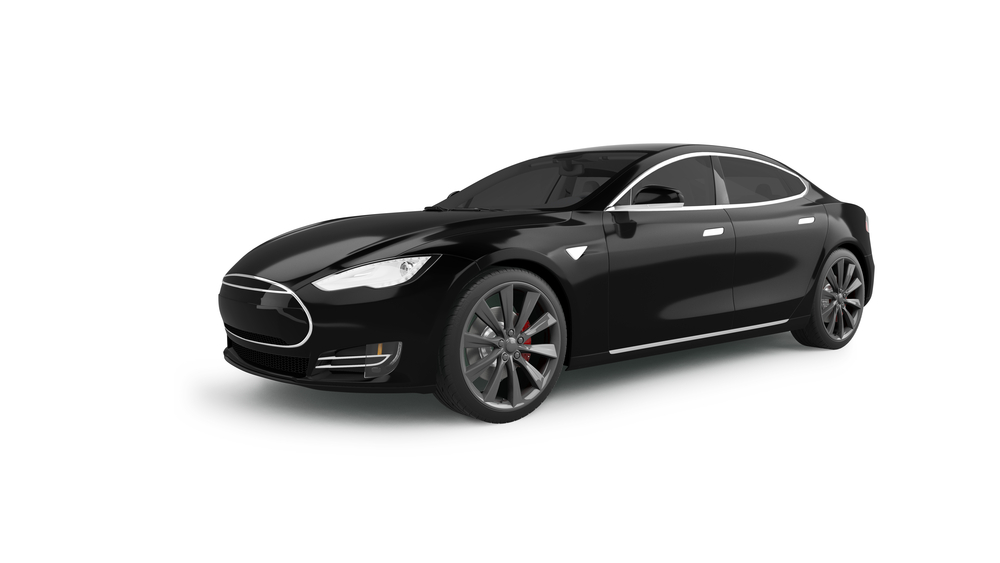
You have various ways to open the trunk on your Tesla Model S. Before you open your trunk, make sure your car is parked. 2017 – 2022 Rear Trunk Using your Tesla’s touchscreen, touch Controls. Select Trunk. OR Using your Key fob, double-click on the rear trunk button. OR Using your Tesla phone app, touch the rear trunk button. OR read more
Written by

Tesla Model 3: Reset Stereo System
If you’re having problems with the stereo in your Tesla Model 3, try the following resets. 2017 – 2022 Models Basic Reset There are two wheels set into your steering wheel on the right and left. Hold both wheels down for a few seconds. Your screen will turn off. After a few moments, your screen will automatically turn read more
Written by