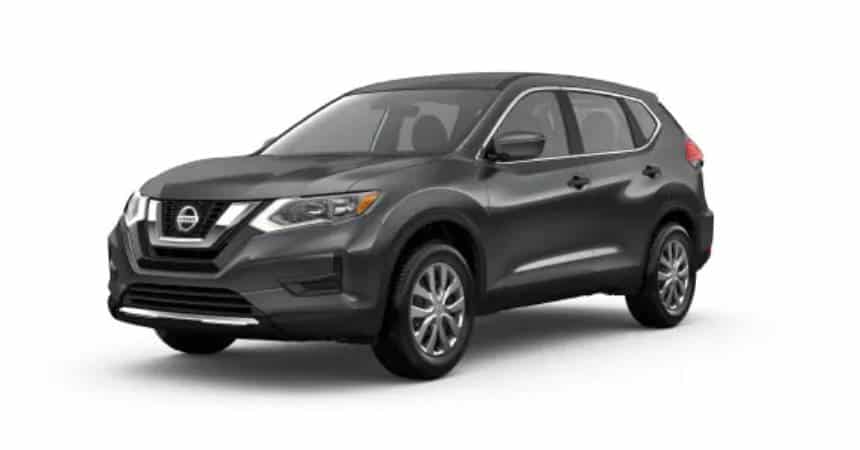
Category: Nissan
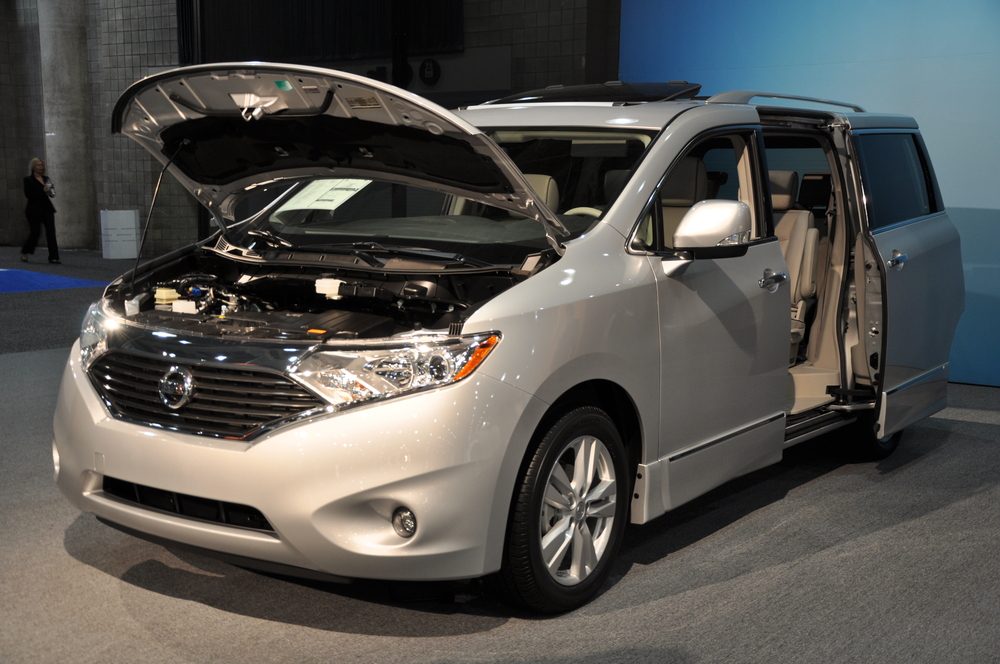
Nissan Quest: Reset Stereo System
When you do maintenance on your car or the battery dies, your stereo system can get messed up. Resetting your stereo system should fix just about any problem. 2009 – 2022 Models Infotainment Center Enter your car, put the key in the ignition, and turn it to the Accessory position. Press and hold the audio power button.… read more
Written by
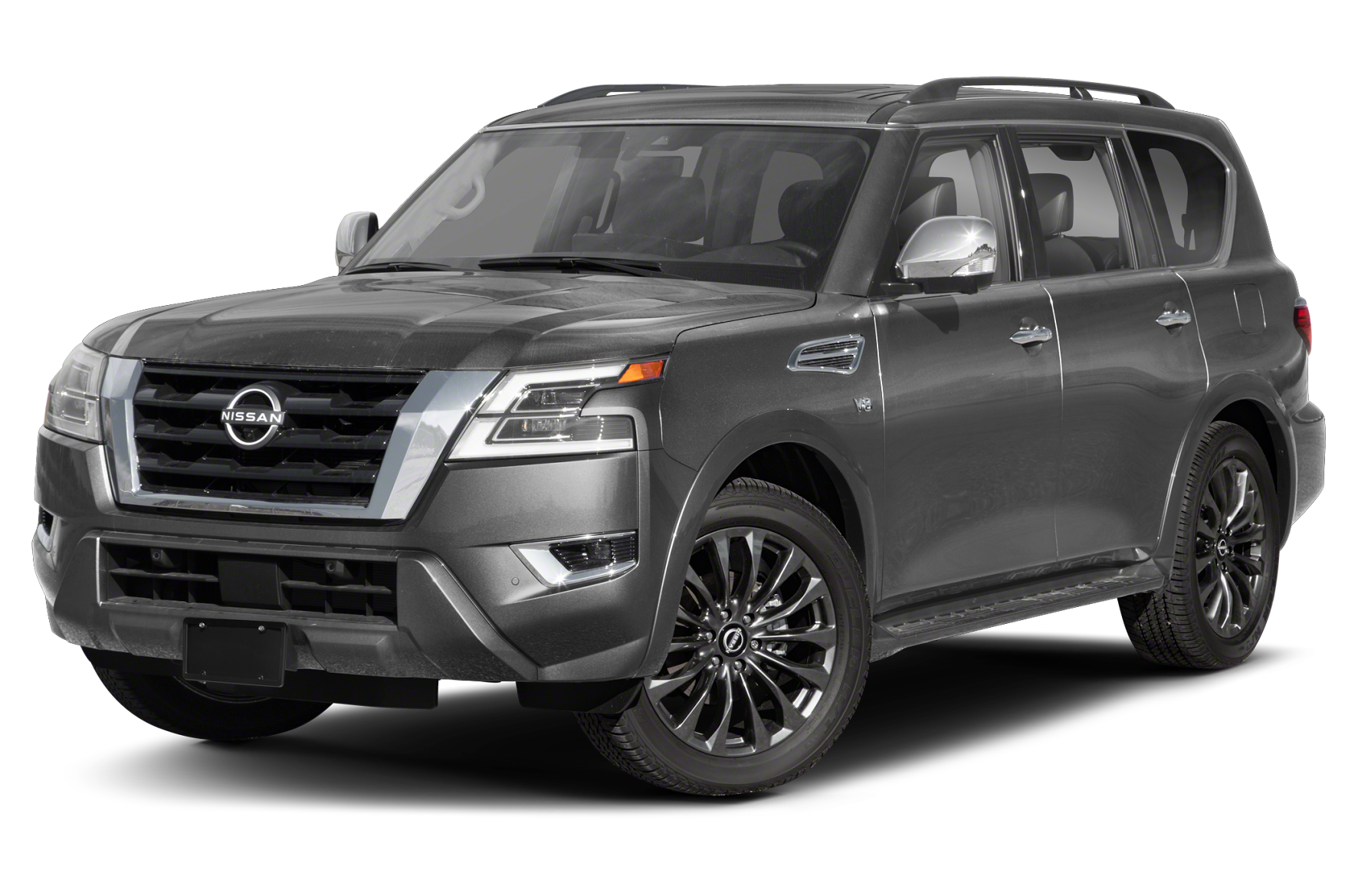
Nissan Armada: Connect a Phone
With your Nissan Armada Bluetooth streaming capabilities, you can listen to and play various audio files on your Bluetooth-enabled smartphone. 2020 – 2022 Models Ensure your vehicle is in park with the engine on. On your phone, turn on your Bluetooth. Armada’s with Navigation: Press the phone button 📞 on your audio system. Select “Connect.” Select “Connect New Device.” On your… read more
Written by
Nissan Quest: How To Set Clock
Do you need to reset the clock on your Nissan Quest? It’s not difficult to do, but Nissan has used different systems in different model years. The years shown below are approximate because there is some overlap. Additionally, the Nissan Quest was discontinued in 2017. 2006 – 2017 Press the SETTING button on the control panel. Wait… read more
Written by
Nissan Altima: Connect a Phone
When you connect your phone to your car, you have the capabilities to stream music, make calls hands-free, and navigate GPS with ease. Before pairing a new device, ensure your car is parked and either in Run or On. 2016 – 2022 Models If you have a navigational system: Press the phone button on your car’s audio… read more
Written by

Nissan Rogue: How to Reset Oil Change Light
The Nissan Rogue will display a “Maintenance Minder” or “Service Due Now” notification to remind you when the vehicle is due for an oil change. After you have had the service performed, you can reset the oil light with these steps. read more
Written by