
Category: Nissan
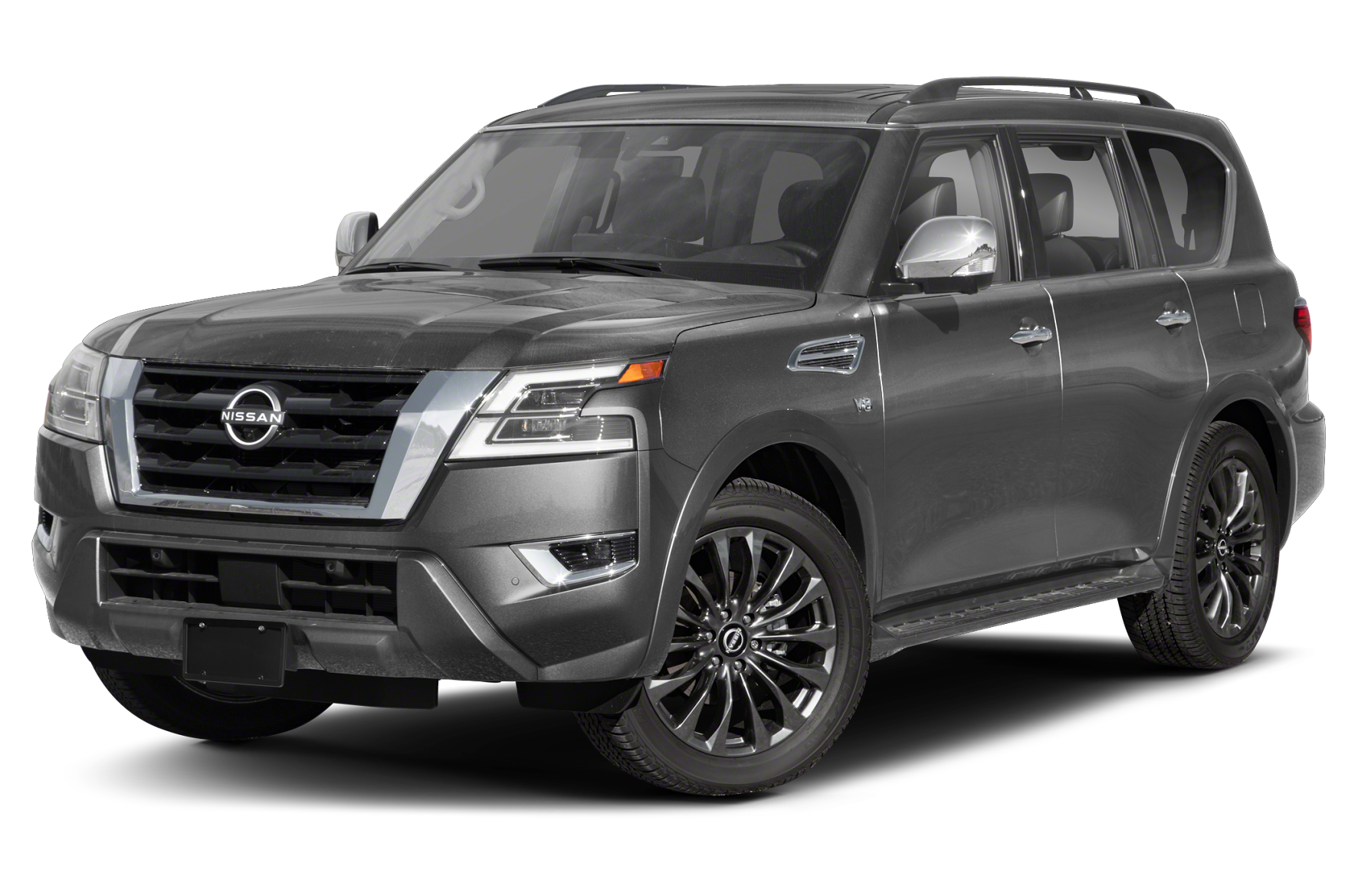
Nissan Armada: Release/Open Fuel Door
Different cars have different fuel door-opening techniques. Some vehicles have fuel door release levers or buttons, while others don’t. Here’s a comprehensive guide on releasing the fuel door of a Nissan Armada. 2017 – 2022 Models Unlock your car. Press the right edge of the fuel door inwards. The fuel door will pop open. To… read more
Written by
Nissan Armada: How To Set Clock
Depending on the time of year, you’ll need to change the clock in your car every once in a while. However, sometimes it can be challenging to remember how to change the clock because you do not do it very often. Below are steps on how to change the clock in your Nissan Armada. 2021-2022… read more
Written by
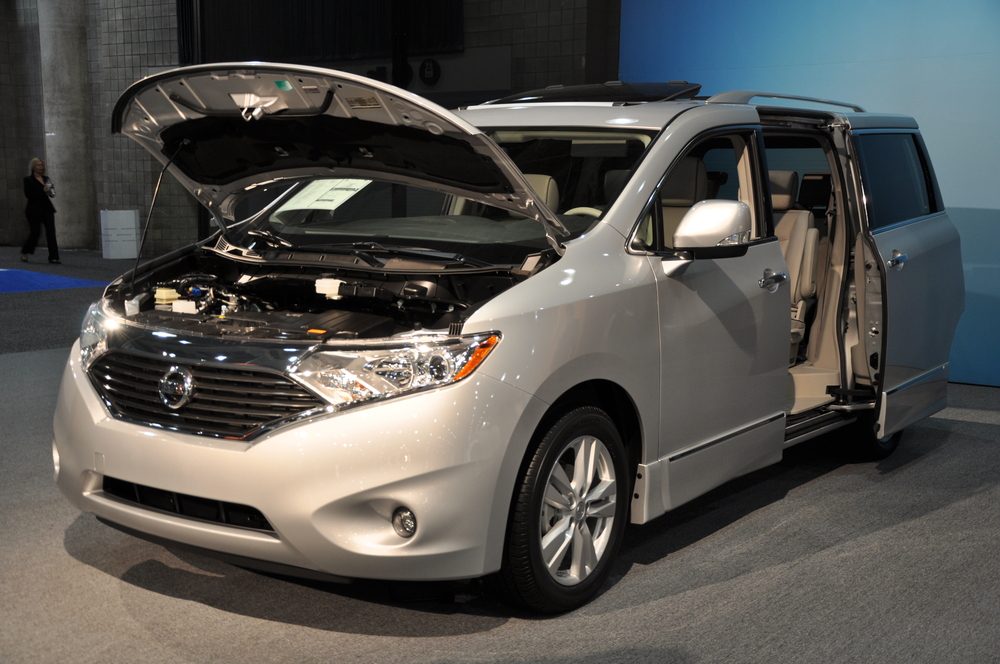
Nissan Quest: Reset Maintenance/Service Notification
The service light indicator or the maintenance/service notification reminds you that your car is due for routine maintenance after clocking specific mileage. This guide details resetting the maintenance/service notification on a Nissan Quest. It’s essential to note that Nissan stopped production of the Nissan Quest in 2017. 2011 – 2017 Models Turn on the ignition… read more
Written by
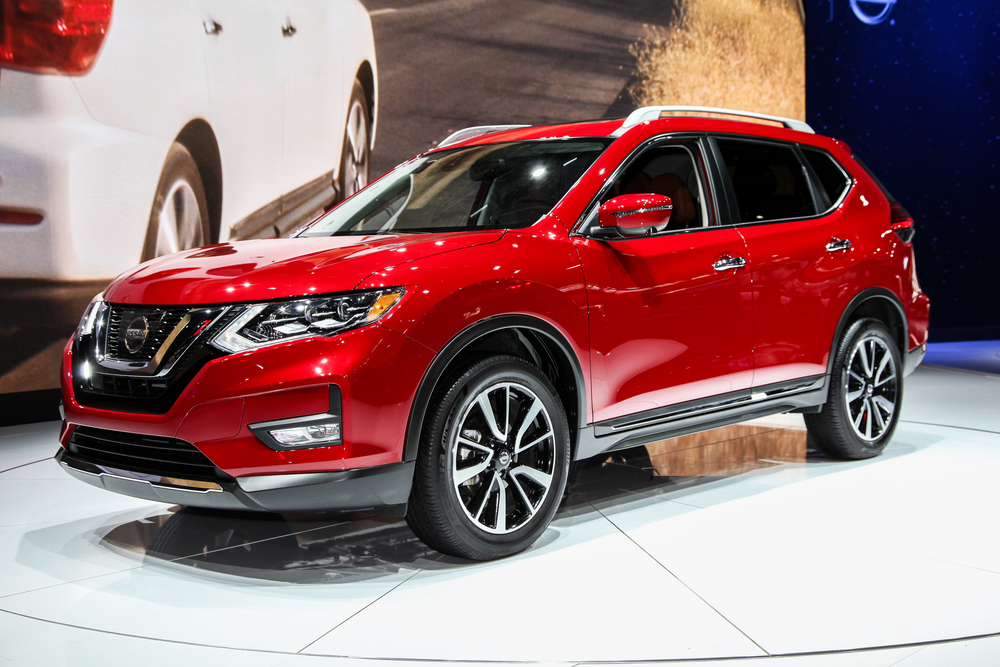
Nissan Rogue: Connect a Phone
Learning to connect your phone to your car is essential to making calls, using voice-activated texting, or even streaming all your music. This guide is for you if you’re struggling with connecting your phone to your Nissan Rogue. 2012 – 2022 Models iPhone Activate Bluetooth on your iPhone. If your Nissan Rogue has a navigation system, use… read more
Written by
Nissan Quest: Reset TPMS
The TPMS system monitors the tire pressure and notifies you when one of the tires is deflated. After inflating the low-pressure tires or taking your vehicle for tire maintenance, you need to reset the TPMS to eliminate the warning light on the instrument cluster. It is worth noting that the manufacturer did not produce a… read more
Written by