Category: How-To
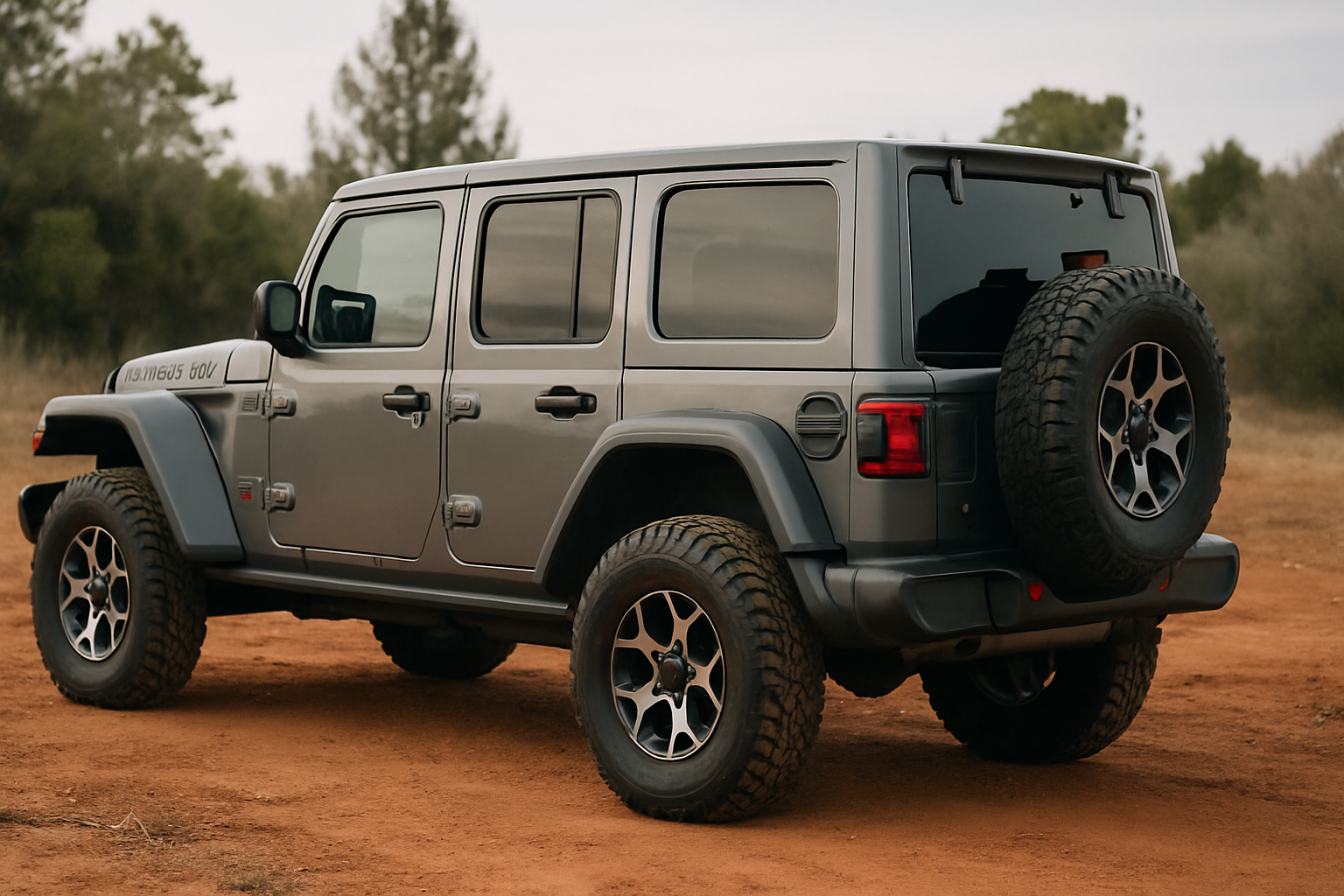
How to Use the Rear Differential Locker on the Jeep Wrangler Rubicon
The Jeep Wrangler Rubicon comes equipped with both front and rear differential lockers, giving you serious rock-crawling capabilities that most off-road vehicles can only dream about. Learning how to properly use these lockers, especially the rear differential locker, can mean the difference between conquering challenging terrain and getting stuck on the trail. Understanding when and… read more
Written by
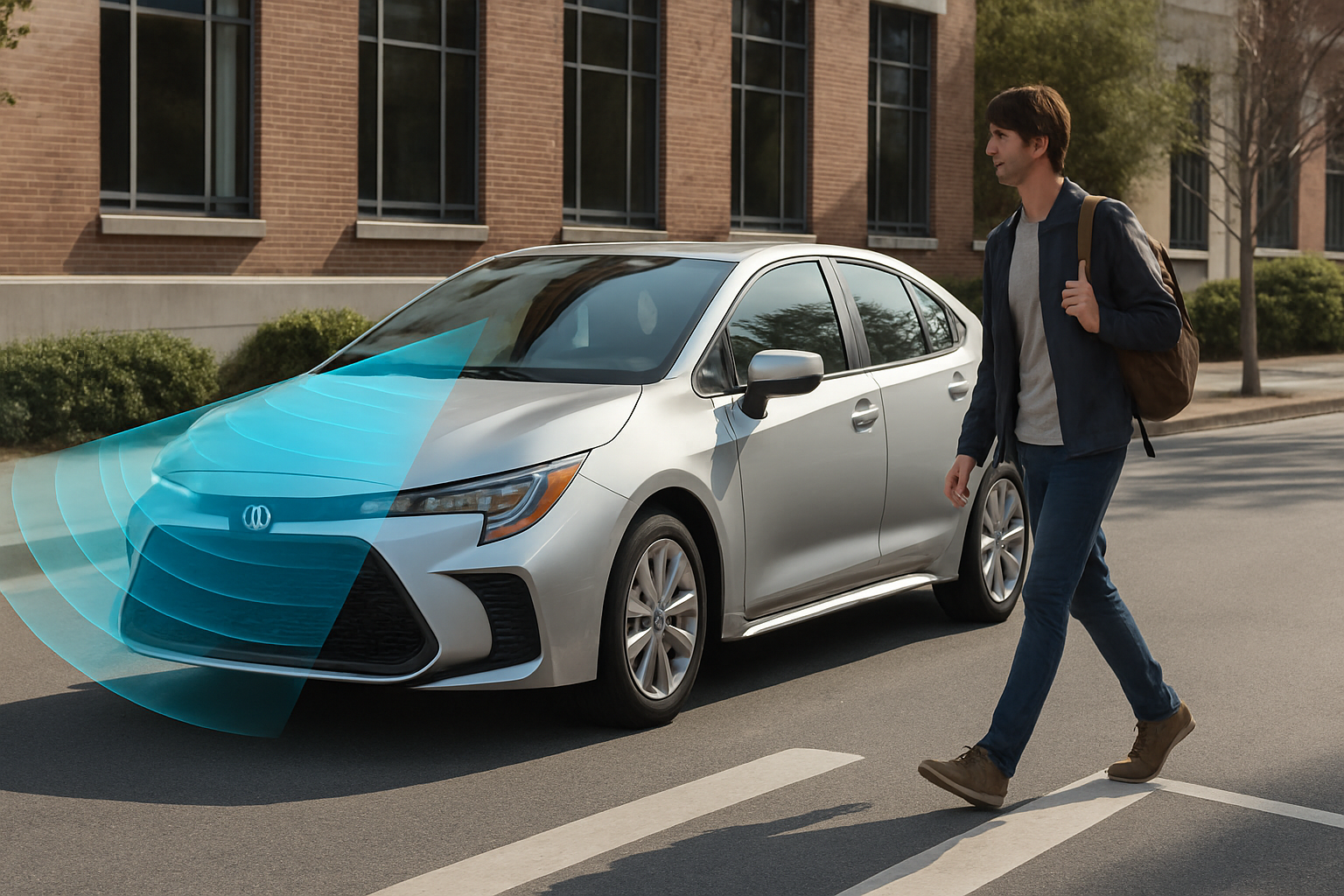
How to Use the Pre-Collision System with Pedestrian Detection on the Toyota Corolla
Toyota’s Pre-Collision System (PCS) with Pedestrian Detection has become one of the most valuable safety features available in modern vehicles. This advanced system can literally save lives by automatically applying the brakes when it detects an imminent collision with pedestrians, cyclists, or other vehicles. Understanding how to properly use and configure this system ensures you… read more
Written by
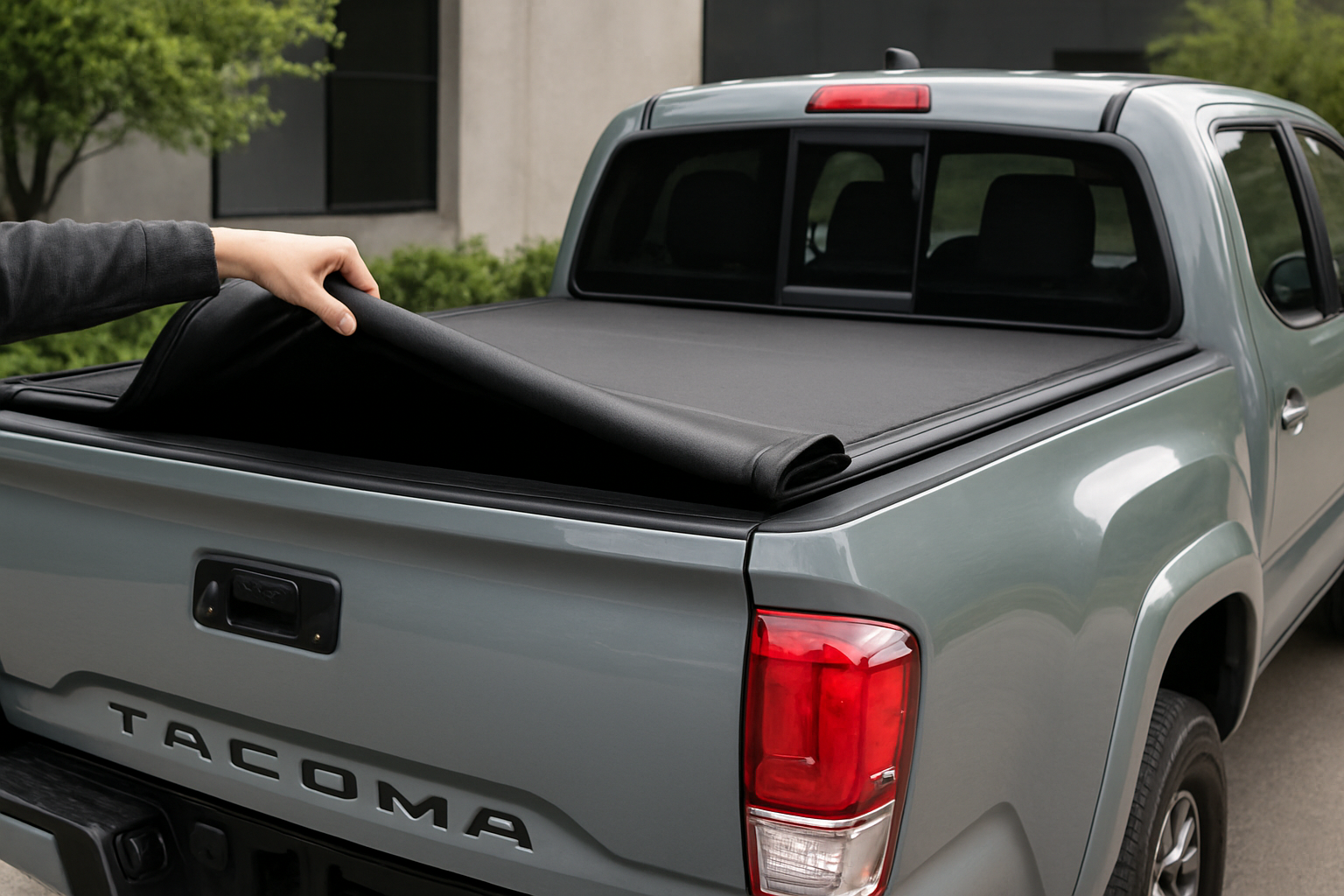
How to Use the Available Soft-Roll Tonneau Cover on the Toyota Tacoma
Your Toyota Tacoma’s soft-roll tonneau cover is one of the most practical accessories you can add to your truck, but only if you know how to use it properly. Many Tacoma owners struggle with the rolling mechanism, water drainage, and getting the best bed access without damaging the cover. This guide covers everything from basic… read more
Written by
How to Use the Auto-Dimming Rearview Mirror and Compass on the Subaru Outback
The Subaru Outback’s advanced mirror system combines several technologies that make driving safer and more convenient. Your auto-dimming rearview mirror automatically reduces glare from headlights behind you, while the built-in compass helps with navigation. Many Outback drivers don’t realize their mirror has these features or don’t know how to use them properly. Understanding how to… read more
Written by
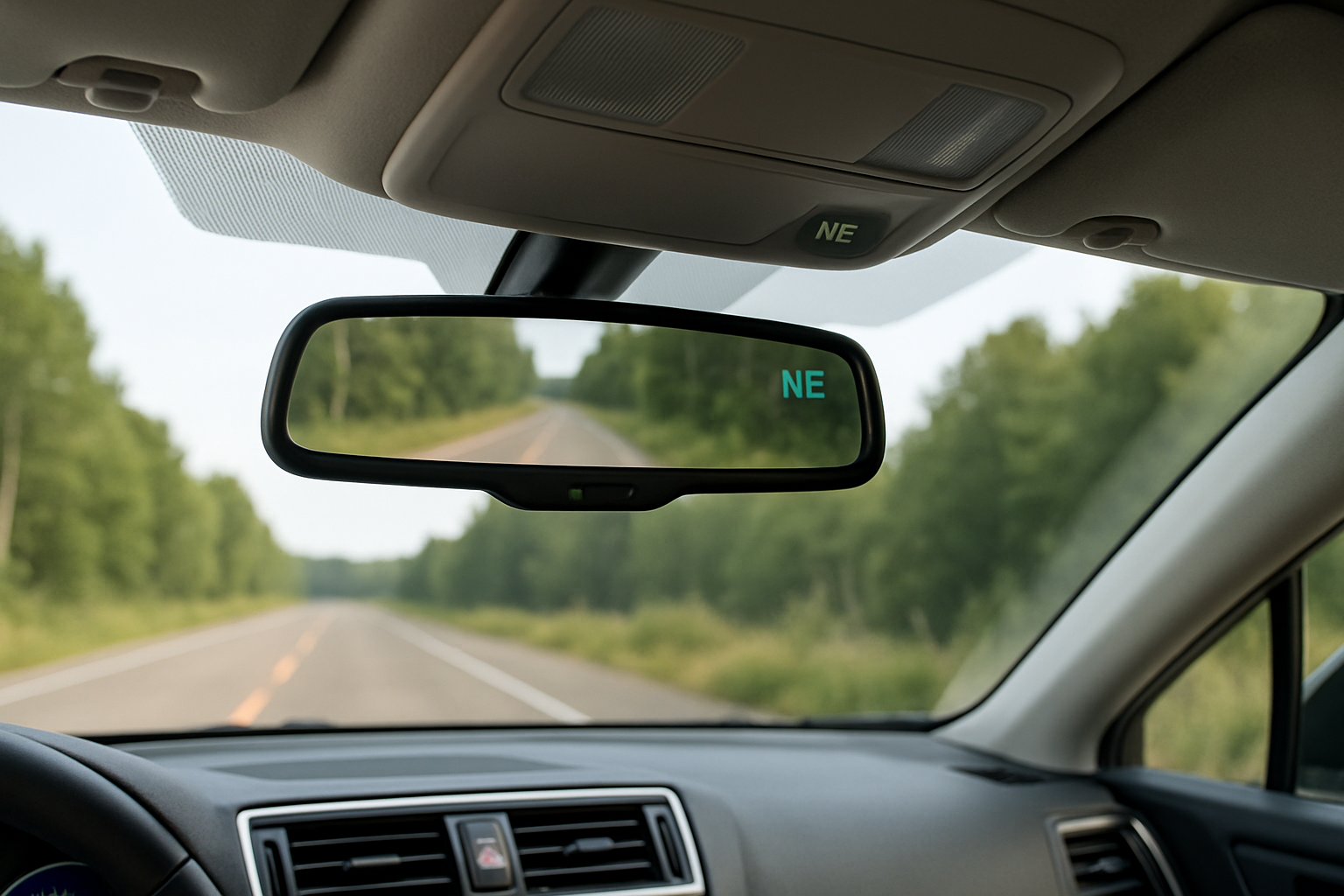
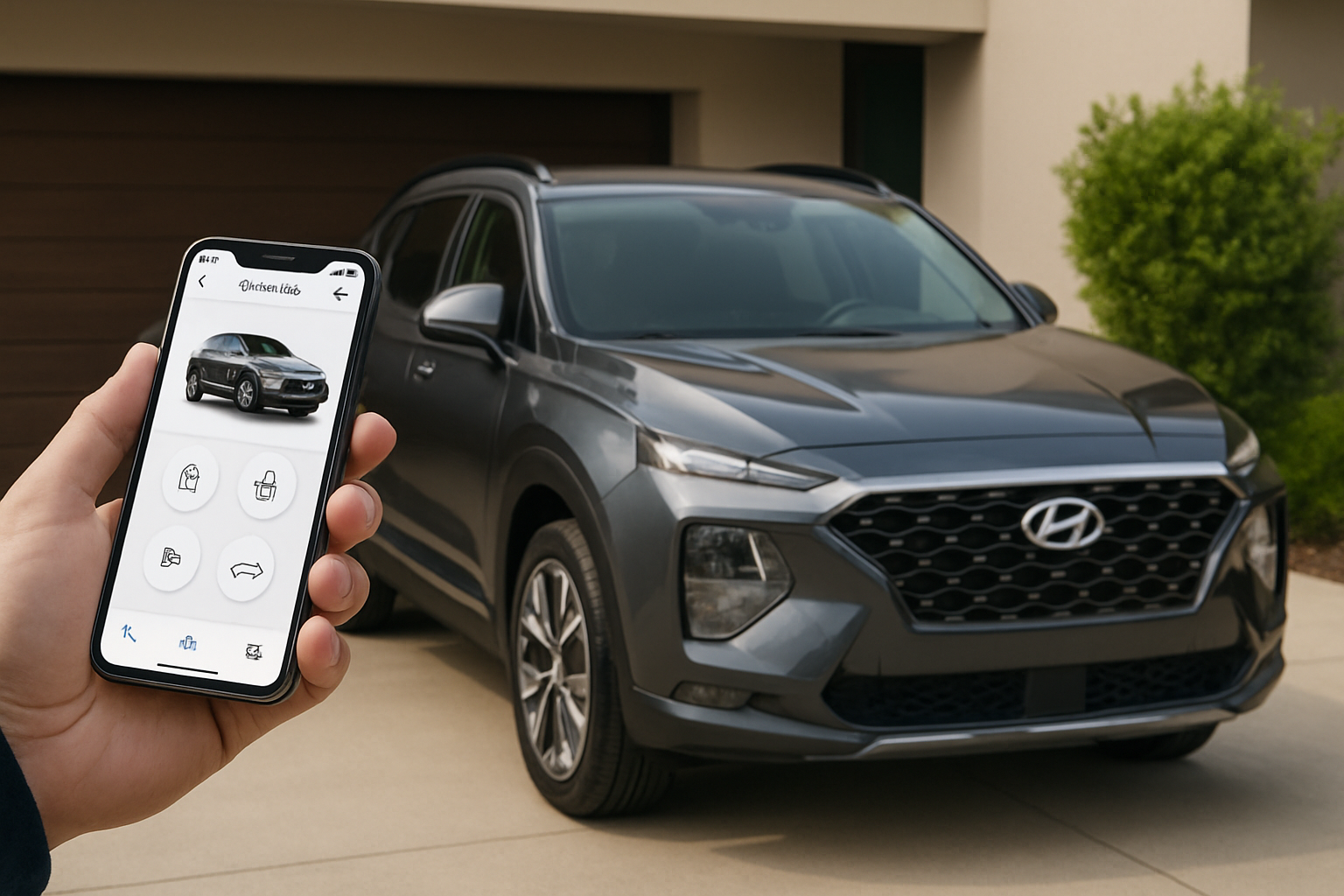
How to Set Up and Use the myHyundai (Bluelink) App for Remote Access
Your Hyundai comes with some impressive technology, and the myHyundai app (formerly called Bluelink) puts a surprising amount of control right in your pocket. Being able to start your car from inside your house on a cold morning or check if you locked your doors from anywhere can make daily life much more convenient. Most… read more
Written by