Category: How-To
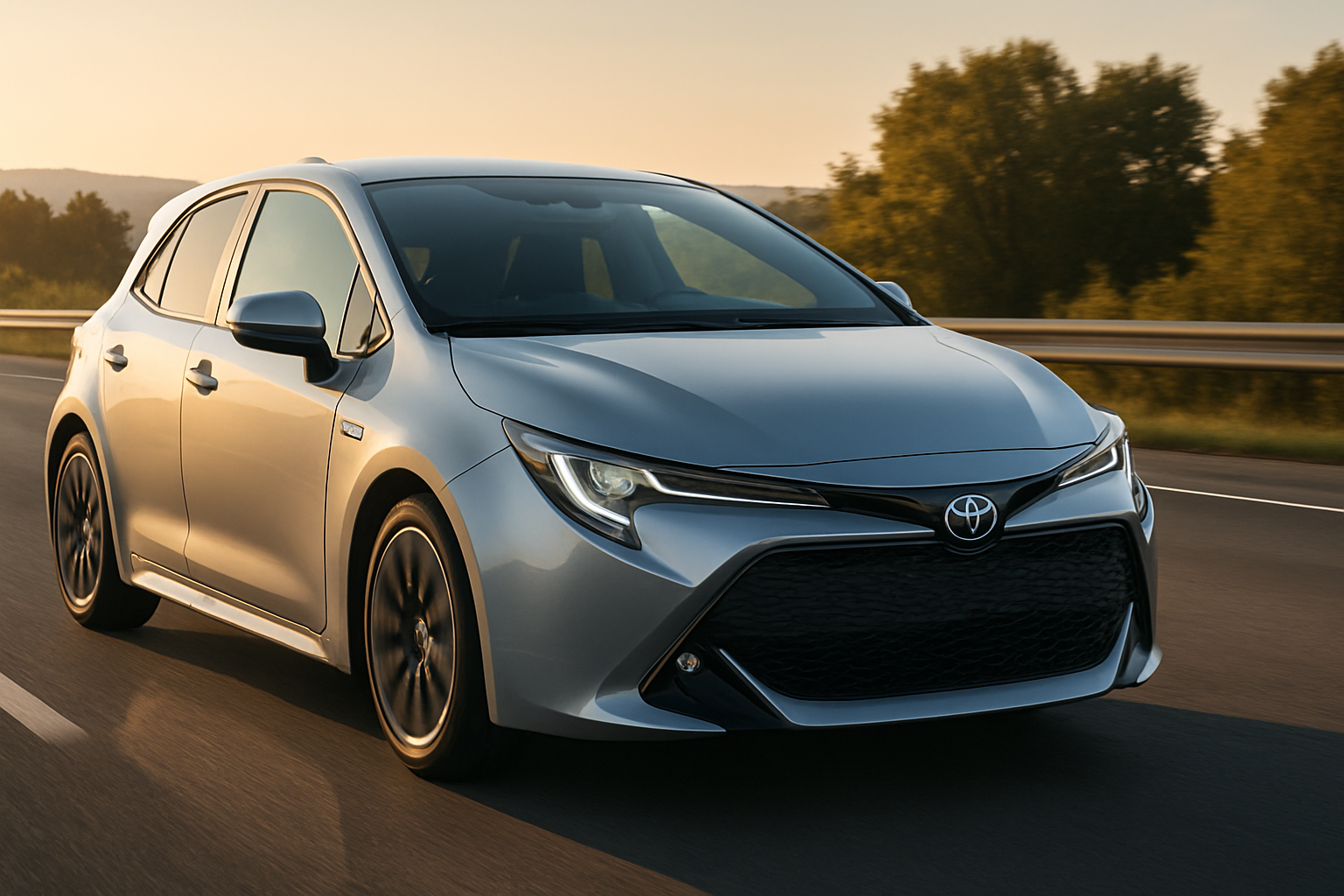
How to Use the Available Intersection Turning Assist on the Subaru Outback
Modern vehicles come packed with safety features designed to prevent accidents, and the Subaru Outback’s Intersection Turning Assist is one of the most impressive examples. This advanced system actively monitors for oncoming traffic when you’re making left turns and can automatically apply the brakes if it detects a potential collision. Understanding how to use this… read more
Written by
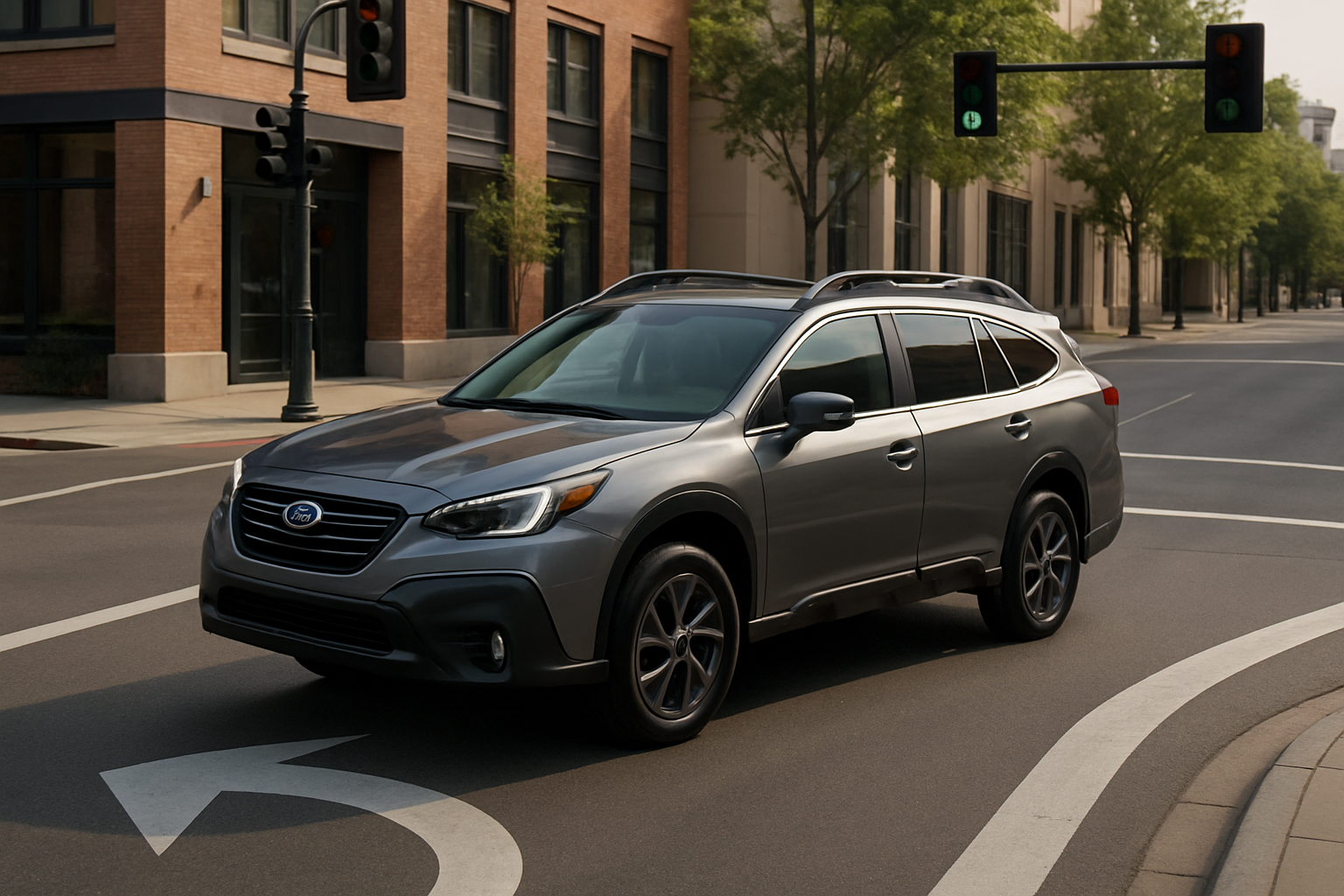
How to Use the Rear Seat Reminder and Rear Occupant Alert on Hyundai Vehicles
Protecting the most vulnerable passengers in your vehicle requires vigilance that technology can support. Hyundai’s advanced safety systems include rear seat reminder and rear occupant alert features that help prevent tragic accidents involving children or pets left in vehicles. These systems work together to create multiple layers of protection, using both simple logic-based reminders and… read more
Written by
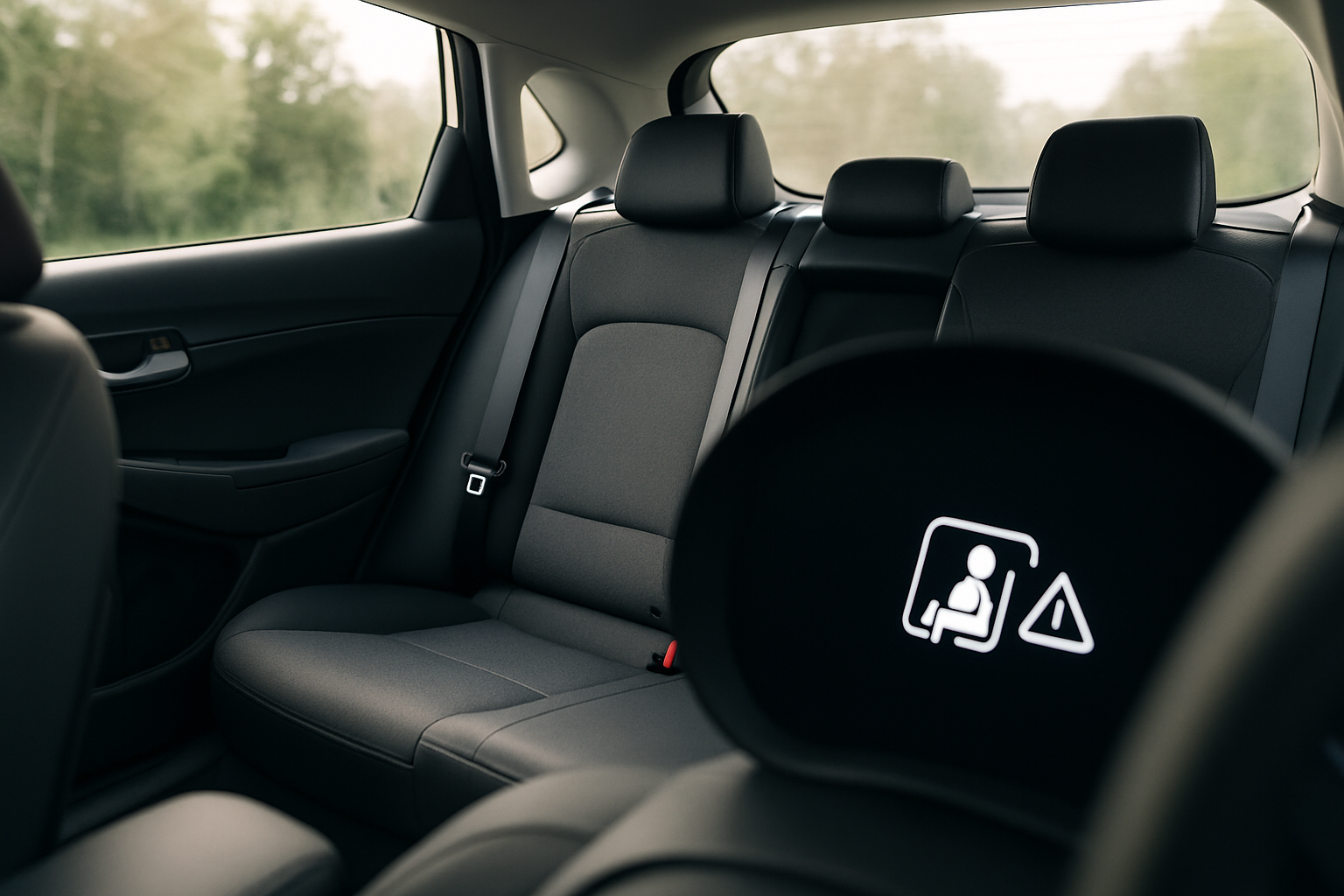
How to Use the Available Heads-Up Display on the Chevy Silverado
The heads-up display (HUD) on modern Chevy Silverado trucks puts critical driving information right in your line of sight, projected onto the windshield where you can see it without looking down at the dashboard. This technology helps you stay focused on the road while keeping track of your speed, navigation directions, and important safety alerts.… read more
Written by
How to Use the Park Assist and Auto Hold Features on the Volkswagen Atlas
The Volkswagen Atlas comes packed with advanced driver assistance features that make parking and city driving significantly easier. Two of the most useful technologies you’ll find in your Atlas are the Park Assist system and Auto Hold feature, both designed to take some of the stress out of everyday driving situations. These features work together… read more
Written by
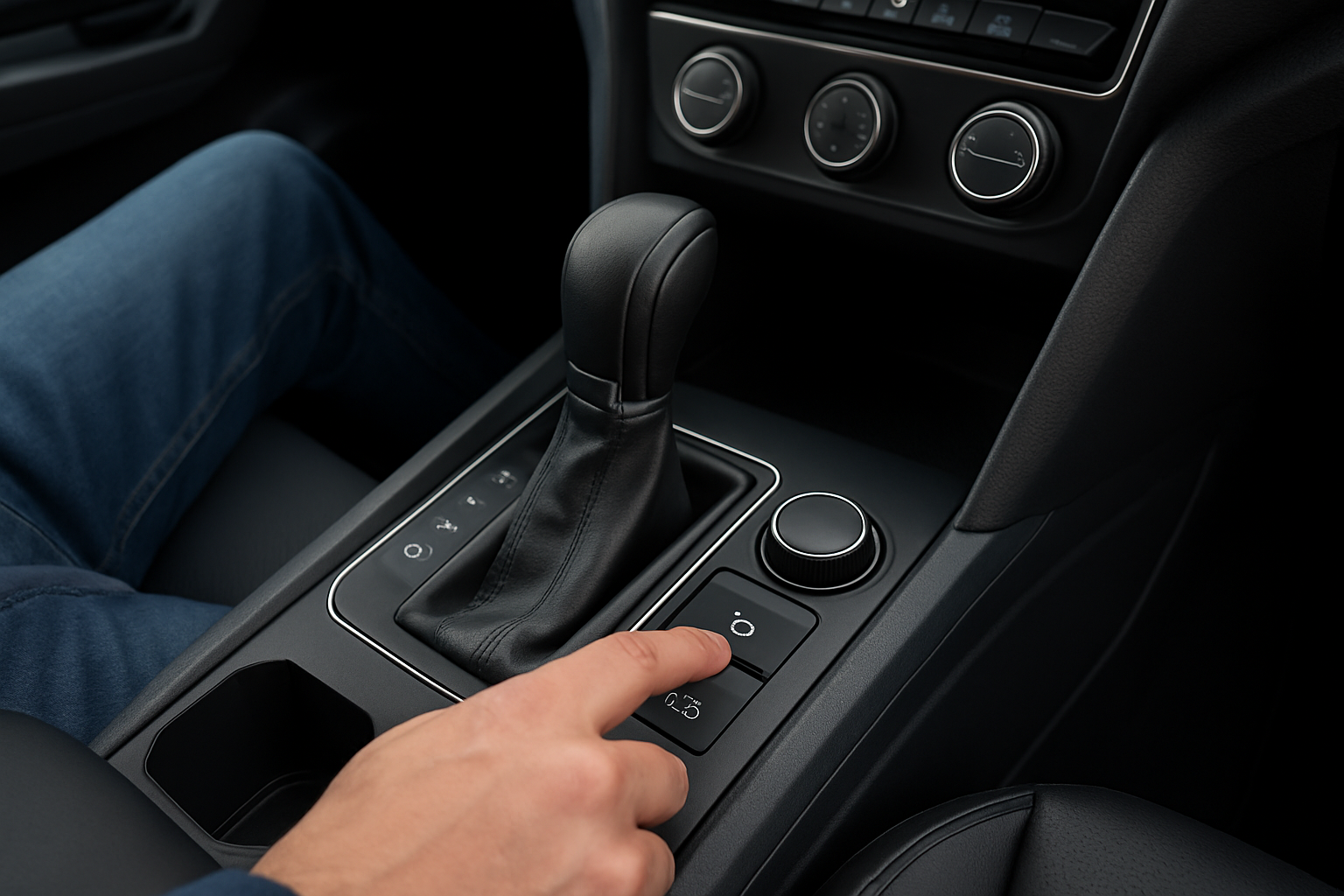
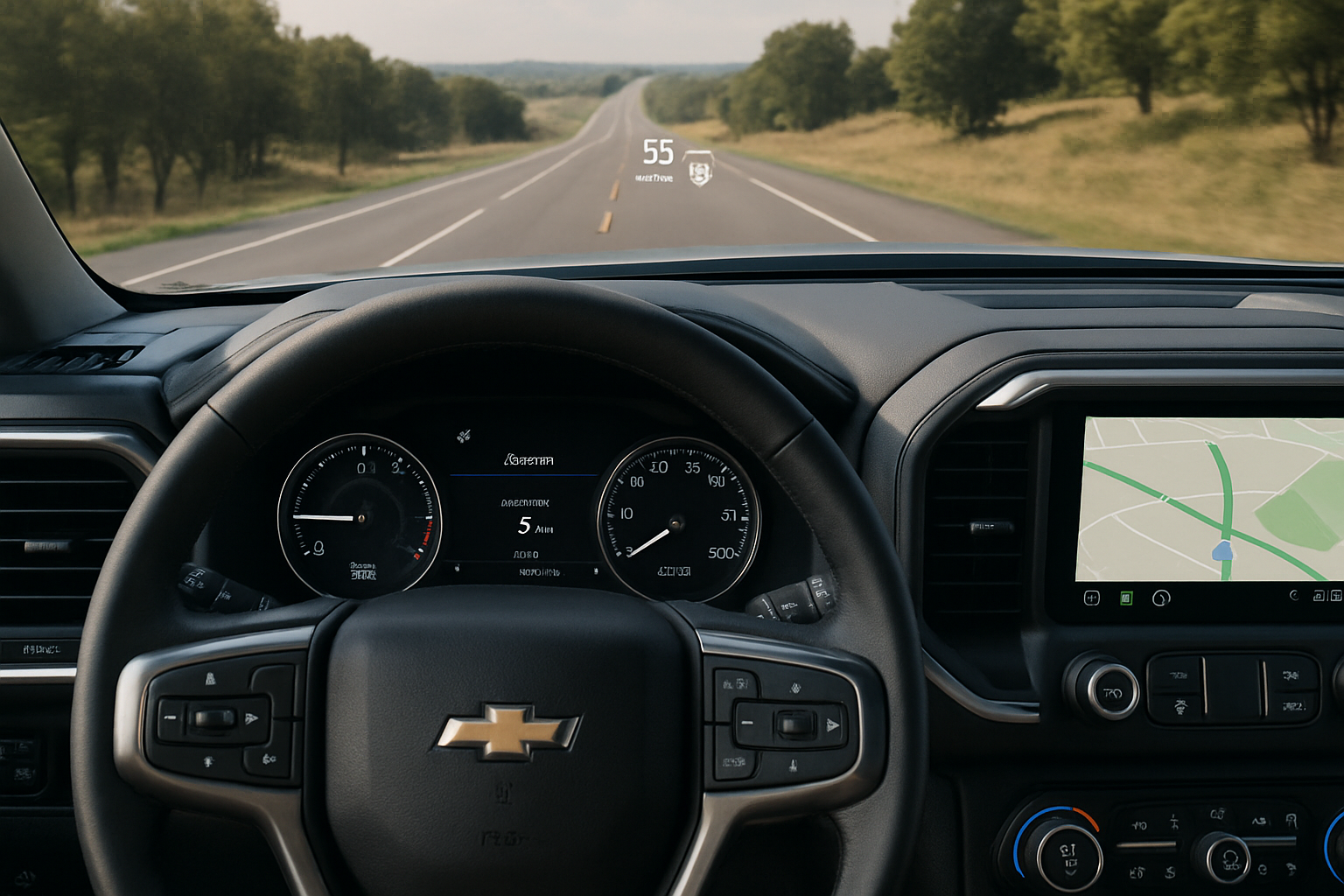
How to Use the Predictive Efficient Drive on Toyota Hybrid Models
Toyota’s Predictive Efficient Drive represents one of the most sophisticated fuel-saving technologies in modern hybrid vehicles. This intelligent system uses real-time navigation data to optimize your hybrid’s battery performance, potentially improving fuel economy by up to 5% on longer trips. Available on popular models like the RAV4 Hybrid, Highlander Hybrid, and Camry Hybrid, this feature… read more
Written by